
G-Code Disable Power Loss Recovery
Print Profile(1)

Description
https://wiki.bambulab.com/en/knowledge-sharing/power-loss-recovery
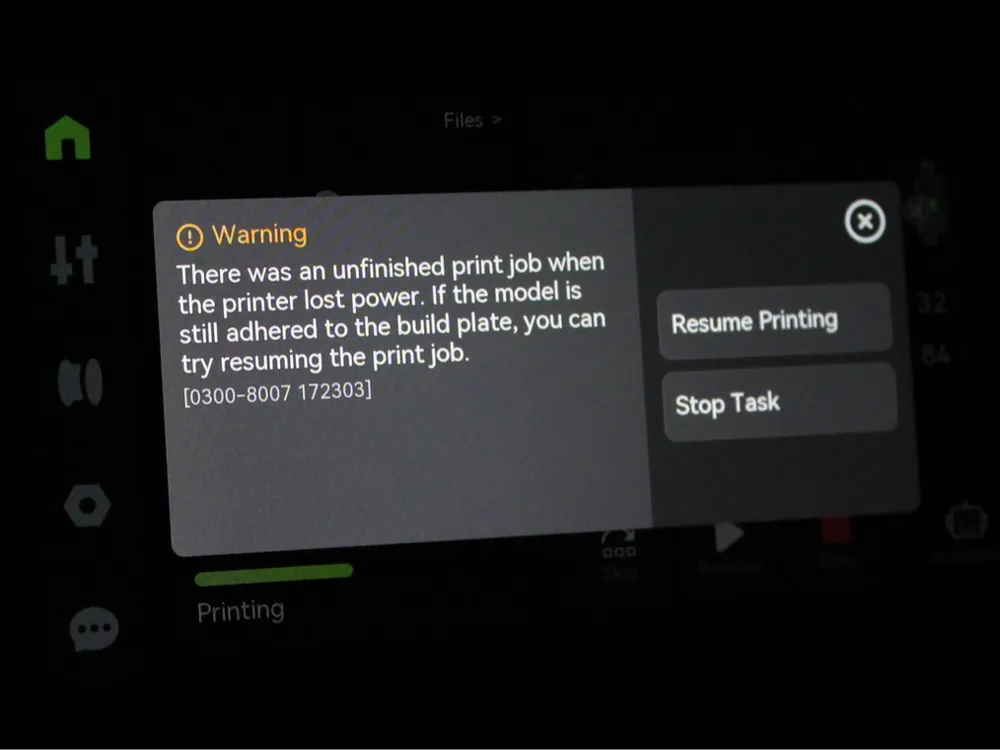
While it is a handy feature, it can also cause a number of issues, some of which are noted in the above wiki, but also excessive writes and wear on the Micro SD Card, the P1 series are known for burning through SD Cards and it is suspected that this feature can be part of the cause.
The feature can be switched off early-ish in the print, which should reduce the wear on the SD card.
To do this, edit the printer settings in Bambu Studio and insert the following into the start of the Time Lapse G-Code.
{if layer_num == 1}
; close powerlost recovery
M1003 S0
{endif}
Boost Me (for free)
If this model/profile has helped you out, it would be awesome if you could give it a rating/boost :)
License



Comment & Rating (0)