
P1S|X1C|P2S|X2D|H2 Series - Front Door Panel
Print Profile(4)



Bill of Materials

Description
This project exists for one simple reason:
I kept losing my filament cutters and deburring tool.
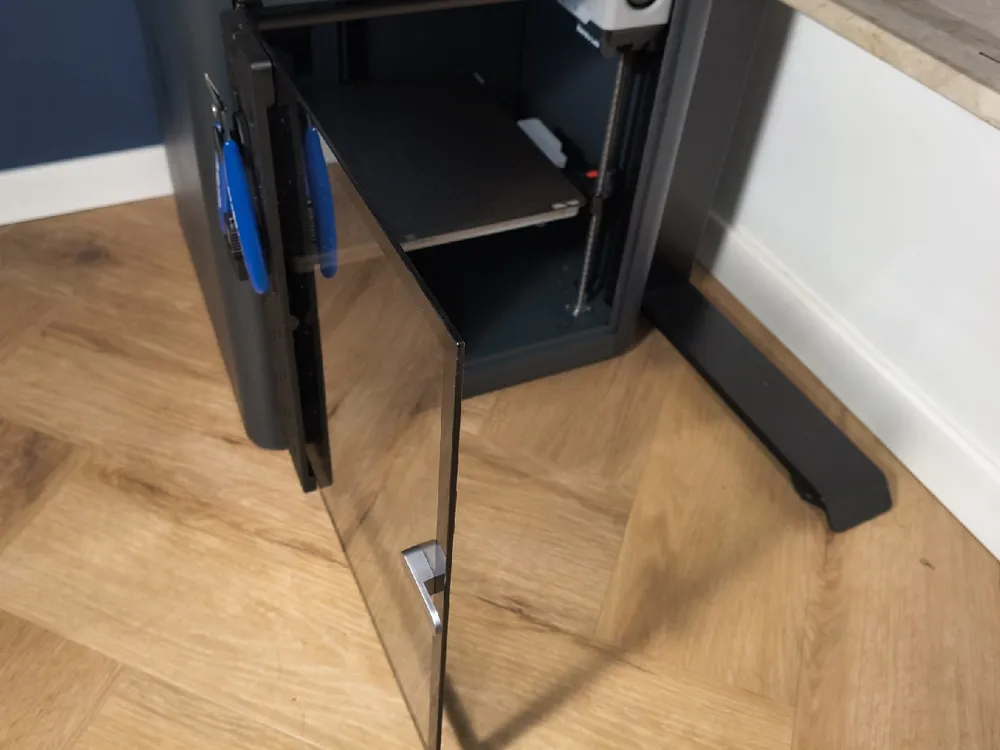
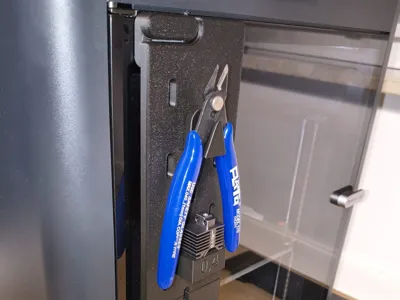
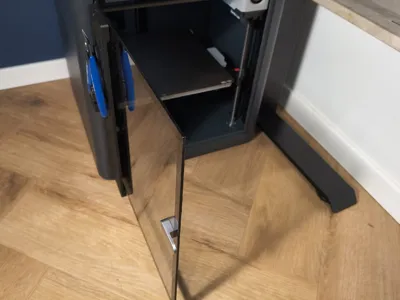
With no free space on the sides of the printer, the front door turned out to be the perfect solution.
Instead of digging through drawers mid-print, this front-mounted SKÅDIS panel keeps your most-used tools visible, organized, and always within reach.
What it is?
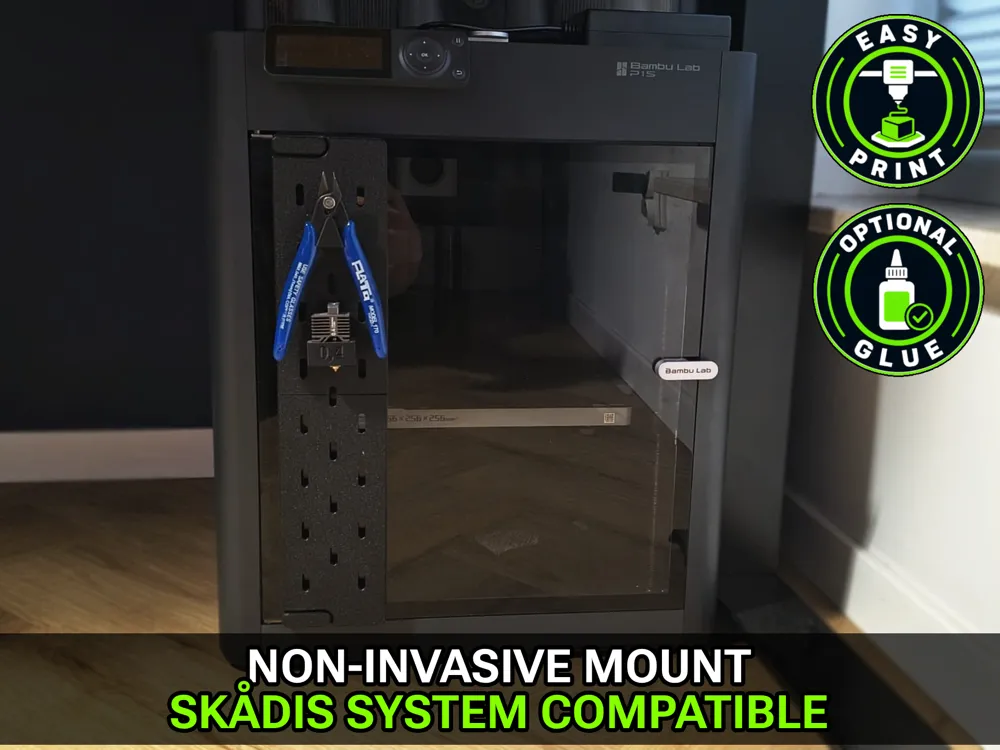
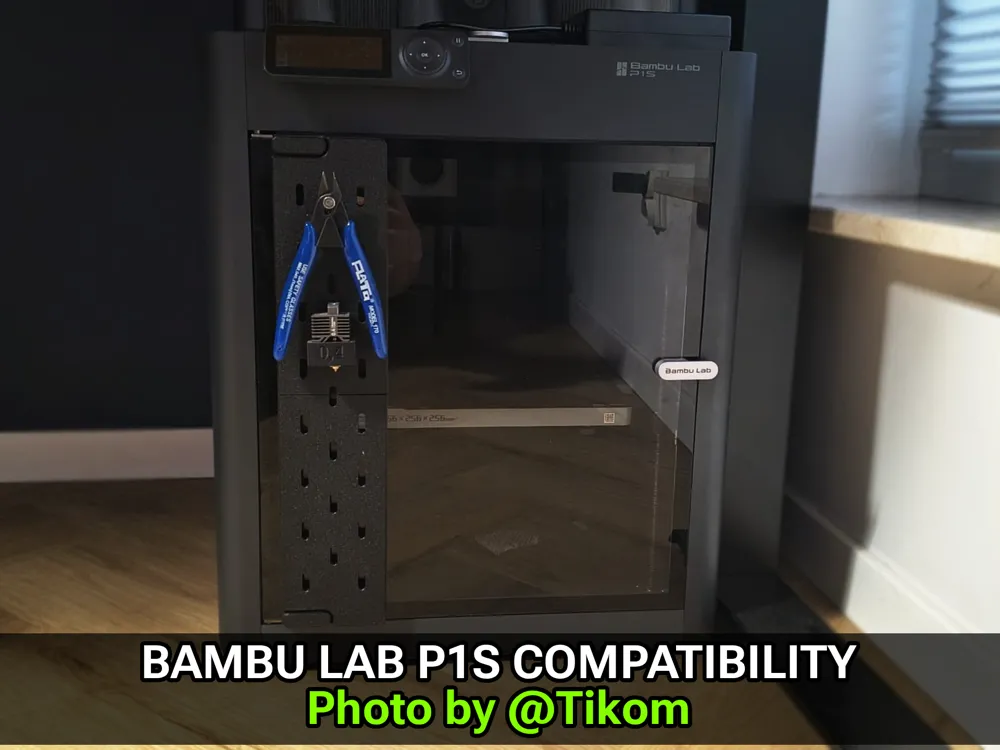
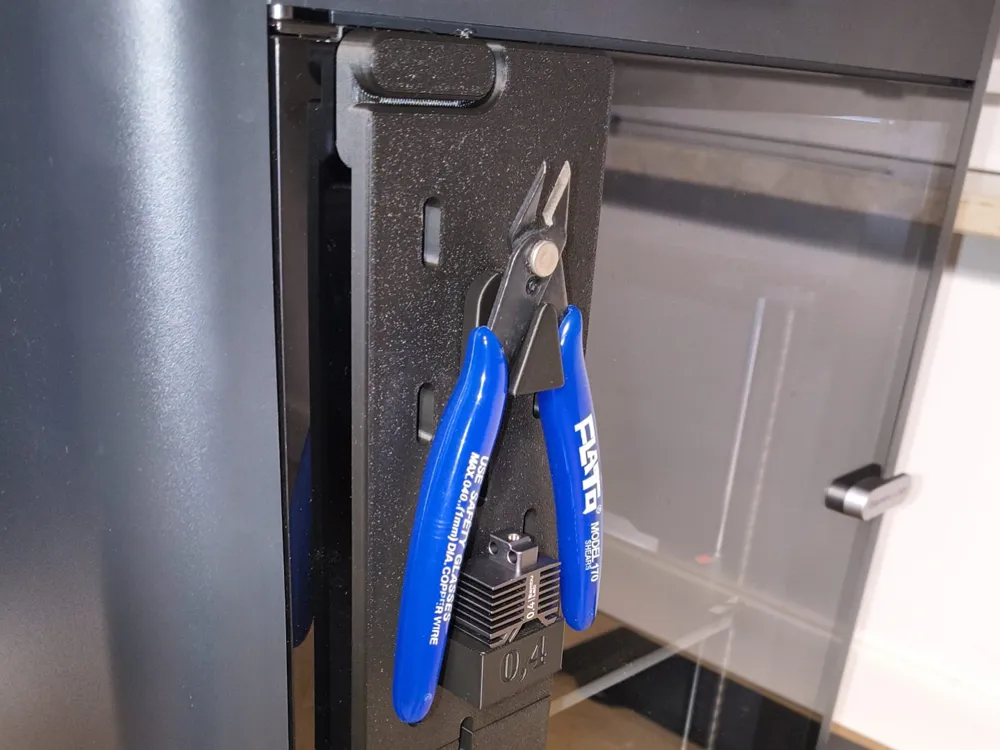
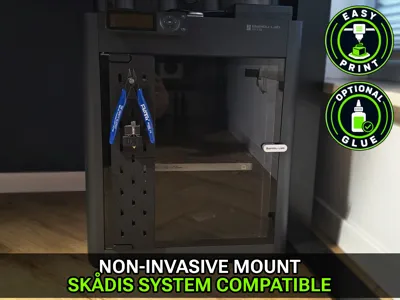
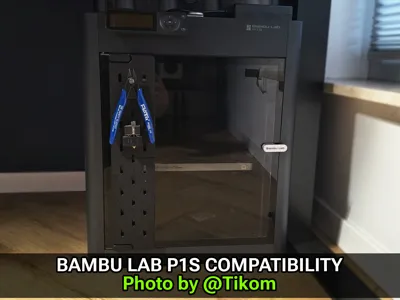
A front-mounted, IKEA SKÅDIS–compatible organizer panel designed specifically for the Bambu Lab P1S.
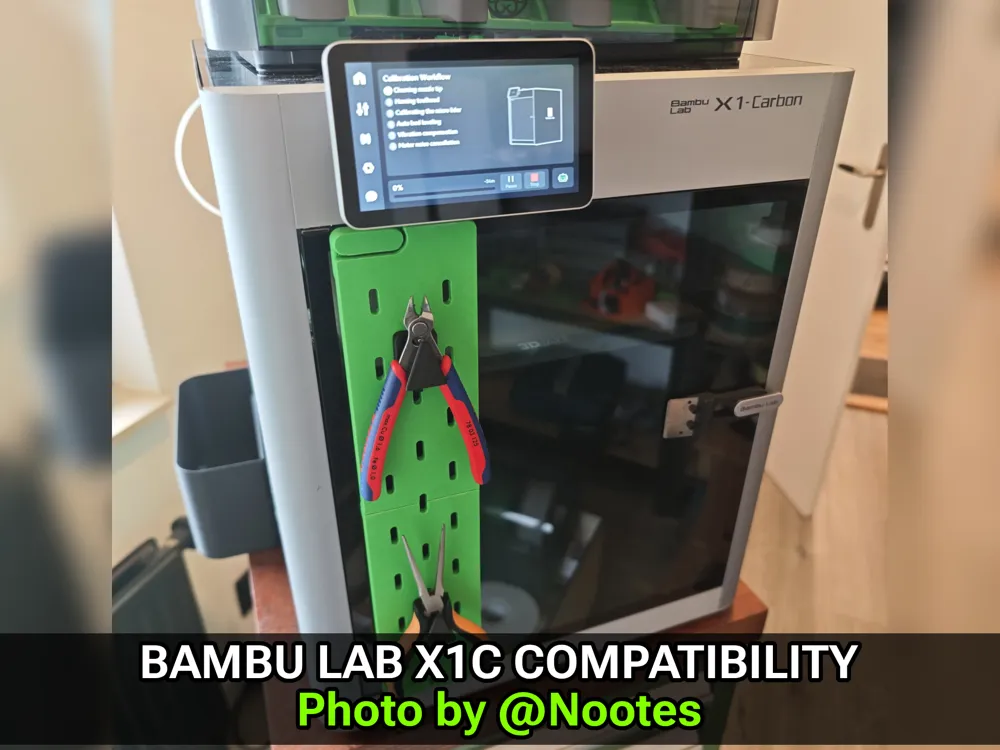
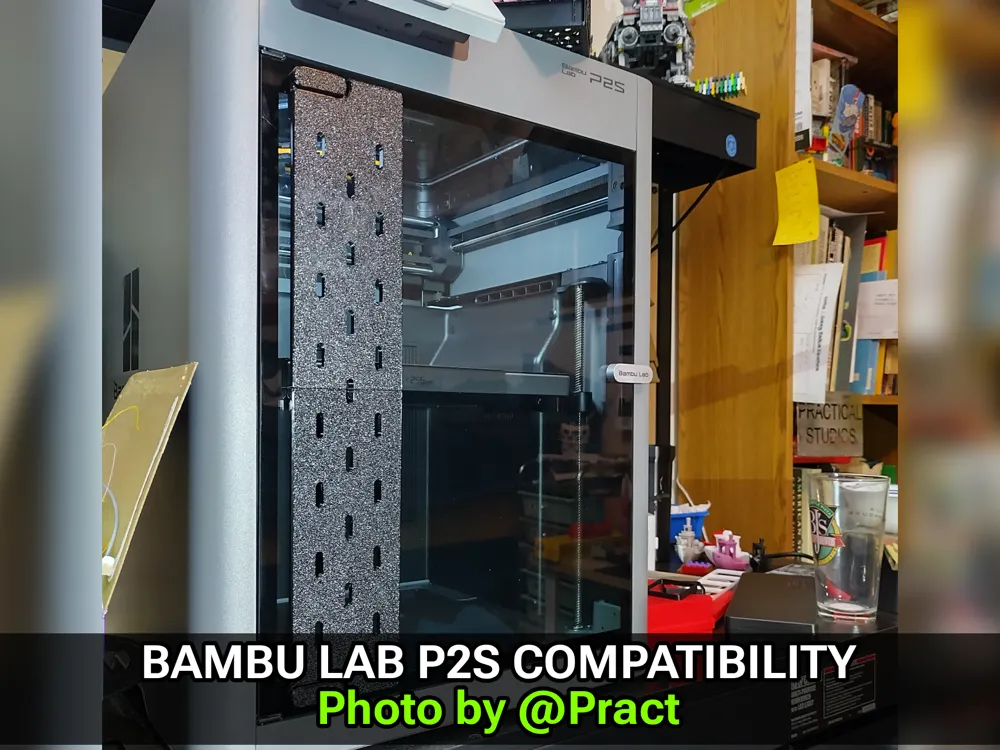
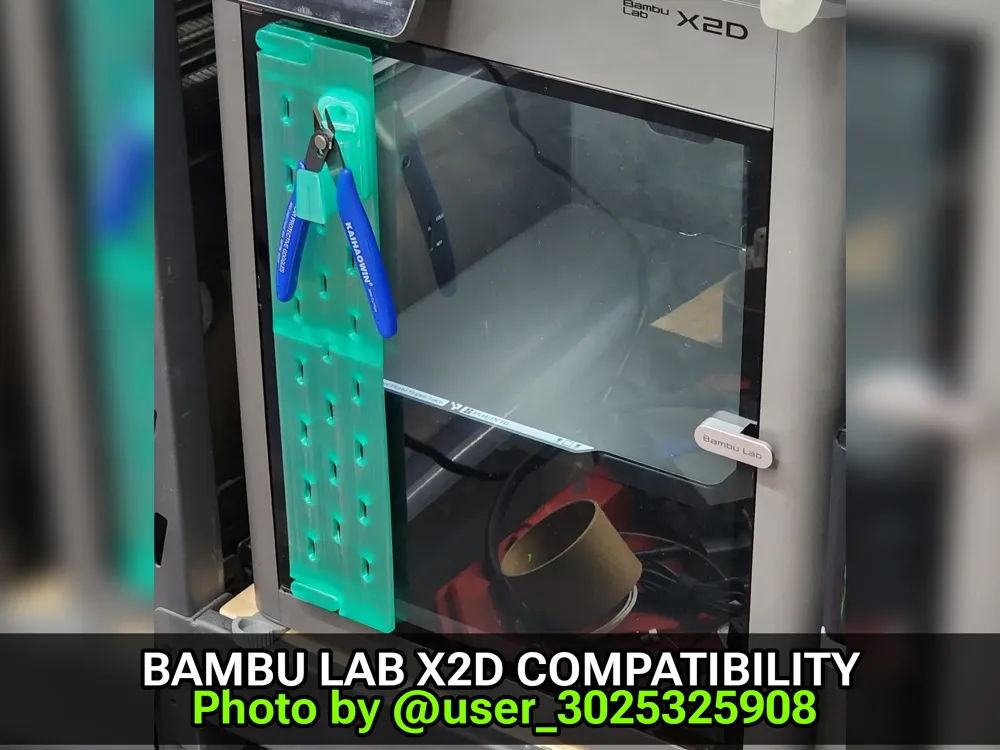
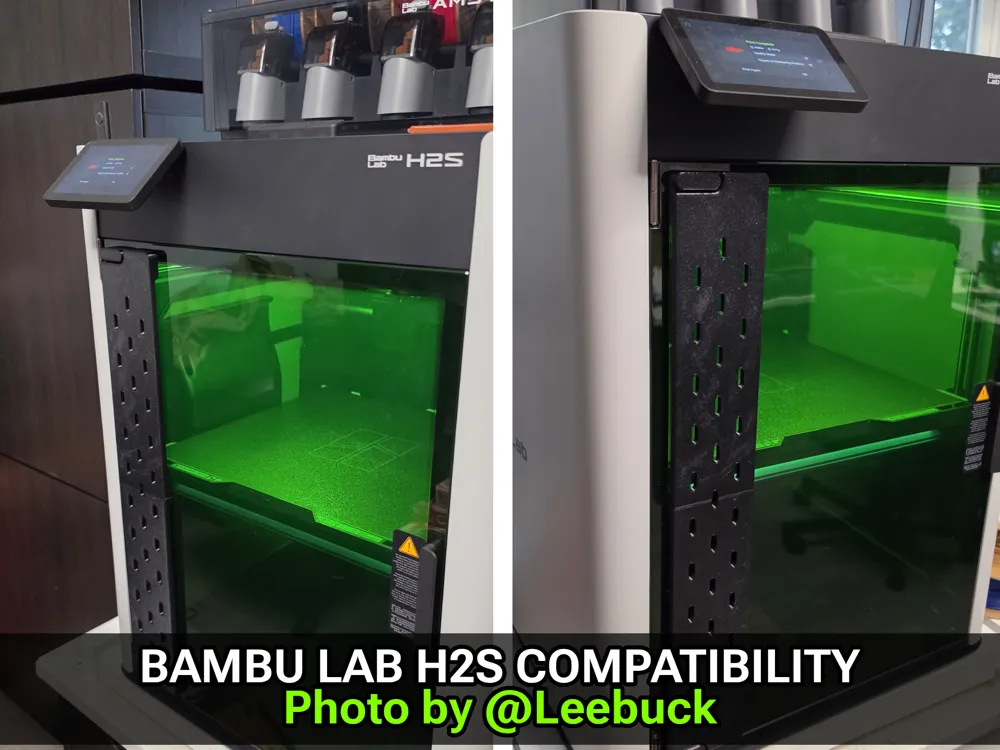
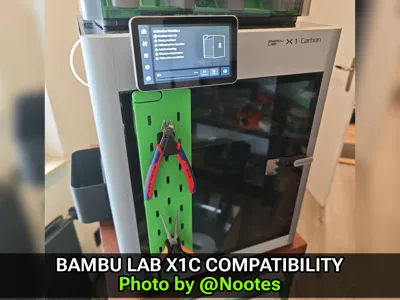
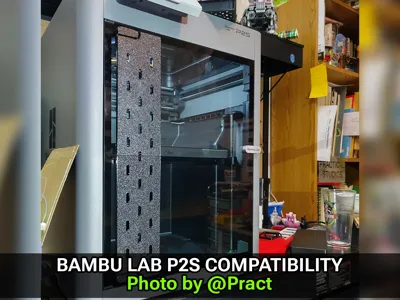
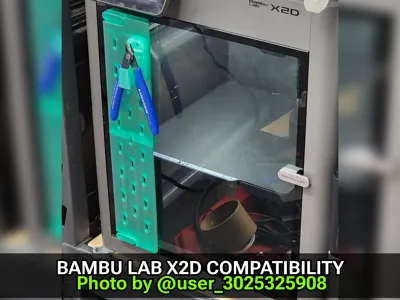
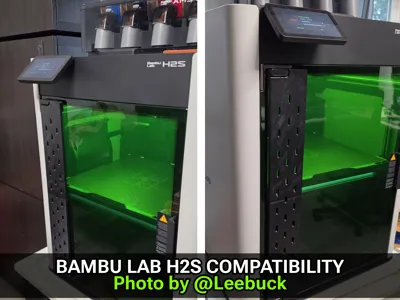
Thanks to the great cooperation with @Nootes, @Pract, @user_3025325908 and @Leebuck we confirmed compatibility with the X1C and developed dedicated versions for the P2S, X2D and H2 Series printers.
Once again, a huge thank you for the wonderful collaboration. I’m really glad the community enjoyed the model, and I truly appreciate everyone who was willing to help improve and expand it further.
The model combines:
- Decorative hinge screw covers
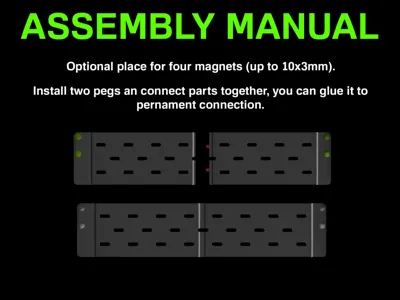
- A SKÅDIS-style perforated panel (3-slot wide)
It mounts directly to the existing door hinge screws, making the installation clean, reversible, and completely non-invasive.
Community-first IKEA SKÅDIS compatibility
The panel is fully compatible with IKEA SKÅDIS accessories, which means you are not limited to a closed system.
You can freely use and print:
- hooks
- clips
- tool holders
- organizers
created by other makers in the community.
This model is designed as a perfect base for community-driven extensions — mix, match, and expand as needed.
Optional magnetic support
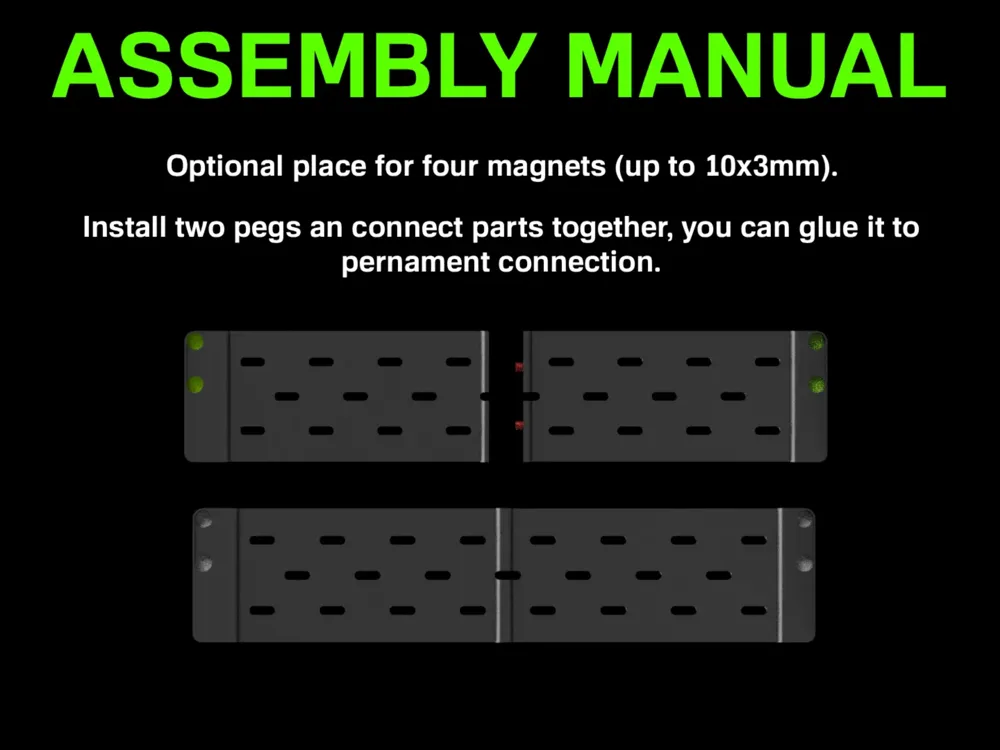
Behind each hinge screw cover there is a dedicated slot for magnets, improving grip and overall stability.
- 2 magnets per screw cover
- Up to 4 magnets total
- Supports round magnets up to 10×3 mm
- Smaller magnets also work well
Magnets are optional — the panel remains stable even without them.
Printer compatibility
- Bambu Lab P1S - designed and tested by author,
- Bambu Lab X1C - tested and confirmed by @Nootes,
- Bambu Lab P2S - tested and confirmed by @PracticalBullDog333,
- Bambu Lab X2D - tested and confirmed by @user_3025325908,
- Bambu Lab H2 Series - tested and confimed by @Leebuck on H2S printer. @Leebuck pointed out the addition of stronger magnets. The H2S doors have strong magnetic attraction, and if weaker magnets are used, there is a risk that the perforated panel may detach when the doors are opened. The model has been confirmed for the H2S, but it should also be compatible with other printers in the H2 series.
Once again, a huge thank you for the fruitful collaboration. I’d also like to encourage everyone visiting this page to check out the amazing work of the creators mentioned above.
Boost Me (for free)
Useful? A boost is always appreciated 🙂
☕ If you like this model, you can support me here:

🛠️Before You Start Printing
Before printing, give the bed a quick clean 🧽 — good adhesion = better first layer and accurate geometry.
Use dry filament (wet filament loves to pop, string, and ruin dimensions).
When using my MakerWorld profiles, make sure the selected material matches what you’re actually printing. Different materials shrink and behave differently — the wrong profile can mean wrong dimensions.
Also, my STL files are designed and dimensioned for PLA. If you print them in PETG, you may need to slightly rescale the model to compensate for different shrinkage.
Clean bed. Dry filament. Correct material. Done 😄
Documentation (1)

License

You may create derivative works based on this object, provided that all such derivative works are published exclusively on the MakerWorld platform and include proper attribution to the original creator. You may not share, upload, host, distribute, or publish this object—or any derivative work of this object—on any other digital platform, marketplace, or distribution channel. Commercial use of this object and any derivative works is strictly prohibited. This includes, but is not limited to, selling, renting, sublicensing, or using the object in any context in which you receive monetary compensation or other financial benefits.


Comment & Rating (90)