
Social Media Text Props

Print Profile(1)

Description
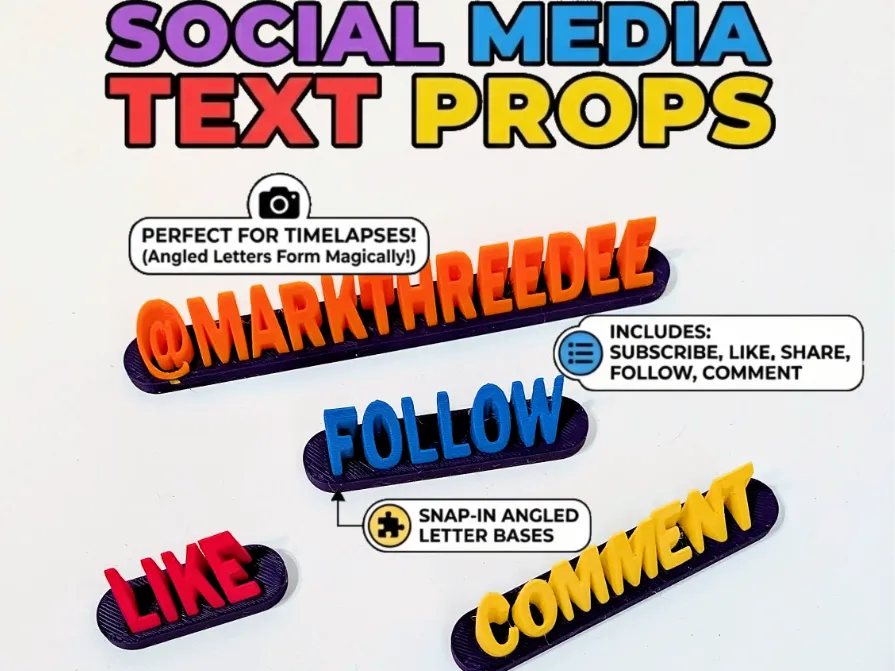
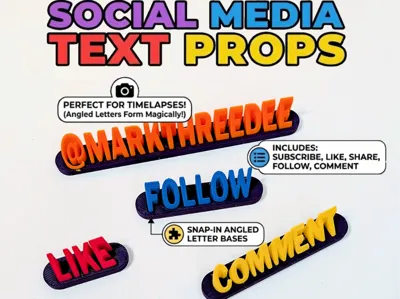
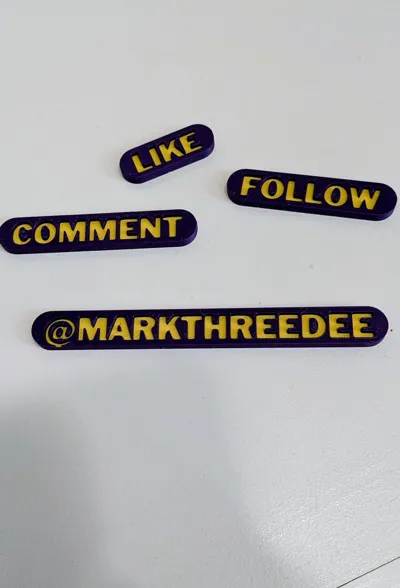
📢 Social Media "Call to Action" Props: Perfect for Timelapses & Display!
Ready to level up your content creation game?
Whether you are a TikToker, a YouTuber, a streamer, or just love making satisfying 3D printing timelapses, these Social Media Text Props are the perfect way to subliminally tell your viewers exactly what to do! 😉
✨ Why You Need to Print These:
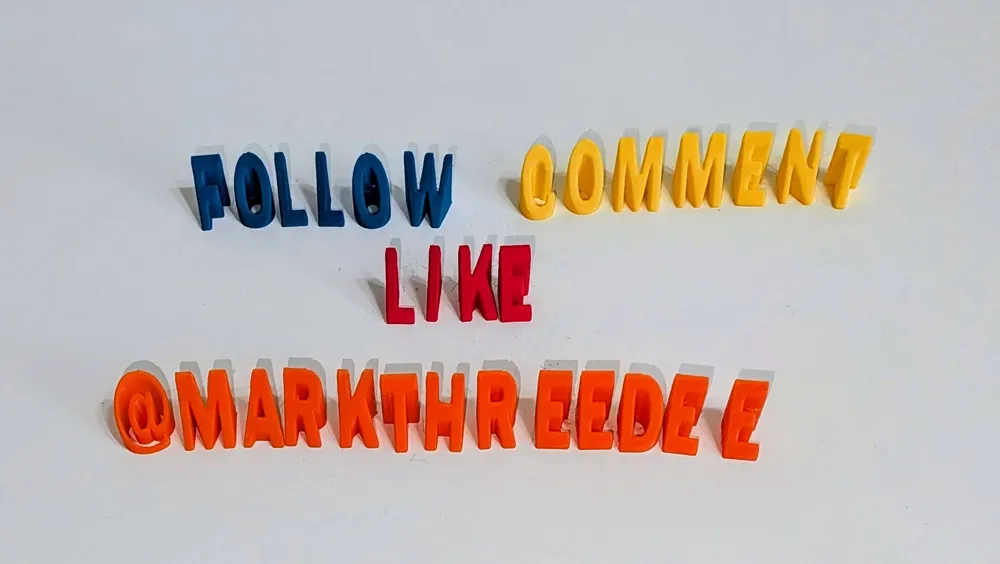
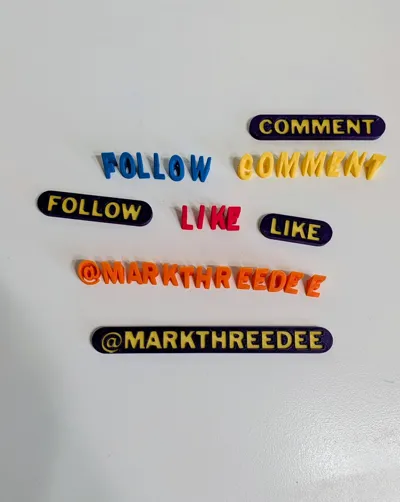
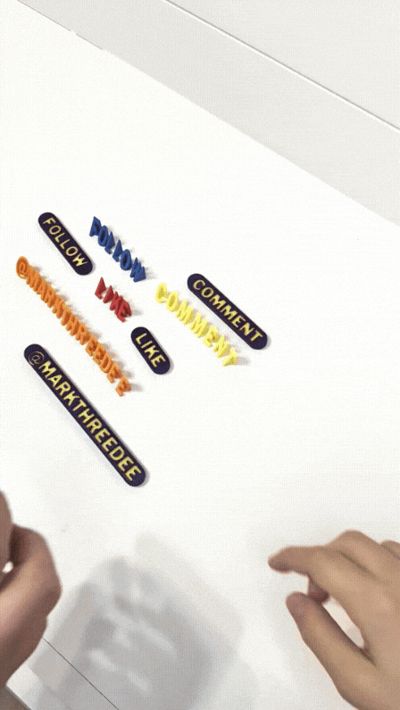
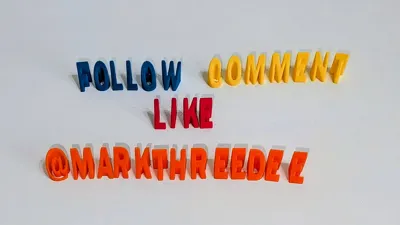
- 🎥 The "Timelapse Magic" Effect: The letters are designed with a specific upward angle. This means if you film a timelapse from the front, your viewers get to watch the word legally "form" out of thin air! It’s a super satisfying visual that adds production value to your print videos.
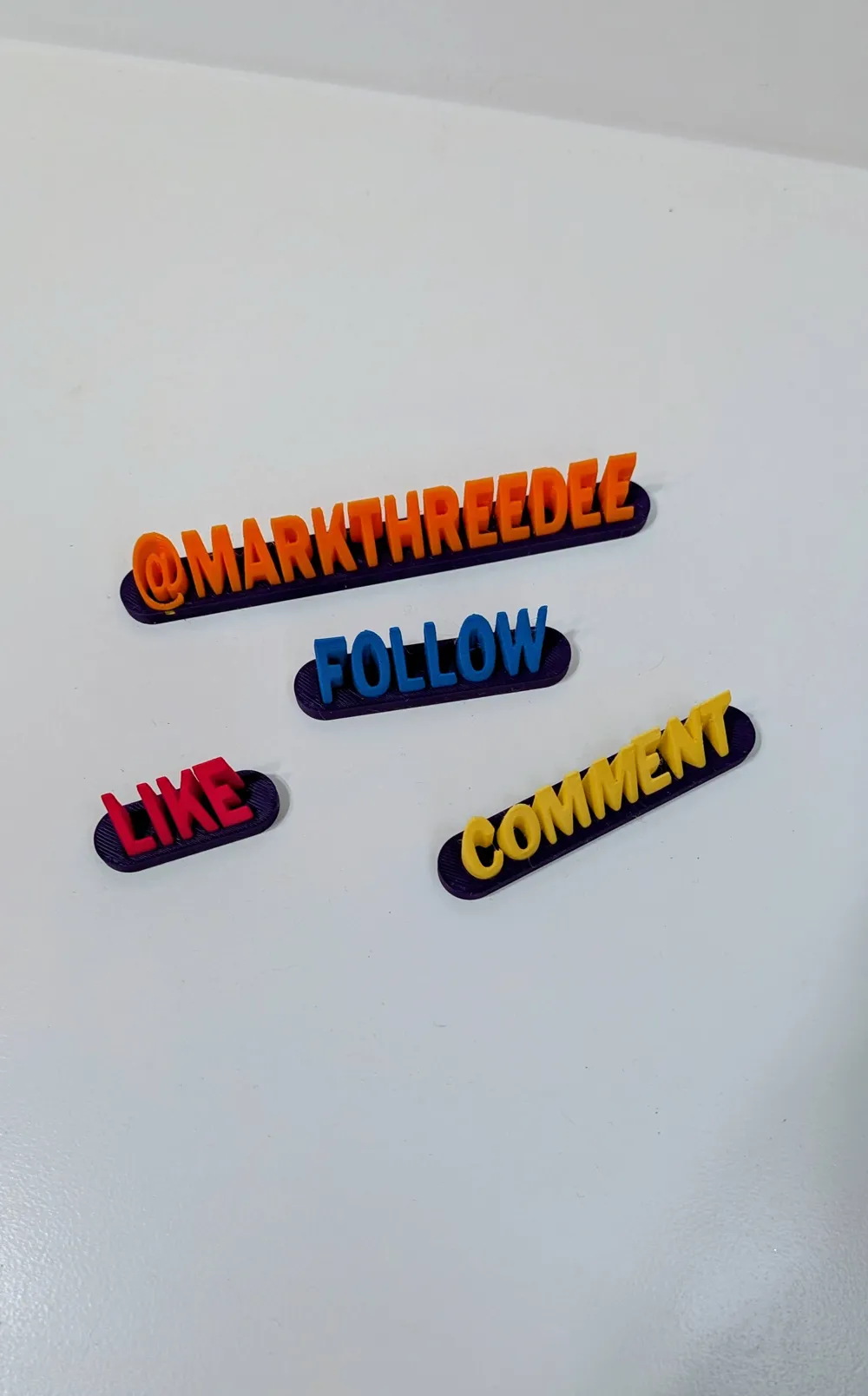
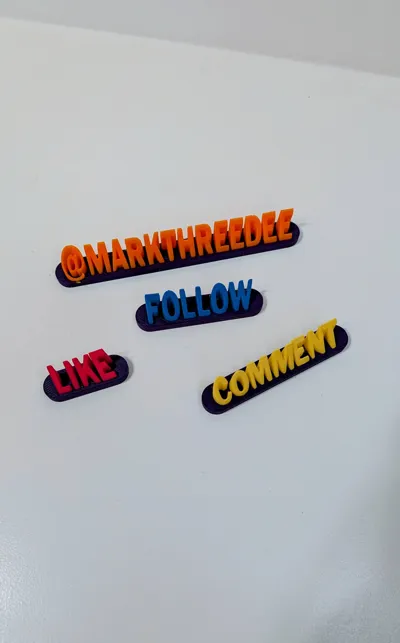
- 🛠️ Versatile Base System: I’ve included a custom holding base for each word. You can snap (or glue) the angled letters into the base for a sturdy desk display, OR...

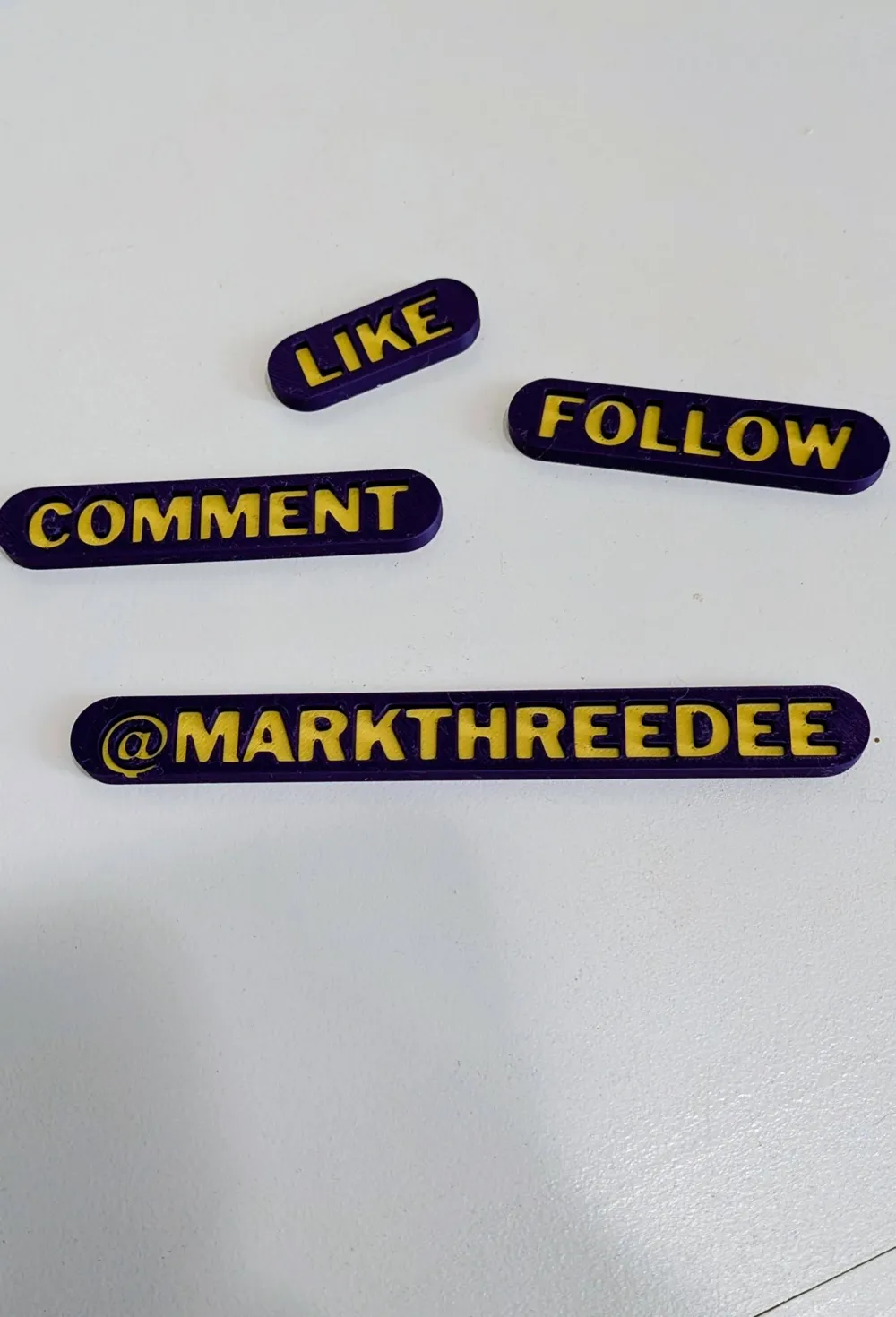
- 🎨 2-in-1 Functionality: The base isn't just a holder! If you have a dual-color setup (or do a manual filament swap), the base itself has the text embedded. You can print the base alone as a flat 2D badge.
- 📦 The Complete Influencer Pack: Includes all the essential commands: Subscribe, Like, Share, Follow, and Comment. NOTE the “@MARKTHREEDEE” isn't included, I didn't think you wanted my branding, lol.
Print Settings & Tips:
- Angled Letters: No supports needed! They print beautifully upright.
- Bases: Print flat. Use a contrasting color for the text if printing the base as a standalone badge. Comes with 2 plates of bases, one single color that you can just use as the snap in puzzle for the letters, or a 2 color plate that you can use as prop all on it's own, and still allows for the snap in letter puzzle!

- Timelapse Capturing: The timelapse capturing can be tricky. In my profile, the plate is all setup for a good timelapse caputre against a P1S. Depending on where your camera is on your printer, you will have to re-orientate these to your liking. Make sure you print them “By Object” so you get the cool effect.
- Print Order Tip: If you re-arrange or move things around, make sure the order of the Models/Assemblies on the plate in the object tree goes in order of how you want them to print.
Don't forget to FOLOW, LIKE and DOWNLOAD this model (see what I did there?) and tag me in your timelapses so I can see them in action!
Happy Printing! 🚀
Boost Me (for free)
Thank you for your support!
If you enjoyed this design and want to show some support, I have a Ko-Fi page where tips are always welcome — but never expected. Every little bit goes right back into the hobby and helps me keep creating. Thanks for being part of the community! ☕🙏
License

You shall not share, sub-license, sell, rent, host, transfer, or distribute in any way the digital or 3D printed versions of this object, nor any other derivative work of this object in its digital or physical format (including - but not limited to - remixes of this object, and hosting on other digital platforms). The objects may not be used without permission in any way whatsoever in which you charge money, or collect fees.


Comment & Rating (1)