
KIRBY NFC KEYCHAIN
Print Profile(1)

Bill of Materials

Description
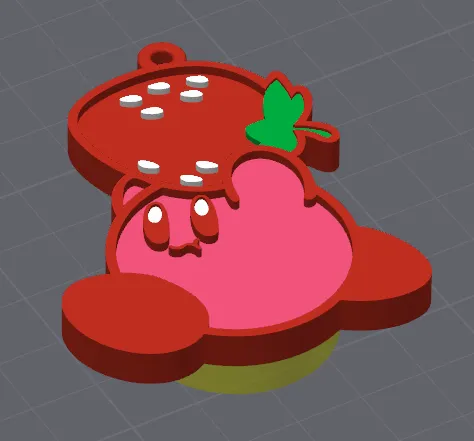
PLZ USE PROVIDED PROFILE TO AVOID PROBLEMS WITH SUPPORTS. IF YOU WOULD LIKE TO PRINT MORE THAN ONE JUST COPY AND PASTE THE MAIN OBJECT CONTAINING BACK LOGO AND CYLINDER
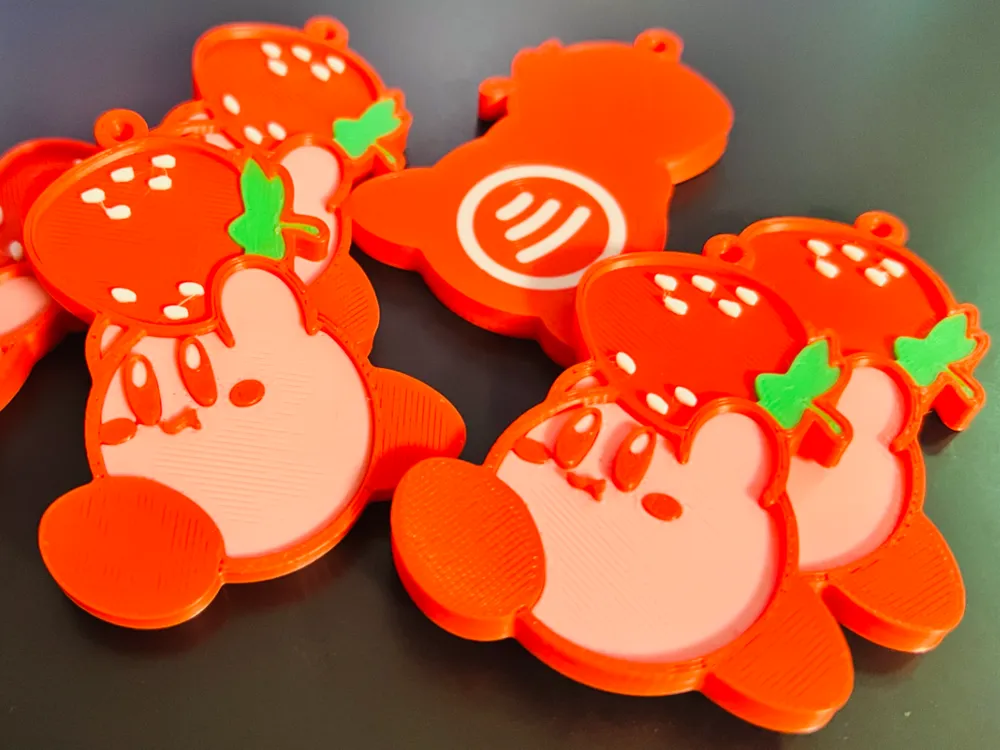
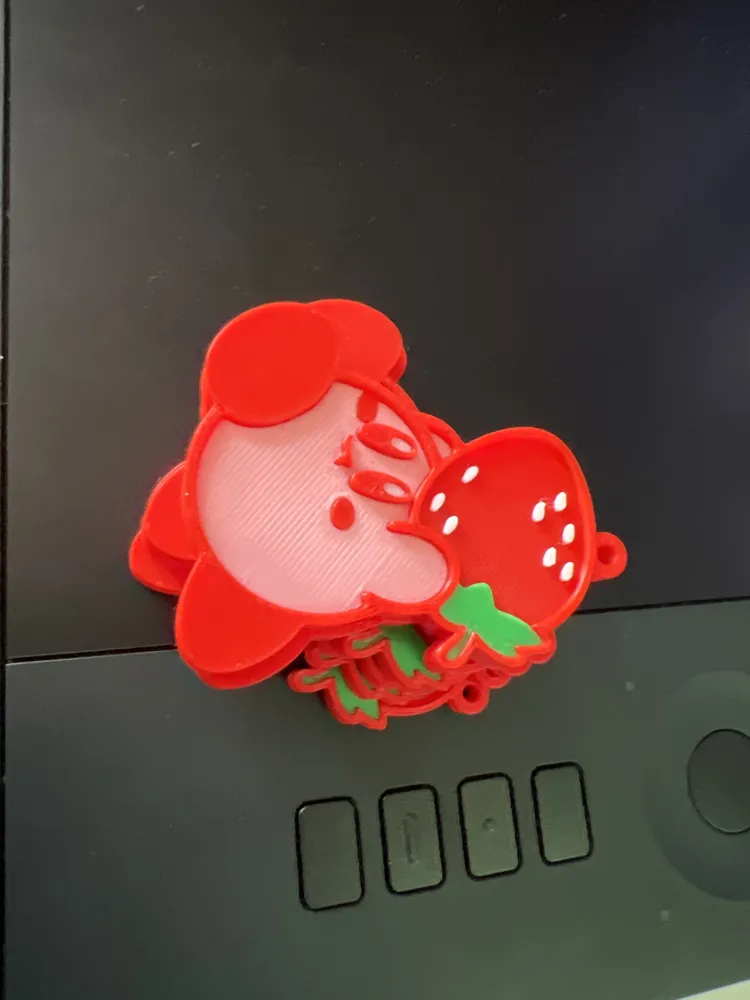
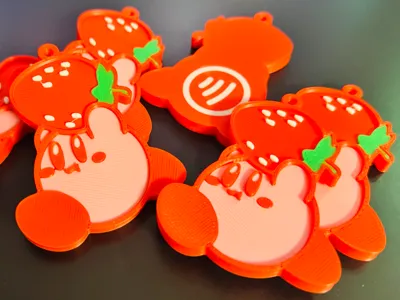
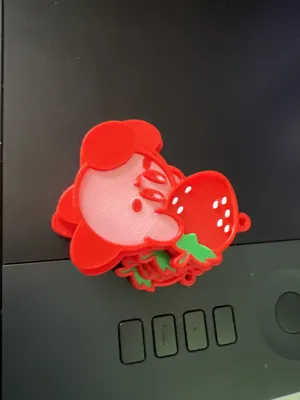
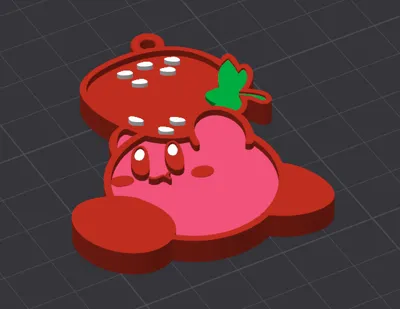
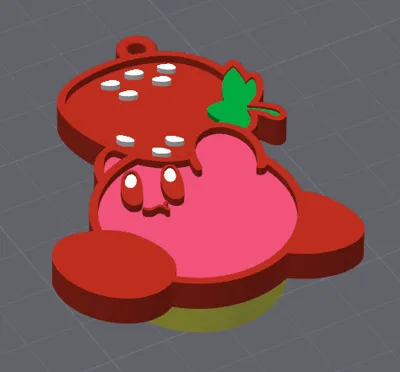
This is a Kirby NFC keychain for use with 25mm stickers that I had designed to keep emergency contact information in for my children but you can use it for basically anything.
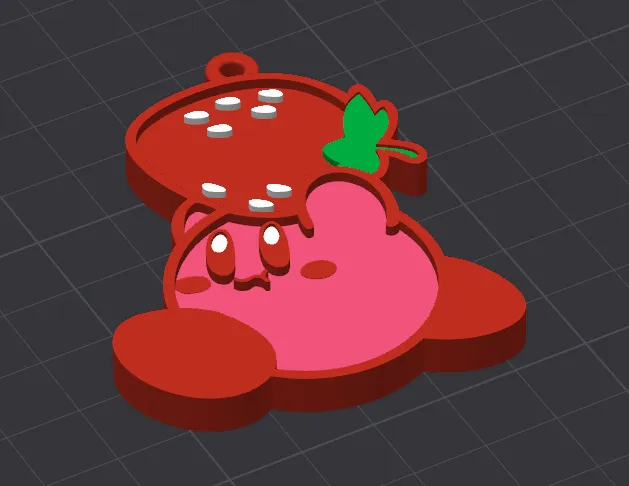
There is two different version, one with and one without cheeks lol.
The print profile contains a pause to insert the sticker and also is set to not use supports inside of the model
Boost Me (for free)
Feel free to boost, if you have requests please contact me via direct message!
How to put ANY link or data on an NFC sticker with NFC Tools (Works for way more than just social media – takes ~30–60 seconds)
- Download the free app → NFC Tools (Android + iOS)
- Open the app → tap Write
Add what you want (tap Add a record and pick one): Here are the most popular & useful options:
- URL / Link → any website, video (YouTube), online menu, portfolio, Linktree, payment page, etc.
- Social Networks or App → quick shortcuts to Instagram, TikTok, Spotify playlist, YouTube channel, etc. (just enter username)
- Text → simple message, note, instructions, WiFi password as plain text
- Contact / vCard → share your phone number, email, address (like a digital business card)
- Phone number → tap → instantly call someone
- Email → tap → auto-opens email app with your address pre-filled
- SMS → tap → pre-written text message ready to send
- WiFi → share your home/office WiFi (network name + password) – guests tap & connect instantly!
- Bluetooth → quick pair with speaker/headphones/car
- Location / Address → tap → opens Google Maps to a place (home, store, event)
- Geolocation → tap → shows current spot (great for meetings or lost items)
You can even combine several (e.g., WiFi + contact + website) by adding multiple records before writing.
- Fill in your info (Paste or type exactly what you need – include https:// for links)
- Hold the NFC sticker on the back of your phone (Usually near the camera – app guides you)
- Wait a few seconds → app says “Write successful” or “Write complete”
License

You shall not share, sub-license, sell, rent, host, transfer, or distribute in any way the digital or 3D printed versions of this object, nor any other derivative work of this object in its digital or physical format (including - but not limited to - remixes of this object, and hosting on other digital platforms). The objects may not be used without permission in any way whatsoever in which you charge money, or collect fees.


Comment & Rating (0)