
Print Profile(1)

Description
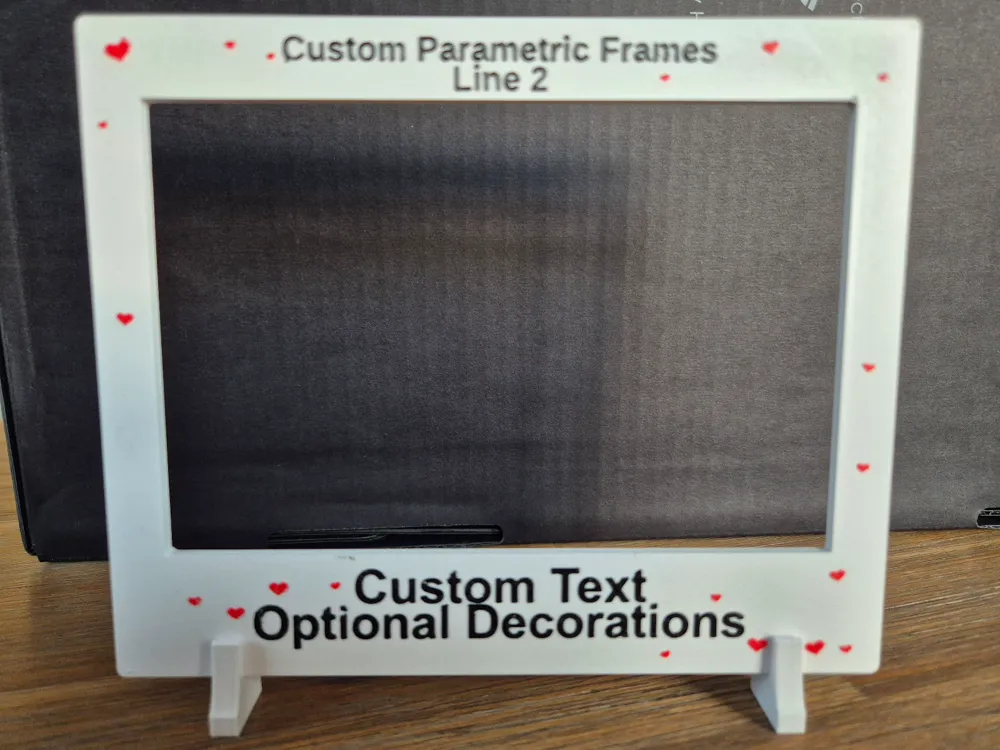
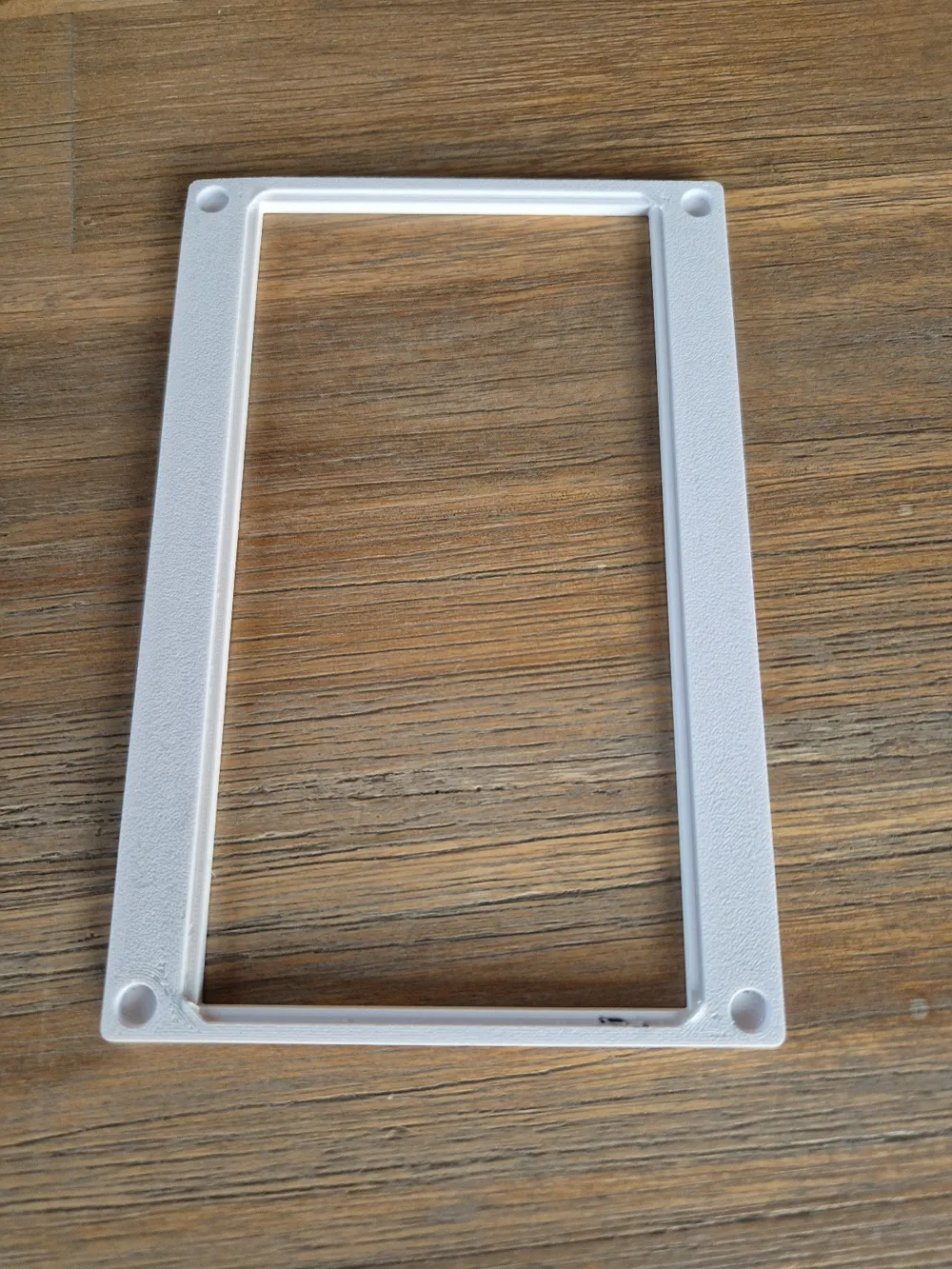
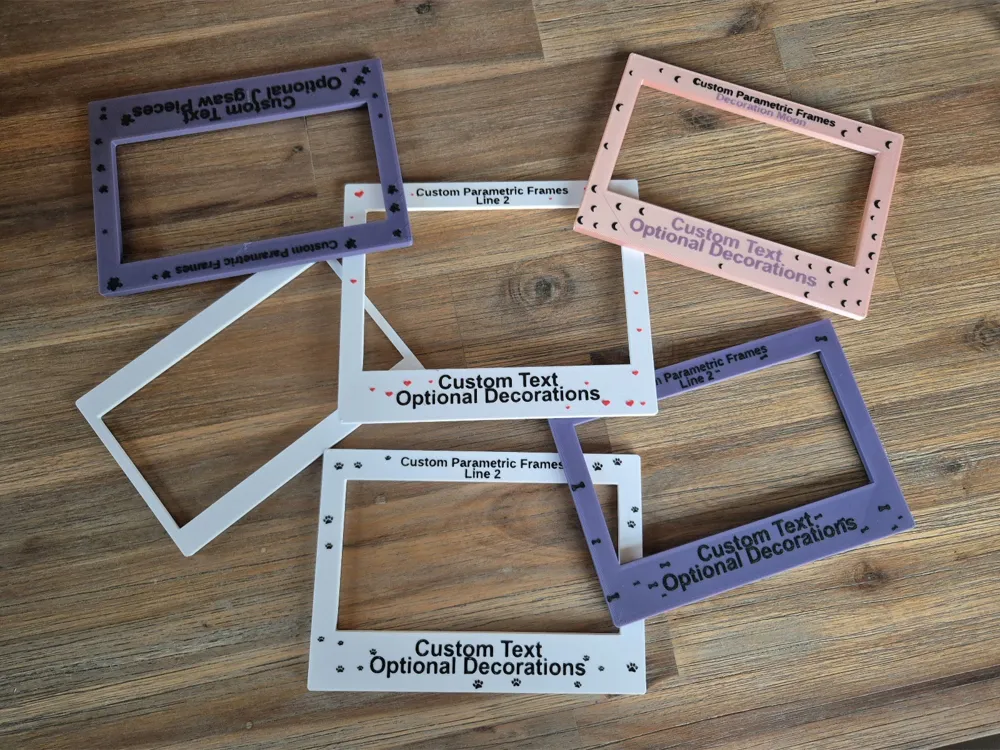
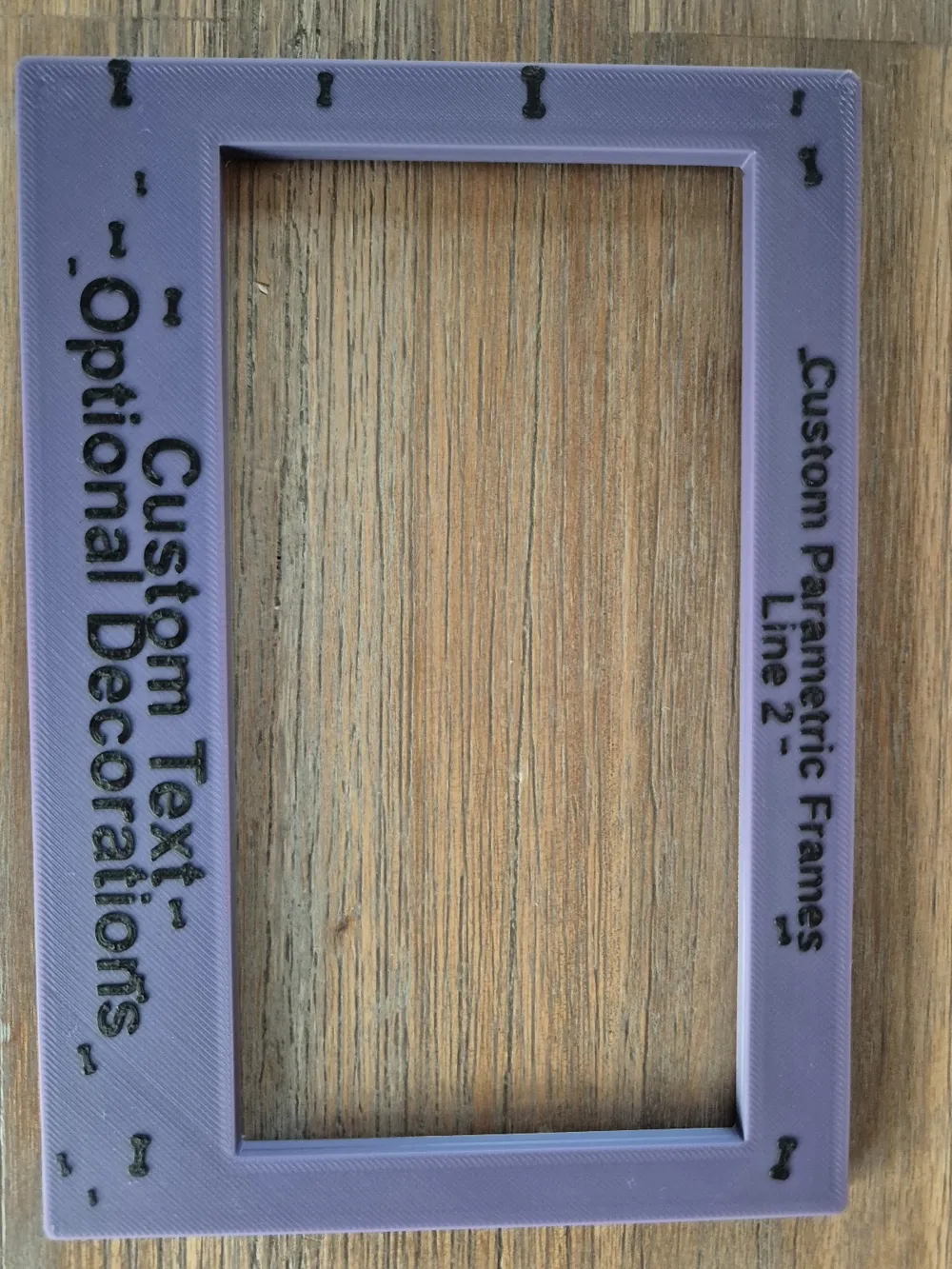
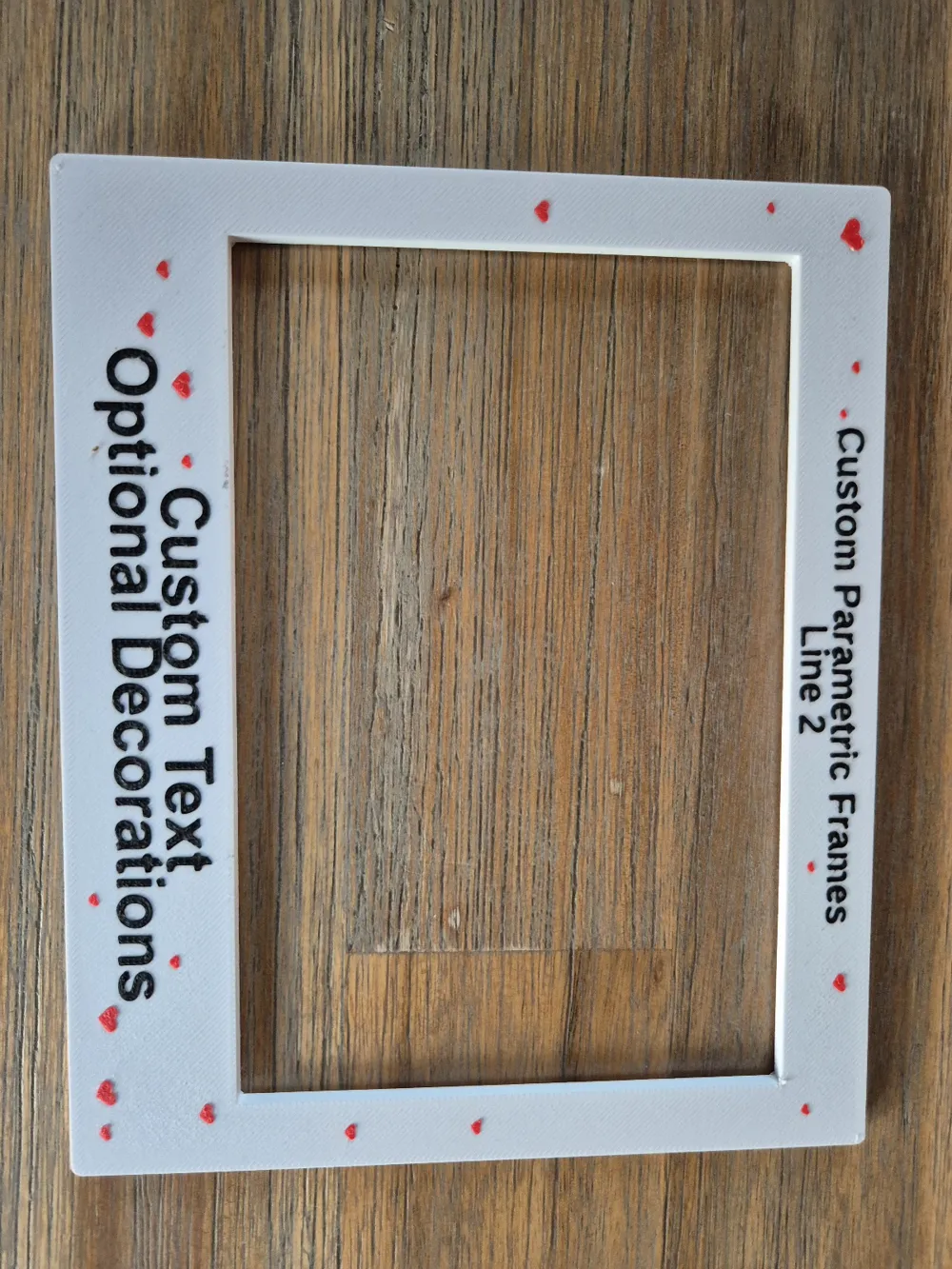
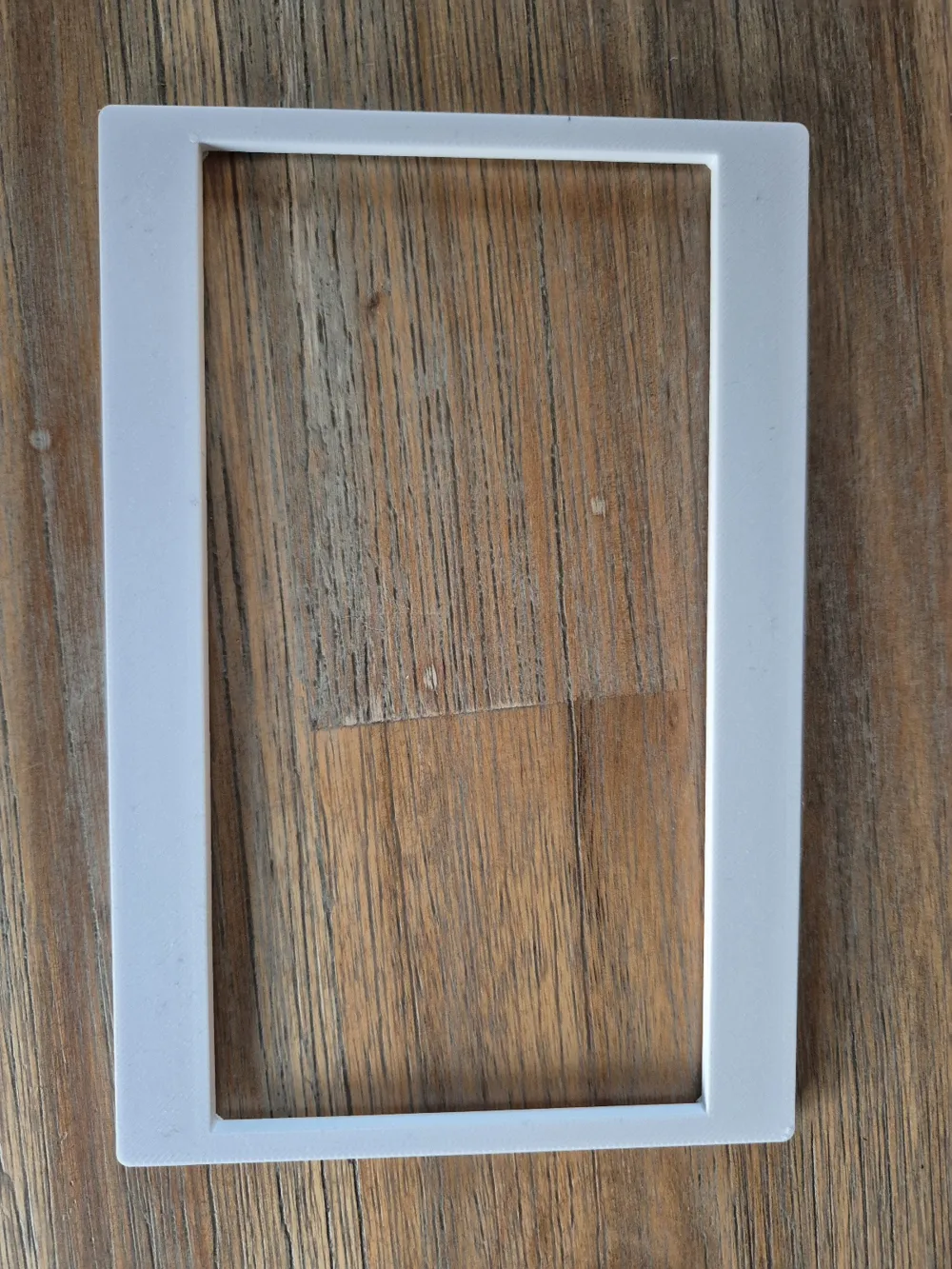
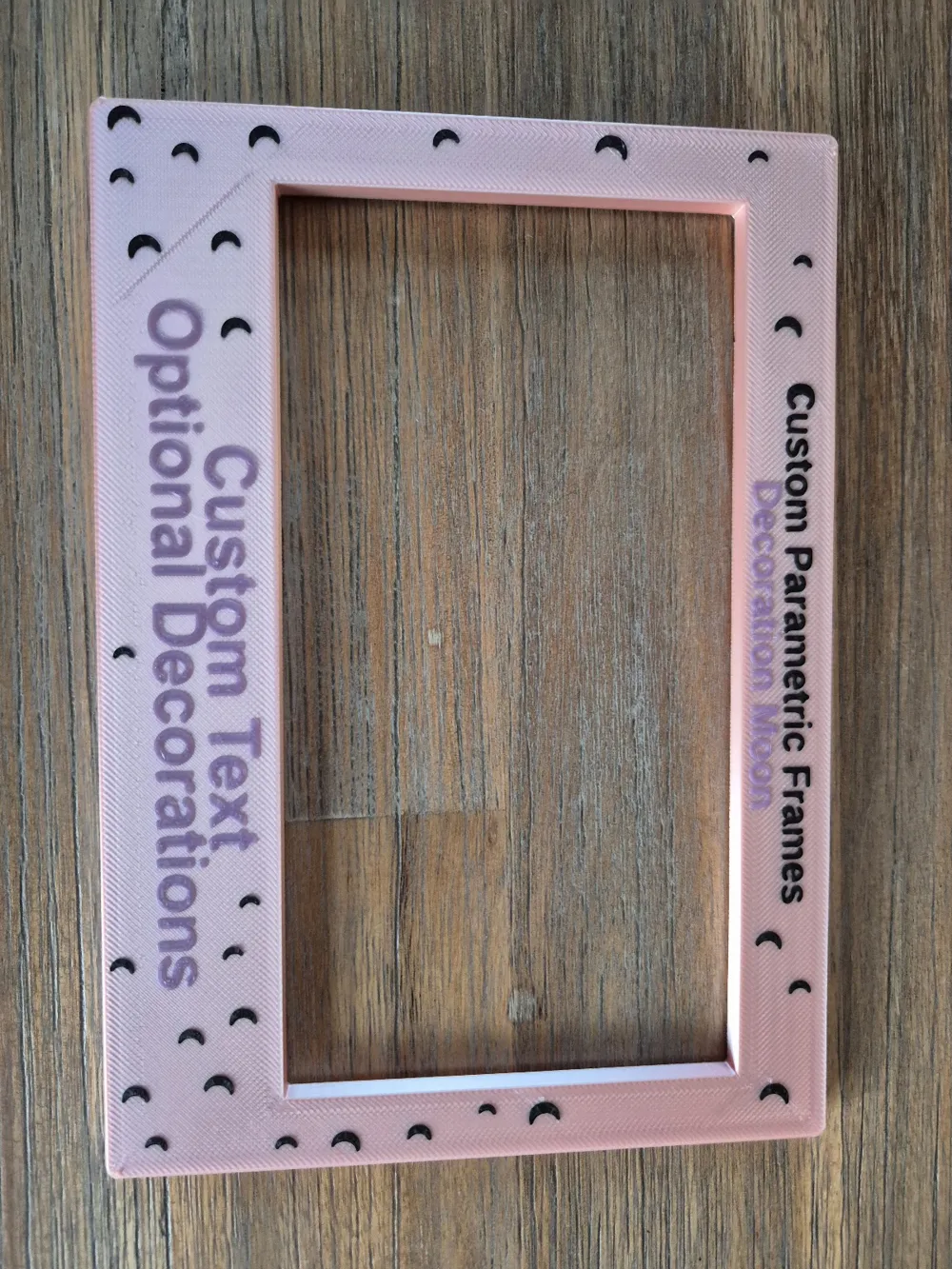
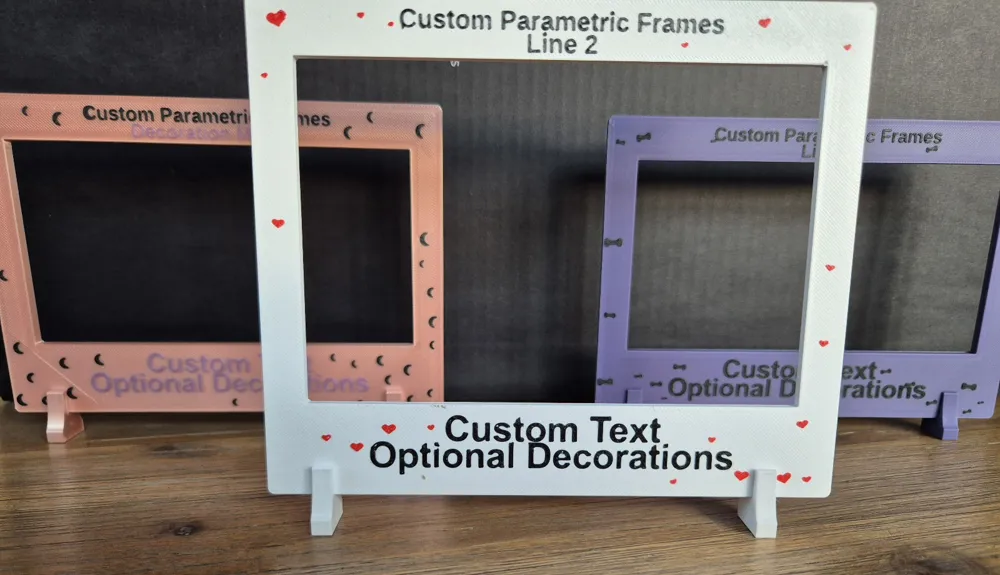
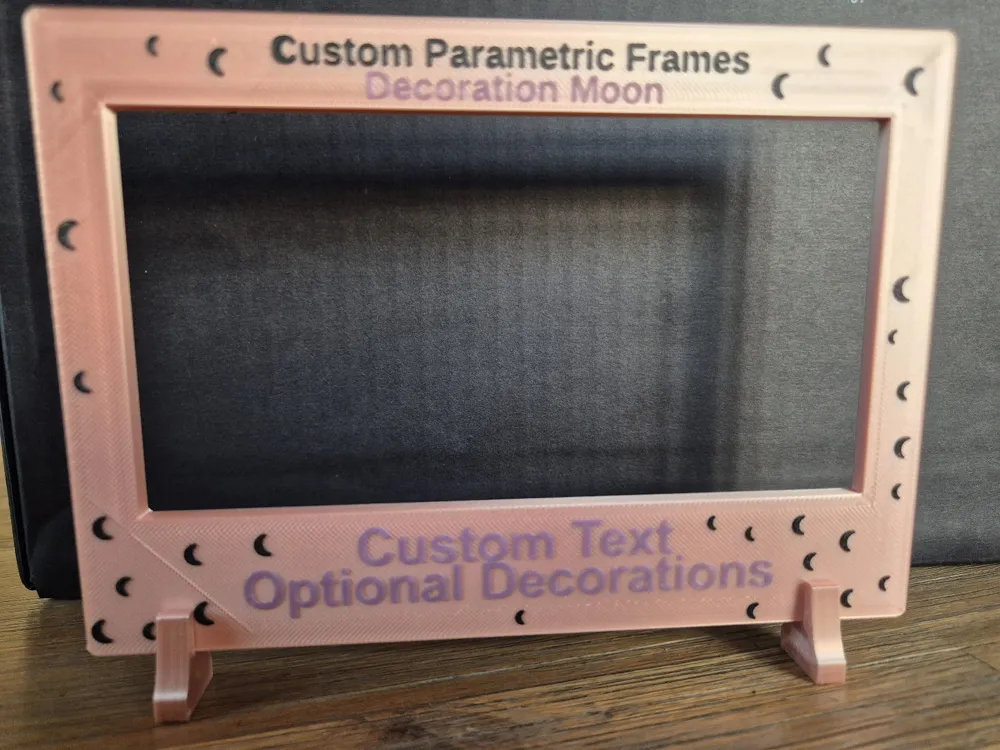
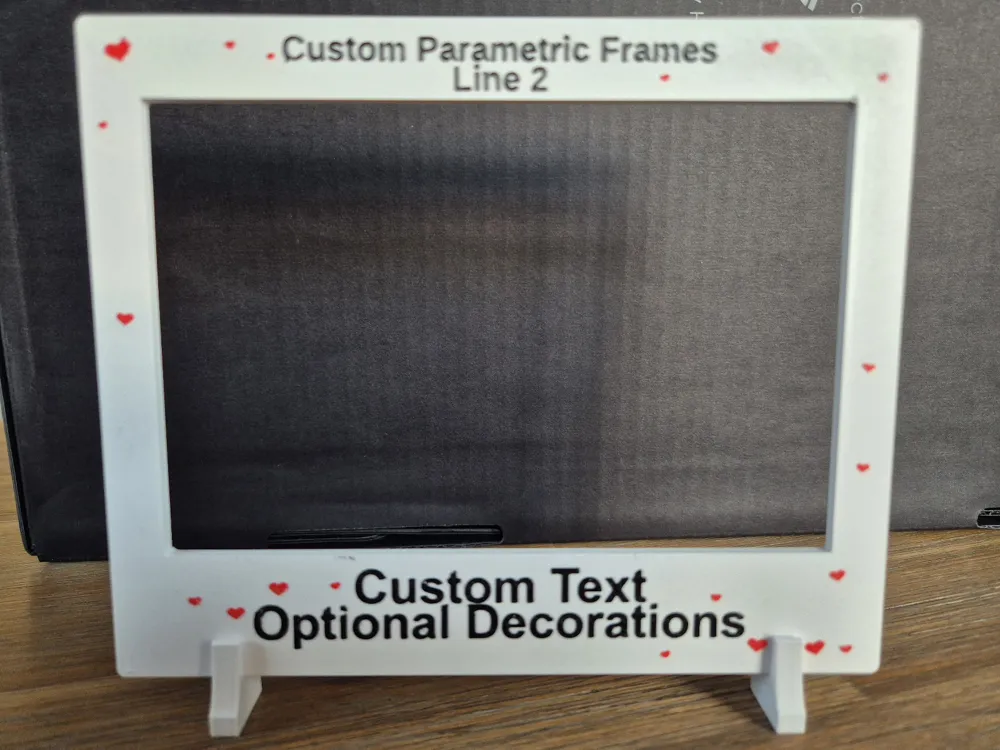
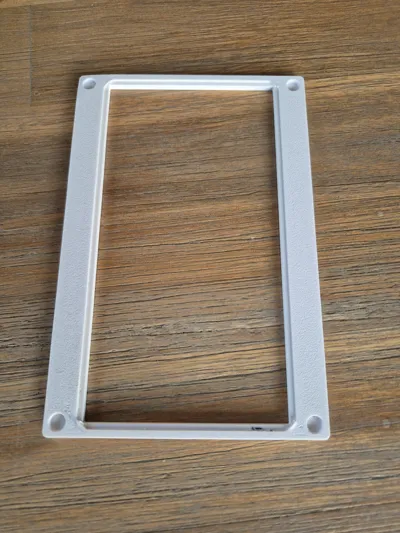
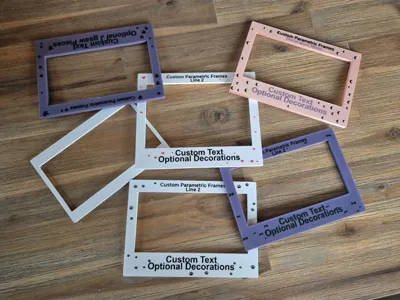
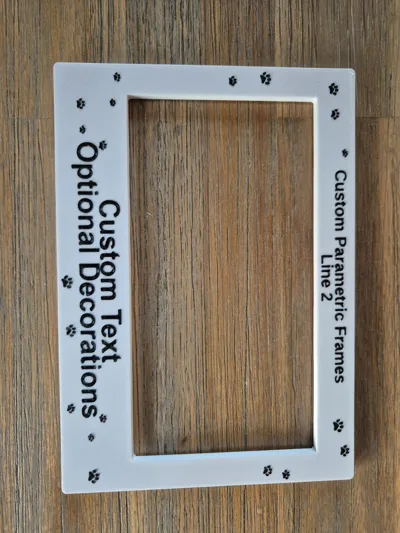
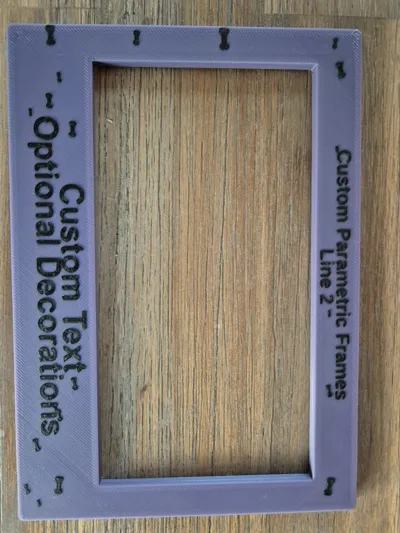
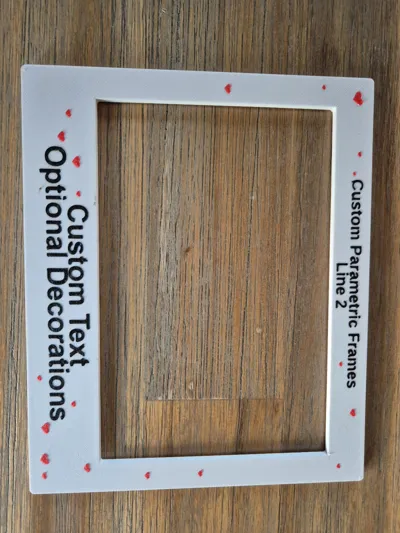
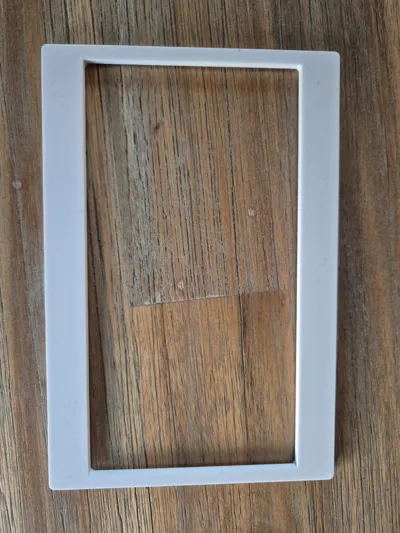
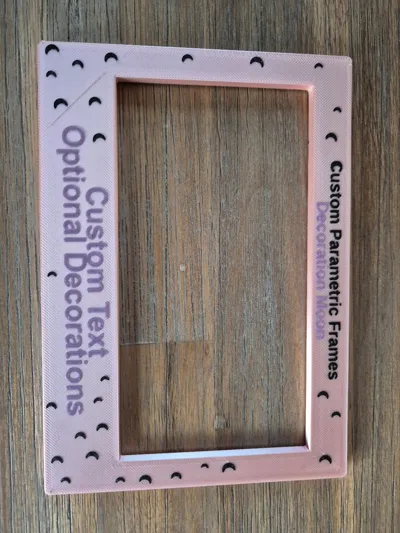
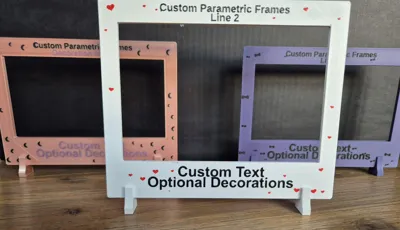
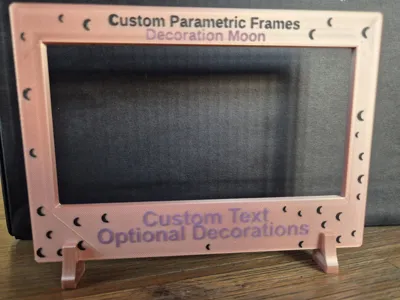
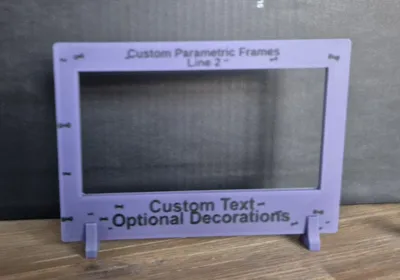
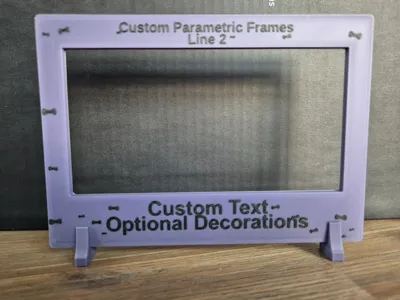
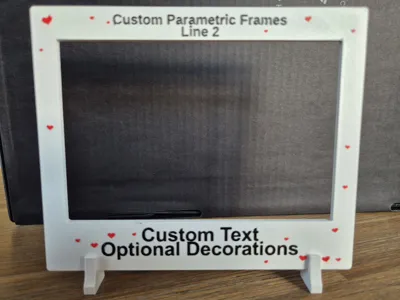
This model includes a full parametric .scad frame designer that generates fully customizable photo frames with personalized text, decorations, and mounting options. Each frame is created uniquely based on the photo size and design choices you provide.
Boost Me (for free)
If this frame generator helps you out, feel free to leave a boost.
Features
Custom Frame Dimensions
- Adjustable frame width, height, thickness, and corner radius
- Automatically adapts to your chosen photo size
- Clean, print‑friendly geometry
Photo Recess & Holders
- Custom photo width and height
- Adjustable recess depth
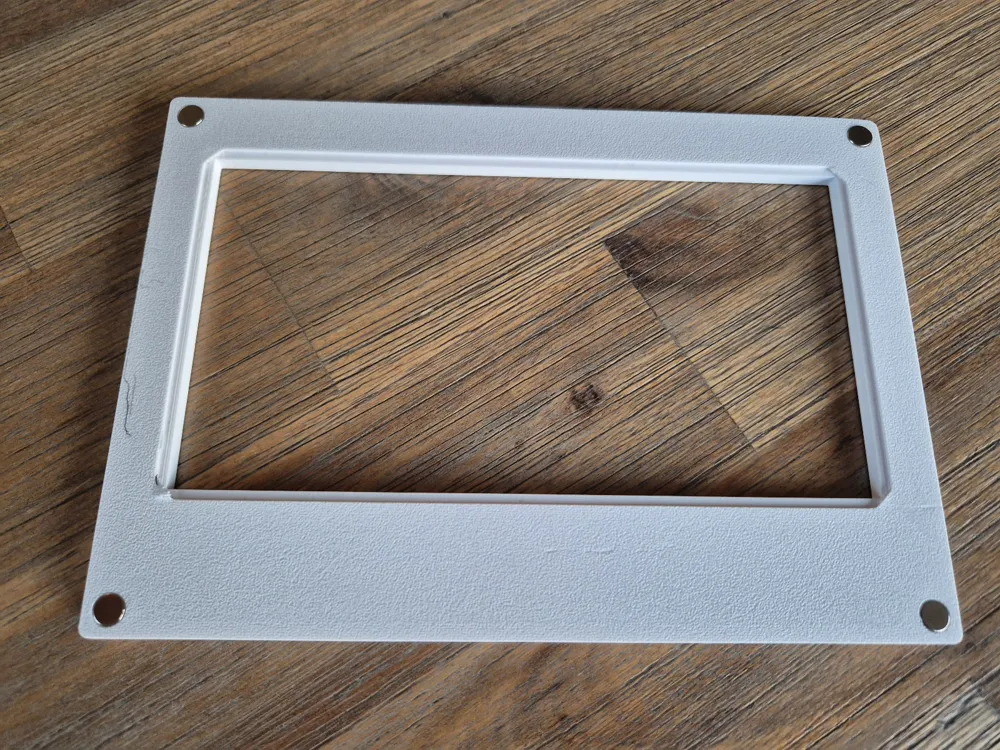
- Optional corner holders to keep the photo secure
- Tunable holder size, thickness, and clearance
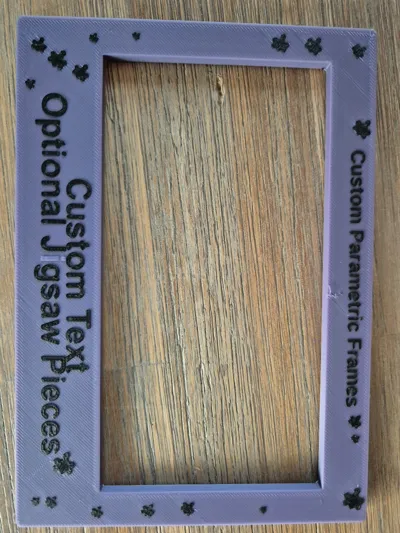
Personalized Text
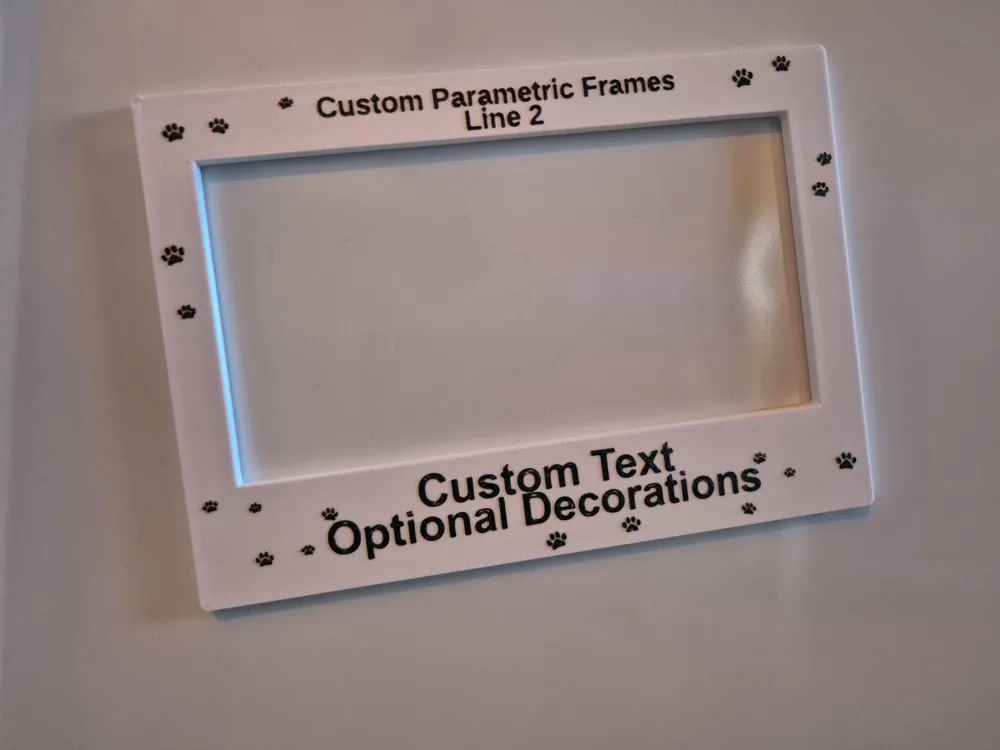
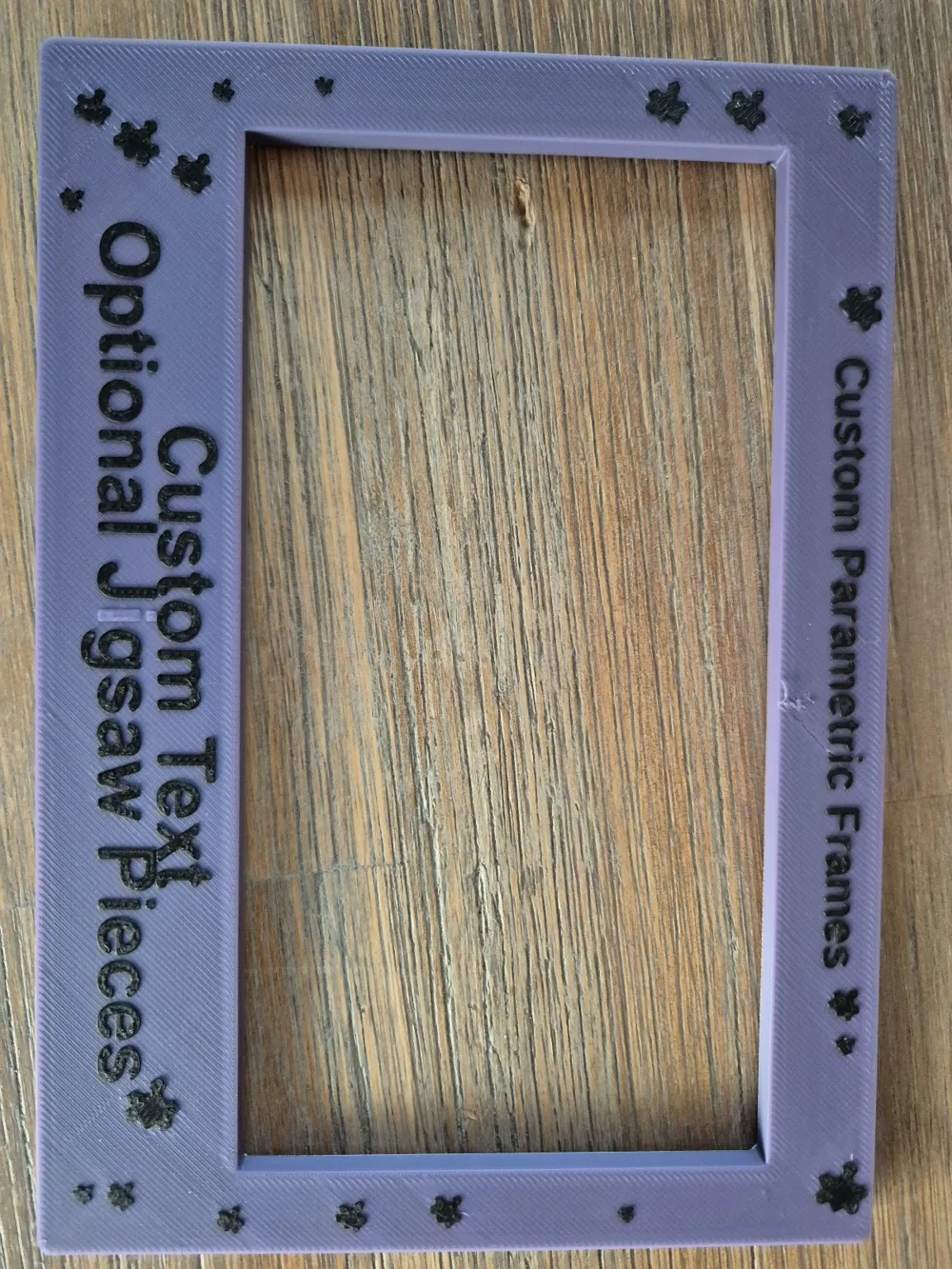
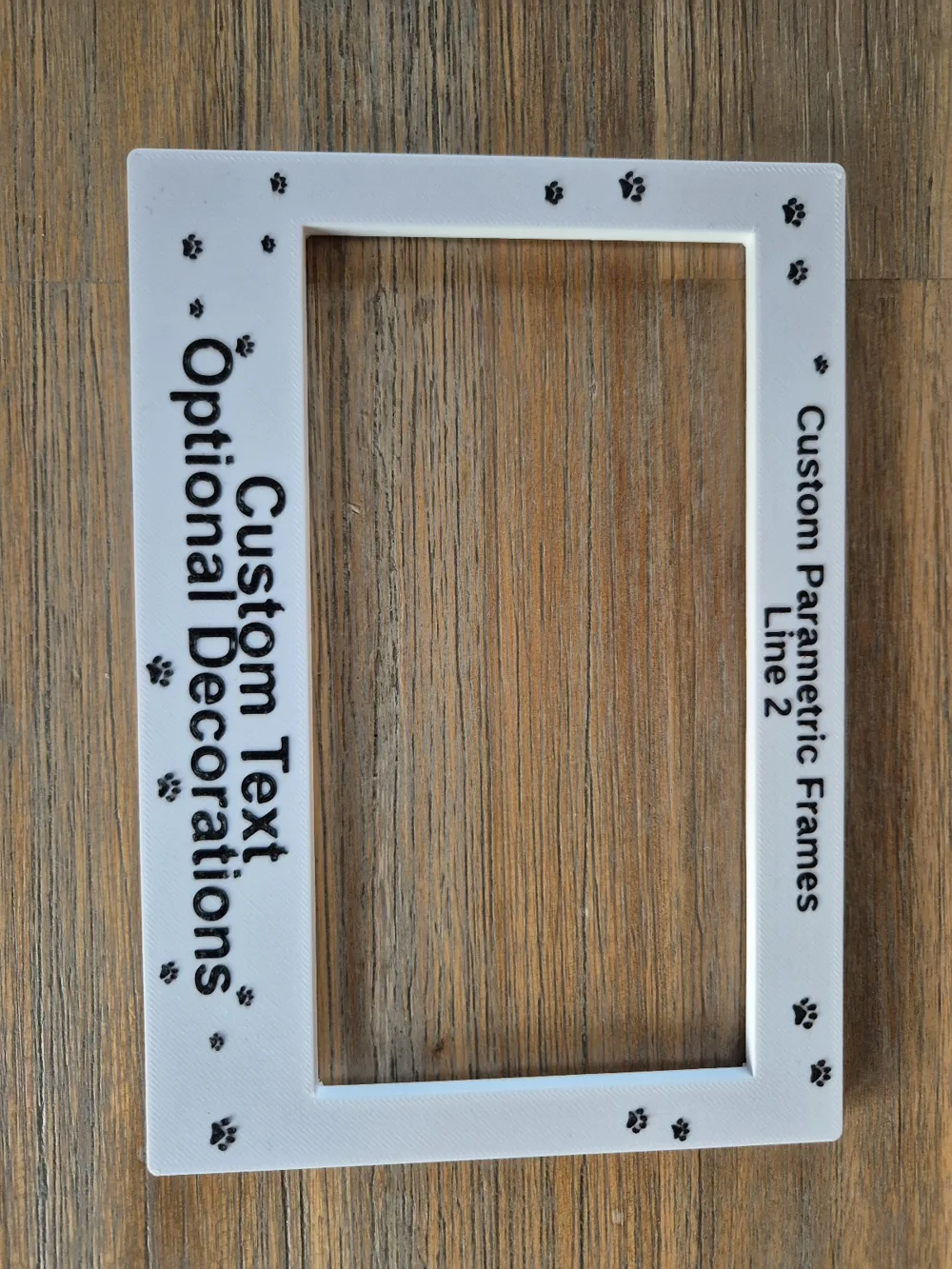
- Up to two lines at the top and two lines at the bottom
- Independent font, size, and offsets
- Choose embossed (raised) or engraved (recessed) text
- Automatic spacing and centering
Decorative Motifs
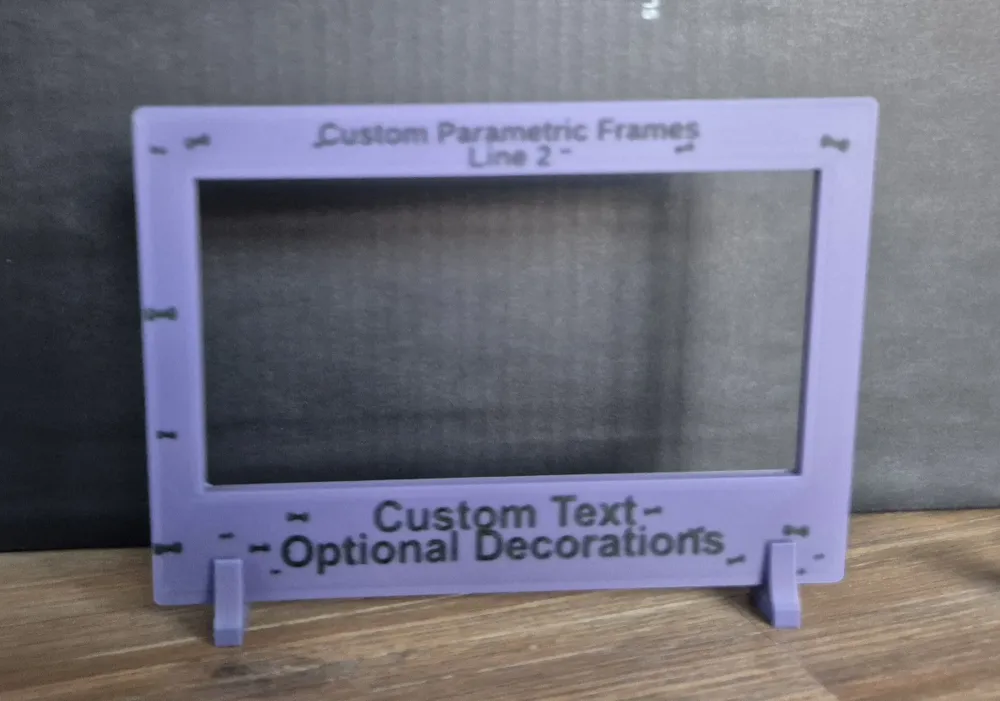
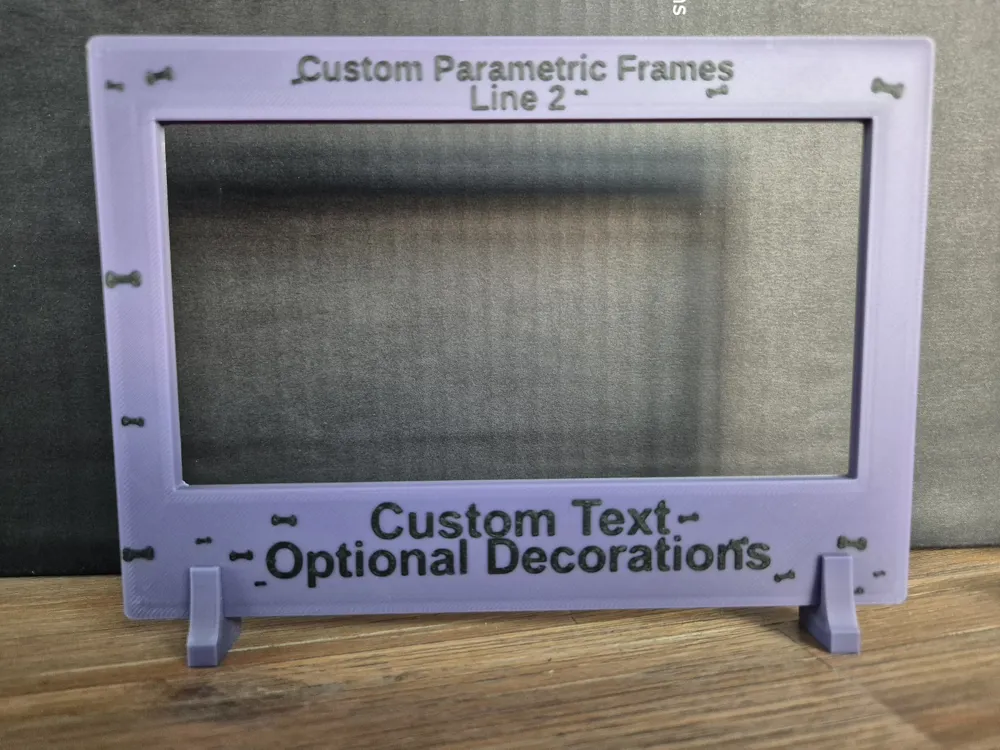
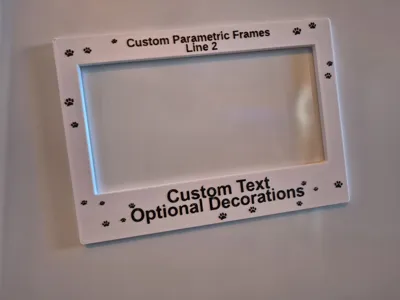
- Optional decorations: stars, hearts, paws, bones, moon, jigsaw, or none
- Adjustable count, size range, and random seed
- Smart placement around the text
Mounting Options
- Mounting Options
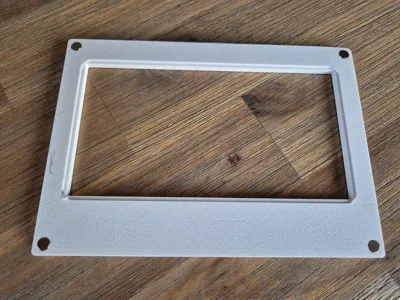
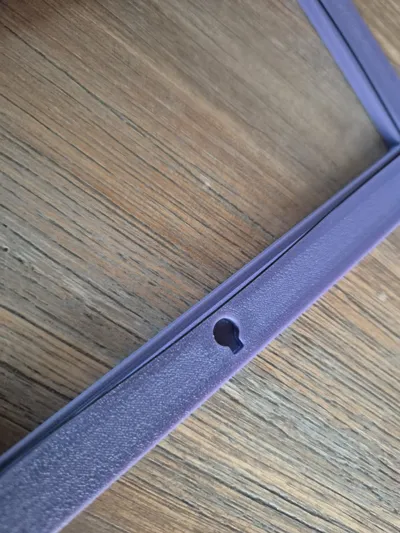
- Magnet holes
- Feet for standing
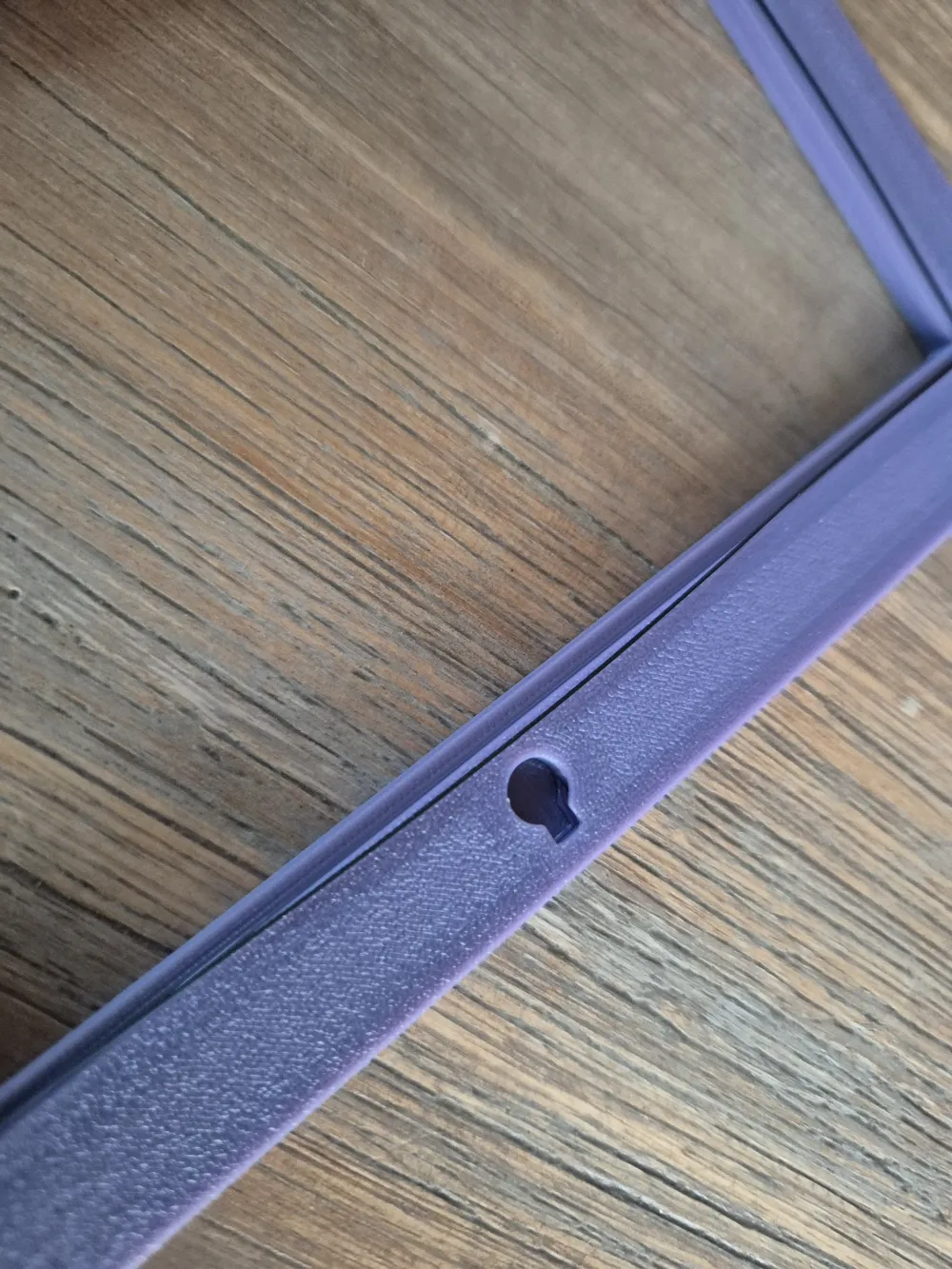
- Hook for wall hanging
- Or no mounting features
- Frame thickness adjusts automatically when needed
Printing Tips
If your frame does not include feet
You can use simple layer‑color changes to highlight the text and decorations:
- Slice the model normally
- Change the top layer color at the appropriate height
If your text or decorations have multiple height levels, add additional color changes
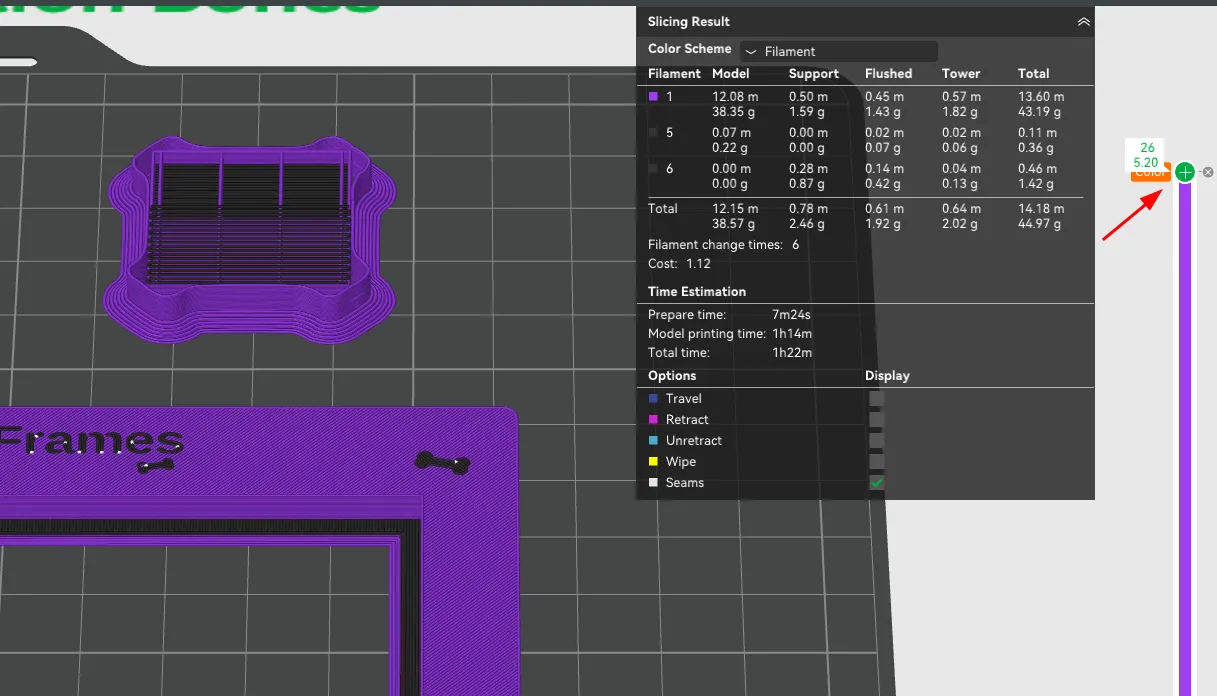
This method is fast and produces crisp results.
If your frame does include feet
Feet prevent clean color‑change slicing, so you’ll want to paint the text and decorations in your slicer.
For best results:
- Use your slicer’s Paint-on Color tool
- Select Tool Type: Fill
- Enable Edge Detection for clean borders
- Paint only the raised or recessed areas you want colored
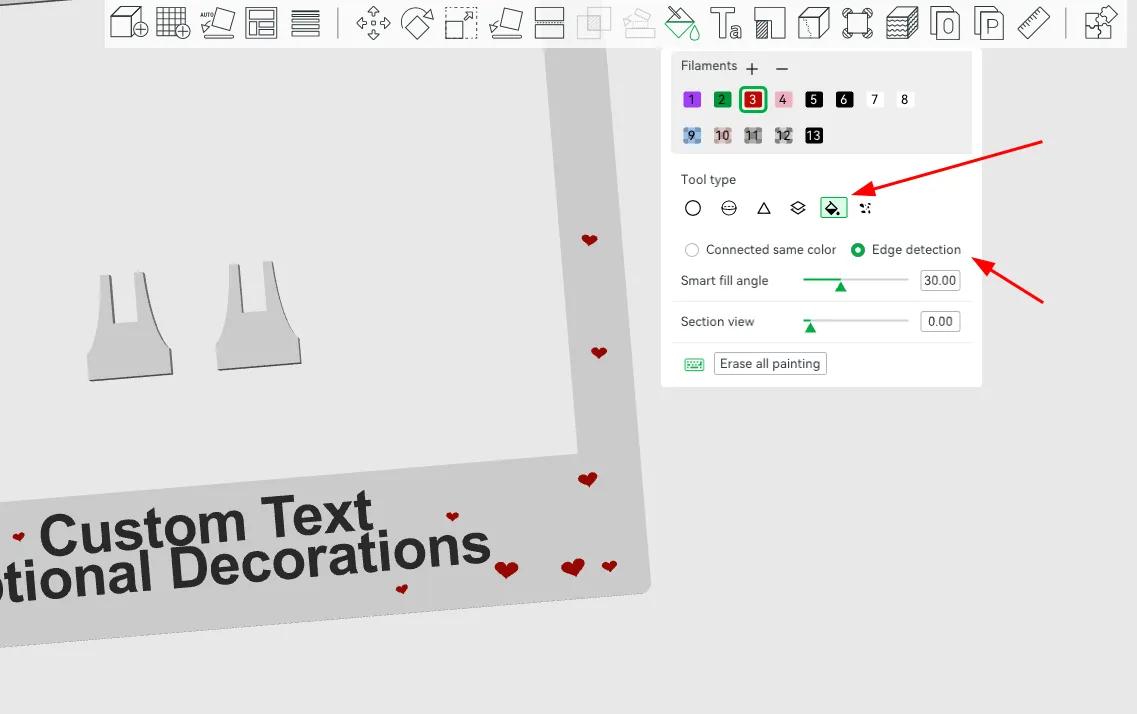
- This gives sharp, professional‑looking highlights.
Supports
For best print quality, make sure to enable a support or raft interface if your slicer offers one. Without an interface layer, supports tend to fuse tightly to the frame and become extremely difficult to remove cleanly, which can leave marks or damage the surface finish. Using an interface creates a clean separation and makes post‑processing far easier.
License & Notes
- The underlying parametric design system is not open source and cannot be shared, redistributed, or modified.
- You may share or remix the generated models (like the one uploaded here).
- Each frame is generated individually based on user‑provided parameters.
Hope you enjoy generating and printing your own frames. I’m excited to see what you create.
License



Comment & Rating (1)