
Modular Drawer System
Print Profile(1)

Bill of Materials

Description
Here's a presentation proposal specifically designed for MakerLab, where interactive customization is the true star.
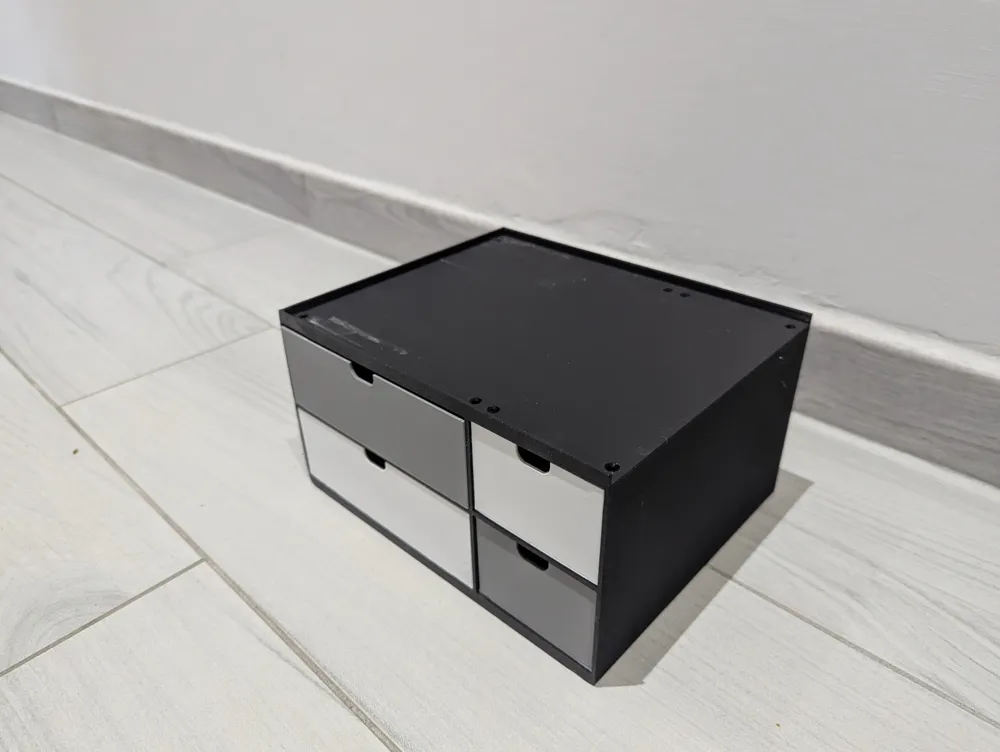
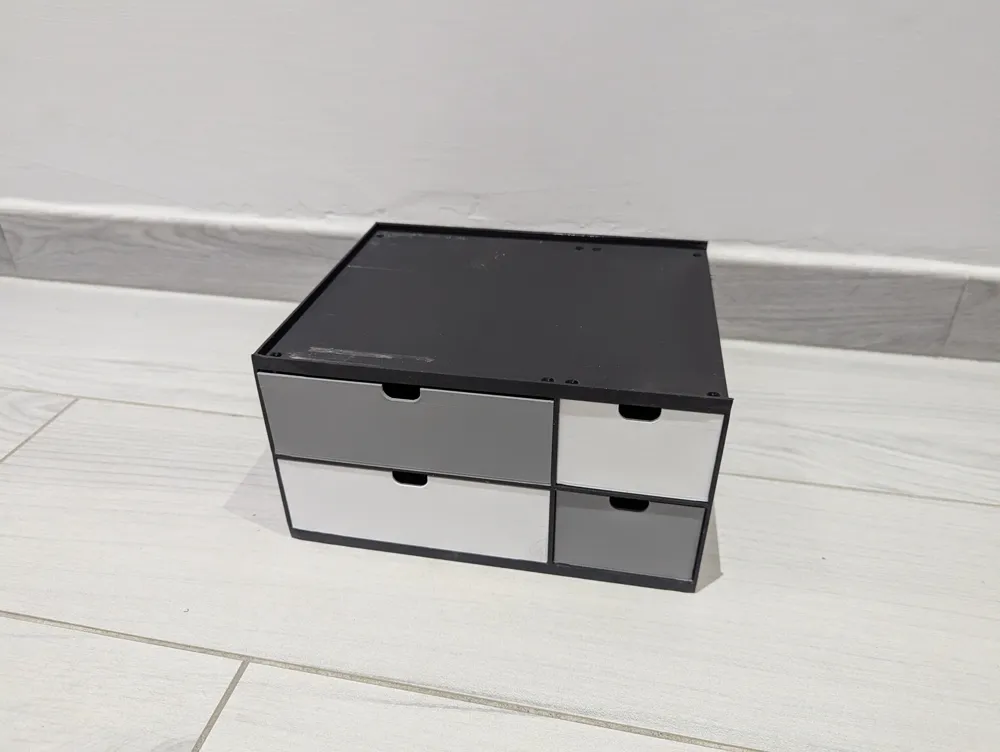
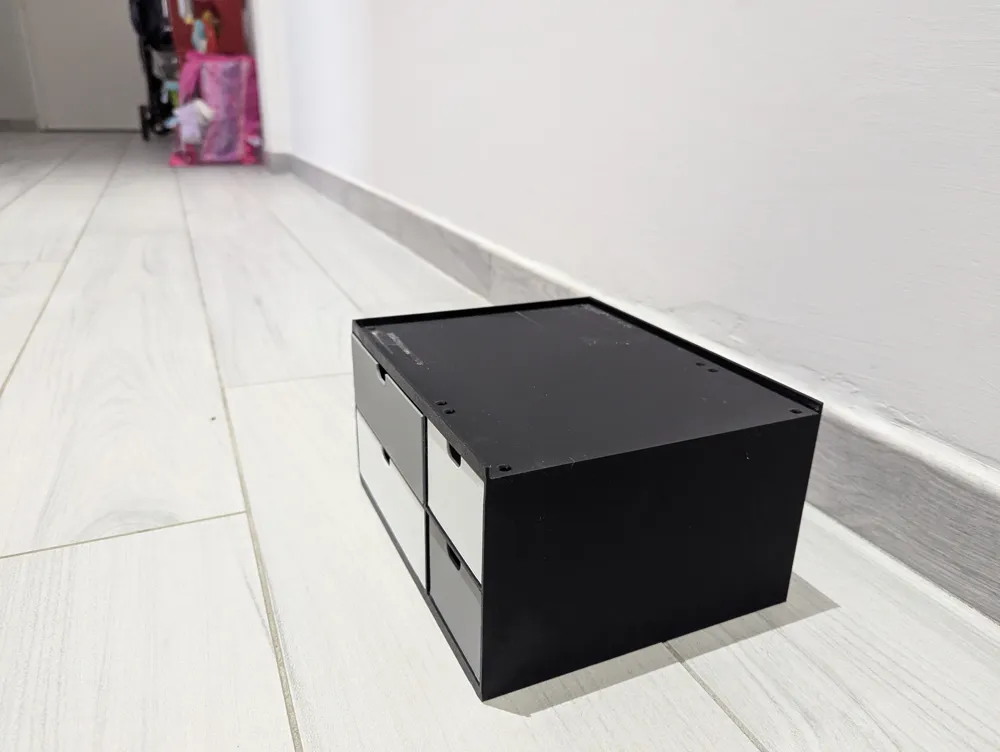
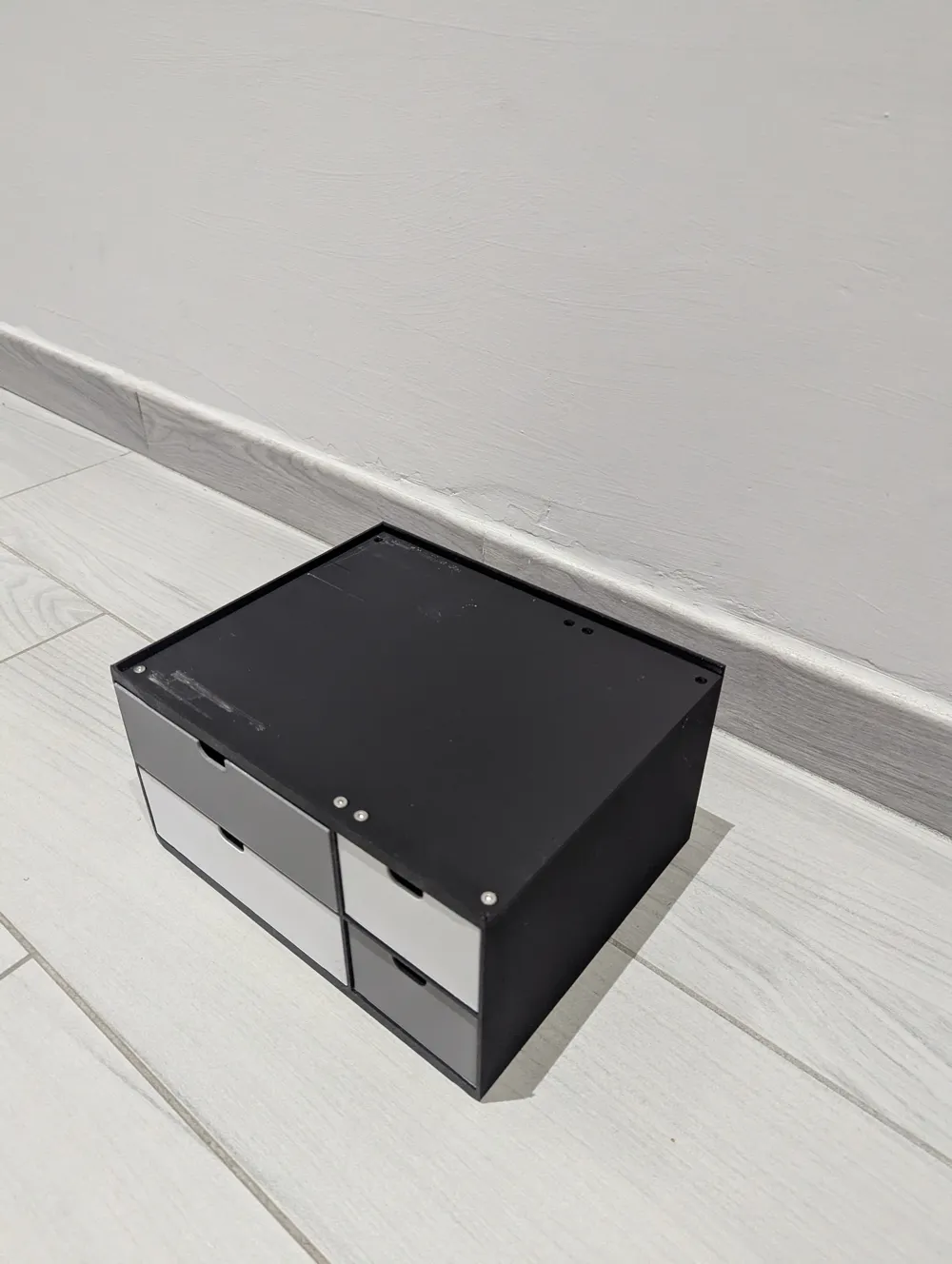
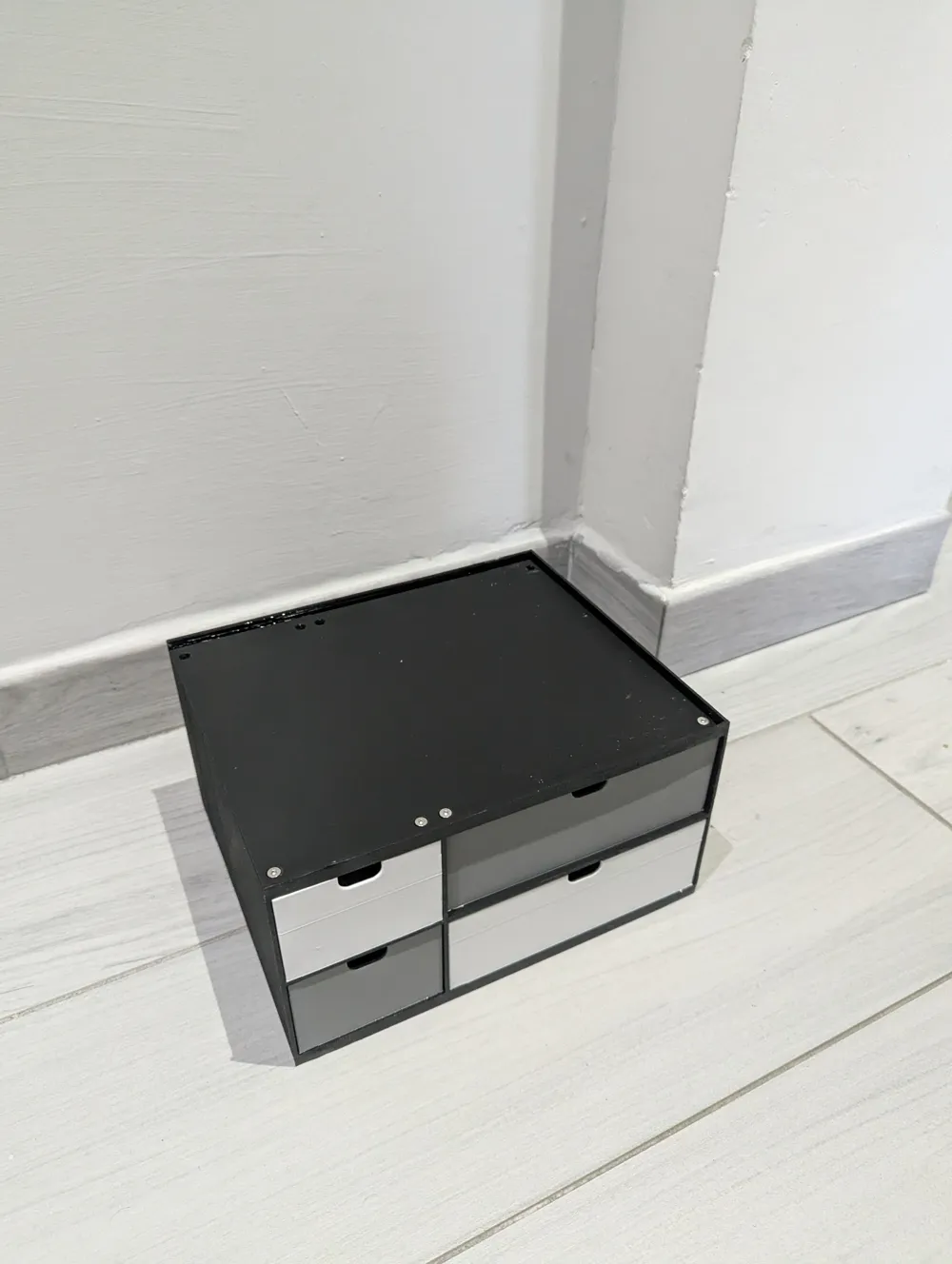
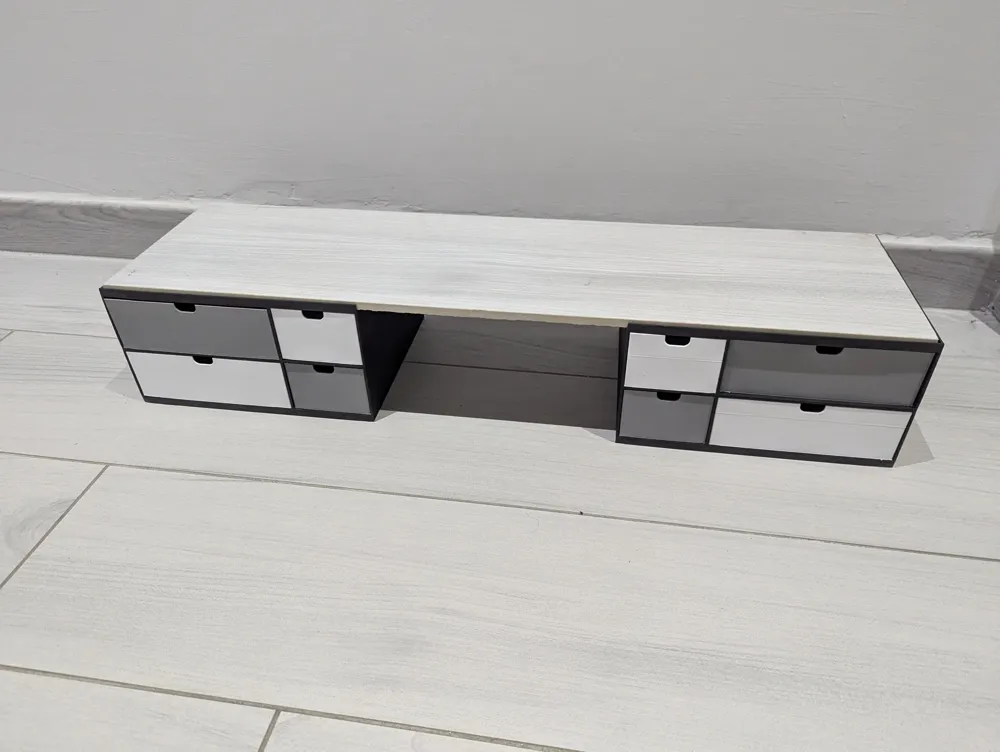
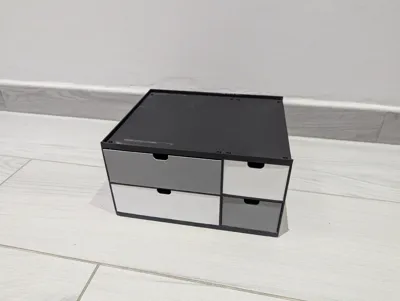
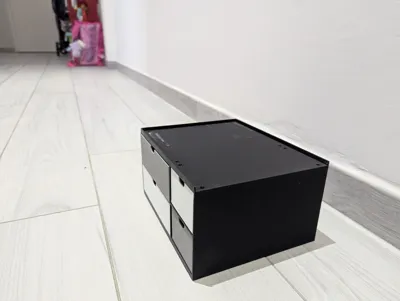
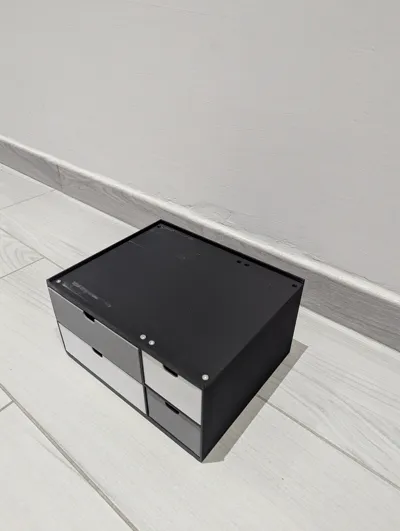
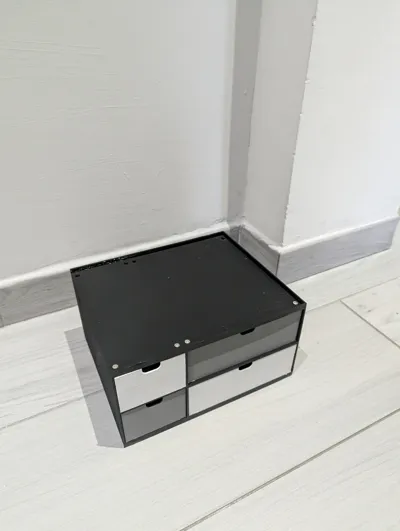
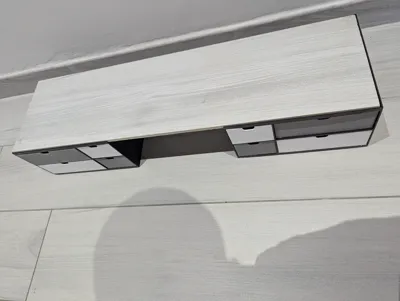
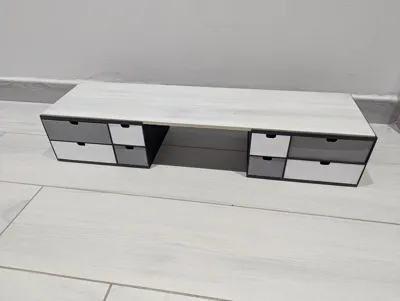
🗄️ Modular Drawer System V2.1: The Ultimate organizer (Designed by YOU!)
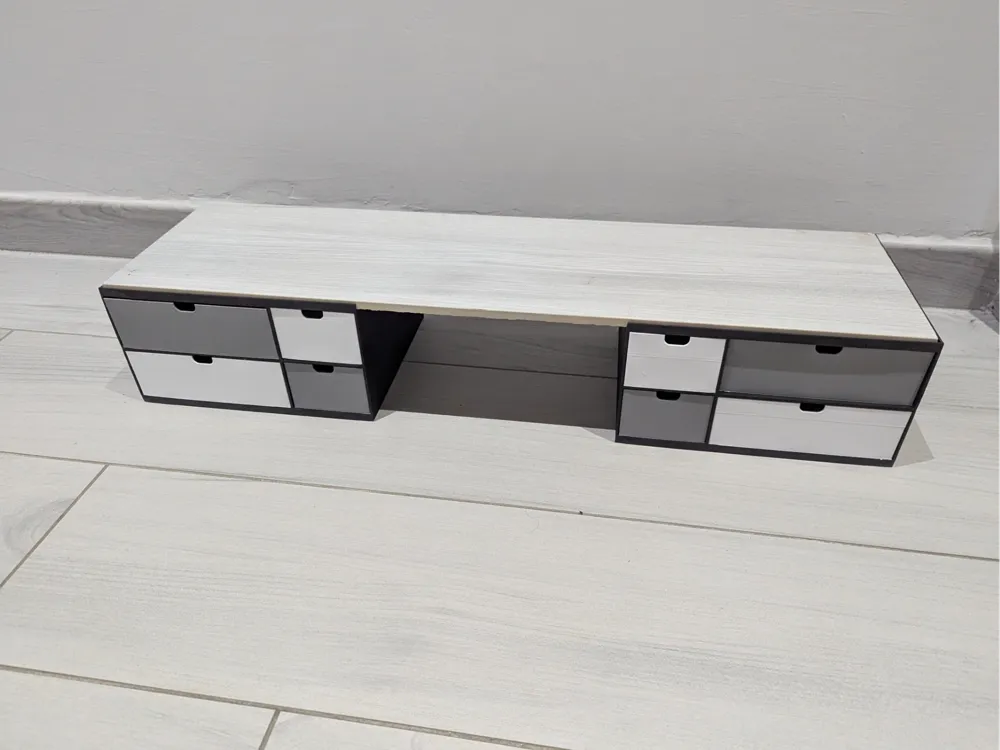
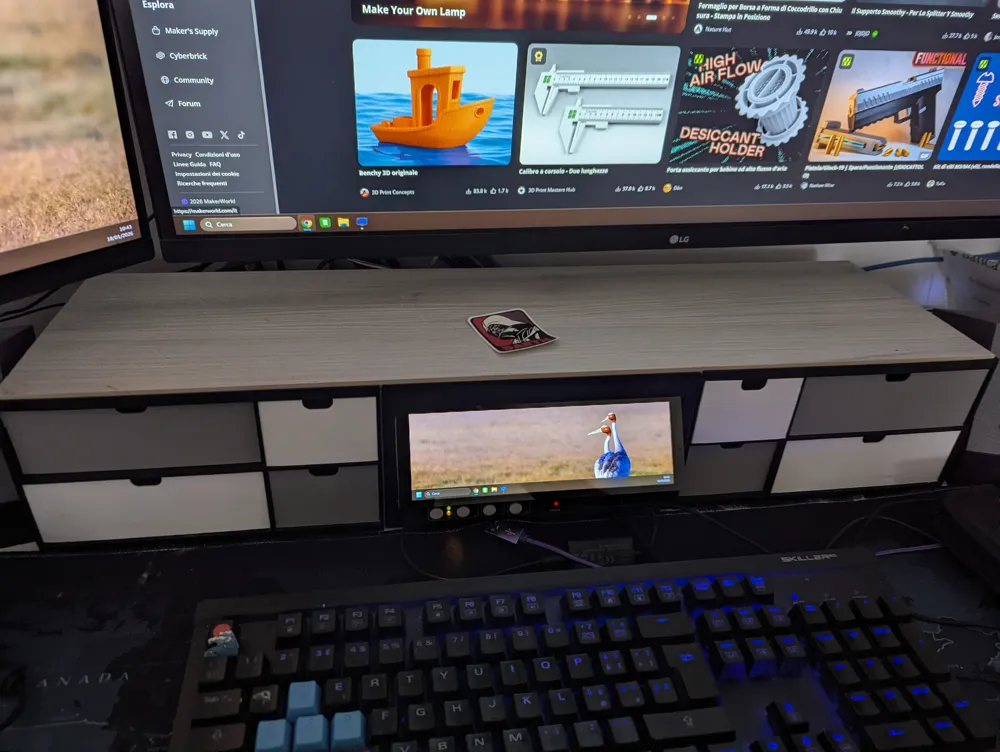
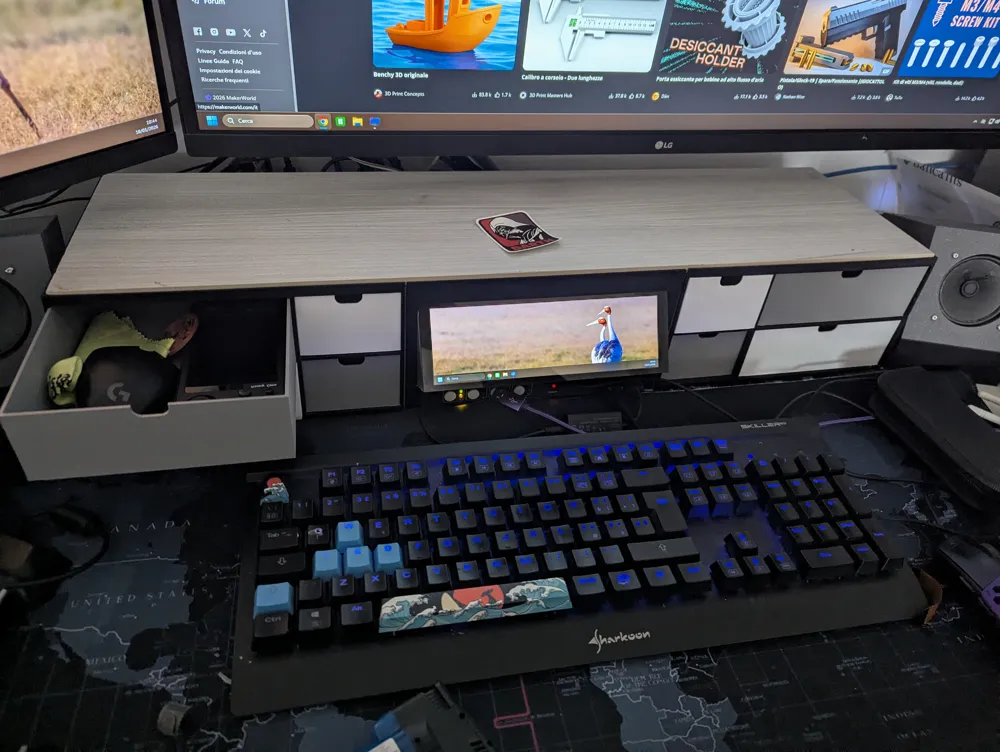
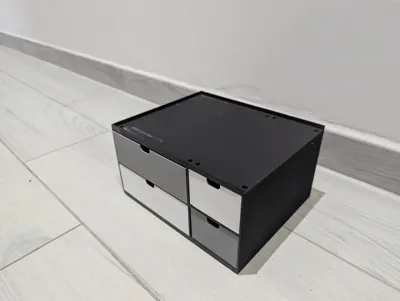
Forget standard containers that never fit perfectly in your space. The Modular Drawer System V2.1 is not just a 3D model; it's a parametric design engine that gives you absolute power over dimensions and functionalities.
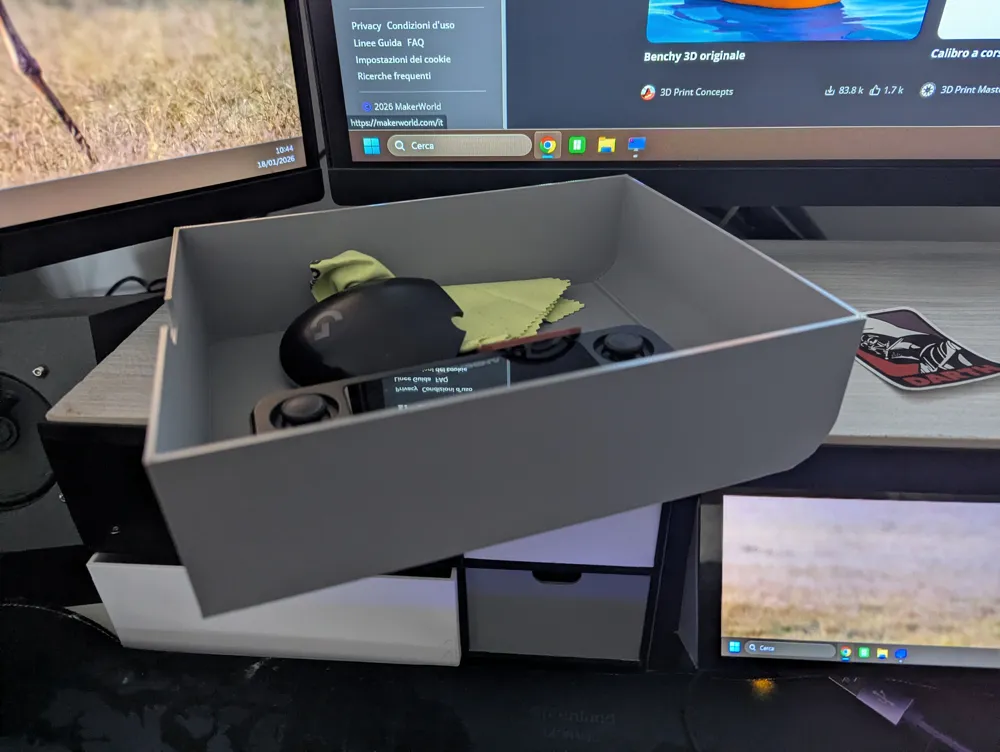
Whether you need to organize small parts in the workshop, stationery in the office, or spices in the kitchen, this project transforms to become exactly what you need. Don't adapt to the organizer; make it adapt to you!
⚡ Why Is It Essential? (The Parametric Power)
Thanks to MakerLab, you can modify dozens of variables in real-time without touching a line of code. Here's what you can control:
1. 📏 Dimensions to the Millimeter
Do you have a space exactly 238mm wide and 200mm deep? Enter these values, and the system will automatically recalculate everything, maintaining perfect proportions.
2. 🧱 Dynamic Grid Layout
Do you want a narrow column for screws and a wide one for screwdrivers?
- Define the columns (e.g., `` for a single and a double unit).
- Decide the drawer heights: do you want a deep drawer at the bottom? Set the row ratio (e.g., ``).
3. 🆕 V2.1 New Feature: Advanced Wall Mounting
We've listened to your feedback! In version 2.1, we've introduced intelligent back panel management:
- Set back_thickness to 0 for an open back.
- Activate enable_screws to automatically generate countersunk mounting holes on the structure, perfect for mounting the system to a wall or pegboards.
4. 🎨 Style and Functionality
Make it yours with unique details:
- 8 Handle Types: Choose from round knobs (knob_round), bridge handles (bridge), ergonomic notches (notch), simple holes, and more.
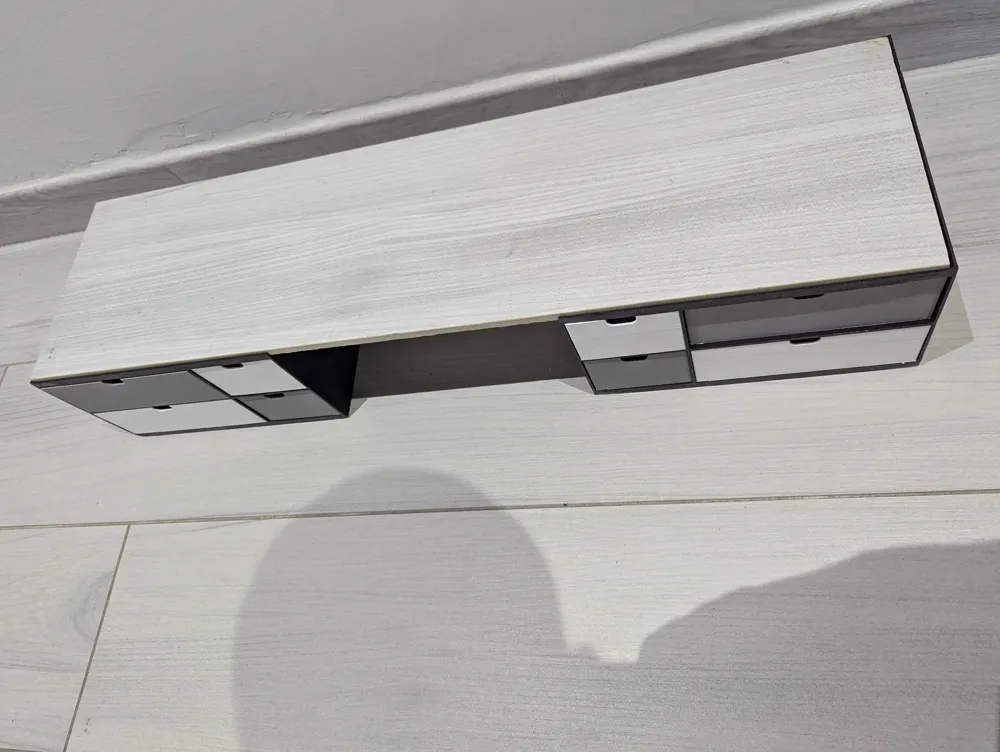
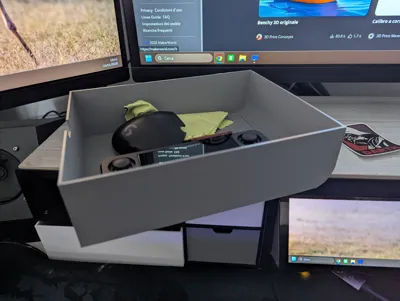
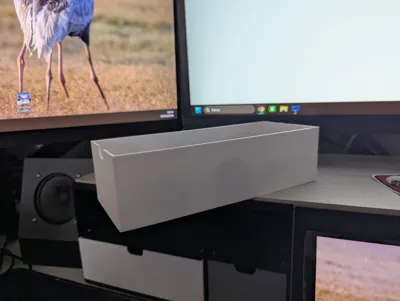
- Top Tray: Don't waste space! Configure a top tray with customizable sides (remove the left or right one if you want to place multiple modules side-by-side without interruption).
- "Easy Slide" Drawer: Activate curved mode for a rounded drawer back that facilitates insertion and printing.
5. 🔗 Infinite Connectivity (Bowtie Keys)
The system uses innovative ultra-flat "butterfly" keys (Bowtie Keys). You can decide how many connectors to have per side and their thickness, allowing you to attach modules above, below, to the right, or to the left with rock-solid stability.
🛠️ How to Use It on MakerLab
- Customize: Click the button to open the parameters.
- Configure: Play with master_total_width, row_ratios, and handle_type to see the design change before your eyes.
- Export:
- Select mode = "frame" to print the casing.
- Select mode = "drawer", choosing the specific row and column (target_col, target_row) to print the drawers one by one.
- Select mode = "keys" to print the necessary connectors.
Stop searching for the perfect organizer. Create it now. Leave a ❤️ if you appreciate the flexibility and share your ideal configuration in the comments!
#3Dprinting #MakerLab #Parametric #Organizer #Customizable #DIY
License

You shall not share, sub-license, sell, rent, host, transfer, or distribute in any way the digital or 3D printed versions of this object, nor any other derivative work of this object in its digital or physical format (including - but not limited to - remixes of this object, and hosting on other digital platforms). The objects may not be used without permission in any way whatsoever in which you charge money, or collect fees.


Comment & Rating (2)