
Tablet Stand - Born for drawing and writing
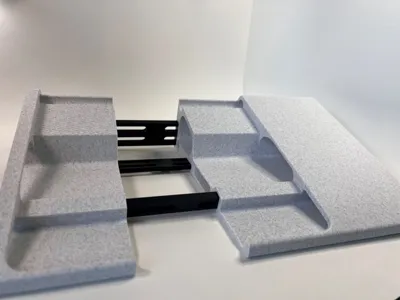
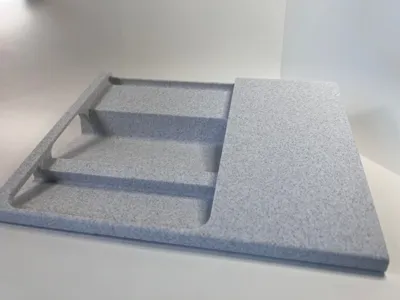
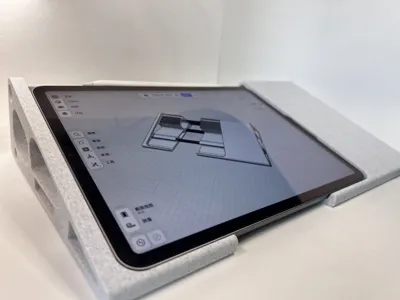
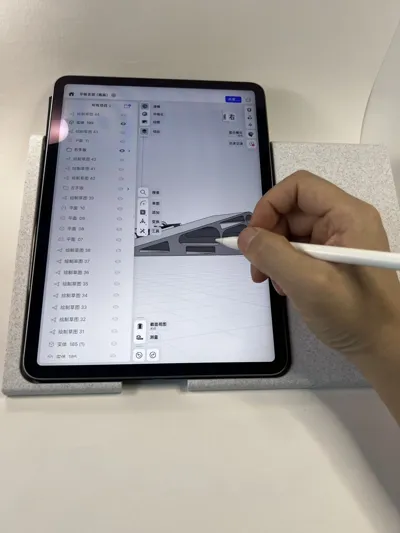
Print Profile(5)


Description
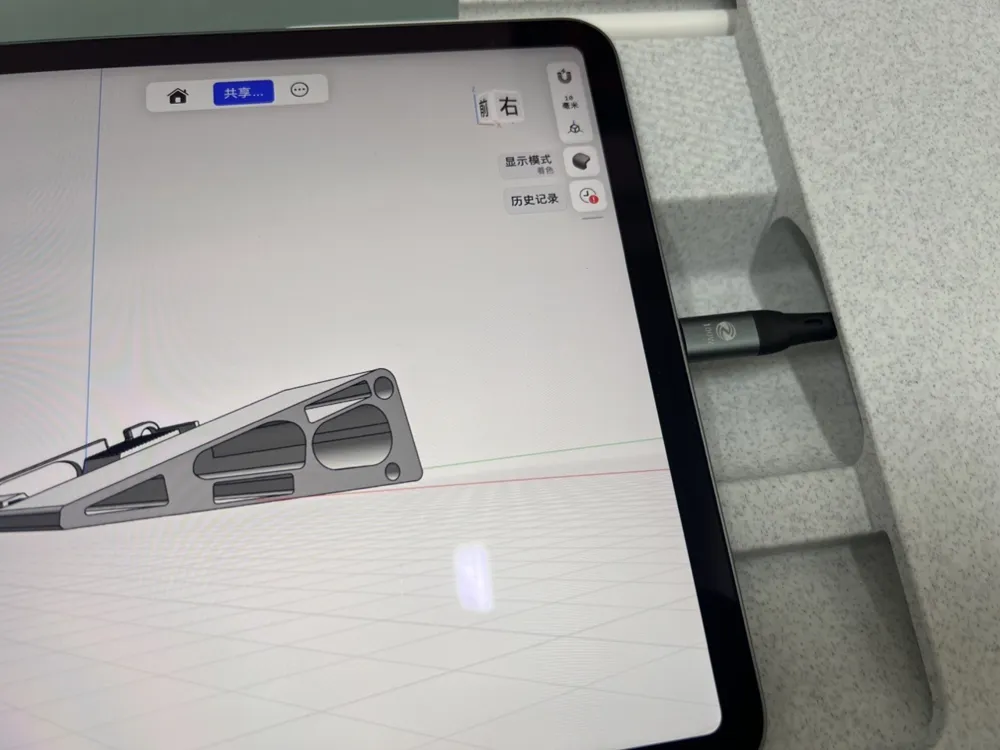
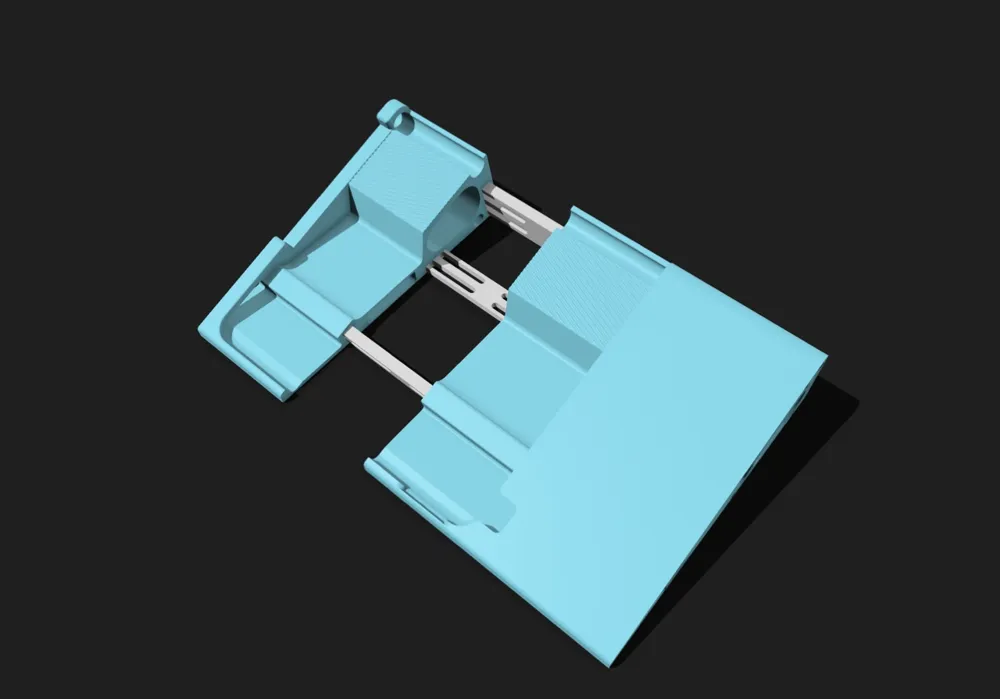
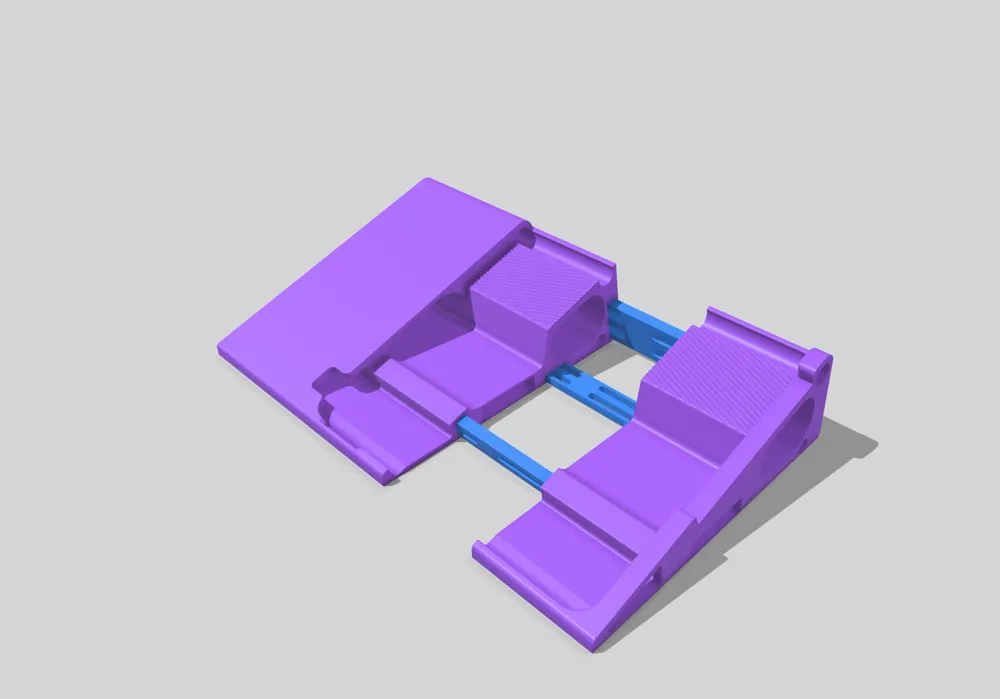
Updated on February 13, 2026: As suggested by Bilibili user (Galaxy - Distant Legend), a new version has been added with optimized power button and charging port for the 12.9-inch iPad, only modifying the left side while other parts remain unchanged For 12.9-inch tablets, this version is recommended for printing, and those who have already printed only need to print the left part
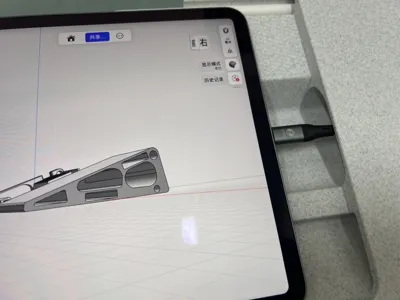
Updated on February 2, 2026: As suggested by Bilibili user (SJRha), for the right-handed version, the left charging port area has been reserved, and correspondingly, the power button and volume keys in the lower right corner are hollowed out Heavy users who need to charge with a case can print this version
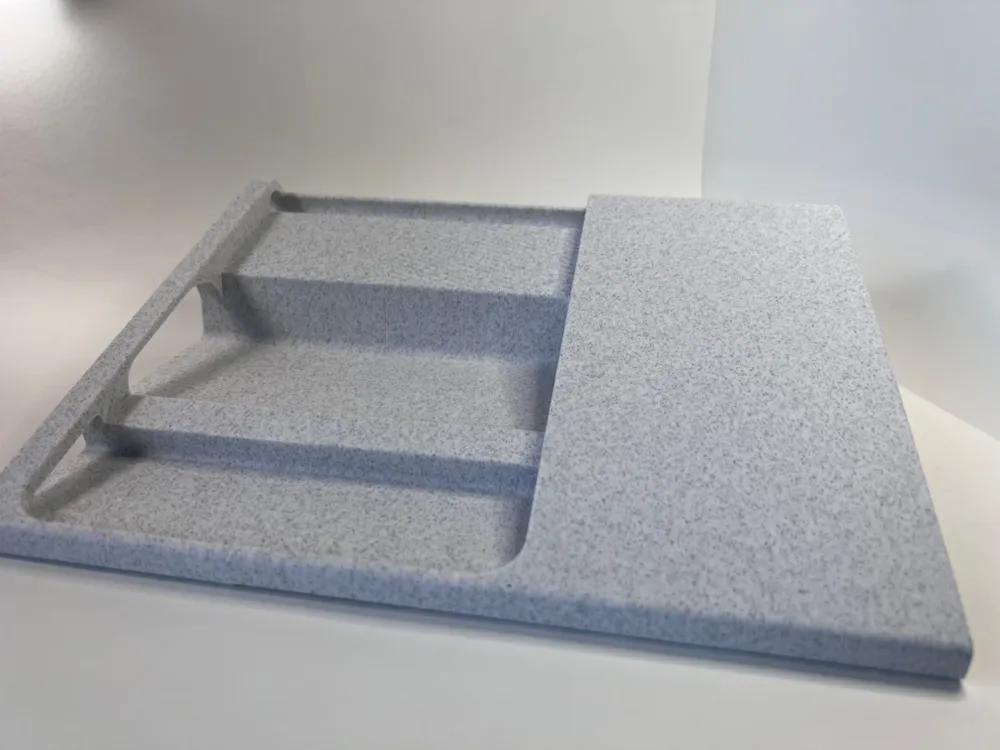
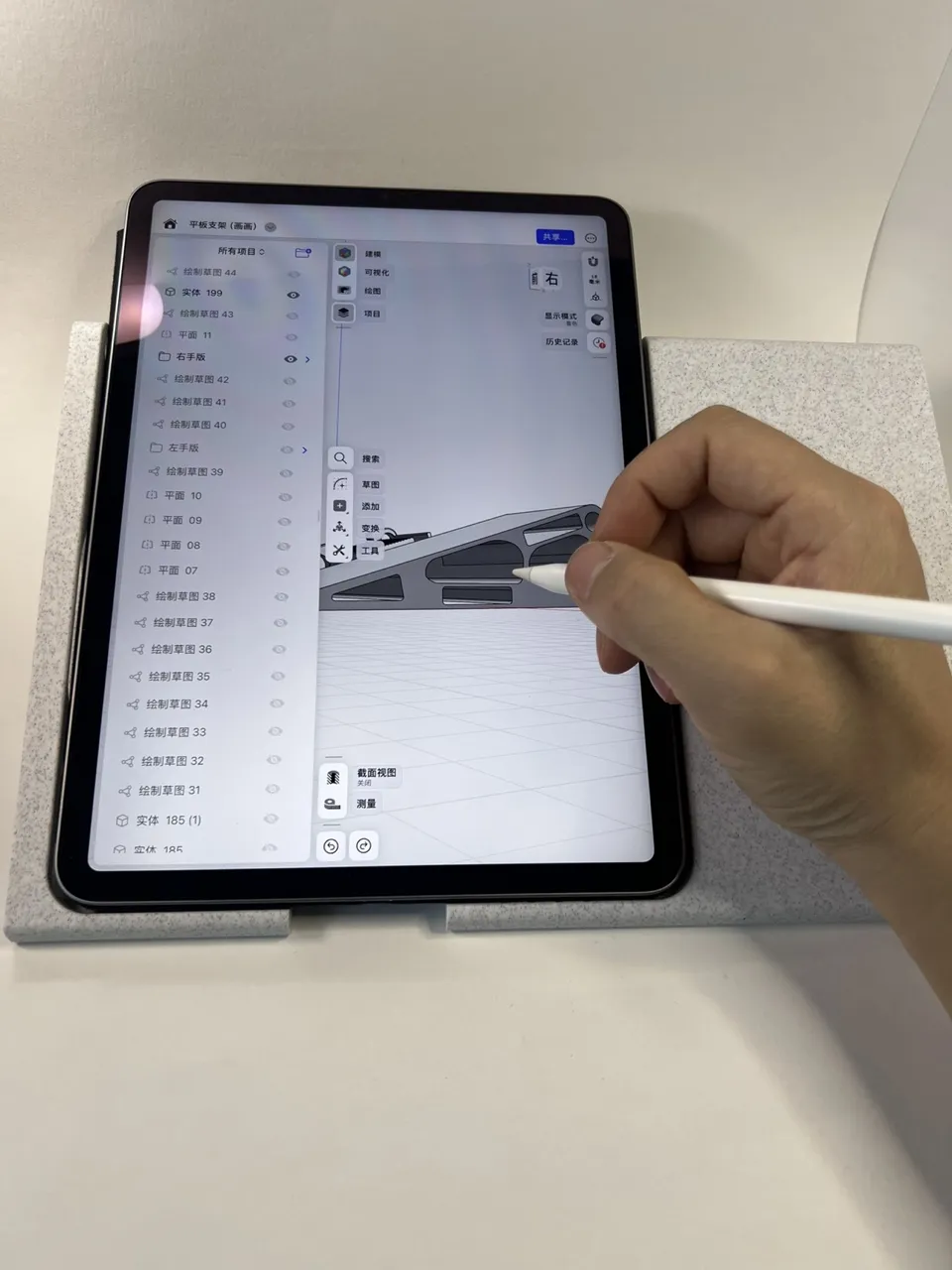
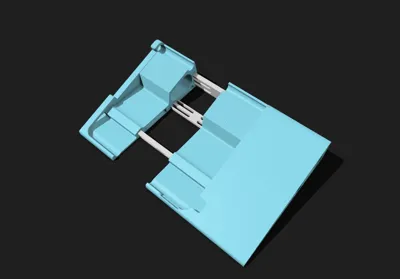
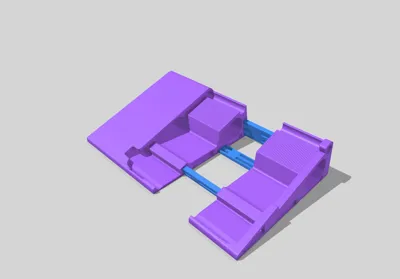
Two versions, left-handed and right-handed, are provided Please distinguish your usage habits before printing
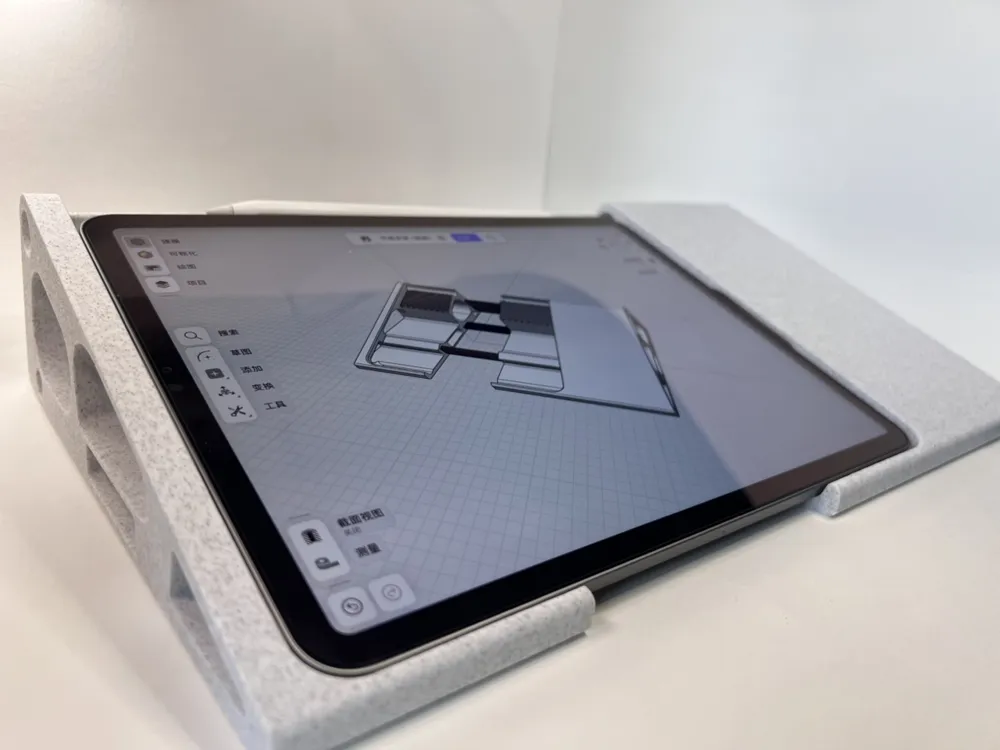
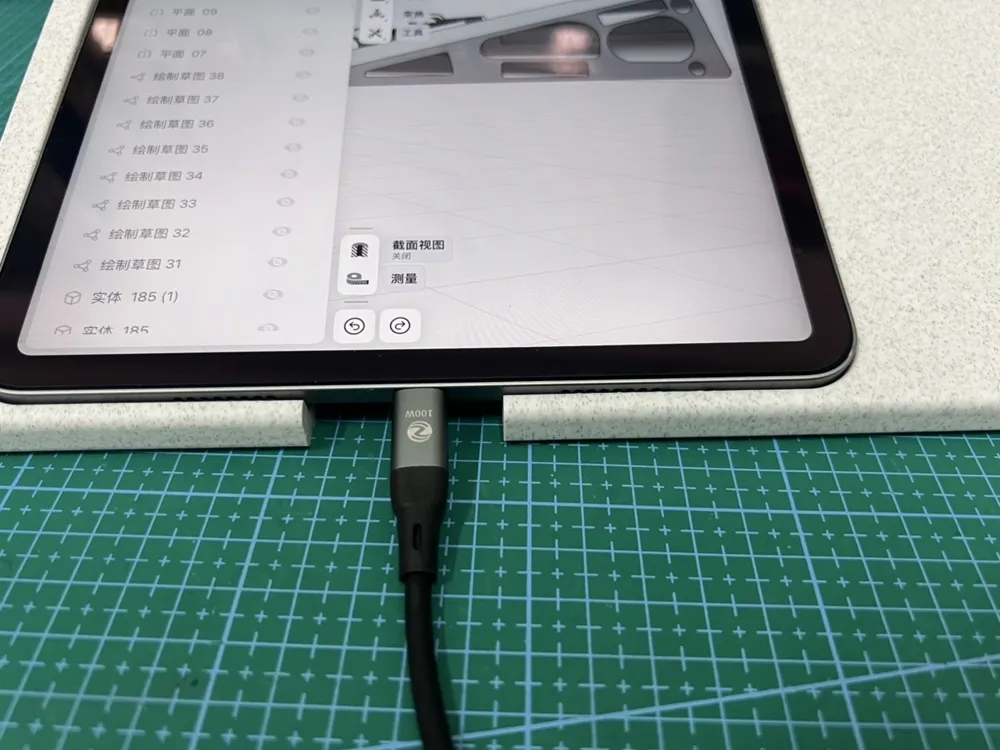
I use the 11-inch iPad Pro (2022 model) if you also have this model, the power port is perfectly compatible
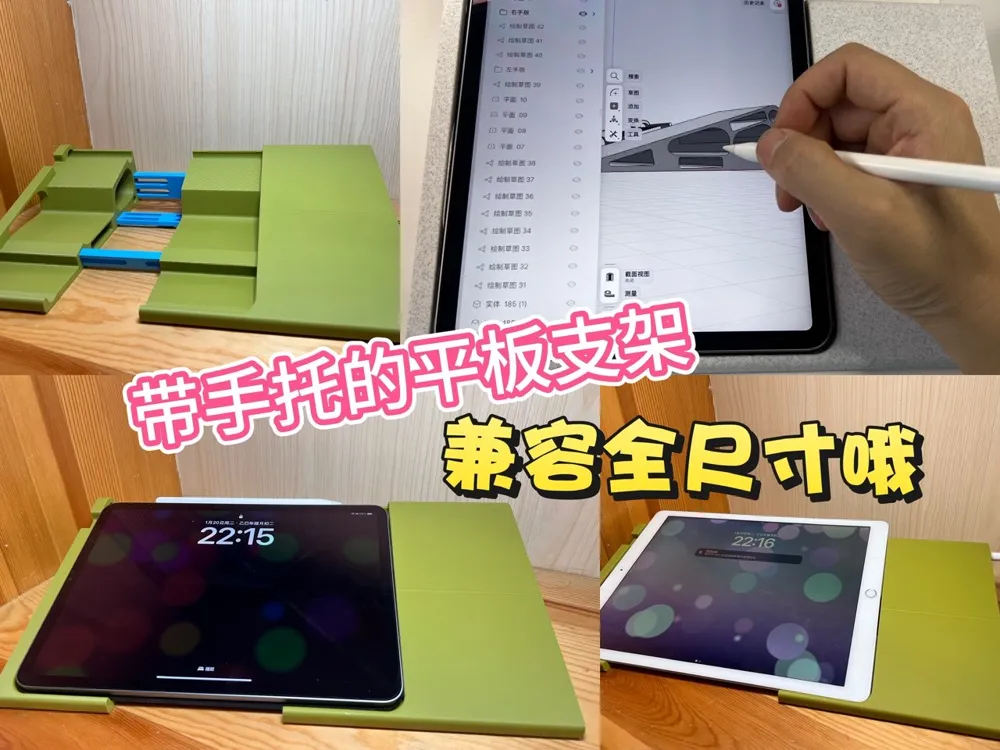
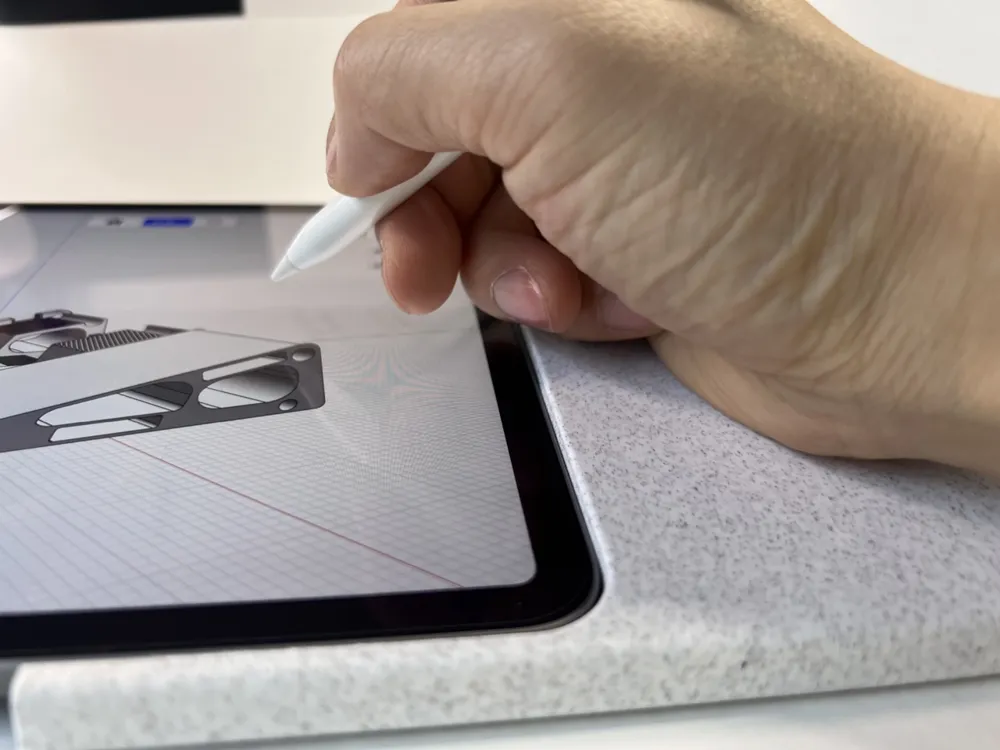
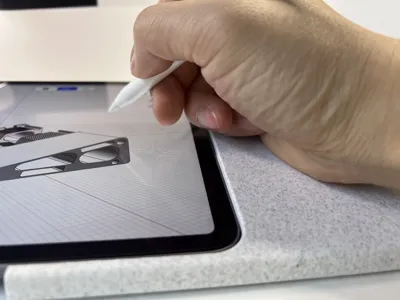
Are you still bothered by wrist suspension and awkward posture when drawing or writing on your tablet Try this 3D Printed adjustable tablet stand designed for digital drawing and note-taking
✨ Design Core: Born for 'writing' and 'drawing', usable with or without a case
18° Golden Tilt Angle: An ergonomically tested angle that perfectly balances comfort and precision
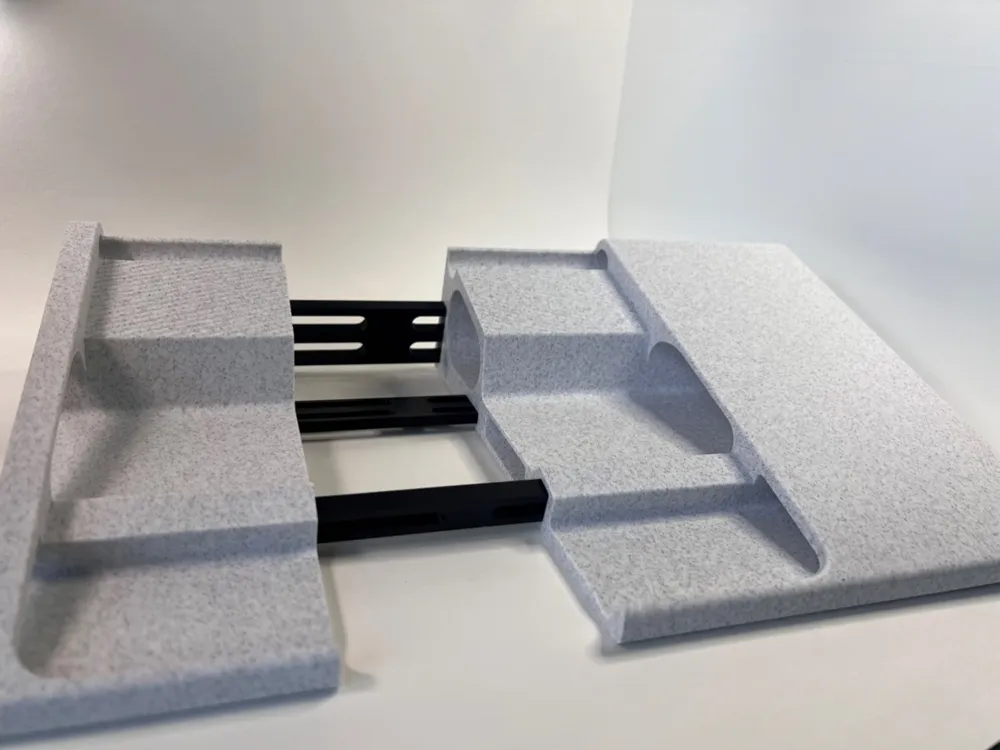
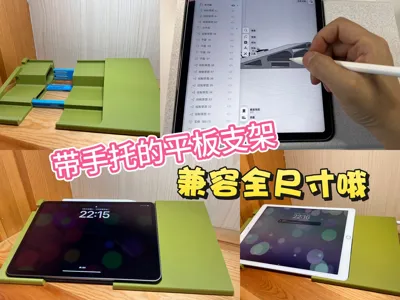
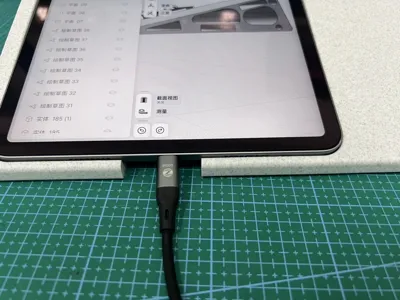
Full Size Compatibility: Just place your tablet, push, and it adapts to various tablets from mini to Pro sizes—usable with a case, and can charge while drawing without a case
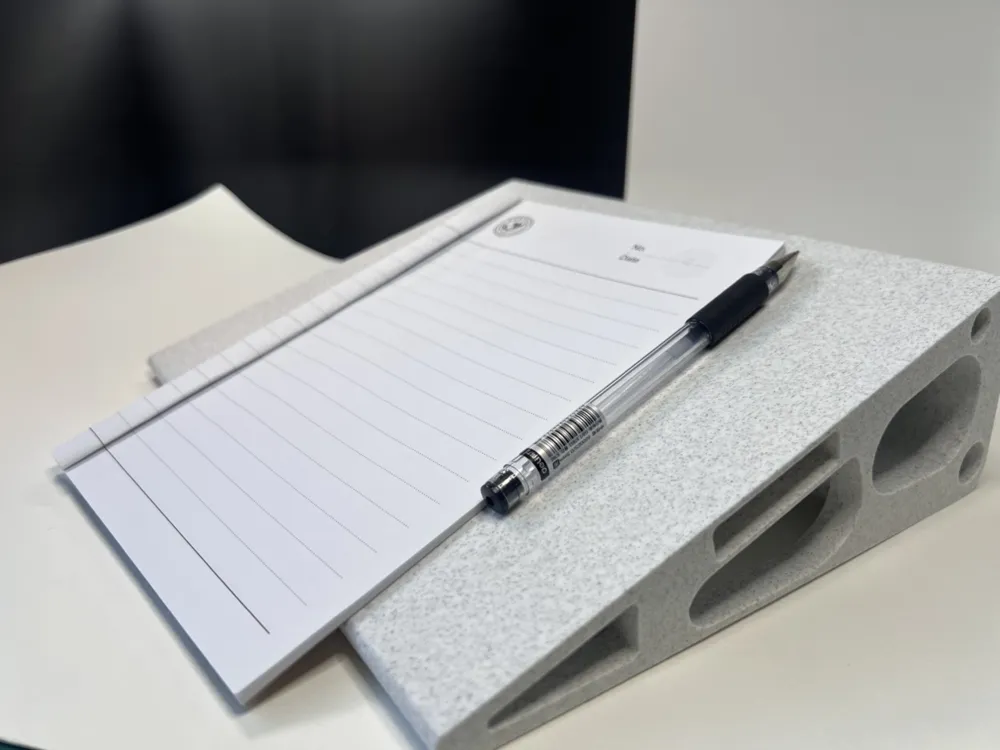
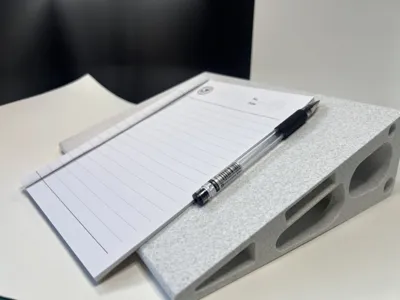
Versatile Usage Scenarios: The front is for drawing mode, flip it over for a writing/reading stand
🎨 Wide Adaptability, Ready to Use
📸 Who is it for
Digital drawing enthusiasts, illustrators, graphic designers, 3D modelers, especially for Shapr3D
College students and teachers who frequently take notes on tablets
Office workers who enjoy reading and annotating documents on tablets
Geeks who want to improve desktop tidiness and device utilization
License

You shall not share, sub-license, sell, rent, host, transfer, or distribute in any way the digital or 3D printed versions of this object, nor any other derivative work of this object in its digital or physical format (including - but not limited to - remixes of this object, and hosting on other digital platforms). The objects may not be used without permission in any way whatsoever in which you charge money, or collect fees.


Comment & Rating (0)