
AMS Hub holder for A1
Print Profile(1)

Description
❤️Support
Like my model's? You can support my work via MakerWorld Boost or Buy me a coffee. Thank you!
Membership
Join my Commercial license and profit from selling physical print of my models
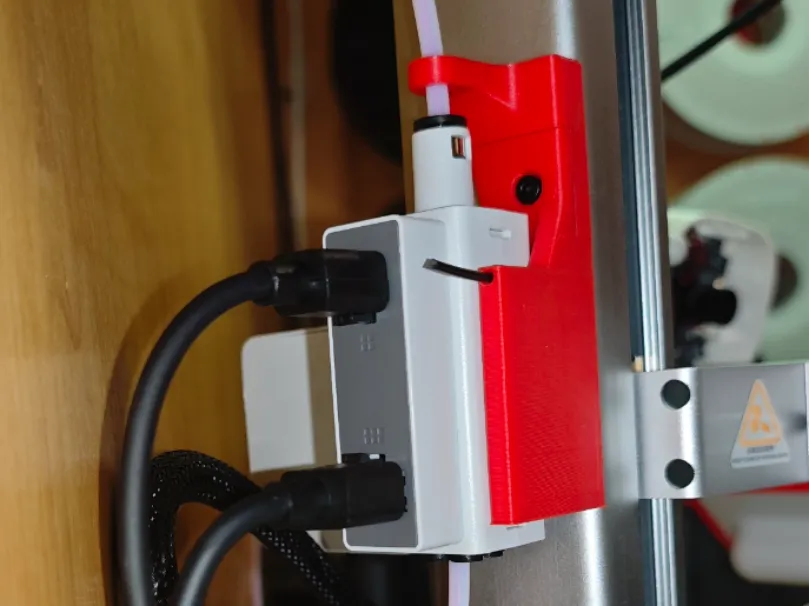
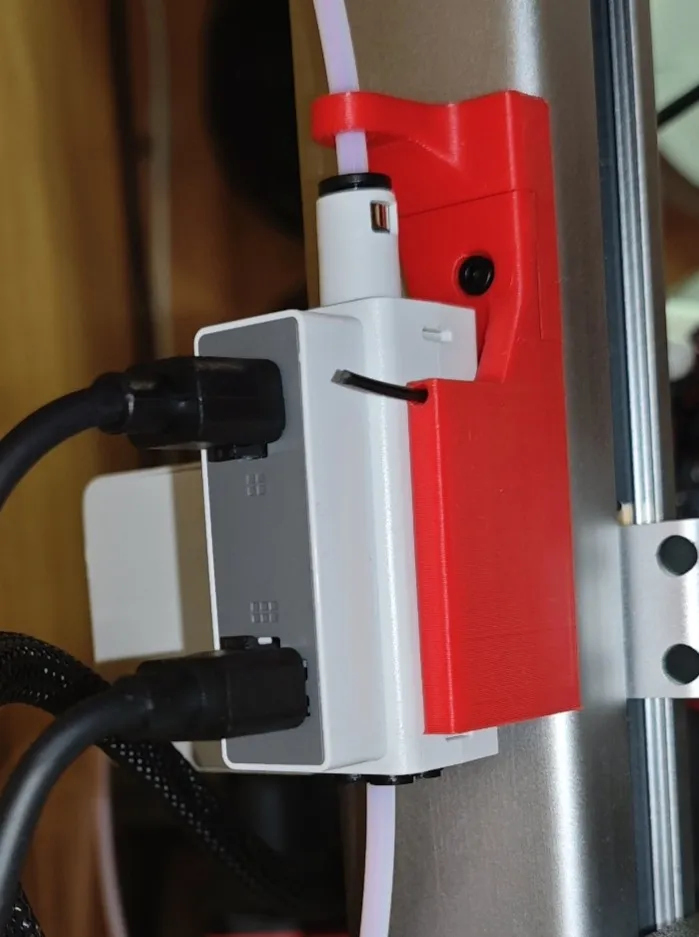
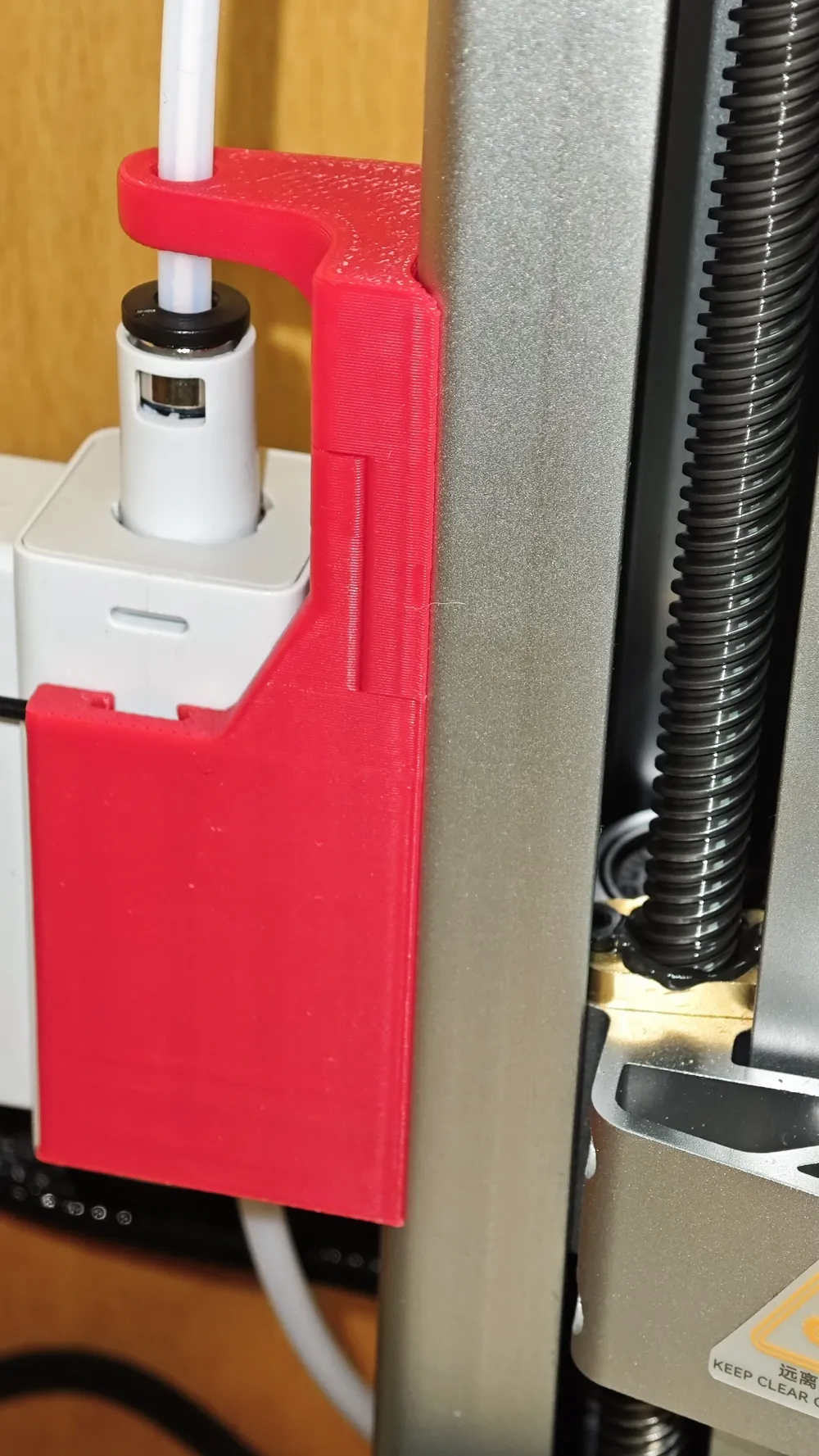
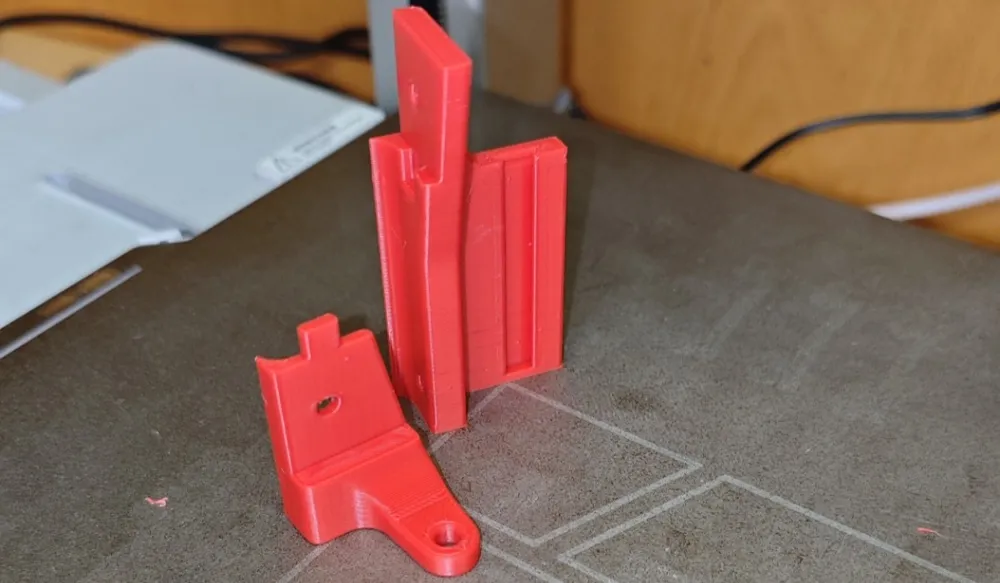
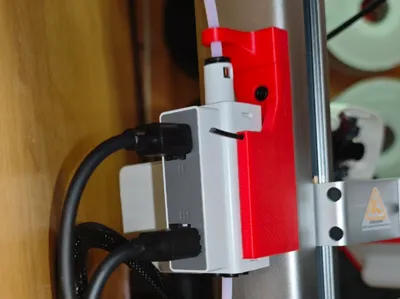
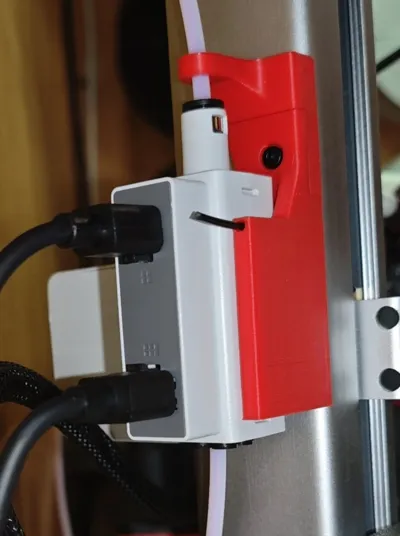
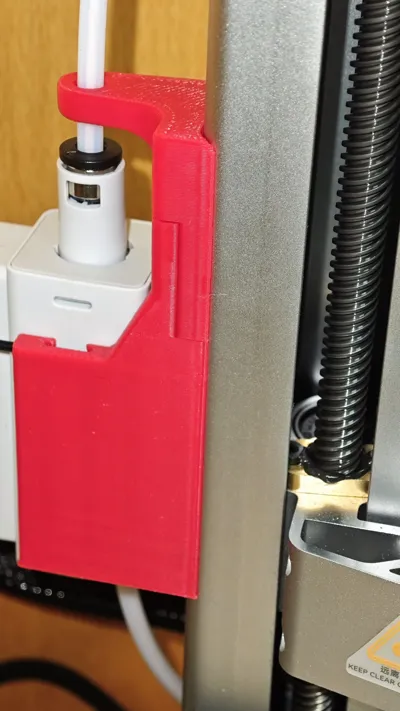
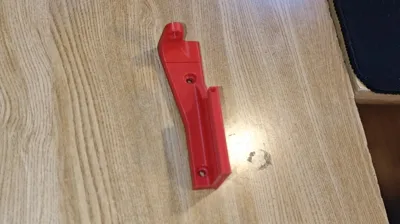
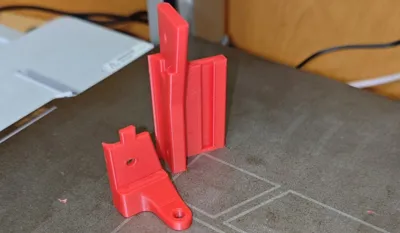
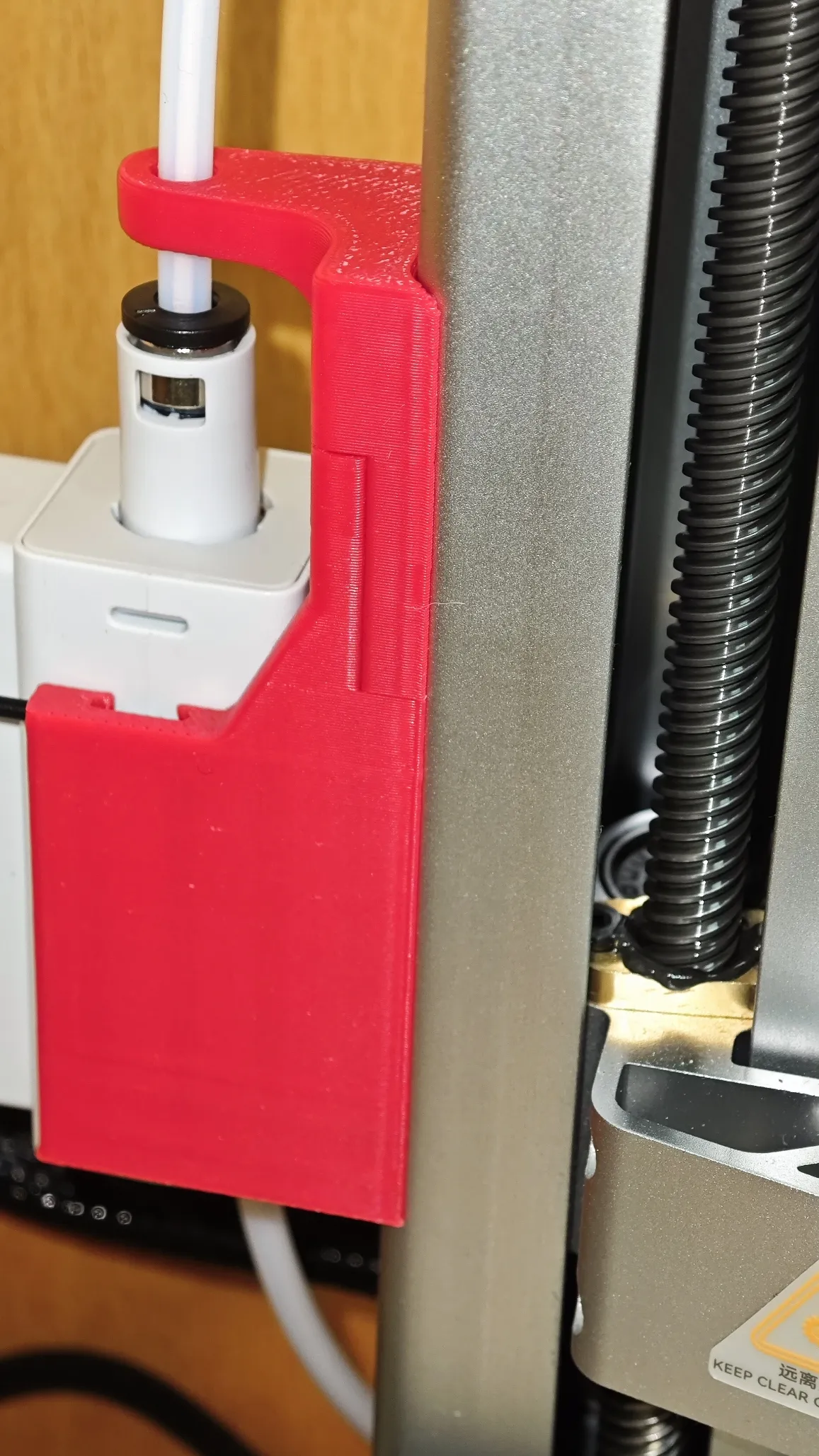
AMS Hub Mount for Bambu Lab A1 provides a secure and stable way to attach the AMS hub directly to the printer. The mount features a locking mechanism to prevent the hub from popping out and a PTFE tube guide to reduce bending and ensure smooth filament feeding. It is designed as a two-part construction for high strength and easy, support-free 3D printing.
The mount follows the exact radius of the printer’s rear frame, creating a clean, seamless look that naturally continues the original design of the printer.
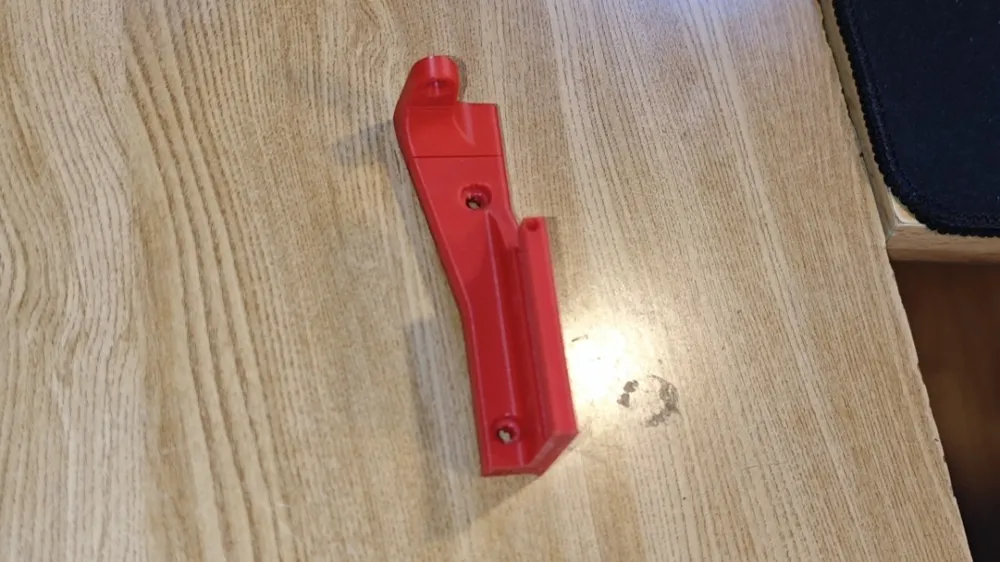
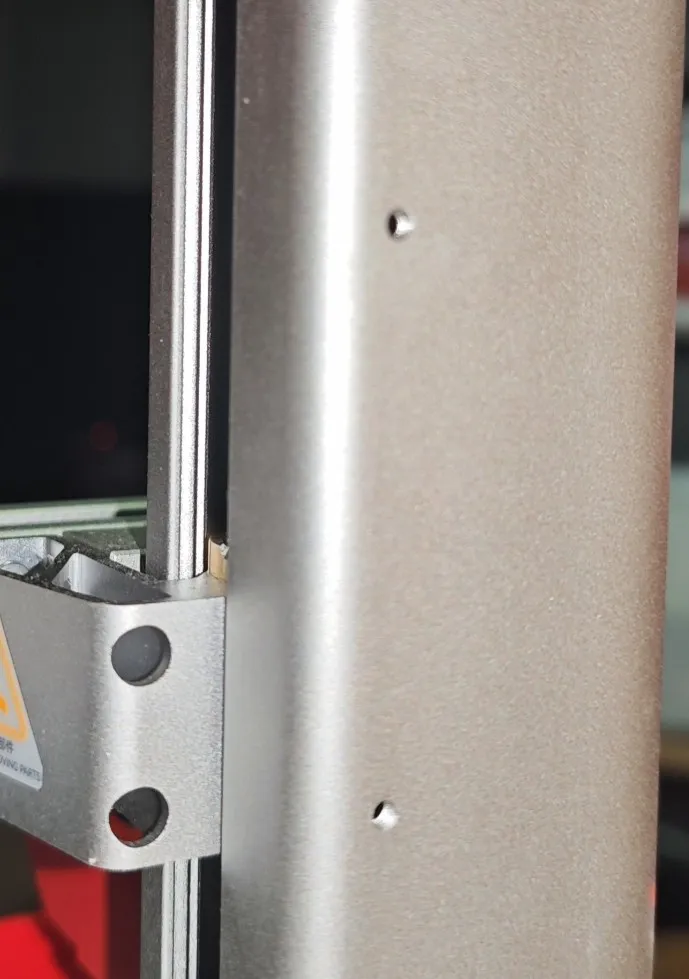
It mounts to the rear frame using M3 threaded holes with 53 mm spacing and can be installed with the original M3×8 screws from the stock spool holder.
Assembly guide
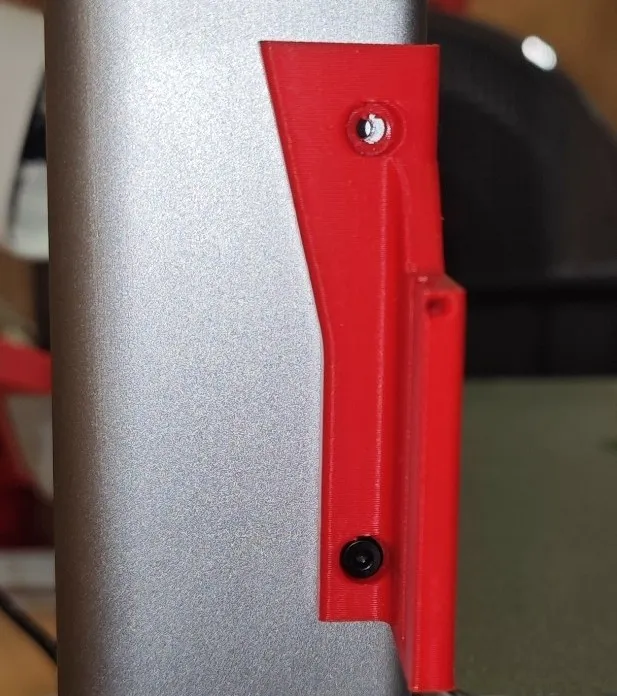
1. Screw the bottom part with the groove into the lower hole on the printer.
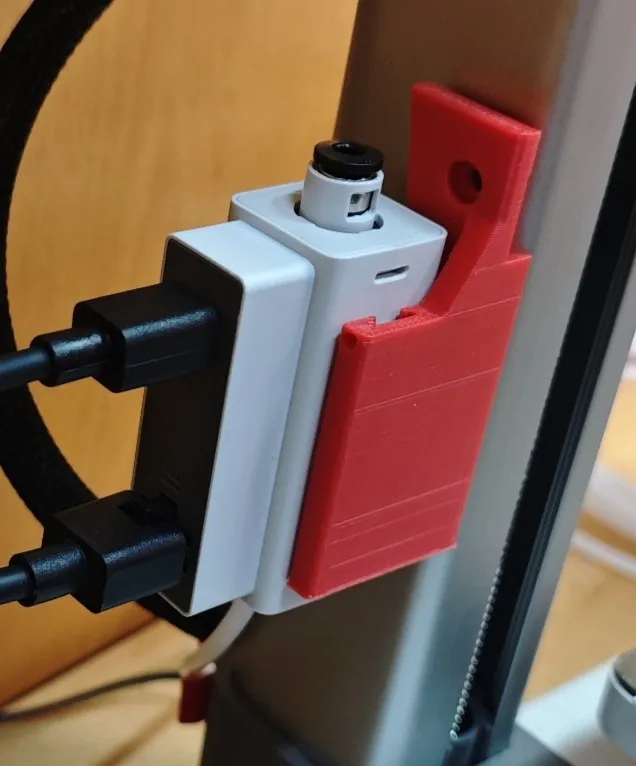
2. Insert the AMS hub.
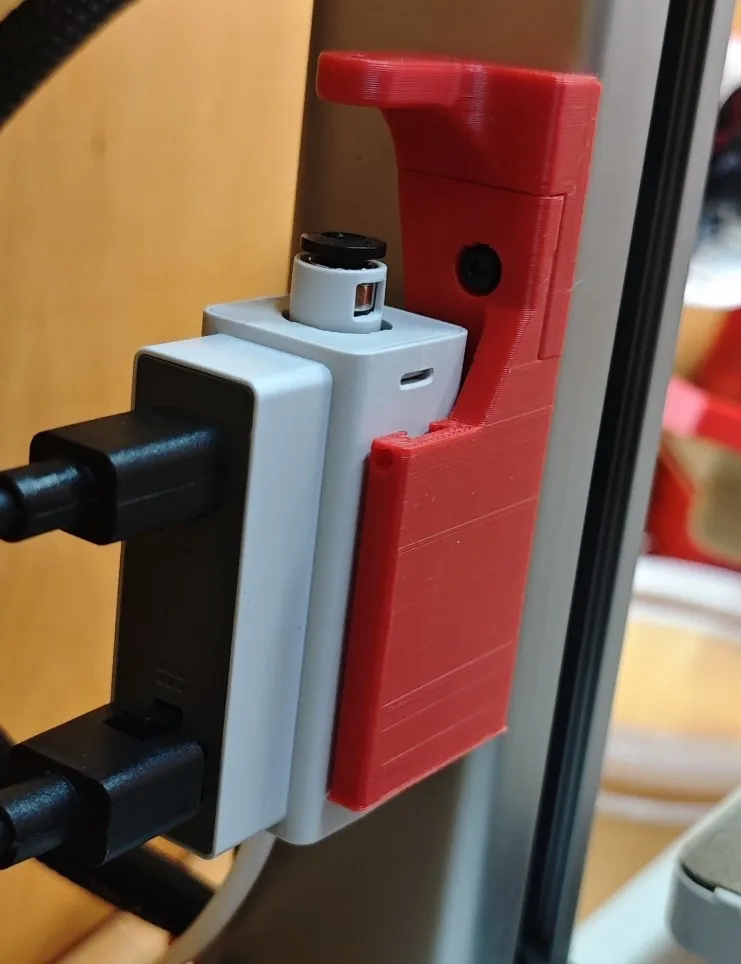
3. Place the top part and fasten both parts together through the shared hole into the upper hole in the frame.
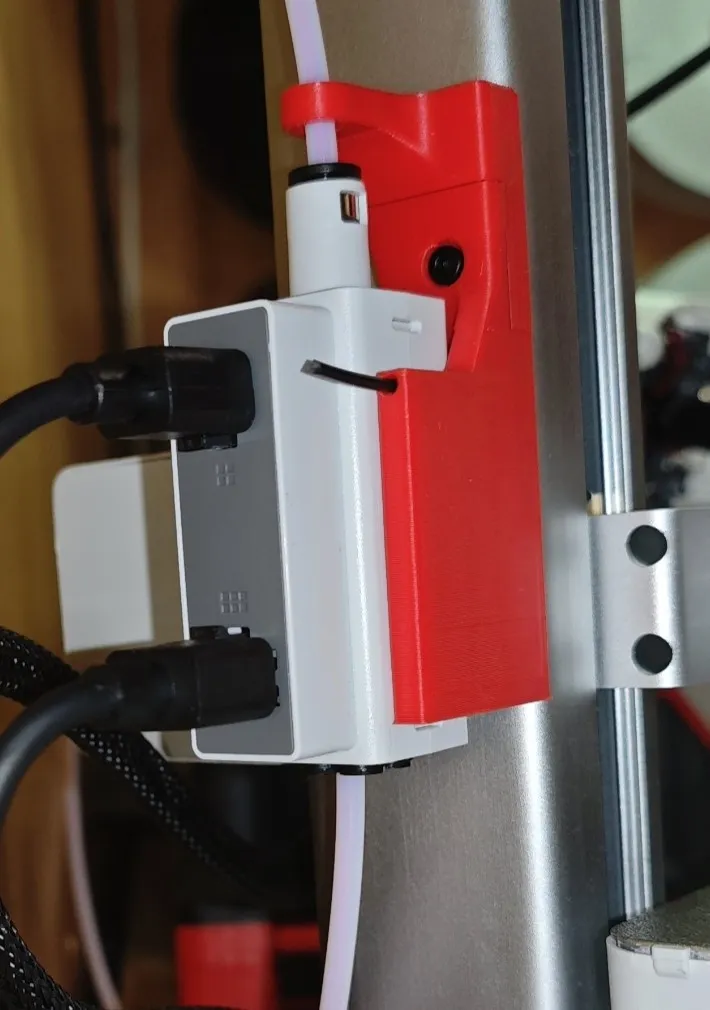
4. Put ptfe tube into the hub through ptfe guide. (Optional: lock ams hub on place by using small cutted part of filament with slightly pointed tip).
If you have AMS Hub, check my solution for Feeding error for AMS Hub which is common.
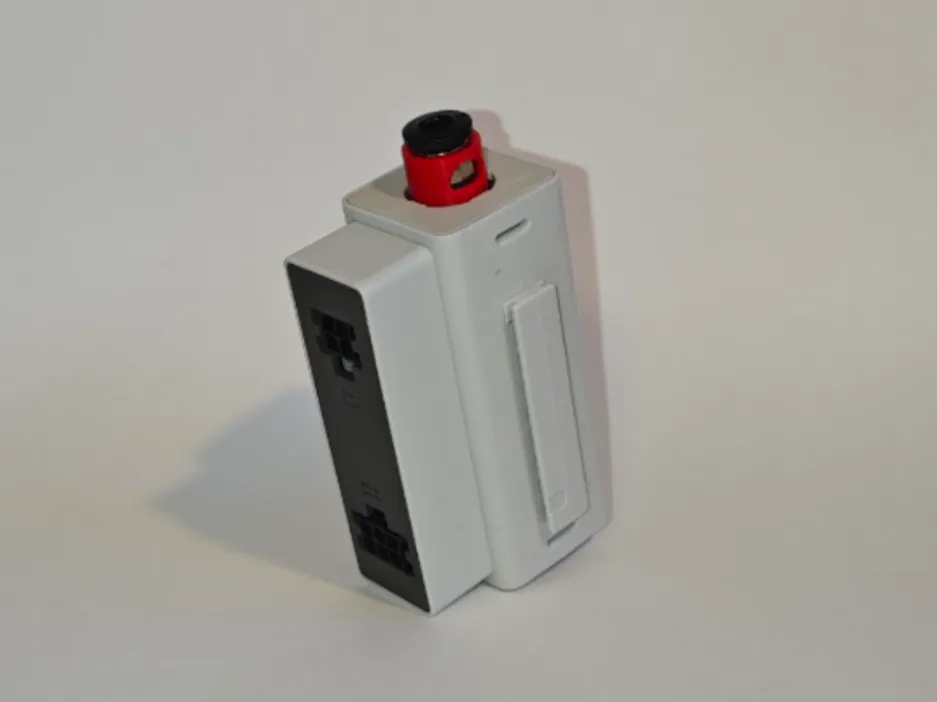
No support needed.
License

You shall not share, sub-license, sell, rent, host, transfer, or distribute in any way the digital or 3D printed versions of this object, nor any other derivative work of this object in its digital or physical format (including - but not limited to - remixes of this object, and hosting on other digital platforms). The objects may not be used without permission in any way whatsoever in which you charge money, or collect fees.


Comment & Rating (28)