
Tinytosh: Mini Retro PC & Smart WiFi Display ESP32
Print Profile(7)


Description
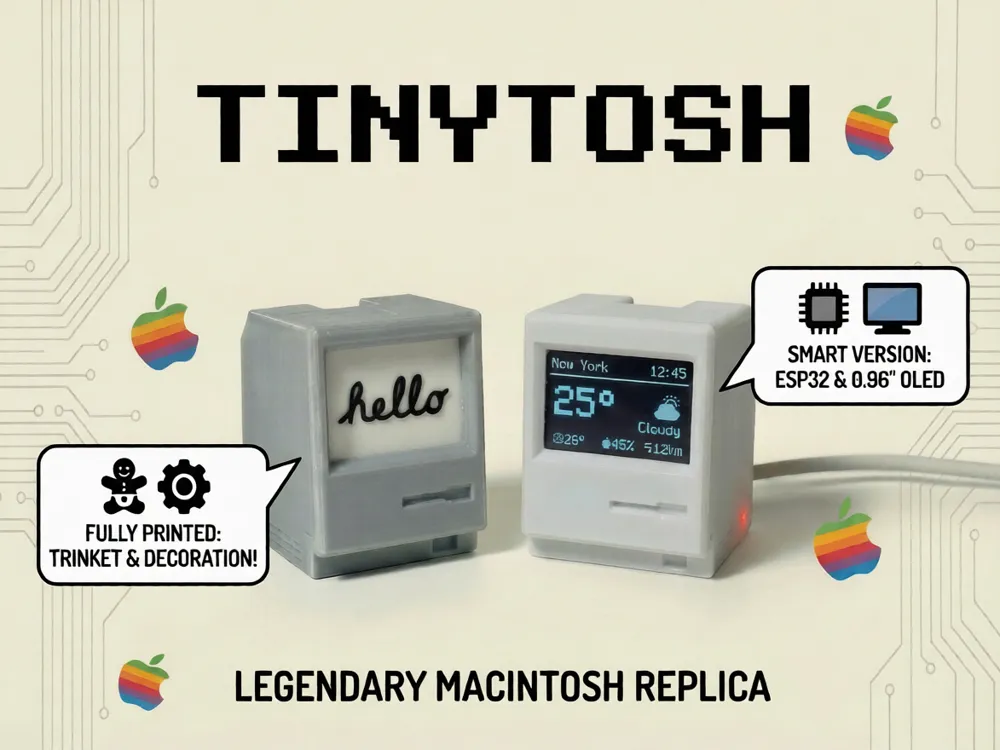
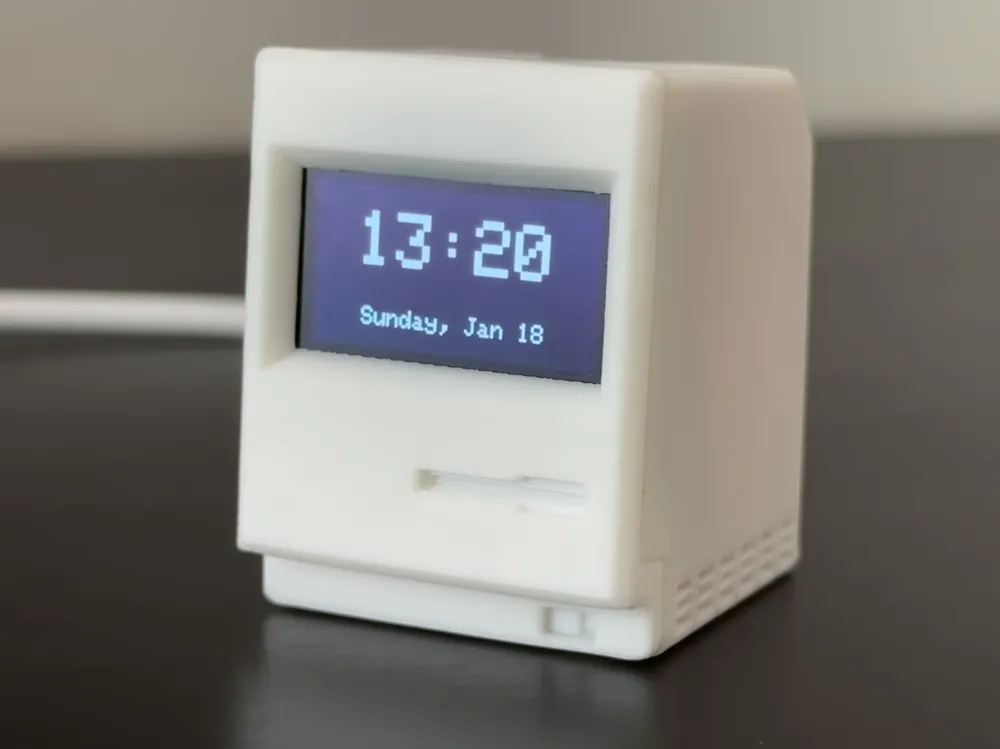
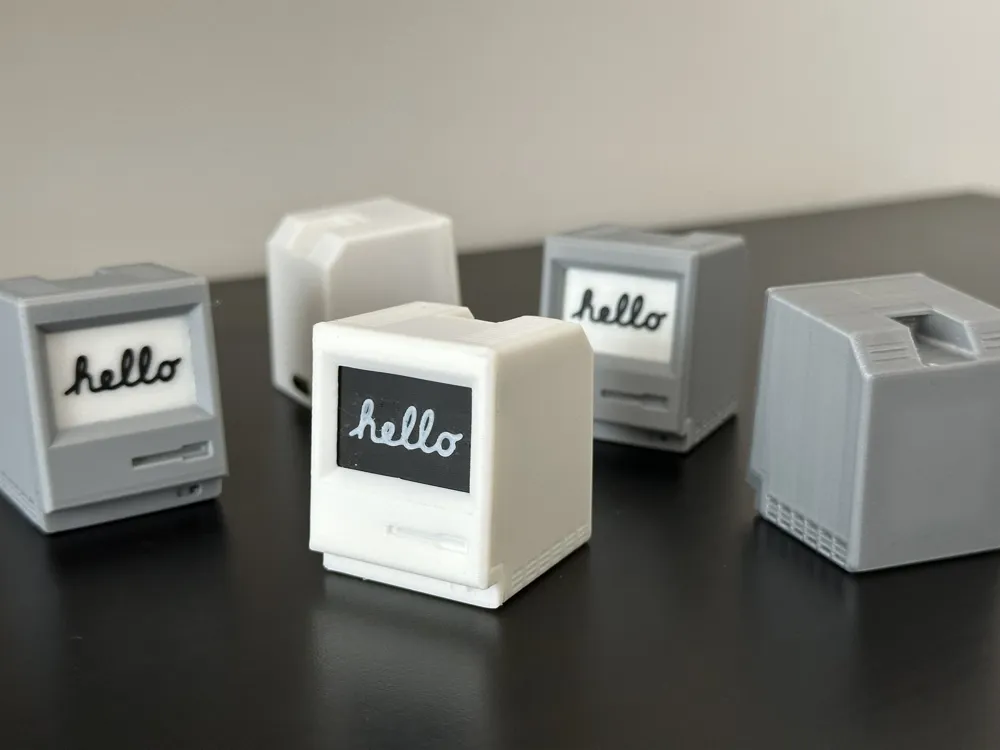
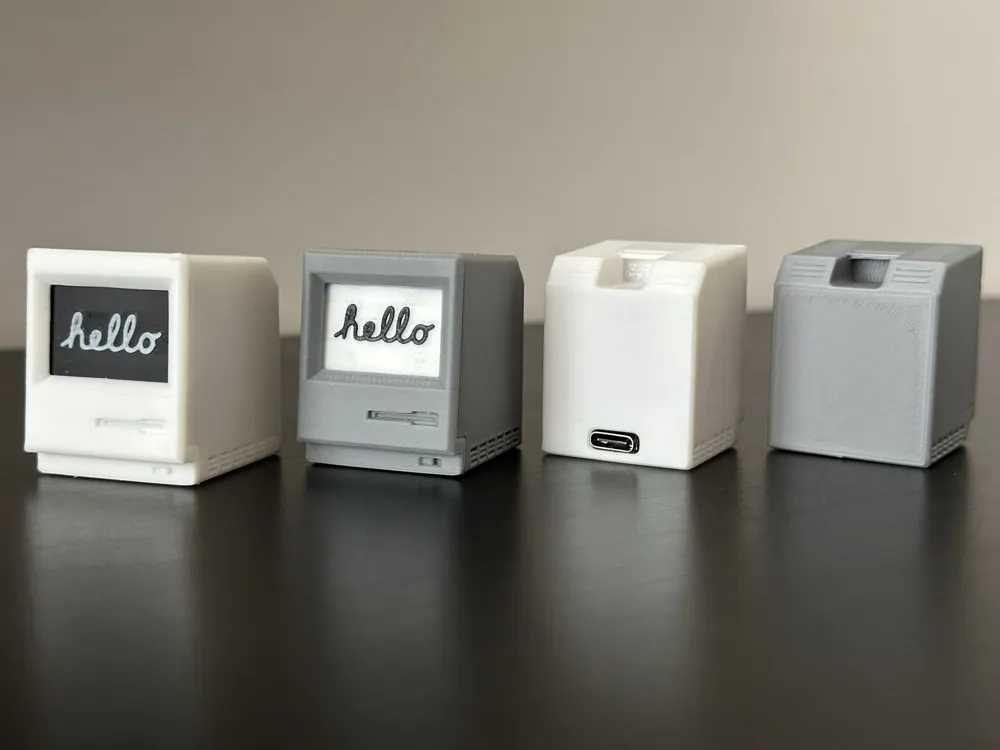
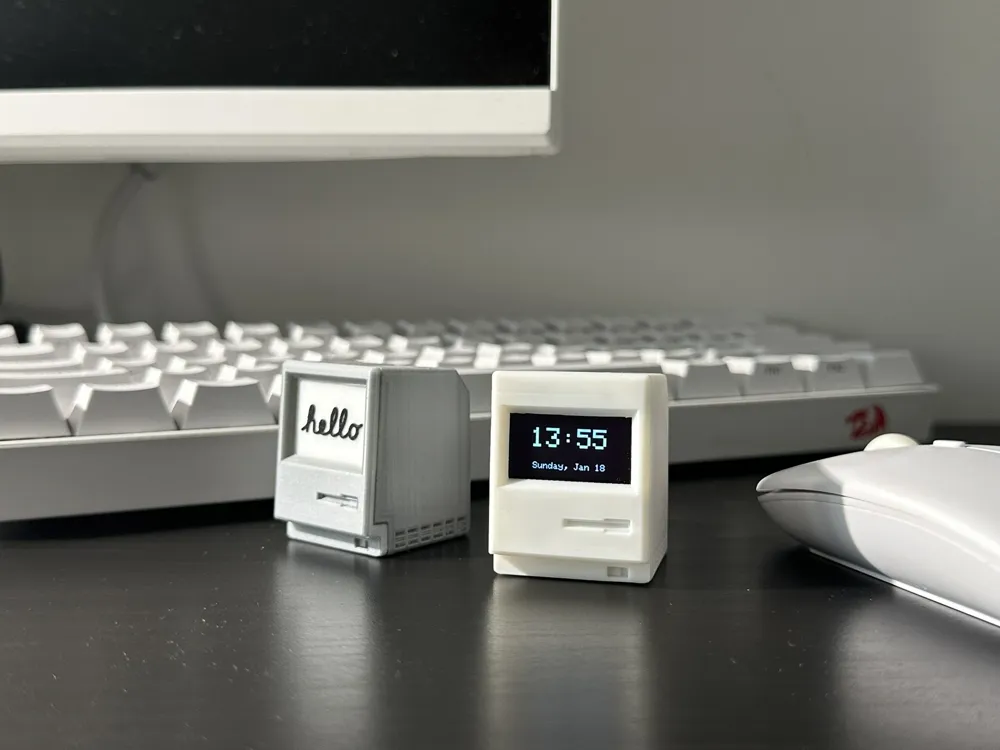
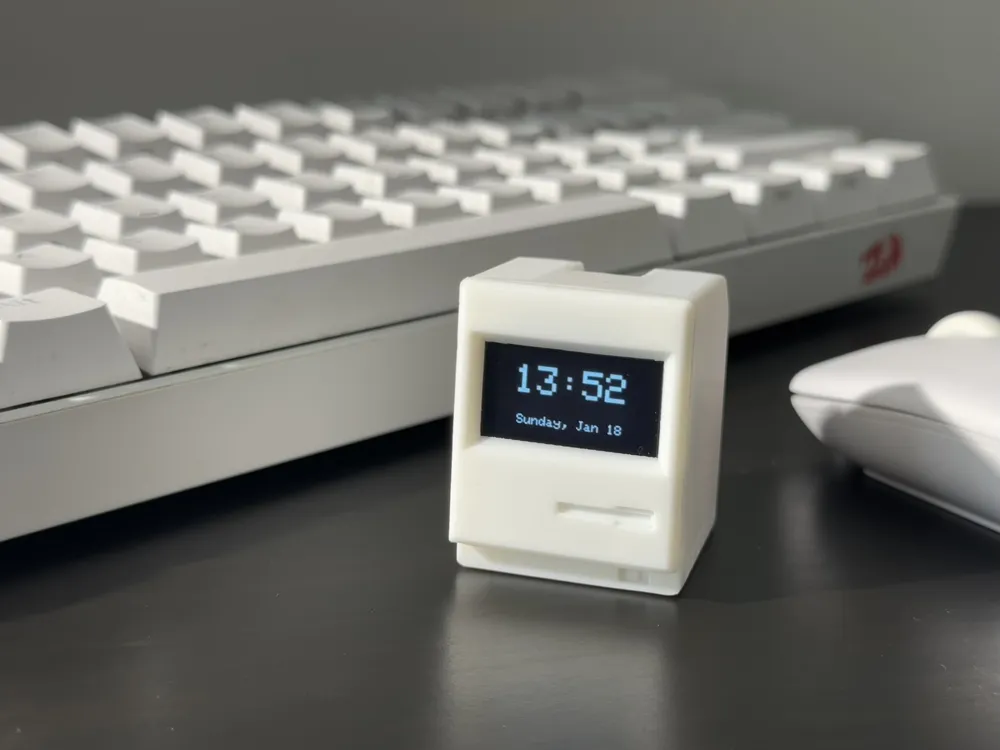
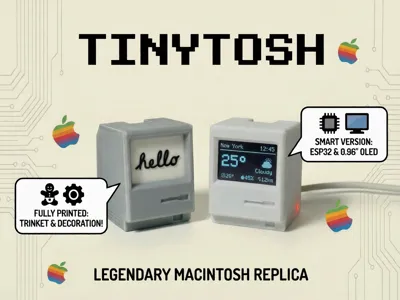
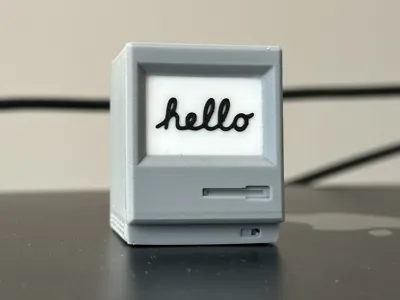
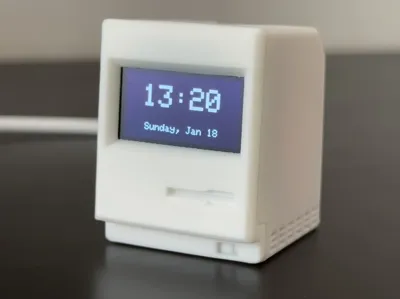
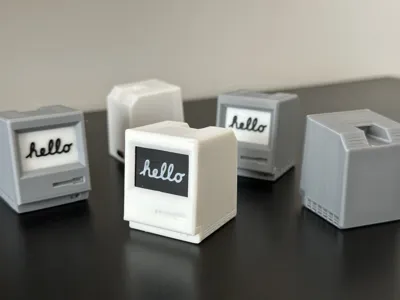
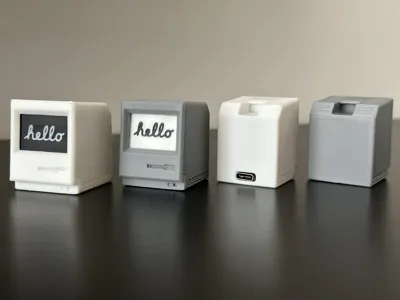
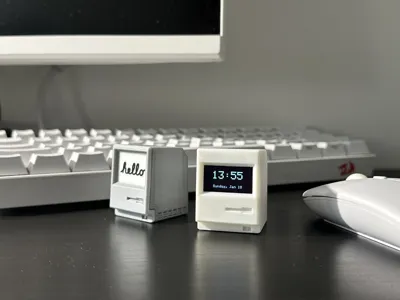
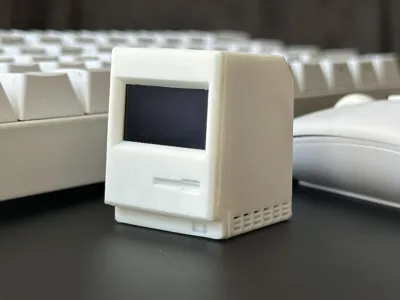
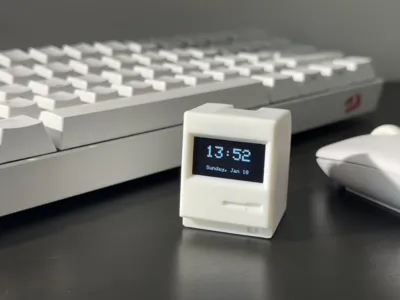
Meet Tinytosh. It looks like a computer from 1984 that shrank in the wash, but it packs a punch. Whether you want a cute desk toy, a custom electronics housing, or a fully functional smart dashboard, Tinytosh is designed for you.

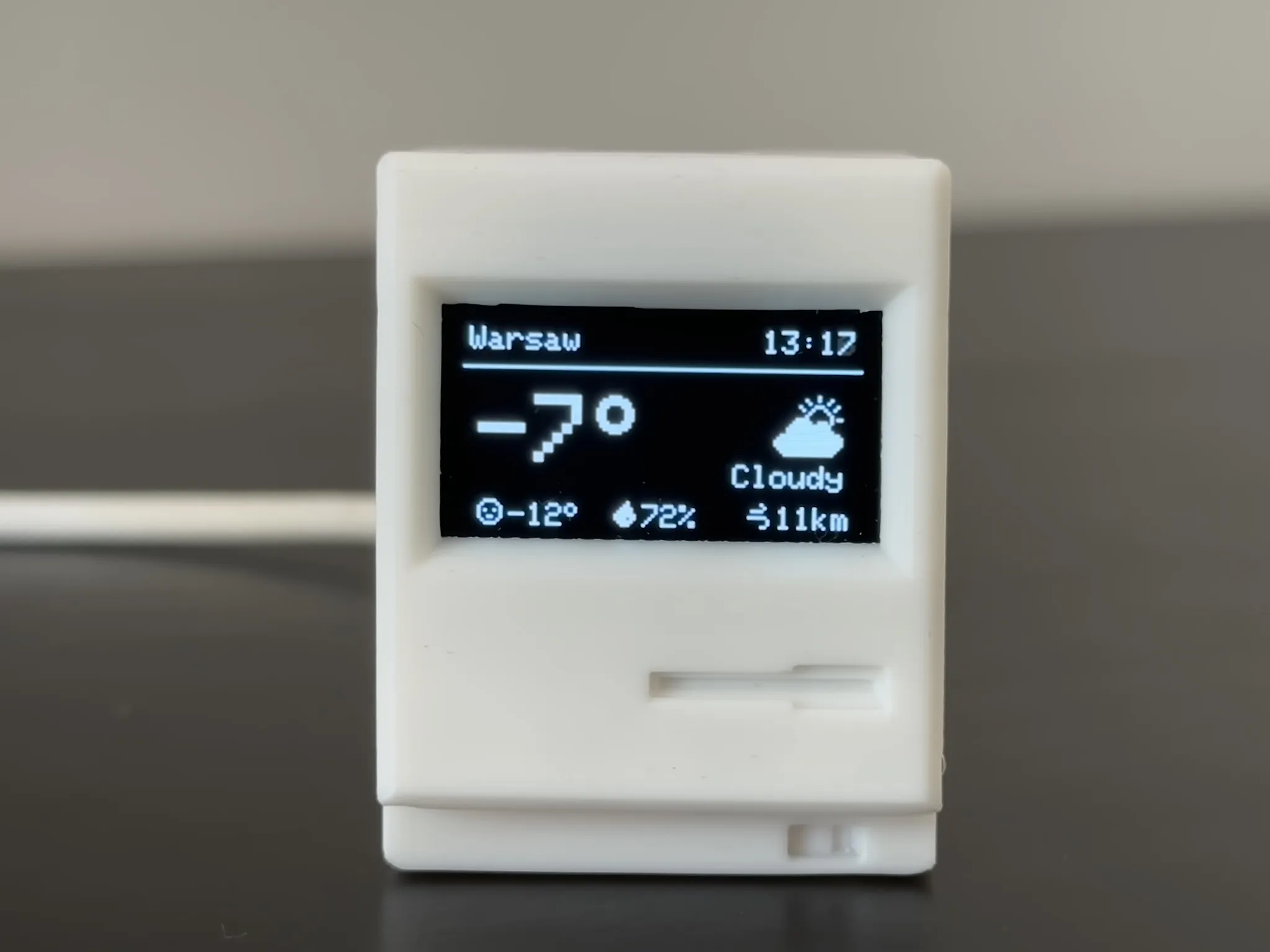
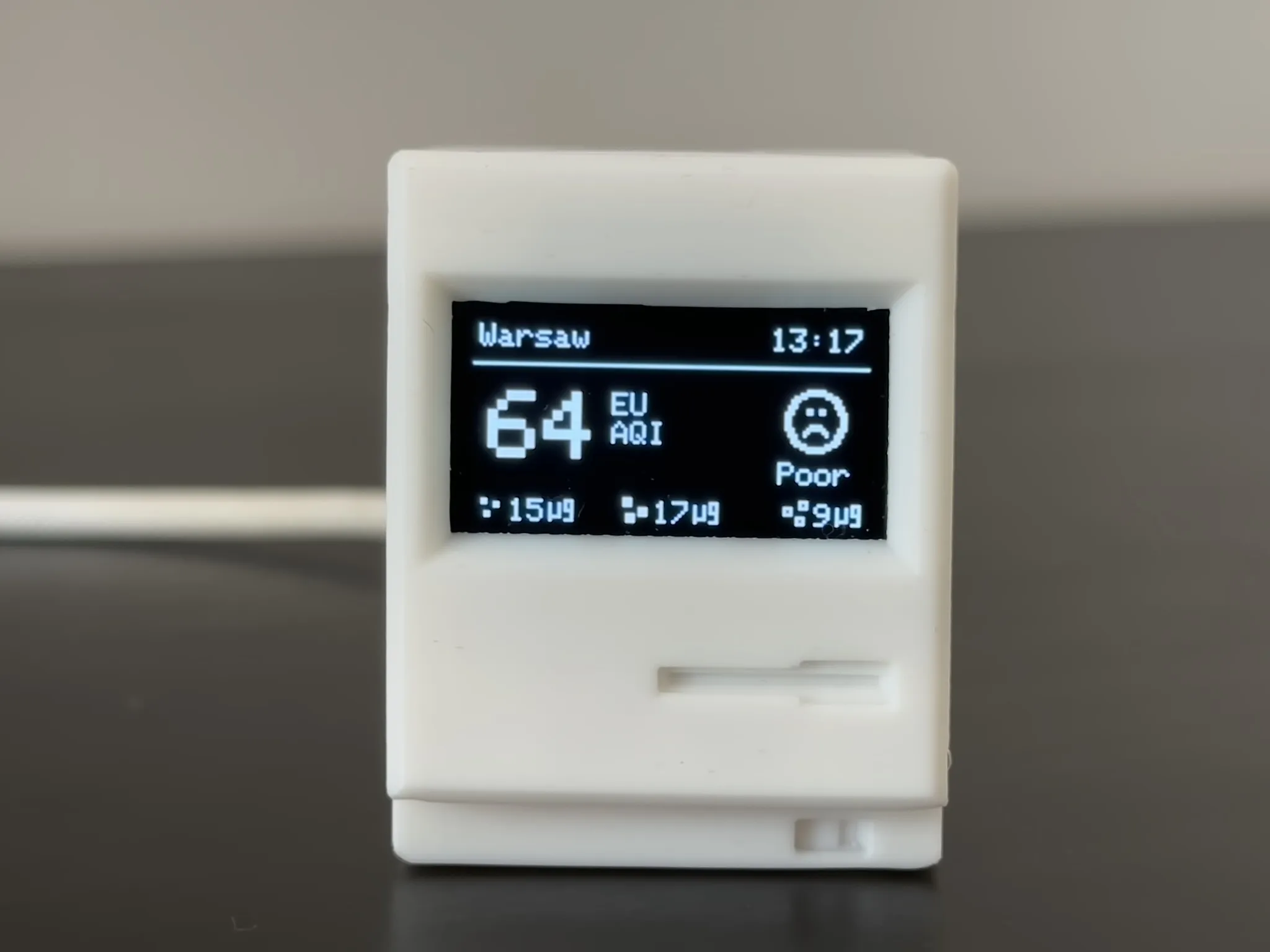
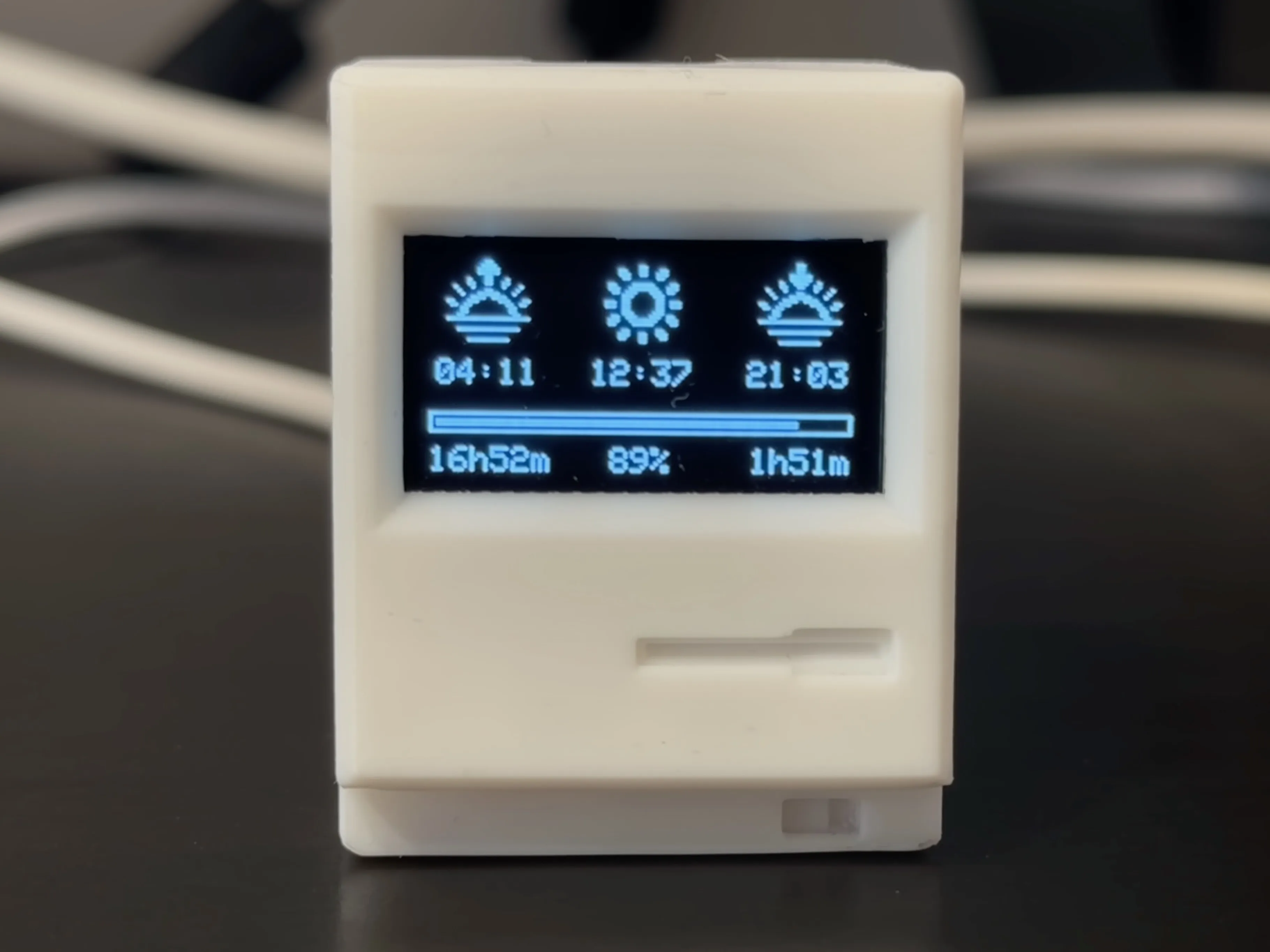
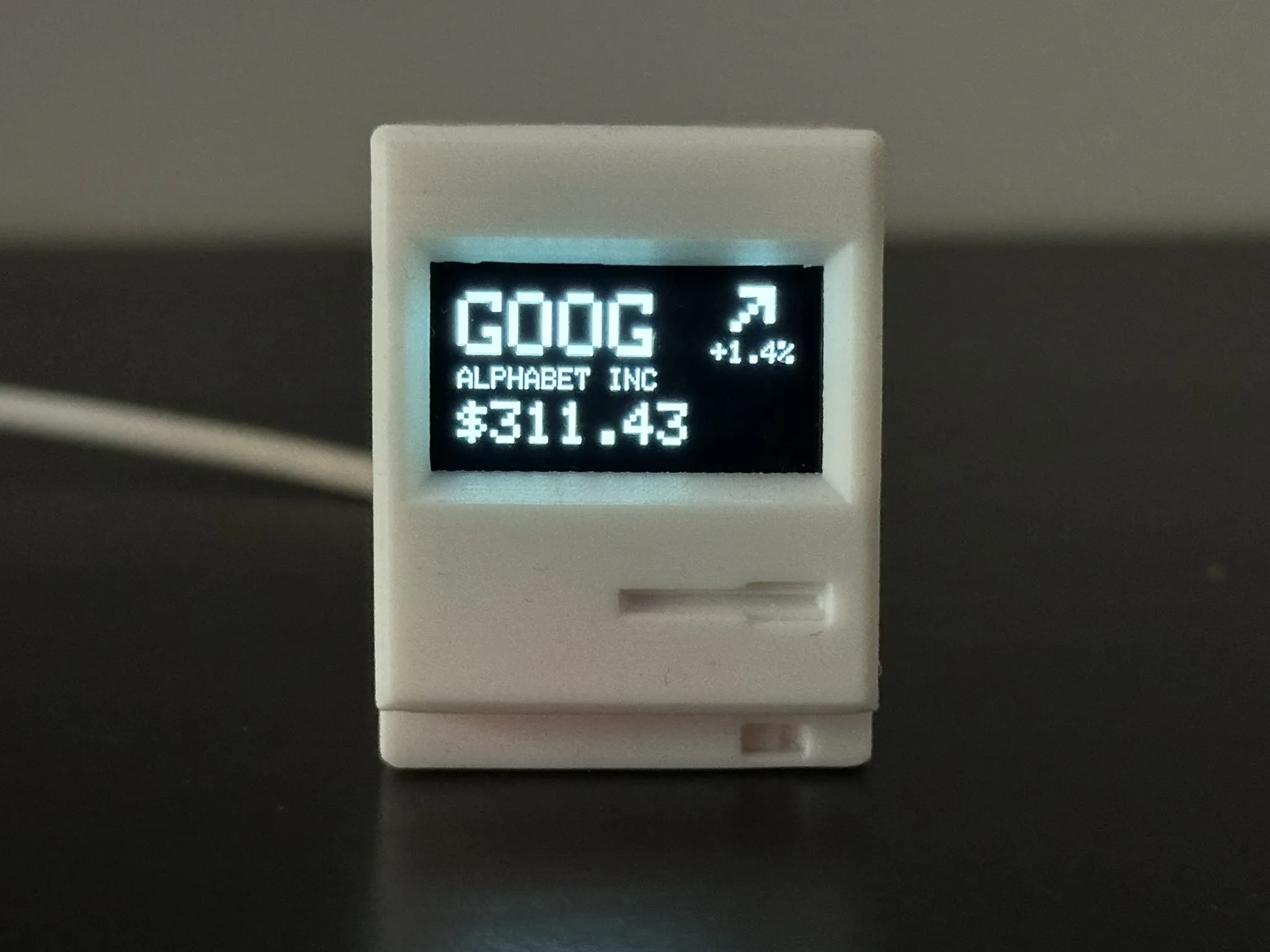
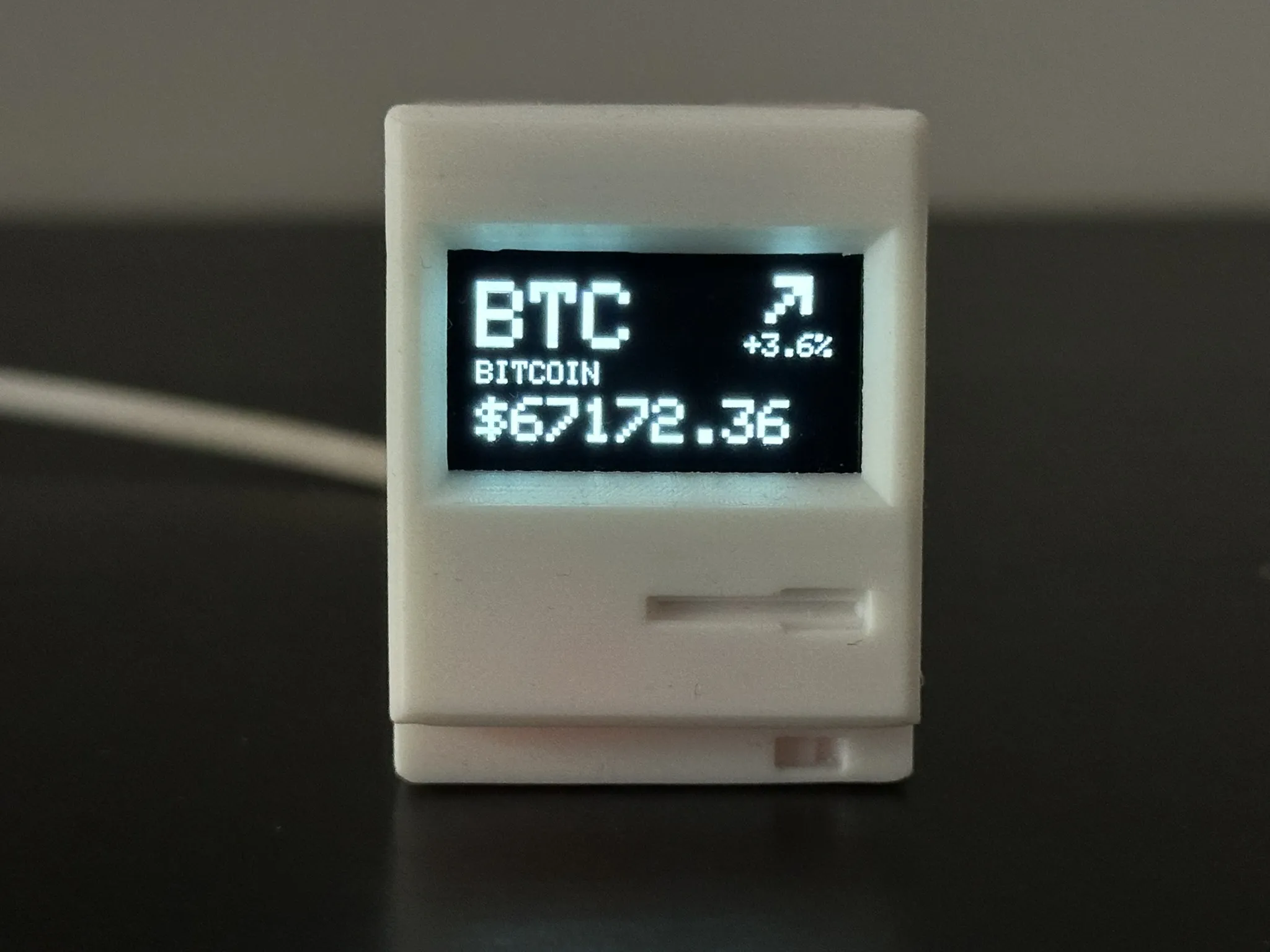
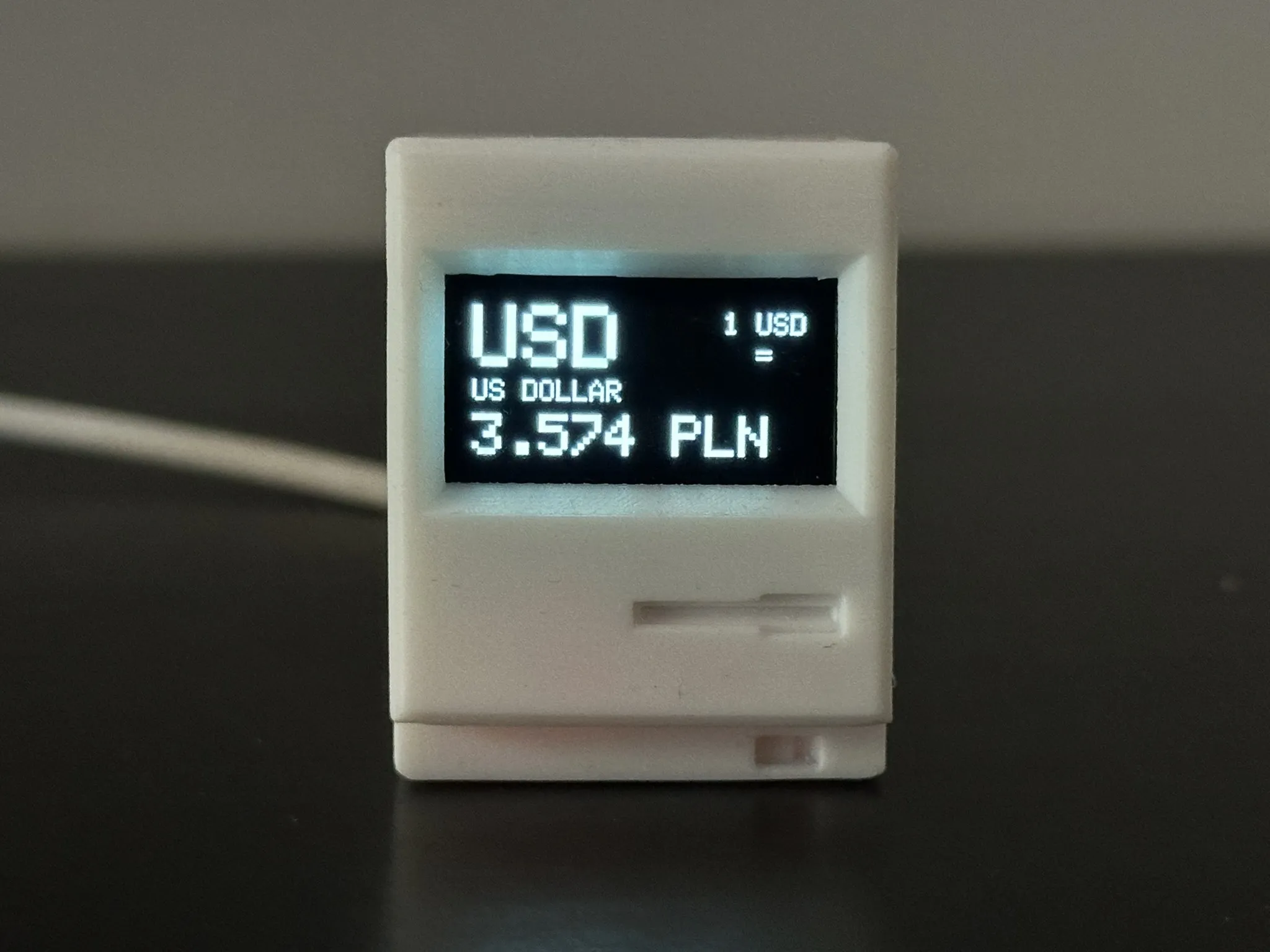
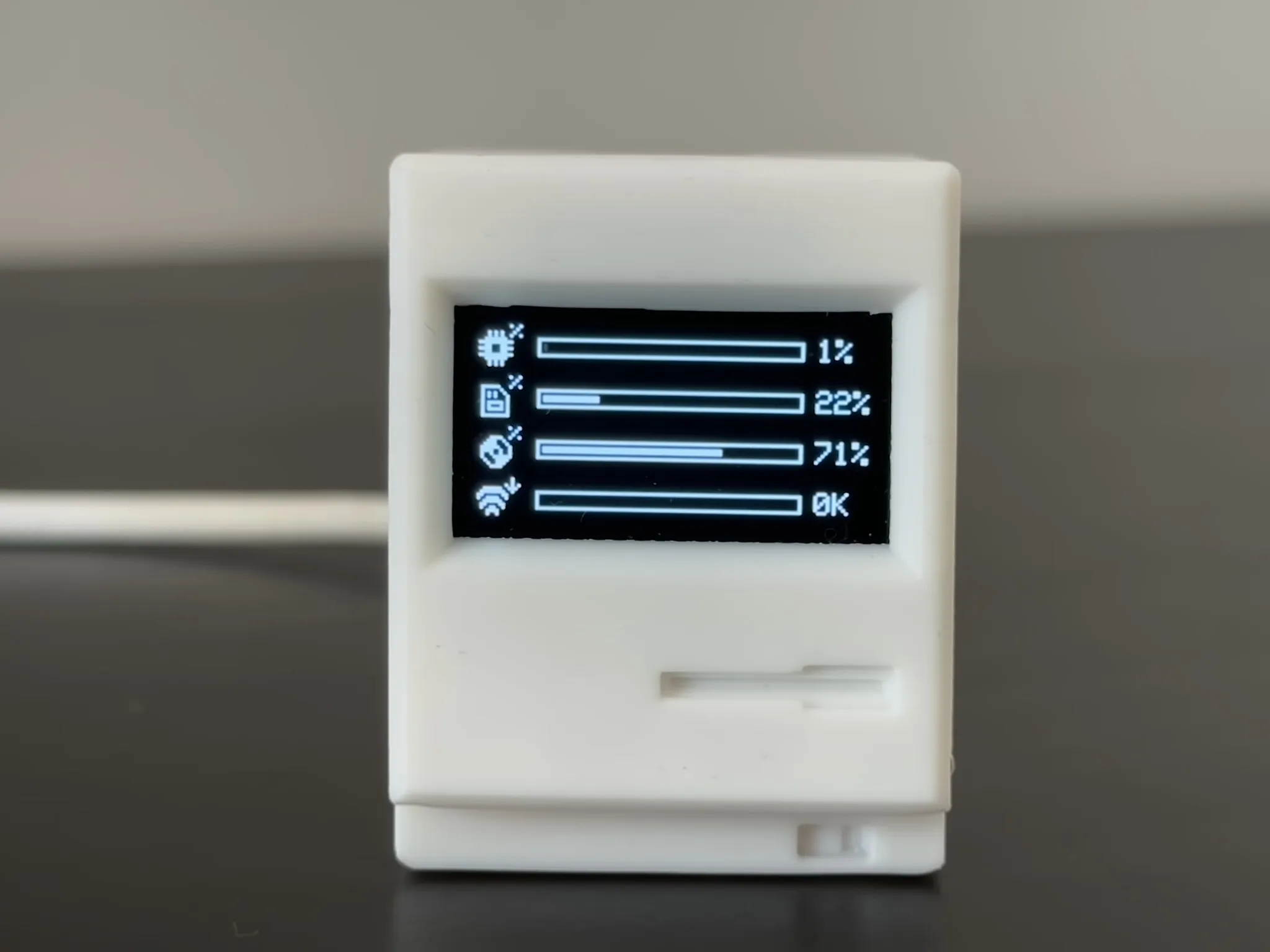
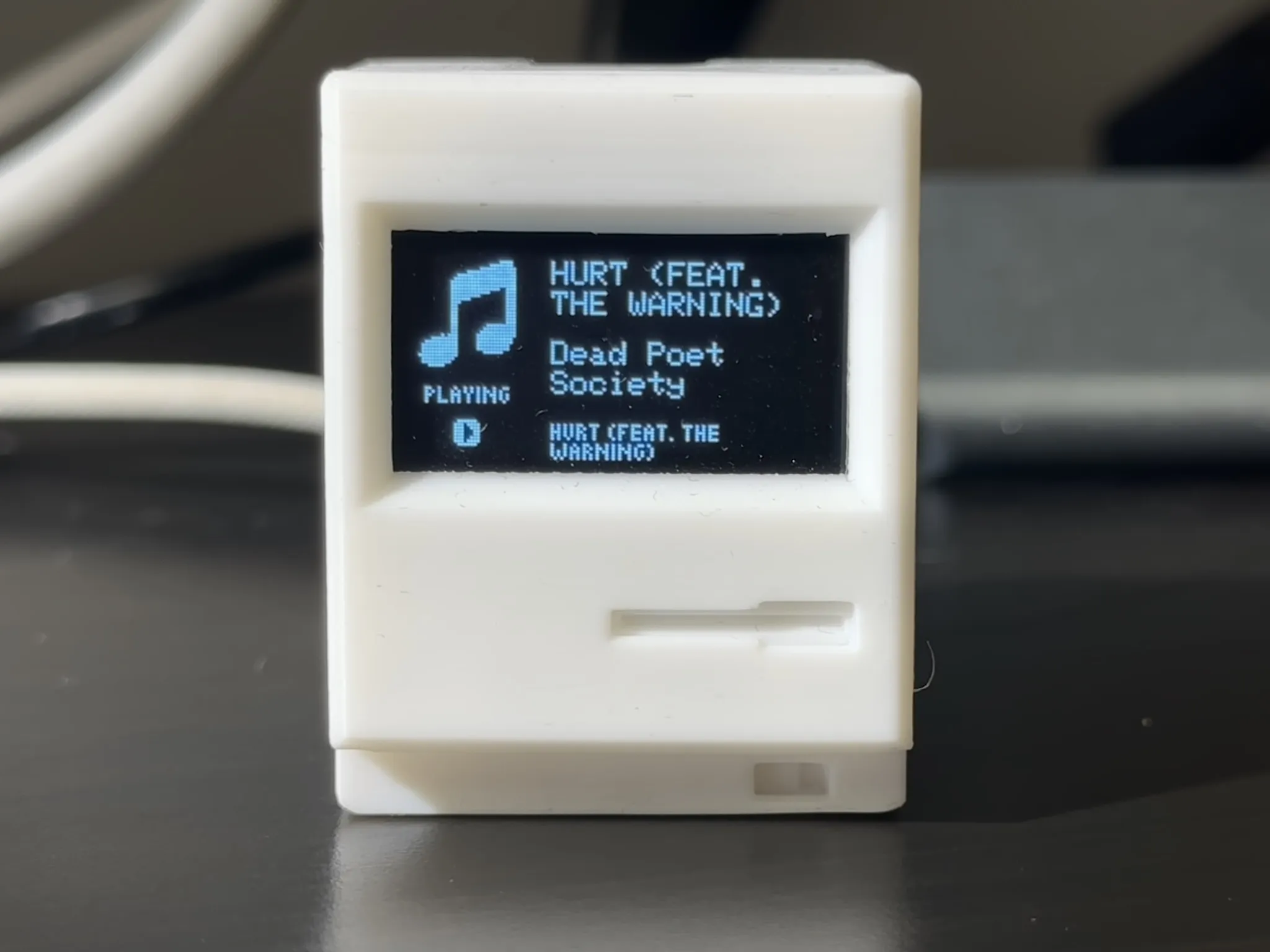
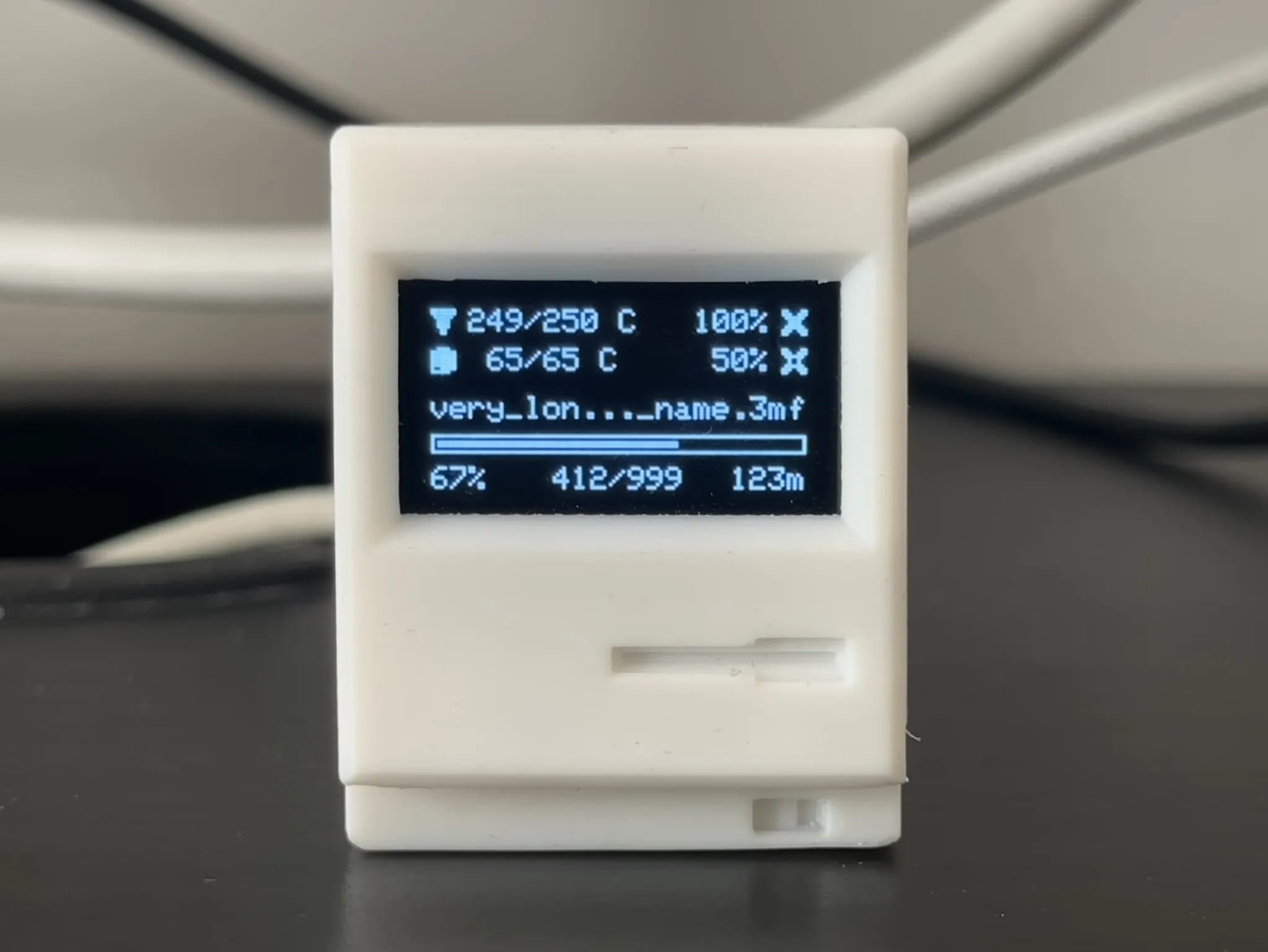
🖥️ Screens Gallery
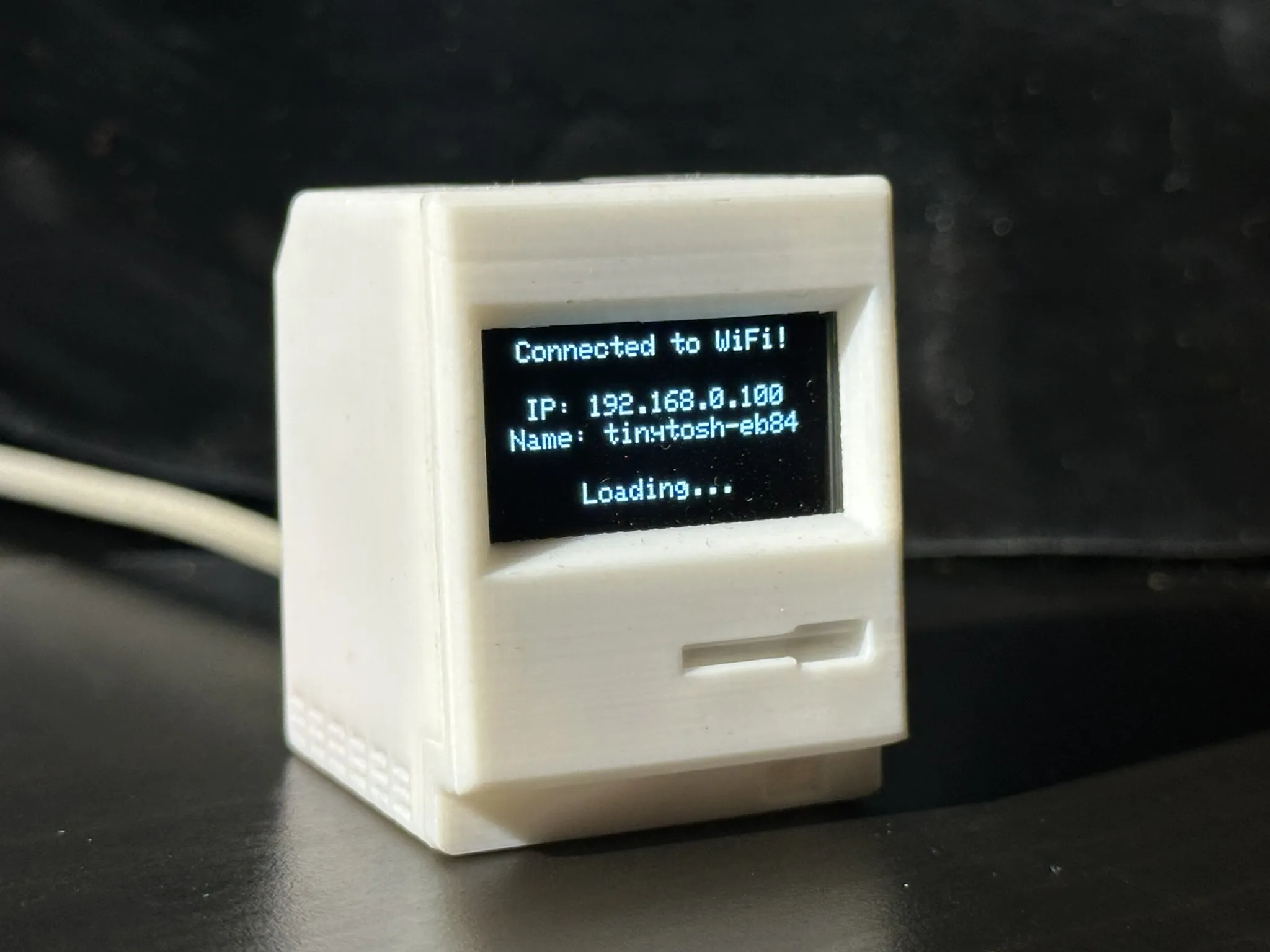 | 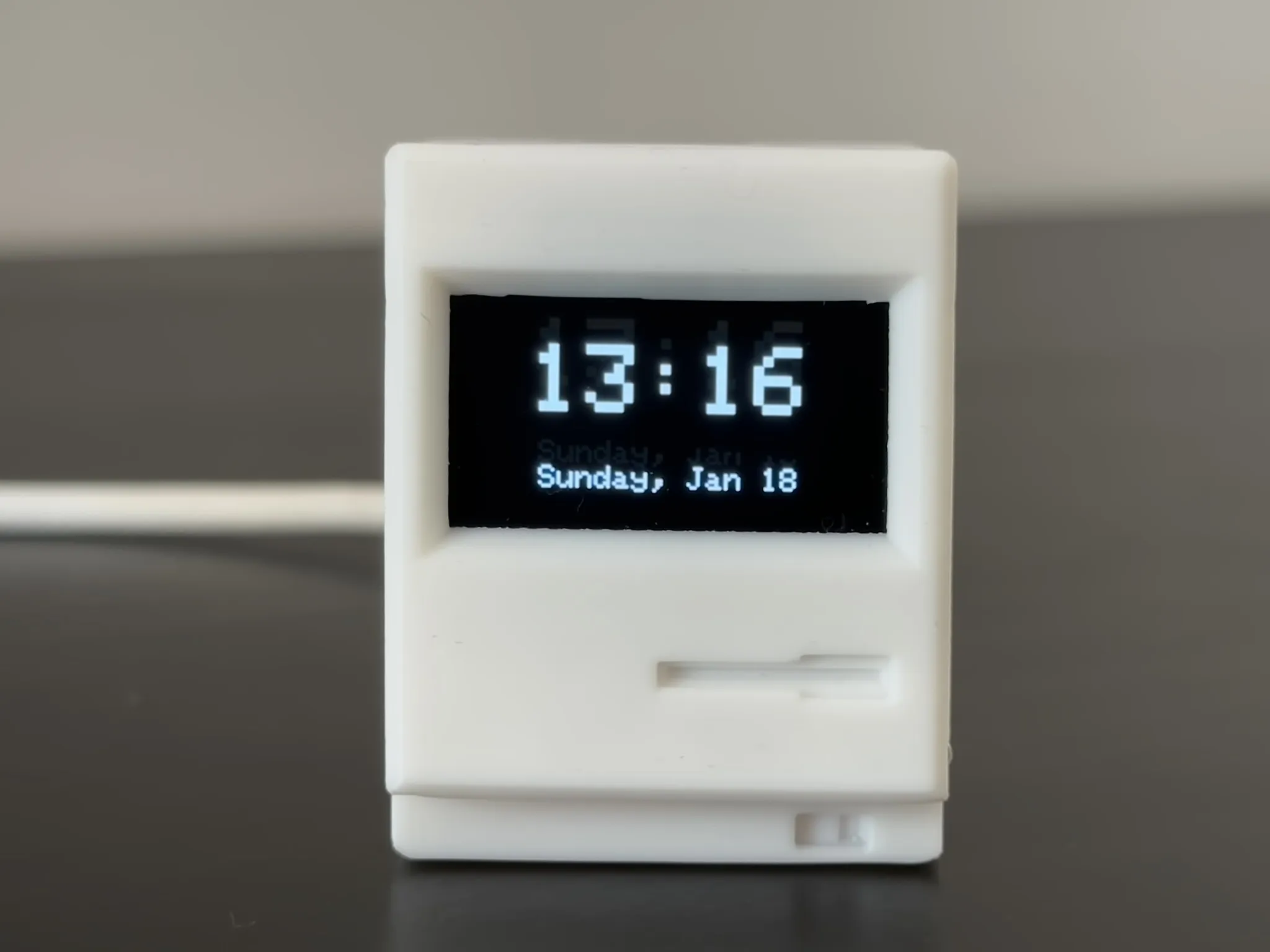 | 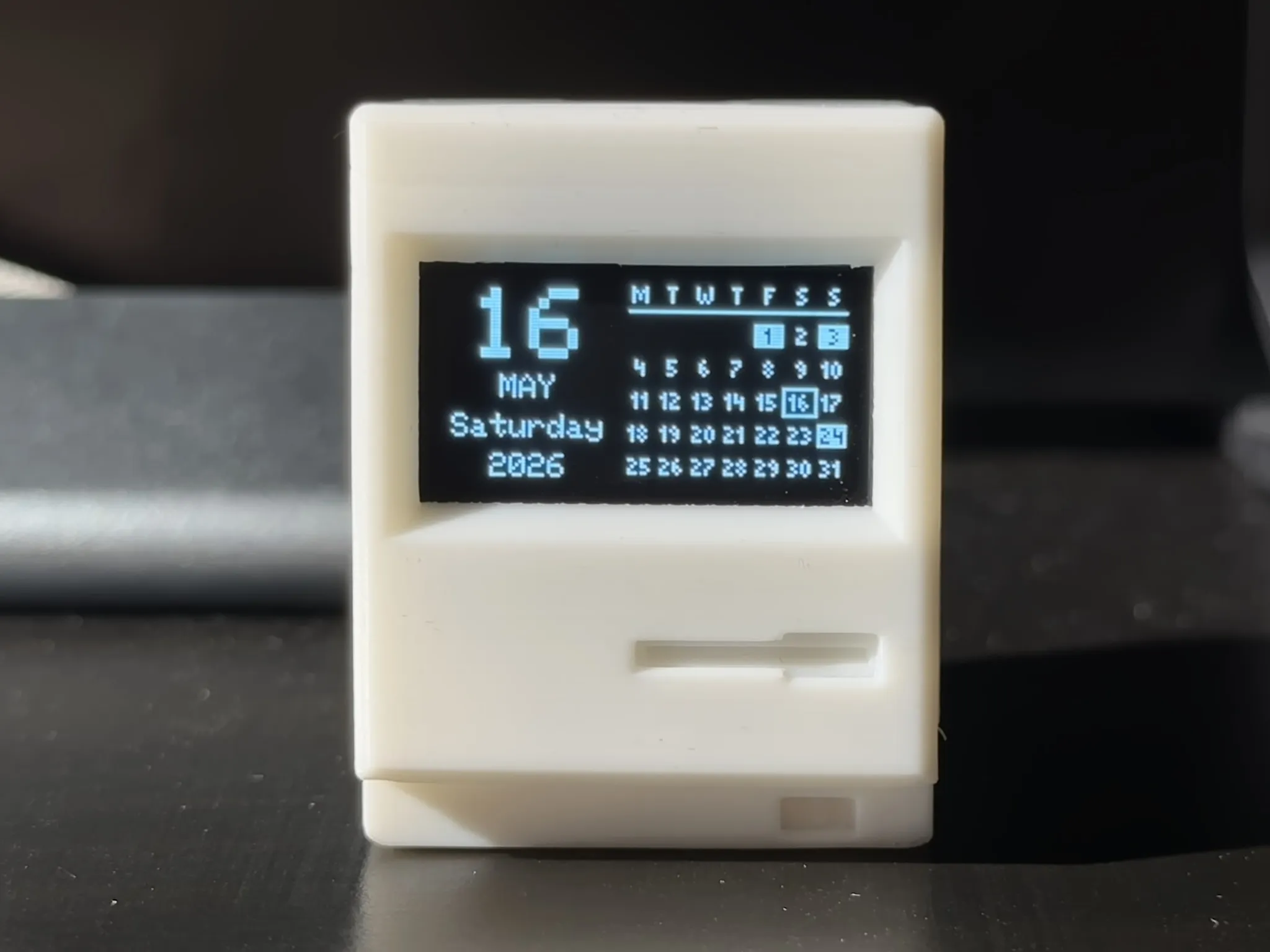 |
 |  |  |
 |  |  |
 |  |  |
📢 What's New (Changelog)
- v1.1.0 (Jun 2026) 🌟 The Architecture & UI/UX Update (Major Release): ☀️ Added Daylight Info screen to track solar positioning. 🎨 Introduced Theme Engine for procedural 4-color UI generation on Web and PC. 🔌 Added custom hardware pin assignment in Web Panel. 📈 Expanded Stocks, Crypto, and Currency trackers to support up to 5 rotating items. ⚙️ Firmware Overhaul: Unified JSON configuration architecture for instant 2-way sync, plus completely rebuilt background data fetching for stutter-free UX. 🖥️ PC App Upgrade: New port connection engine, integrated live USB device logs terminal, and fixed other issues.
- v1.0.7 (May 2026): 📅 Added Calendar & Holidays screen (monthly grid, national public holidays, minimalist layout toggle). 🌍 Overhauled manual location entry with precise country/timezone selection.
- v1.0.6 (May 2026): 🖨️ Added Bambu 3D Printer screen (auto-discovery, MQTT telemetry, smart Idle/Active layouts). 🌙 Enhanced Night Mode with new "Dim then Turn Off" scheduling. 🎵 Added smart dynamic text allocation for the PC Media screen.
- v1.0.5 (Apr 2026): 🎧 Added PC Media screen (Track, Artist, Album, Status). 👆 Added Touch Button Controls (Long press to lock/unlock auto-rotation). 👻 Added Auto-hide toggles to completely skip empty PC Monitor and Media screens. 🌐 Added local mDNS domain access (e.g., tinytosh-XXXX.local).
- v1.0.4 (Mar 2026): PC App Upgrade: Added Wireless Telemetry via Wi-Fi (mDNS), Dynamic UI Rendering that mirrors Web Panel functionality (update device settings and monitor current API data), and Smart Connection Fallback (instant USB-to-WiFi switching).
⚙️ Firmware: Added Universal Config Sync (saving settings via PC app), Smart IP Reporting via Serial, and Hardware Pairing Locks. - v1.0.3 (Mar 2026): 🌙 Added Night Mode with smart latching, screen dimming/off scheduling, and 10x background API power saving. 🔄 Introduced Drag & Drop Reordering for dynamic screen sequencing directly in the Web Panel.
- v1.0.2 (Mar 2026): 📈 Added a brand new Stock Tracker module (~100 global assets, ETFs, Mega-Cap Tech, ADRs). Added customizable "Full Name" layout toggles for Crypto, Currency, and Stock screens. Fixed an animation bug for single-screen setups.
- v1.0.1 (Feb 2026): 💱 Added a new Currency Tracker module (track 150+ fiat pairs with custom scaling multipliers), expanded the Crypto list to the top 75 global coins!
- v1.0.0: 🚀 Initial release featuring Time, Weather, AQI, Crypto, and PC Hardware Monitor modules.
3 Ways to Build It
I have included print profiles for every type of maker. You don't need to be an engineer to enjoy this model.
⚙️ Print Profiles & Mobile App Compatibility
I have uploaded specific profiles (like A1 and A1 Mini) that use "print-by-object" for the absolute best quality surface finish.
However, MakerWorld restricts these profiles to those specific printers if you are trying to print directly from the mobile app.
(Note: You can still download the A1/A1 Mini "print-by-object" profiles and simply change the printer type directly in Bambu Studio on your desktop!)
👉 Using a different printer or the mobile app?
Select the "All Printers" profile! To make it universally compatible for one-click mobile printing, this profile is set to standard "print-by-layer".
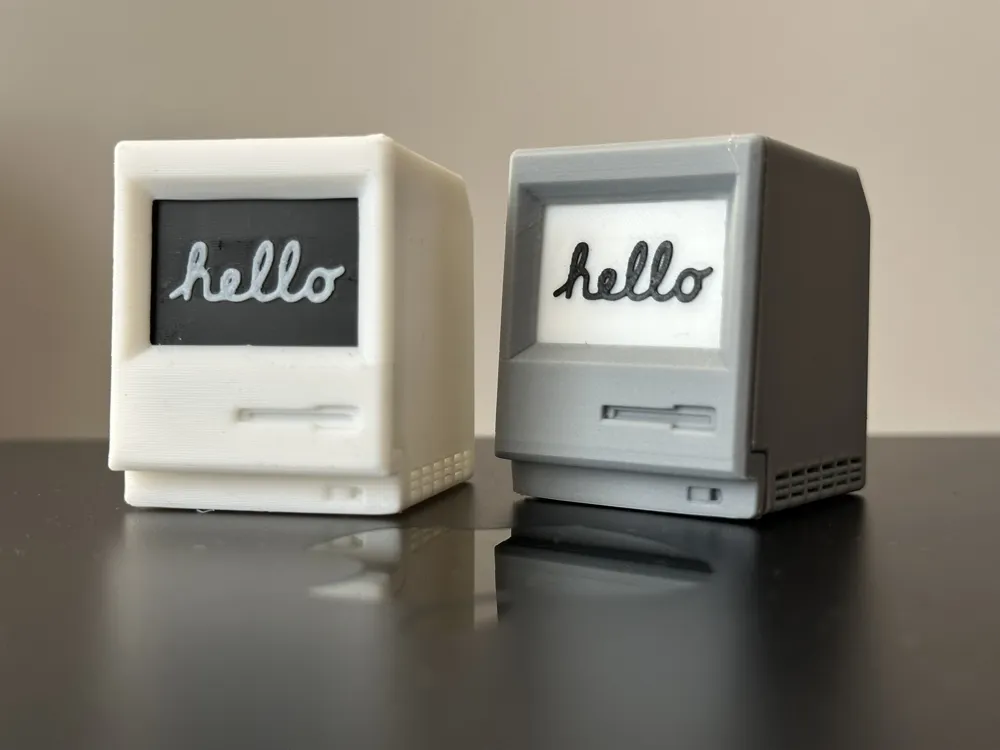
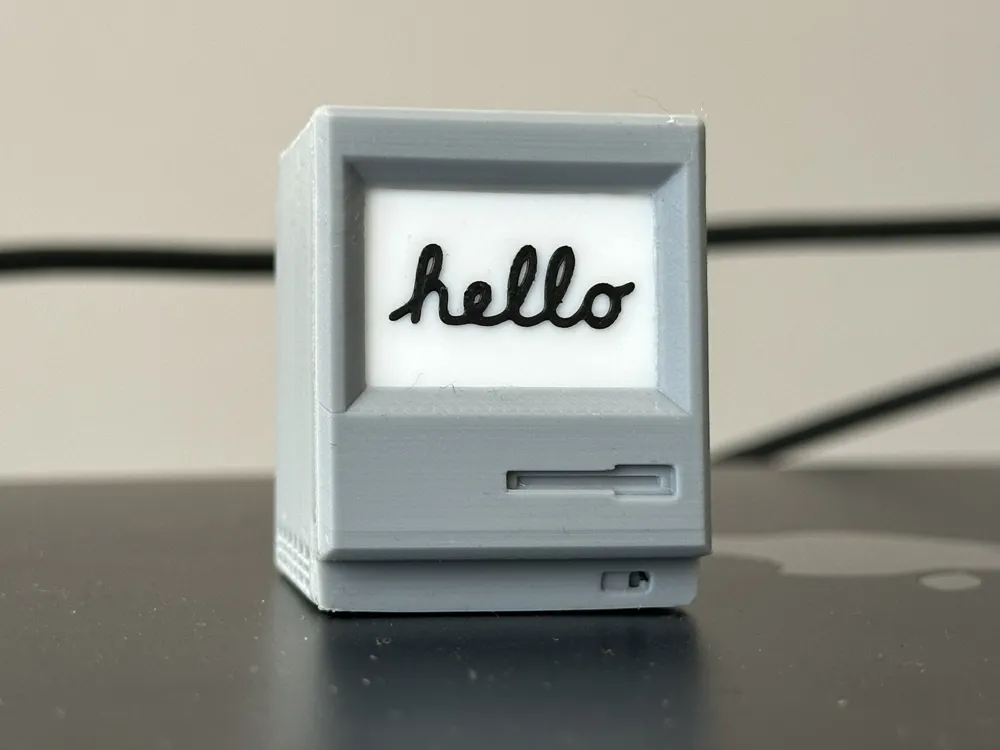
1. The "Print & Play" (No Electronics)
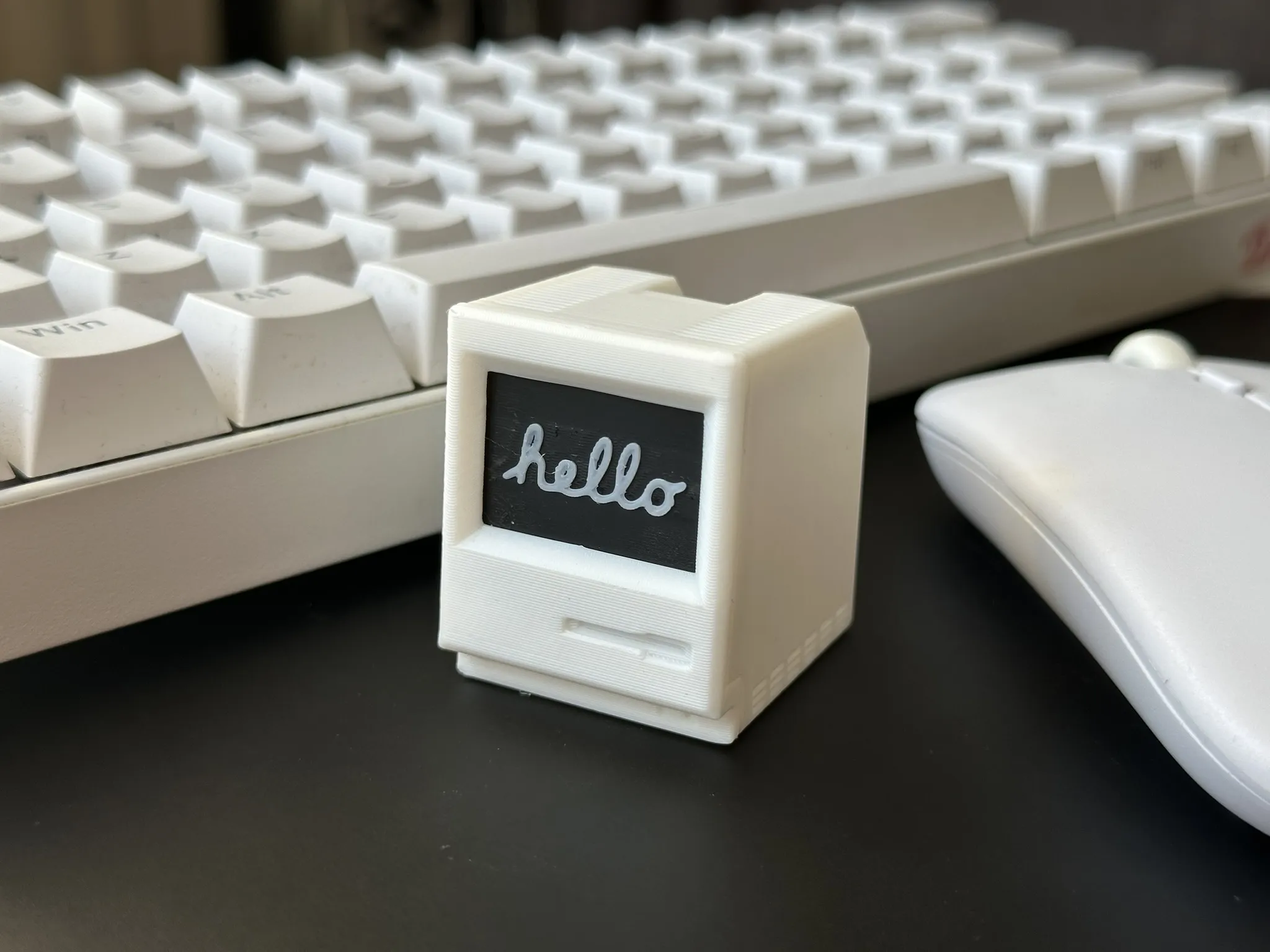
- For: Desk decor lovers, miniature collectors.
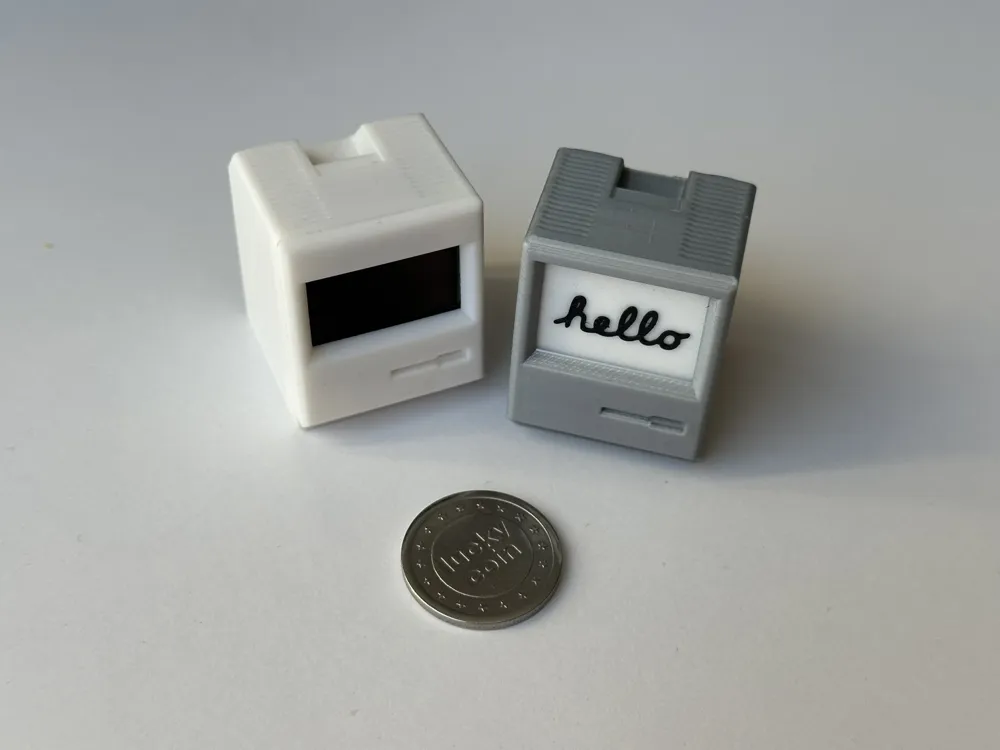
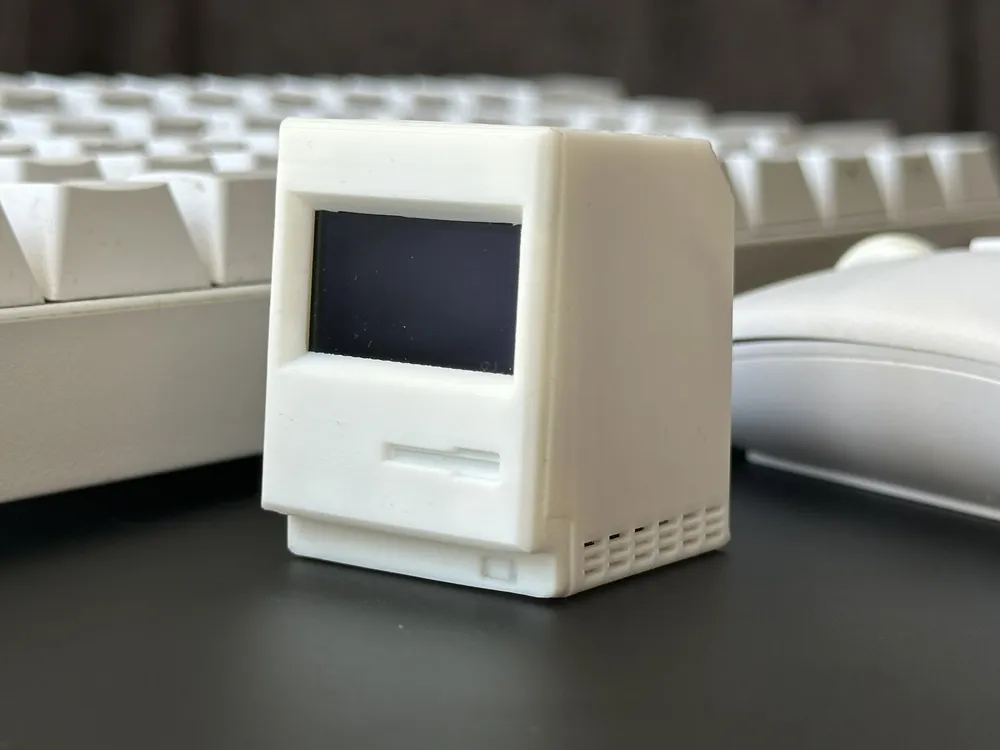
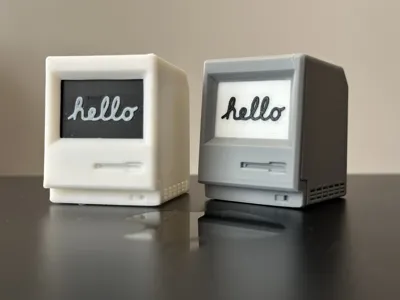
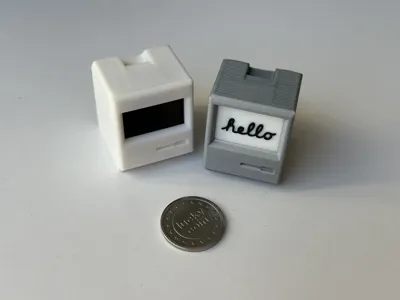
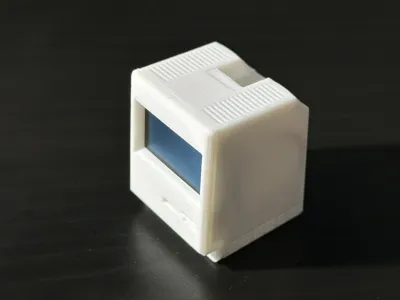
- What it is: A fully printable version with a static "screen" insert.
- Effort: Low. Just print, snap together, and admire. No wires, no soldering.
2. The DIY Shell
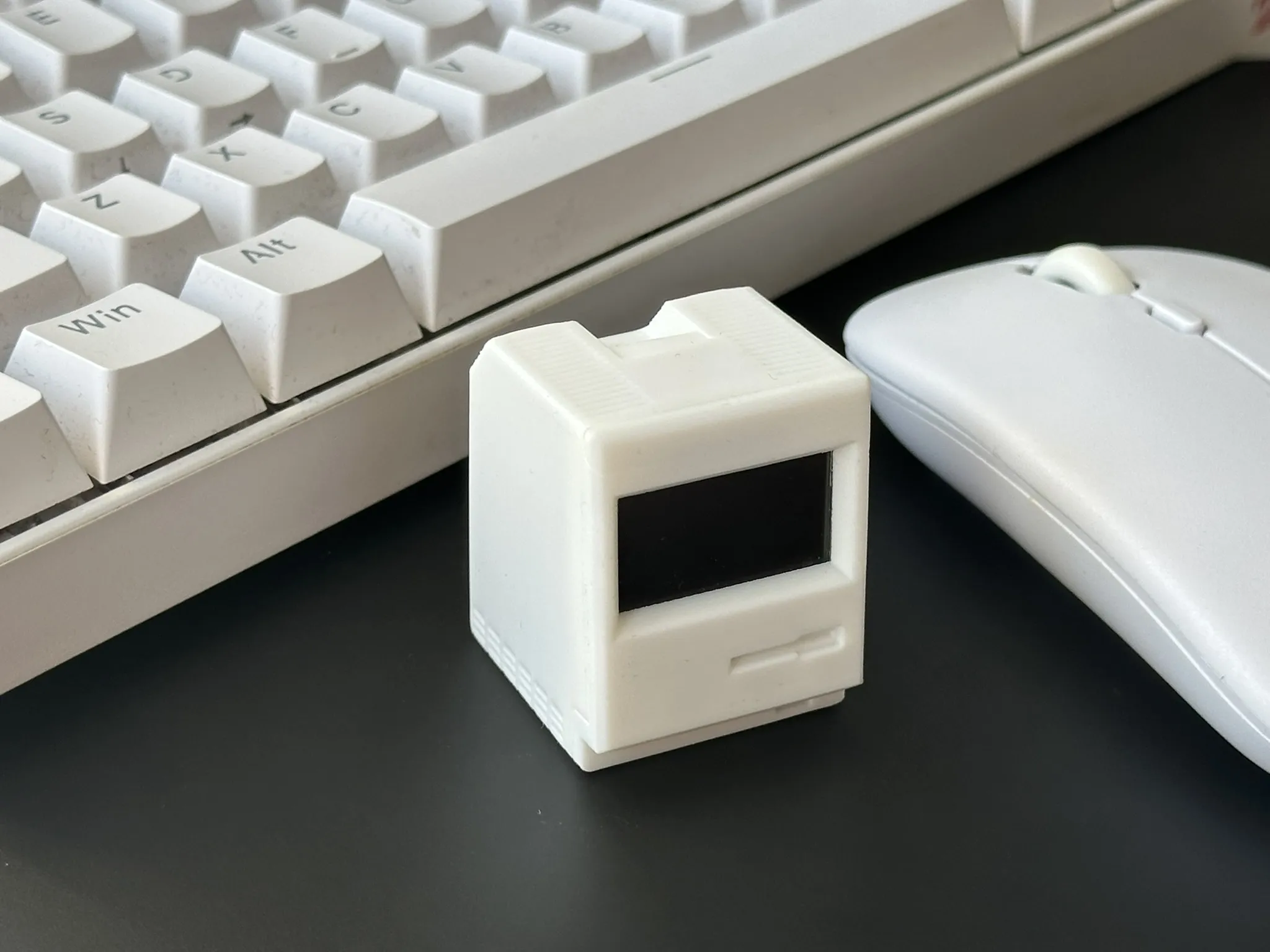
- For: Makers who have their own code.
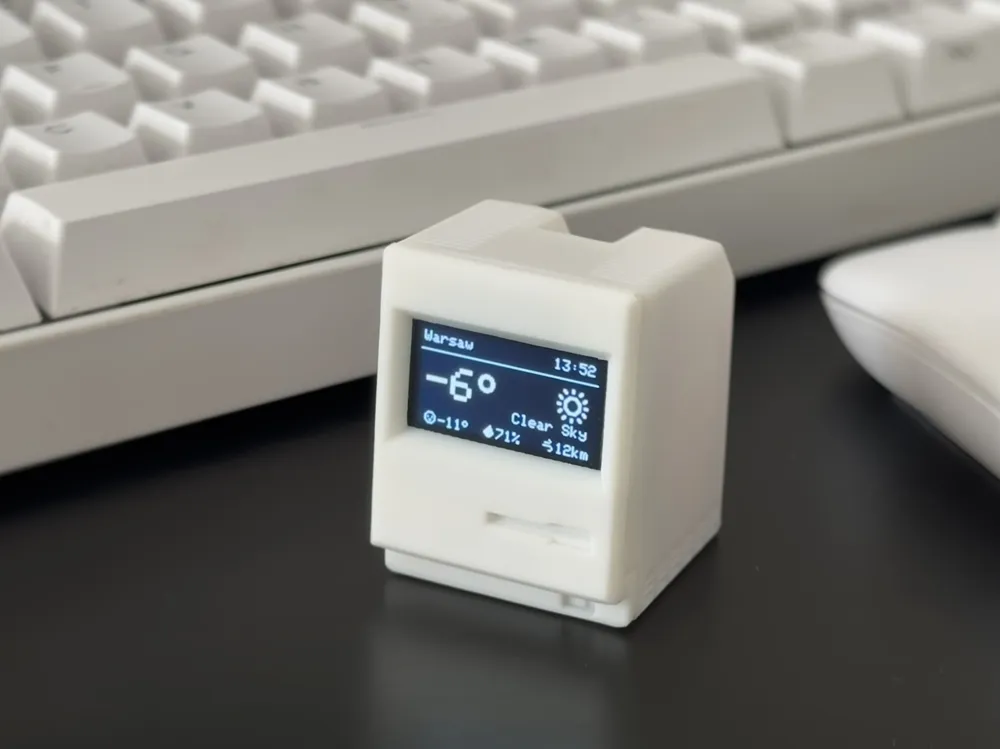
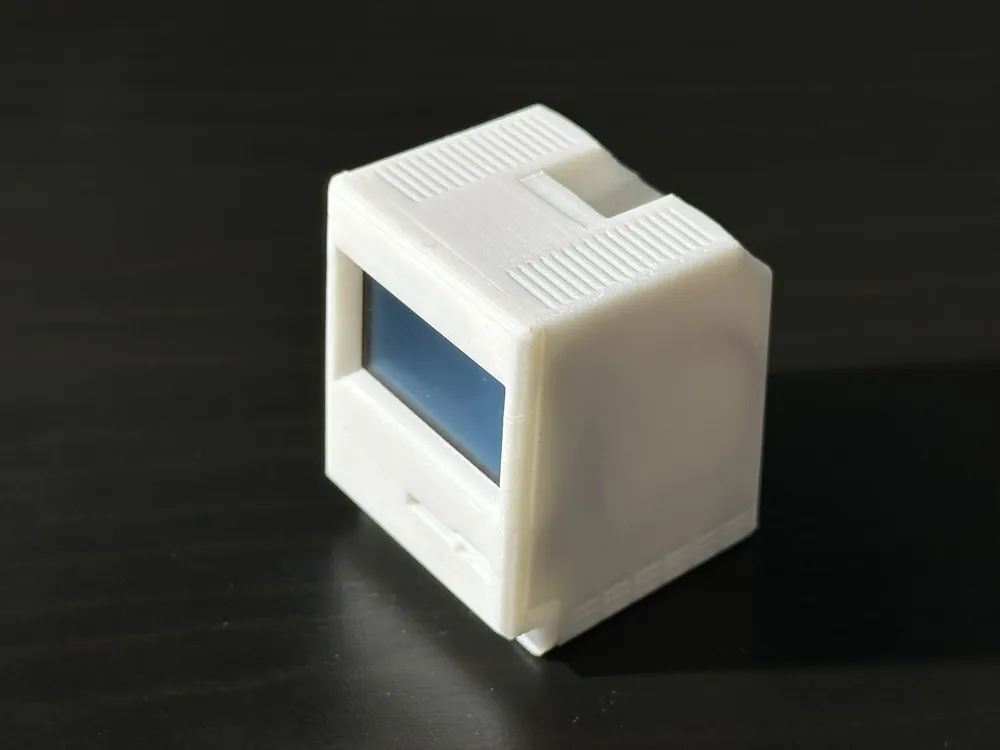
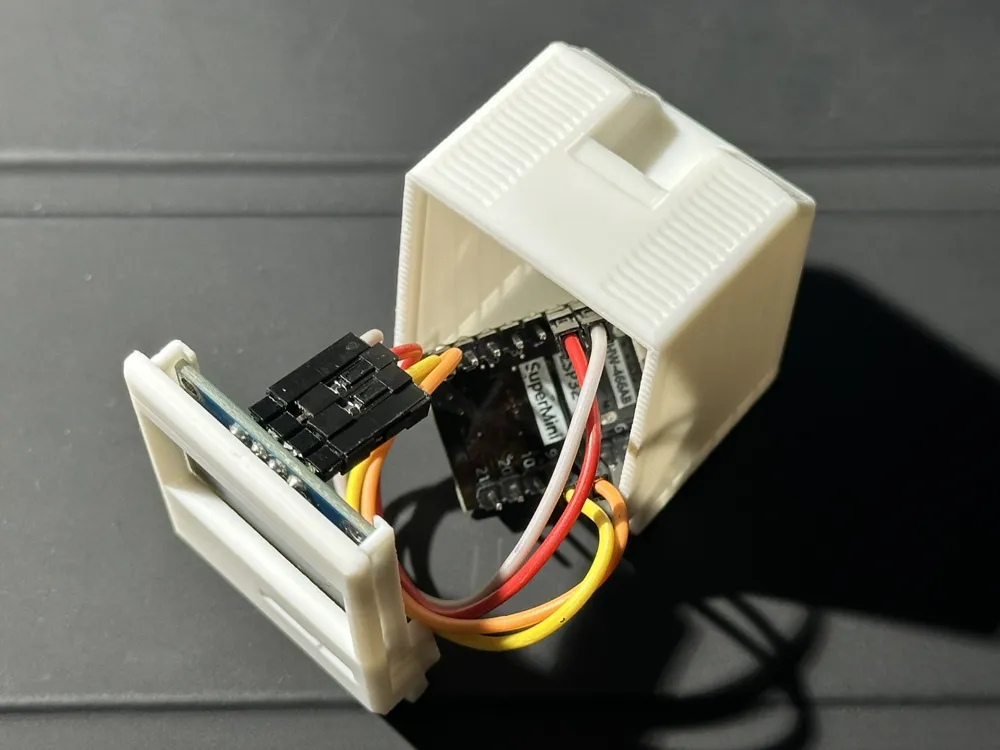
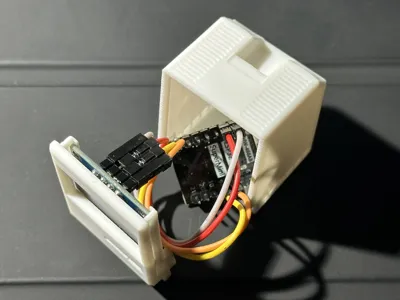
- What it is: A perfectly fitted housing for a 0.96" OLED Display and an ESP32-C3 SuperMini.
- Effort: Medium. Use it as a clean, screwless case for your own Arduino/ESP projects.
3. The Full "Smart Companion" (Highly Recommended 🚀) - 👉 Click Here for Detailed Overview, Firmware & Setup Guide
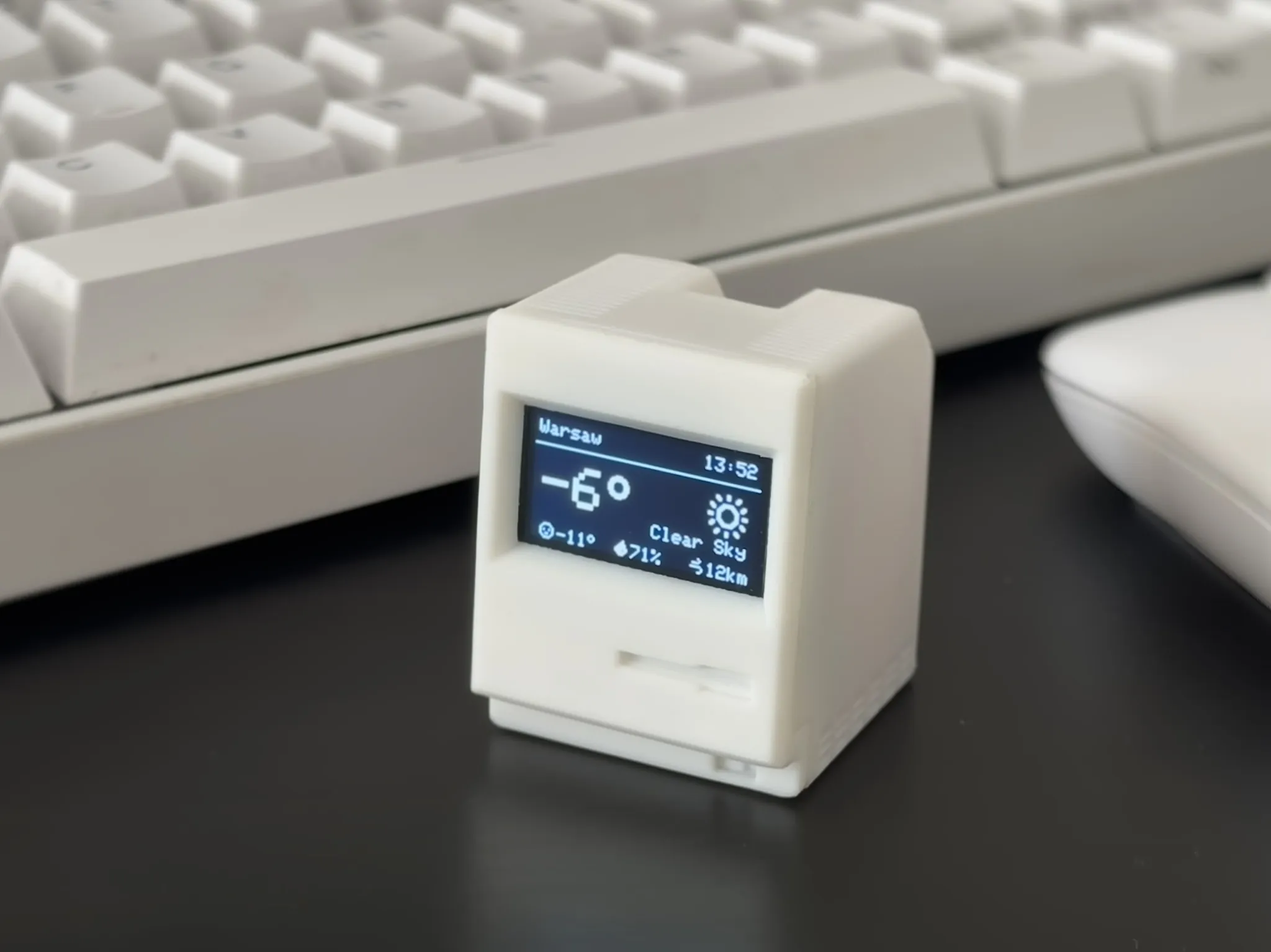
- For: Anyone who wants a functional device.
- What it is: Using my Open Source Firmware, this becomes a live internet-connected display.
- Effort: Easy! No coding required.
🚀 The "Smart Companion" Features
I have built a complete software ecosystem for this case. You don't need to write a single line of code — just plug it in and use my Web Installer.

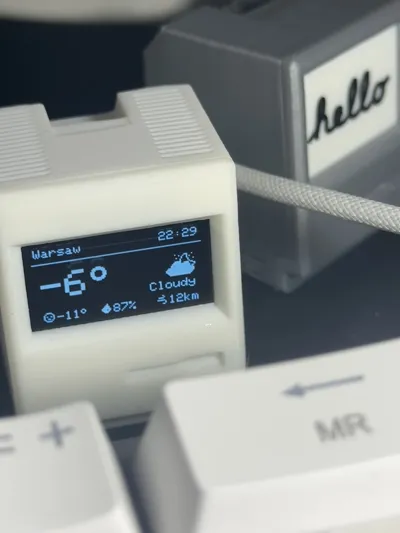
- 🕒 Internet Clock: Auto-syncs time and date based on your location.
- 📅 Calendar & Holidays: Displays the current date alongside a full monthly grid and tracks national public holidays based on your country.
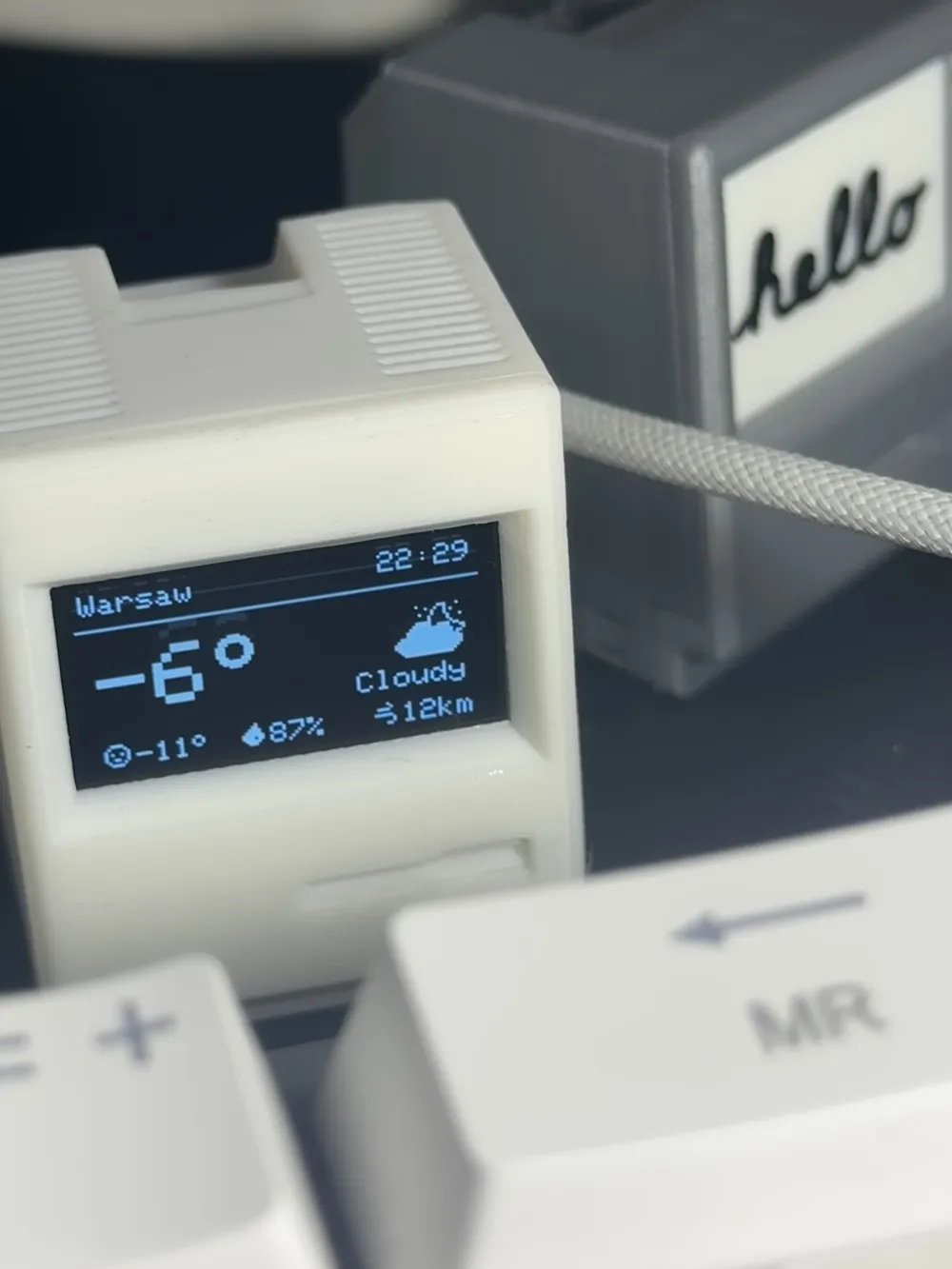
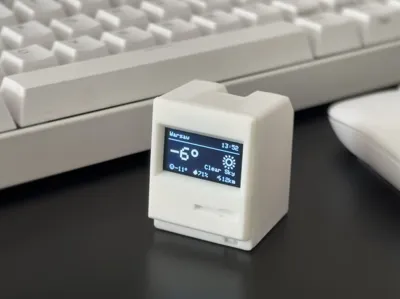
- 🌤️ Weather Station: Live Temperature, Humidity, and Forecasts (via Open-Meteo).
- 🍃 Air Quality: Monitor local AQI levels (US & EU Standards).
- ☀️ Daylight Info: Tracks sunrise, sunset, solar noon, and day length.
- 📊 Stock Tracker: Track market data for up to 5 global assets, ETFs, and Mega-Cap Tech at once with daily trend indicators.
- 📈 Crypto Tracker: Watch up to 5 of your favorite coins (from top 75 global cryptos) with price and trend indicators.
- 💱 Currency Tracker: Track exchange rates for up to 5 fiat currency pairs with custom scaling multipliers.
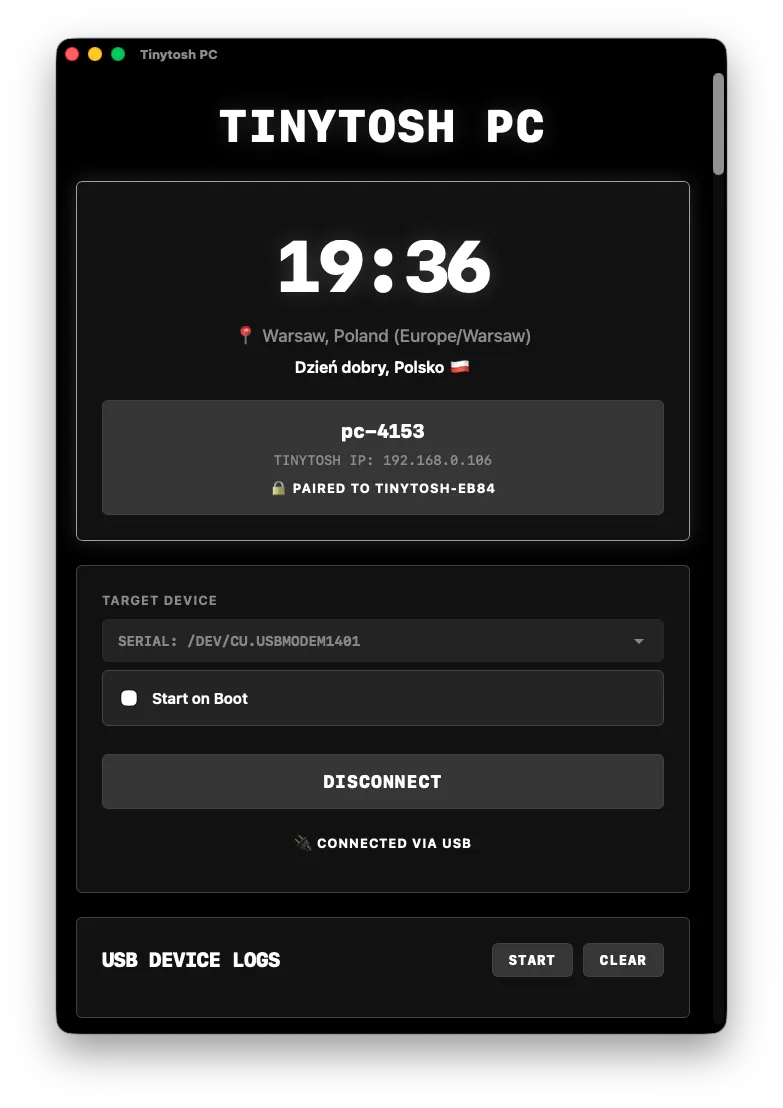
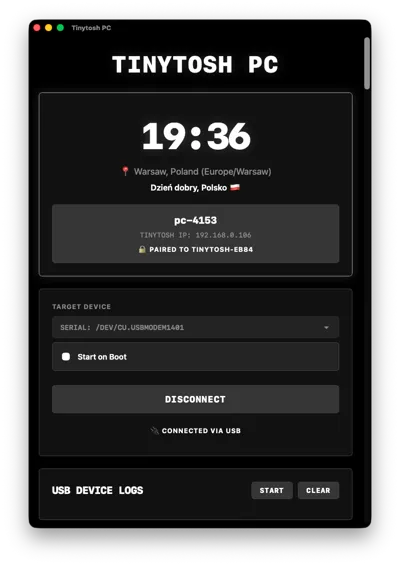
- 🖥️ PC Hardware Monitor: Connects via USB or Wirelessly to your Windows/Mac/Linux computer to show CPU Load, RAM Usage, and Network Speeds in real-time!
- 🎧 PC Media: Displays currently playing track, artist, album, and playback status streamed directly from your connected computer.
- 🖨️ Bambu 3D Printer: Local network telemetry for your Bambu Lab printer (progress, temperatures, fans, and print status) featuring smart layouts for Idle and Printing modes.

It is fully customizable! The device hosts its own Web Settings Panel (accessible easily via its unique .local domain name), where you can turn screens on/off, set up Smart Auto-Hide for inactive PC and Printer screens, and drag and drop them into your preferred order. You can also change transition effects (Slide, Dissolve, Blinds), fine-tune your precise city/country location, and set up Night Mode schedules to automatically dim, completely disable, or gracefully "dim then turn off" the screen while you sleep - all right from your phone browser!
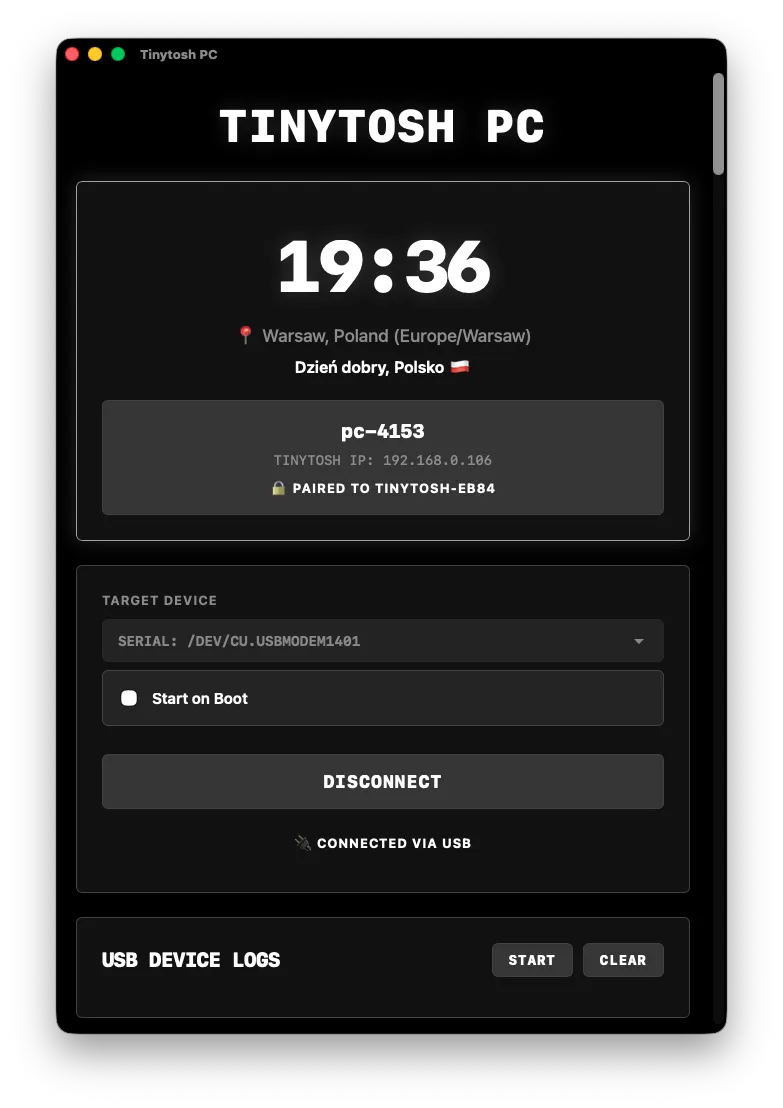
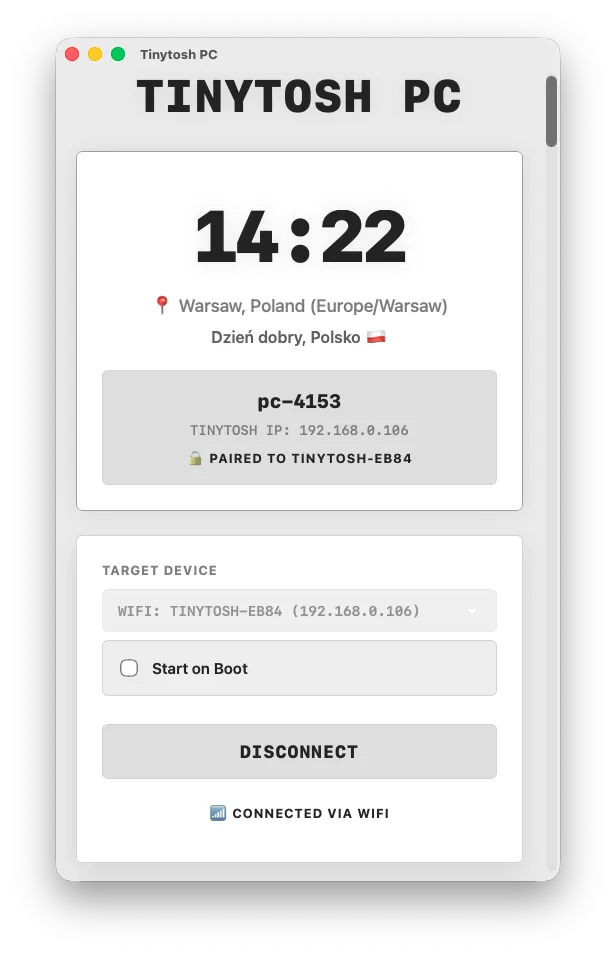
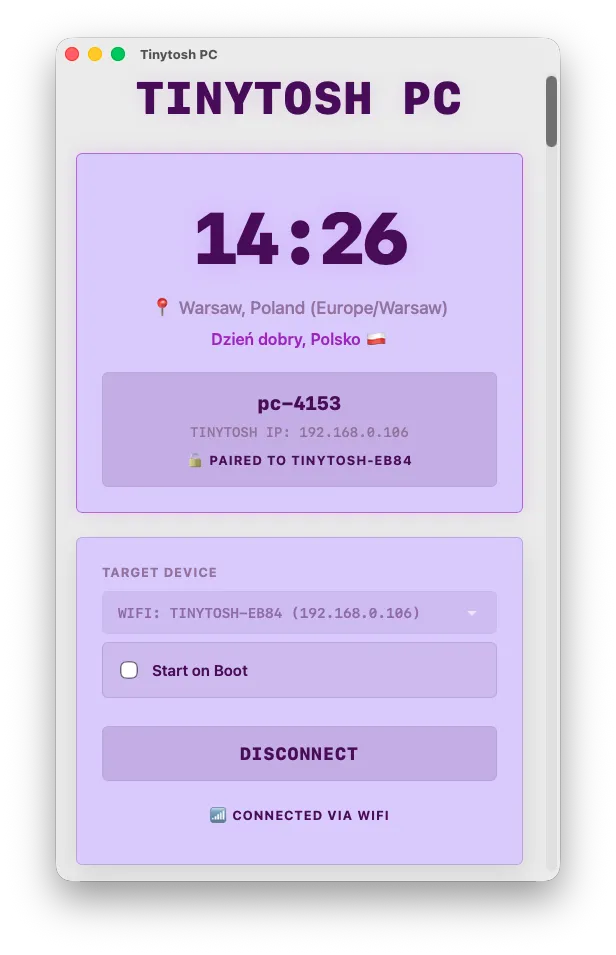
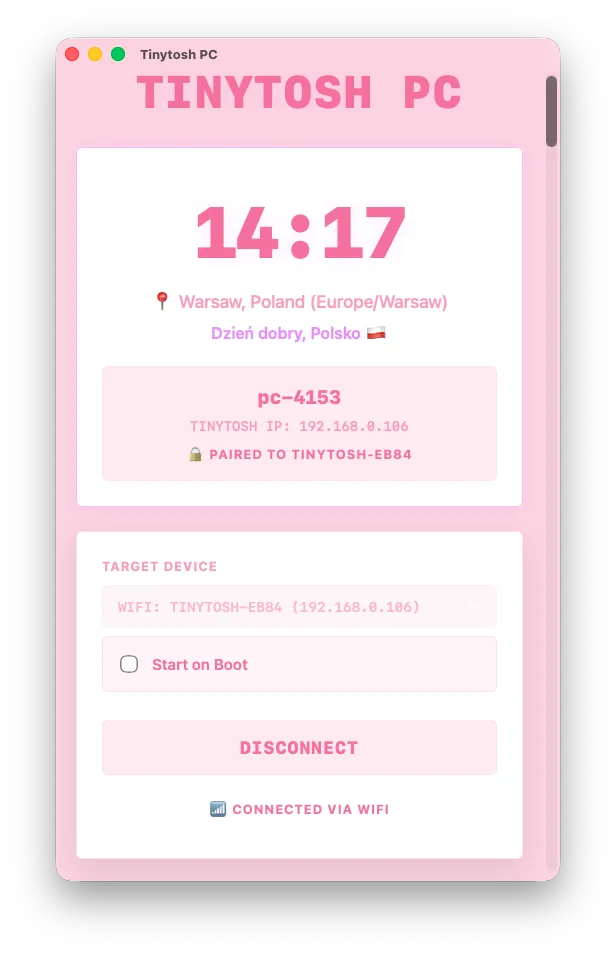
Prefer desktop? The PC App lets you manage all of these settings right from your computer. It features a dynamic UI that physically rearranges itself in real-time to match your custom screen layout, and will automatically fallback to Wi-Fi if you unplug the USB cable!
 |  |  |  |
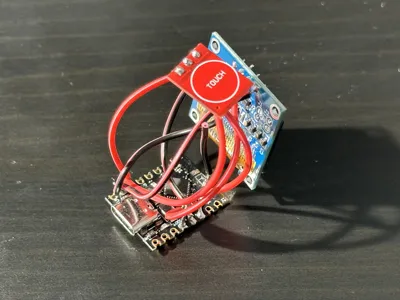
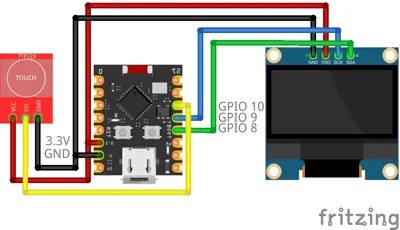
👆 Touch Button Controls: If you install the optional touch sensor, you can tap to instantly skip screens (or wake the display from Night Mode), and use the new Long Press feature to lock/unlock auto-rotation so you can keep your favorite screen visible indefinitely!
🛠️ Hardware Needed
For the electronic version, you need less than $5 worth of parts:
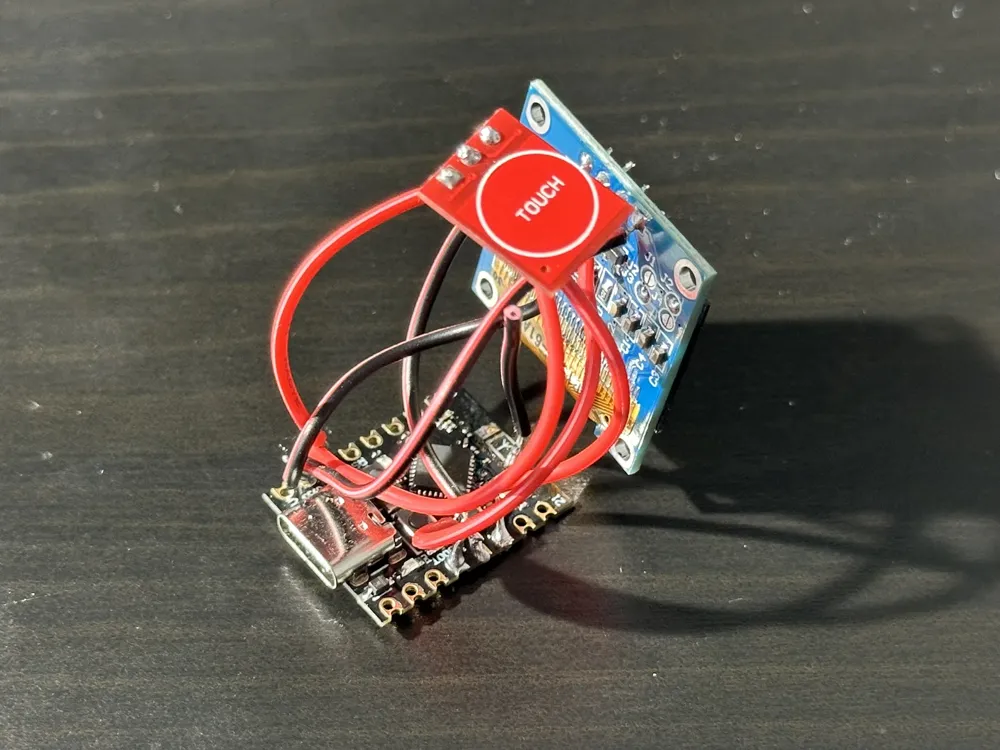
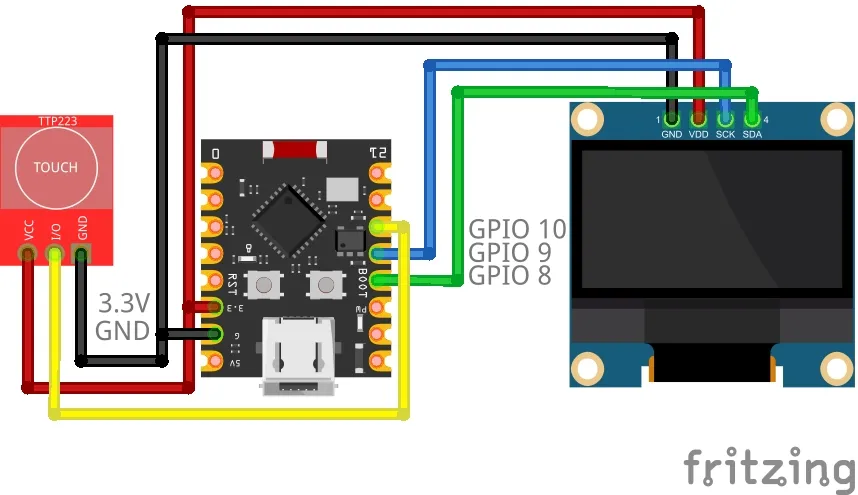
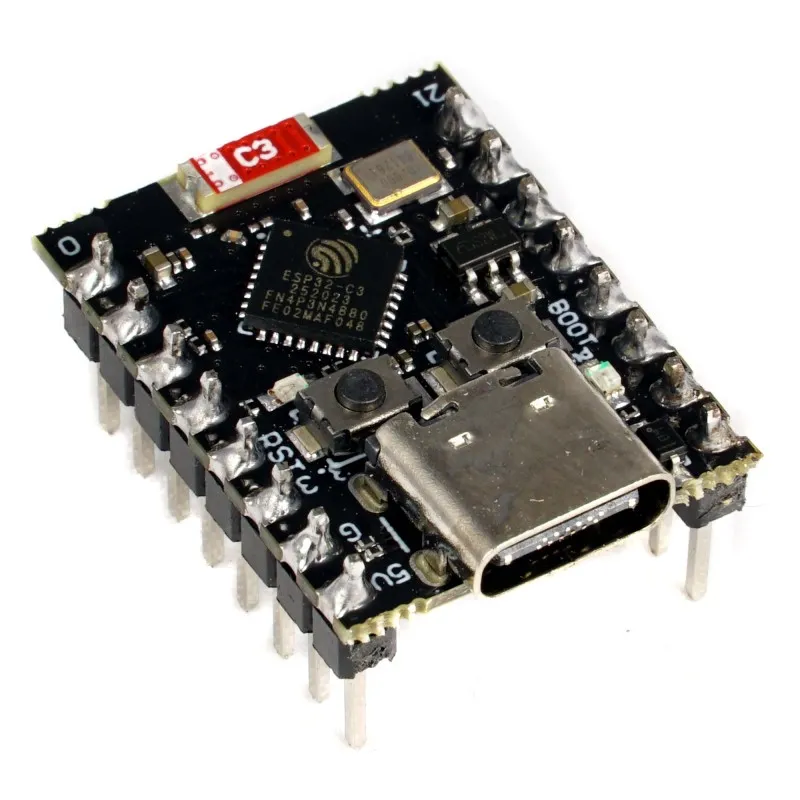
- ESP32-C3 SuperMini (The brain)
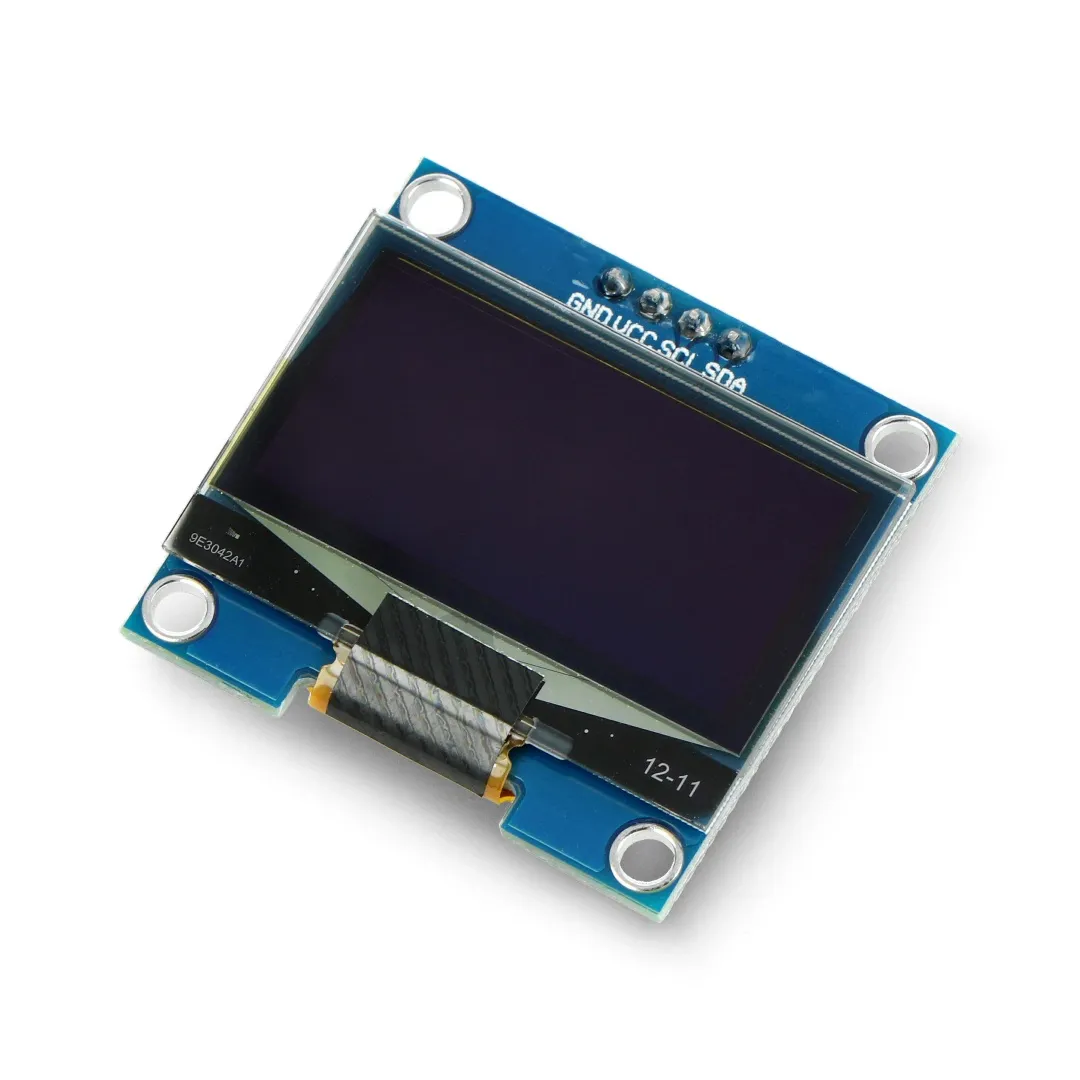
- 0.96" OLED Display (I2C protocol)
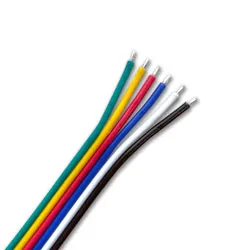
- 4 Wires (Silicone or Jumpers)
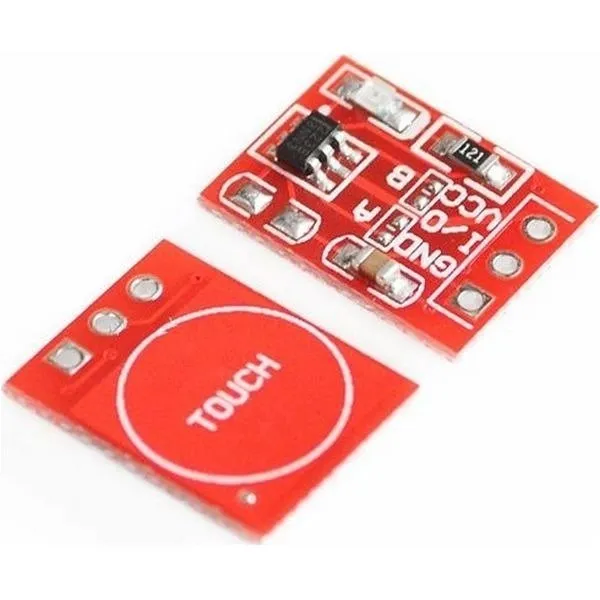
- (Optional) TTP223 Touch Sensor (For tap-to-skip and long-press screen locking)
 |  |  |  |
⚠️ Important Note on the 0.96" OLED Display
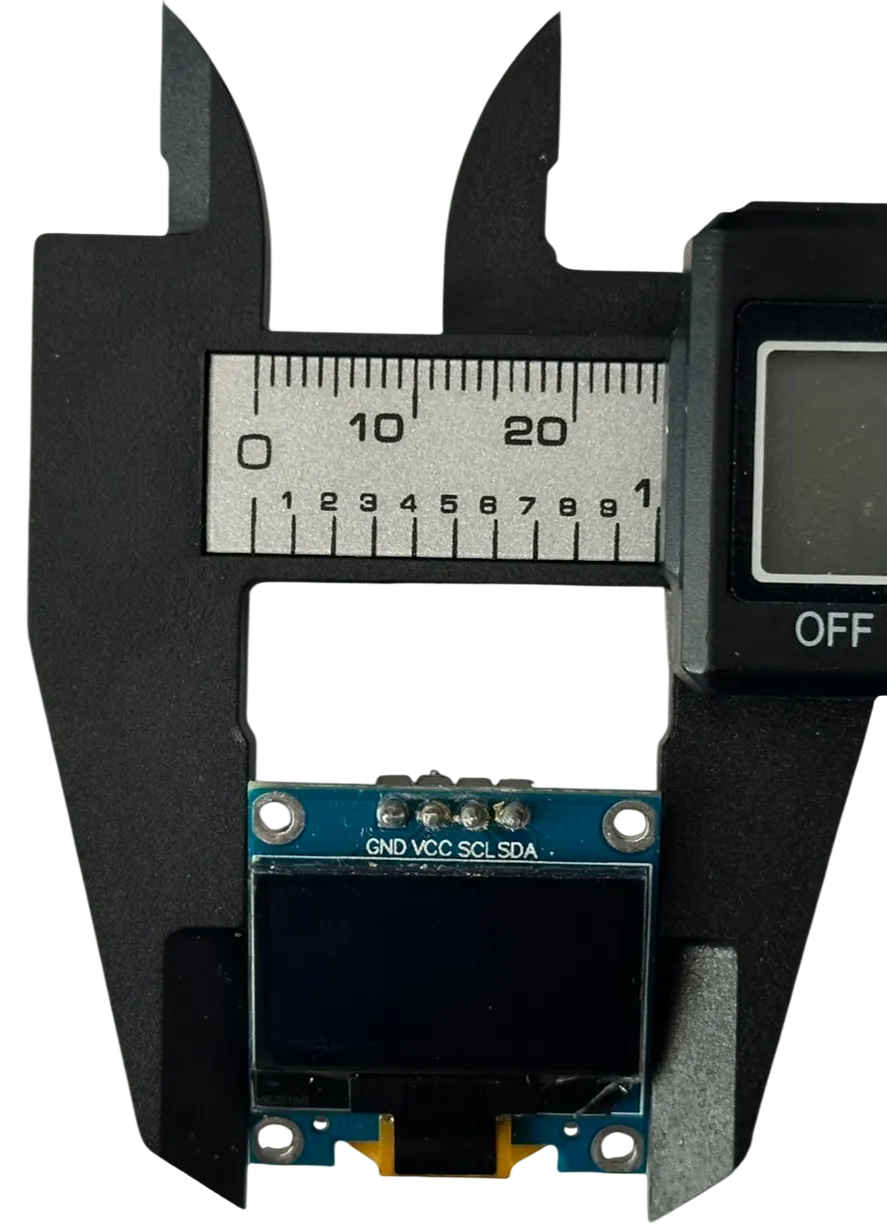 |
The physical width of these screens can vary slightly depending on the manufacturer.
I designed this case around a very common variant (~26mm wide - see attached photo) with quite tight tolerances.
Most displays you find online will fit perfectly, though you might need to apply gentle force to snap it in.
However, if you measure your display and it is noticeably wider than 26mm, or if you already printed the case and it simply doesn't fit - don't panic!
Based on feedback from other makers, simply scaling the 3D model up to ~105% in your slicer works perfectly.
🖨️ Printing & Assembly
- No Screws Required: The case uses a precision snap-fit rail system.
- Support Free: The "Main Body" prints upright with no supports. The "Cover" needs minimal standard supports.
- Orientation: Print exactly as oriented in the profile for the best surface finish.
📦 Software & Setup Guide
I have created a dedicated project page with a One-Click Web Flasher and a detailed step-by-step guide.
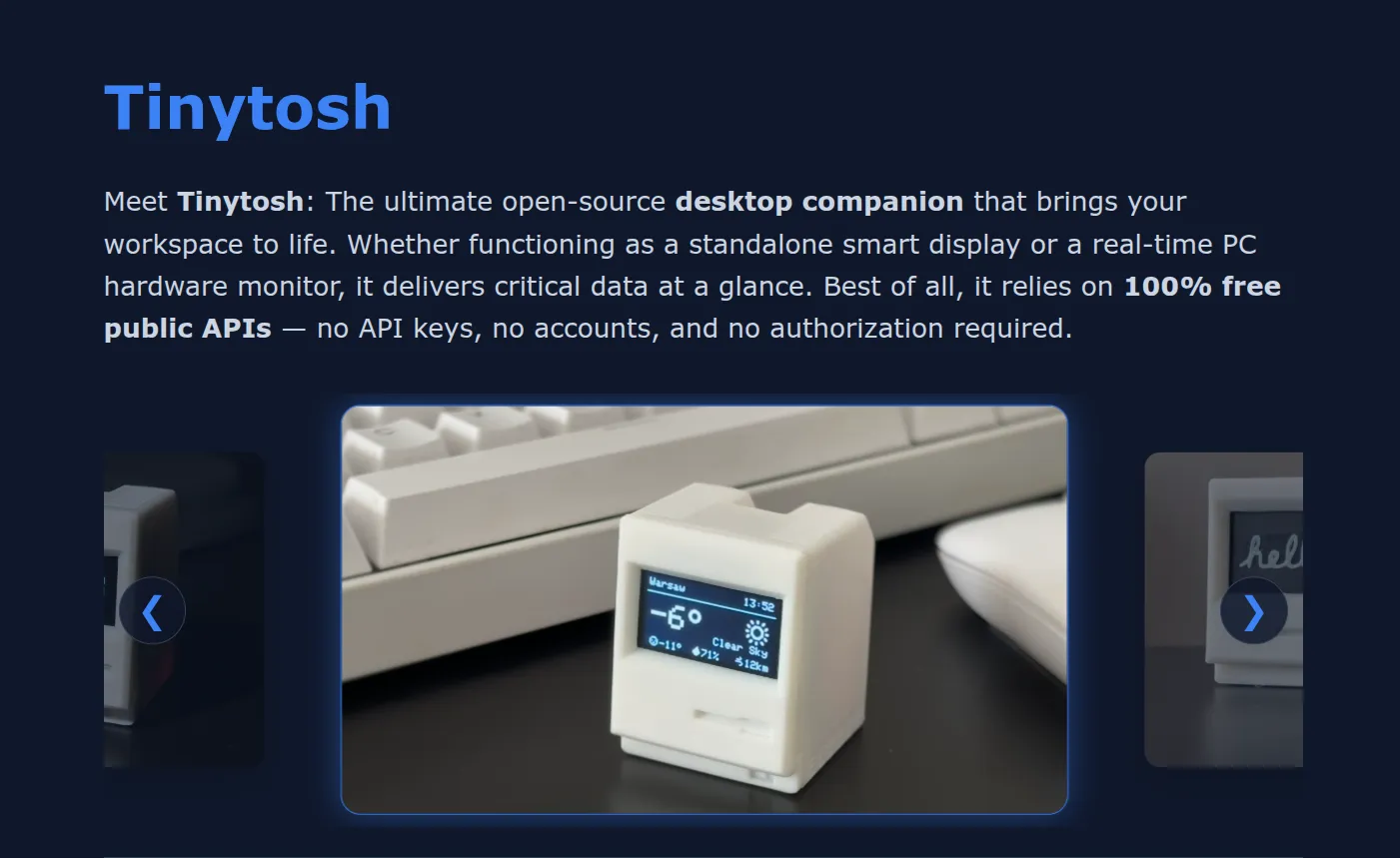
This project is 100% Open Source. You can view the code, contribute, or modify it on GitHub.
If you print this, please post a photo! I love seeing these little guys on desks around the world. ❤️
Boost Me (for free)
If you appreciate the work that went into the design and the free software, please consider giving this model a Boost 🚀. It helps more people discover the project and supports future updates!
License

You shall not share, sub-license, sell, rent, host, transfer, or distribute in any way the digital or 3D printed versions of this object, nor any other derivative work of this object in its digital or physical format (including - but not limited to - remixes of this object, and hosting on other digital platforms). The objects may not be used without permission in any way whatsoever in which you charge money, or collect fees.


Comment & Rating (190)