
Articulating Dragon with wings
Print Profile(3)


Description
Boost Me (for free)
If you like this model, a boost really helps and supports more future designs!
Membership
Want to sell prints of this model? Get a commercial license and access to my full catalog.
Boost Me (for free)
I've put a lot of work and iterations into this model and I'd really appreciate it if you'd leave a boost if you like my work!
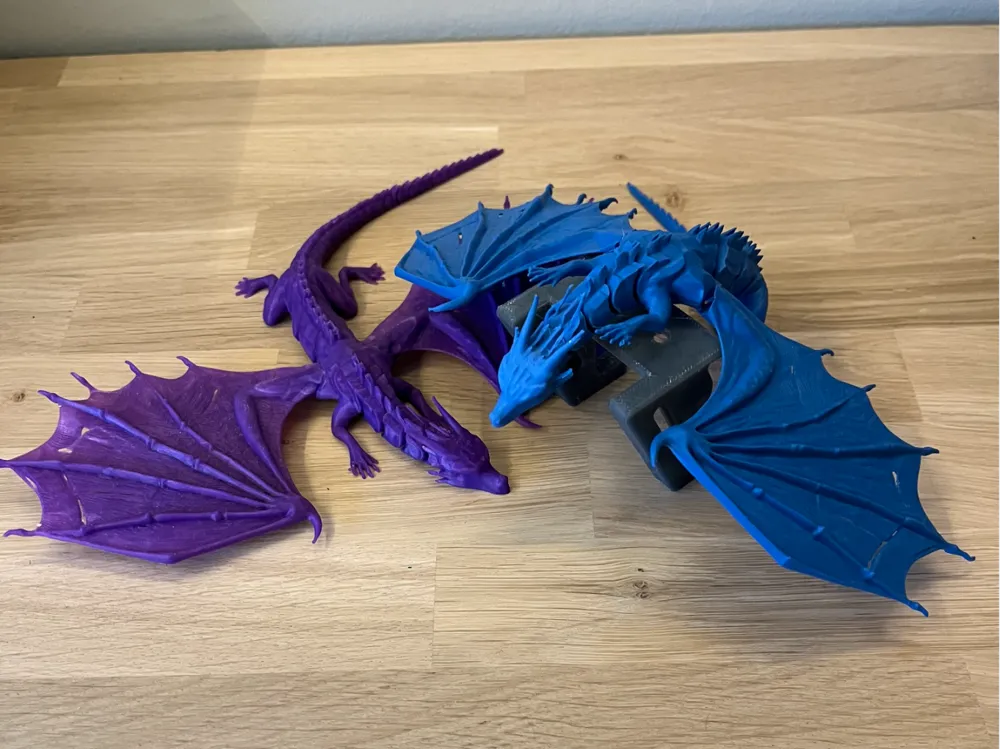
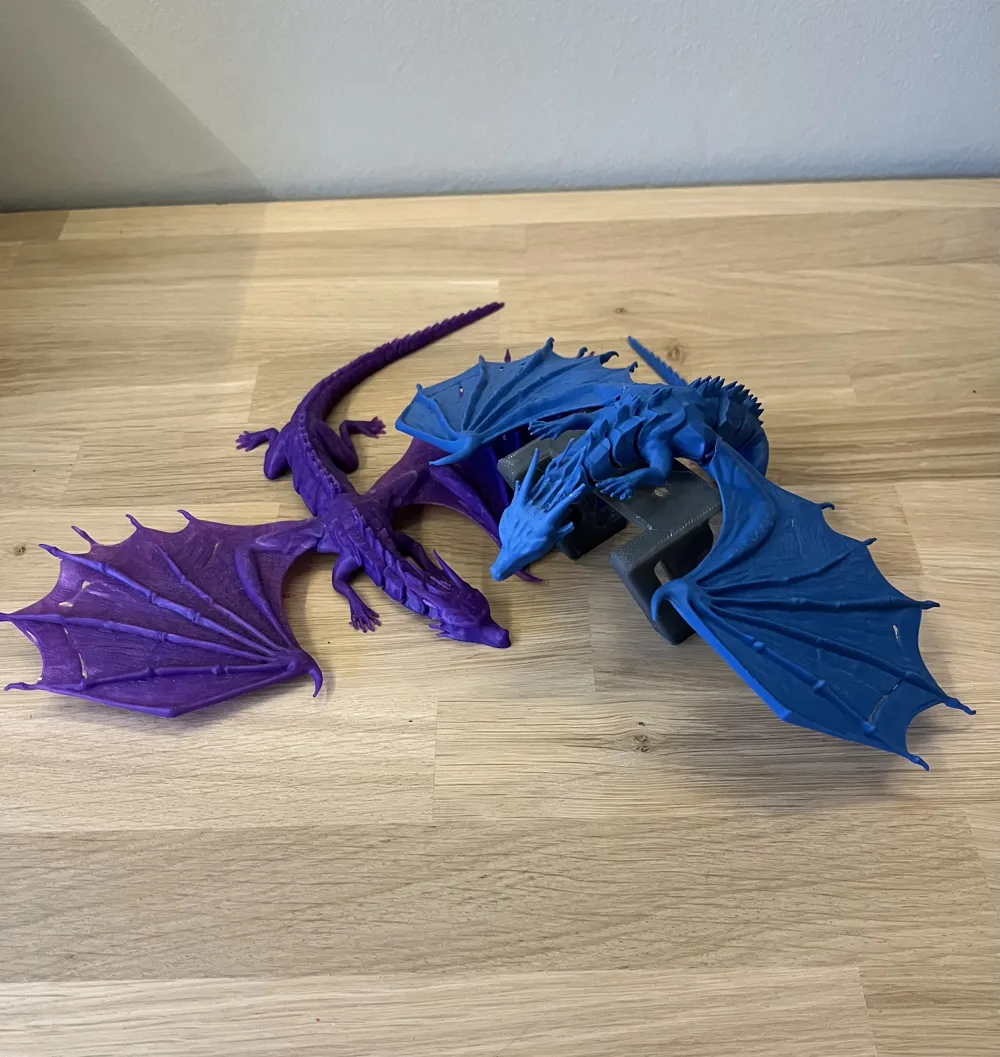
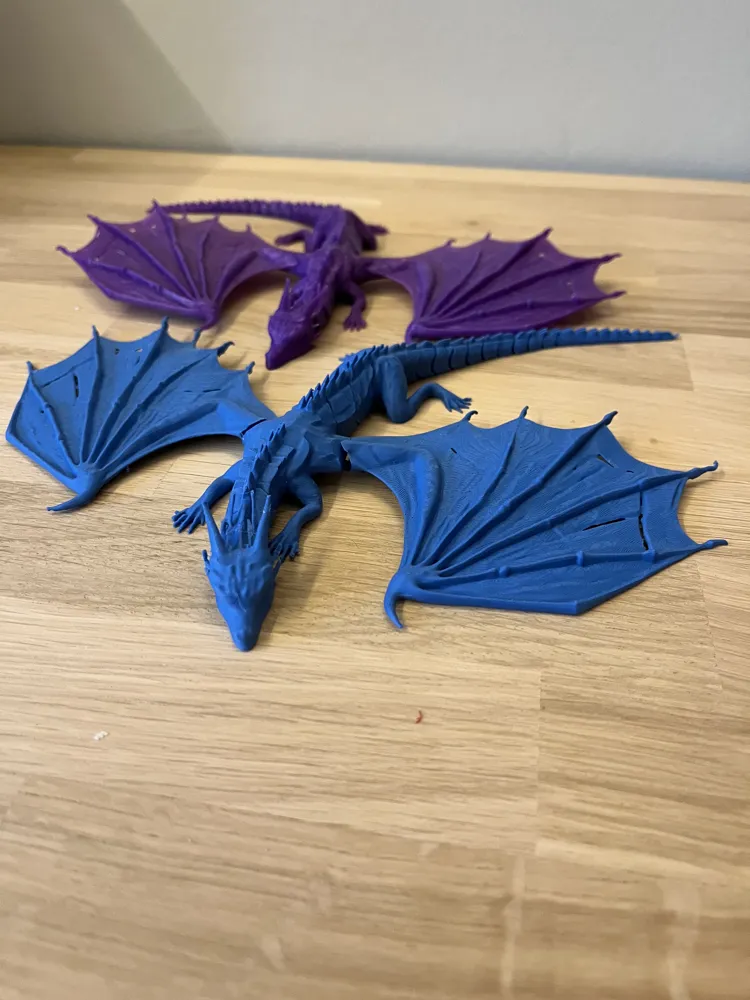
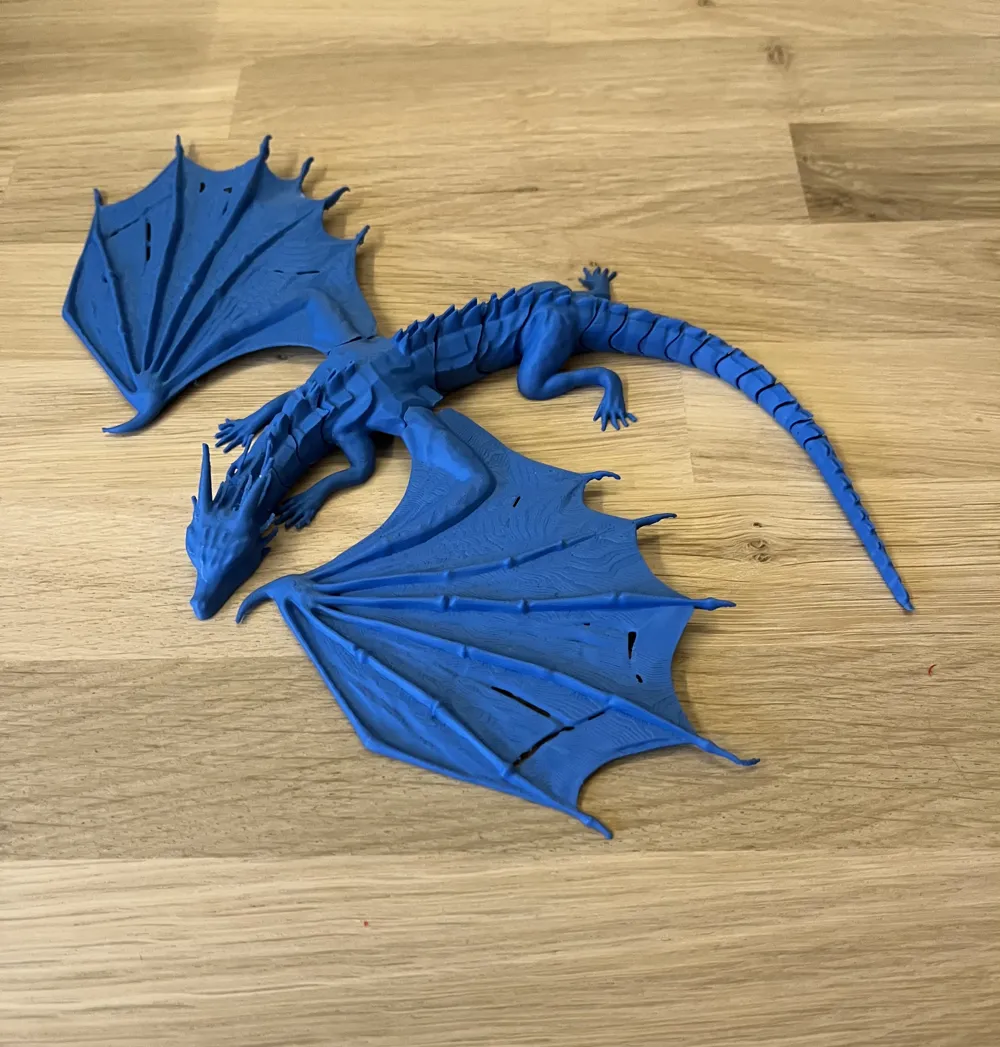
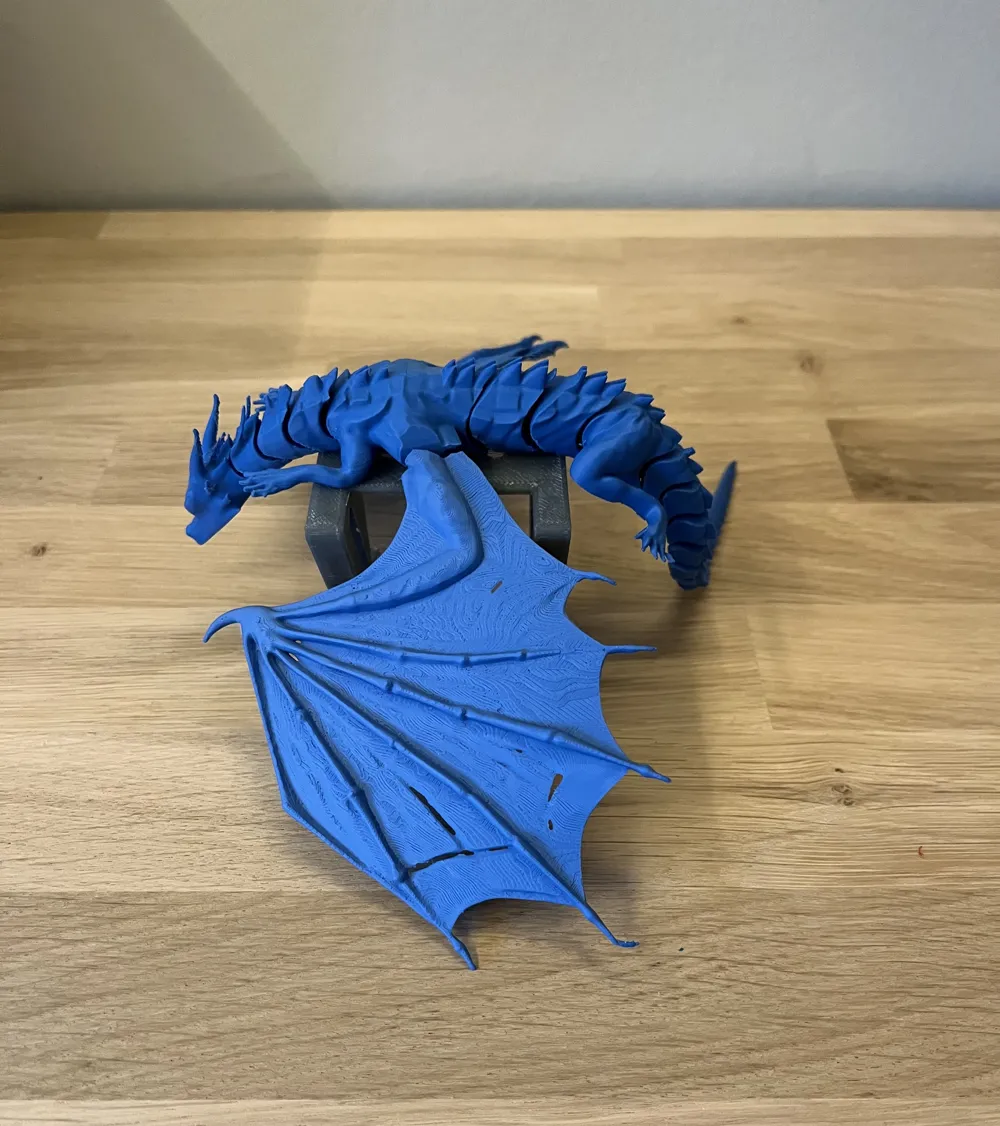
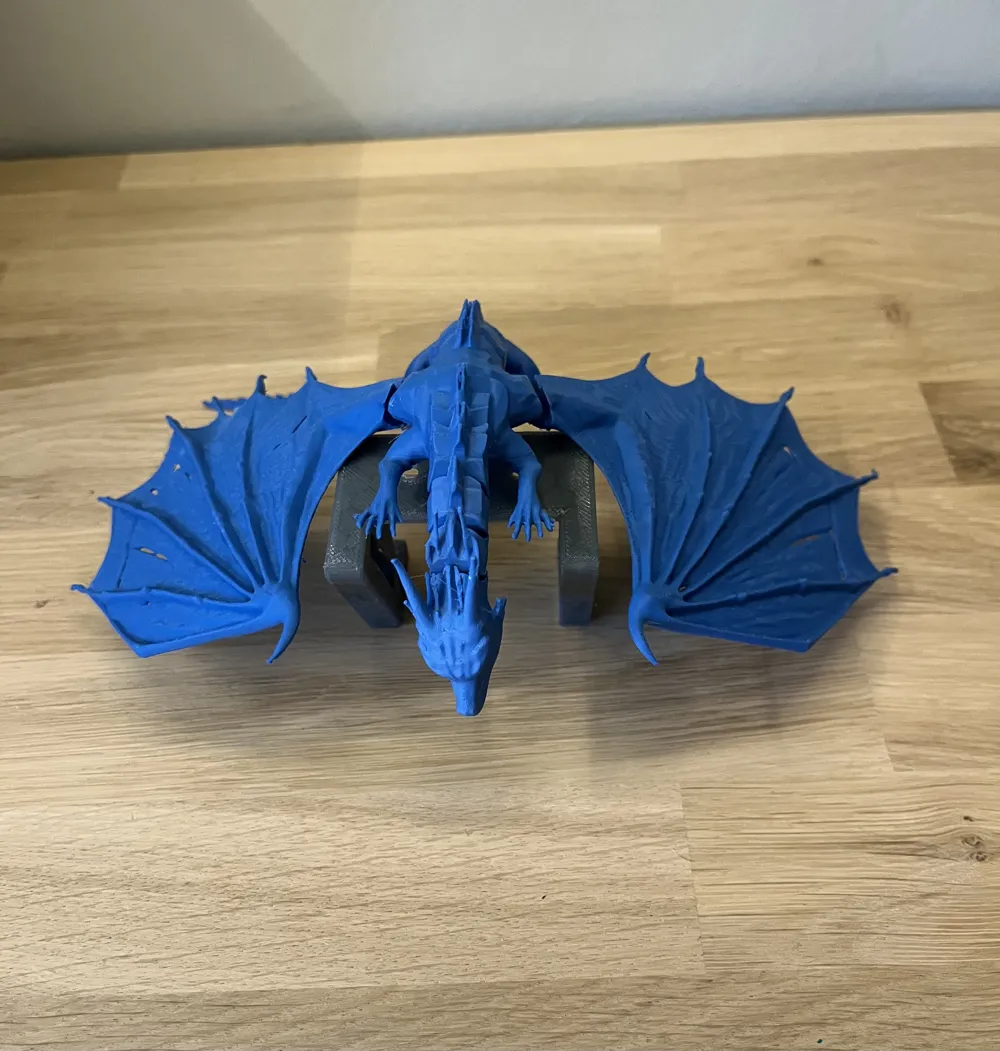
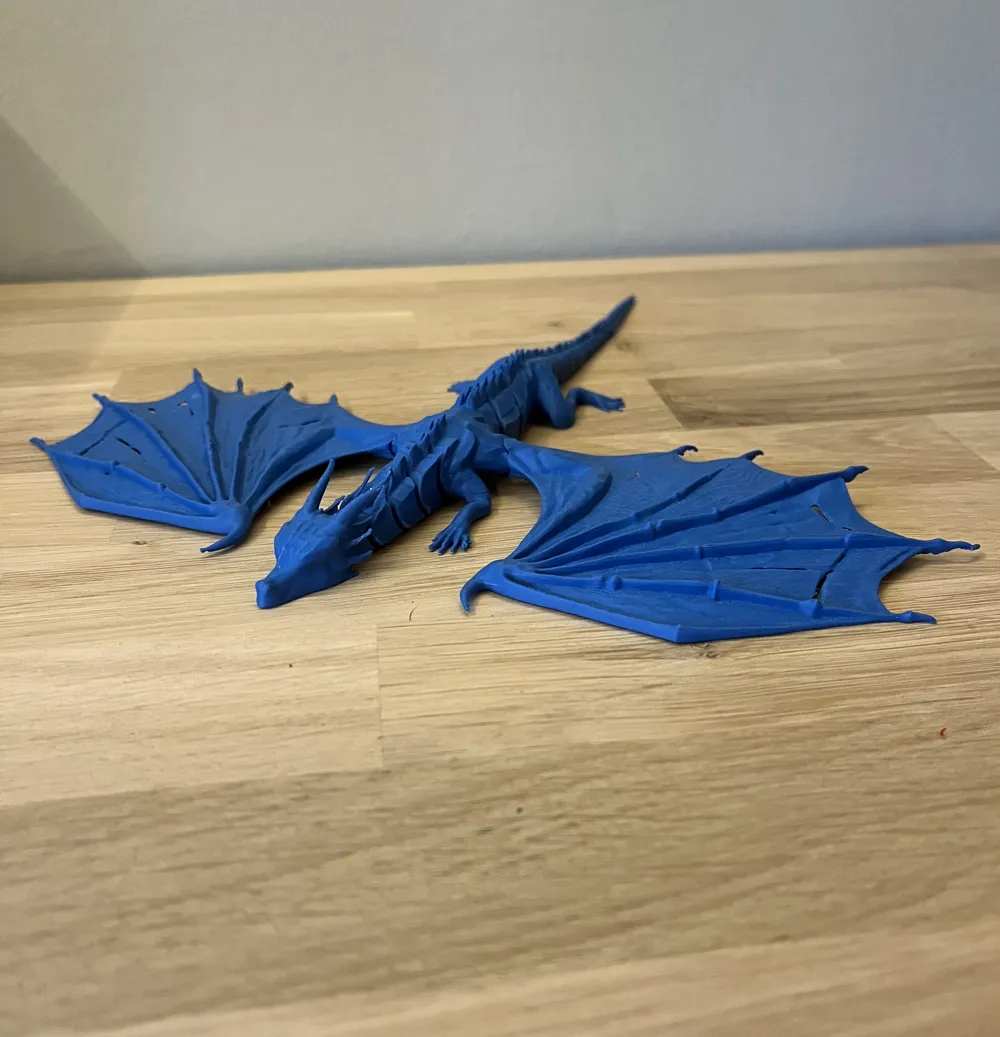
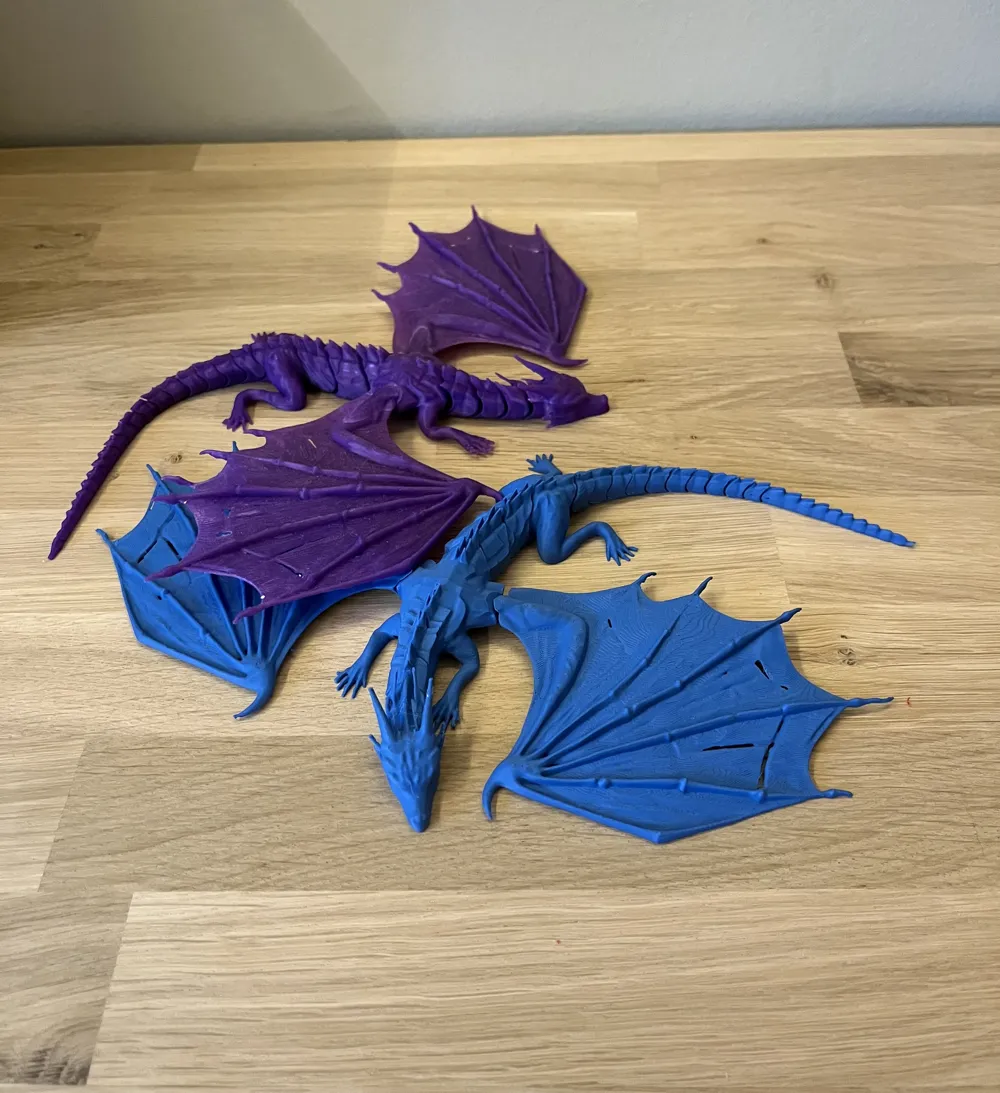
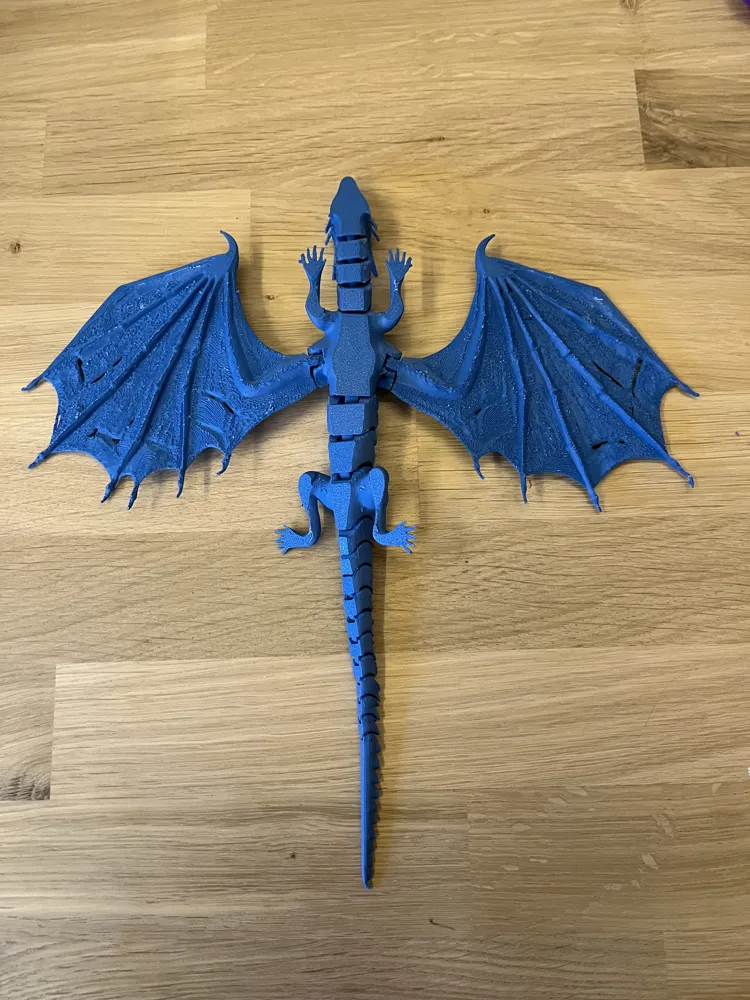
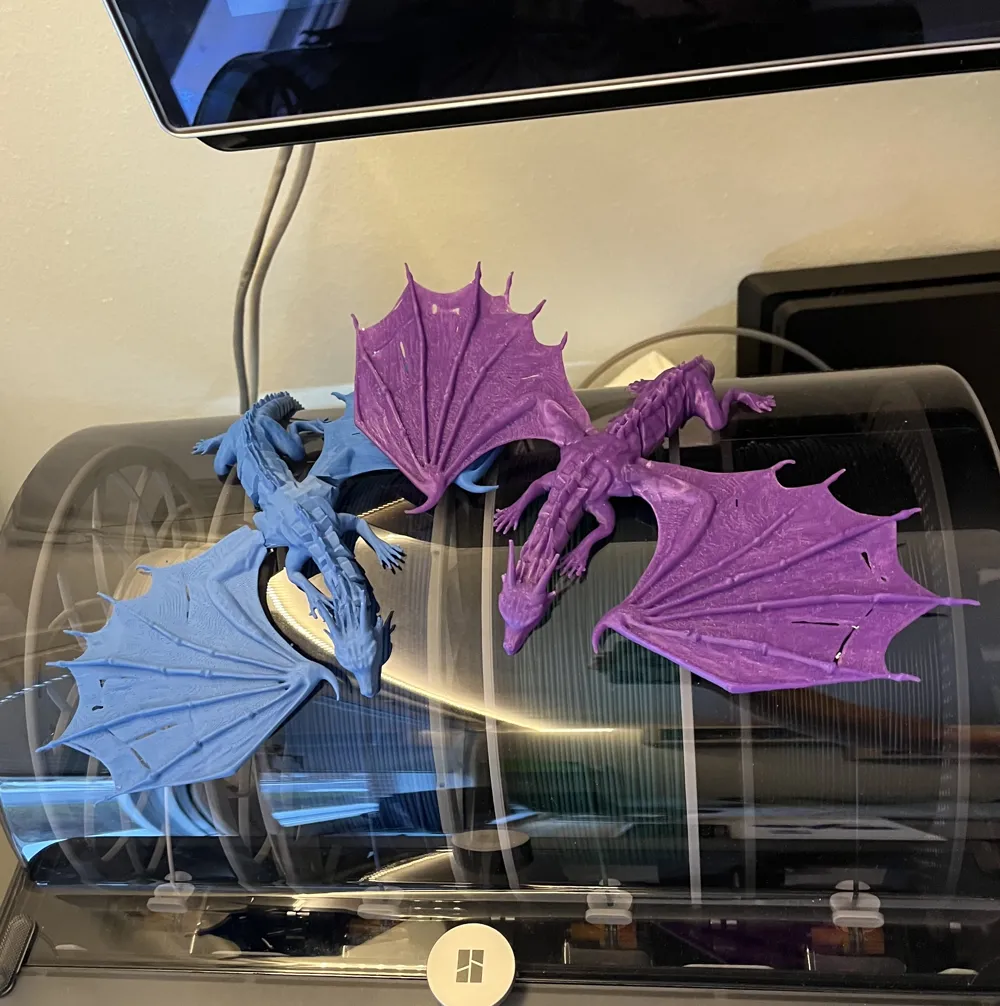
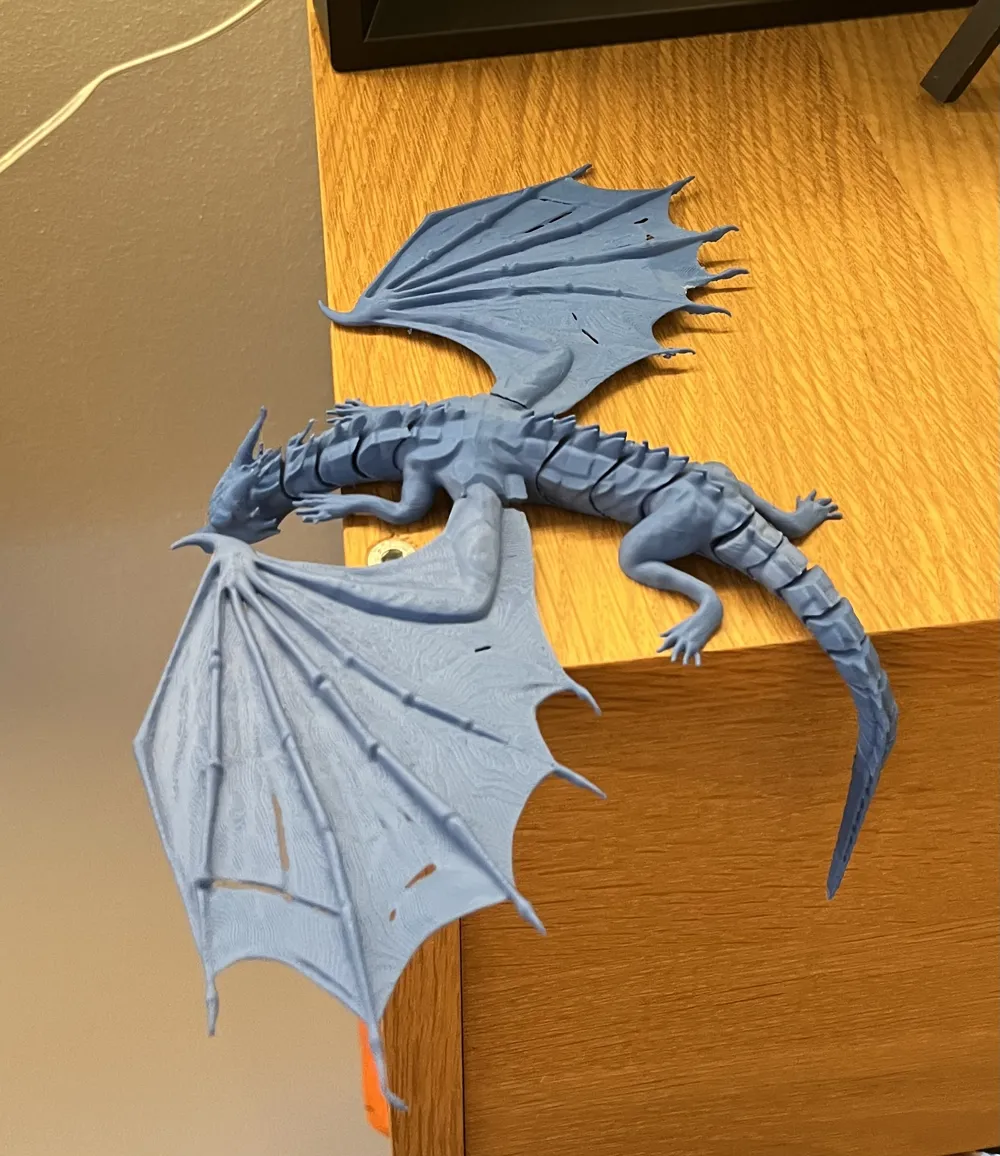
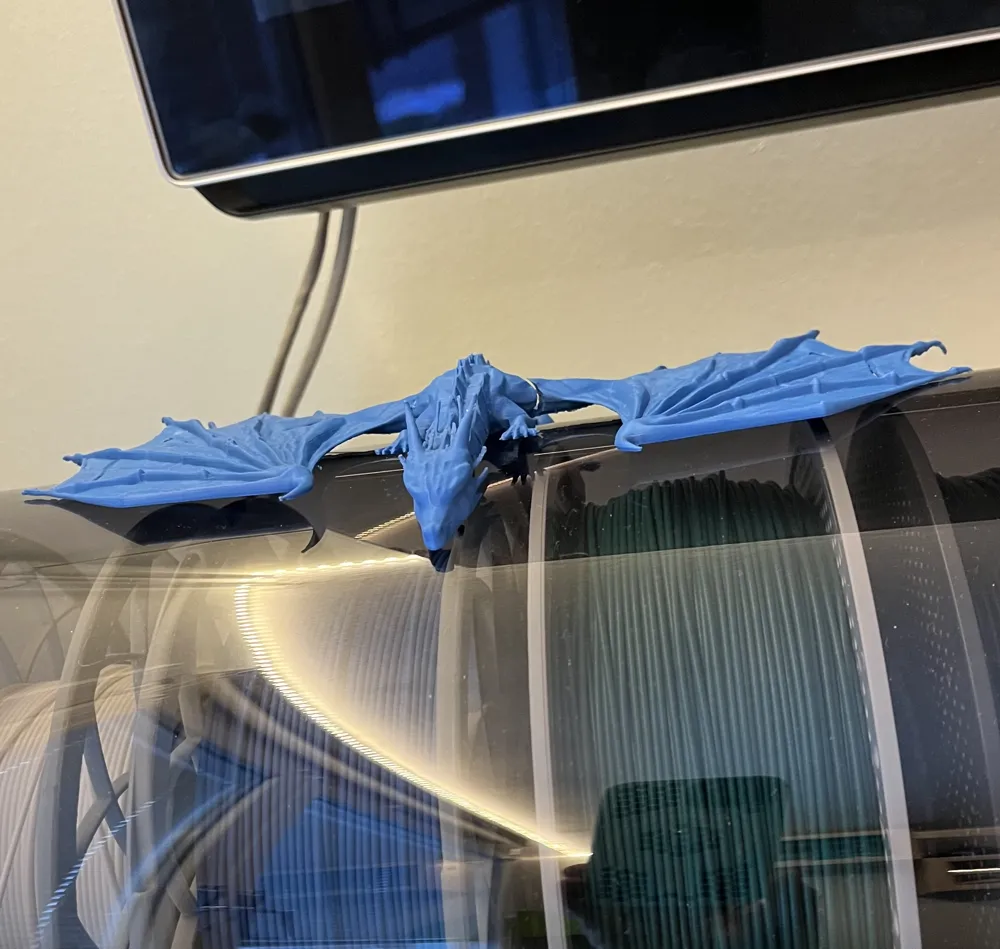
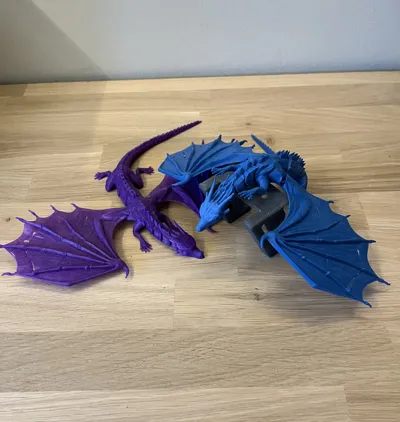
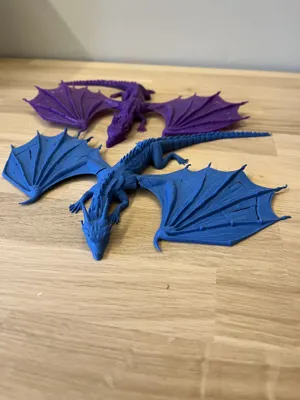
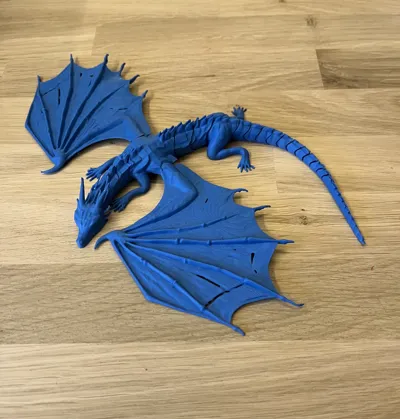
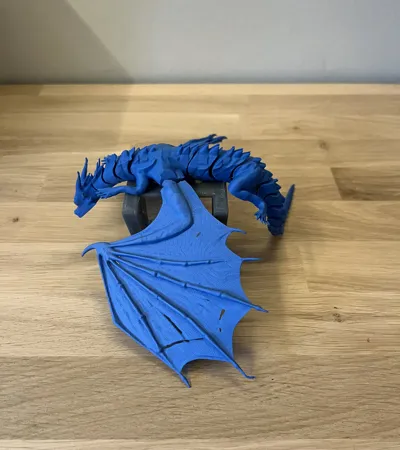
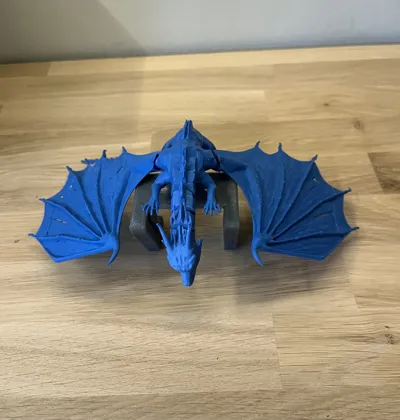
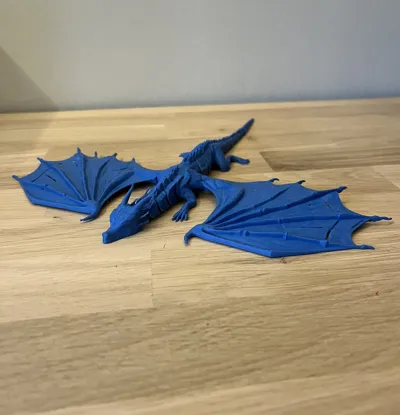
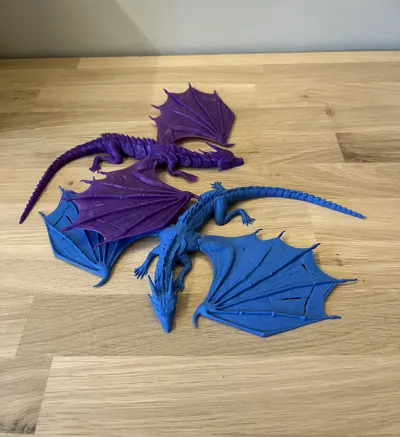
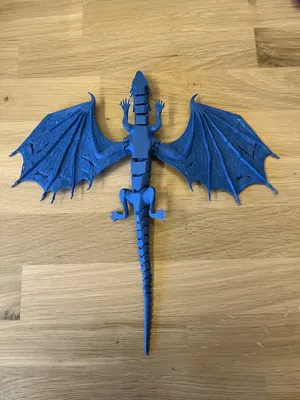
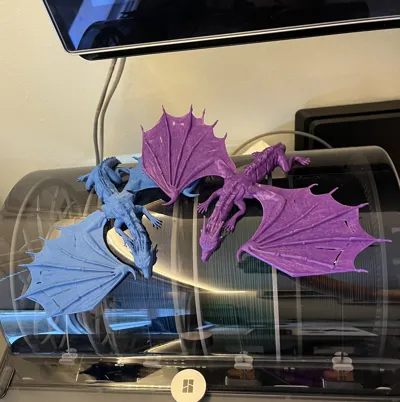
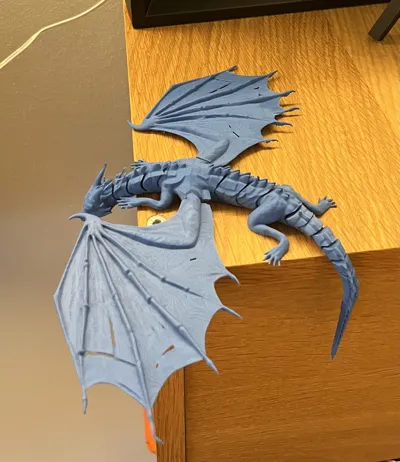
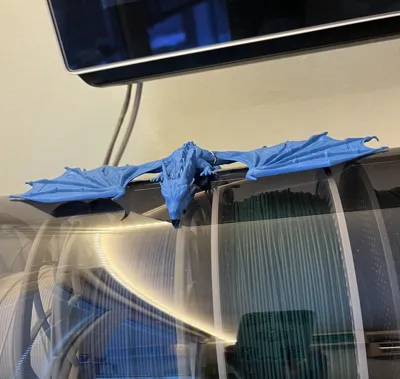
This model features a highly articulated dragon with flexible joints that allow it to bend and pose naturally. The design gives the dragon a dynamic, almost lifelike appearance, making it a striking decorative piece that looks great on a desk, shelf, or anywhere in your home. The flexible body and wings add a satisfying tactile element and make it fun to reposition without compromising structural integrity.
Printing Recommendations
I recommend using the base print profile to minimize material usage, especially when printing with PLA Matte. This profile is efficient and produces excellent overall results.
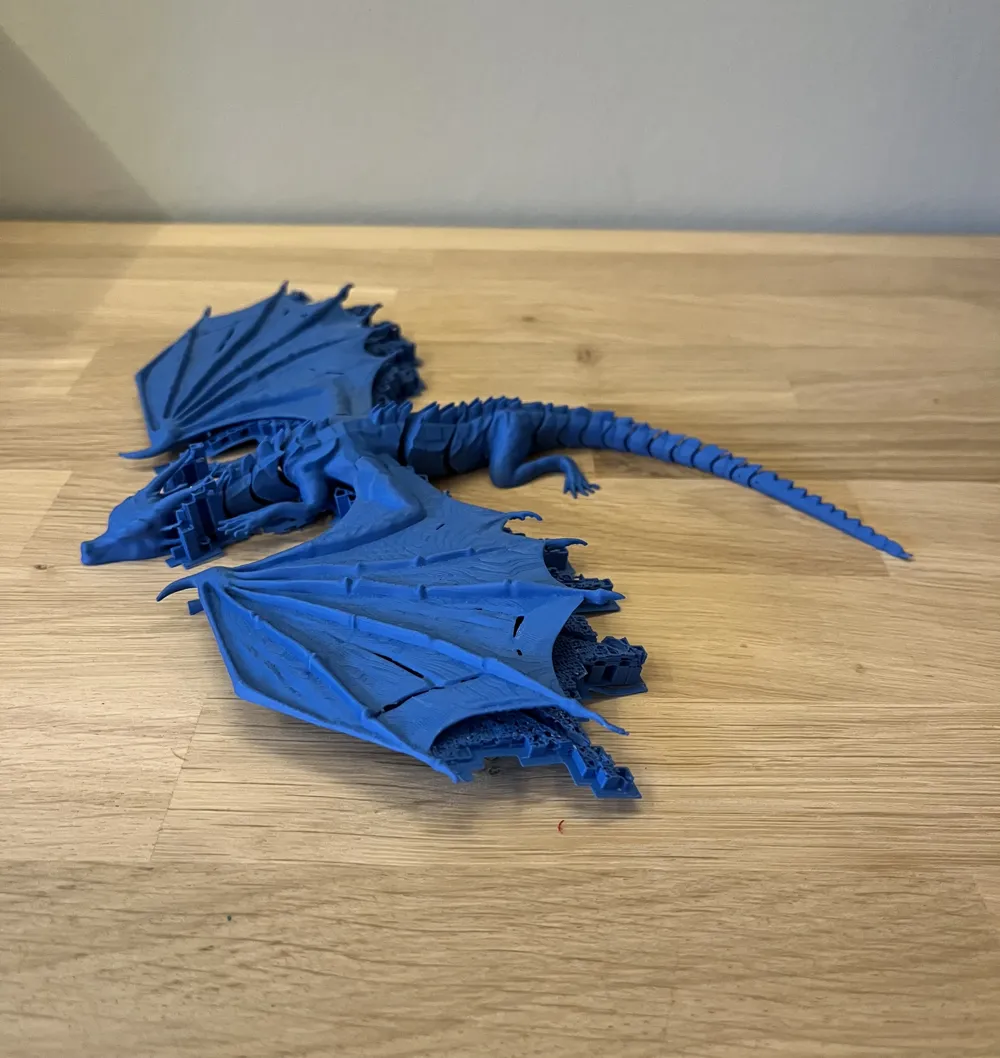
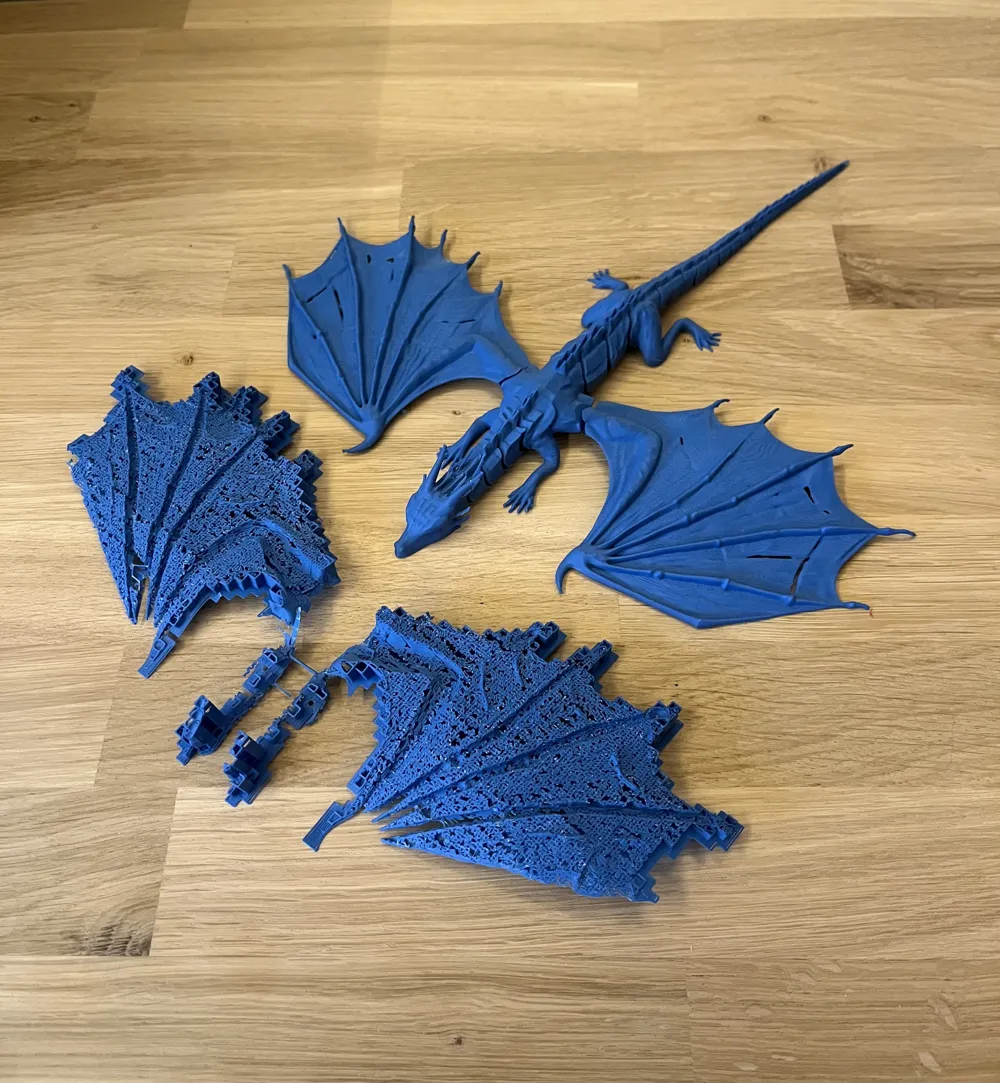
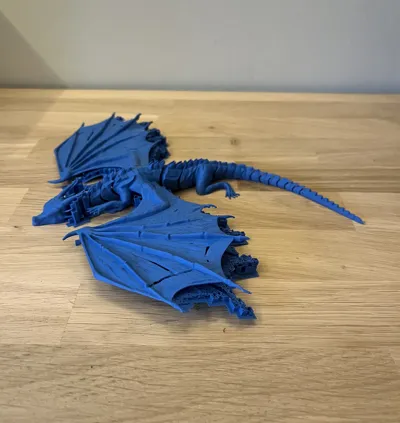
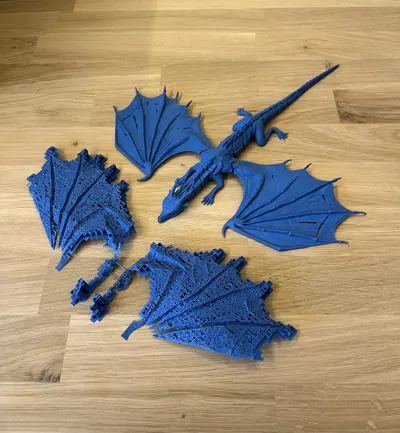
Do note that with this profile, the surface quality under the wings, where supports are required, will be slightly reduced. However, the supports are very easy to remove and still leave a clean and visually pleasing surface, as shown in the last images.
When printing with standard PLA, the typically stronger layer adhesion can make support removal a bit more challenging. The supports can still be removed completely and will leave a good surface finish, but it may require a bit more time, and having a pair of pliers on hand is recommended.
Alternative Profile for Easier Support Removal
To address this, I have included an additional print profile that uses an interface layer under the wings. To keep material waste to a minimum, the interface layer is applied only where necessary (under the wings).
For even better material efficiency, especially when using multiple materials, I recommend fine-tuning the flushing volumes based on your specific filament combination. A good starting point is a 0.6 multiplier, which balances material savings and print reliability well.
License

You may create derivative works based on this object, provided that all such derivative works are published exclusively on the MakerWorld platform and include proper attribution to the original creator. You may not share, upload, host, distribute, or publish this object—or any derivative work of this object—on any other digital platform, marketplace, or distribution channel. Commercial use of this object and any derivative works is strictly prohibited. This includes, but is not limited to, selling, renting, sublicensing, or using the object in any context in which you receive monetary compensation or other financial benefits.


Comment & Rating (8)