
Print Profile(2)


Bill of Materials


Description
Whether it’s a rating ⭐, a like ❤️, a comment 💬, or a suggestion 📝, every single one is appreciated and makes a difference.
Boost Me (for free)
🚀 If you really want to support my work, hit that Boost button – it’s just one click but it makes a huge difference and keeps me motivated to share more prints with you. Thank you! 🙌
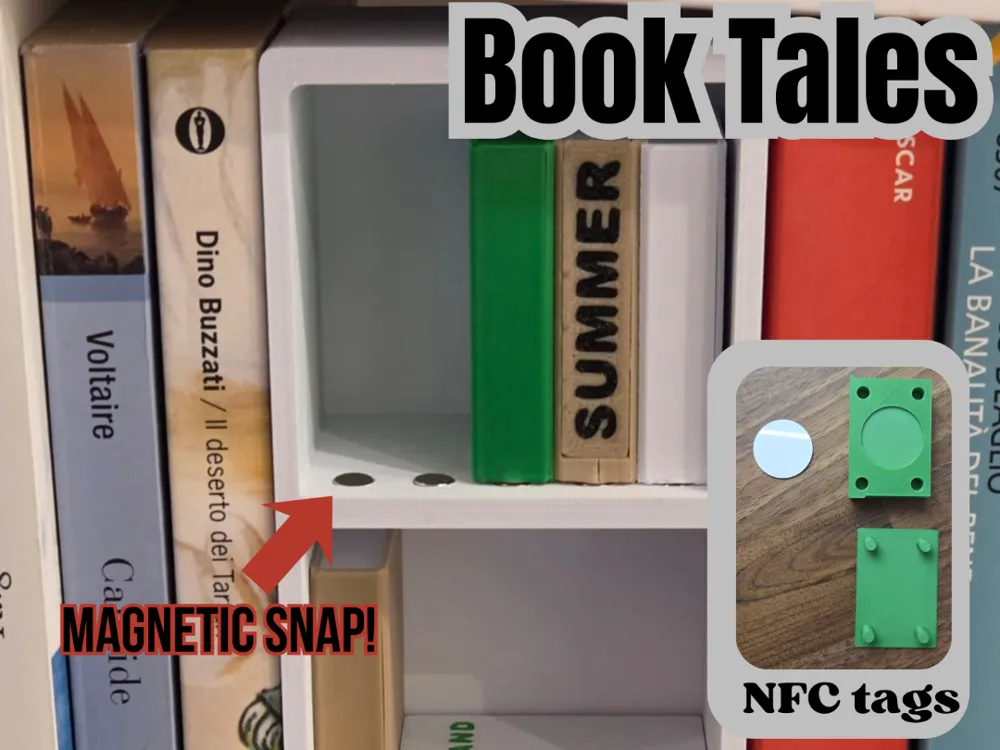
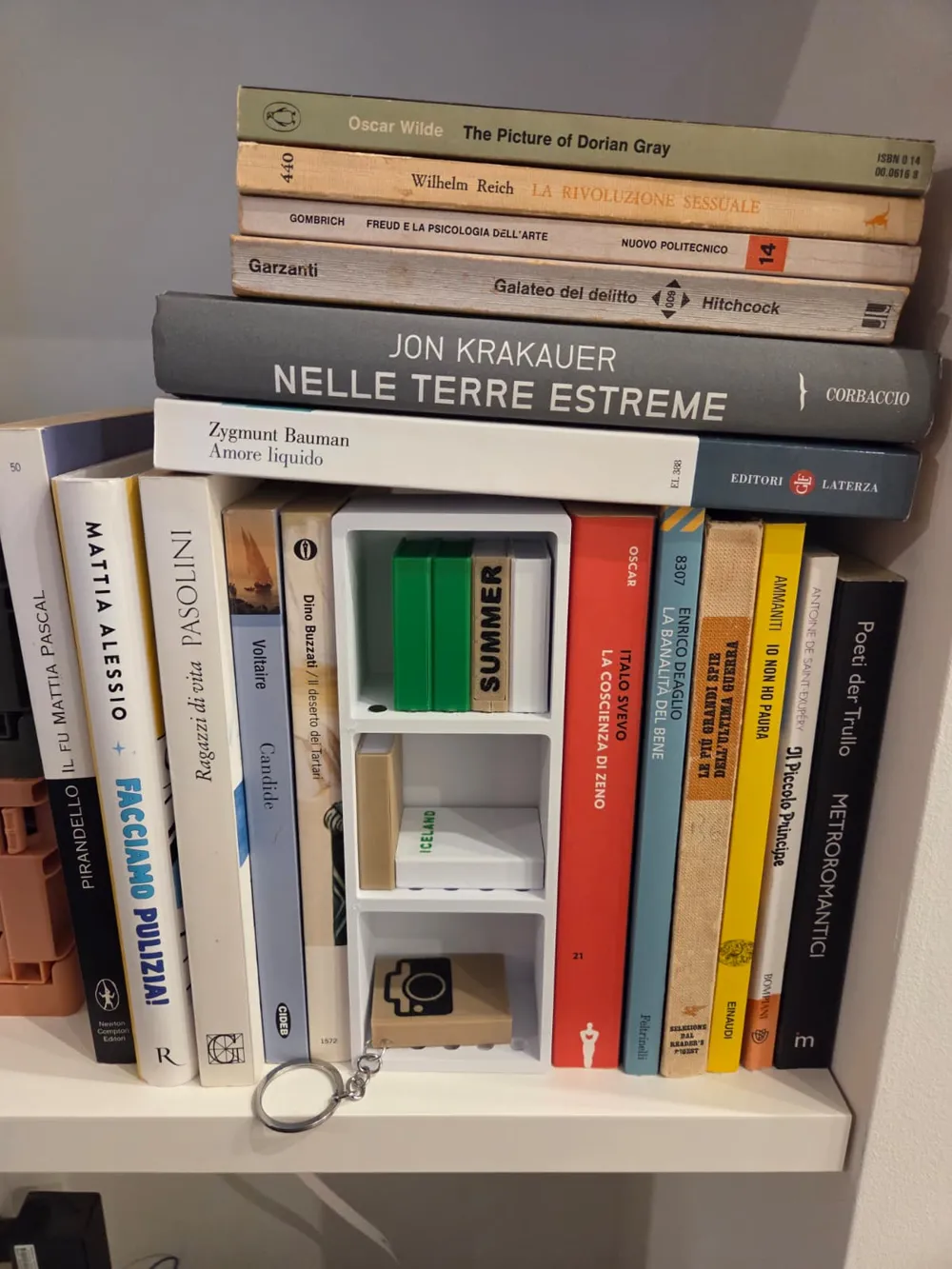
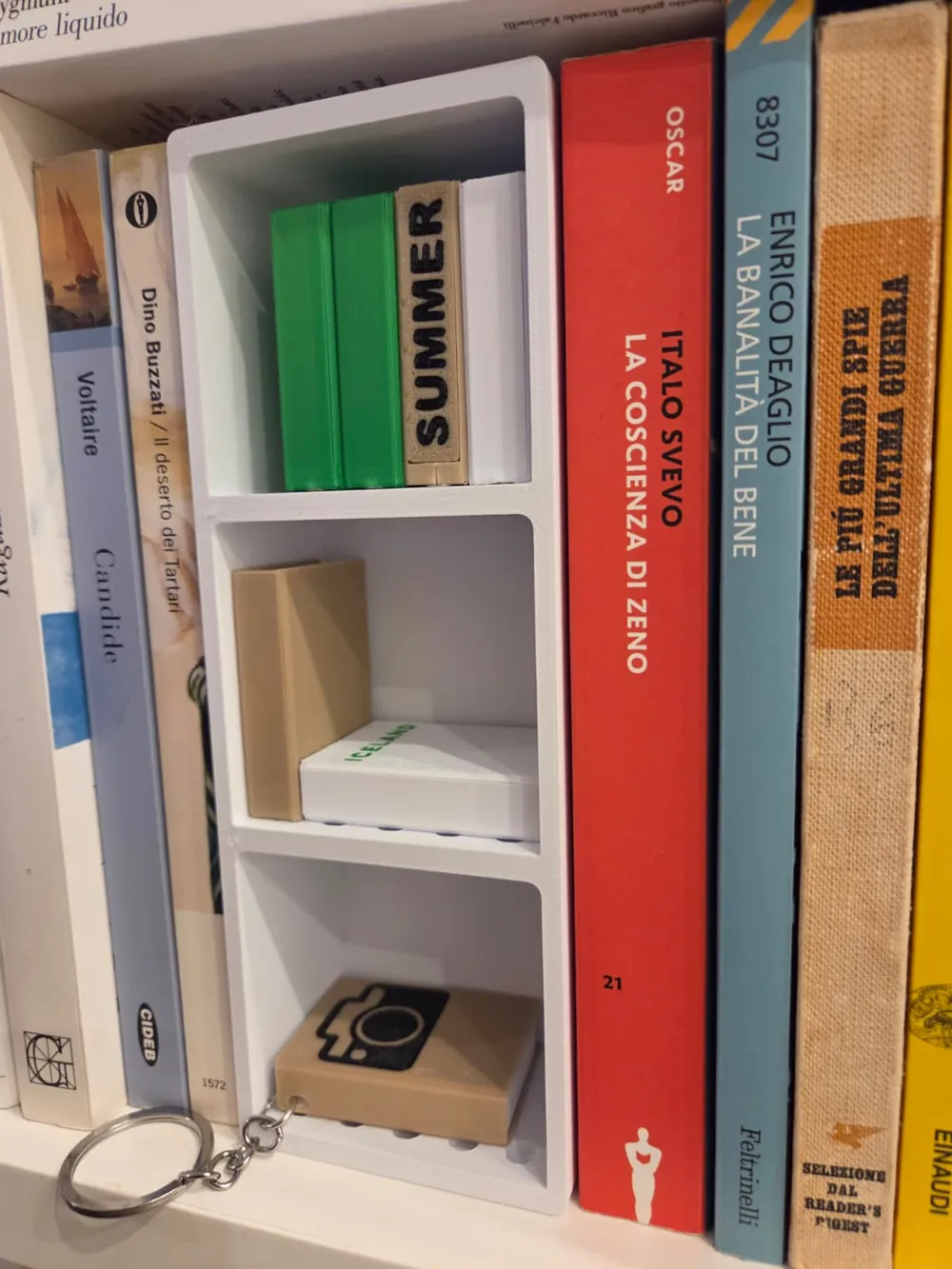
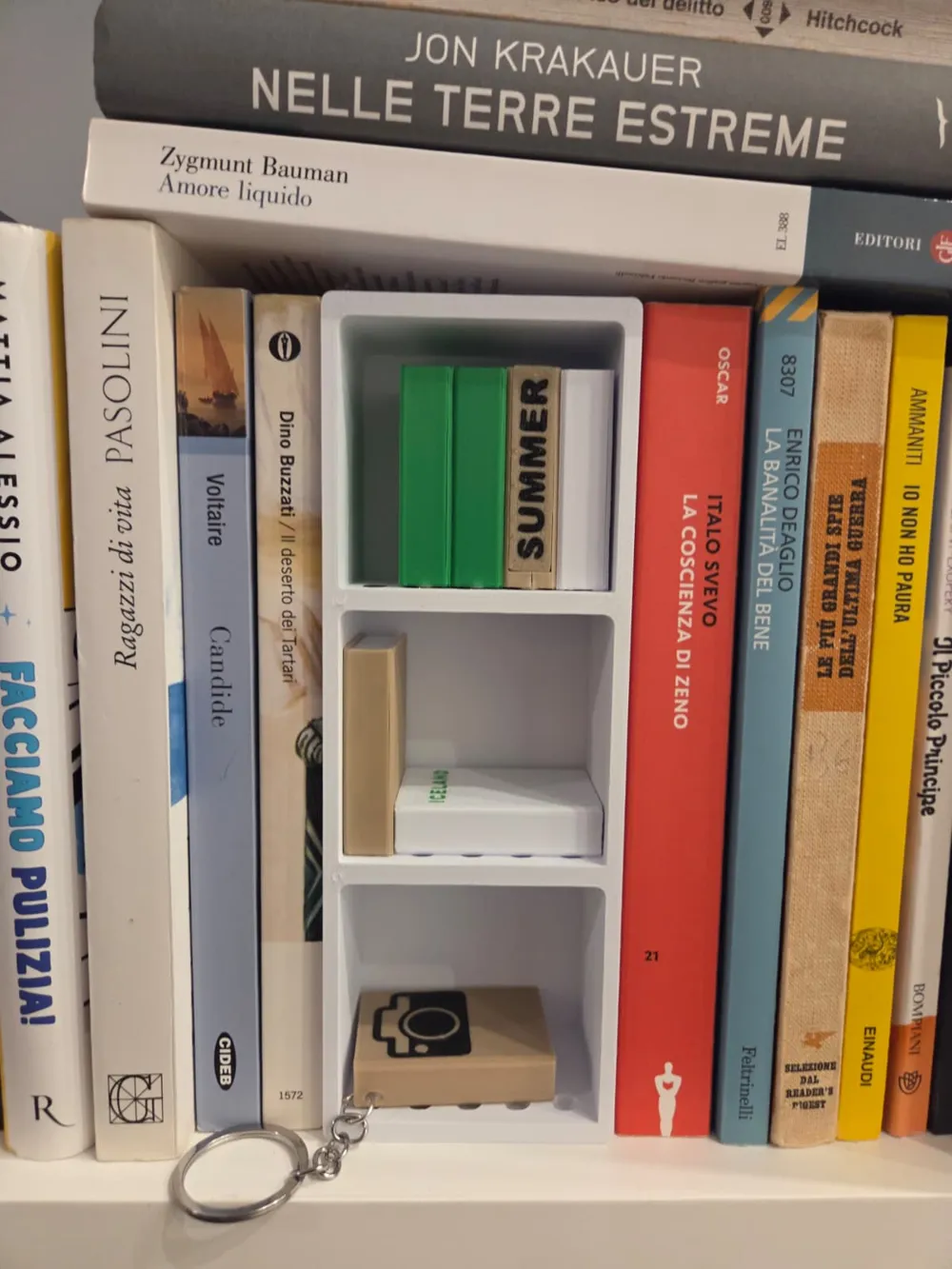
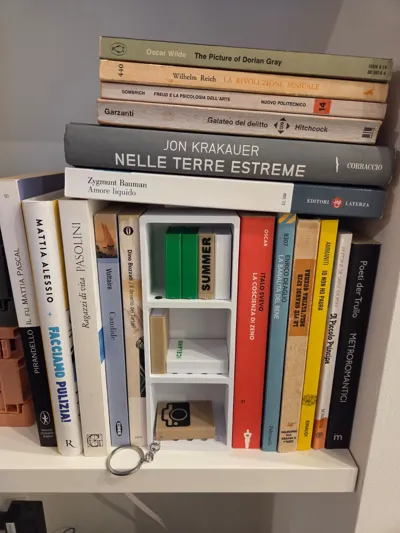
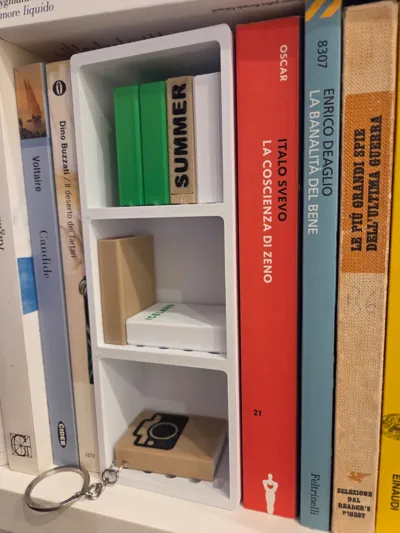
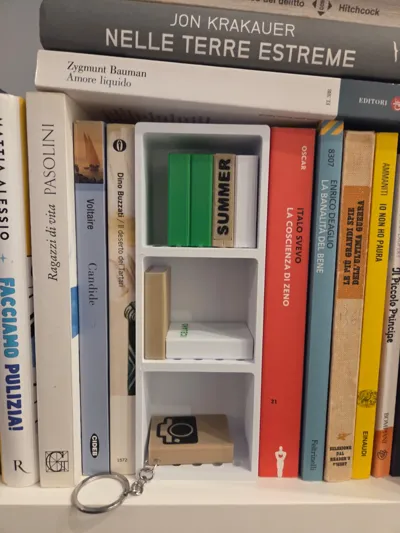
BookTales is a unique 3D-printed miniature library where each tiny book holds an NFC tag linking to your digital memories. Collect, personalize, and interact with your memories in a physical, tangible way!
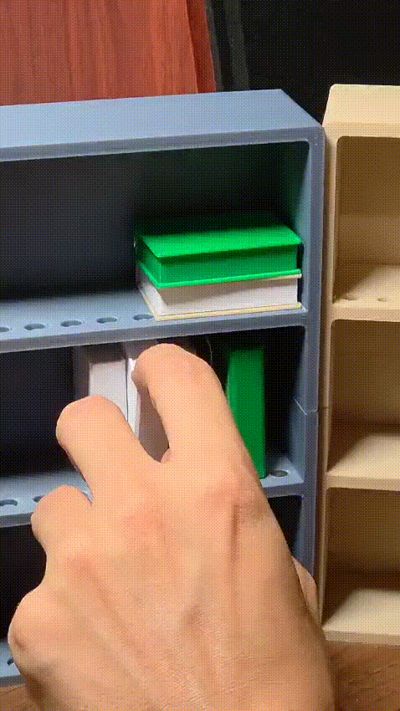
- Interactive mini-books: each book unlocks a photo album or story with a simple tap.
- Customizable design: choose colors and removable spines or covers.
- Perfect gift or keepsake: transform digital memories into a beautiful tabletop library.
- Made for makers: ready for customization and experimentation.
Bring your stories to life—one book at a time!
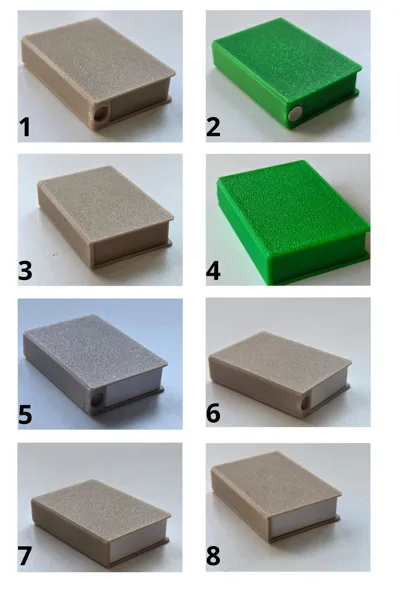
The print profile has:
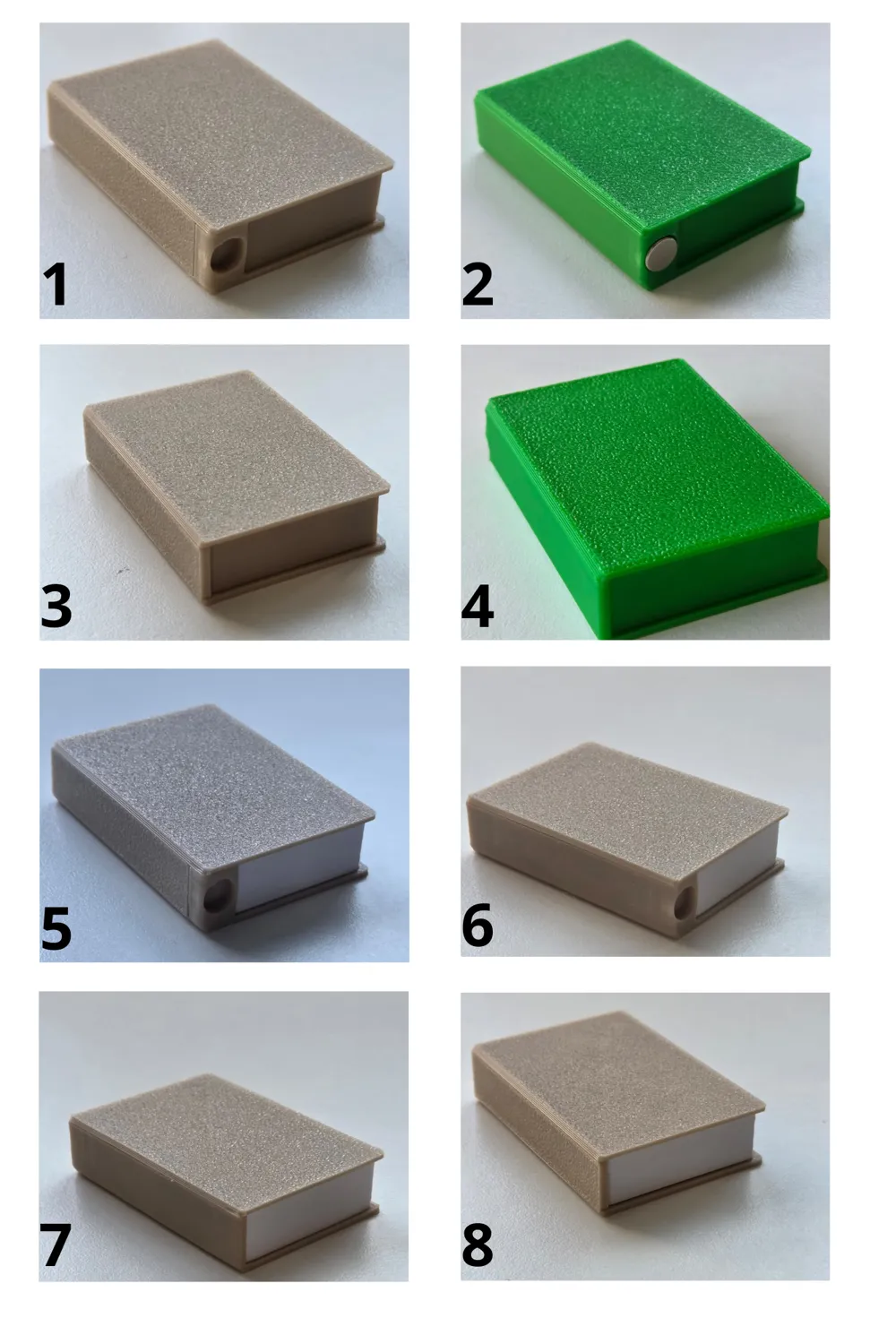
4 options for the books features (which turns into 8 because you can decide to print everything in one color):
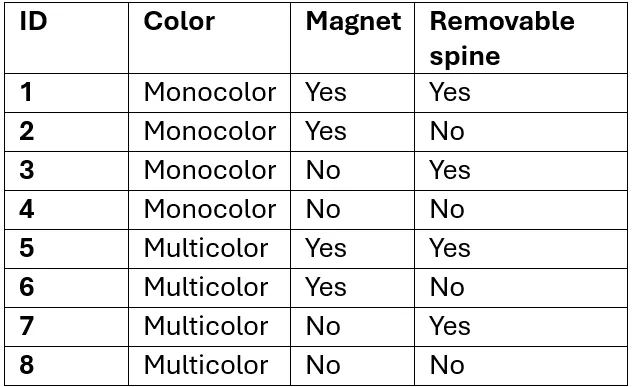
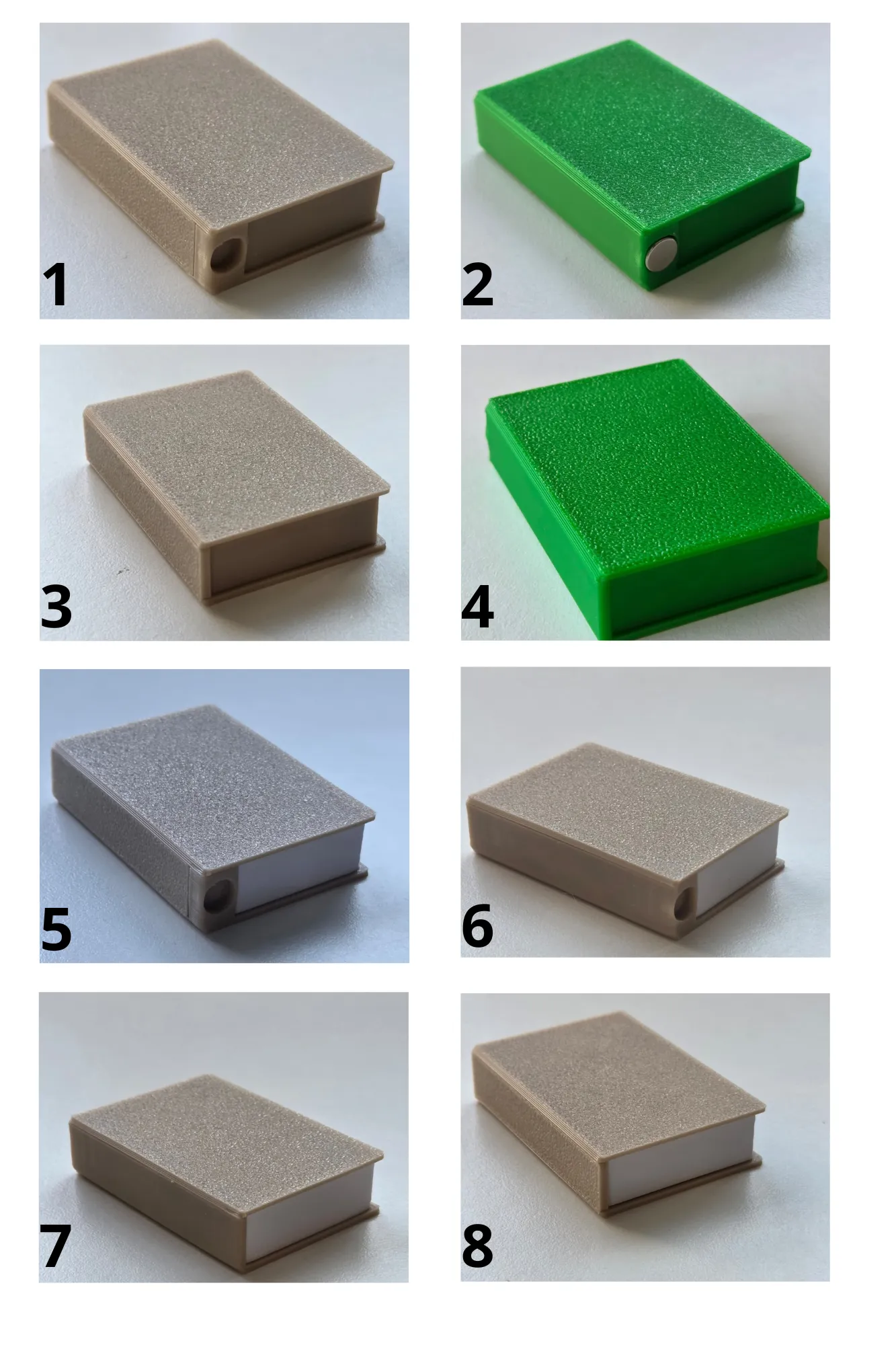
note: the number 7 is the less wastefull due to the very low spool changes.
In order to save filament always print the bodies alone in multicolor prints.
Simple instruction (assemple guide recommended):
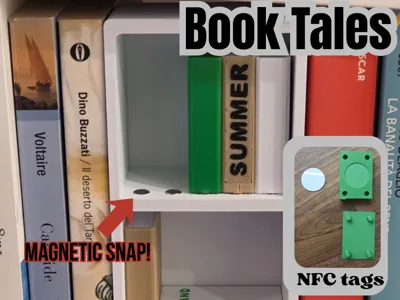
- Insert the nfc tag in the slot and snap the cover in place
- Insert the magnet in the book slot
- Snap another magnet to the same book so you don't mess with the polarity and with the book itself help yourself inserting the magnet in the bookcase
- ALWAYS check the polarity after the first magnet otherwise it might work with the single book but not with every one of them!
- Use a third party app to write your NFC tag (you can link a photo album, youtube video, makerworld profile ecc…)
💚 If you enjoyed this design, please consider leaving a like, a rating, or a comment – I truly appreciate every bit of feedback!
Boost Me (for free)
🚀 If you came all the way here, consider boosting!! Thank you! 🙌
Documentation (1)
License

You shall not share, sub-license, sell, rent, host, transfer, or distribute in any way the digital or 3D printed versions of this object, nor any other derivative work of this object in its digital or physical format (including - but not limited to - remixes of this object, and hosting on other digital platforms). The objects may not be used without permission in any way whatsoever in which you charge money, or collect fees.


Comment & Rating (18)