
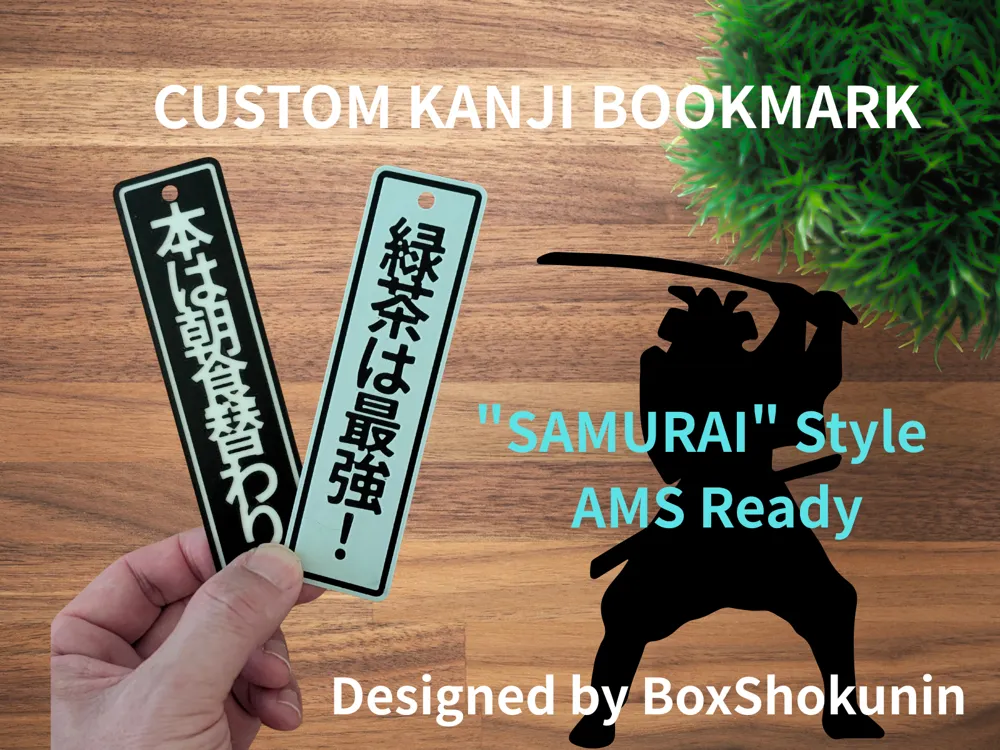
Customizable Kanji Bookmark - "SAMURAI" Style
Print Profile(6)
![SAMURAI (侍) - AMS Multicolor Ready [0.2mm]](https://makerworld.bblmw.com/makerworld/model/US4d4e4bbaa63938/575329453/instance/2026-01-21_80ffd5fc15ef2.jpg?x-oss-process=image%2Fresize%2Cw_100%2Fformat%2Cwebp)
Description
### 🏯 Make Your Own "Kanji" Bookmark!
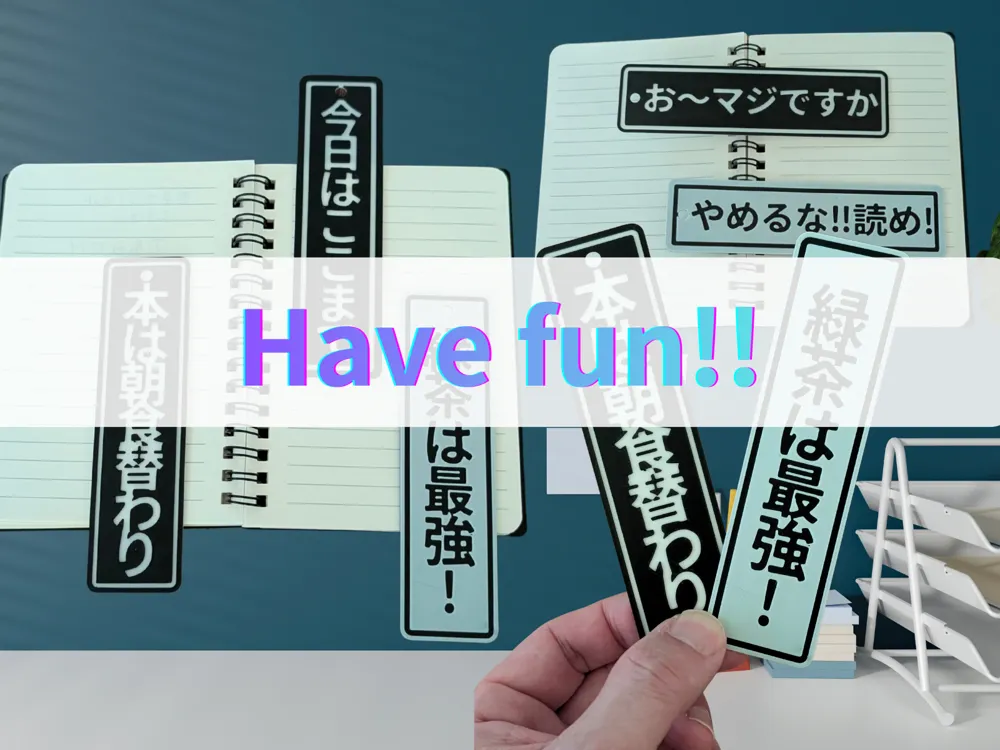
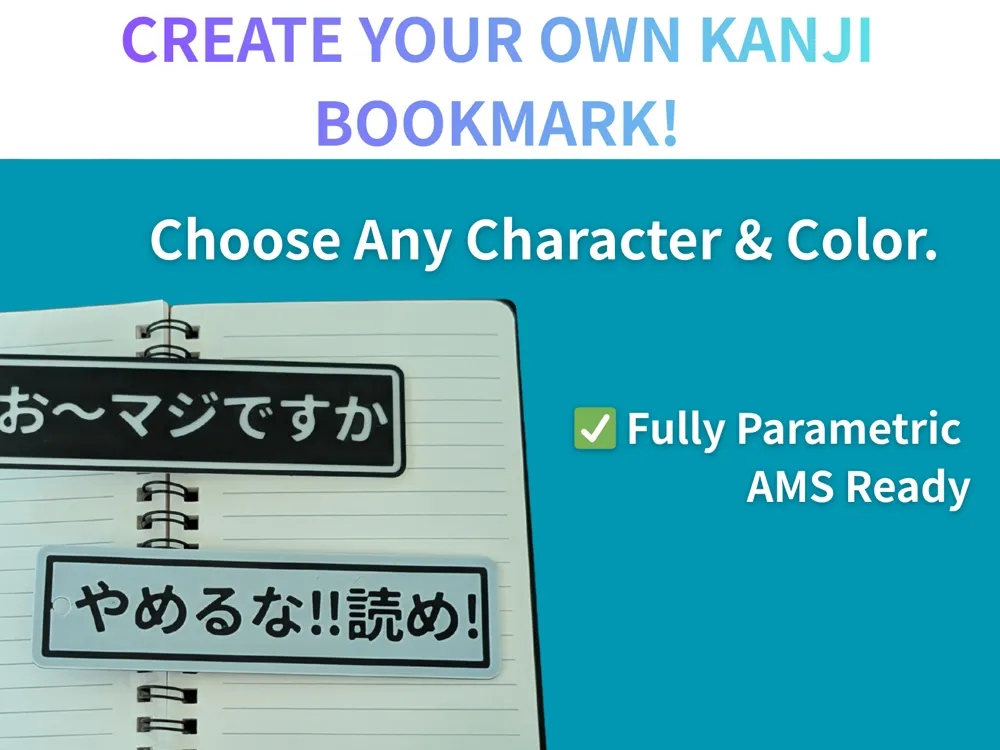
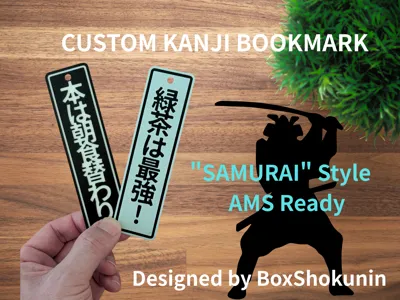
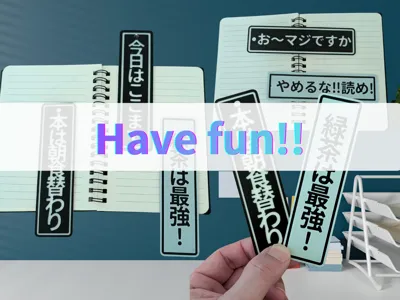
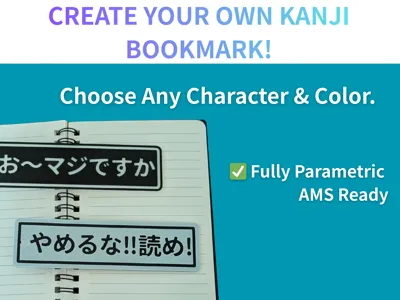
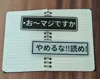
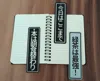
This is a fully customizable parametric bookmark. You can create a unique design with your favorite **Kanji (Japanese characters)** or English text.
Perfect for gifts or personal use!
The uploaded `.3mf` file is a sample **"SAMURAI (侍)"** design, pre-configured for Multicolor printing (AMS).
---
### 🛠️ How to Customize (Parametric Model Maker)
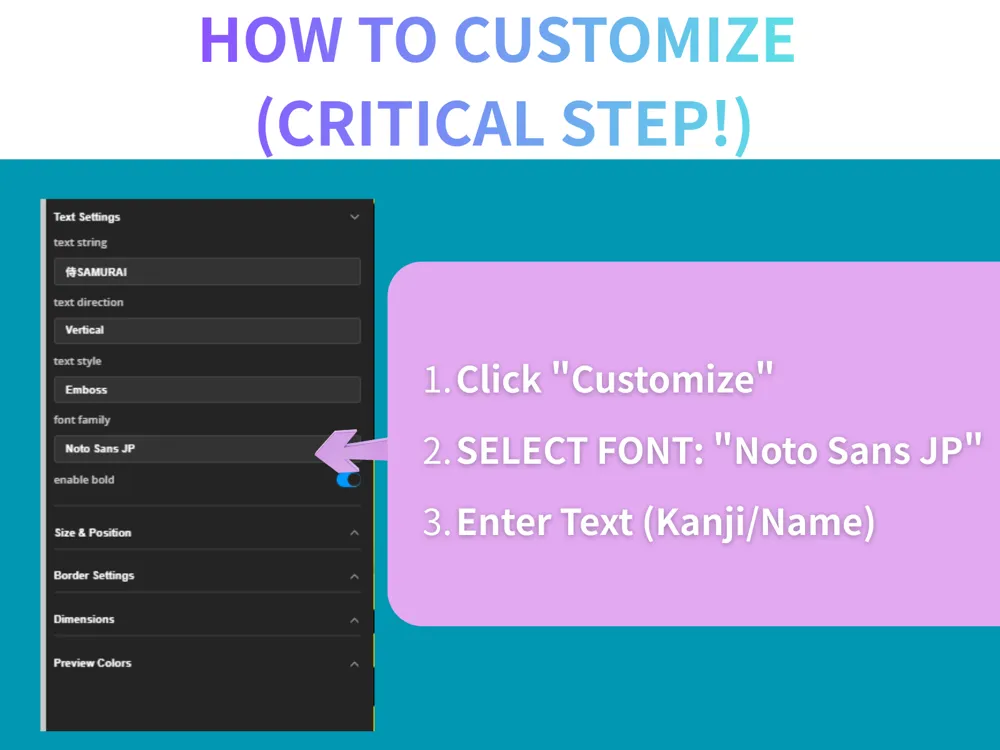
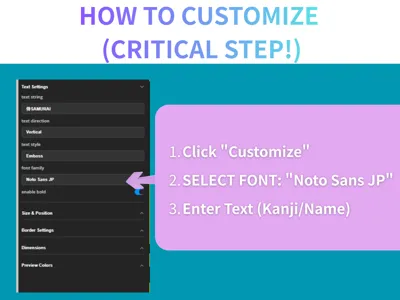
1. Click the **"Customize"** button.
2. **Font Selection:** Please select **"Noto Sans JP"** (Default) or "Noto Serif JP".
* *Note: Other fonts may not display Kanji characters correctly.*
3. **Text:** Type your name or copy & paste Kanji from the list below!
4. **Style:**
* **Emboss (Raised):** Best for Multicolor printing (AMS). Looks cool!
* **Engrave (Sunken):** Best for daily use (won't damage book pages).
---
### 🖌️ Popular Kanji List (Copy & Paste)
Here are some cool Japanese Kanji characters for you. Copy and paste them into the "Text" box!
* **Samurai:** `侍`
* **Ninja:** `忍者`
* **Love:** `愛`
* **Dream:** `夢`
* **Courage:** `勇気`
* **Victory:** `勝`
* **Peace:** `平和`
* **Friendship:** `友情`
* **Kyoto:** `京都`
* **Tokyo:** `東京`
* **Cat:** `猫`
* **Dog:** `犬`
---
### 🖨️ Printing Tips
* **For AMS Users:** The default `.3mf` file and "Emboss" mode are ready for multicolor printing. The text is on a separate layer/part for easy coloring.
* **For Single Color Users:** You can use "Pause at height" to change filament manually, or just print in one color (the "Engrave" style looks great in single color!).
* **Material:** PLA / PETG
* **Infill:** 15% - 100%
Happy Printing! 🇯🇵
---
### 🇯🇵 Japanese Guide
This model allows you to create original bookmarks or name tags by entering your favorite Kanji Hiragana or Katakana It is also perfect for children's bag name tags fan merchandise or gifts
**How to create**
1. Click the **Customize** button on the screen
2. **Text:** Enter your desired text (e.g. "Taro" "Prayer for success" "Favorite idol's name")
3. **Font Family:** To display Japanese text you must select **Noto Sans JP** or **Noto Serif JP**
4. **Style:**
* **Emboss (Raised):** Finishes well for AMS (multi-color printing)
* **Engrave (Sunken):** Recommended for practical daily use
**Printing Tips**
* **For AMS users:** With the default settings (Emboss) the text part will be recognized as a separate object In Bambu Studio change only the color of the text object
* **For single color printers:** If you use the "Engrave (Sunken)" setting the text will be clearly visible even in a single color which is recommended
License

You shall not share, sub-license, sell, rent, host, transfer, or distribute in any way the digital or 3D printed versions of this object, nor any other derivative work of this object in its digital or physical format (including - but not limited to - remixes of this object, and hosting on other digital platforms). The objects may not be used without permission in any way whatsoever in which you charge money, or collect fees.


Comment & Rating (0)