
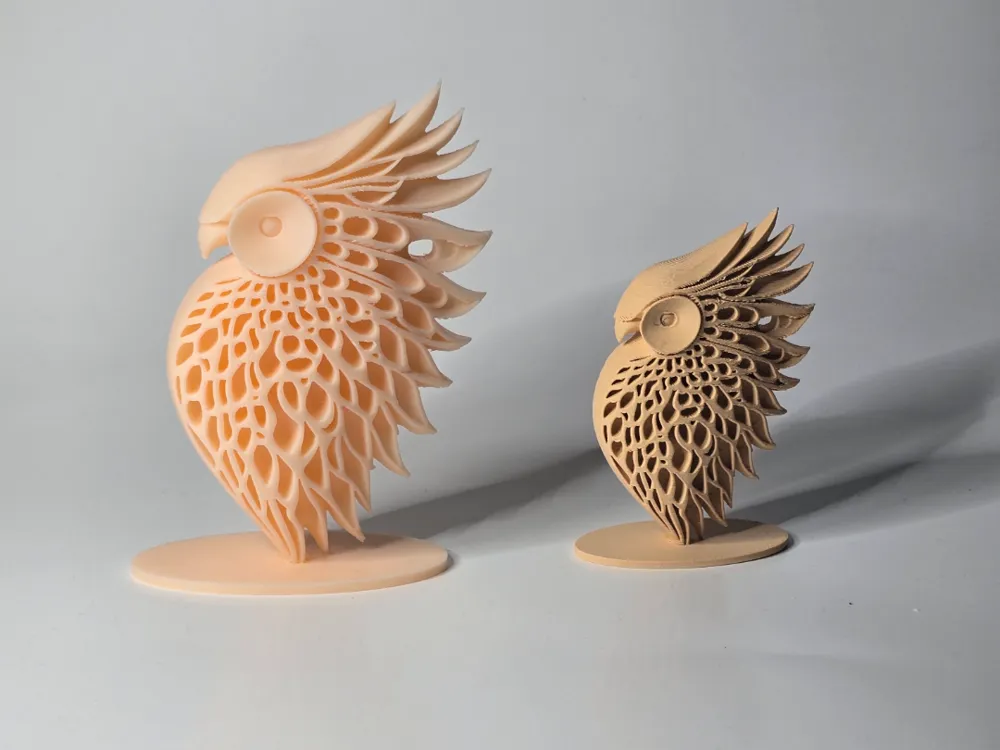
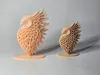
Modern minimalist owl
Print Profile(1)
Description
Boost Me (for free)
If you want to support me I would be grateful
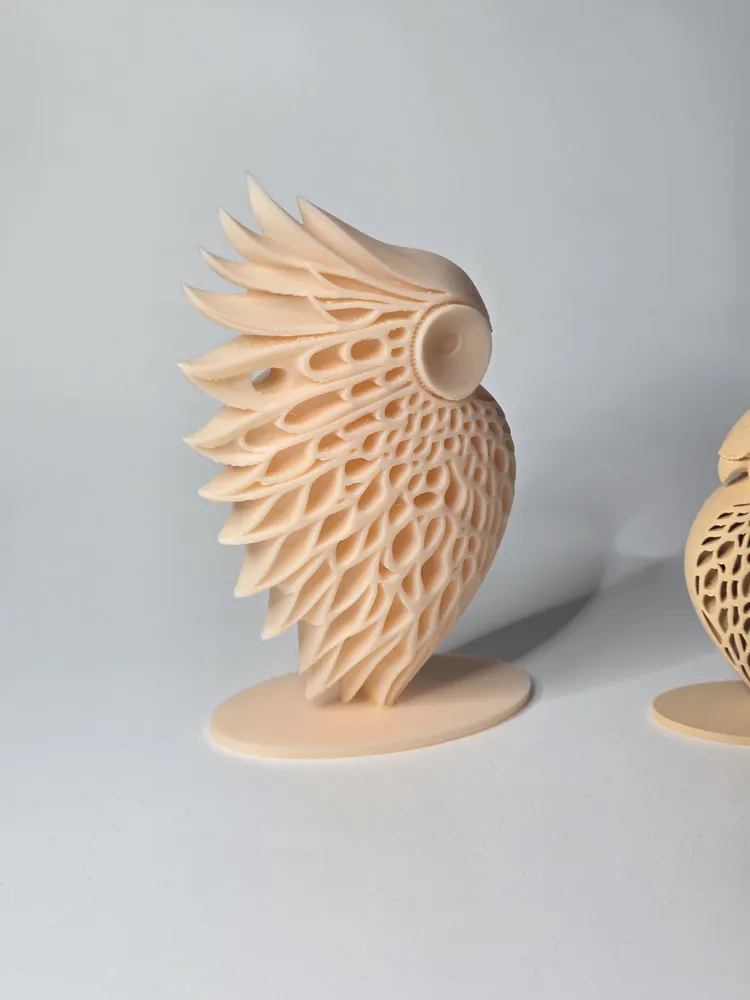
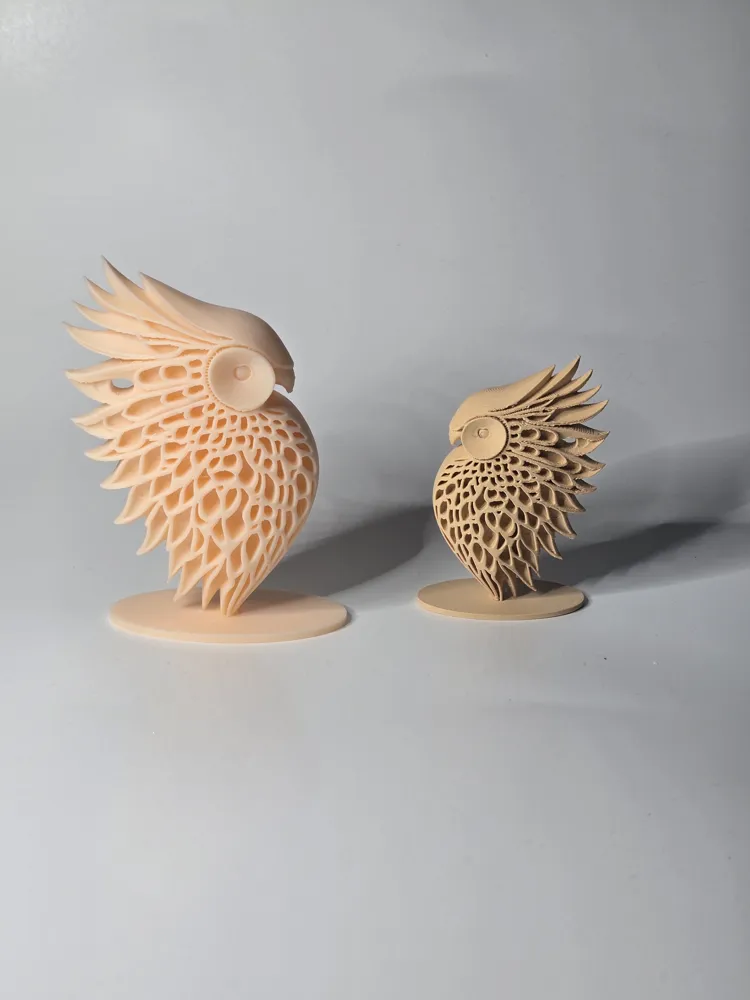
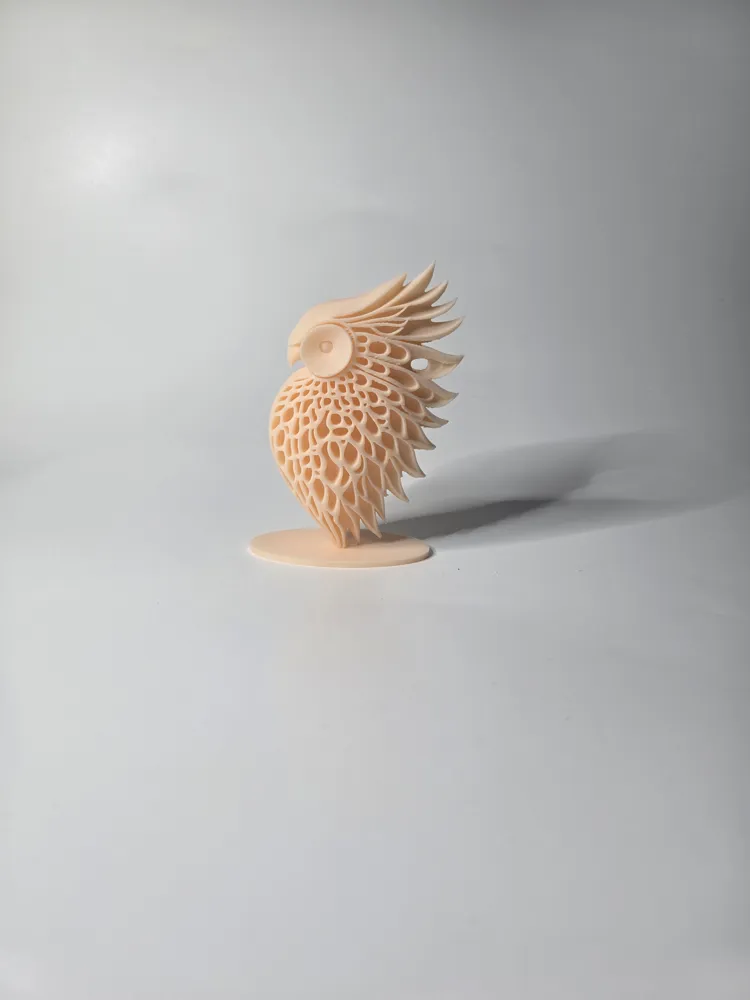
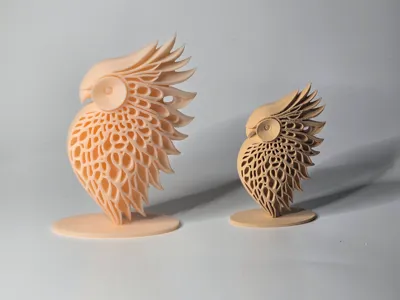
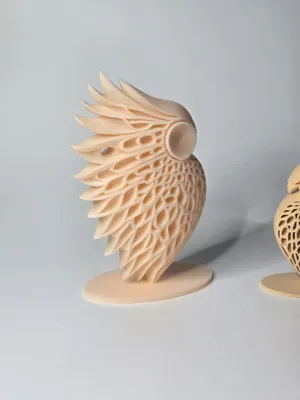
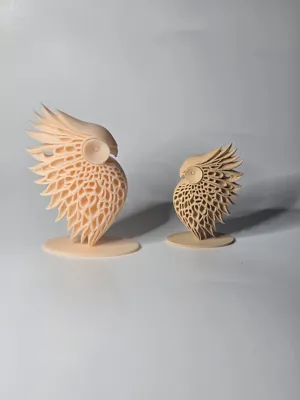
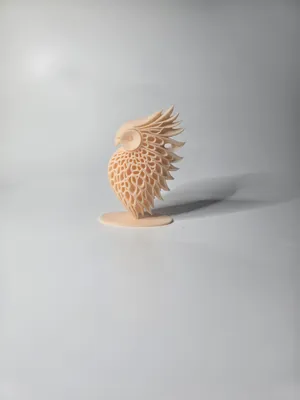
This sculpture represents a stylized modern-style owl
The figure features an intricate pattern that mimics plumage through a series of curvilinear layers and perforations
The owl is universally recognized as a symbol of wisdom, knowledge, and intuition
It can be used as a minimalist interior design element
Printed in Bambu Lab PLA in beige and wood colors
The colors can be changed from the slicer at the time of printing, and the model can be enlarged or reduced as desired
Given the complexity of the model, I had to adopt settings that extended printing times, but it is really worth it. Additionally, to remove the supports, use a cutter and a pointed object to eliminate support residue from the wing perforations
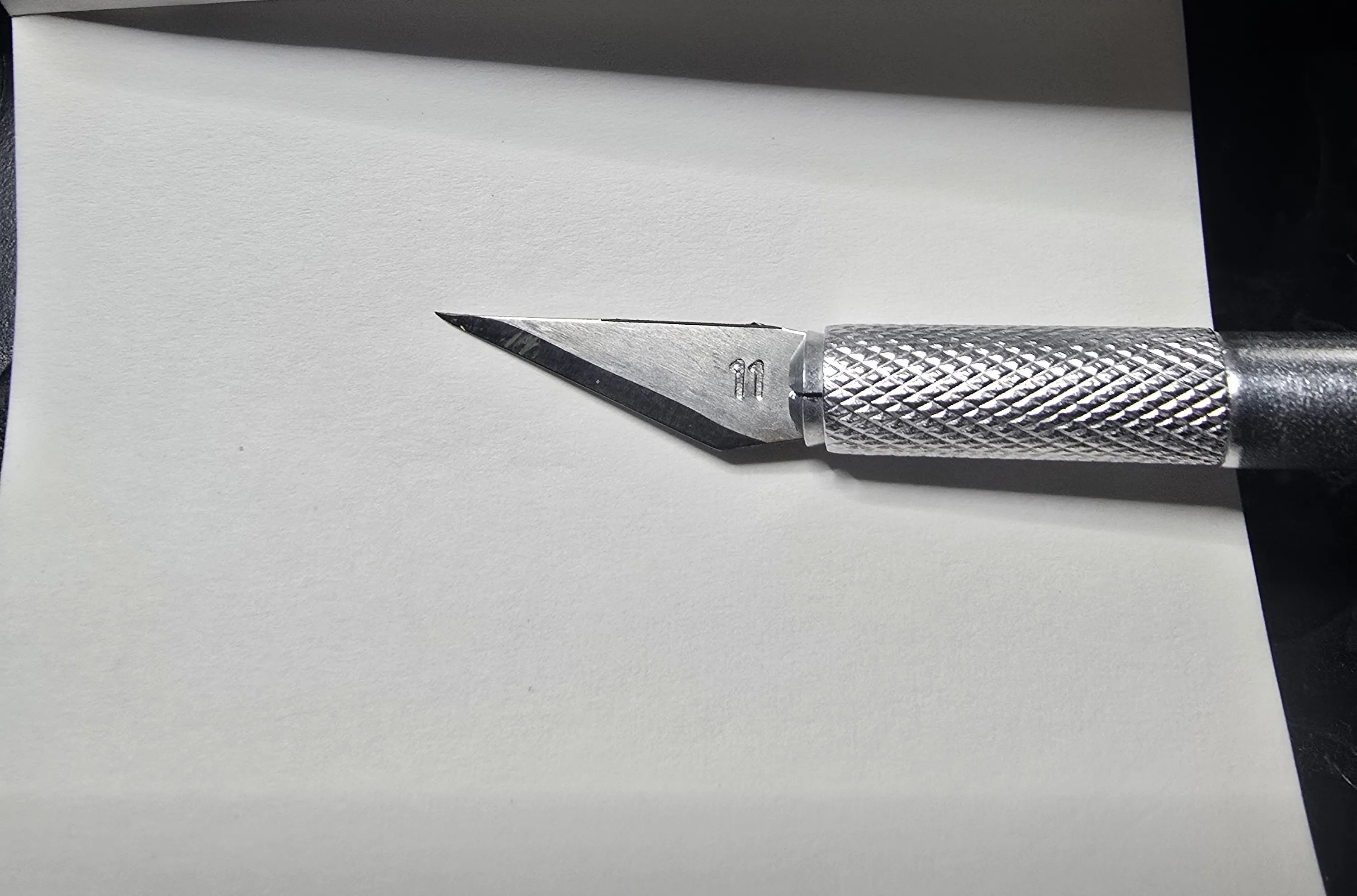
Finally, when removing the supports, do not place the object on its side as you might force it too much and detach it from the base. In fact, due to its architecture, it is anchored at two points that are not too wide
A tip I always give is to first clean the print bed with dish soap and a sponge, rinsing with hot water, then drying it with compressed air, avoiding touching the surface with your hands. I also recommend performing the dynamic flow and flow rate calibrations provided in Bambu Studio. Personally, before printing, I dry the PLA with AMS 2 PRO for about 1 hour. It is these small precautions, along with many others, that determine the success of a good print
Before leaving negative reviews, please adjust these parameters. If you have difficulties or continue to experience problems, do not hesitate to contact me, and together we will find solutions in a perfect collaborative atmosphere. I have made several prints of this object and they all came out perfect as in the photos: if you have incorrect parameters, dirty or clogged nozzles, poorly calibrated machines, humid or poor quality filaments, do not blame me
PRINTING INSTRUCTIONS:
- Layer height 0.2 mm
- Initial layer height 0.2 mm
- Wall loops 2
- Top shell layers 5
- Bottom shell layers 3
- Infill 10%
- Infill pattern Grid
- Supports Yes
- Outer wall speed 200 mm/s
- Inner wall speed 300 mm/s
- Normal print acceleration 8000 mm/s
- Outer wall acceleration 8000 mm/s
License

You may create derivative works based on this object, provided that all such derivative works are published exclusively on the MakerWorld platform and include proper attribution to the original creator. You may not share, upload, host, distribute, or publish this object—or any derivative work of this object—on any other digital platform, marketplace, or distribution channel. Commercial use of this object and any derivative works is strictly prohibited. This includes, but is not limited to, selling, renting, sublicensing, or using the object in any context in which you receive monetary compensation or other financial benefits.


Comment & Rating (4)