
U1 Noise Reduction Side Panel Counterweight Hanging Shaft
Print Profile(1)

Description
I bought the Snapmaker U1 on release day. I was shocked by the noise during the first print! How could it be so loud! Especially when the print head made rapid turns or switched printing objects. It sounded just like a pile driver.
Customer service said it was due to the back EMF of the Z-axis motor and the vibration sound generated by the rapid commutation of the stepper motor, which is normal, and adding a top cover later would improve it.
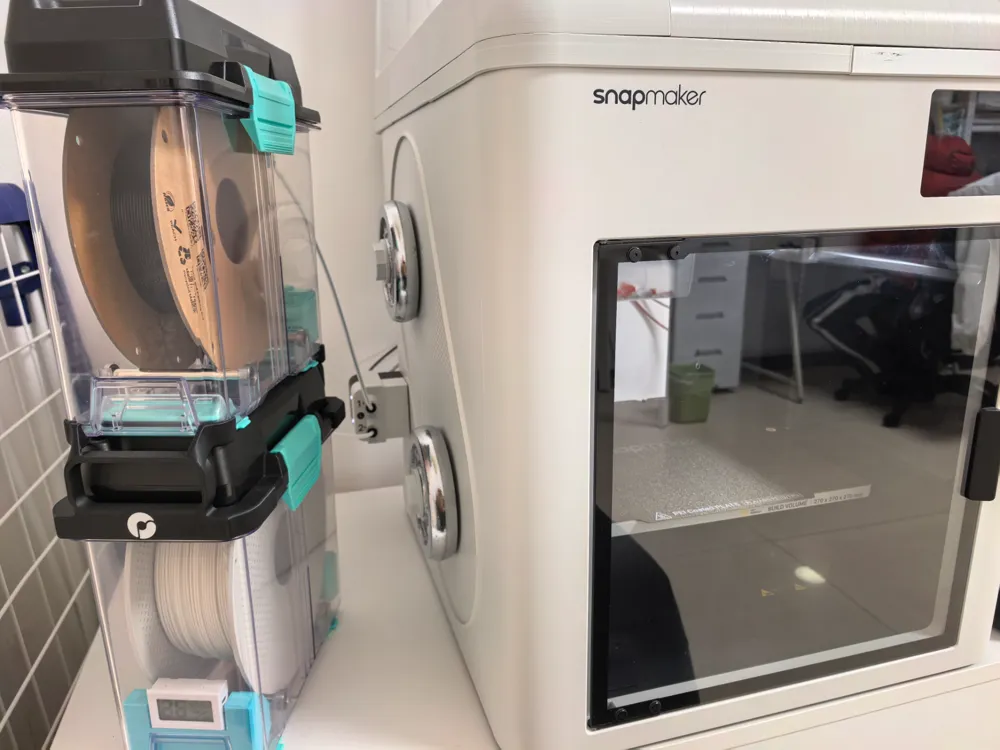
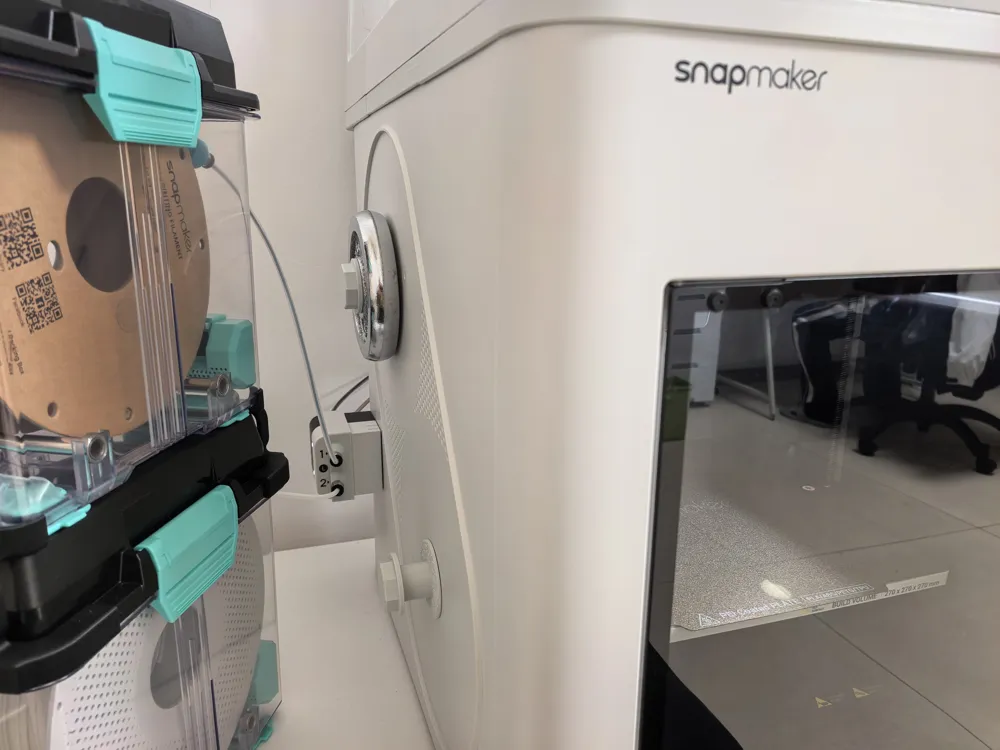
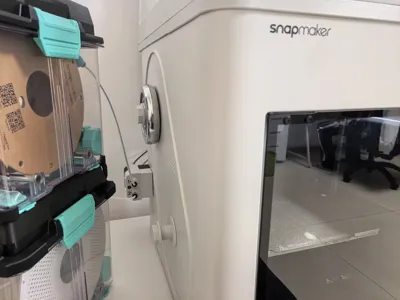
I studied it carefully and found that the side panel also vibrated and made noise during commutation. Could suppressing the synchronous vibration of the side panel reduce the noise? So, I hung two full rolls of filament on the side panel (I use a sealed box and never had filament hanging on the side panel), and sure enough, the sound was much quieter. It went from sounding like a pile driver to a hammer knocking on a wall.
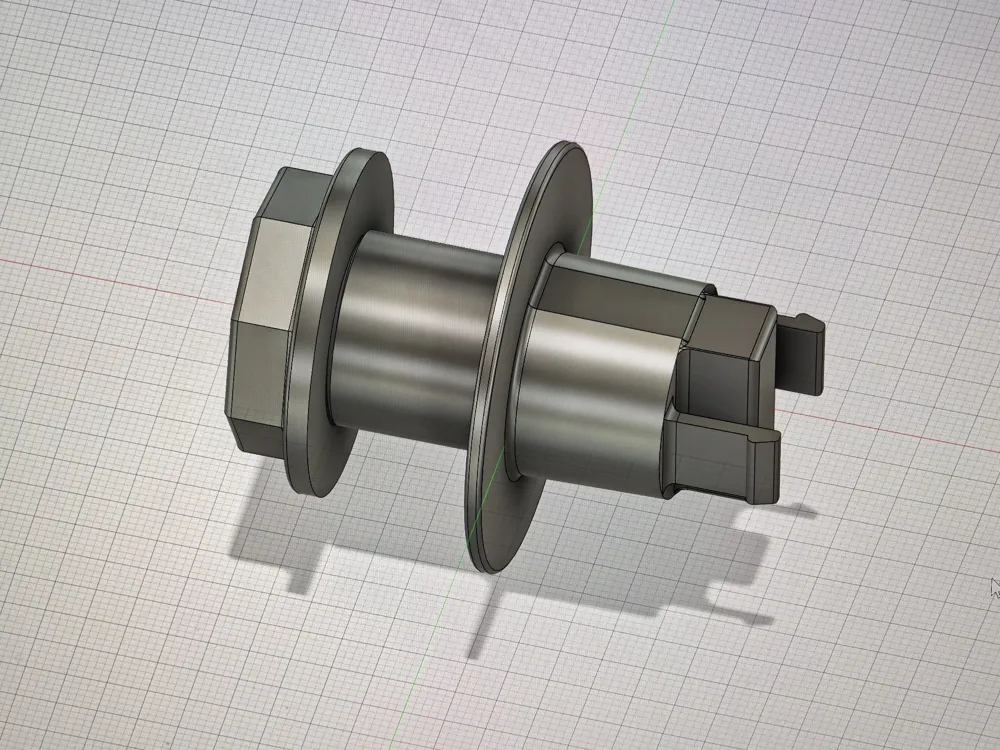
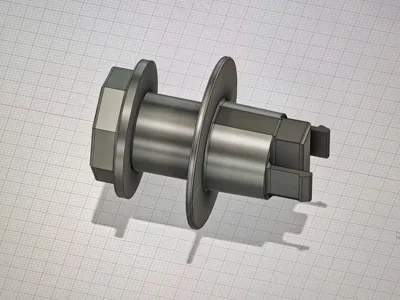
Because in the south, the humidity is too high, so external filament cannot be used. So, I 3D printed a fixed shaft myself, found two 1KG dumbbell plates, and hung them on it.
This hanging shaft is suitable for dumbbell plates with a 2.5cm hole diameter. If you have the same problem, you can try it.
License



Comment & Rating (0)