Search models, users, collections, and posts

Pottery Shrinkage Ruler Imperial & Metric
IP Report
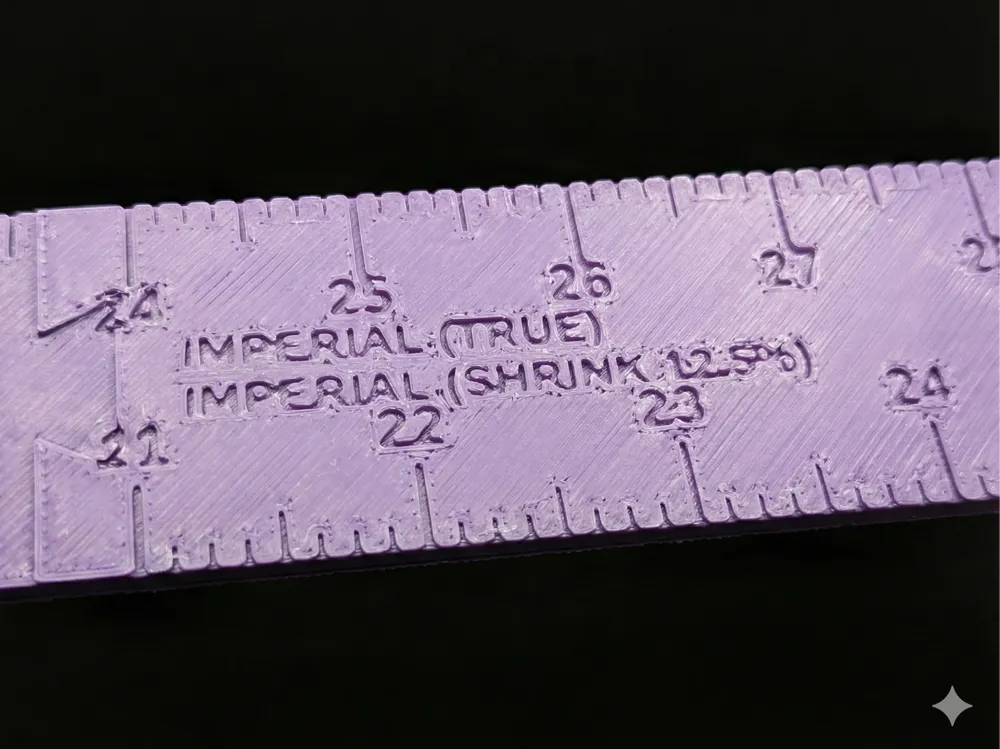
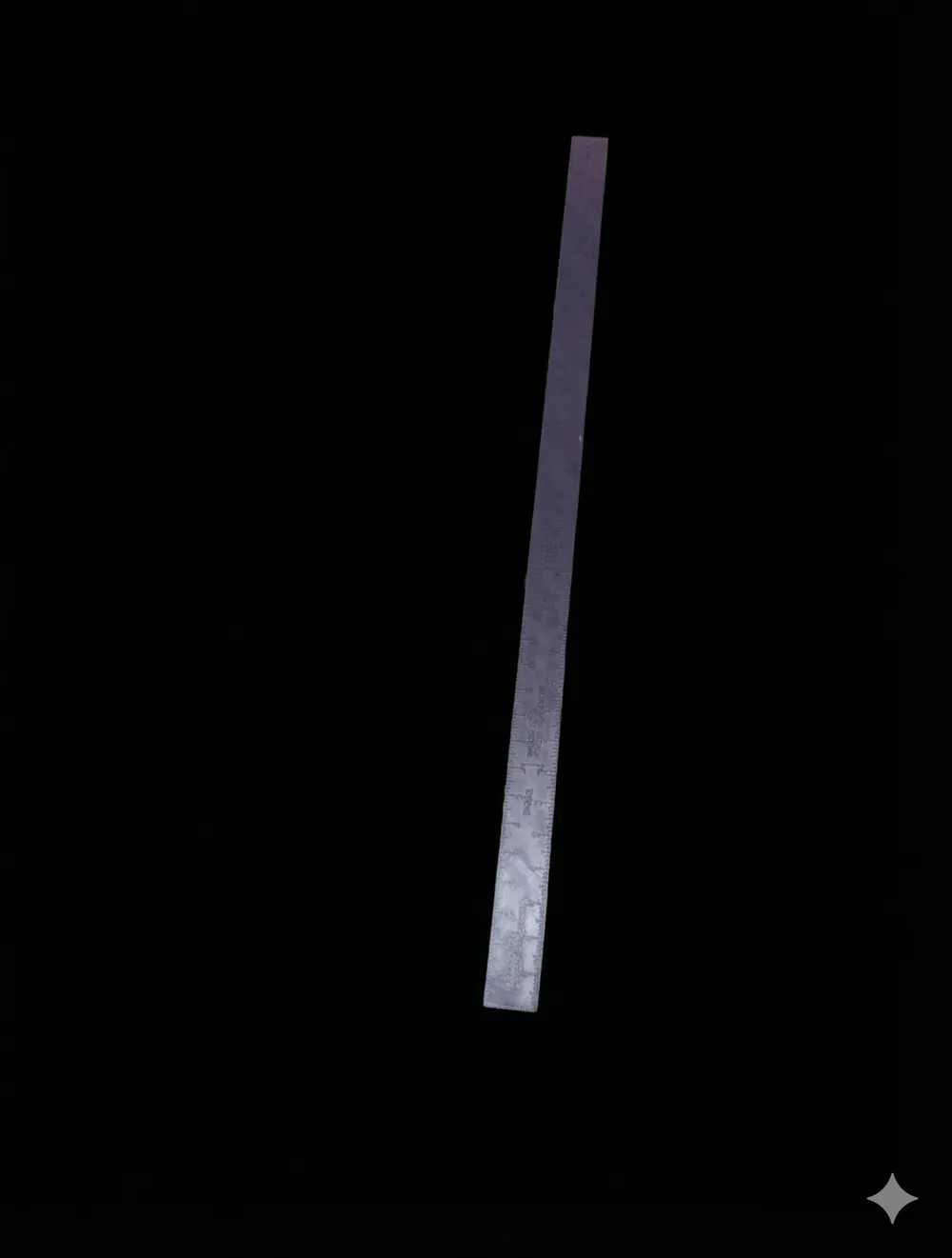
Print Profile(3)
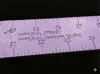
B Mix 12.5% Shrink .4 Nozzle
Designer
9.8 h
2 plates
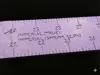
Brown Bear 15% Shrinkage .4 Nozzle
Designer
9.9 h
2 plates
Lazella Cone 6 12.5 % Shrinkage
Designer
10.1 h
2 plates
Open in Bambu Studio
Boost
16
81
1
1
32
18
Released
Description
Stop guessing and start measuring with precision. 🎯
This is a fully Parametric Shrinkage Ruler designed specifically for ceramicists and potters. It automatically calculates and generates a ruler that compensates for your specific clay body's shrinkage rate.
If your clay shrinks 12.5%, this ruler’s "1 inch" mark will physically measure 1.14 inches, ensuring your final fired piece comes out exactly the size you intended. ✨
Key Features
- 🔄 Double-Sided Design:
- Top Face: Imperial (Inches) – Features both True Scale and Shrinkage Scale.
- Bottom Face: Metric (Centimeters) – Features both True Scale and Shrinkage Scale (Mirrored for easy reading).
- ⚖️ Dual-Scale Comparison: See the "True" measurement and the "Shrinkage" measurement side-by-side on the same face.
- 🔗 Infinite Length (Dovetail System):
- Need a 36-inch yardstick on a standard printer? No problem.
- The design automatically splits the ruler into printable segments with tight-tolerance dovetail connectors.
- You Control the Split: Choose exactly how long each print segment is and how many segments you want.
- 🎨 Single-Color Optimized: All text is deeply engraved rather than embossed. This guarantees perfect legibility on single-color printers and allows the bottom (metric) side to pick up the texture of your print bed (Smooth, Textured PEI, etc.).
- 🏷️ Personalized: Add your specific Clay Name (e.g., "B-Mix", "Porcelain") directly onto the ruler so you never mix up your tools in the studio.
How to Customize ⚙️
Click the "Customize" button to open the OpenSCAD parameters:
- Print Bed Controls 🖨️:
- Segment_Length_mm: Set this to the maximum length your printer can handle (e.g., 200mm or 240mm).
- Number_of_Segments: Choose how many pieces you want (e.g., 3).
- The script will calculate the total ruler length based on these two numbers (e.g., 3 segments × 200mm = 600mm ruler).
- Clay Settings 🧱:
- Shrinkage_Percent: Enter your clay’s specific shrinkage (e.g., 12.0).
- Clay_Name: Enter the name of your clay body.
- Label Positioning 📏:
- Use Text_Center_Gap to move the numbers closer to or further from the tick marks to suit your visual preference.
Printing Instructions 💾
- Material: PLA, PETG, or ABS.
- Layer Height: 0.16mm or 0.12mm is highly recommended to ensure the numbers are crisp and legible.
- Infill: 15-20% (Strength isn't critical, but stiffness is good).
- Support: None 🚫. The dovetails are designed to print flat without support.
- Brim: Recommended if you have adhesion issues with long, thin parts, but usually not necessary.
Assembly 🧩
- The parts print side-by-side.
- Test the fit of the dovetails.
- Too tight? Increase the Clearance parameter in the customizer (default 0.15mm).
- Too loose? Decrease it.
- Apply a small drop of superglue (CA glue) to the dovetails and snap them together on a flat surface to ensure the ruler is perfectly straight. 🔨
This model was designed using Torrify to bridge the gap between complex data and physical form—no programmatic CAD knowledge required.
License

This user content is licensed under a
Creative Commons Attribution-Noncommercial-Share Alike


Comment & Rating (1)