
Folding Travel Chess Set
Print Profile(10)
Description
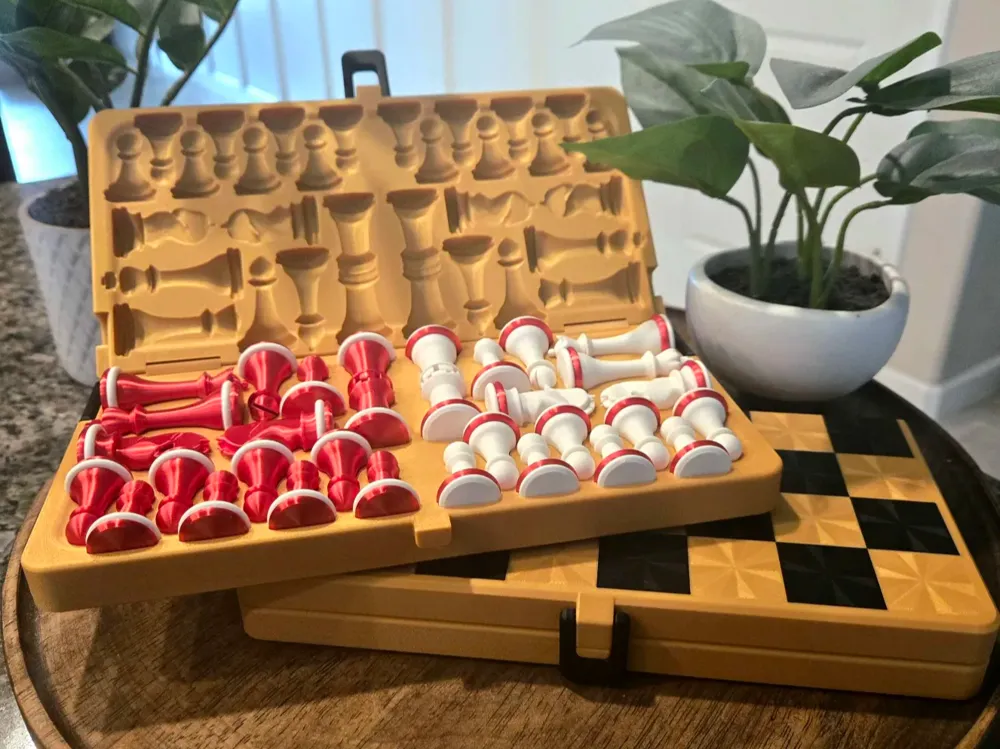
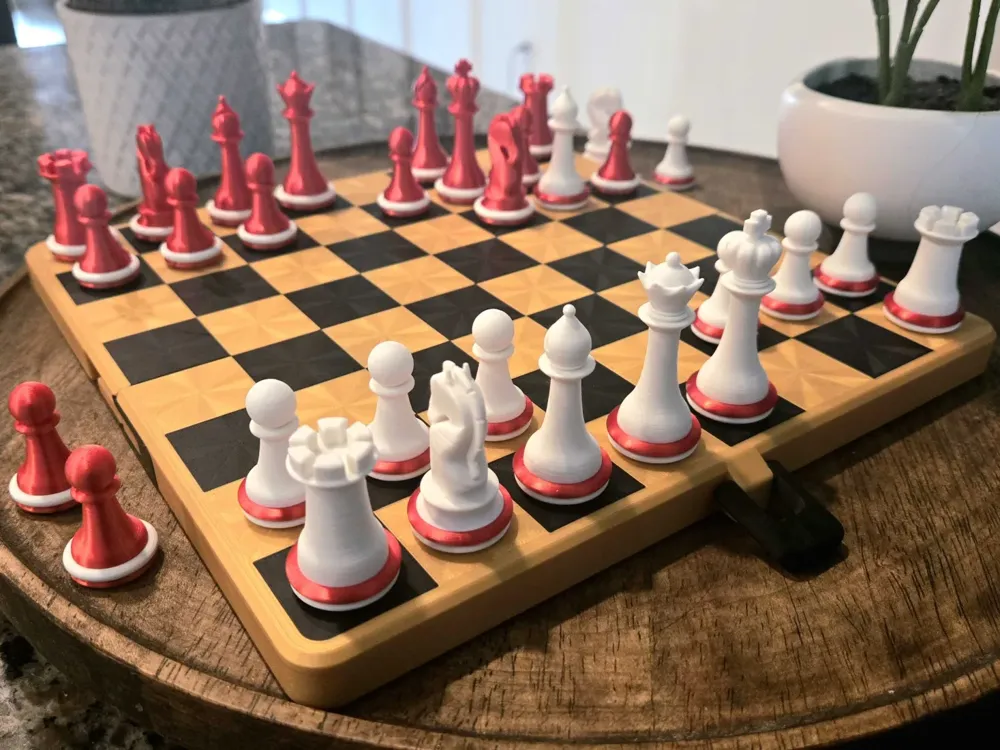
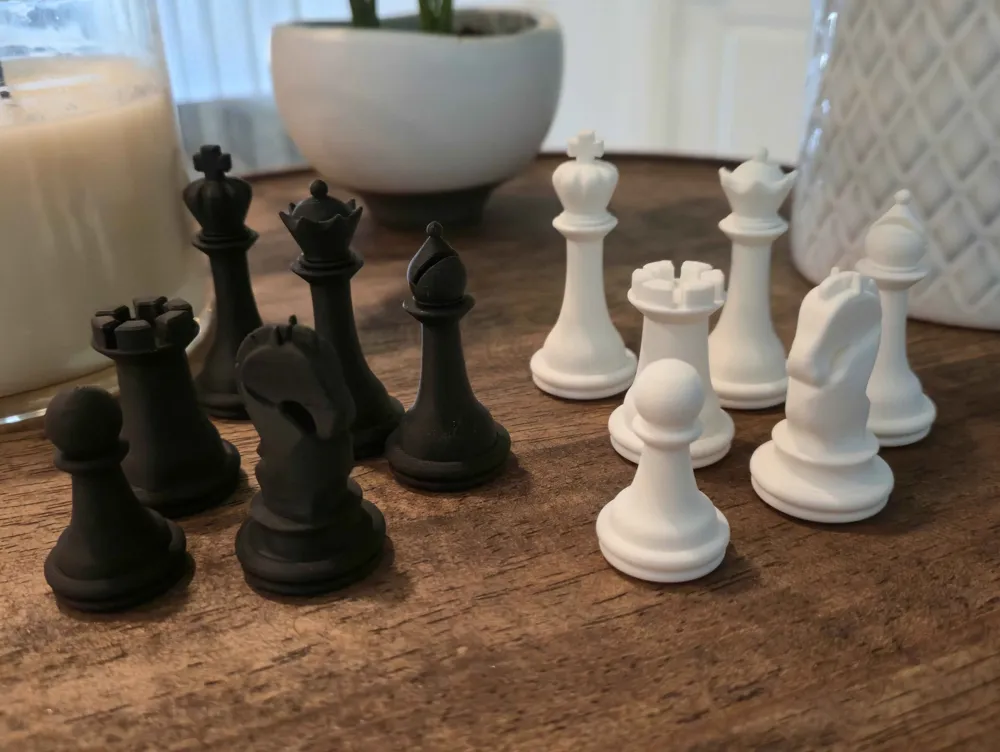
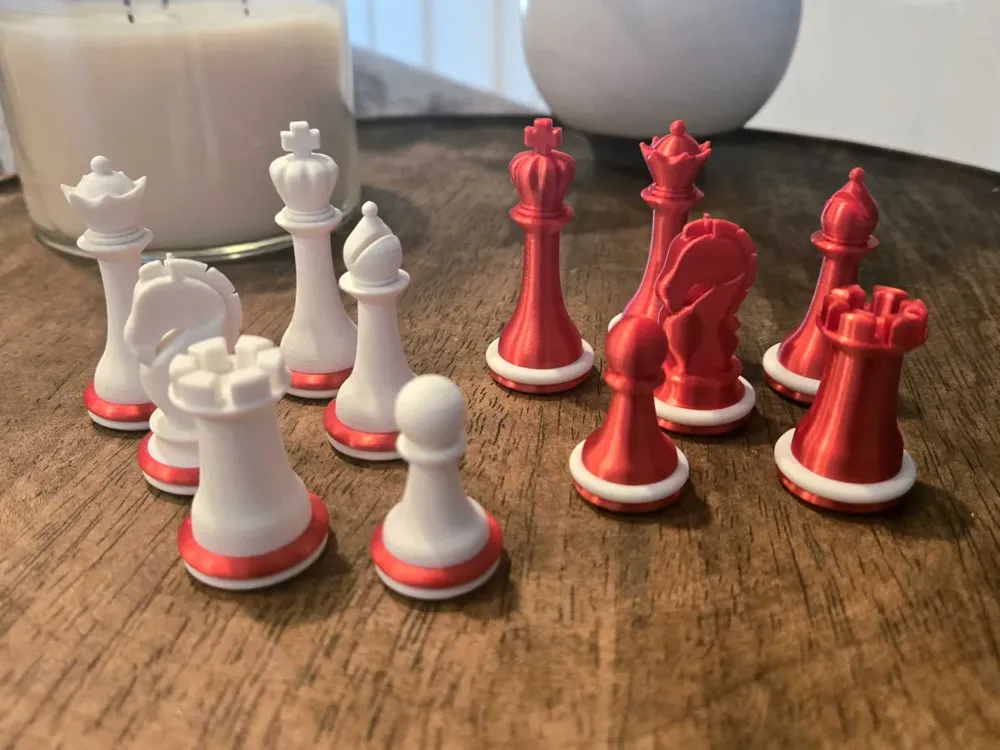
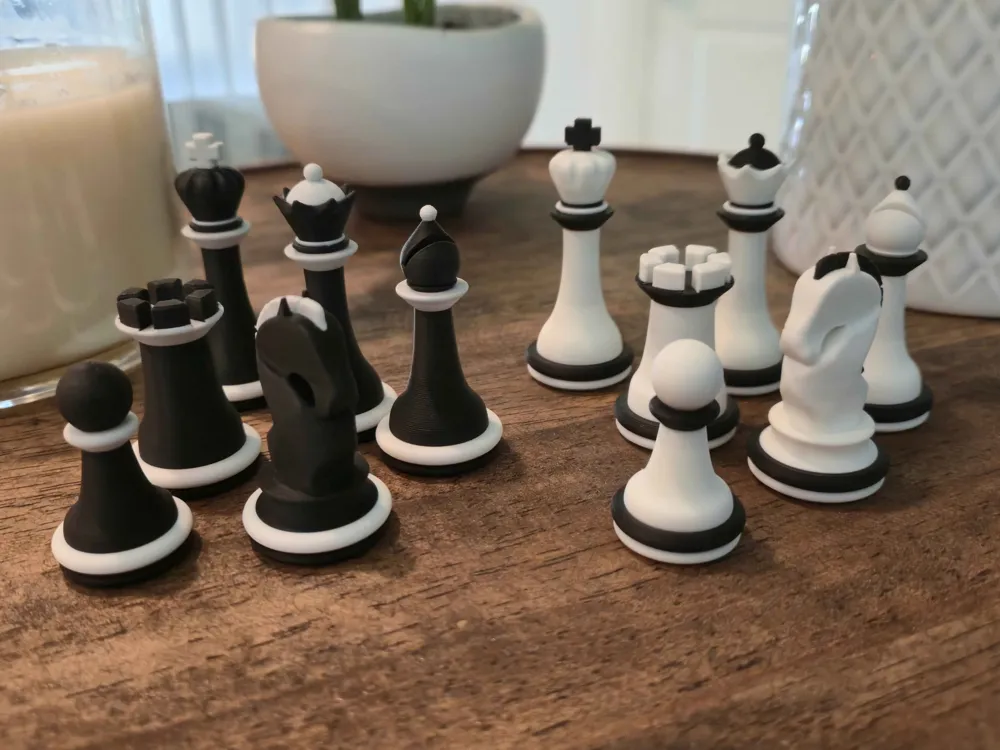
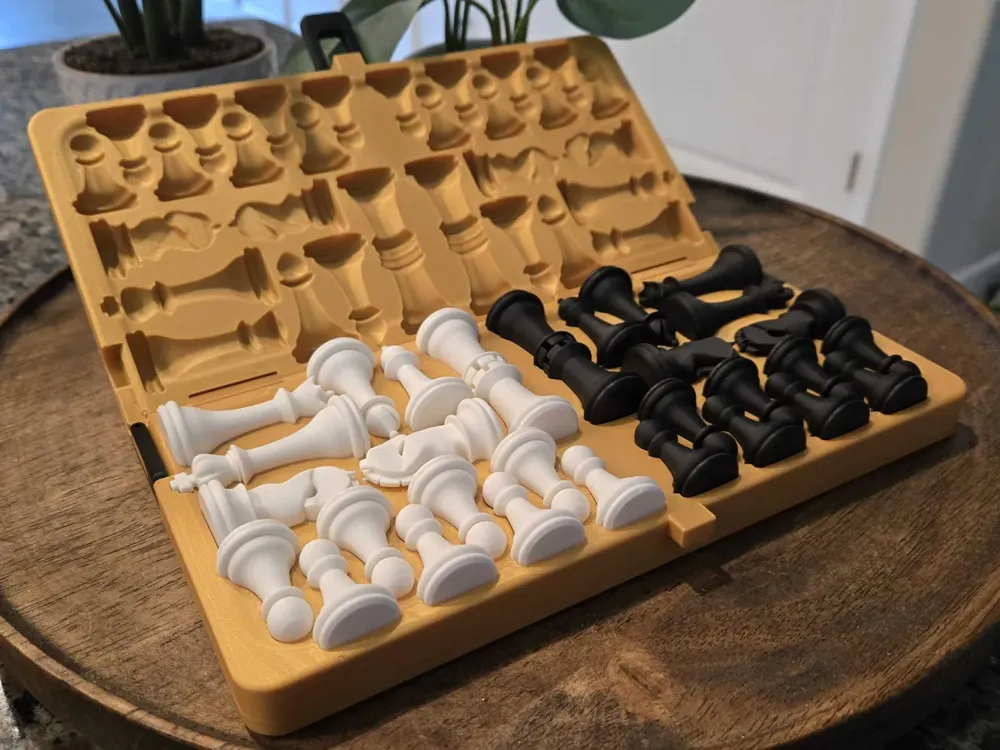
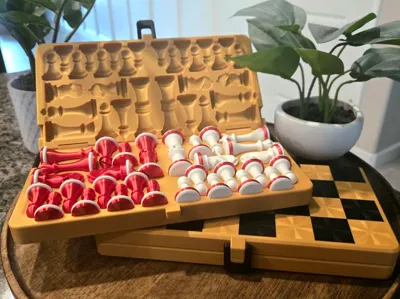
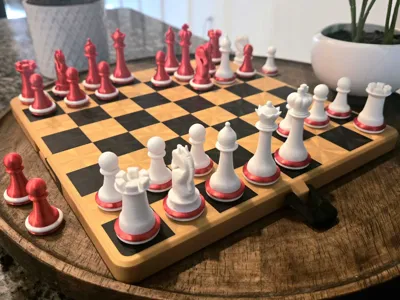
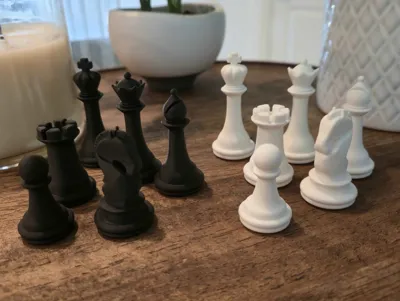
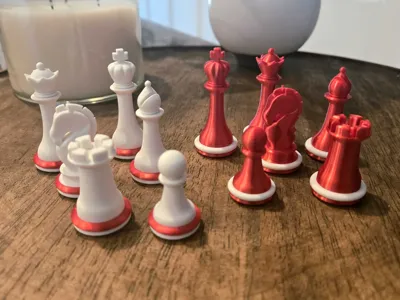
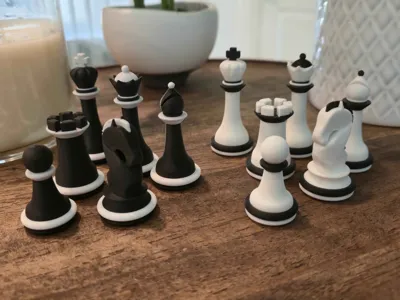
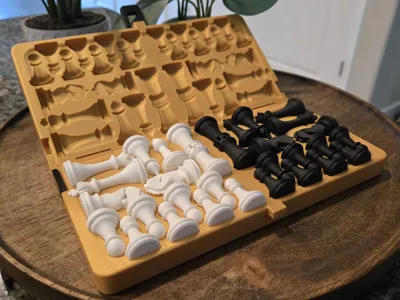
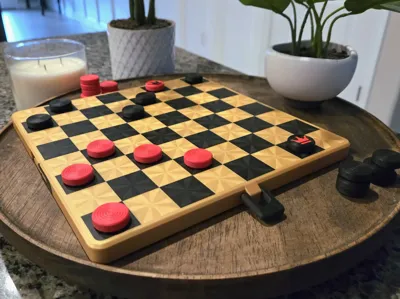
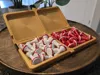
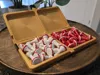
The goal of this design is to make a chess set that doesn't feel like just another plastic toy, but rather a more premium model that you will actually want to use. The model comes with custom chess pieces that fit snugly into the underside of the chessboard. When unfolded, the chess set is approximately the size of the bed of the A1, P and X series printers, resulting in a very comfortable size for playing that folds to a portable size for travel.
For a magnetic variant of this chessboard, click here. Note that this variant requires 107 8x2mm disc magnets.
If you would like a chessboard with magnet-like properties without the need for magnets, check out my travel snap chess set.
Finally, if you want a smaller version of this chess set that could even fit in your pocket, check out my pocket chess set.
Features
✅ Locking latch to keep the chessboard folded shut for travel
✅ Locking latches on the sides to keep the chessboard from folding when playing
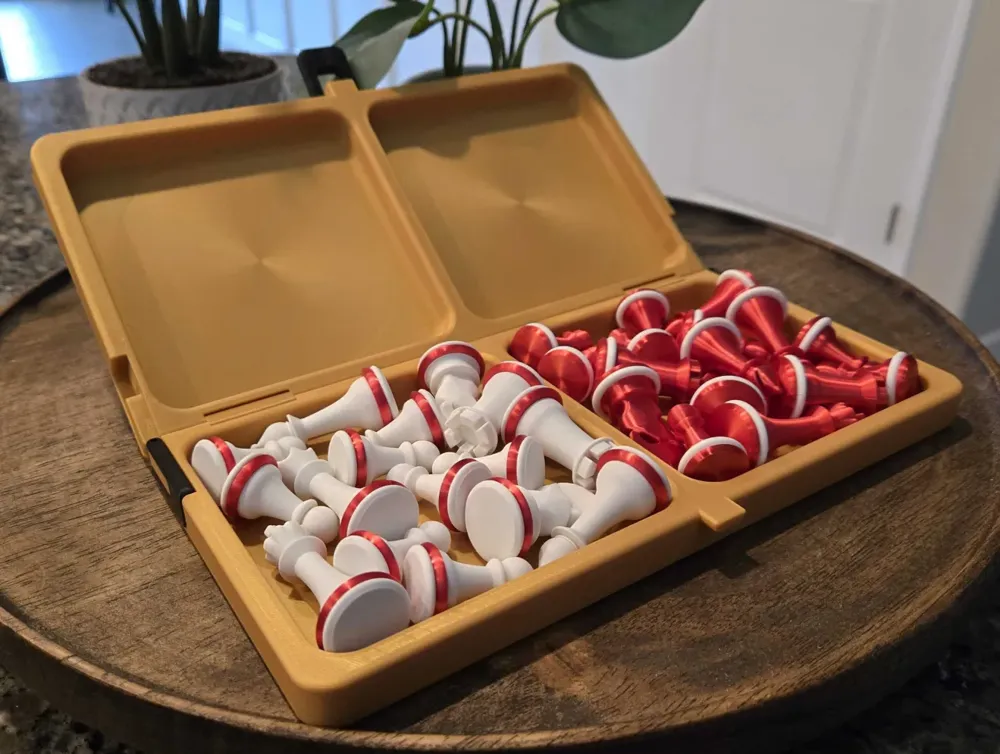
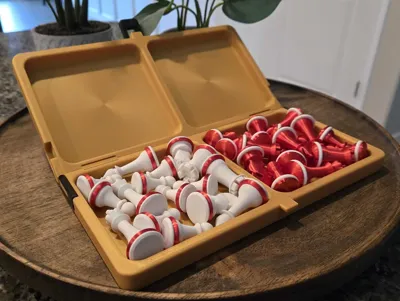
✅ Storage for chess pieces inside board for travel
✅ No AMS Required
✅ No Glue/Tools Required
Boost Me (for free)
If you liked this project, please consider boosting. It's free for you and a dollar for me. Just know that it will go directly back to funding my 3D Printing addiction.
Customization
Select one of the chess pieces print profiles available. Note the pieces are printed solid for a more premium feel, but this can be changed if desired by lowering the sparse infill density. If the print profile is a non-AMS variant, note that there will be automated pauses to assist in manual swapping of the filament.
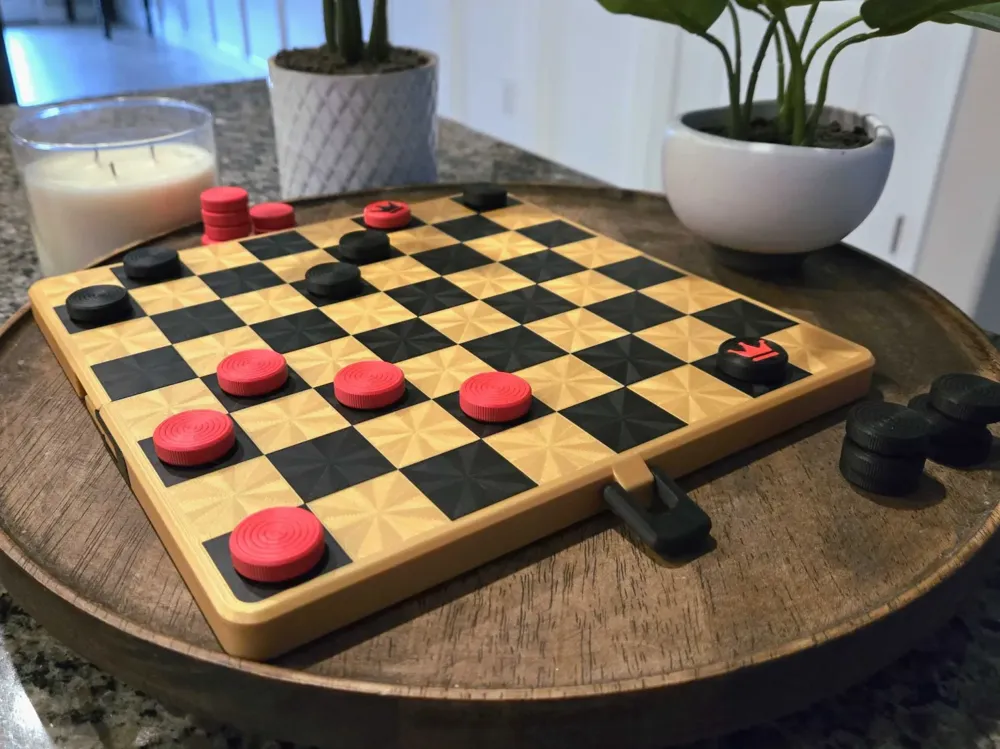
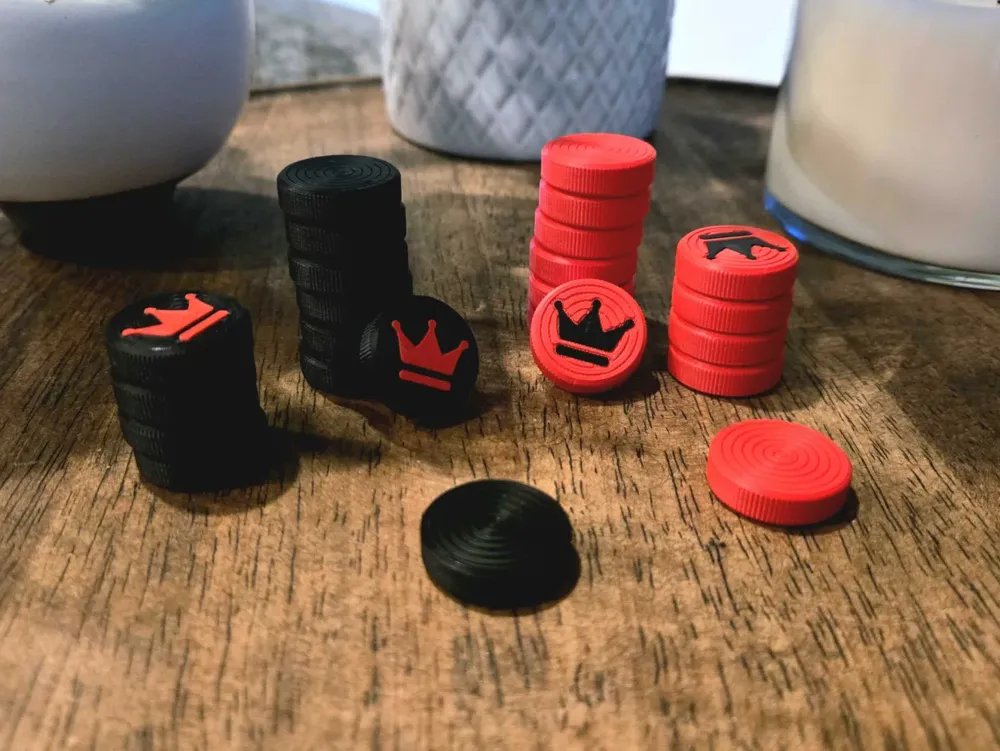
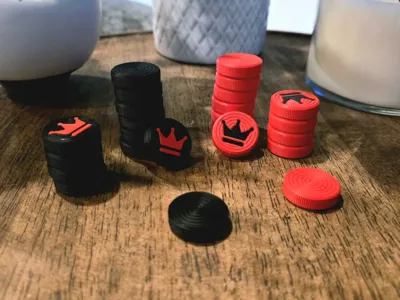
For the chess board print profiles, there are four variants; a chess ‘box’ and chess ‘case’ variant, each with AMS and non-AMS variants. The ‘box’ variant prints faster and can be quickly cleaned up after a game, whereas the ‘case’ variant keeps the pieces neatly organized and visually presentable. The ‘box’ variant also has the availability of optional checkers/draughts pieces to be stored. Pick whichever one tickles your fancy. Also feel free to experiment with different top and bottom surface patterns!
For non-AMS variants of the chessboard, half of the tiles will match the color of the board, while the other half are up to your discretion. If printing a non-AMS chessboard variant, make sure to print the tiles first, as they will be needed during the printing of the board.
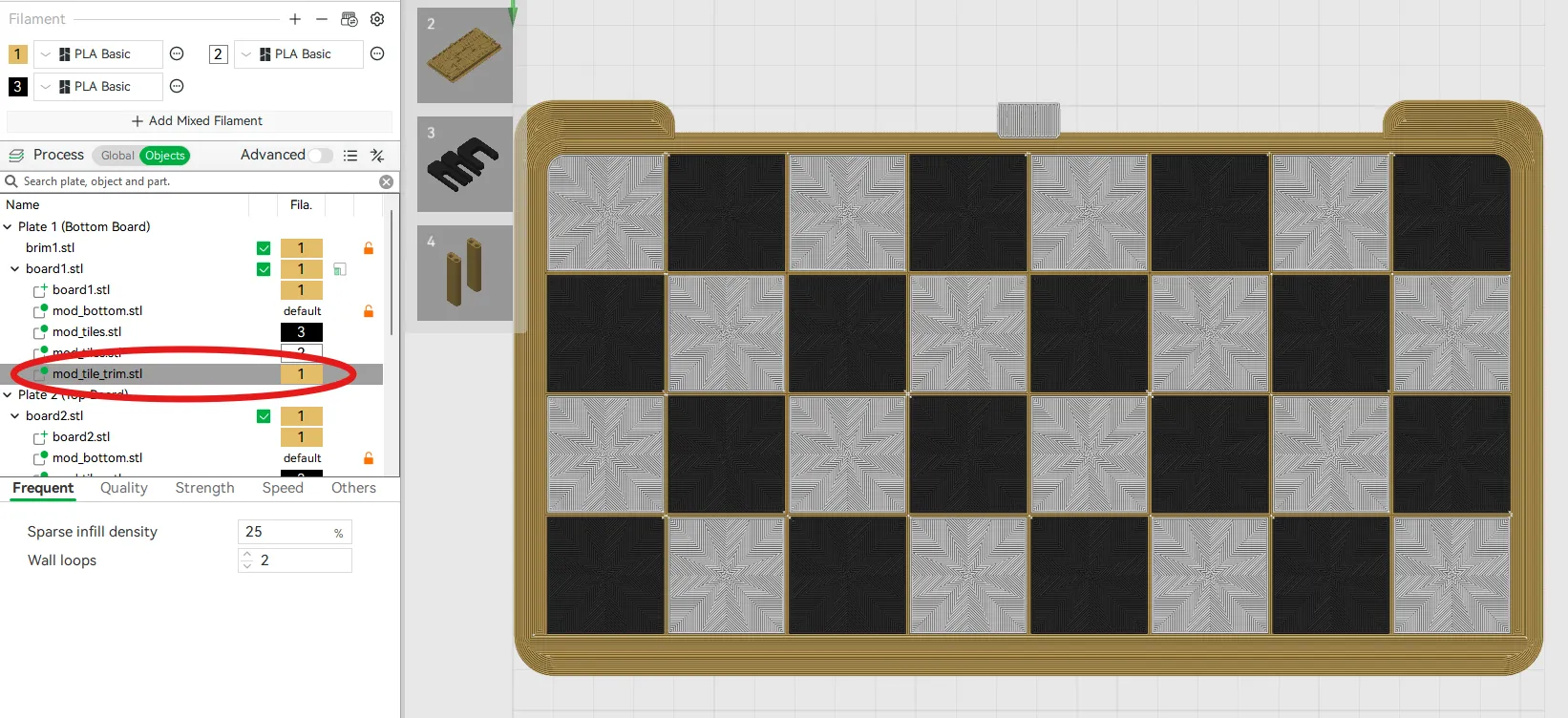
For the AMS variants of the chessboard, both tiles colors are independently addressable and there is an included tile trim, allowing for a colored trim around the tiles, as shown below. If a trim is not desired, in the slicer go to Objects and scroll to find ‘mod_tile_trim.stl’ (circled in red below) and delete it.
Printing/Assembly
Highly recommended to clean the bed well before printing to prevent warping.
If printing the non-AMS variants of the chessboard, the board halves will pause (on layer 20 by default) to allow for the insertion of the tiles. Before resuming, make sure to verify all the tiles sit flush with the print.
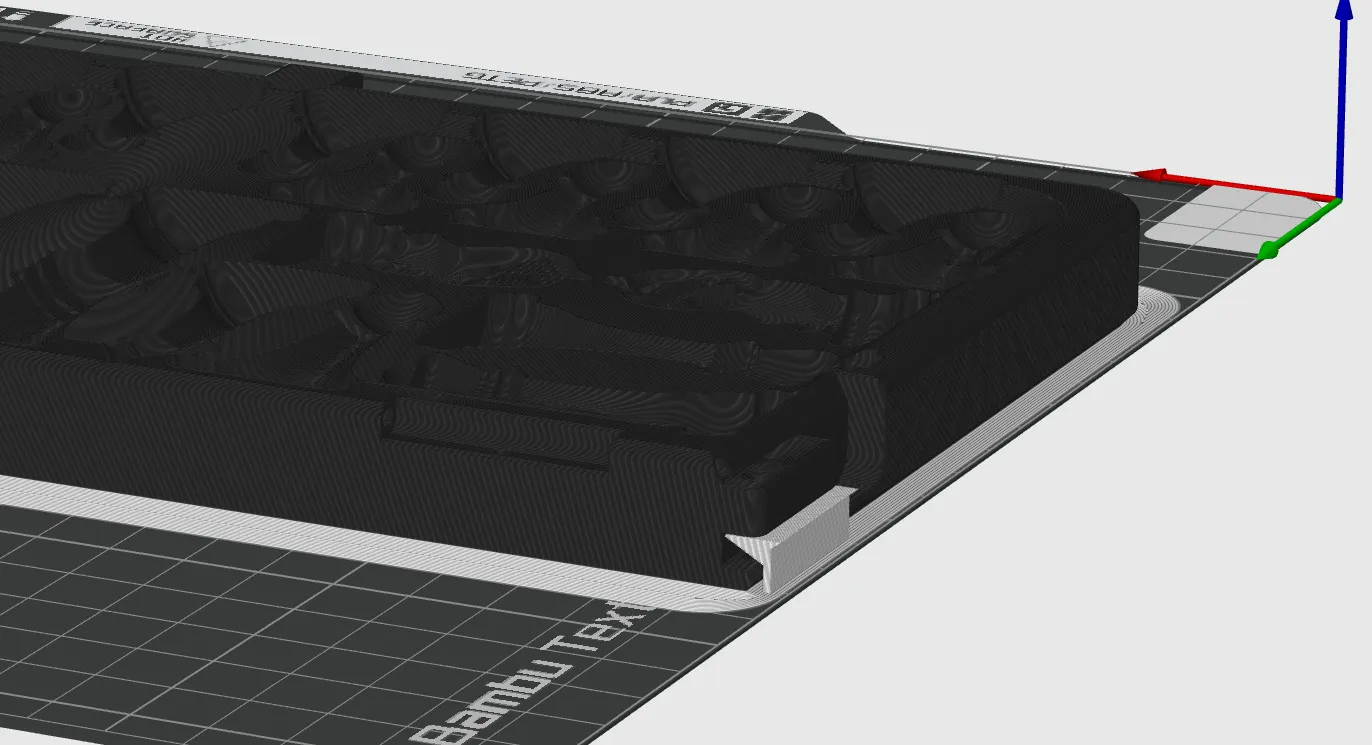
After printing the board halves, make sure to remove all support, including the custom support shown below in white.
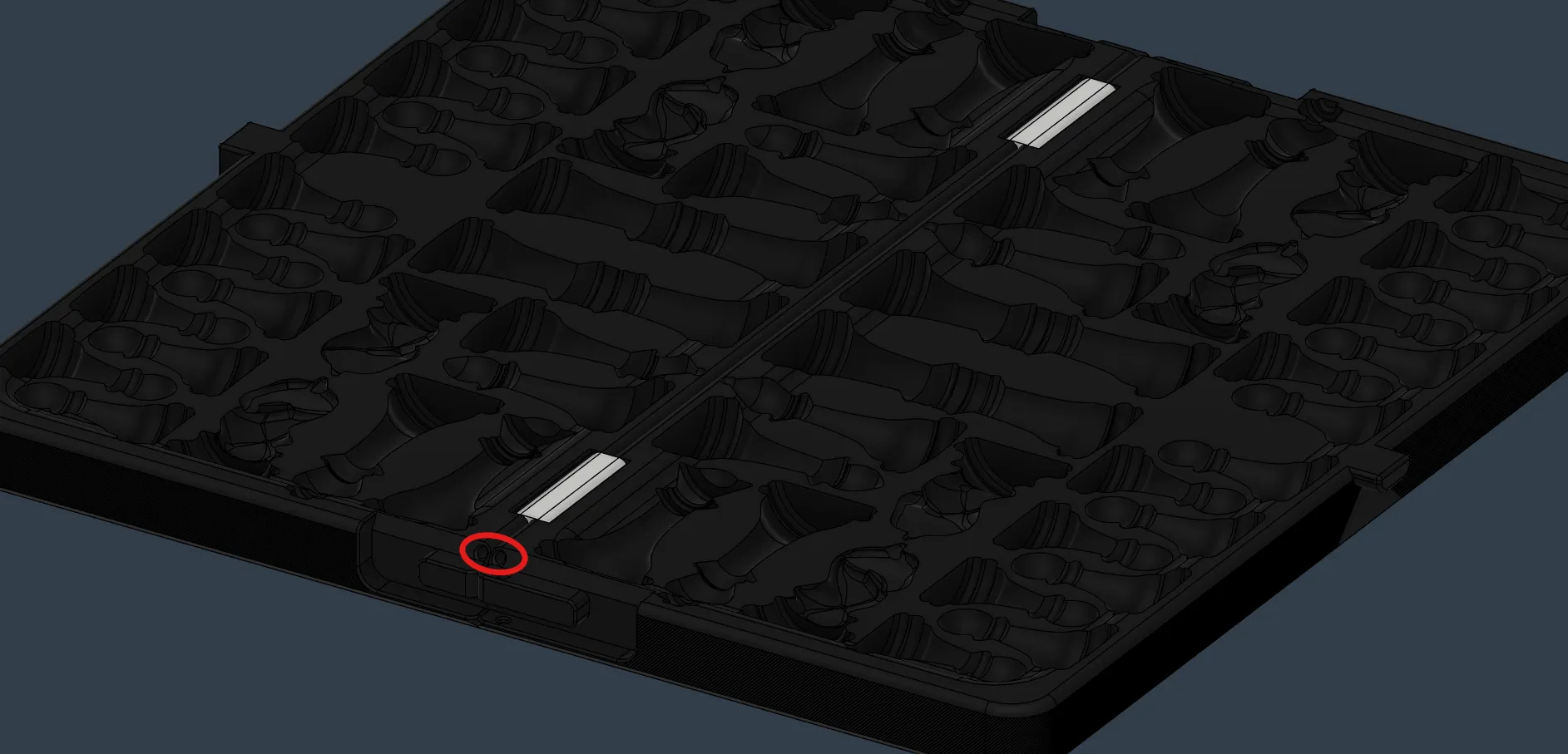
Once both board halves and the hinges are printed, arrange the two board halves and hinges as shown below (hinges shown below in white). Thread a strand of filament through one of the holes circled in red below until the filament is flush at the other end of the board. Cut off any excess filament such that the filament is flush with the board. Repeat this for the other hole.
Latches
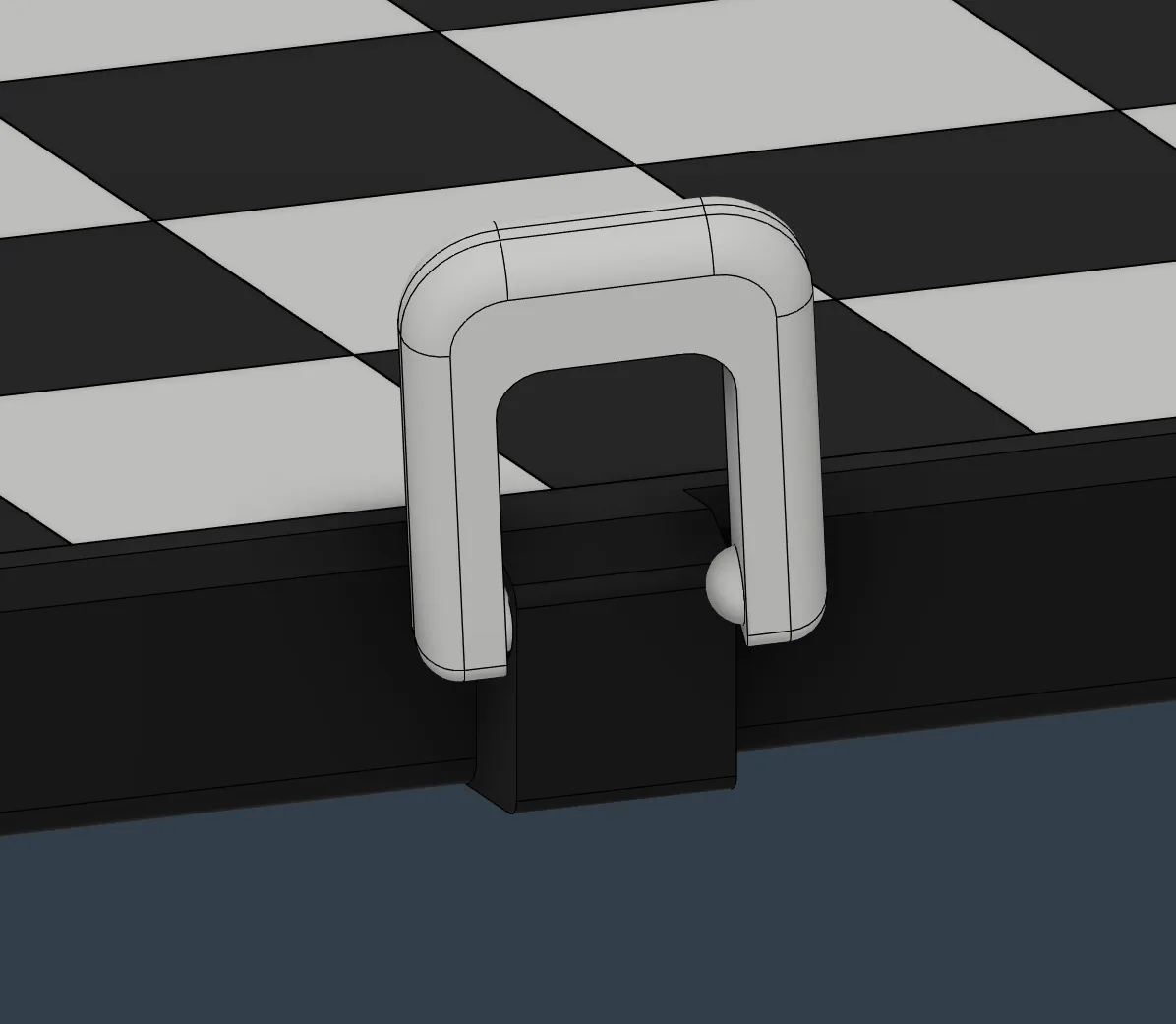
To install the front latch, align one of the bumps on the front latch with one of the spherical dents on the front of the top board half, as shown below, with the bottom printed surface of the front latch facing away from the chess board. From there, manipulate the other end of the front latch to get the bump on the latch properly seated in the dent on the board. This will take some effort.
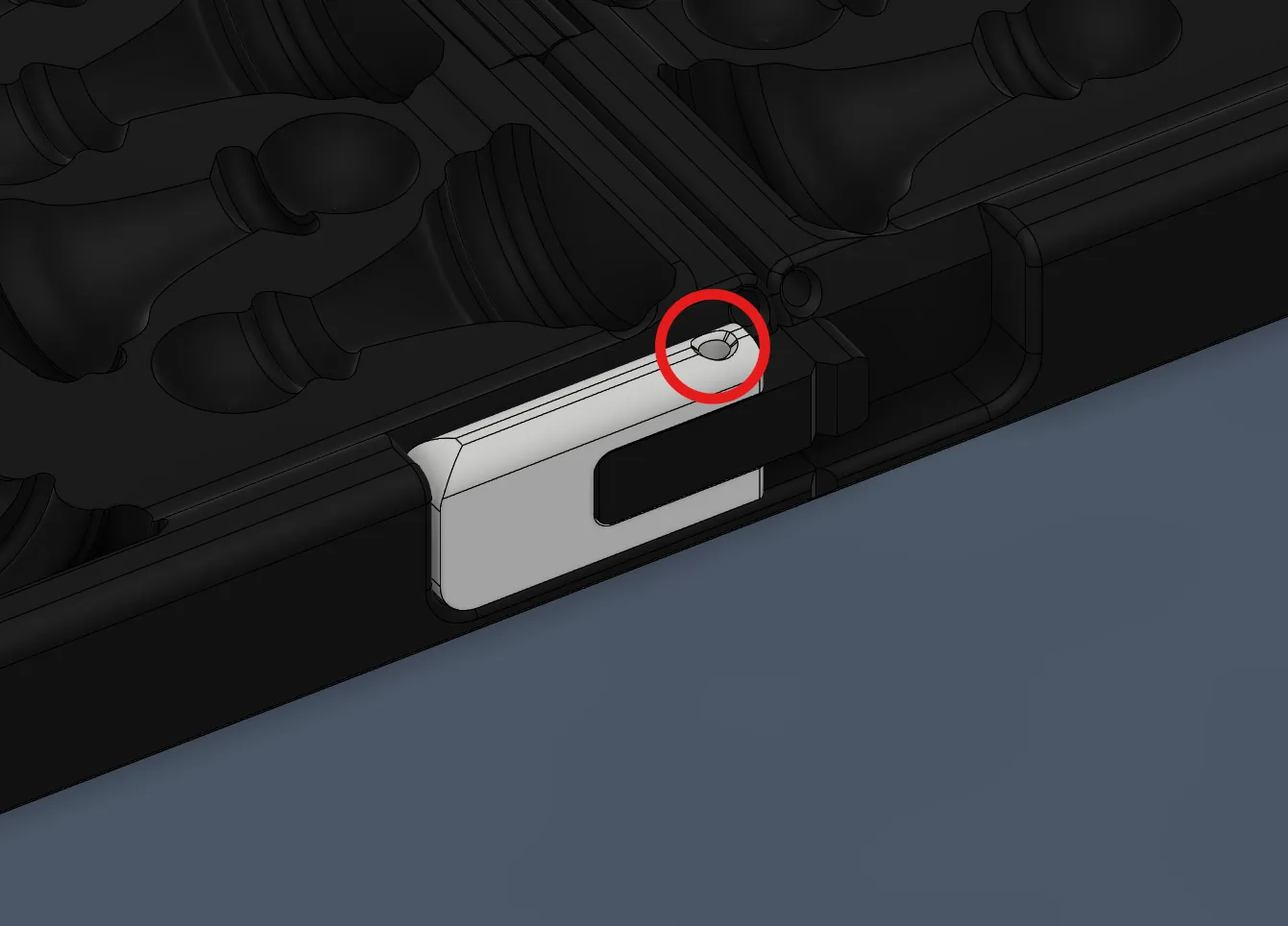
To install the smaller latches, put one latch in the location as shown below, ensuring the rounded edge of the latch is facing upwards. Once in position, thread filament through the hole in the latch, circled in red below, until it can go no further and cut off the excess filament. Repeat this on the other side for the other latch.
License

You may create derivative works based on this object, provided that all such derivative works are published exclusively on the MakerWorld platform and include proper attribution to the original creator. You may not share, upload, host, distribute, or publish this object—or any derivative work of this object—on any other digital platform, marketplace, or distribution channel. Commercial use of this object and any derivative works is strictly prohibited. This includes, but is not limited to, selling, renting, sublicensing, or using the object in any context in which you receive monetary compensation or other financial benefits.


Comment & Rating (127)