
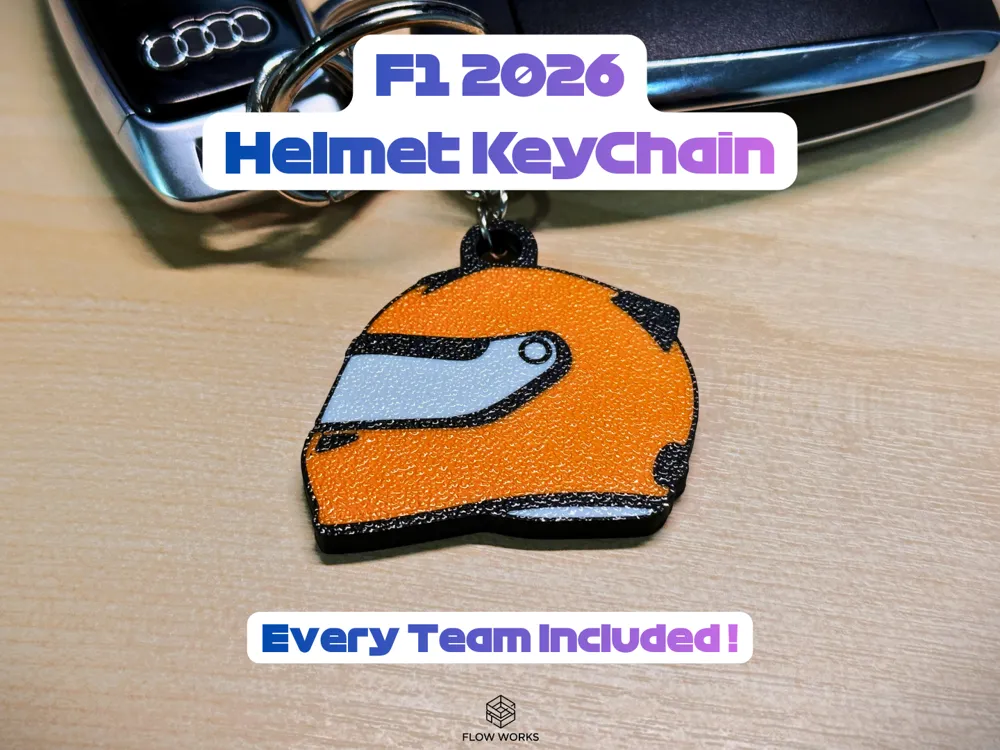
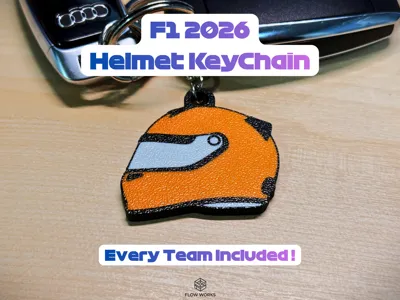
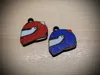
2026 F1 All Teams Helmet Keychains (AMS Ready)
Print Profile(1)
Bill of Materials






Description
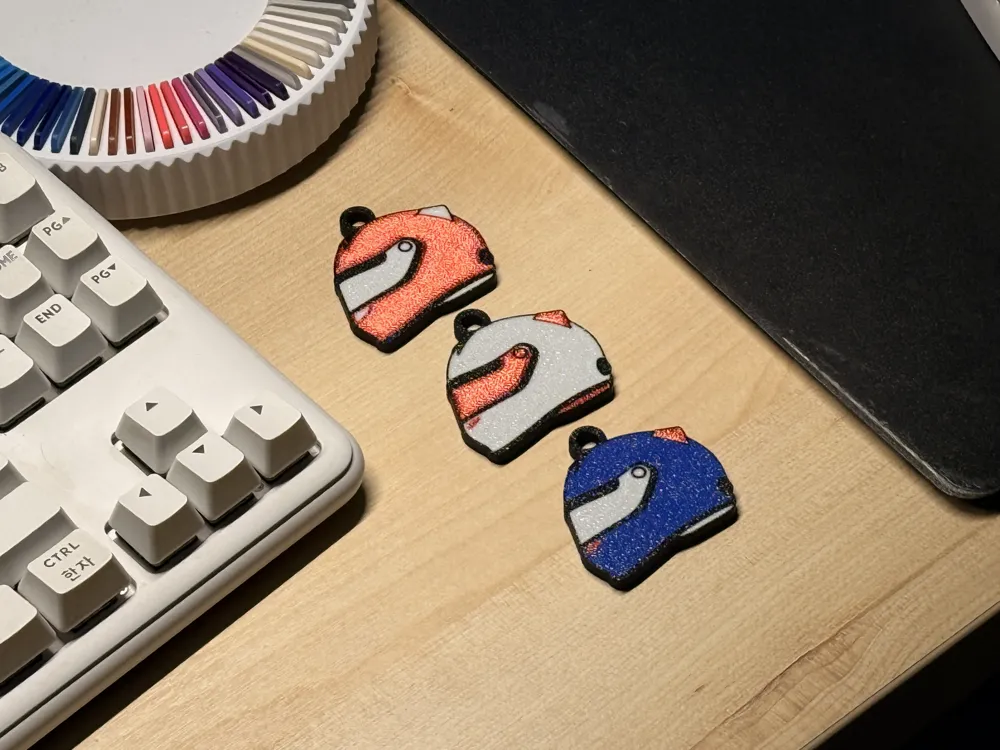
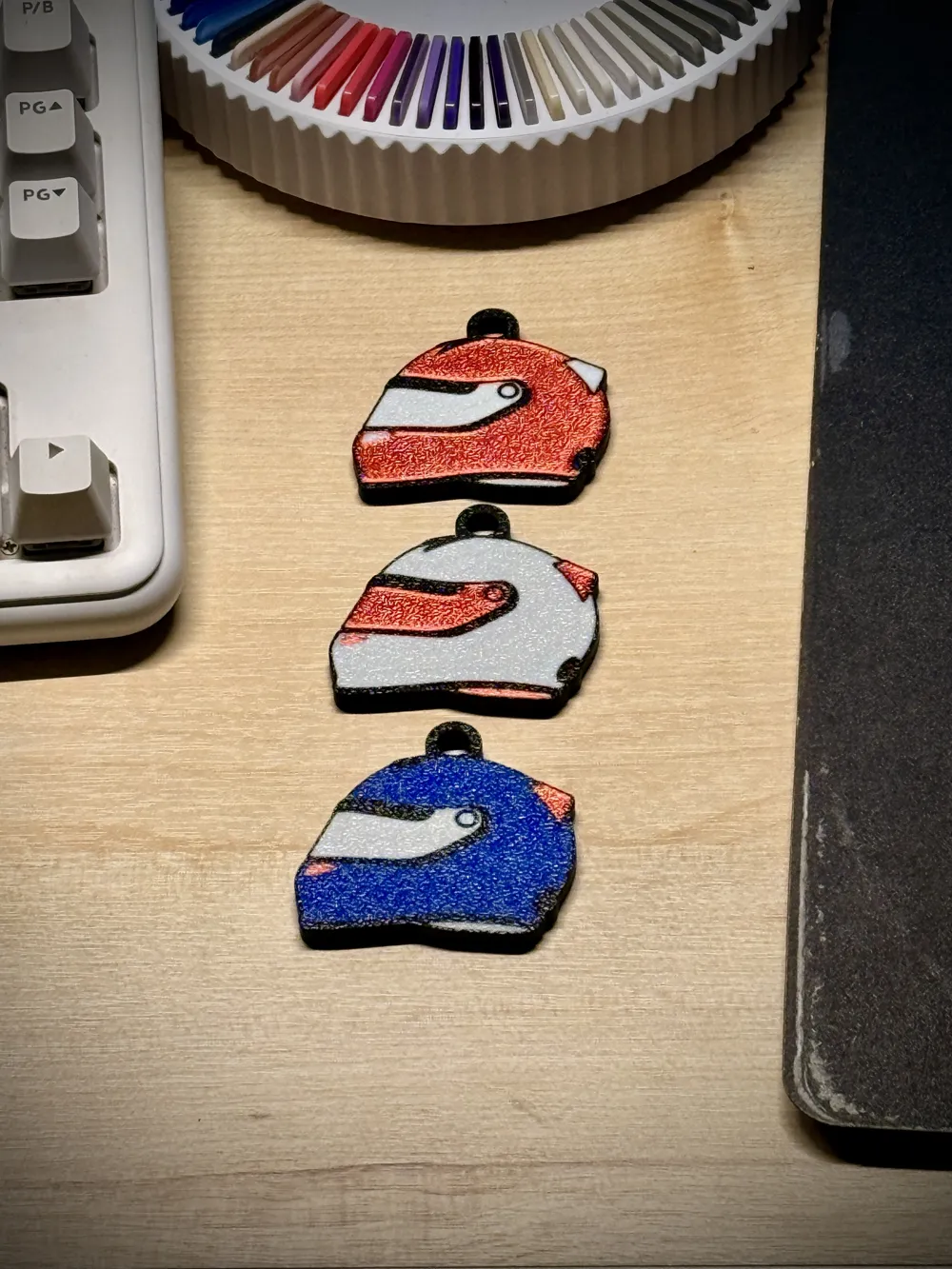
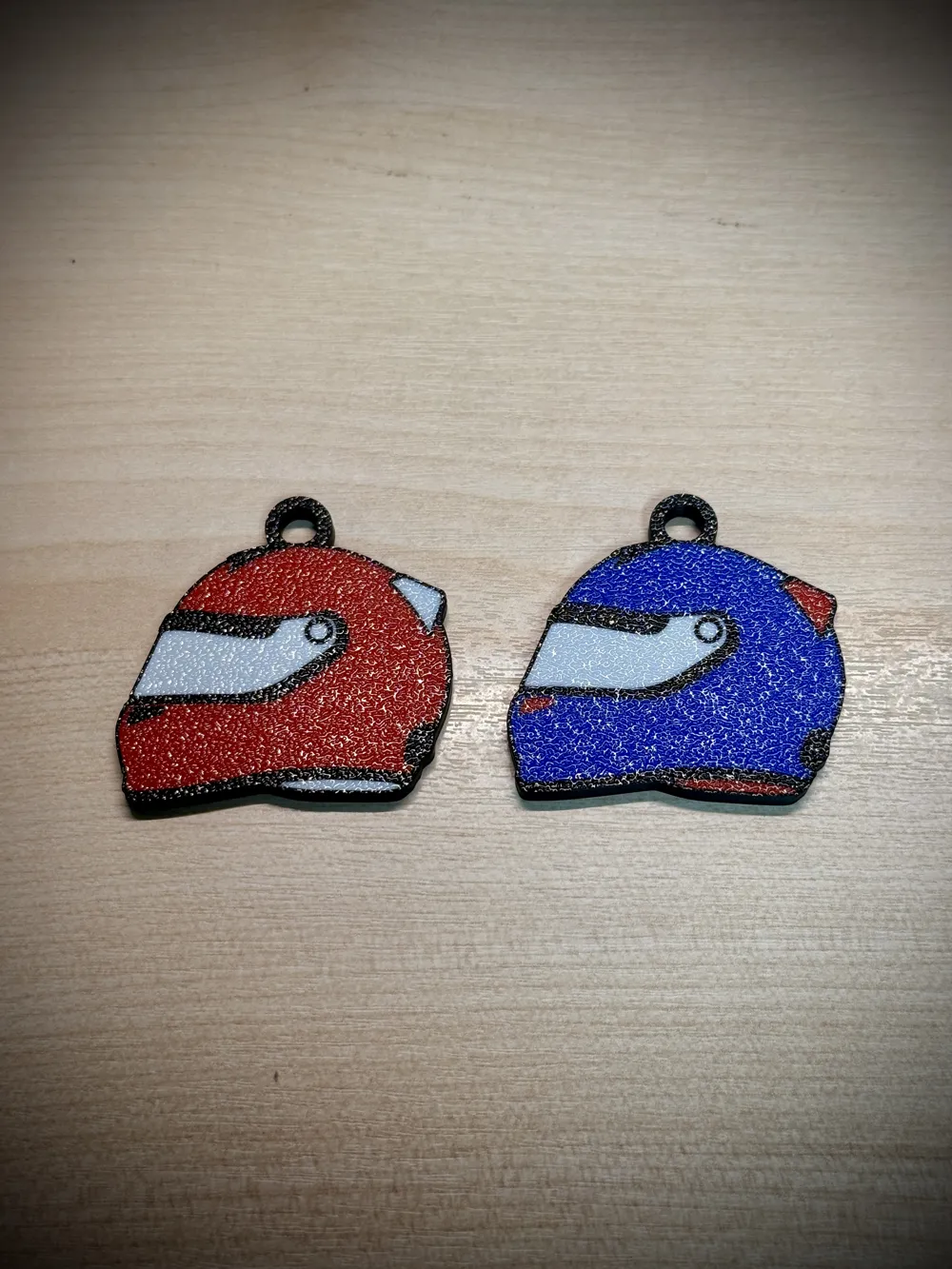
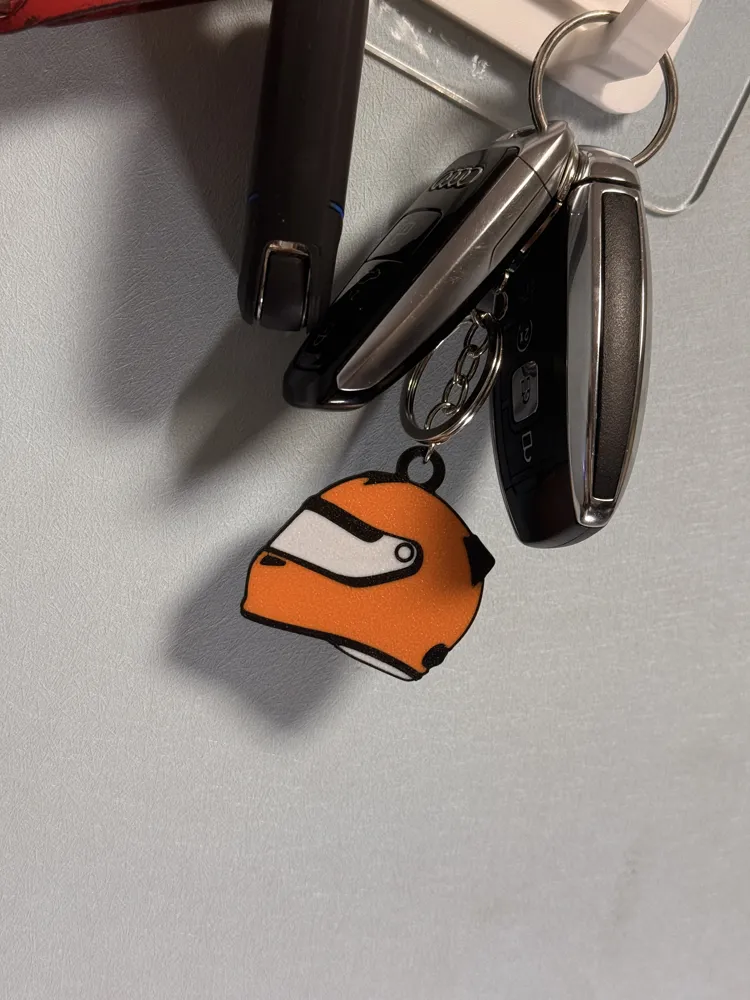
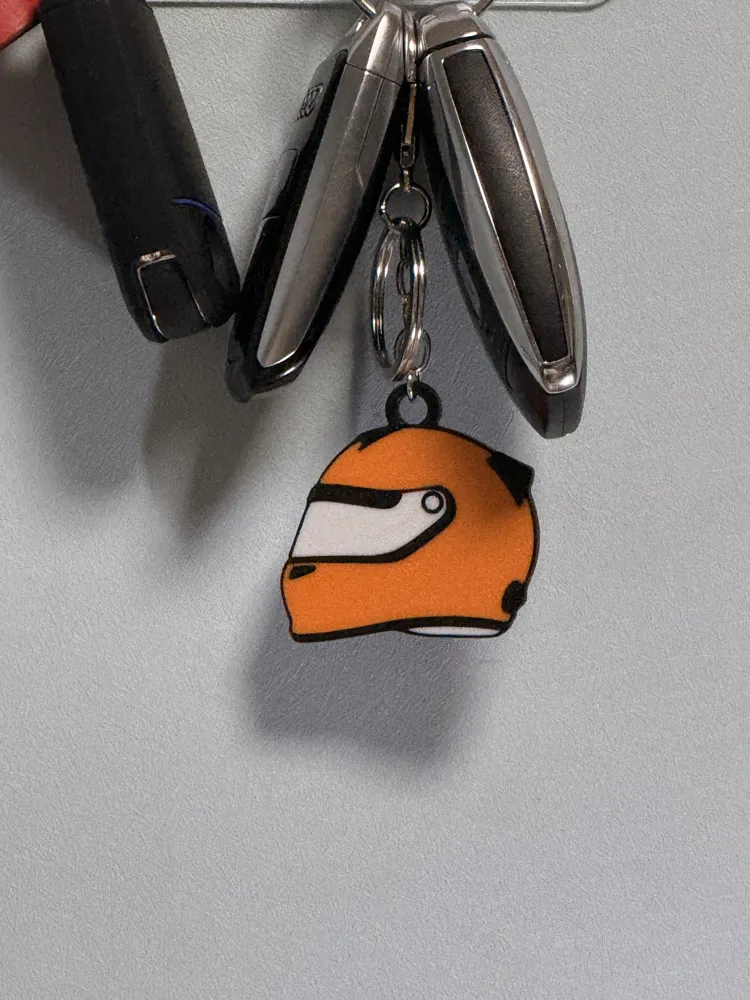
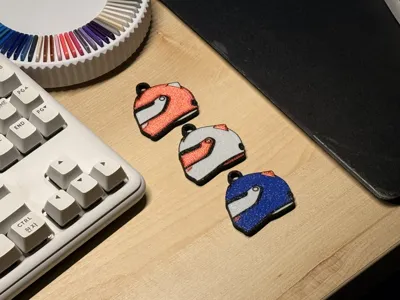
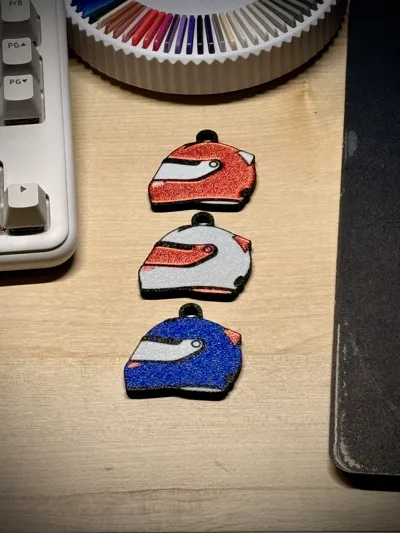
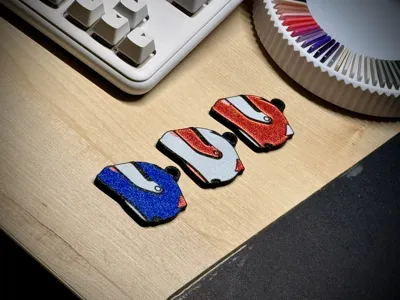
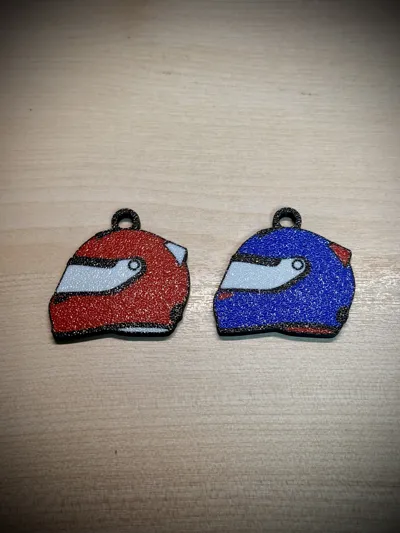
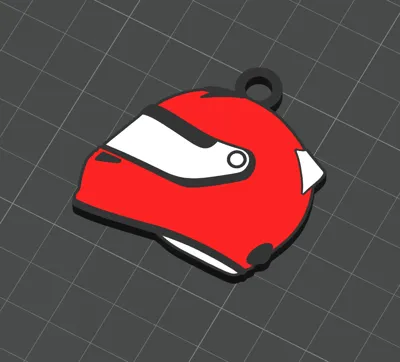
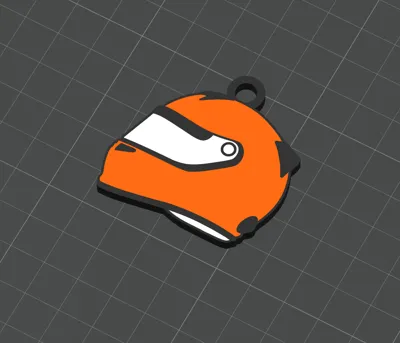
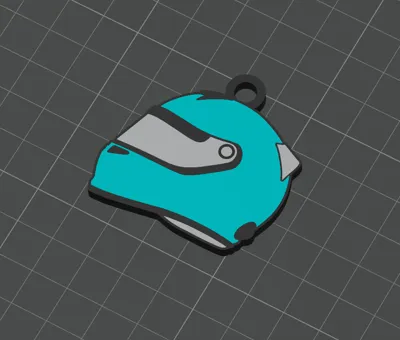
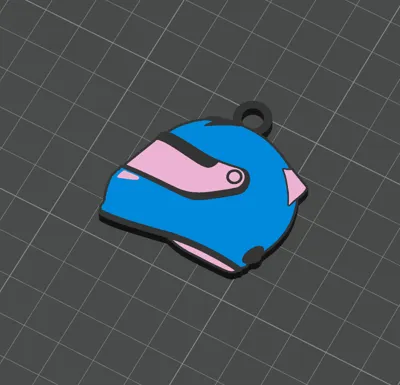
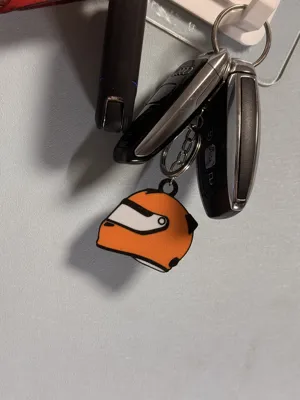
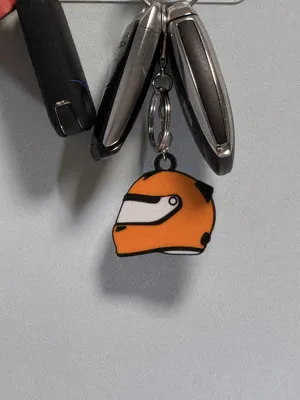
Get ready for the 2026 Formula 1 season! This collection features helmet keychains for ALL teams,
including the newcomers Cadillac and Audi.
Boost Me (for free)
I put a lot of effort into designing these for every team. If you like this model and enjoy printing it, please give it a Boost! It helps a lot.
🏁 Key Features & Orientation
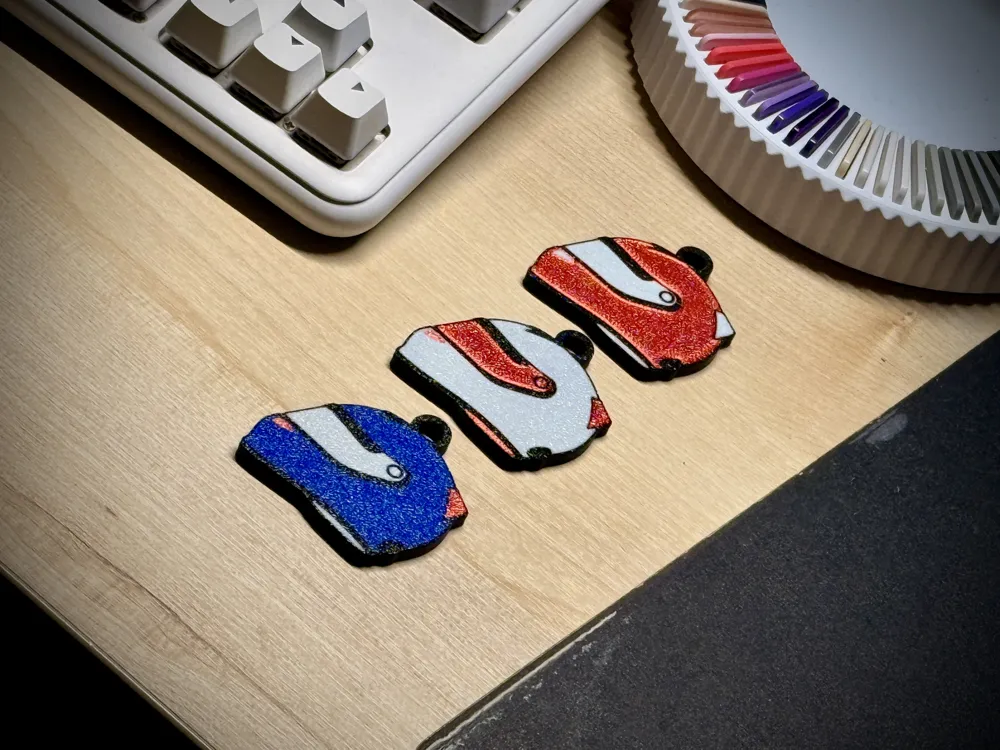
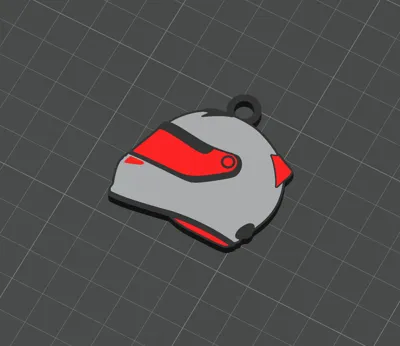
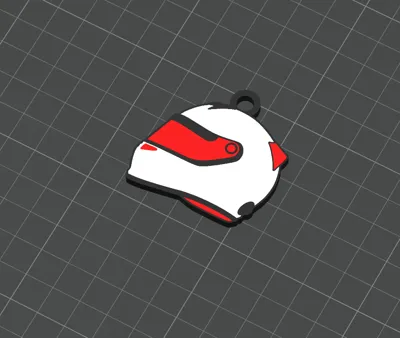
- Face-Down Design: The models are oriented face-down to utilize the Textured PEI Plate. This gives the helmet surface a premium, professional finish.
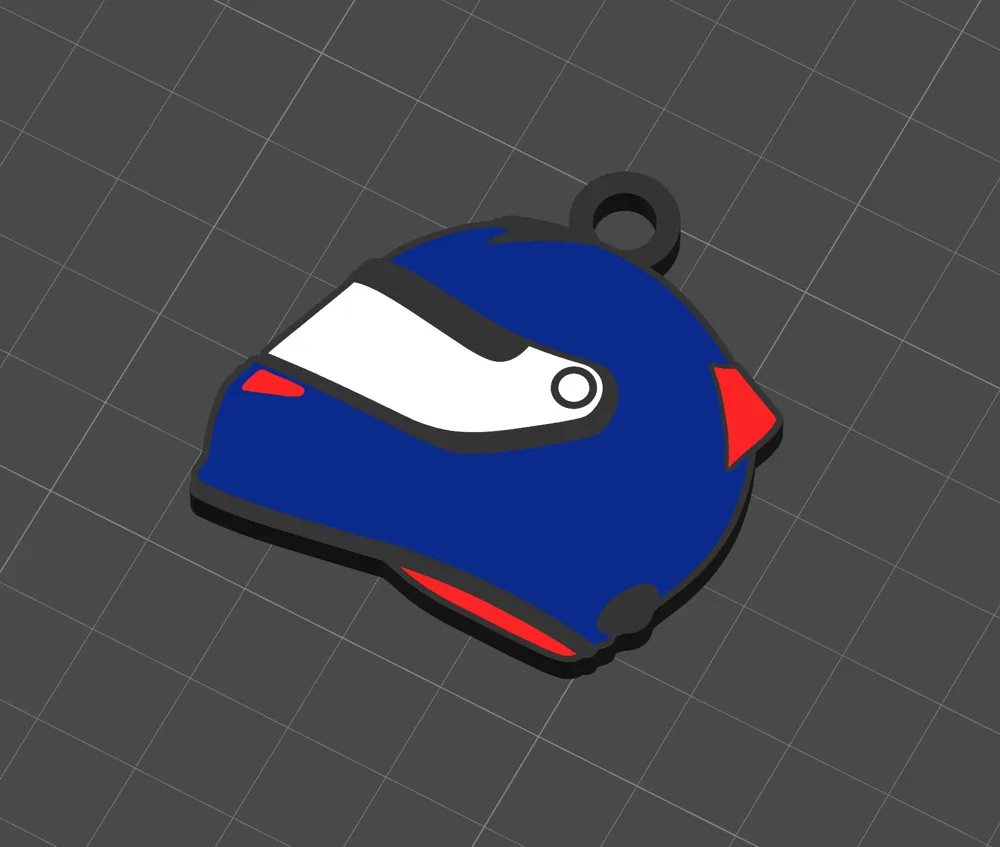
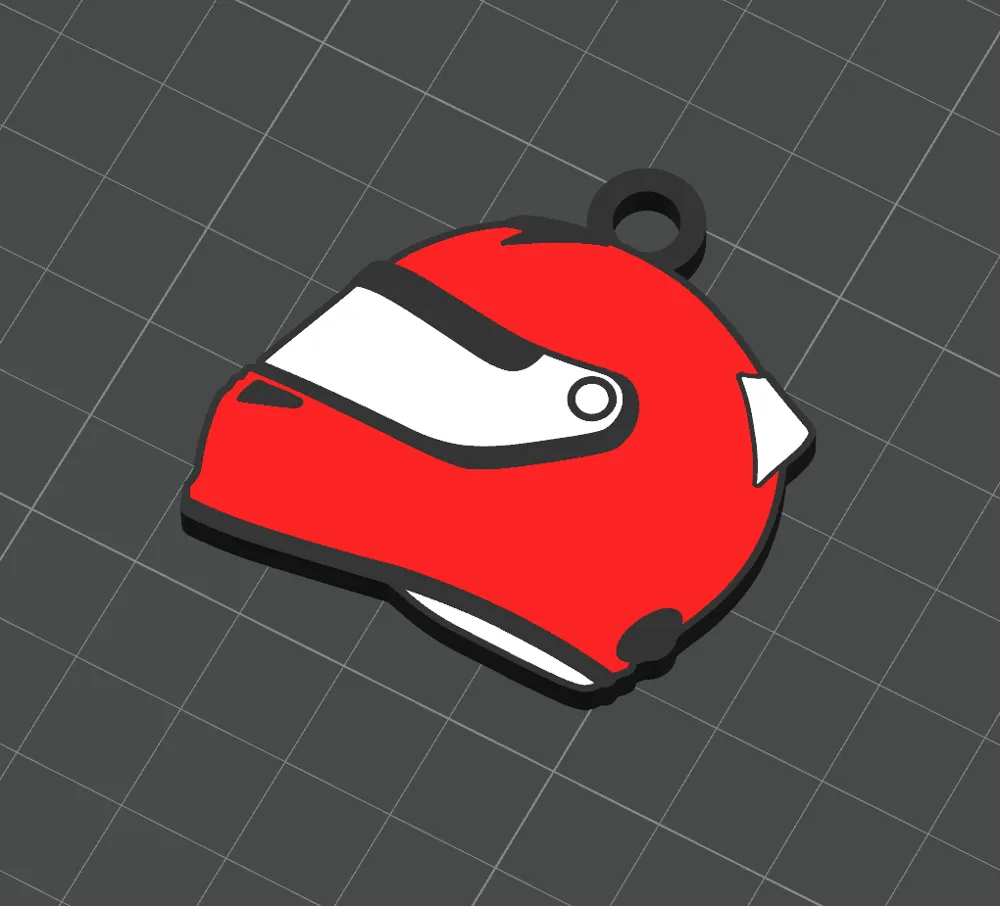
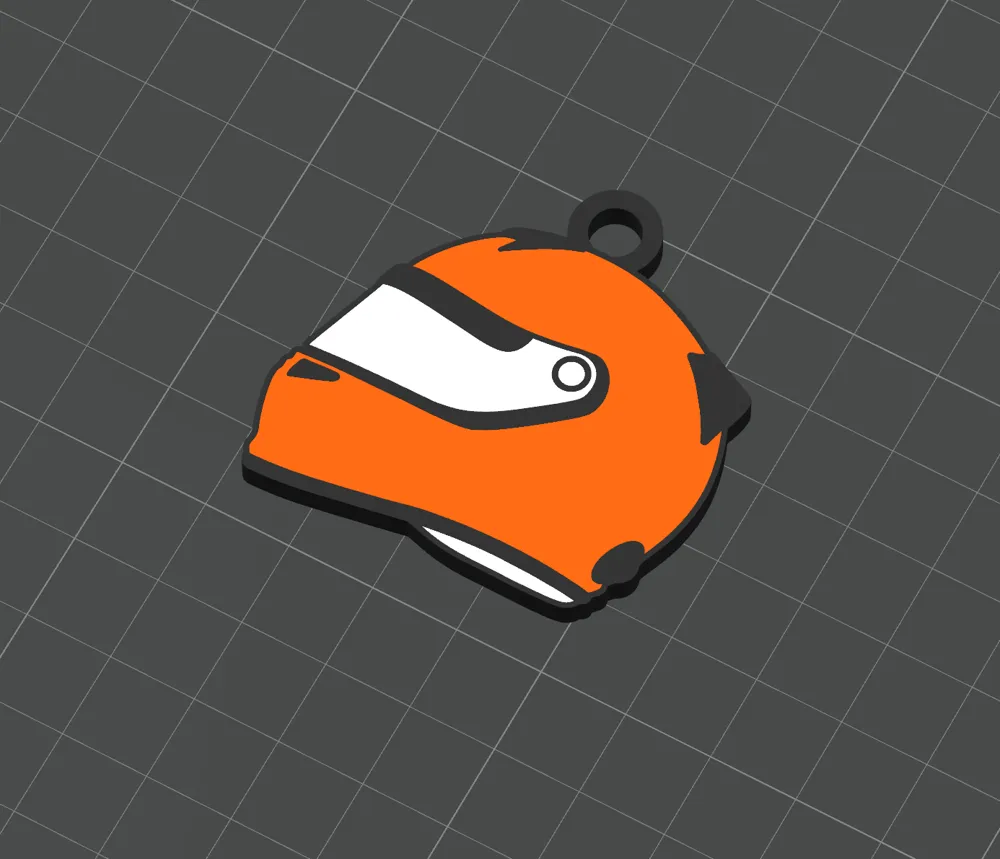
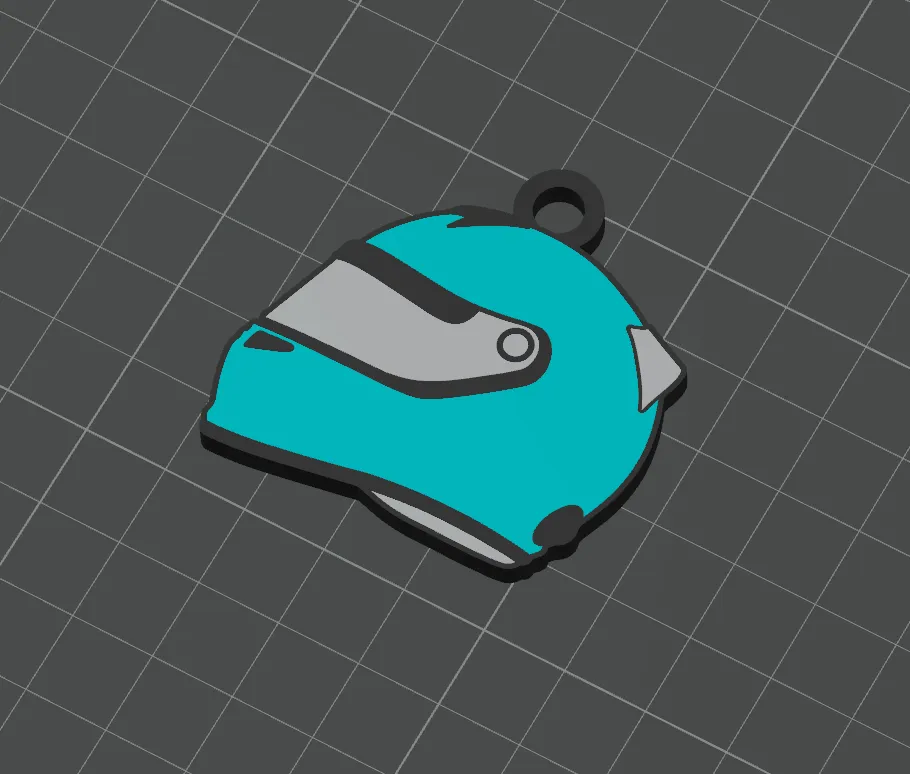
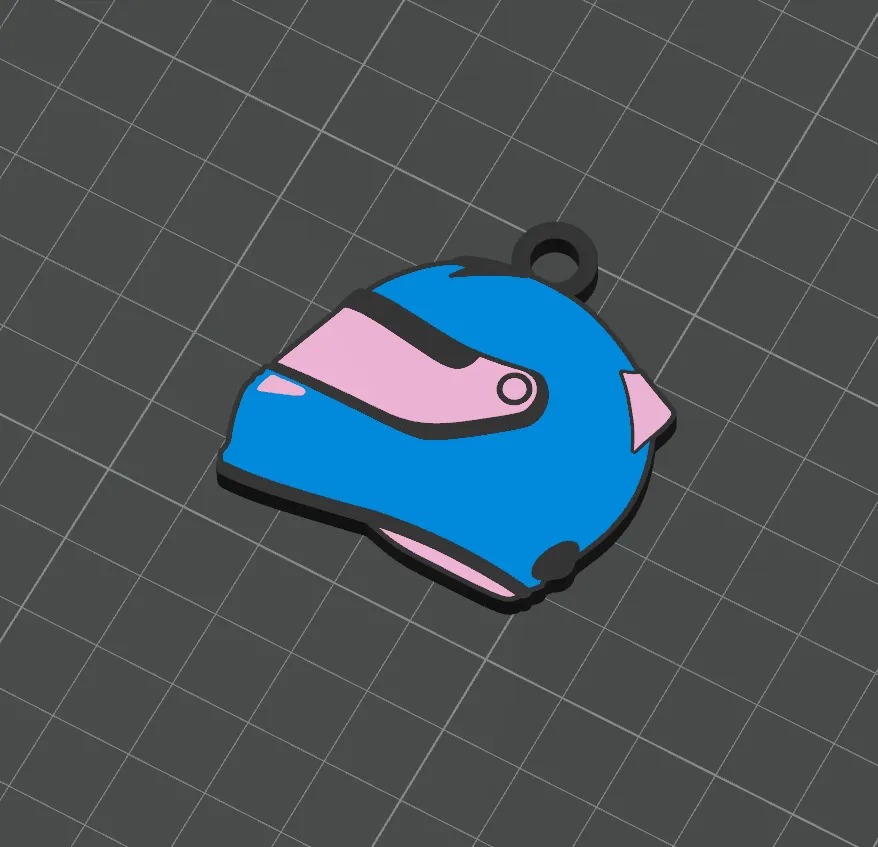
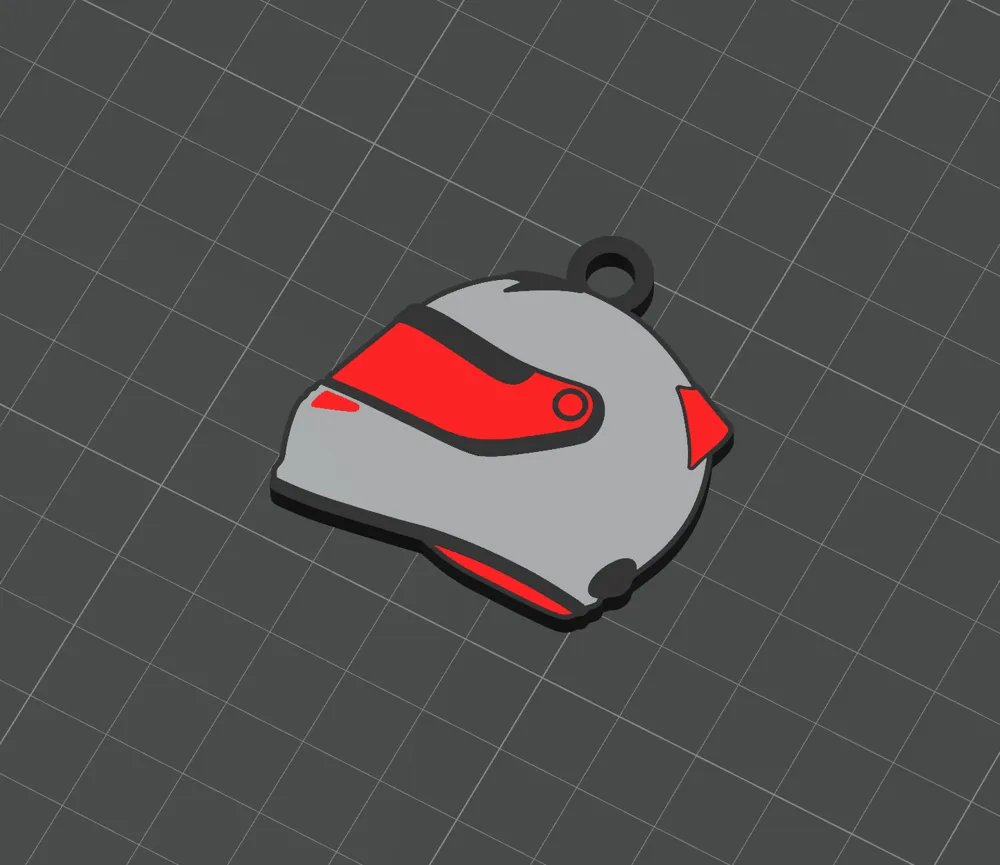
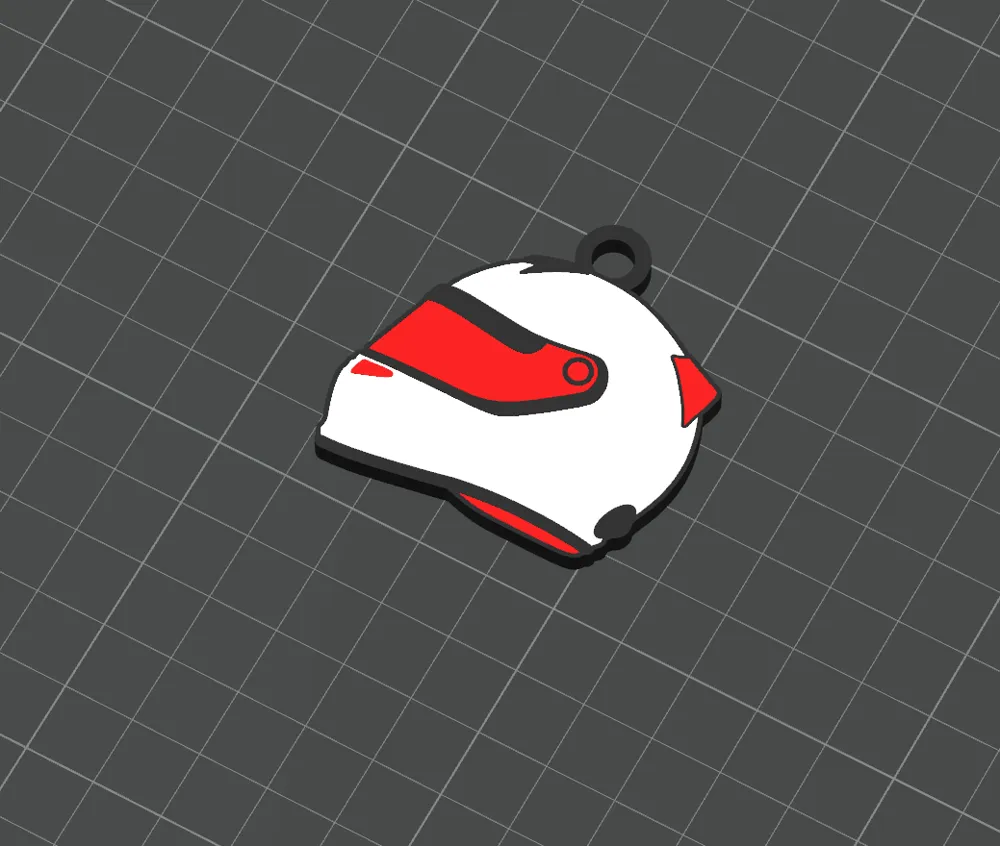
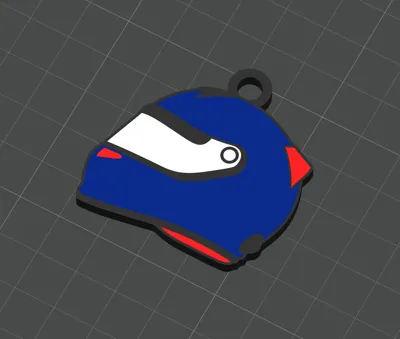
- ⚠️ Why does it look black? When you first open the file, the models might appear all black. Don't panic! Since they are face-down, you are looking at the back/bottom layer. If you look from underneath, you will see all the team colors are pre-painted and ready to go.
🖨️ Print Settings & Recommendations
- Plate: Textured PEI Plate is highly recommended for the best surface finish.
- AMS Required: Each helmet uses 3 to 4 colors max.
- Filament Guide: I have listed the recommended Bambu Lab filament colors below to match the team liveries.
🎨 Customizing Colors (Object Guide)
Don't like my color choices? No problem! The model is split into separate parts for easy recoloring.
- How to change colors: Go to the "Objects" tab in your slicer, find the plate/model, and select the specific parts to assign your own filaments.
- Note: Since I am a Korean creator, the object names are in Korean. However, simply clicking on the parts in the 3D view will highlight them, allowing you to easily see which part you are changing.
🧼 CRITICAL: Bed Adhesion & Cleaning Please Read Before Printing!
The first layer contains very thin black outline details. If your bed is not perfectly clean, these lines may fail to stick or get dragged around.
- My Experience: I initially had adhesion failures. The issue was resolved immediately after washing the plate.
- Cleaning Tip: Do NOT just use an alcohol wipe. Take the plate to the sink and wash it thoroughly with warm water and dish soap (detergent) to remove oils. This is crucial for the small details to stick!
🚫 License & Usage
- Strictly Personal Use Only.
- No Commercial Use: Selling physical prints or the digital files is strictly prohibited.
- No Redistribution: Do not re-upload or remix this model on other platforms without permission.
🚀 Support the Creator
I put a lot of effort into designing these for every team. If you like this model and enjoy printing it, please give it a Boost! It helps a lot.
Happy Printing & Enjoy the Race! 🏁
License

You shall not share, sub-license, sell, rent, host, transfer, or distribute in any way the digital or 3D printed versions of this object, nor any other derivative work of this object in its digital or physical format (including - but not limited to - remixes of this object, and hosting on other digital platforms). The objects may not be used without permission in any way whatsoever in which you charge money, or collect fees.


Comment & Rating (0)