
LTS Respooler Pro - Motorized Filament Winder
Print Profile(9)
Bill of Materials




.png)


- LTS Driver Board or LTS Control Board x 1: https://lts-design.com/collections/respooler
- ESP32 DevKit x 1: (not needed with the "LTS Control Board")
- TMC2209 Stepper Driver x 1: (not needed with the "LTS Control Board")
- Nema 17 Motor x 1: 38 mm length
Description
[BETA Version] Firmware and parts are still being fine-tuned :)
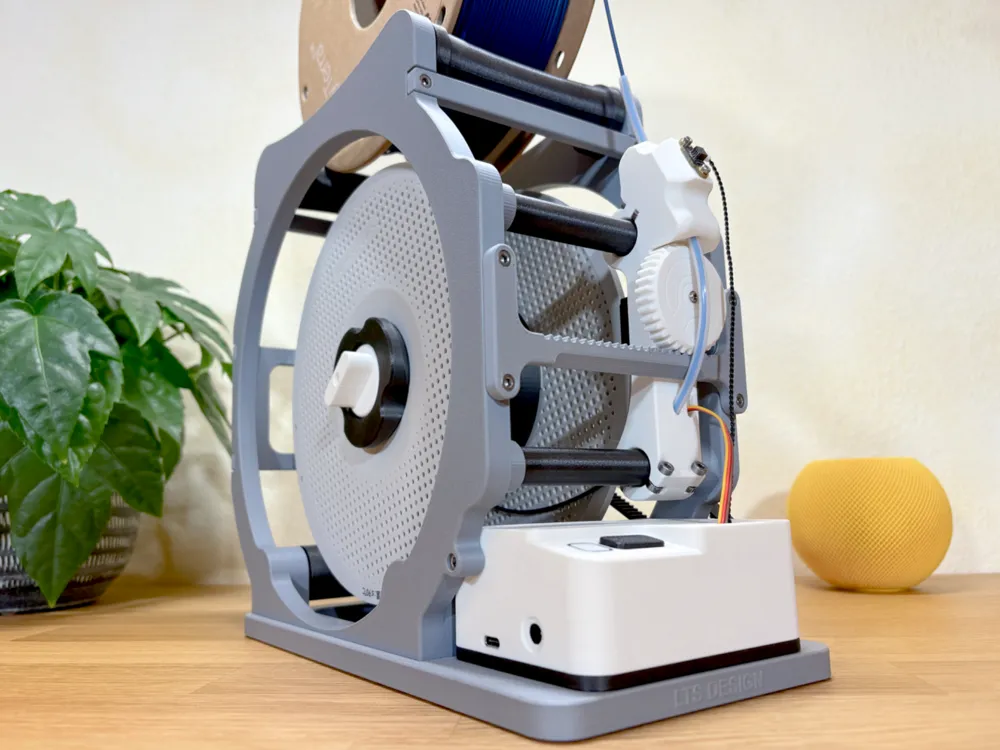
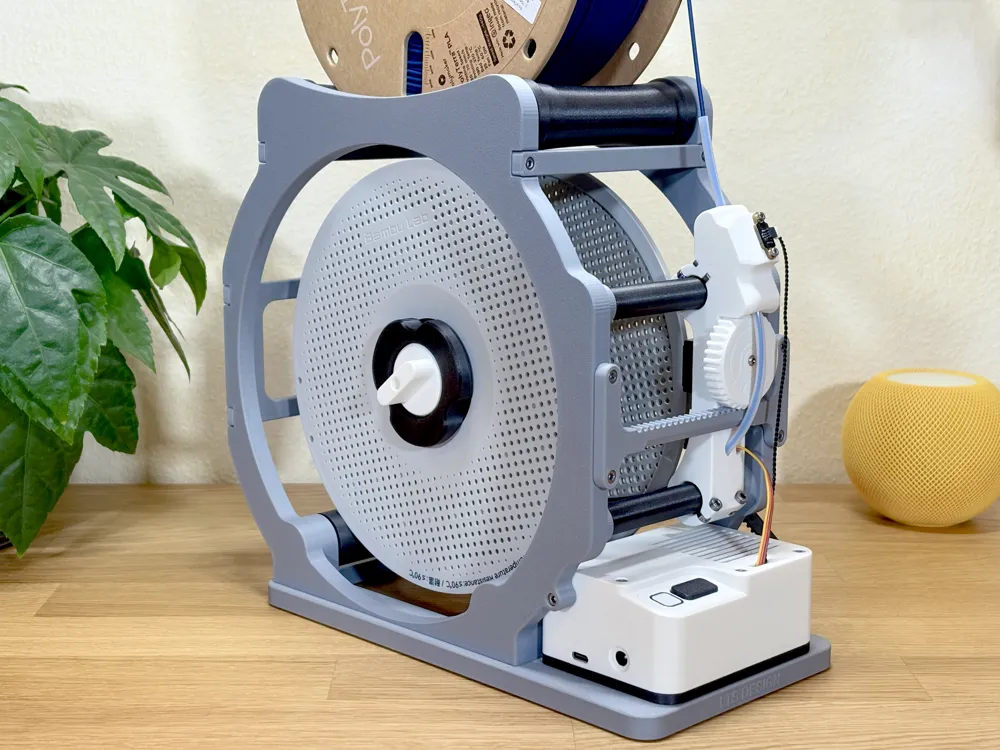
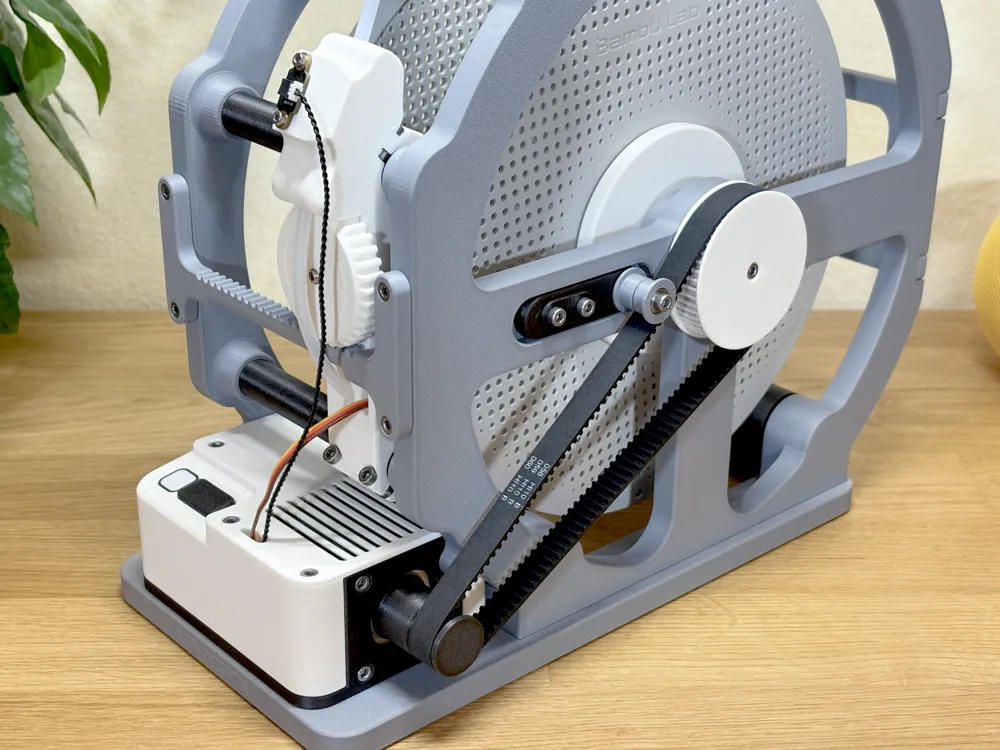
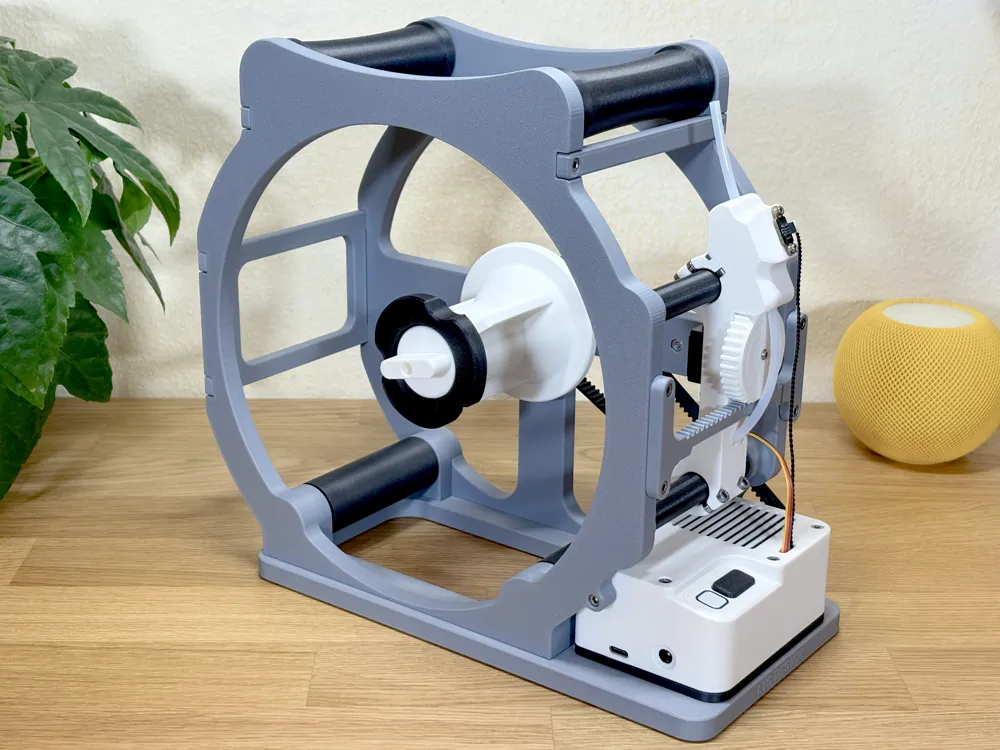
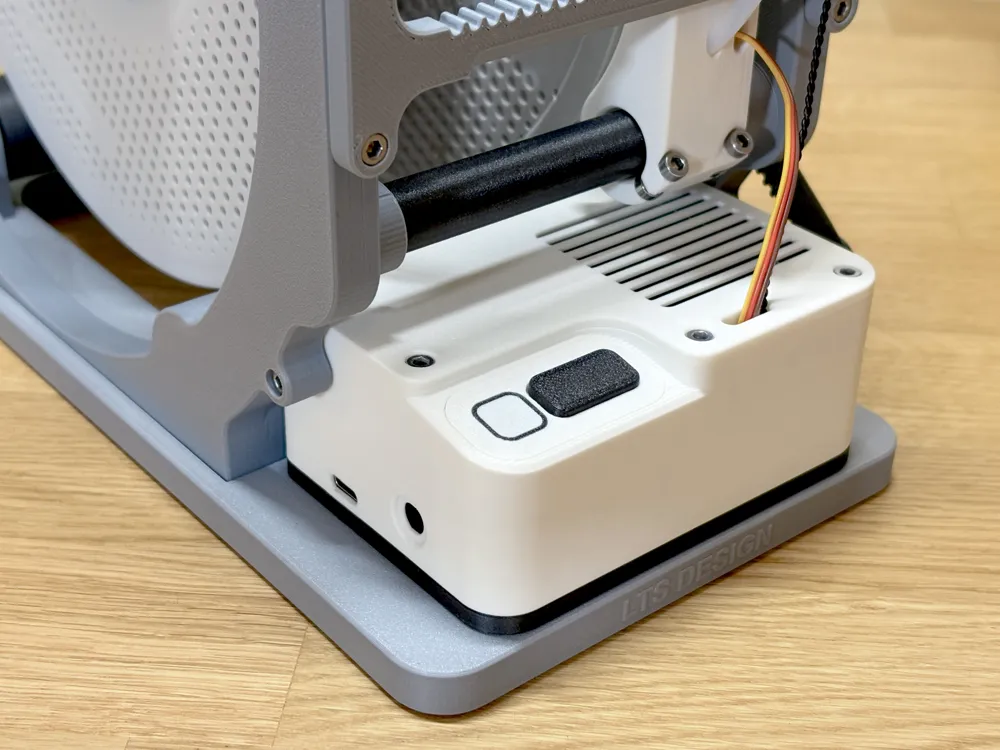
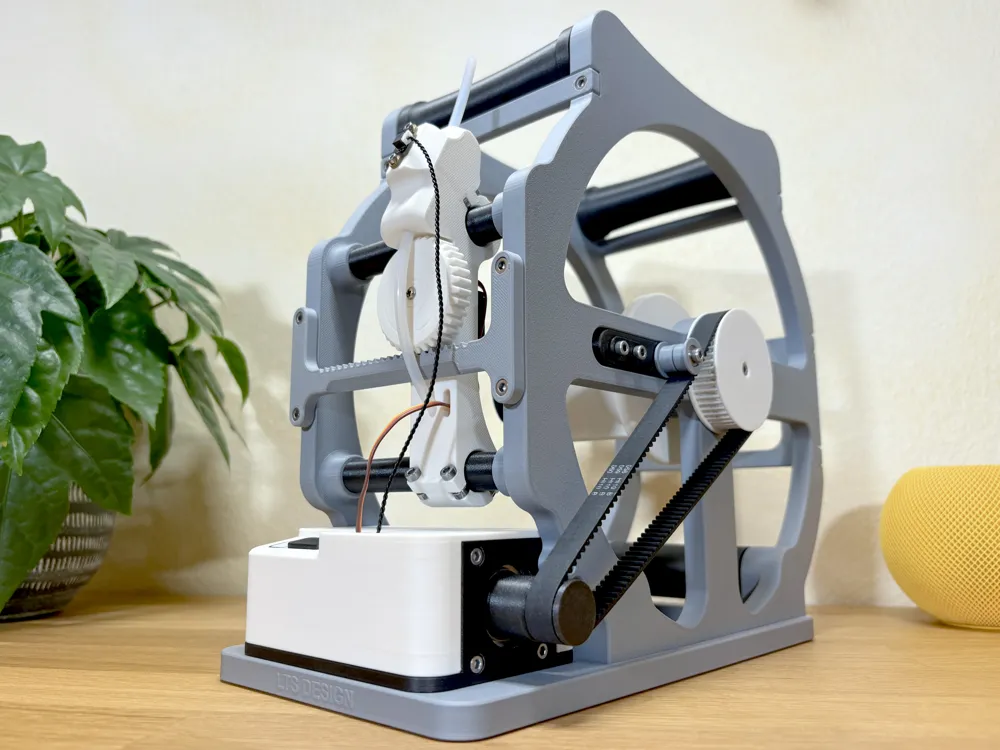
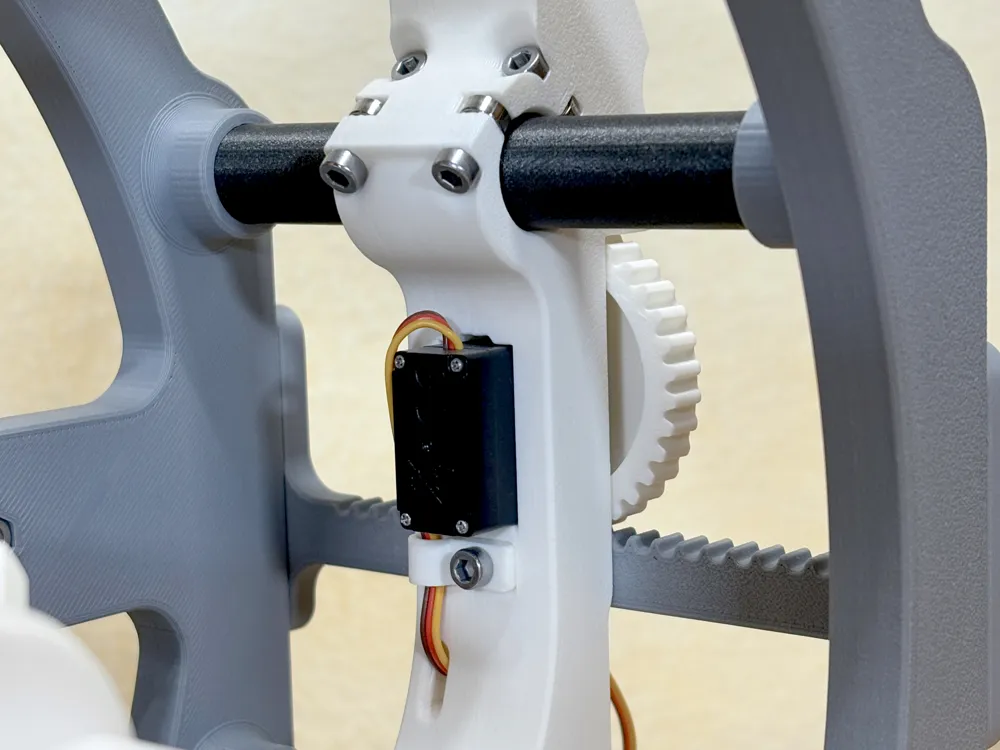
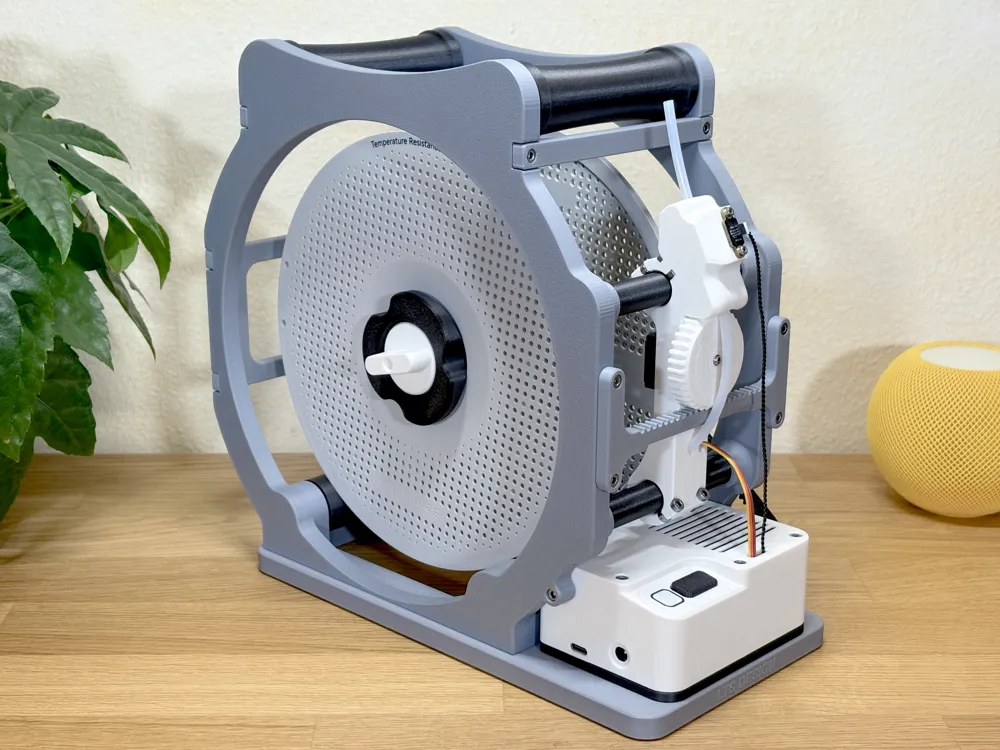
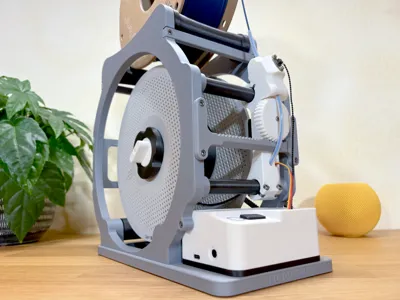
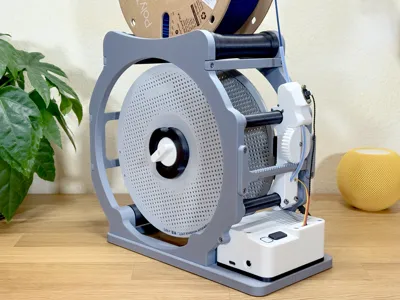
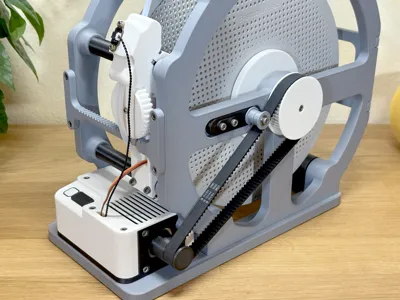
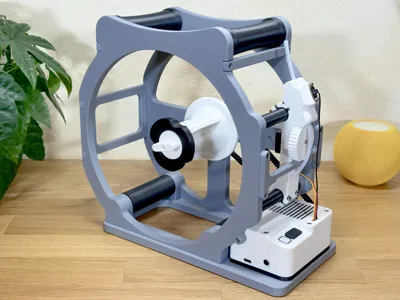
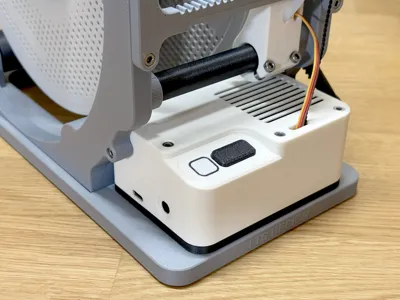
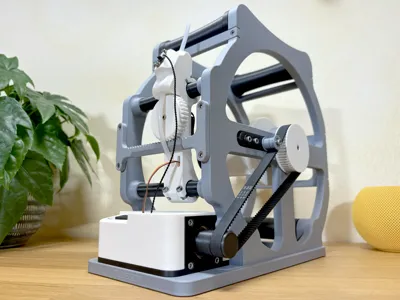
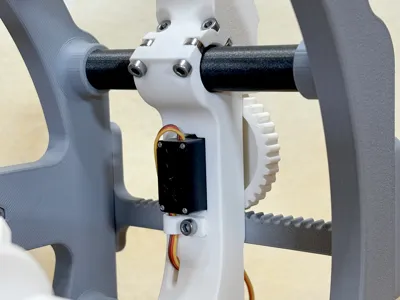
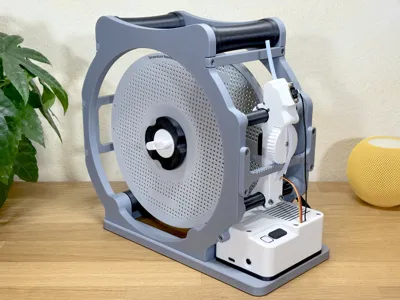
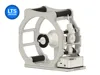
This compact Filament Respooler is the next iteration of the LTS Respooler. This version replaces the worm gears for the filament guide with a 9g servo from Maker's Supply. This has proven to be more reliable and also lets you precisely adjust the step width per spool revolution!
As the original Respooler, it uses a stepper motor and a filament runout sensor for ease of use. You can also use the app to fine-tune the settings and monitor the progress. The Respooler is optimized for the Bambu Lab reusable spools and compatibility with other manufacturers is not guaranteed.
🗒️ Detailed Bill of Materials and Instructions PDFs in the downloads section!
Needed Hardware and Electronics:
- The Respooler uses an ESP32 to control all the components
- Most of the needed parts can be ordered via Bambu Lab's Maker's Supply, just use the “BUY NOW” button at the bottom of this page
- To connect the ESP32 with the rest of the electronics, there is a custom PCB available via my Store or you can order your own from the provided Gerber files. There is also a shared project on PCBWay.
- Flash the needed code to the ESP32 using the Web Flasher
Please check for the availability of the PCBs first before printing or purchasing the other parts!
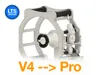
Upgrade from V4 to Pro:
- Printed Parts: Use the “V4 to Pro Upgrade” Print Profile to get all the new parts that are needed
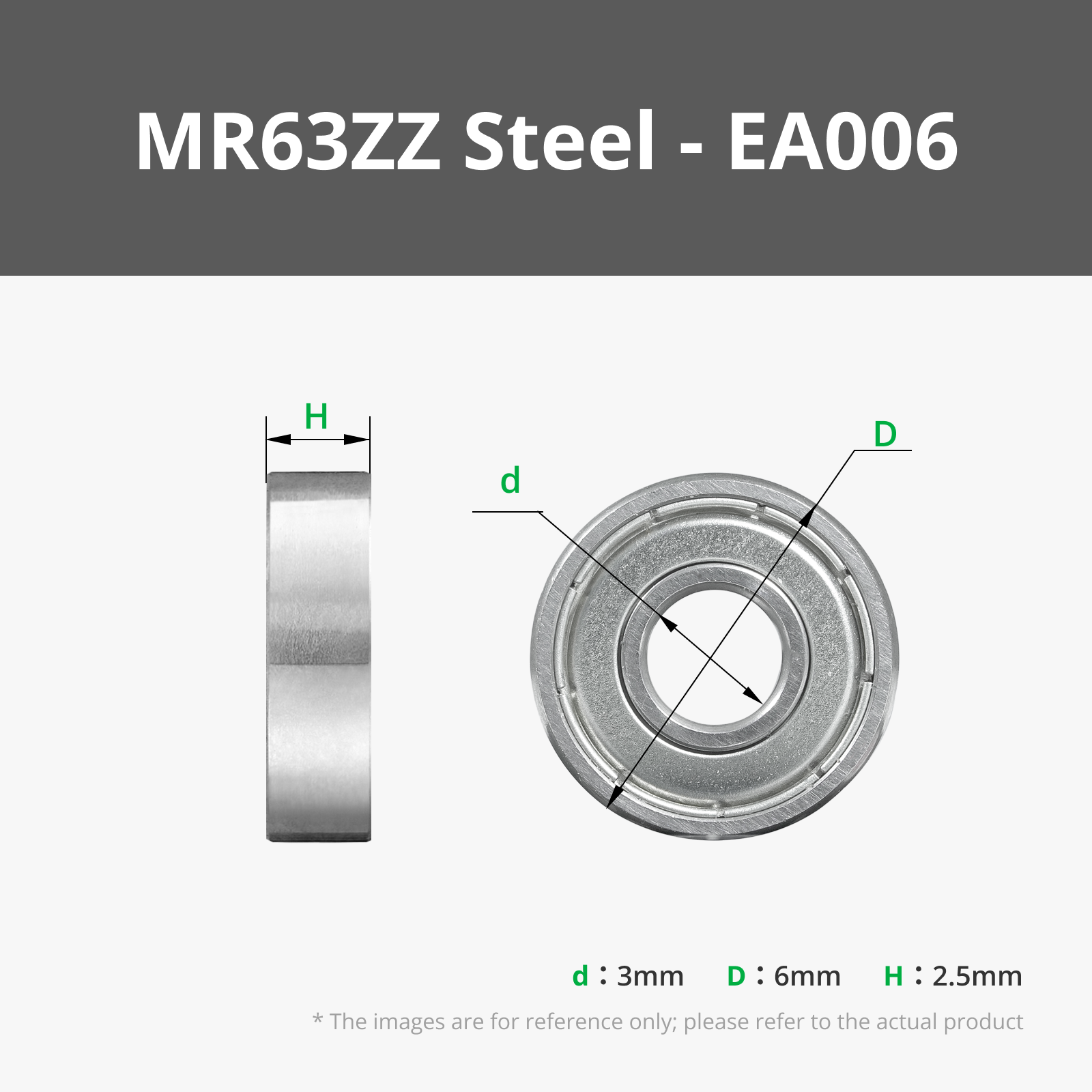
- Hardware: Order the parts PG001 (Servo) and EA006 (MR63zz bearings) from Maker's Supply
- Firmware: Simply update your existing Board via the app or flash it again
- The Pro version works with the Control Board CB-V4 and Driver Board DB-V1
📁 All the code and the Gerber files are on GitHub.
There is an iOS App to configure and control the Respooler! Android users can use the Web version for now. The app is needed to calibrate the servo end positions. Get it here:

How to use it:
- Feed the filament from the top spool through the PTFE tube
- The LED will turn green. Without filament, the motor does not start
- Attach the filament to the bottom spool (I recommend this model) and press the button
- Once all the Filament has been transferred, the motor will automatically stop
- If you want to pause the winding, just press the button again
- Press and hold the button to reset the position of the filament guide
Video of the Respooler in action: YouTube

Documentation (2)
License

You may create derivative works based on this object, provided that all such derivative works are published exclusively on the MakerWorld platform and include proper attribution to the original creator. You may not share, upload, host, distribute, or publish this object—or any derivative work of this object—on any other digital platform, marketplace, or distribution channel. Commercial use of this object and any derivative works is strictly prohibited. This includes, but is not limited to, selling, renting, sublicensing, or using the object in any context in which you receive monetary compensation or other financial benefits.


Comment & Rating (630)