

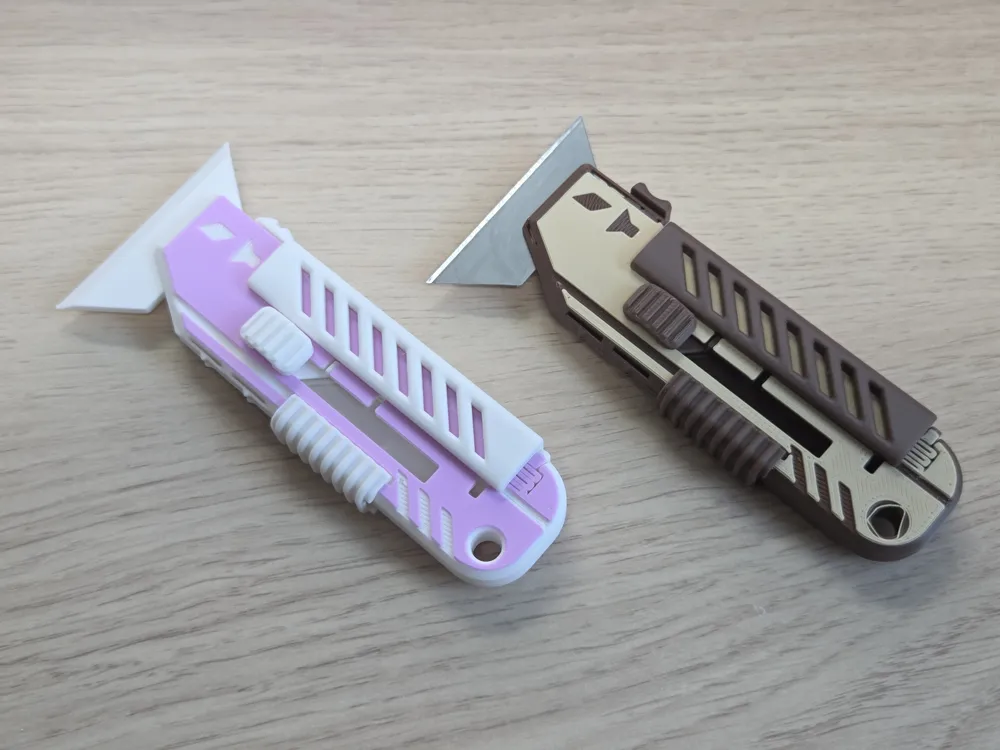
Dual mode Knife (3d printed blade)

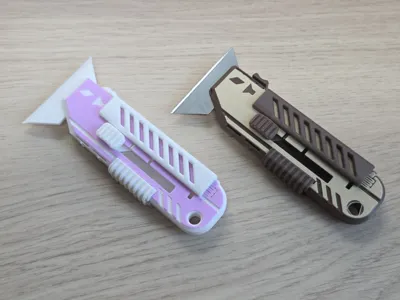
Print Profile(1)
Description

Congratulations on finally discovering FunOrNothing :)
TAPESY, Innovative 3D printed TAPE Dispenser, and Gadgets for Unboxsing
Clicking on a letter will take you to the page for that design.
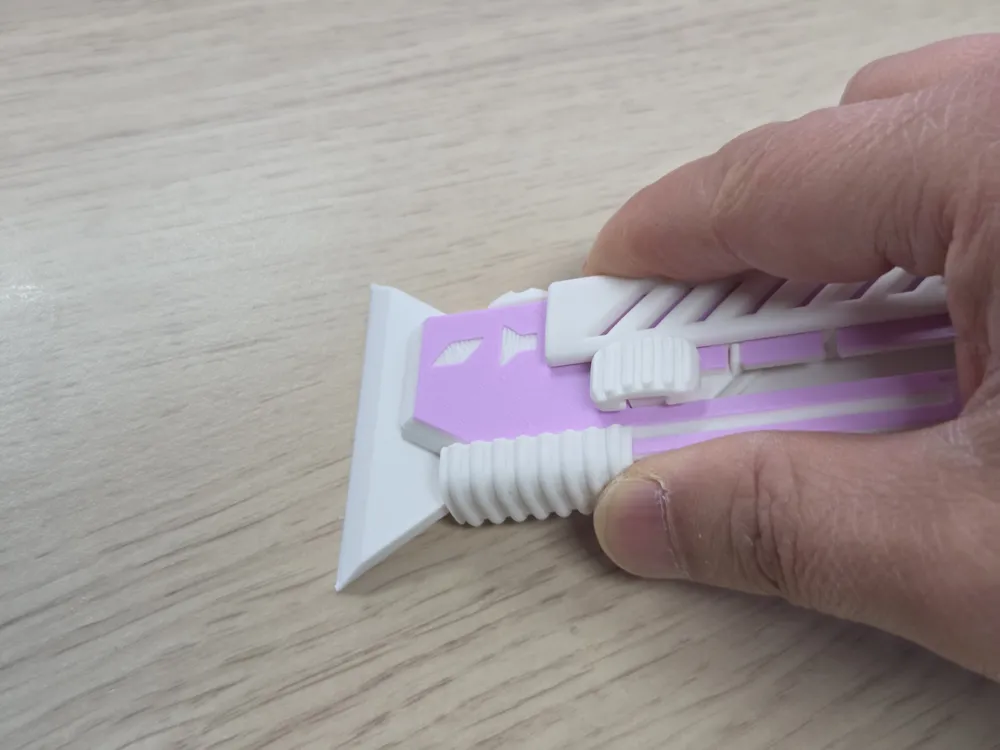
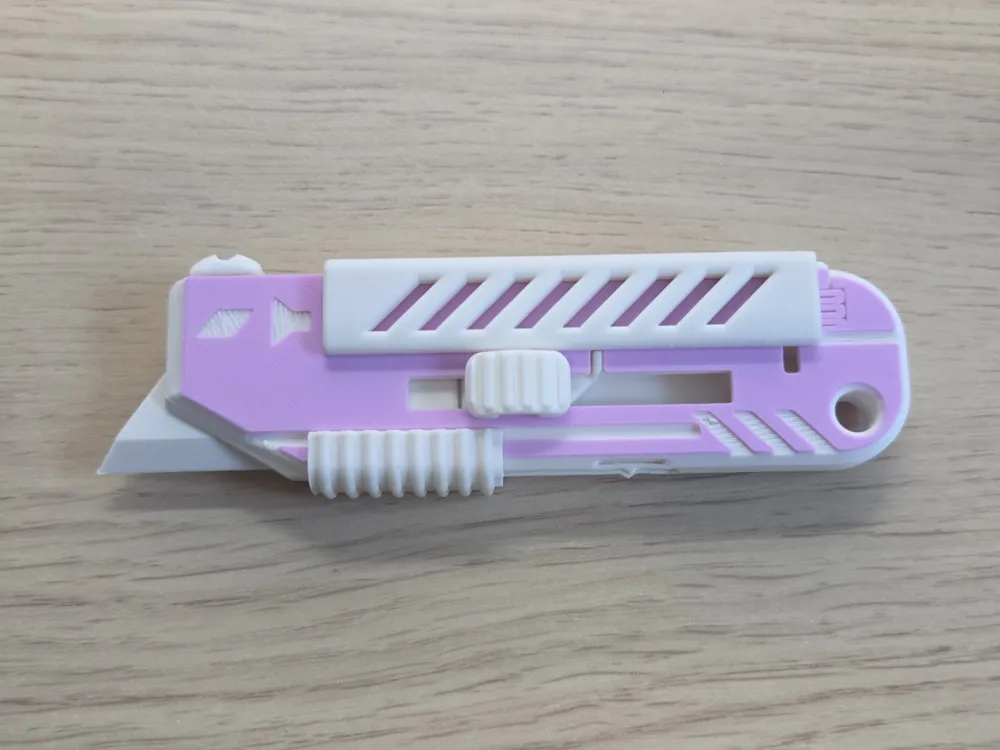
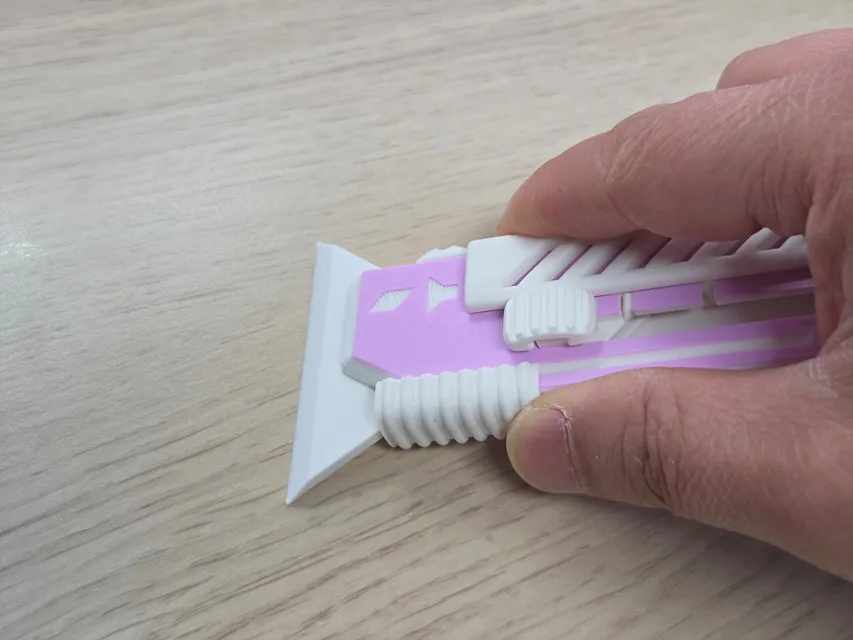
TAPESY SAFE KNIFE - 3d Printed Knife that supports Scraper mode.
This model is a safety version of the version using the existing utility blade.
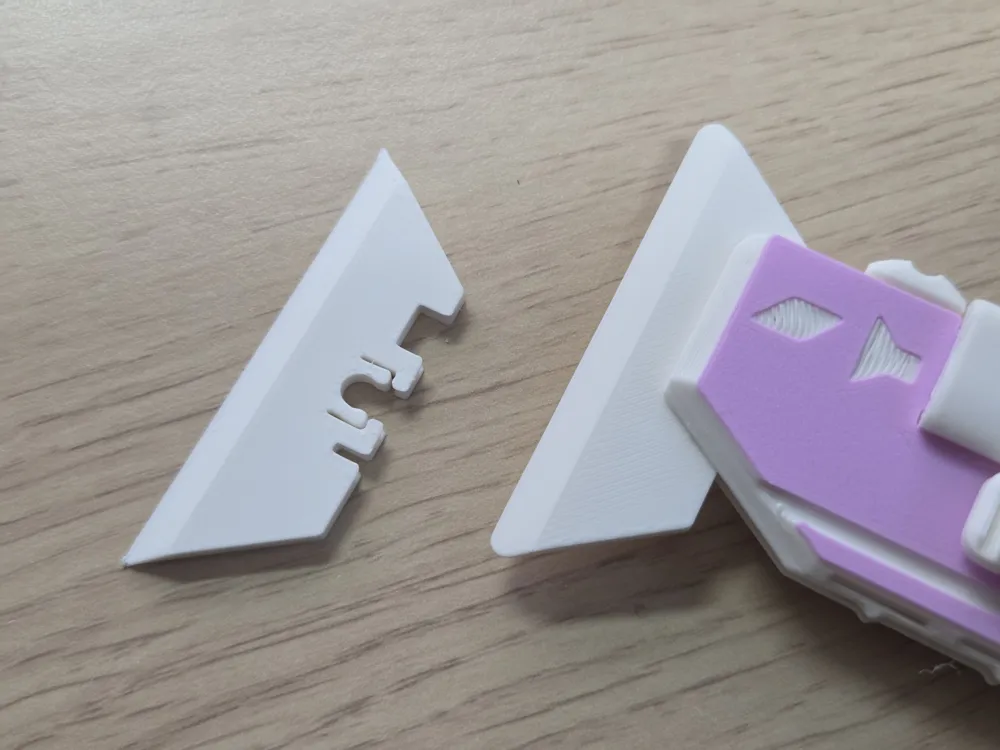
Previous models use extremely sharp metal blades that rotate, requiring extreme caution when using. However, this model uses a relatively safe 3D printing blade, making it safe for even those unfamiliar with knives.
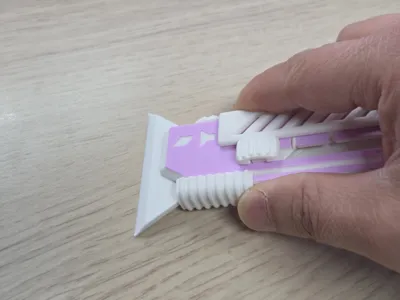
It's particularly suitable for use next to the printer, using Knife Mode to open filament bins or Scraper Mode to scrape the build plate.
Or, simply slide the slider and watch the blade move, making it a cool fidget.
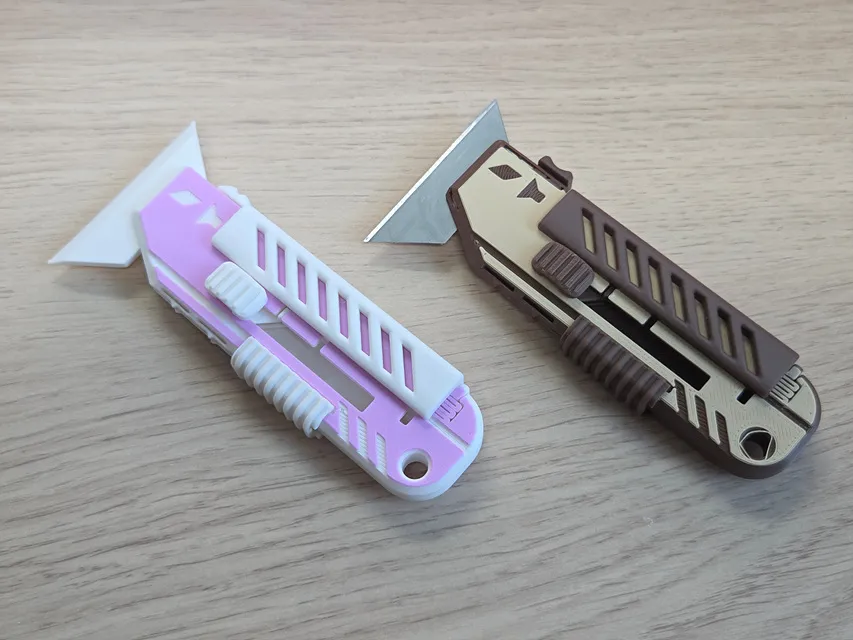
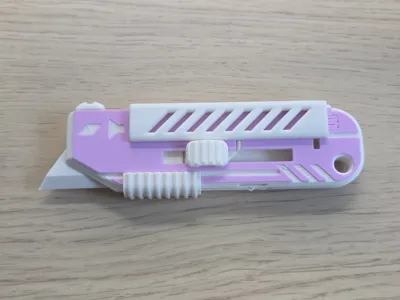
Most of the assembly and usage methods are identical to those of models using existing utility blades.
The difference is...
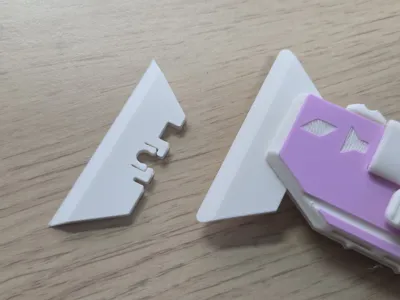
- The 3D printed blade is much safer and more suitable for lightweight work. It can also be used as a scraper for the build plate.
- There's no need to disassemble the main body to replace the blade. The blade can be easily removed or inserted in scraper mode.
Aside from the above, it has the exact same dimensions and details, and optimized tolerances ensure smooth operation.
Boost Me (for free)
Your boost helps me spend more time creating better designs. And don’t forget to check my other models — you might discover something useful! 😊
The assembly method
- Attach the blade to the blade holder. It snaps into place easily.
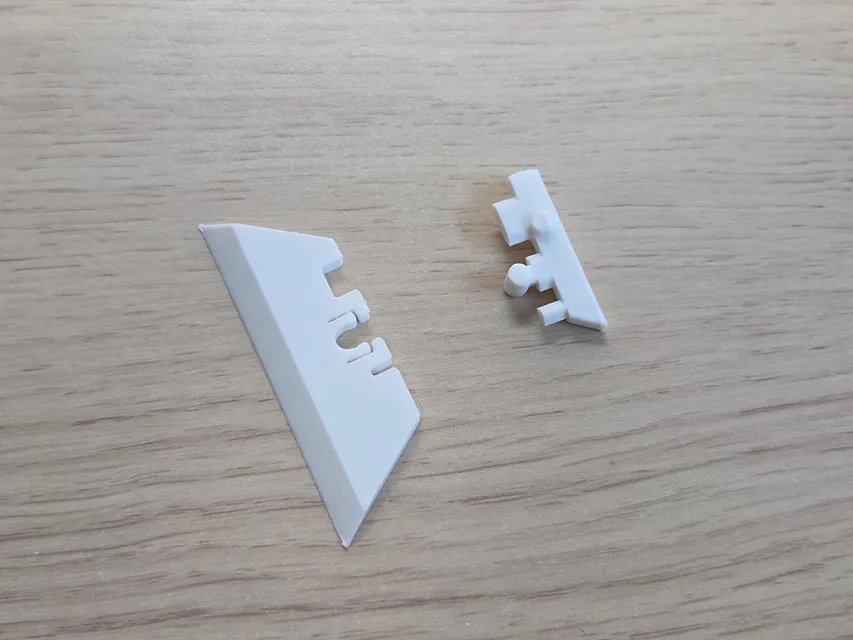
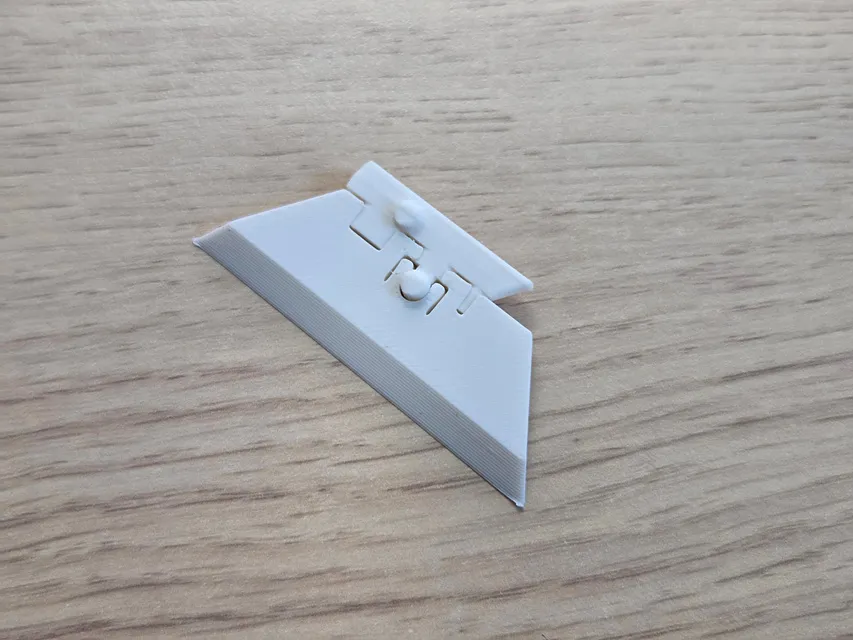
You can also use a safer blade.
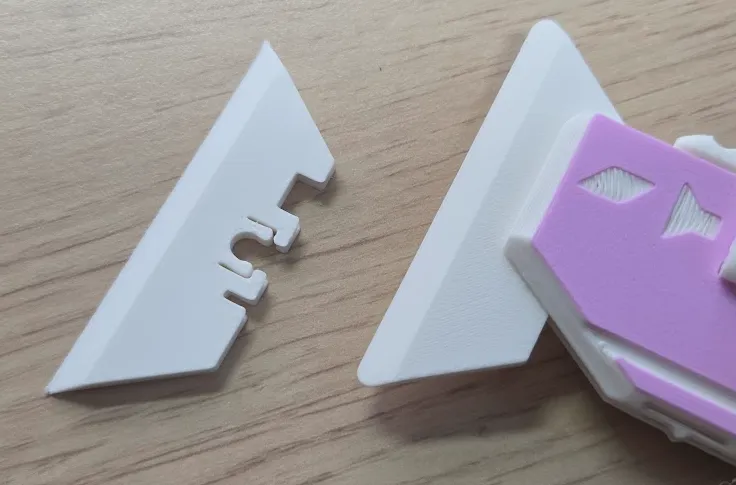
2. Combine the blade assembly and slider.
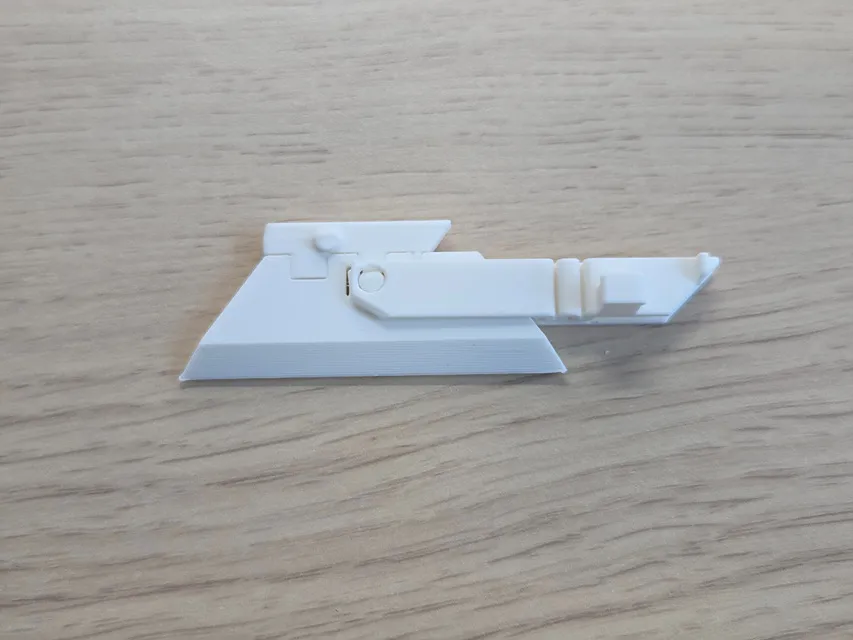
3. Position the blade assembly and safety lever A on the main body A as shown in the photo.
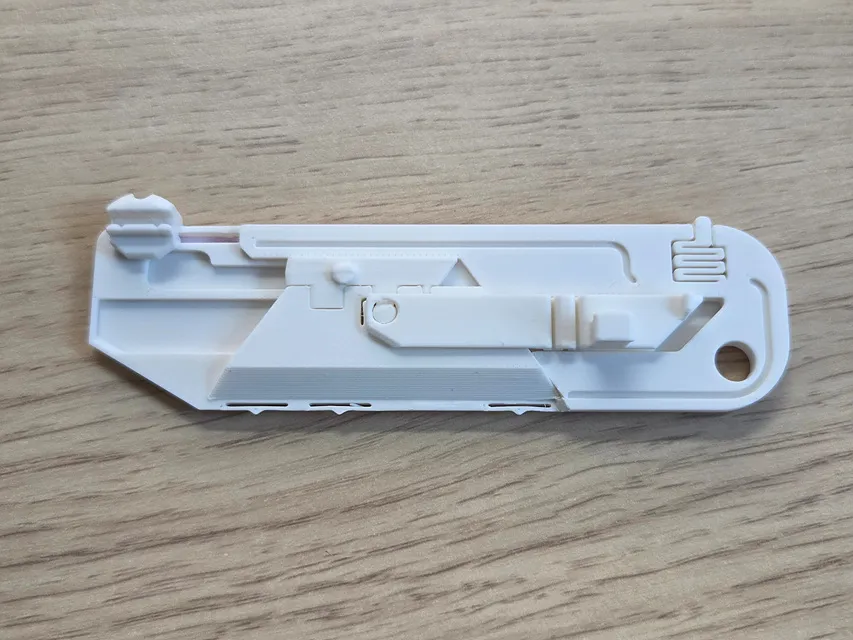
4. Position body B precisely on top of the assembly above.
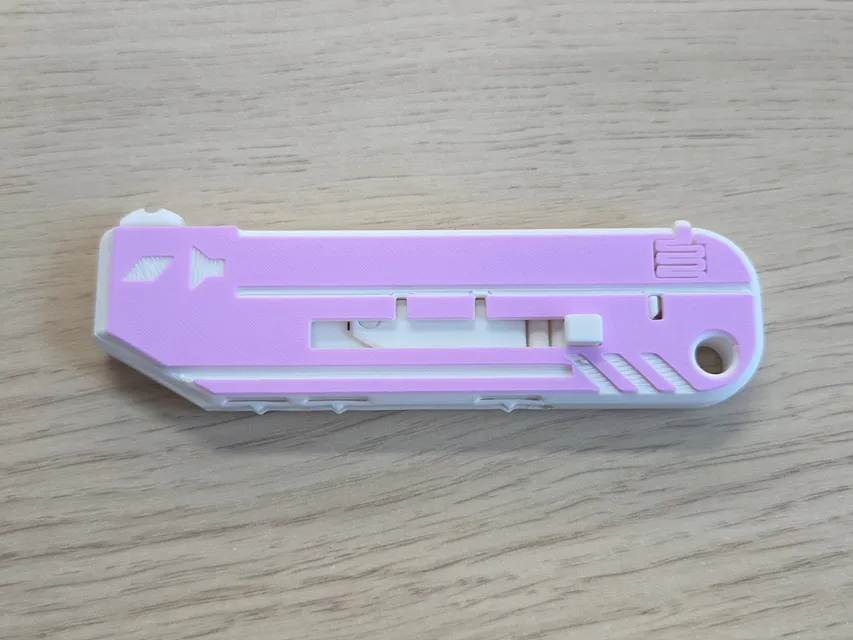
5. Insert the slide button (from top to bottom based on the photo below).
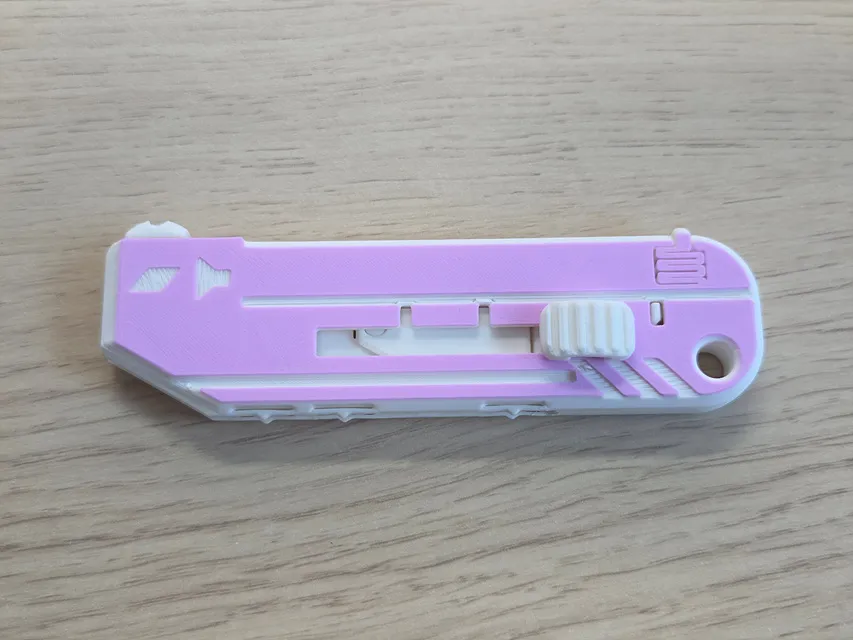
6. Attach the cover for fixing the main body. (Insert while pressing the fixing spring part.)
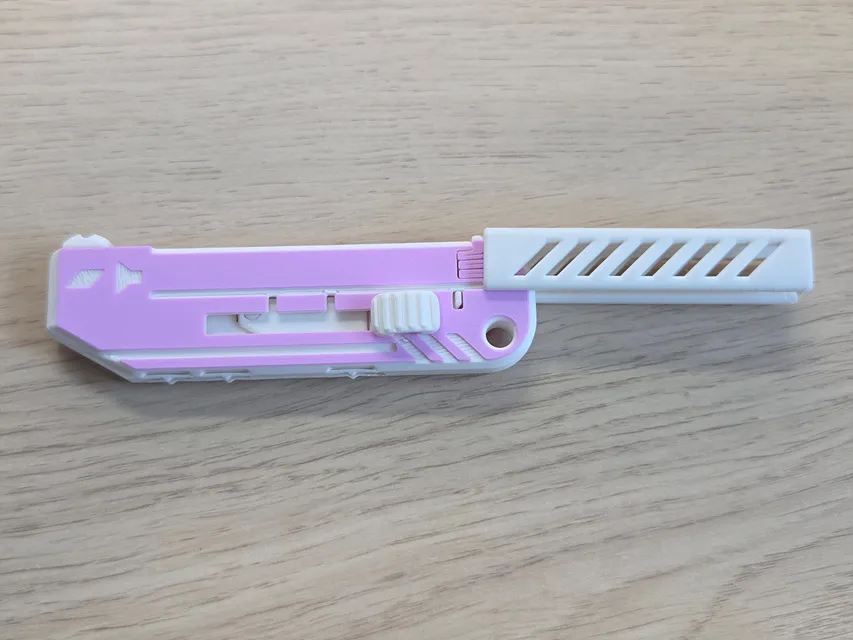
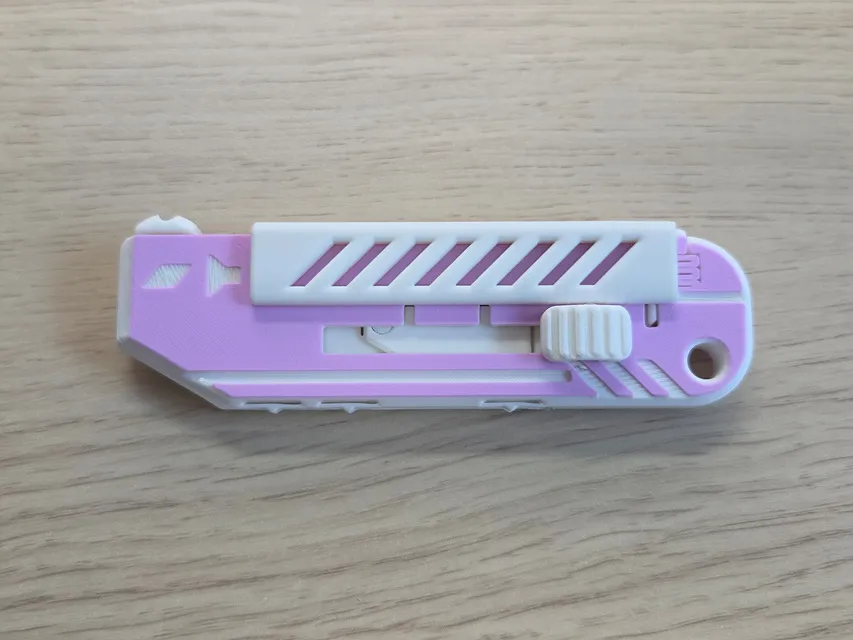
7. Insert safety lever B in the direction shown in the photo.
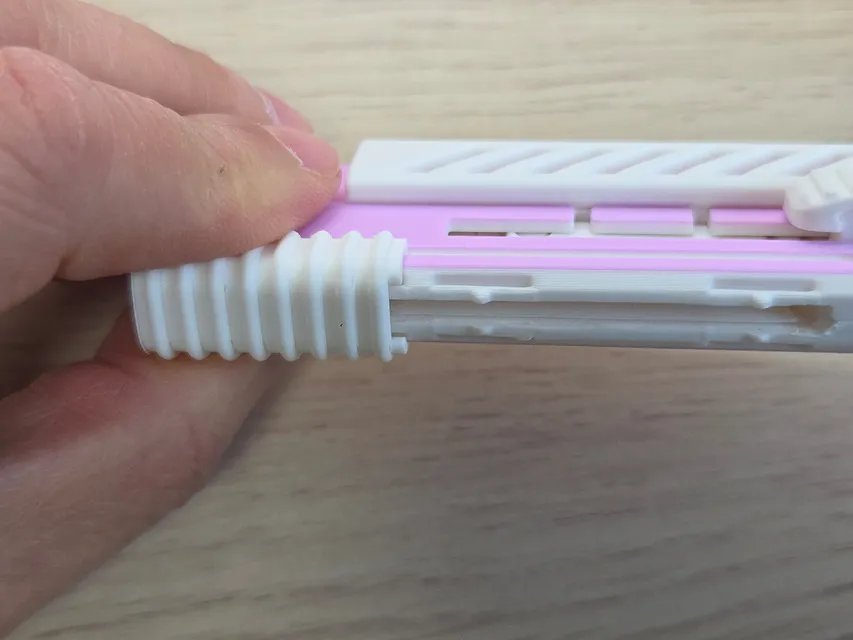
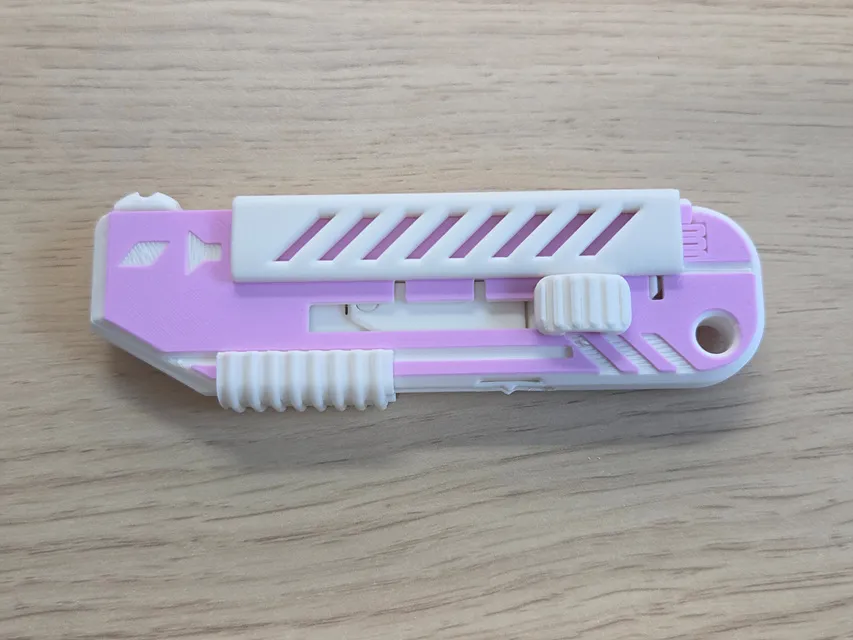
Congratulations, your assembly is complete.
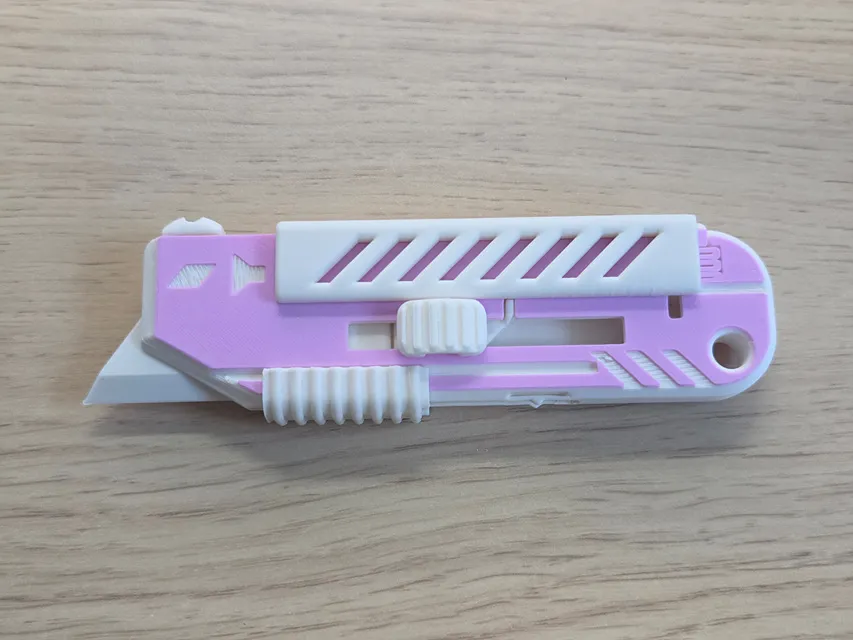
For scraper mode, move both safety levers down (right in the photo) and then push the slider all the way up.
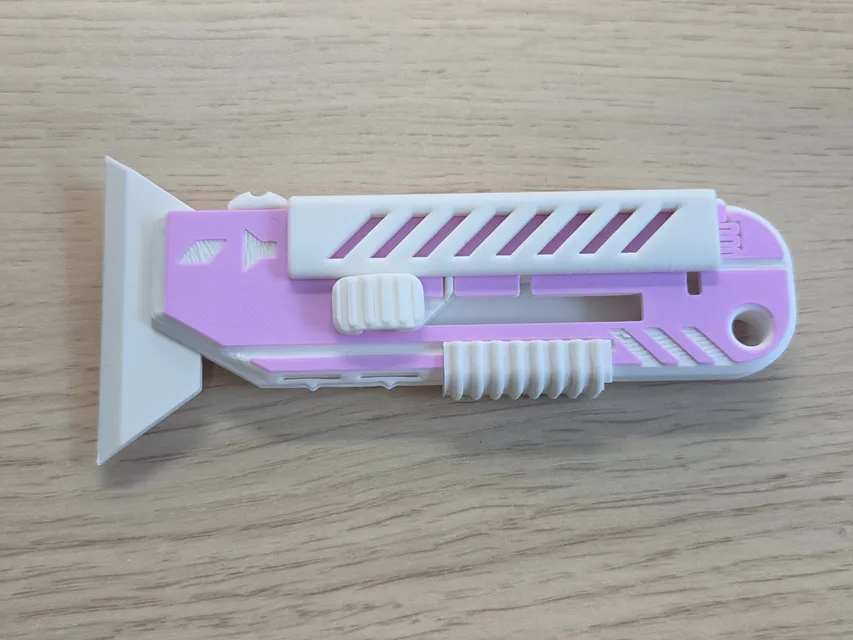
When using the scraper mode, push the safety lever B back toward the blade to support the blade.
I hope you enjoy this model. As always, your feedback is welcome.
Hope you Enjoy this model.
As always, I welcome your feedback.
Click to Check out FunOrNothing's interesting designs.
Boost Me (for free)
Your boost helps me spend more time creating better designs. And don’t forget to check my other models — you might discover something useful and fun! 😊
You can sell printed products of my models by joining FON Membership, please sign up for the membership below. Please do not become a thief.
Membership
The best way to support my work is to join the FON membership. You can be my Supporter, Seller, or Partner. If you join the membership, you can communicate more closely with me through Discord.
You can be a friend who encourages me by buying me a cup of coffee.
License

You shall not share, sub-license, sell, rent, host, transfer, or distribute in any way the digital or 3D printed versions of this object, nor any other derivative work of this object in its digital or physical format (including - but not limited to - remixes of this object, and hosting on other digital platforms). The objects may not be used without permission in any way whatsoever in which you charge money, or collect fees.


Comment & Rating (22)