
SlideRotary - Expansion Module for MeshSlide
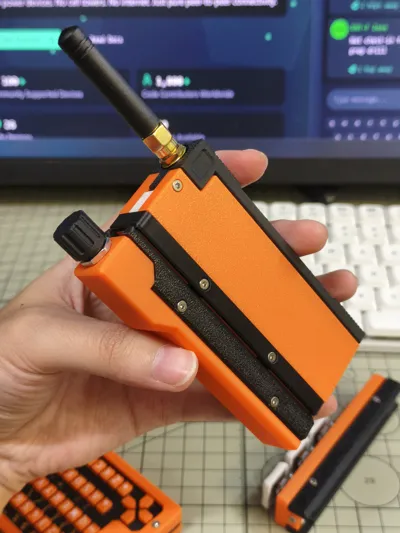
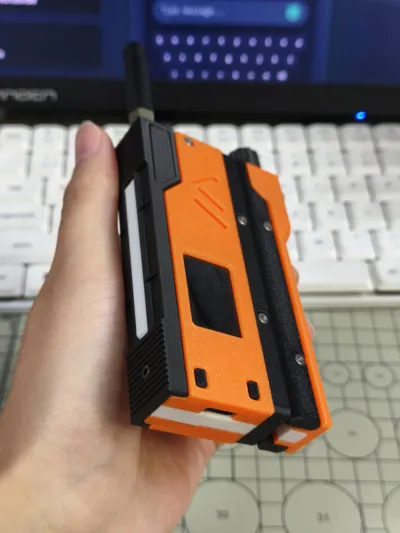
Print Profile(1)
Description
SlideRotary
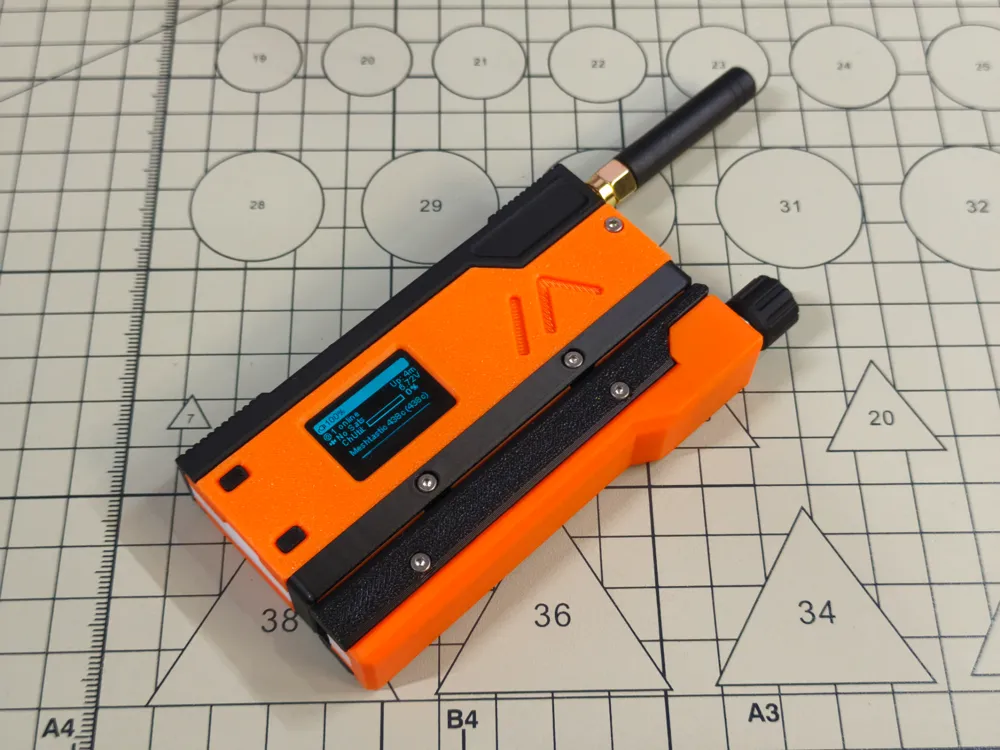
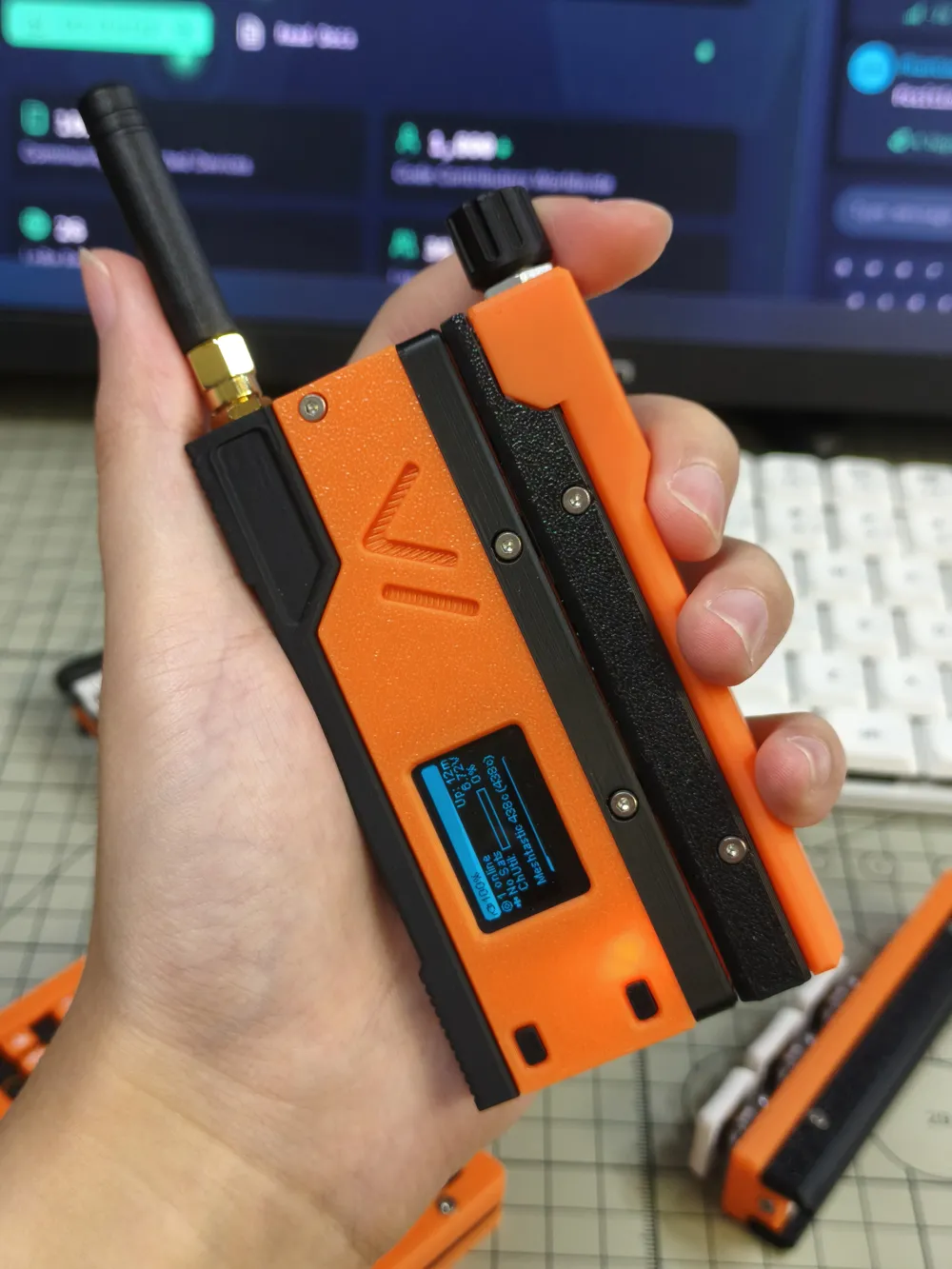
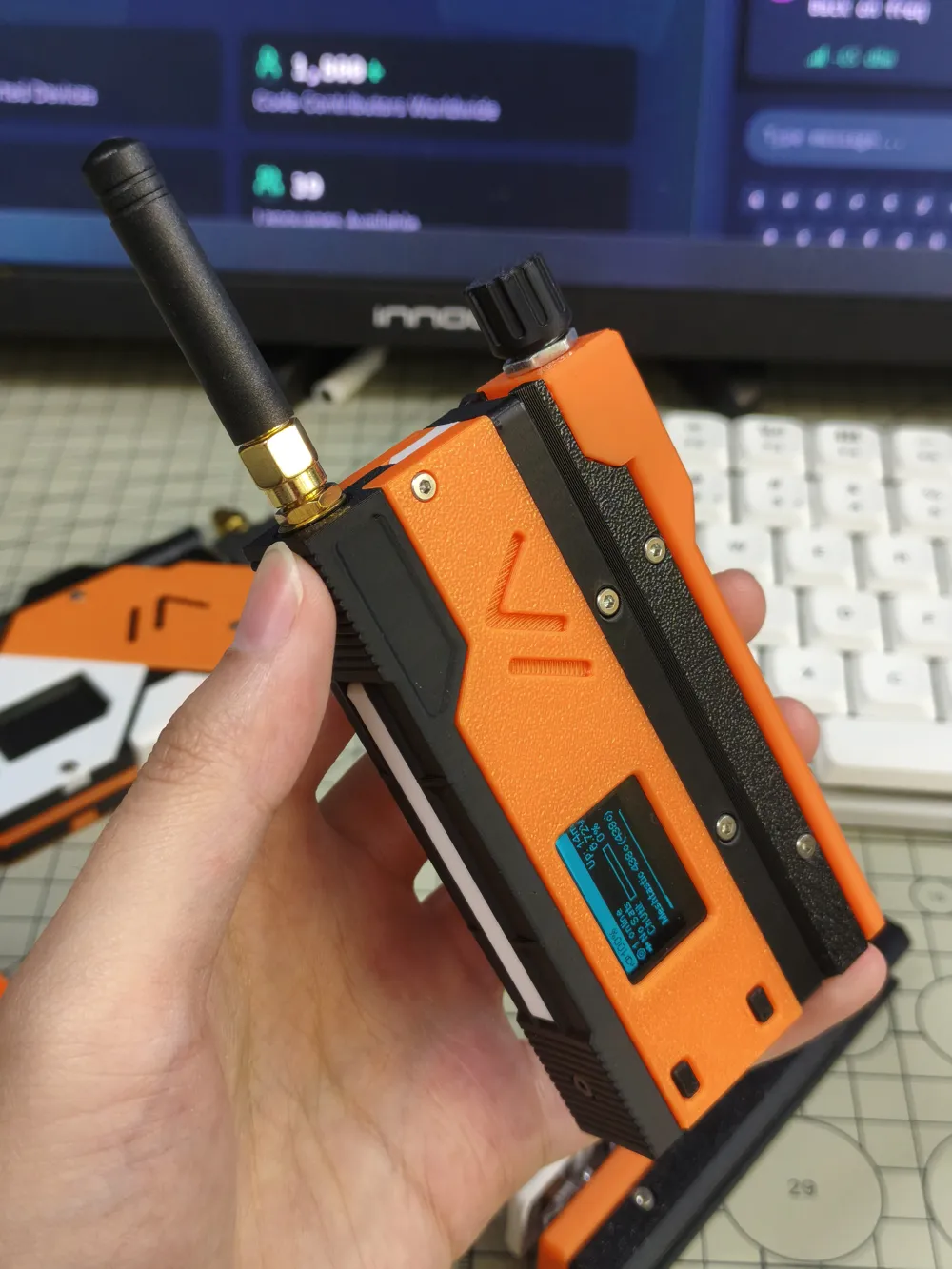
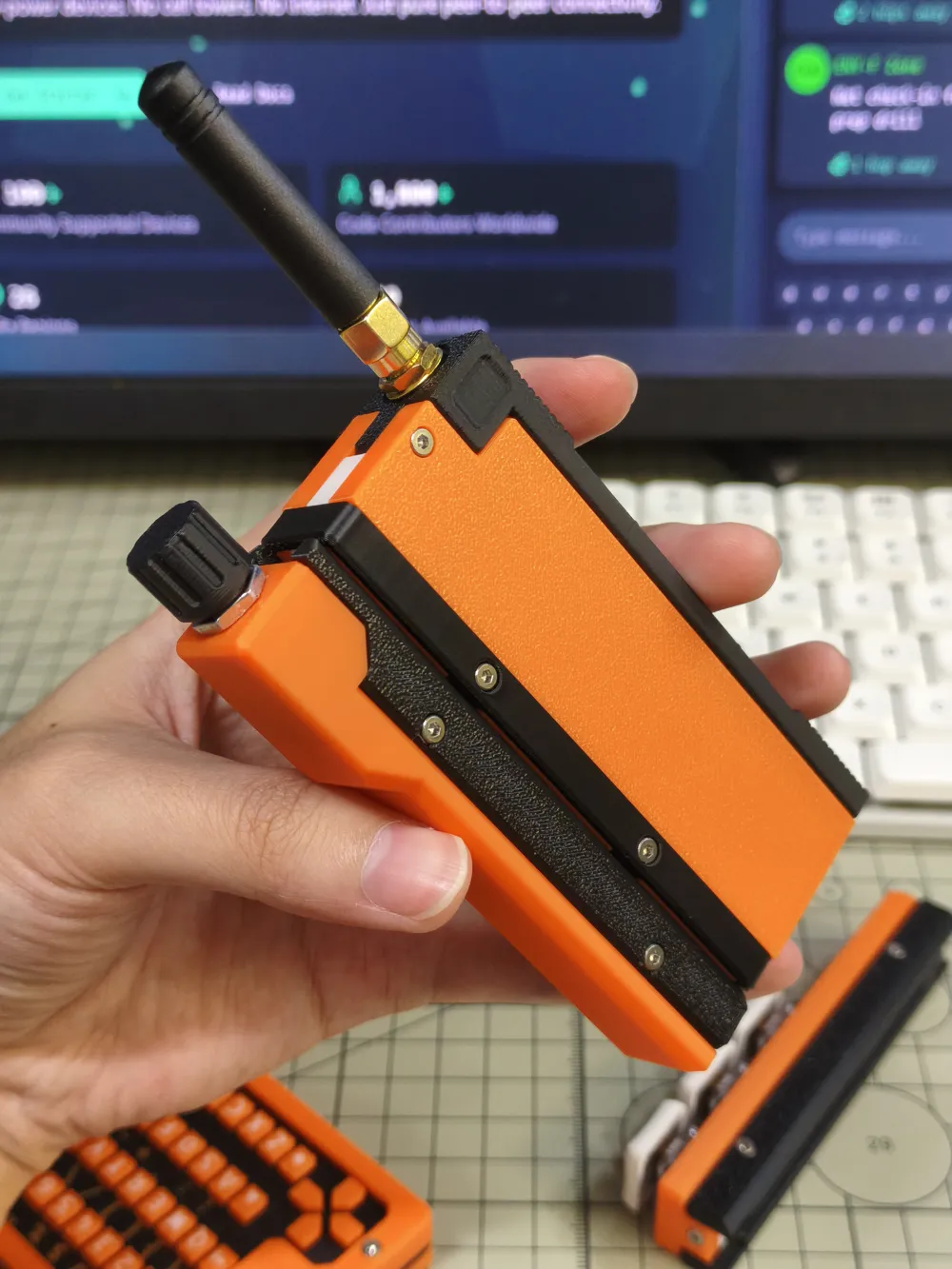
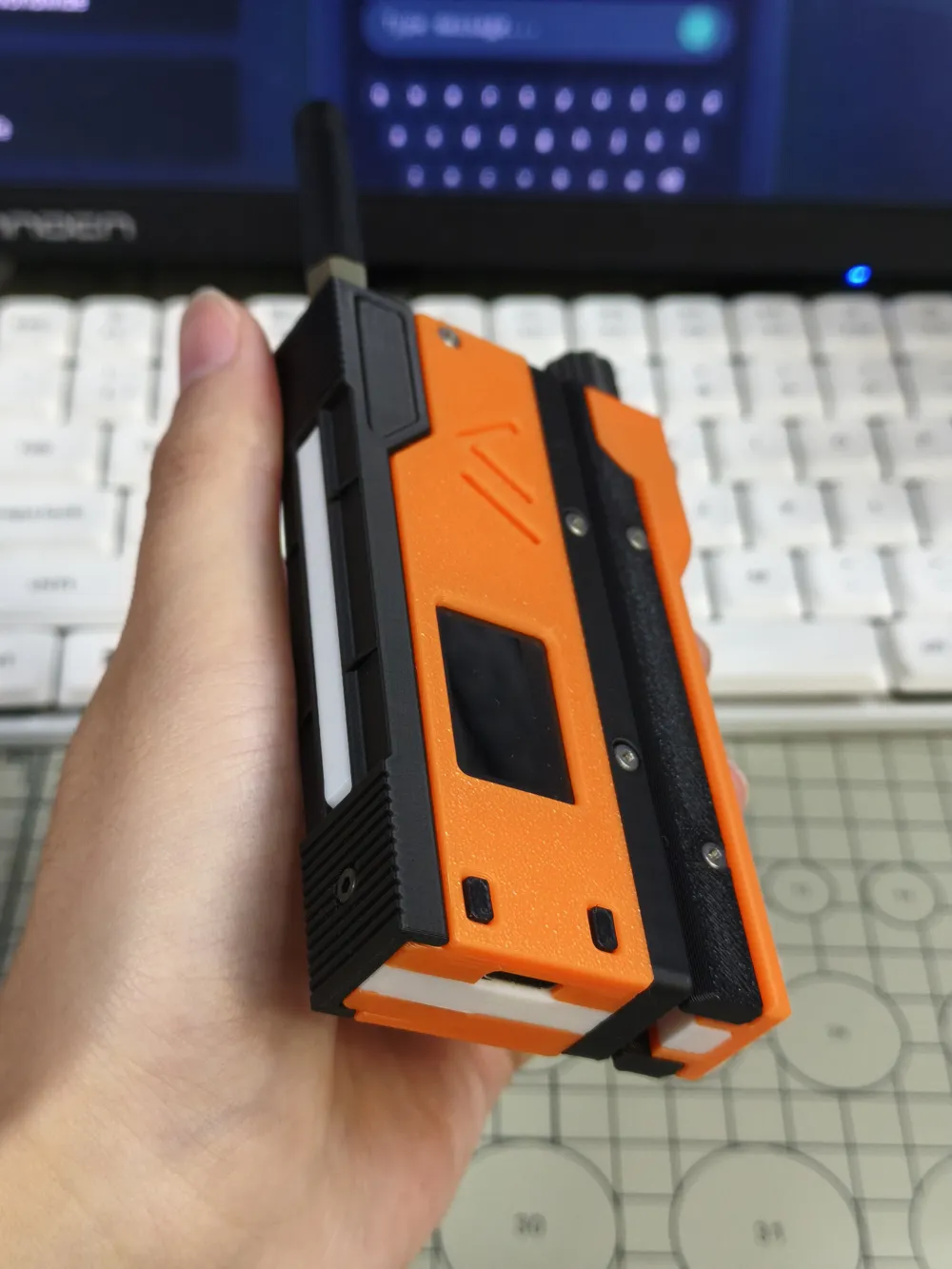
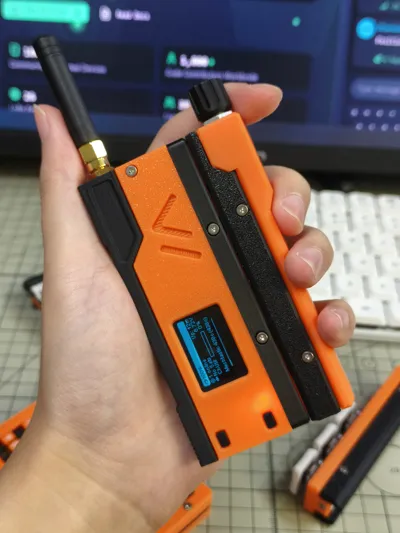
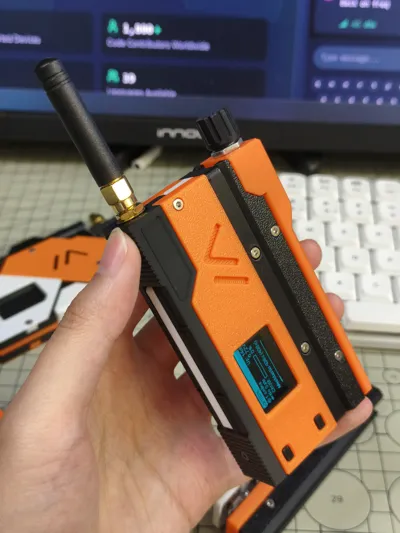
SlideRotary is a dedicated extension module for MeshSlide, realizing knob functionality based on an EC11 rotary encoder
- Rotate clockwise/counter-clockwise to scroll + press to confirm
- Used for menu navigation, preset message selection
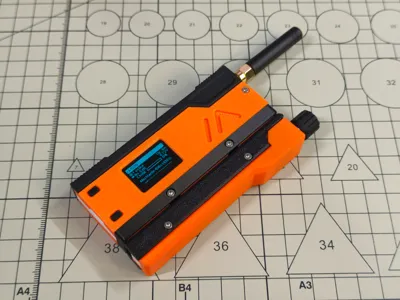
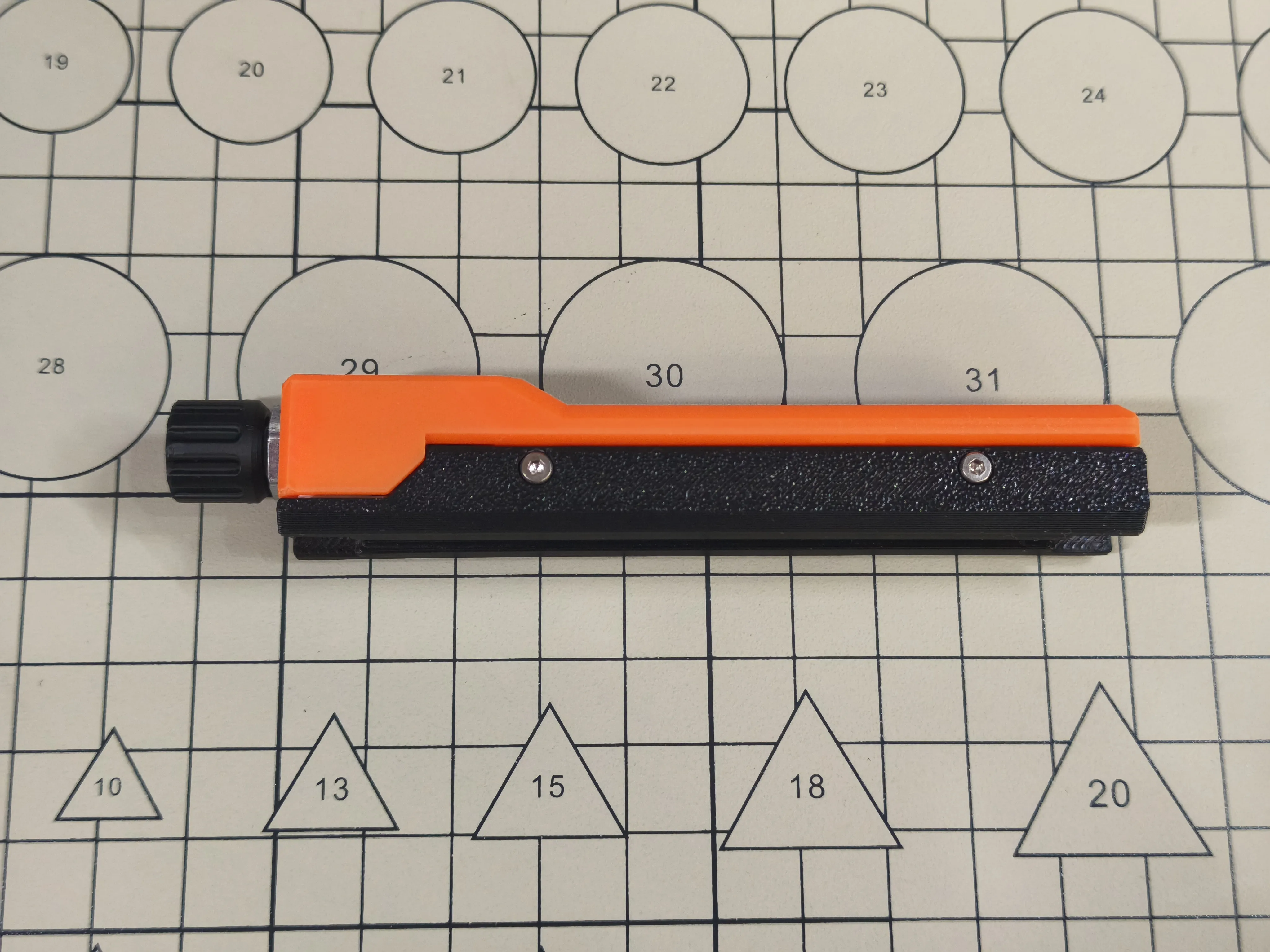
Please note, this print kit only includes the SlideRotary extension module as shown in the image below. For the MeshSlide main body, please search on my homepage
BOM List
- 3D Printed casing S1
- 3D Printed casing S2
- 3D Printed casing M1
- 3D Printed casing C1
- 3D Printed casing U1
- pogopin magnetic connector 8P male
- EC11 rotary encoder 15mm
- M2x7 hex socket cap head screws 4 pieces
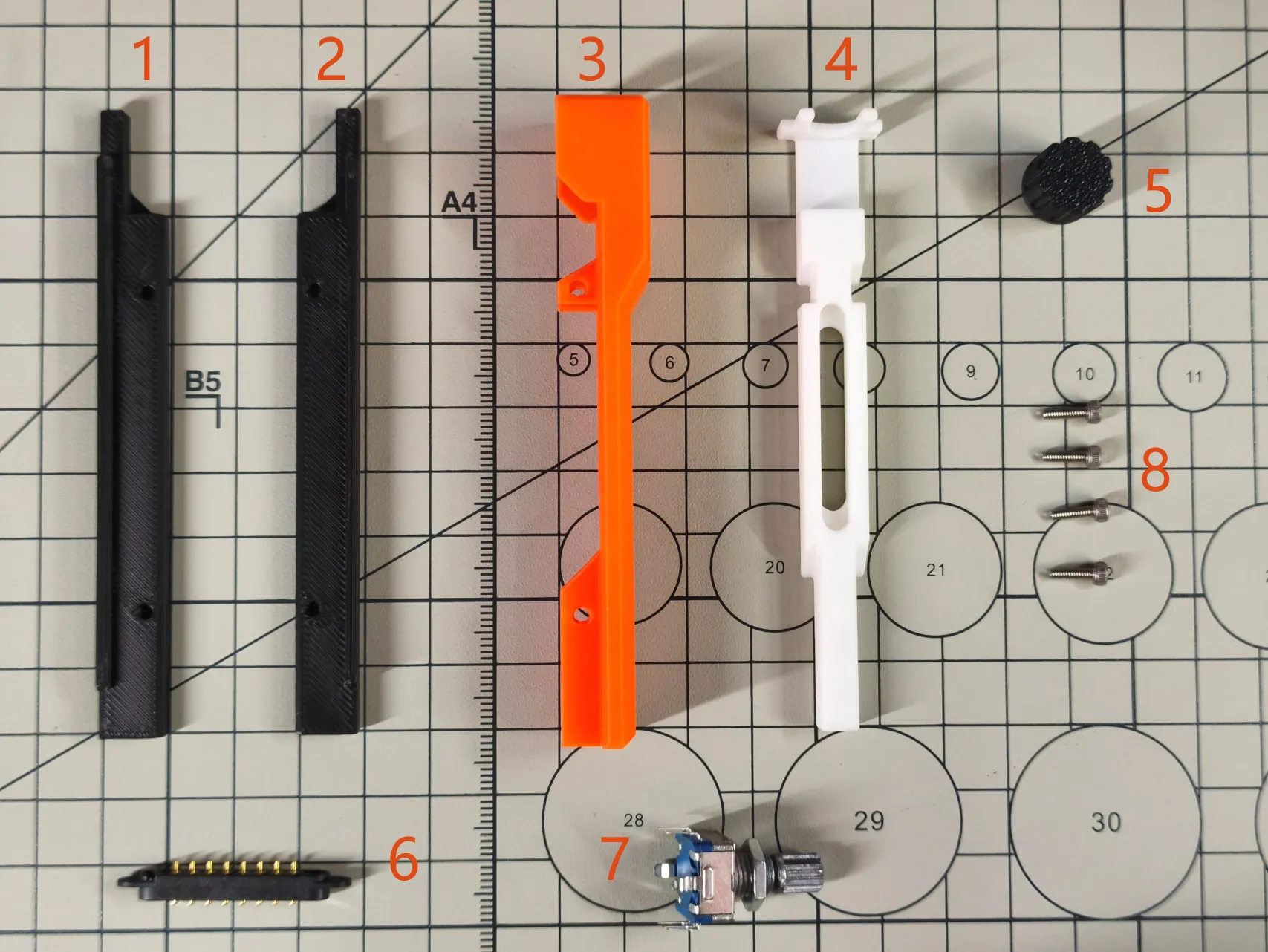
Assembly Instructions
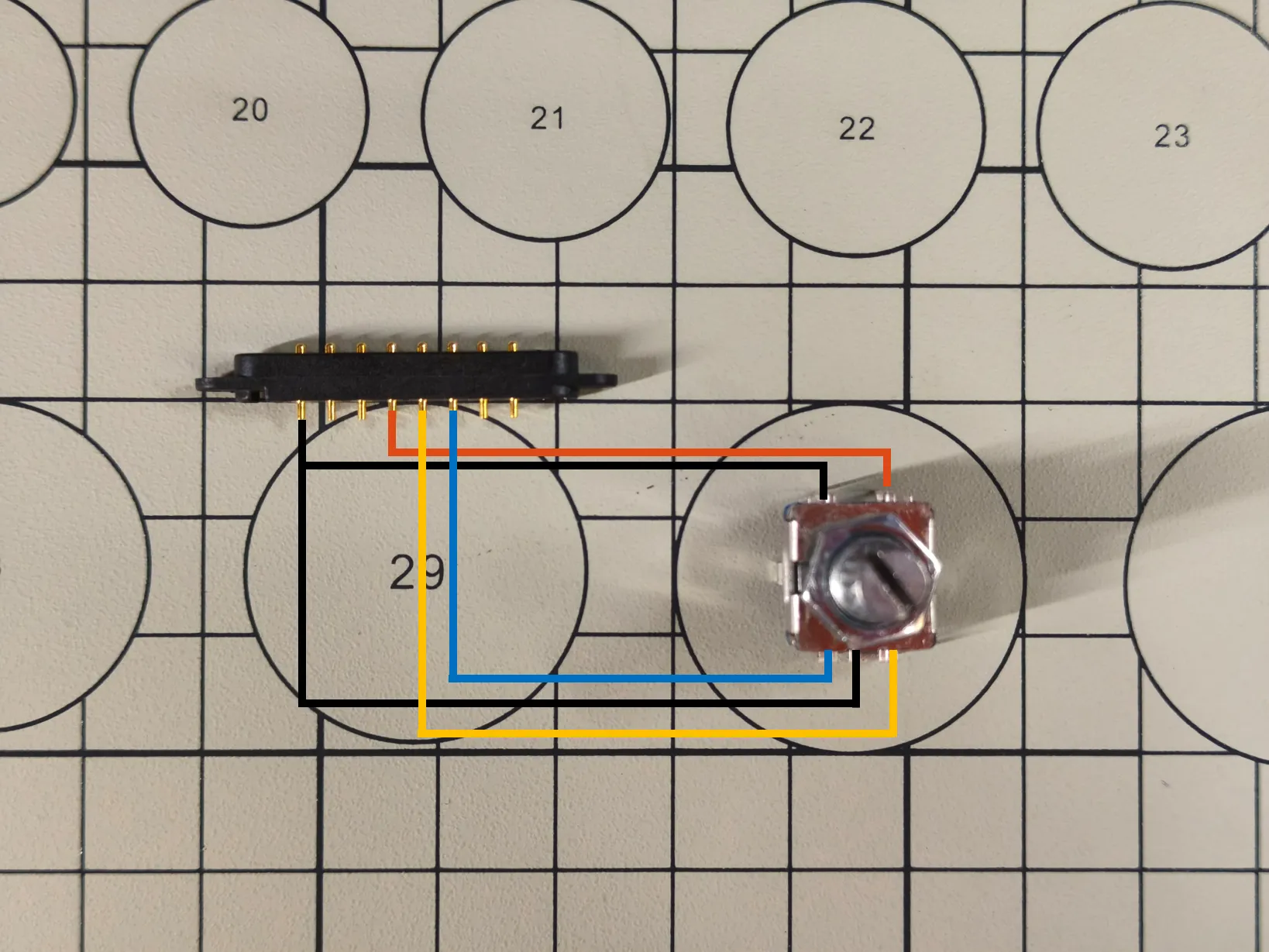
Solder the pogopin pins to the EC11, as shown in the image. Before soldering, be sure to test the magnetic polarity of the pogopin by attaching it to MeshSlide
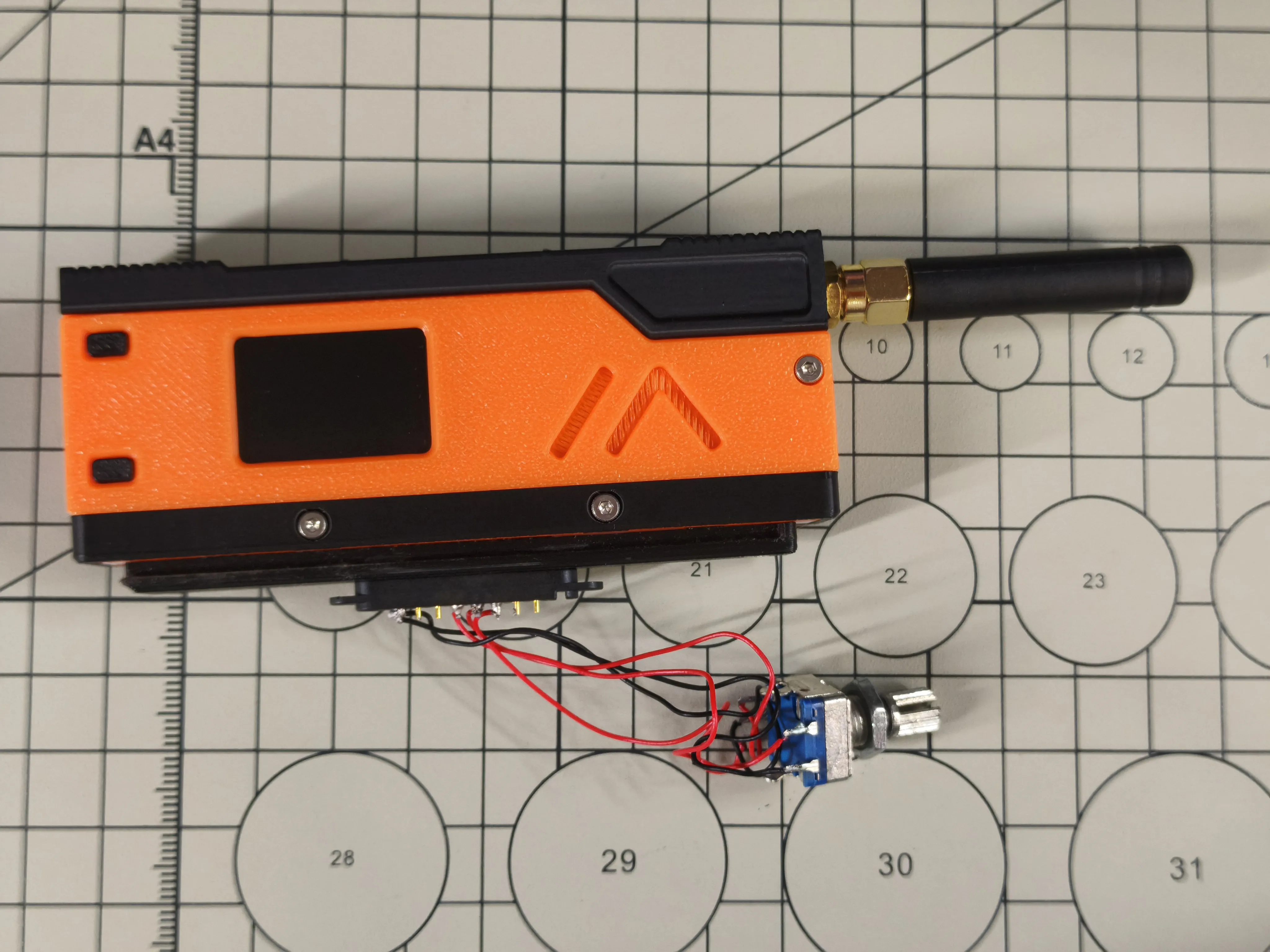
Embed the pogopin into the 3D Printed casing C1. If the pogopin is loose when embedded, you can glue it in place
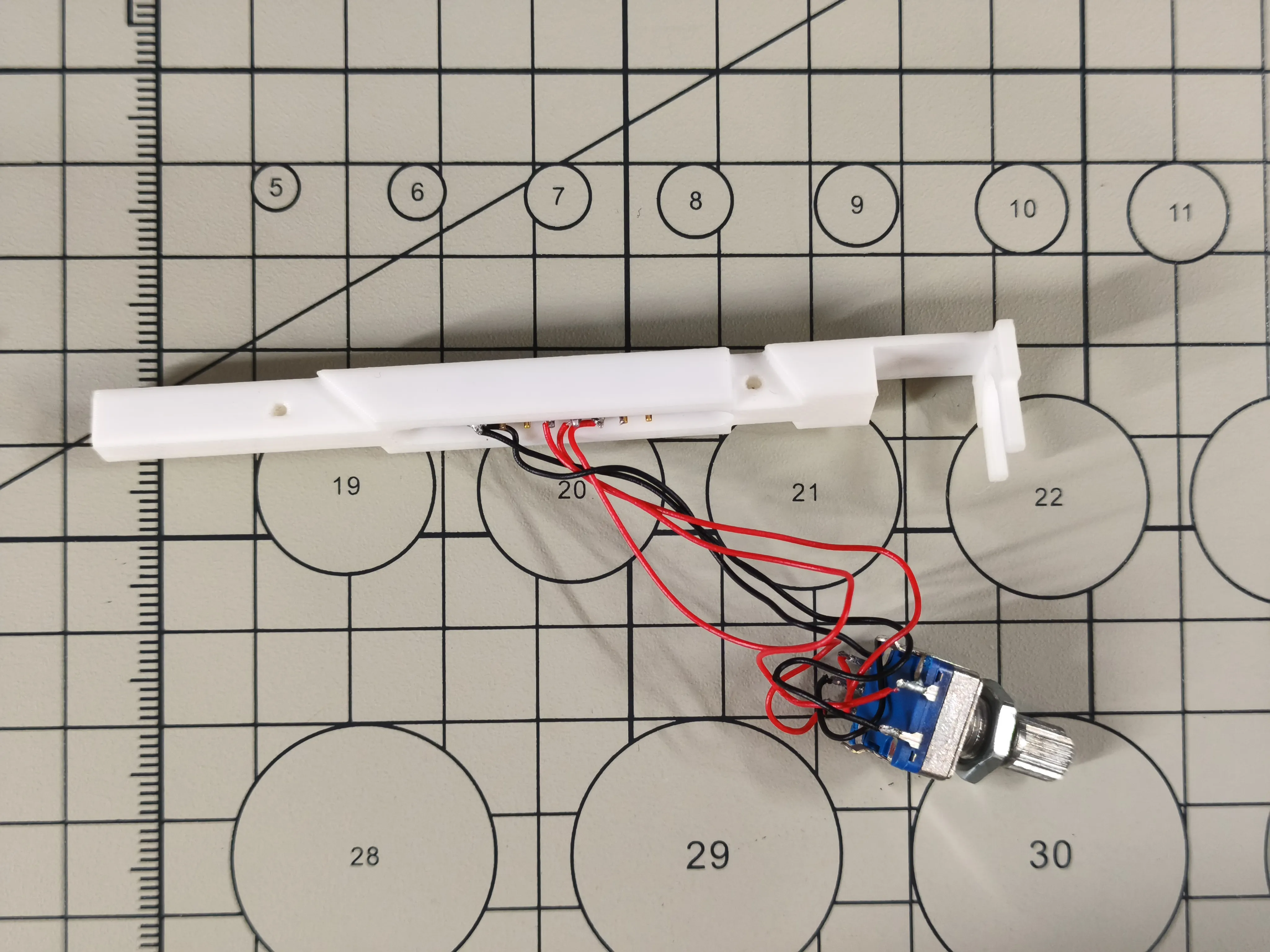
Install the EC11 into the 3D Printed casing M1
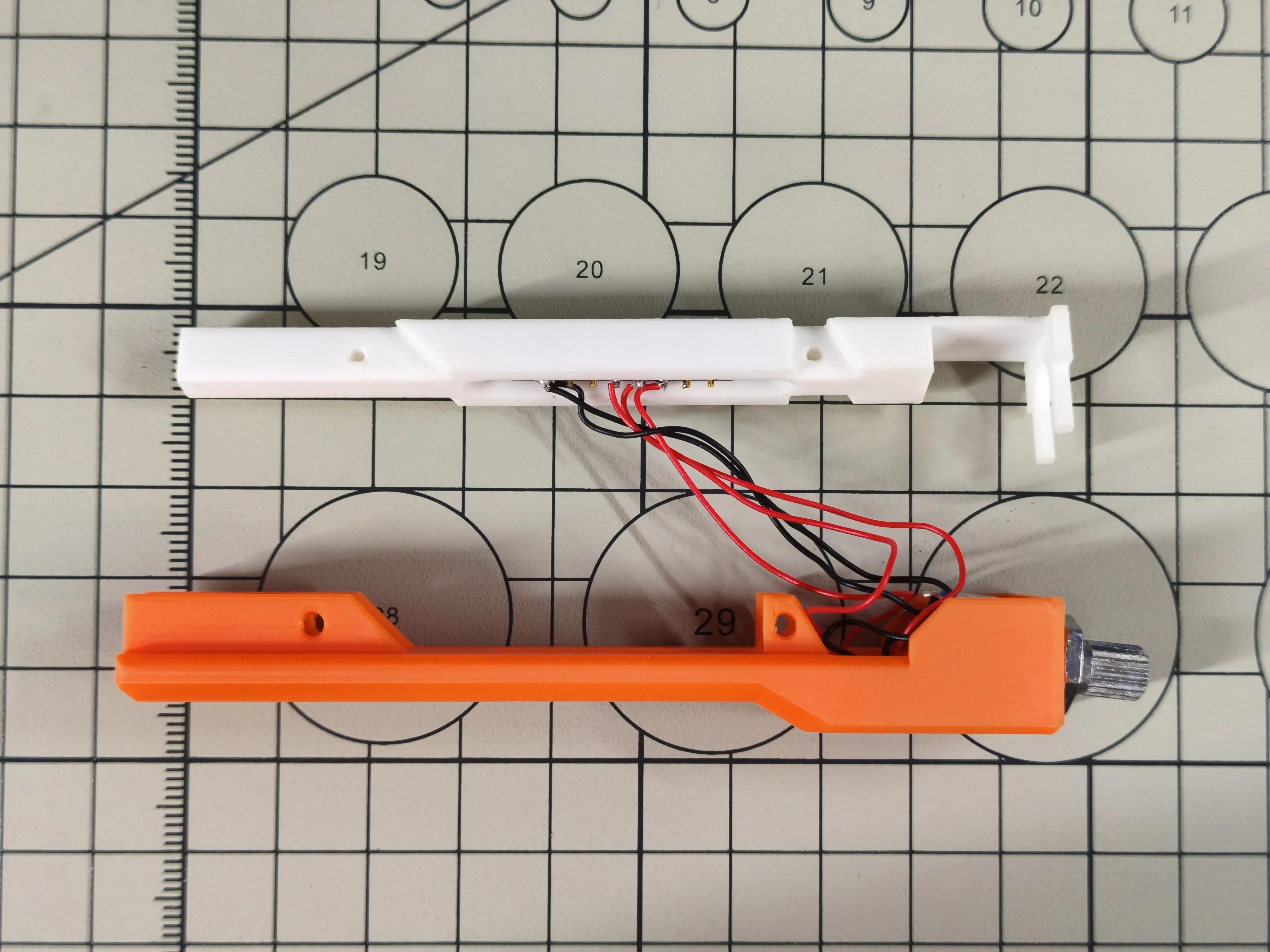
Install the 3D Printed casing C1 into the 3D Printed casing M1
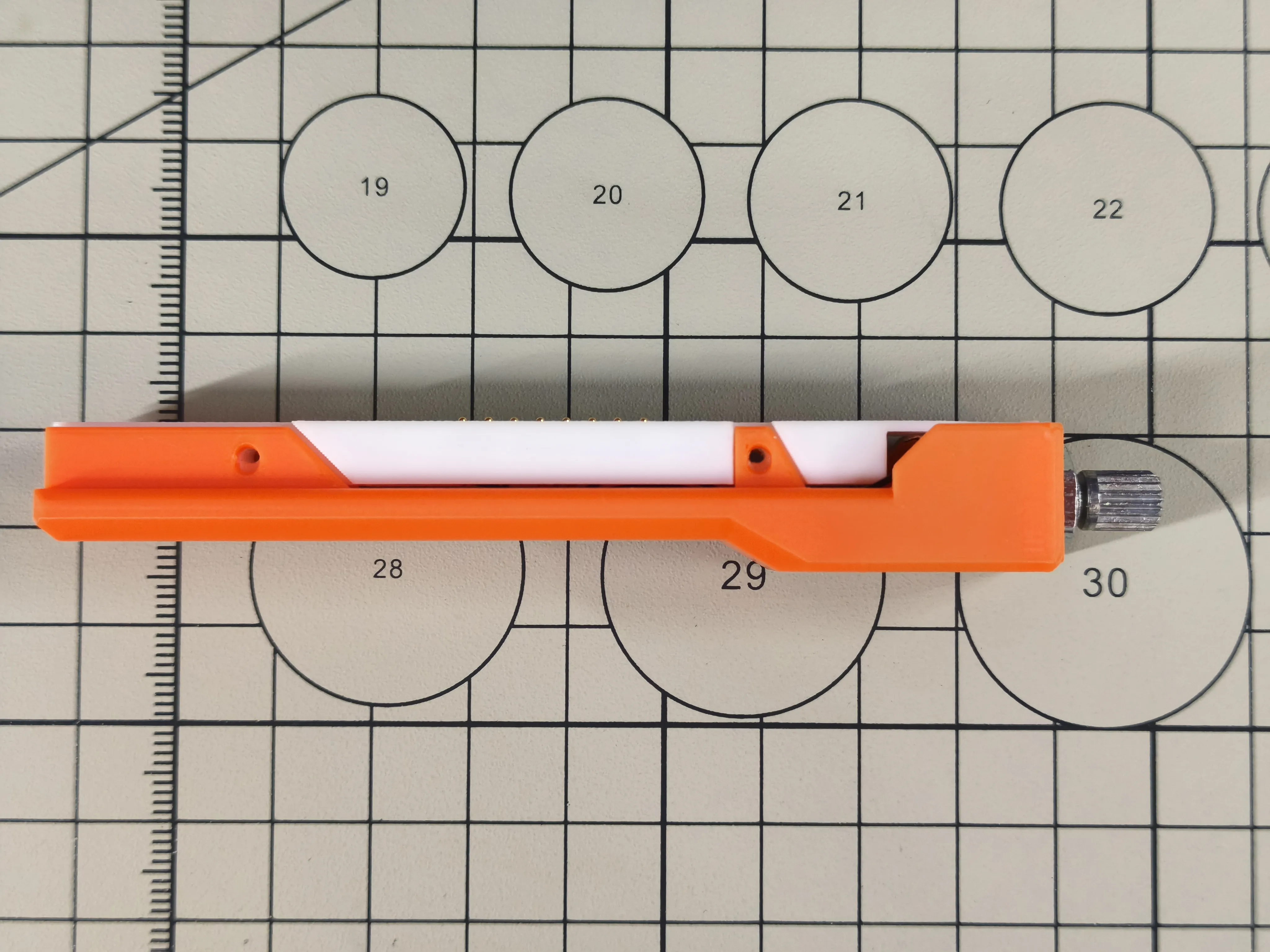
Use 4 M2x7 hex socket cap head screws to fix the 3D Printed casing S1 and S2 to the 3D Printed casing M1
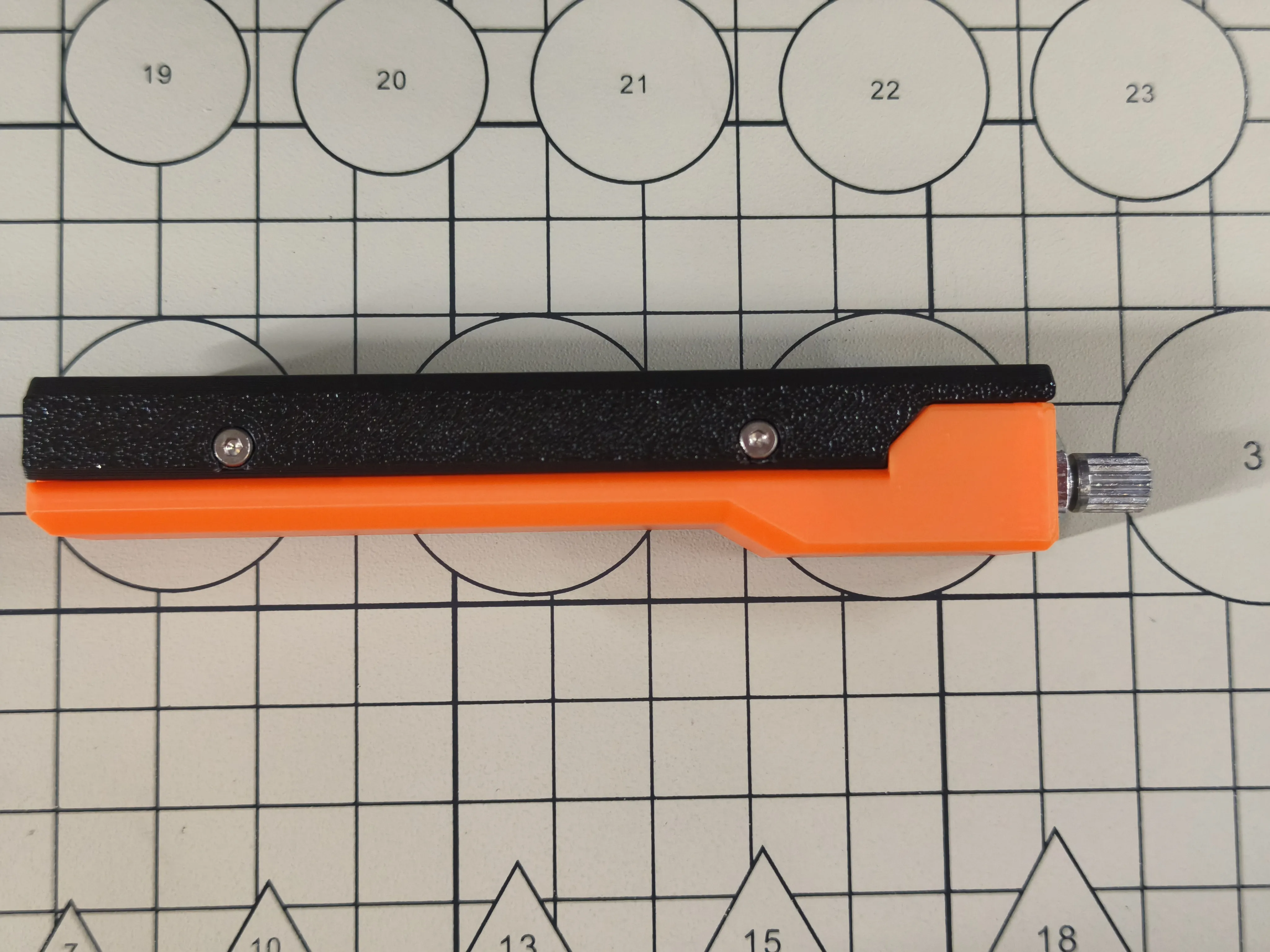
Tighten the nut on the EC11
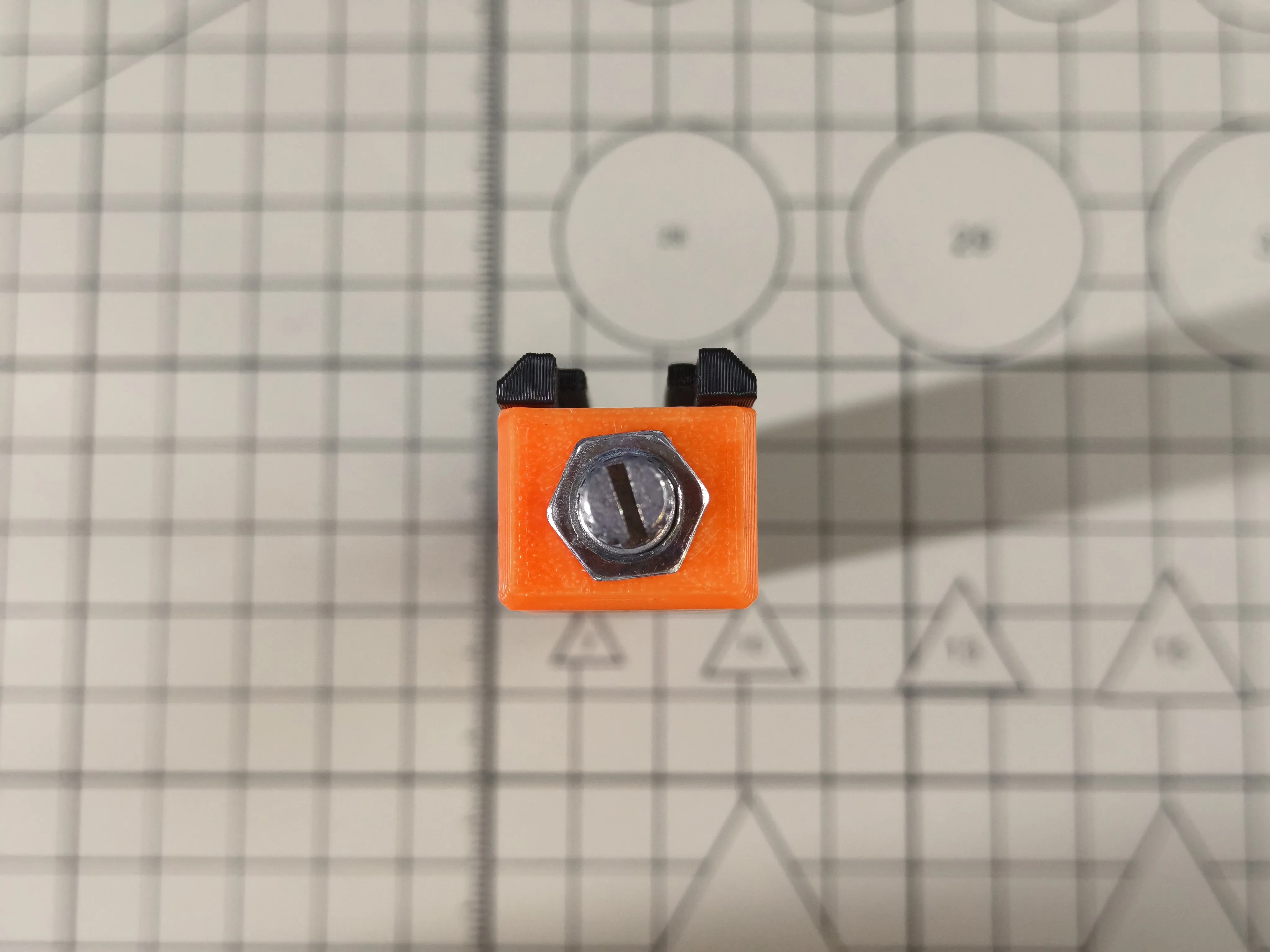
Install the 3D Printed casing U1 onto the EC11
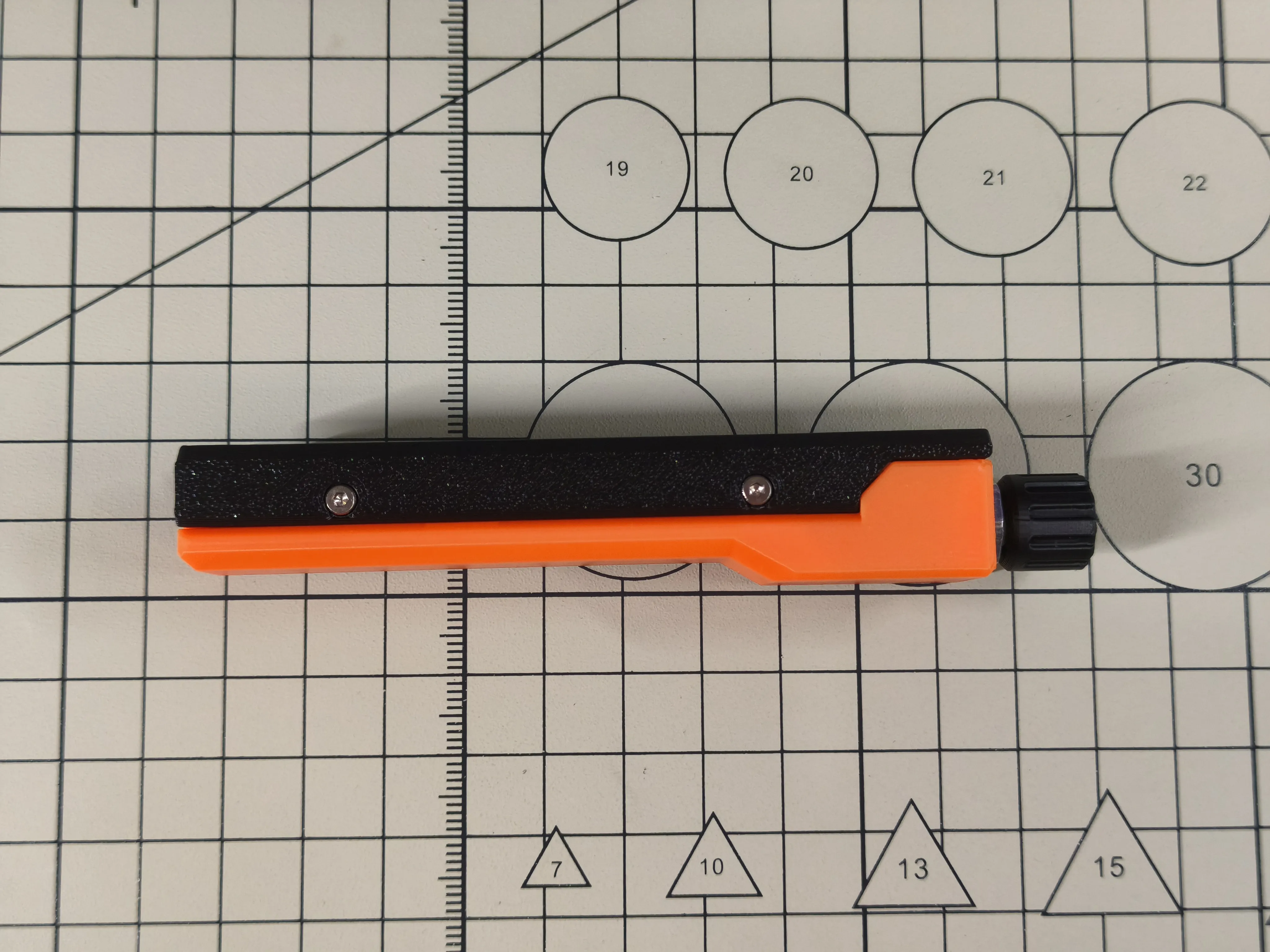
Assembly complete
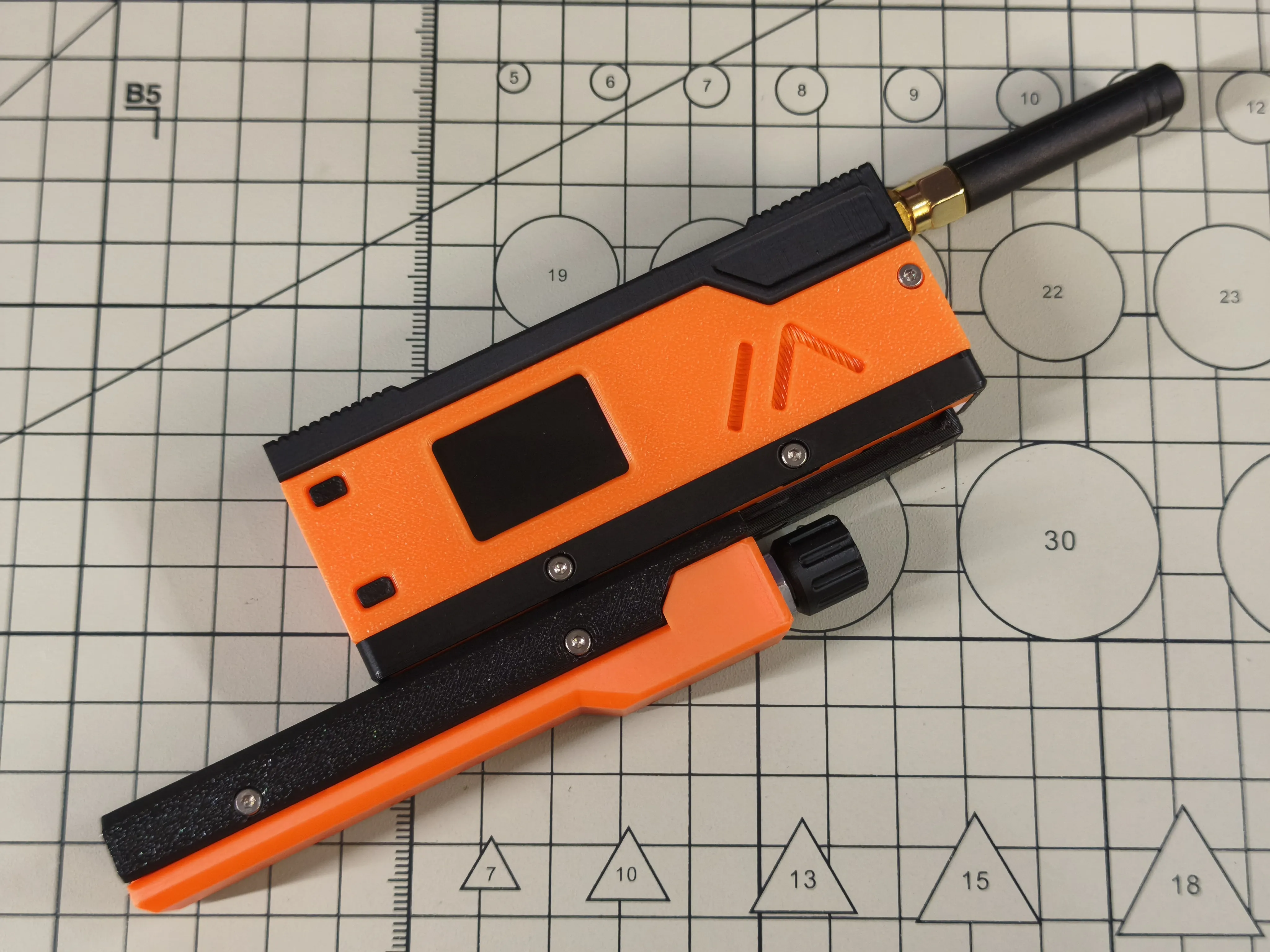
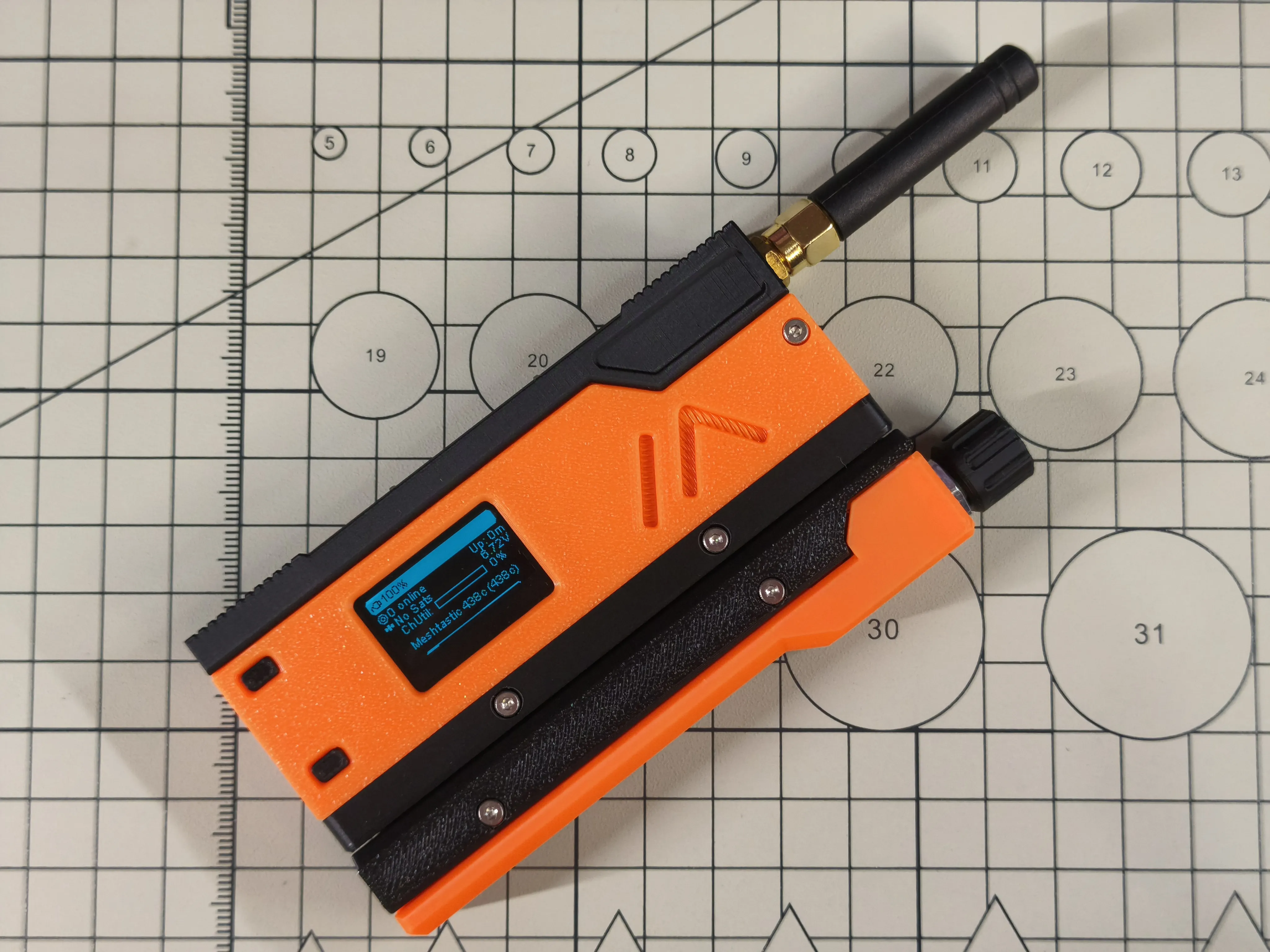
Slide the SlideRotary into MeshSlide
License



Comment & Rating (2)