
Pokeball Gachapop Panel
Print Profile(1)
Description
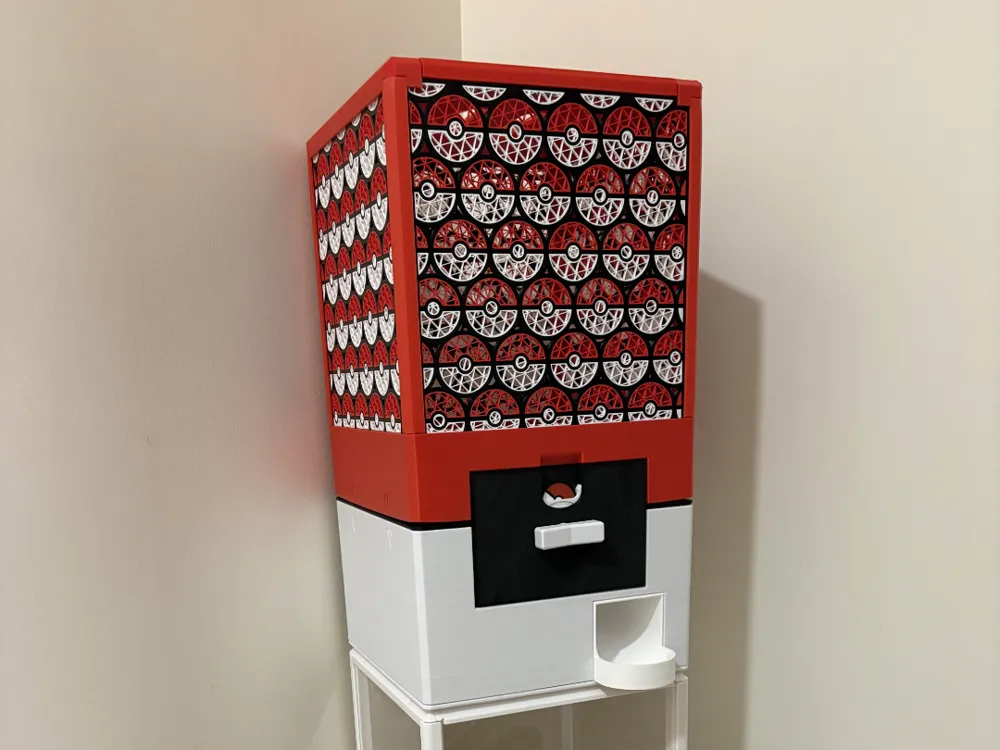
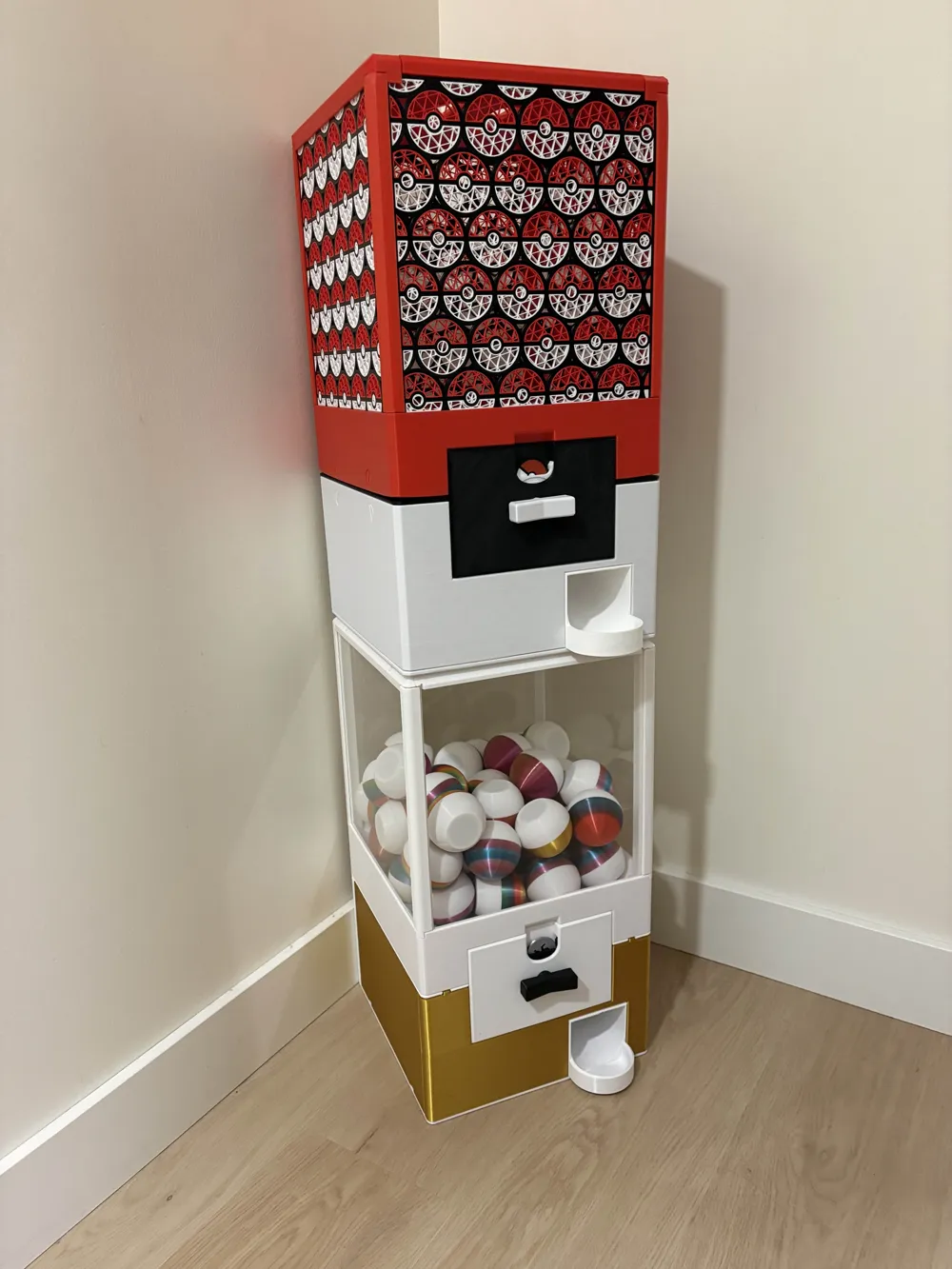
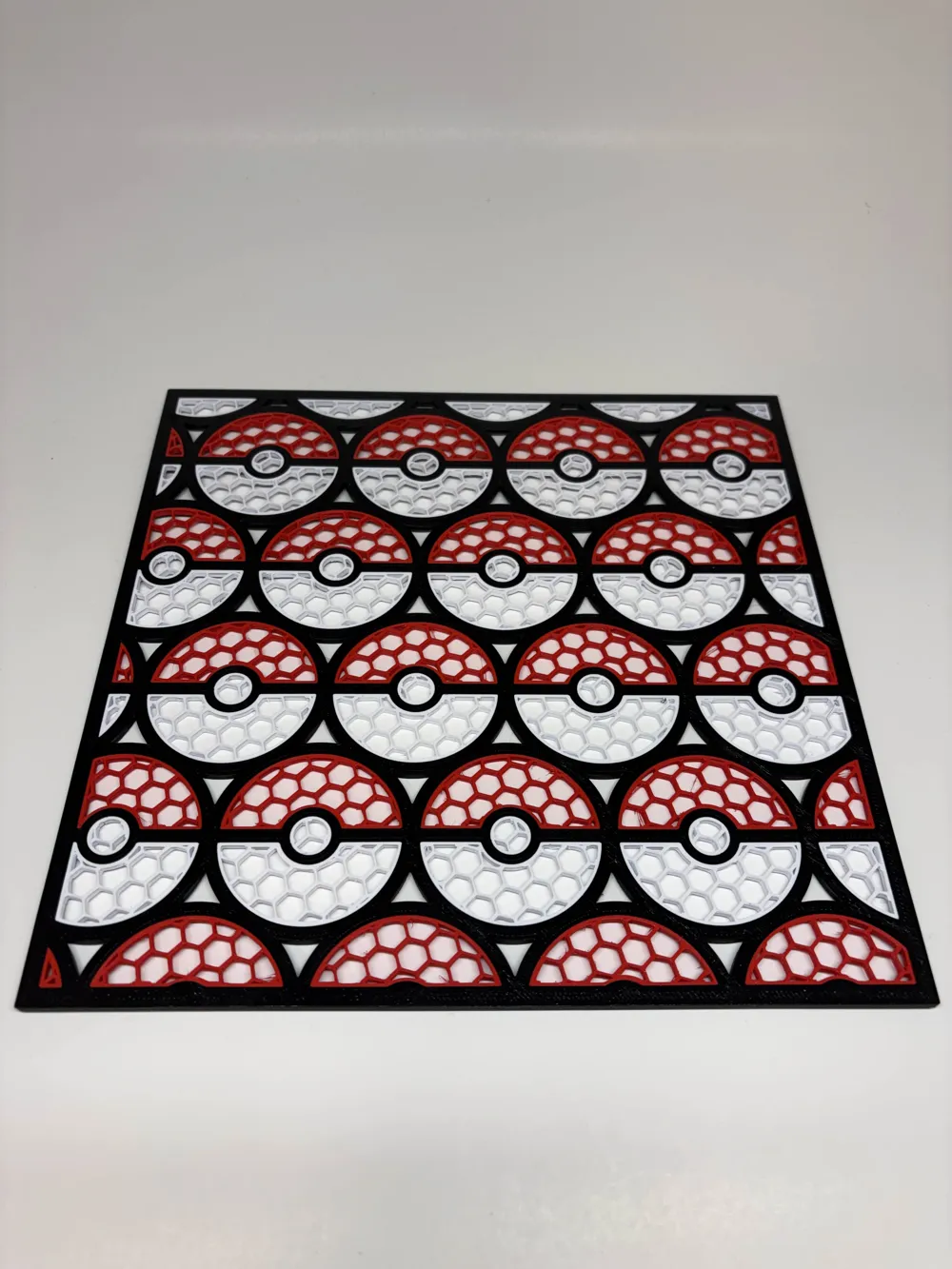
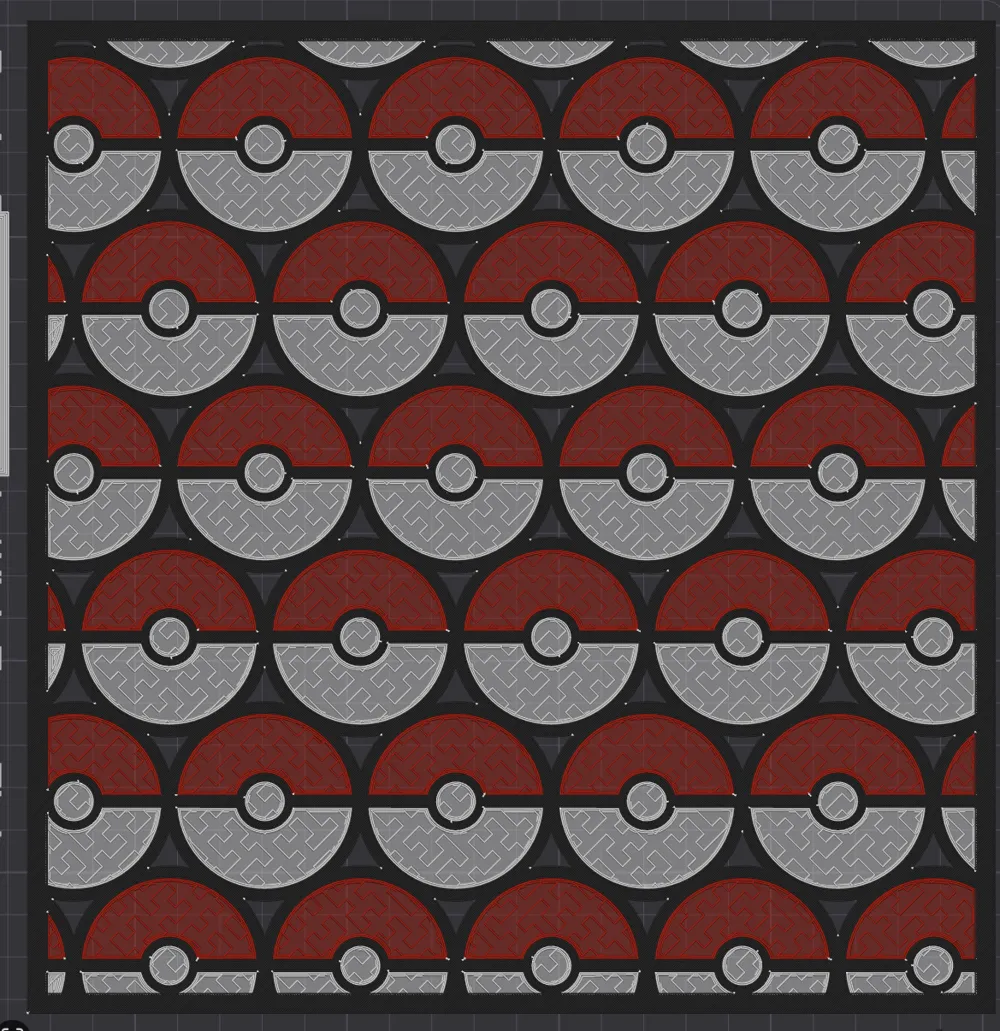
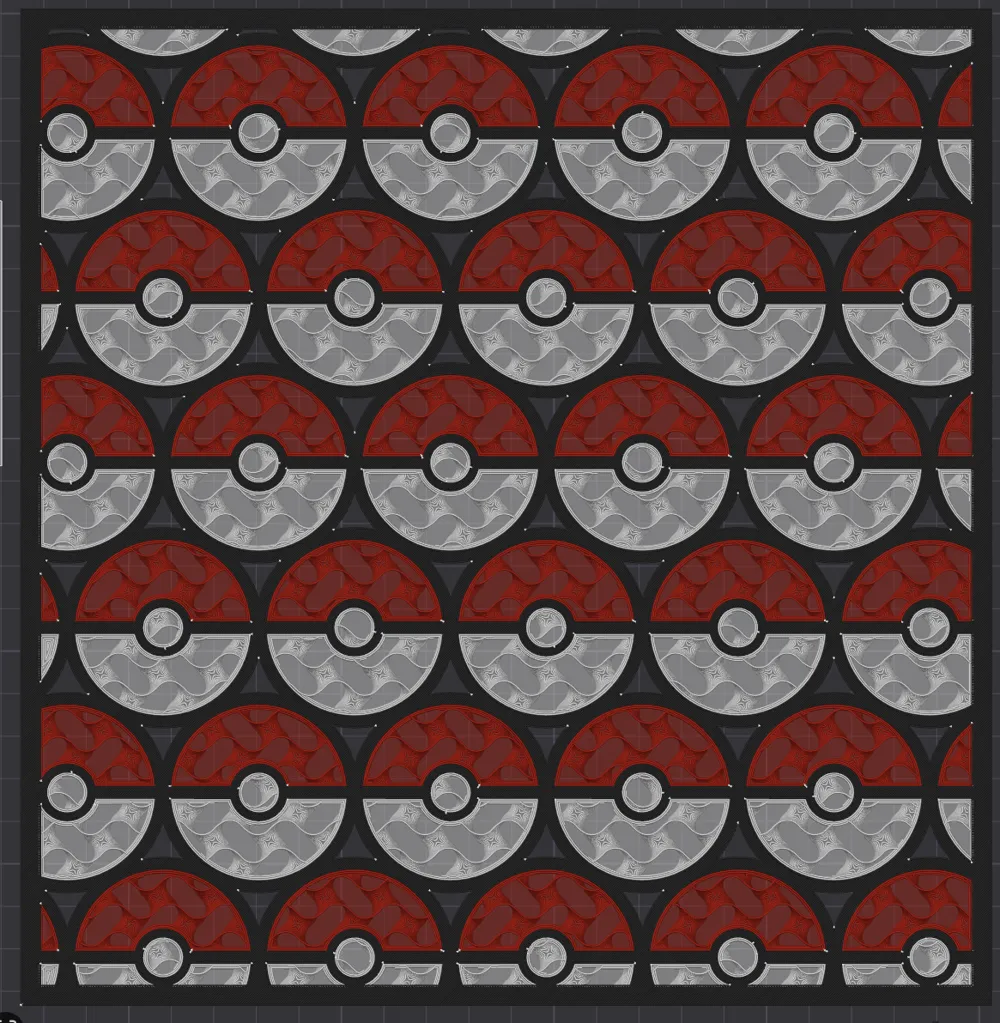
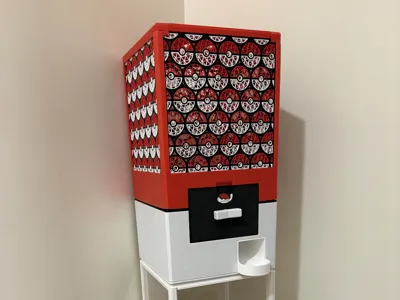
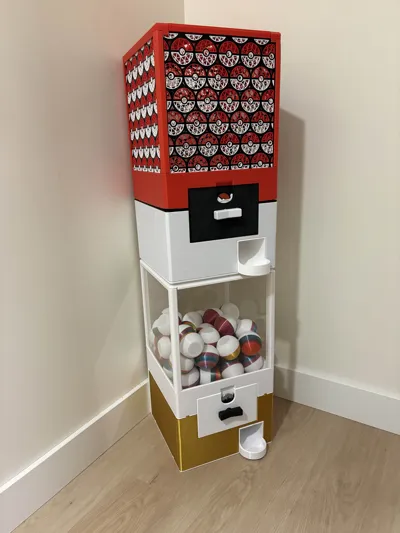
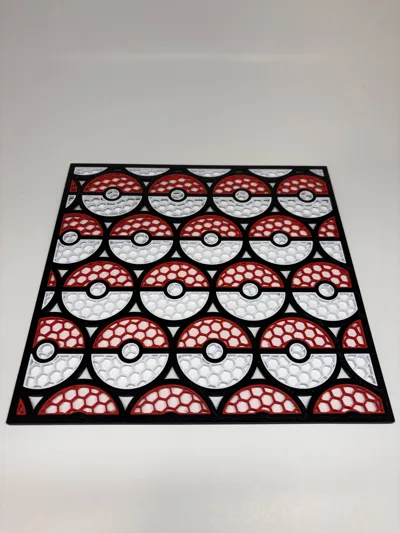
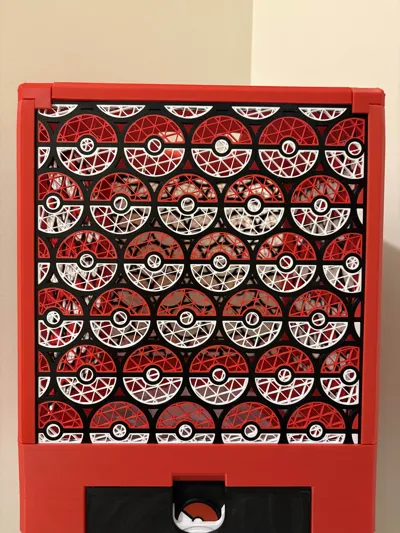
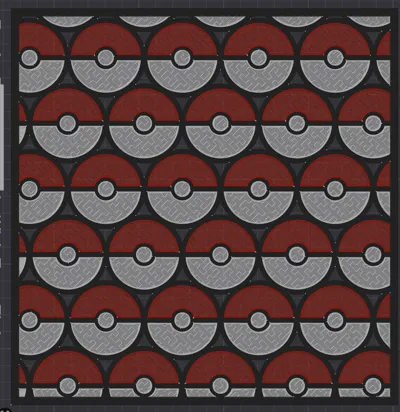
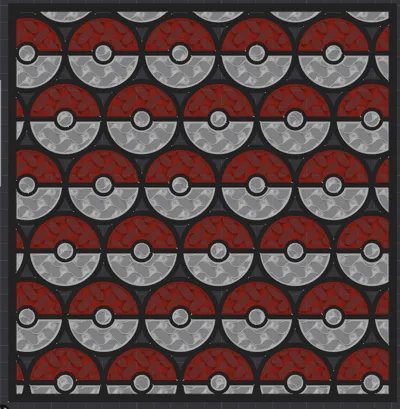
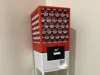
I wanted a fun pokemon-themed panel for my Gachapop vending machine, but the desginer didn't offer one. So i did the next best thing, and designed my own!
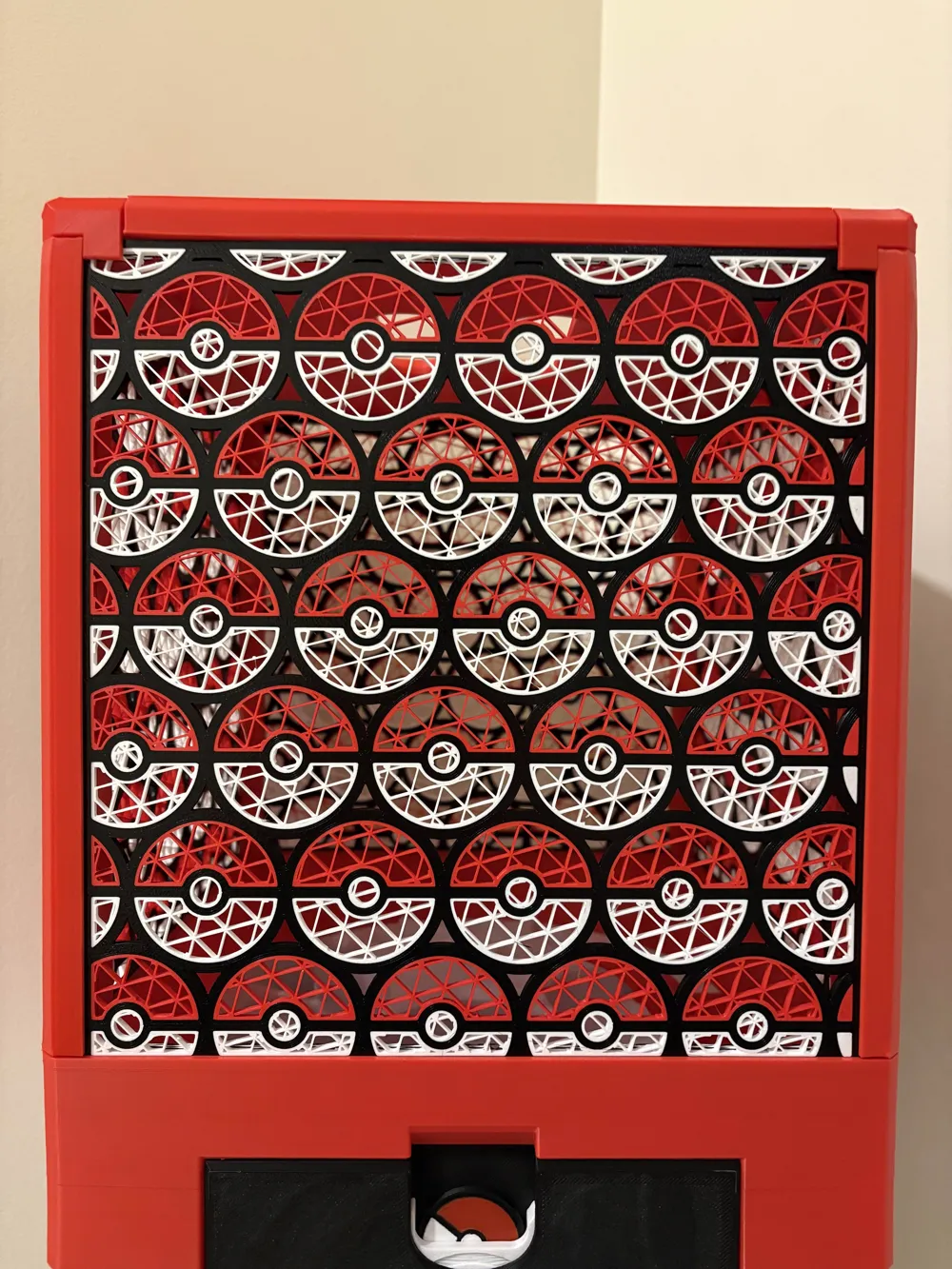
By enabling 0 top and 0 bottom layers for the red and white parts on this design, and changing the infill pattern and density, there are endless possibilities!
Step 1: Go to ‘Objects’ Tab (right under the filaments)
Step 2: Select everything except the black parts. How do do this: Click on anything UNDER ‘Assembly’. it has a little green checkmark next to it. Press Control+A, and then hold down control while clicking ‘Pokeball Panel Outside’ and ‘Pokeball Panel Black Inside’. This selects everything except the black parts, which you do not need to change the infill density and pattern on.
Step 3: Navigate to the ‘Strength’ Tab, locate infill density and pattern.
Step 4: adjust both settings to your preference.
If you need help, please let me know in the comments!
**According to the Gachapop license agreement, you may not sell printed copies of this model, or create public remixes. If you would like to, please message me on makerworld, or email me at cooperscreations3d@gmail.com
Purchase the Gachapop file here! GachaPop V2 | 100% 3D Printable Capsule Vending Machine – HyBee3D LLC
License

You may create derivative works based on this object, provided that all such derivative works are published exclusively on the MakerWorld platform and include proper attribution to the original creator. You may not share, upload, host, distribute, or publish this object—or any derivative work of this object—on any other digital platform, marketplace, or distribution channel. Commercial use of this object and any derivative works is strictly prohibited. This includes, but is not limited to, selling, renting, sublicensing, or using the object in any context in which you receive monetary compensation or other financial benefits.


Comment & Rating (25)