
Calibrix Antistud Calibration Tool for Toy Blocks
Print Profile(1)
Description
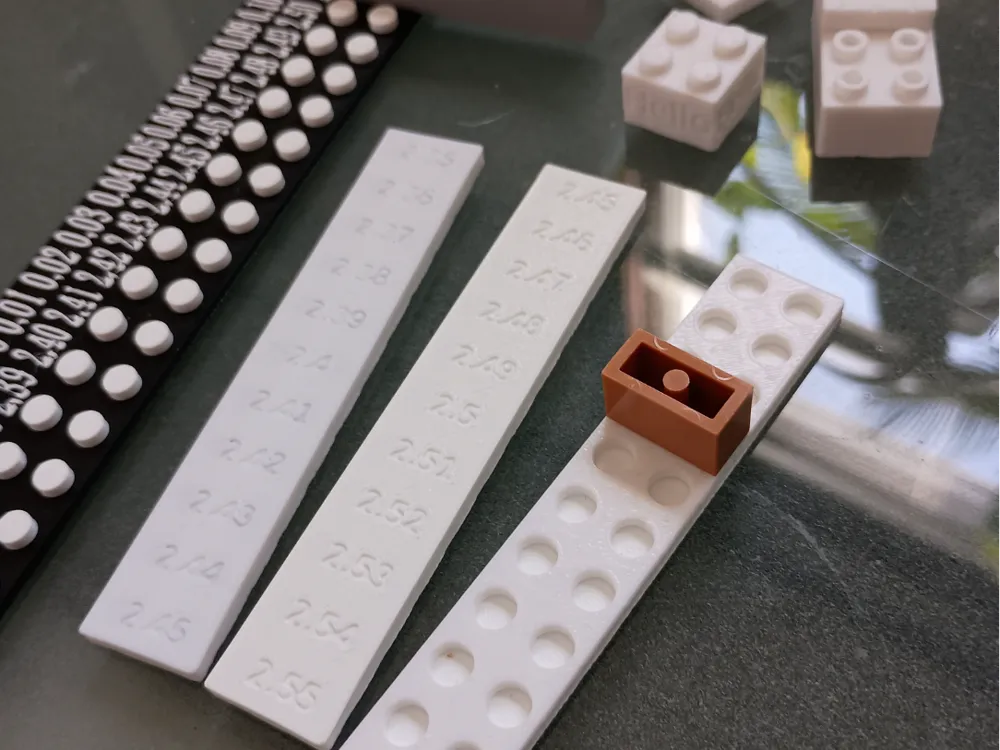
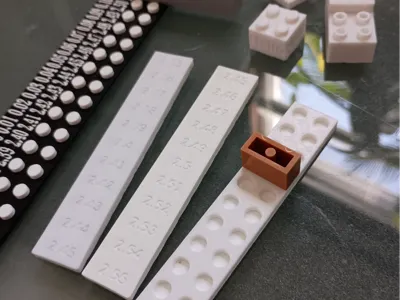
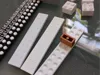
As a follow up to my other model which helped designers to 3D print Danish compatible blocks to use in their personal models and creations, introducing: The Antistud Calibration tool. This is part of my Calibrix collection where I will provide parameterized models that allow for precise entry of stud, antistud, and other select dimensions to allow for the perfect, snug fit between the 3D printed piece and the real Danish pieces.
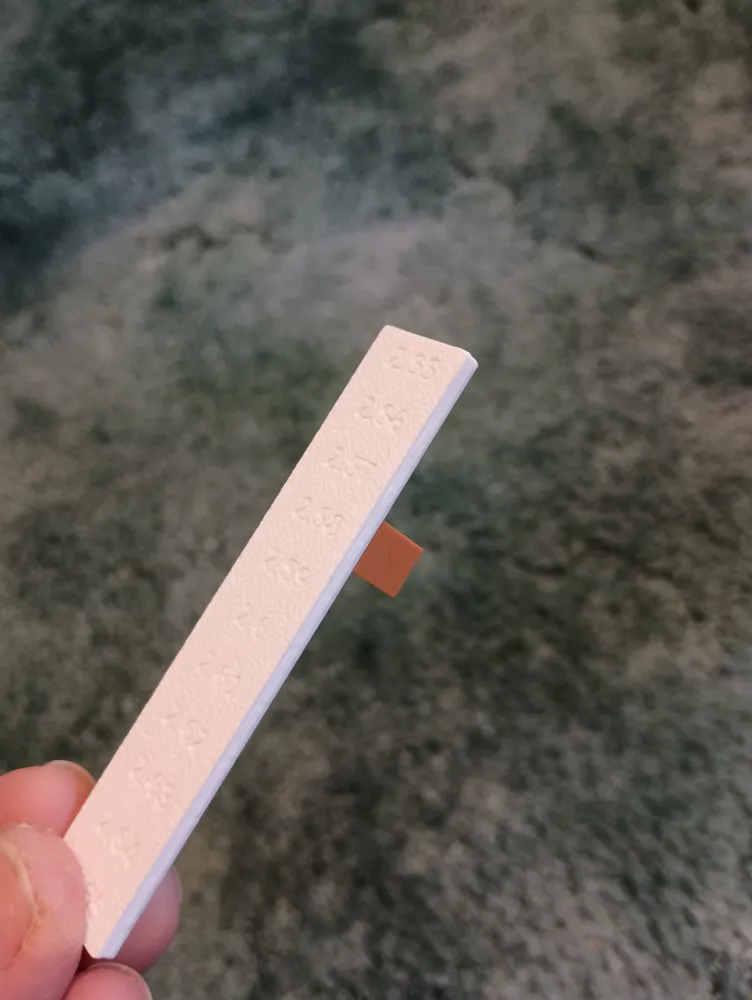
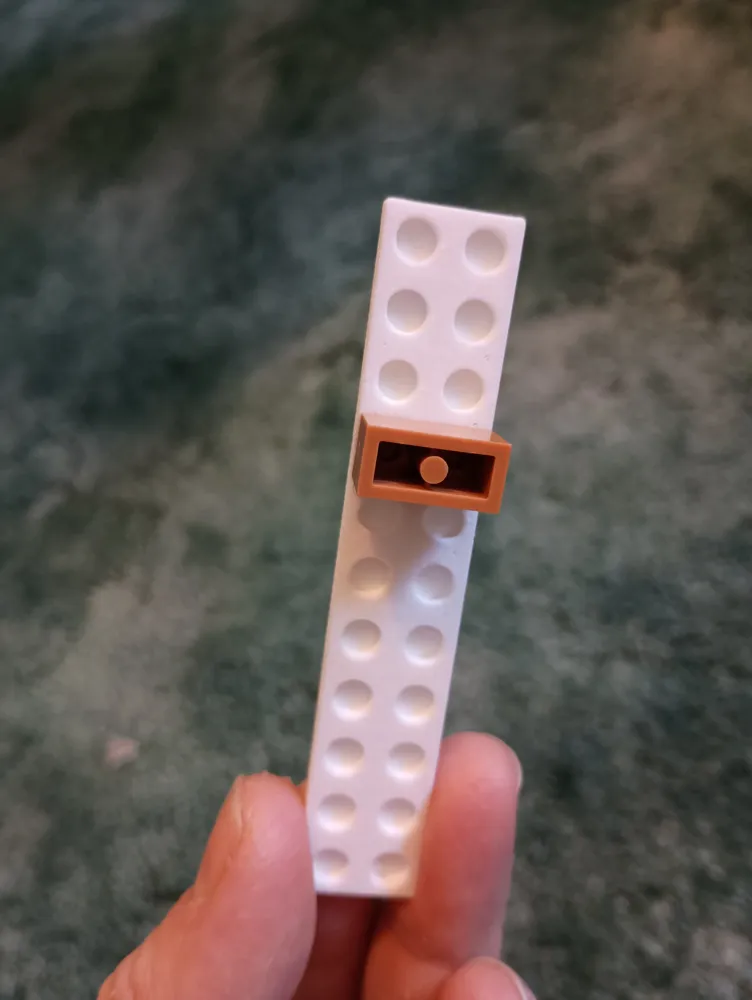
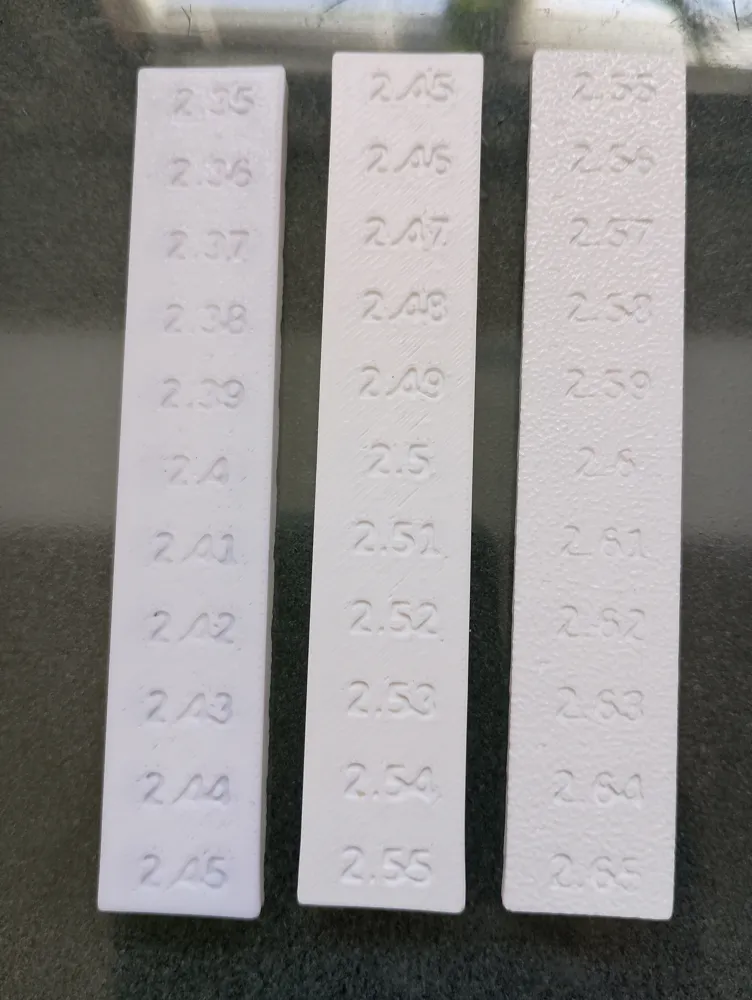
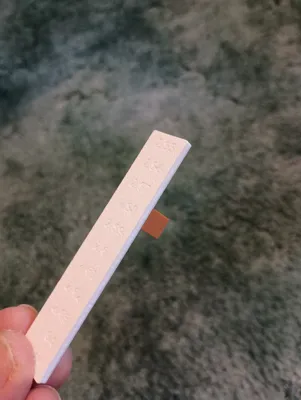
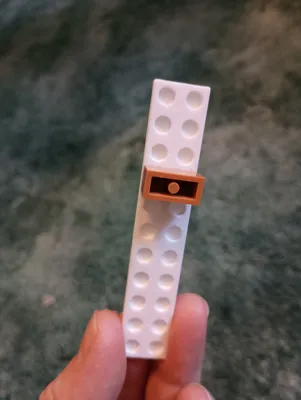
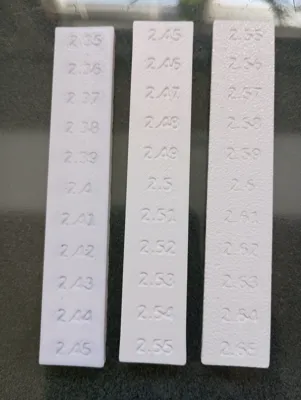
To use the tool, you start with the base dimension of 2.4 mm, the radius of a standard Danish block stud. Then you print the calibration tool on the printer you intend to print the block(s) with. Depending on the settings and fine tuning of your printer, there will be a certain amount of squish to your filament that you'll have to compensate for. It's likely 2.4 mm will be too tight, so then you'll move to the next antistud bigger (if too tight), otherwise move down to a smaller one (if too loose). You keep moving around the tool until you find a good fit. If you are me, the first and second tools will not have a good enough fit, so you'll have to move to the biggest fit. You should still try each one – one by one – in order.
I printed the tool upside down because if you put the text down, you get a better circle antistud to test against. If your bridging is absolutely flawless on your printer, you might not need to print it upside down in which case printing with the labels on top will help you to get the clearest label possible.
I am including my SCAD file. You can use the SCAD file for a more custom job with the tool. It gives you a lot of controls such as embossing the text instead of engraving it, which allows you to do an easy multicolor version of the tool – even without an AMS / MMU. It also let's you customize the size of the tool, allowing you to test against 11, 15, 21, whichever size tool you think is the best for you.
I am planning on releasing a whole series of blocks using both of my tools as a guide, so feel free to leave comments if there are certain pieces or features you would like to see.
License



Comment & Rating (0)