
Vision Master E-213 Enclosure- The Pod
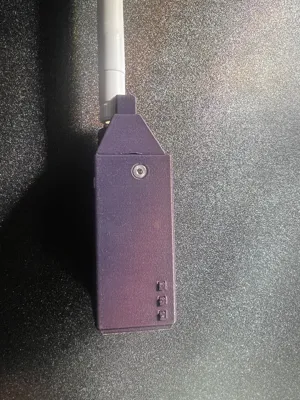
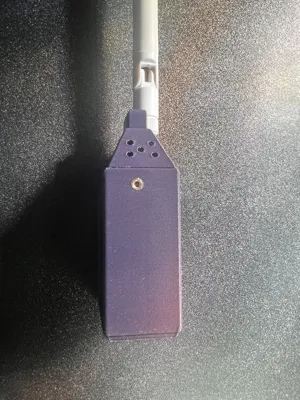
Print Profile(0)
Description
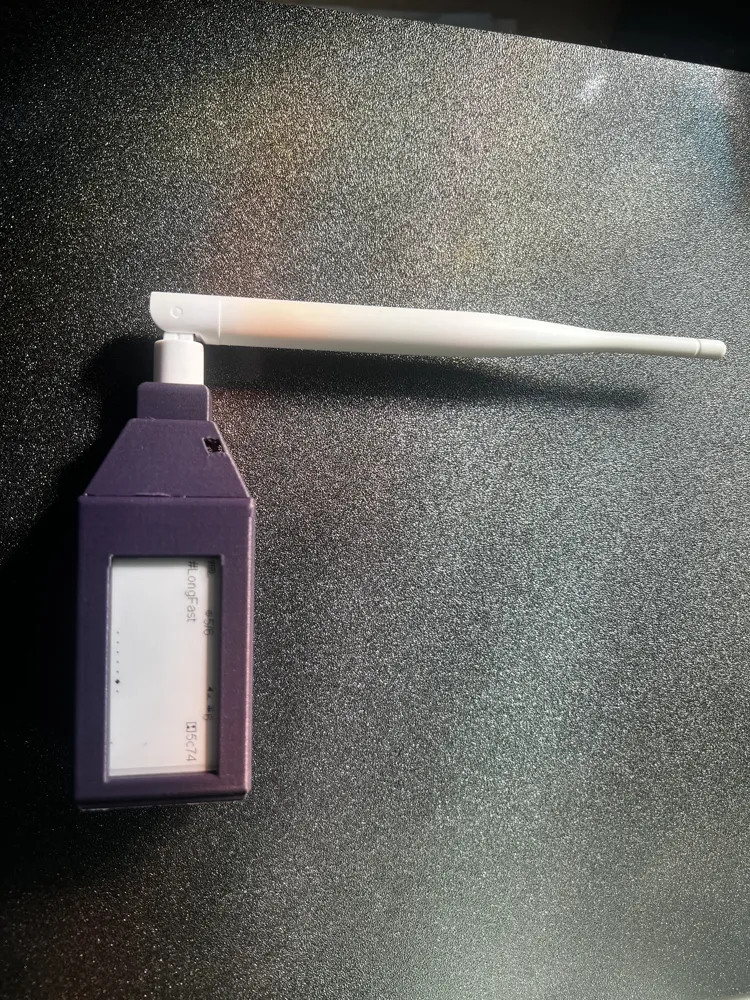
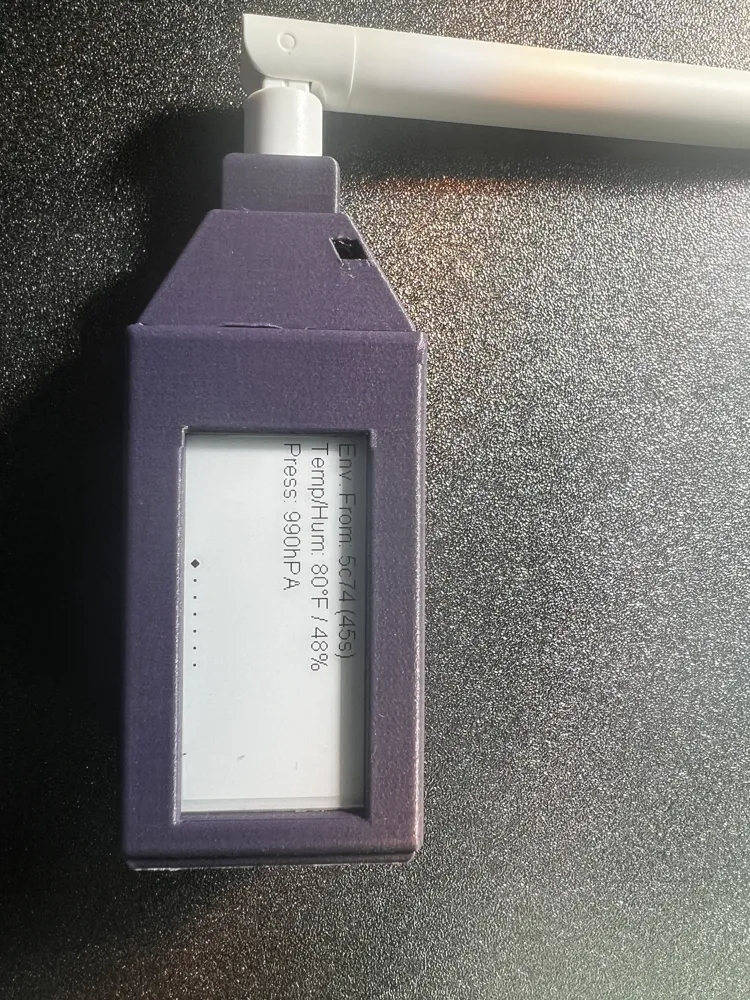
”The Pod”
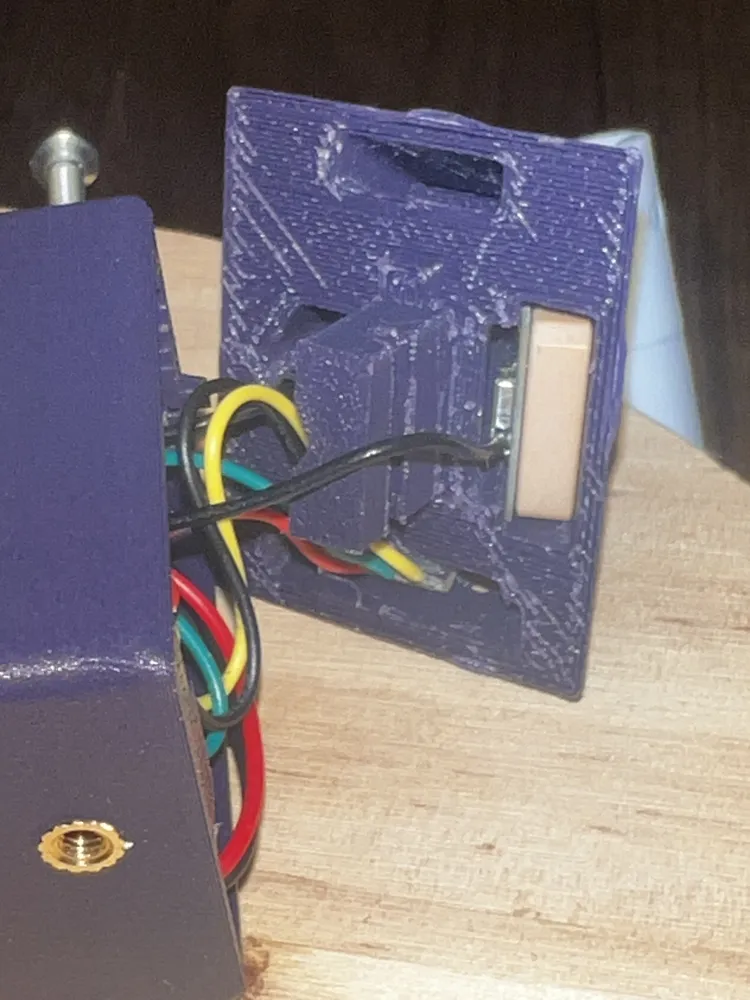
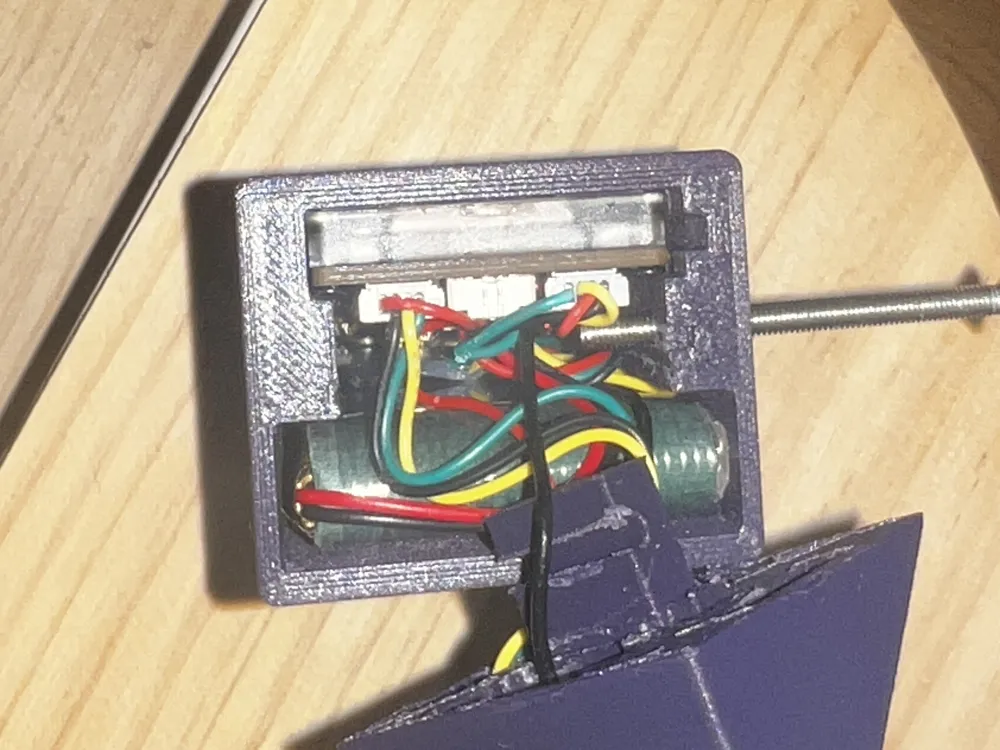
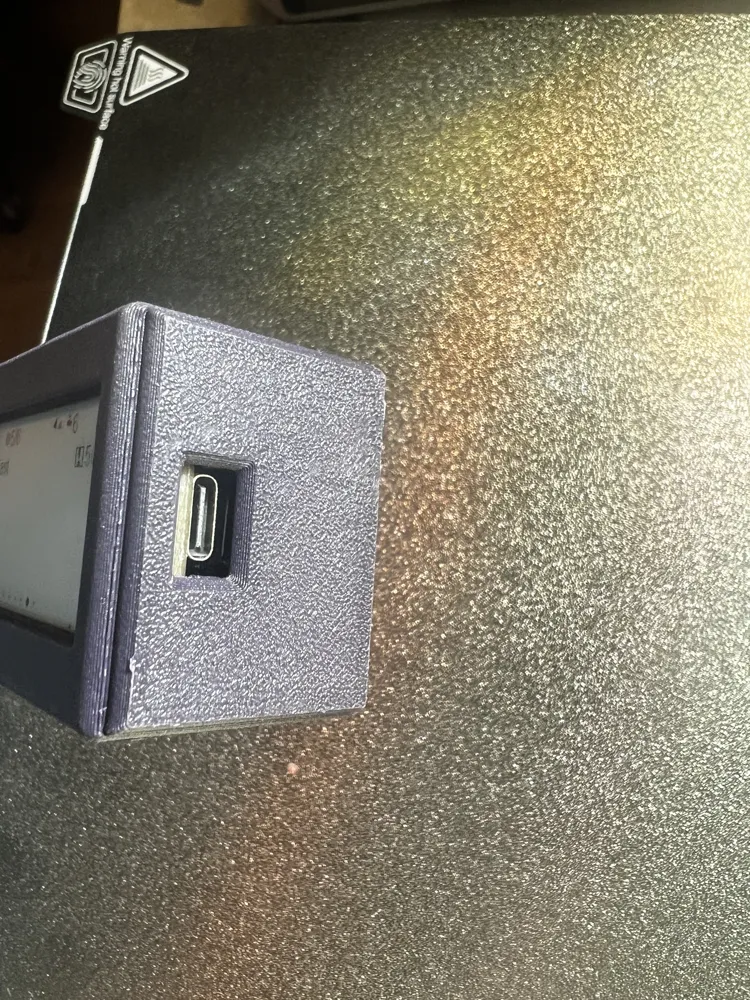
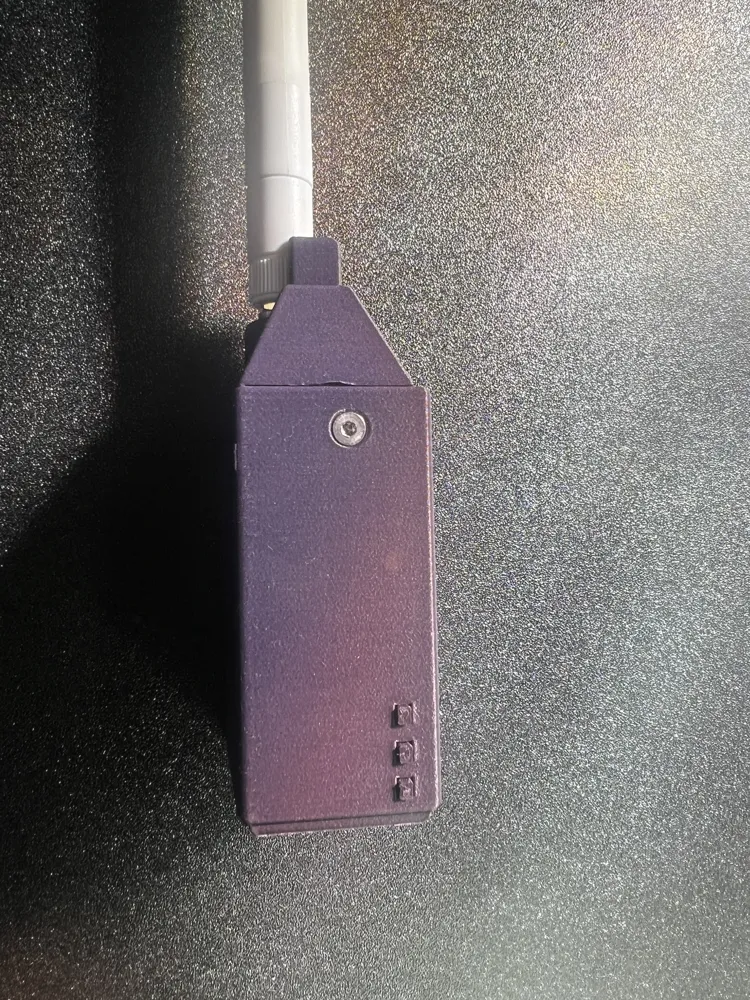
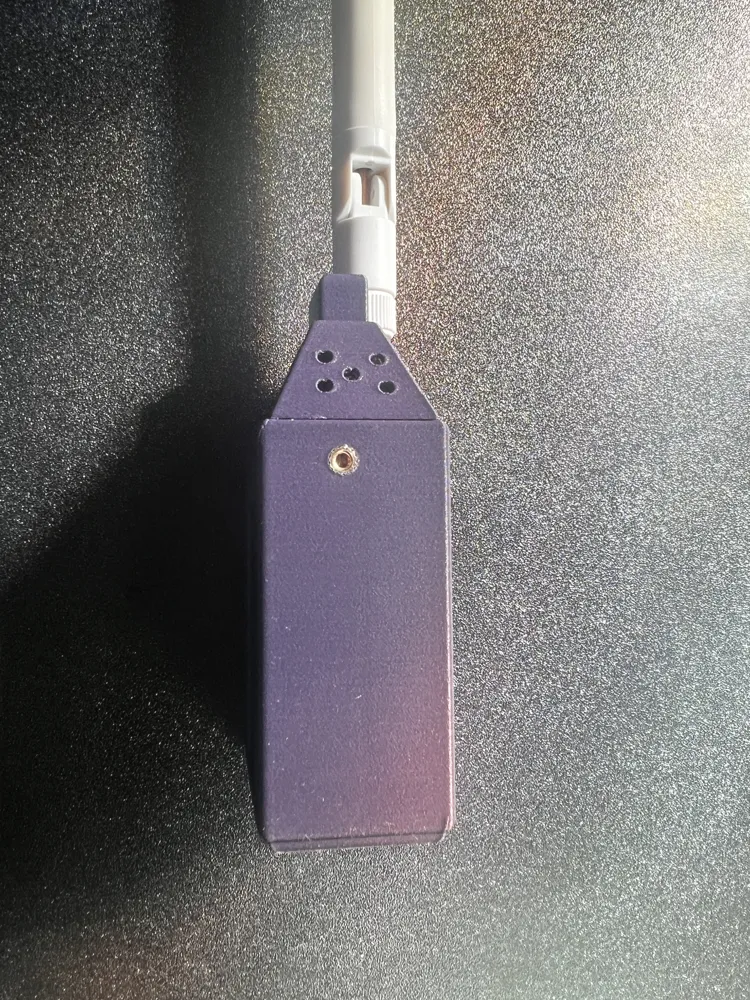
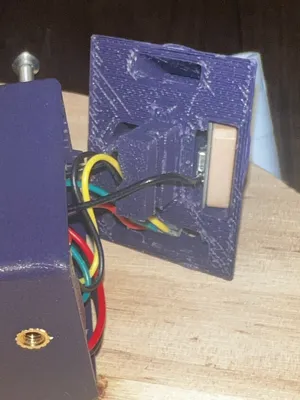
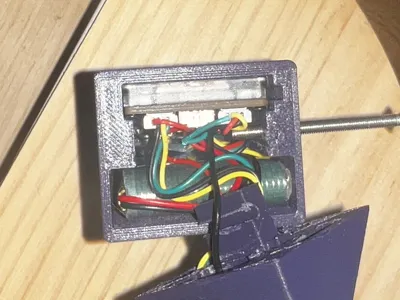
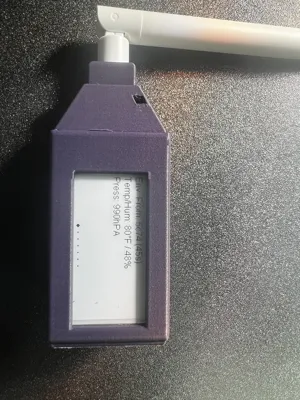
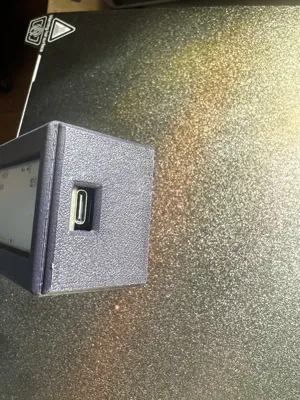
Here is an enclosure for the E213 LoRa device by Vision Master . Install the buttons then connect the Lora antenna, then slide the 213 board into the enclosure, slide the gps in using the two small rails positioned anove the battery , connect the cables for the environment sensor and gps to radio, slide battery in and connect, put the modules into the nose with antenna and insert, the “ open “ side of the antenna housing faces opposite direction of the screen . Use 40mm flathead m3 screw.
It prepping the wires to extend from the main body and shorten as needed for modules in the pod. Use a 40mm M3 Flathead screw with heat insert. I have assembled without heat insert and it was tight but this will depend on your prin/settings/filament. Hold the nose centered in place as you tight to maintain its position.* The open side of the screw hole on the pod attachment faces up same direction as the screen where the opening in the antenna shroud face away from the screen*
Qwik connect gps - Tx to Rx , Rx to Tx , Grnd to Grnd , 3v to 3v ; on the app set TX to 44 and Rx to 43 and enable on app.
The environment sensor attaches Gnd>grnd , vin >3v, sda>sda , scl >scl using the qwik connect. Enable telemetry on the app.
License



Comment & Rating (0)