Search models, users, collections, and posts

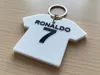
Customizable Jersey Keychain
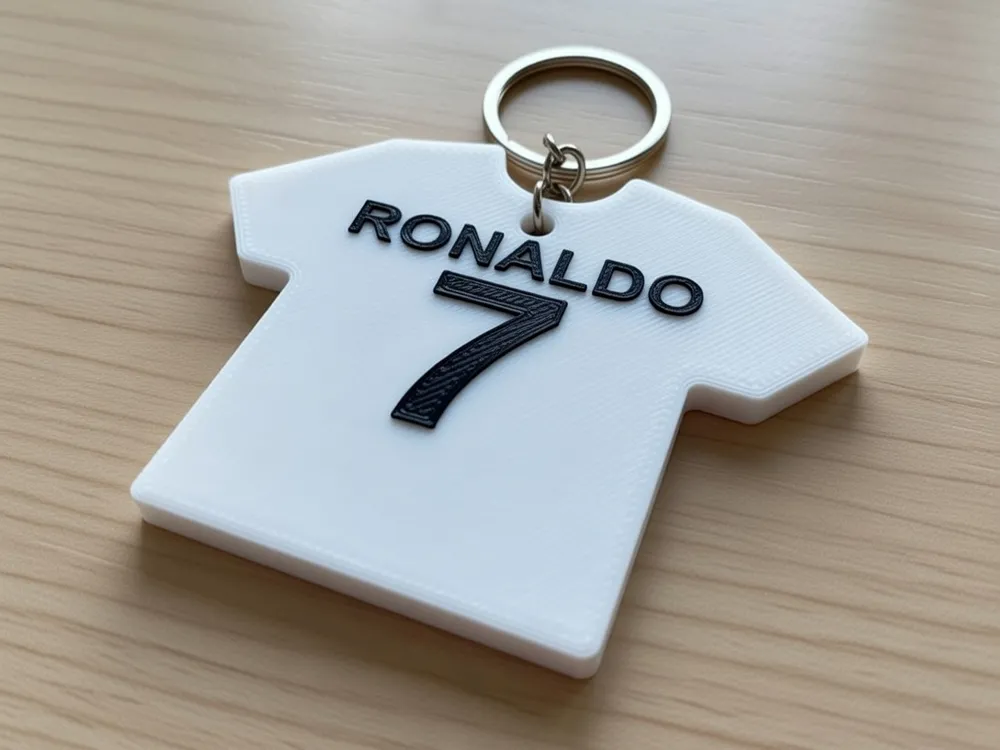
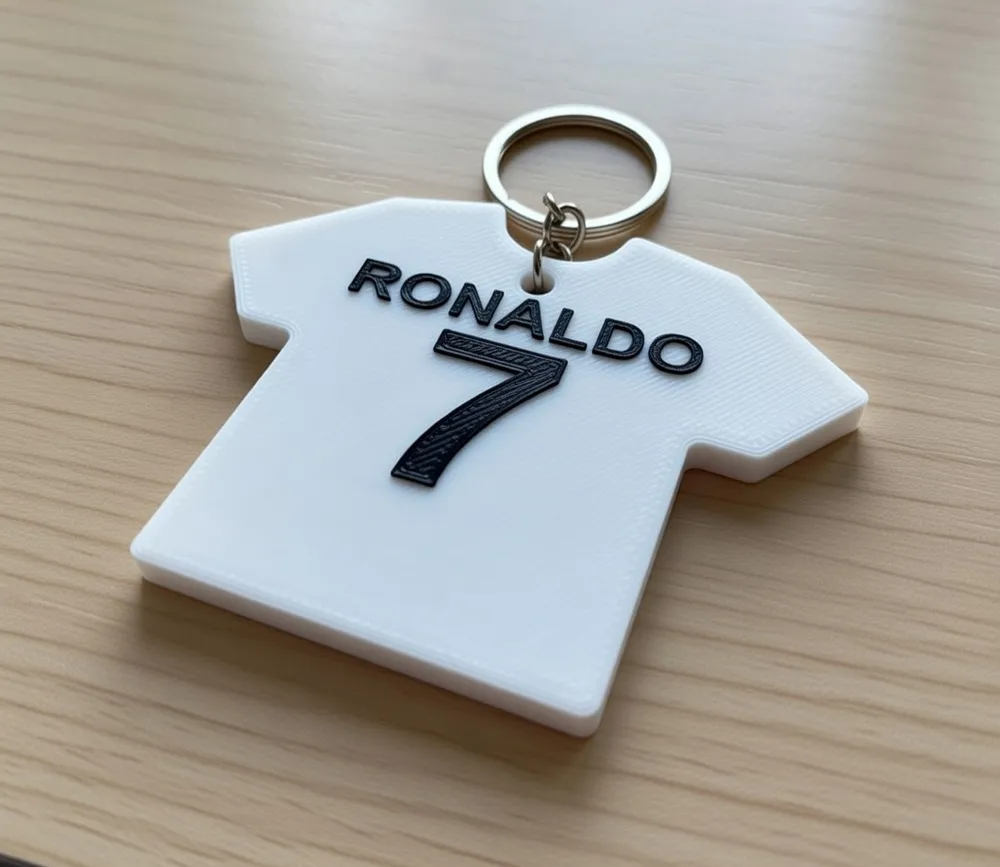
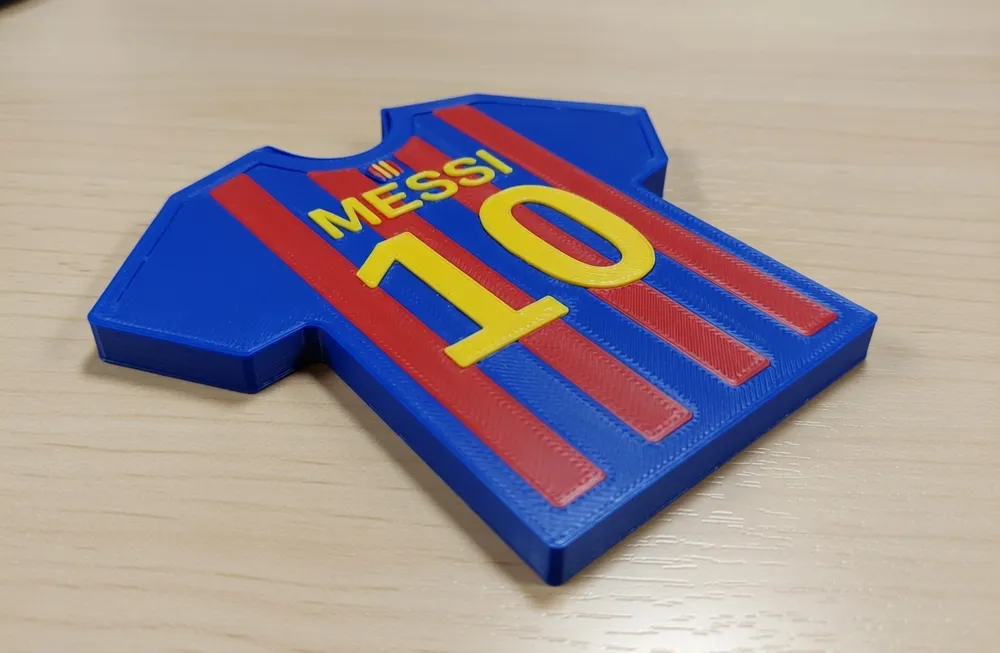
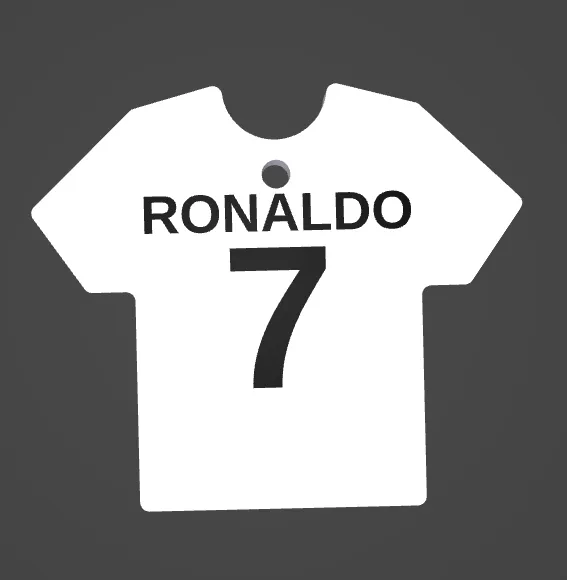
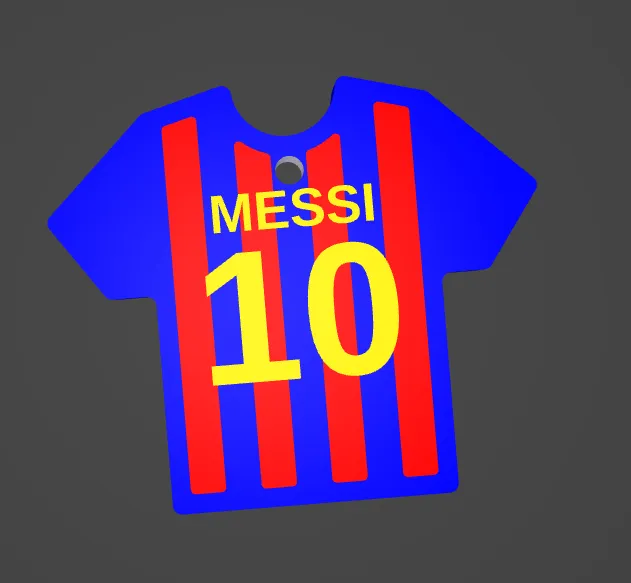
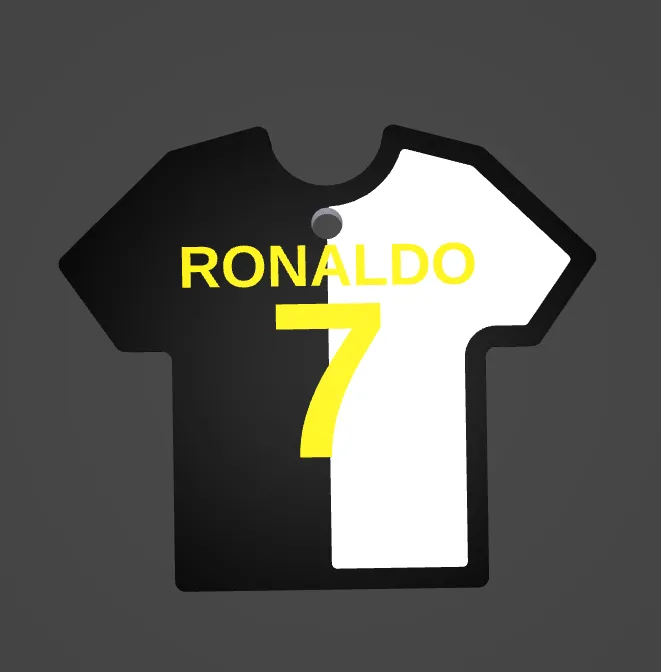
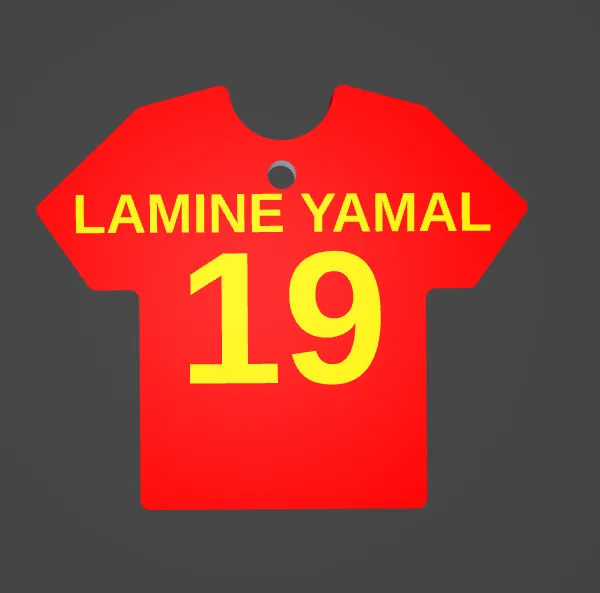
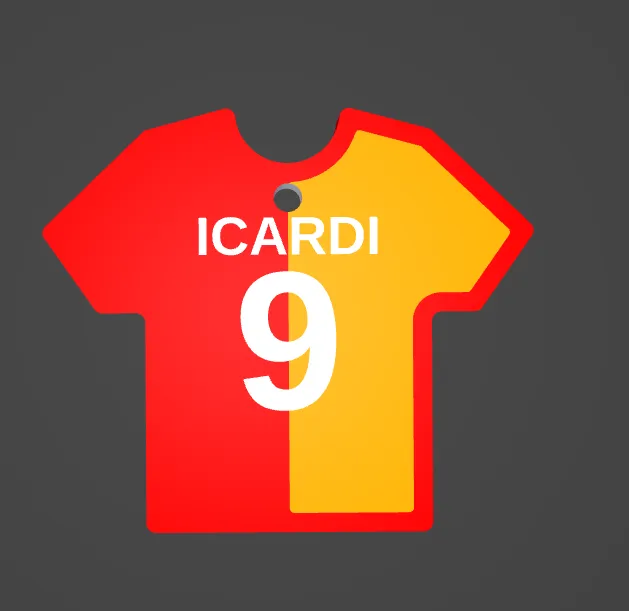
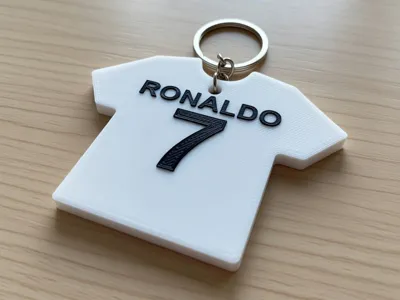
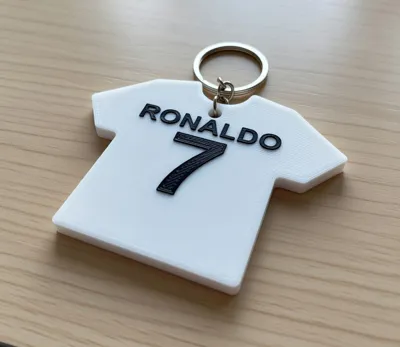
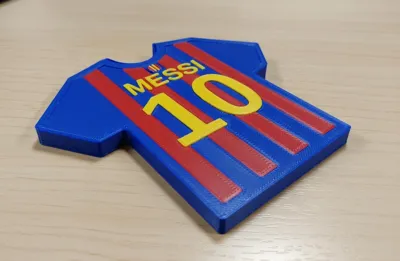
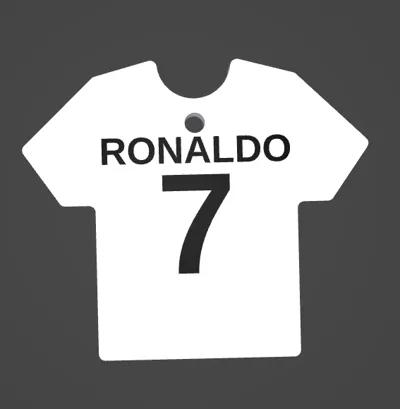
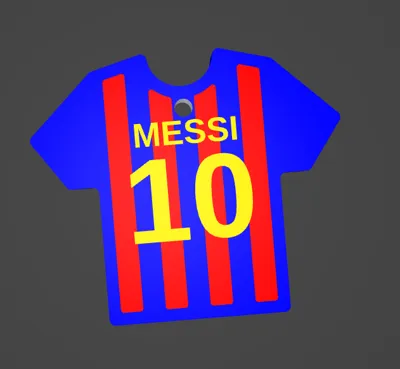
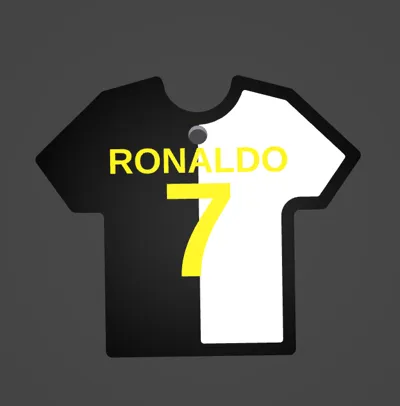
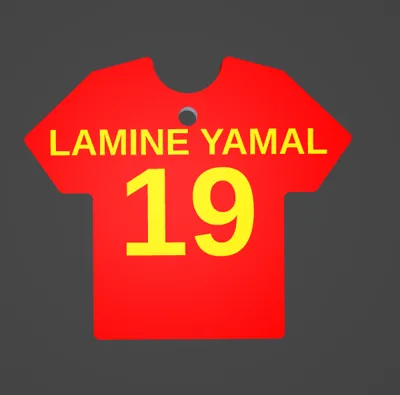
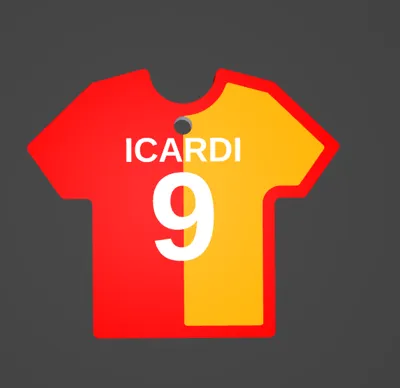
This model is created by Parametric Model Maker
Make Your Model
Print Profile(1)
0.2mm layer, 2 walls, 15% infill
Designer
28 min
1 plate
Open in Bambu Studio
Boost
124
285
6
0
497
121
Released
Bill of Materials
Maker's Supply Kits and Parts
Select all

Description
Take your passion everywhere! This model allows you to create a completely custom soccer jersey keychain. Using the included OpenSCAD file, you can enter your name, favorite number, and choose from various designs (vertical stripes, horizontal, or split colors).
How to use
1. With AMS (Multi-Material) / Con AMS
If you have an AMS system, you can print the keychain in one go with 3 different colors.
- In OpenSCAD: Set ams_mode = true and export the whole model.
- In Bambu Studio: Right-click the imported STL and select "Split to Parts". Now you can assign colors to:
- Main Jersey Base.
- Decoration (Stripes/Split).
- Text (Name/Number).
2. Without AMS (Manual Change) / Senza AMS
You can still get a great result with manual filament changes.
- In OpenSCAD: Set ams_mode = false. The text will be slightly higher than the base.
- In Bambu Studio: Slice the model. Use the vertical slider to find the layer where the text starts, right-click, and select "Add Filament Change". This gives you a two-tone look.
Recommended Print Settings
- Layer Height: 0.2mm (standard) or 0.12mm (for high-detail text).
- Infill: 15-20% (Pattern: Gyroid for best strength).
- Walls: 3 wall loops (ensures the edges and the hole are solid).
- First Layer: Slow down to 20-30 mm/s to ensure small text details stick perfectly to the bed.
- Supports: NOT needed. The model is designed to be printed flat on the build plate.
Pro-Tip for Bambu Studio
When importing with ams_mode = true, the slicer might see it as a single object. Remind users: "Right-click the model -> Split to Parts". This is the only way to assign different colors to stripes and text independently.
Boost Me (for free)
If you like my works please boost me
License

This user content is licensed under a
Creative Commons Attribution-Noncommercial-Share Alike


Comment & Rating (6)