
Fast Support Threshold Overhang Test
Print Profile(1)
Description
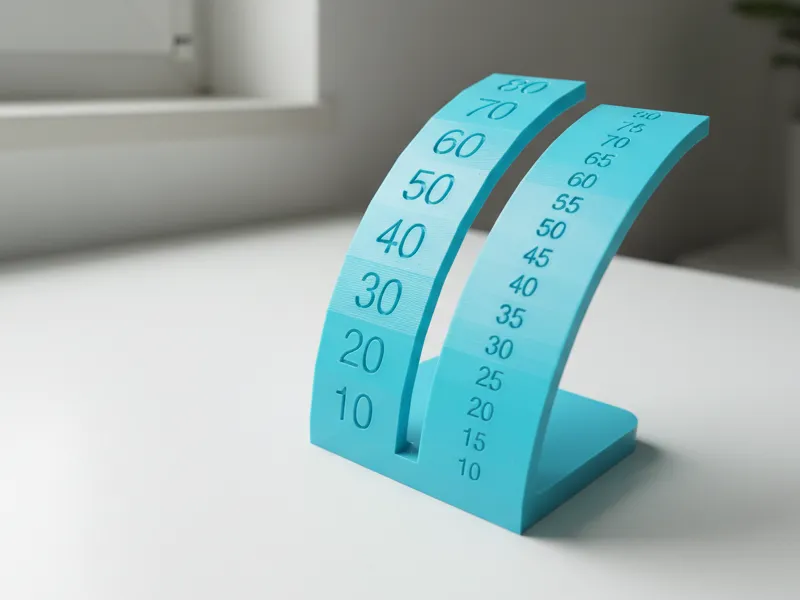
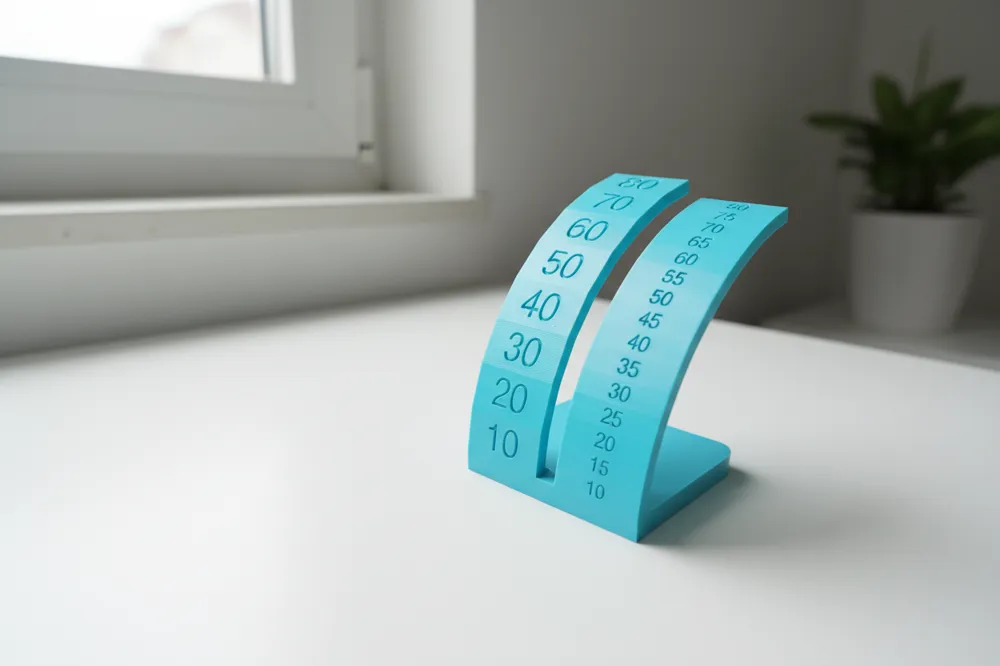
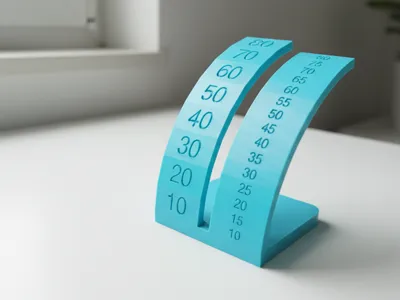
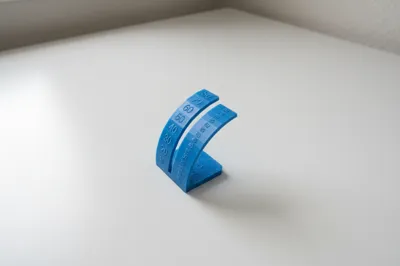
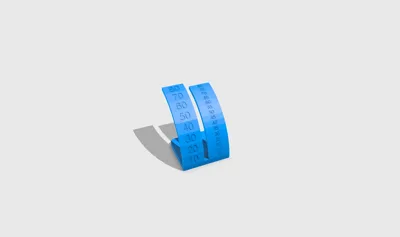
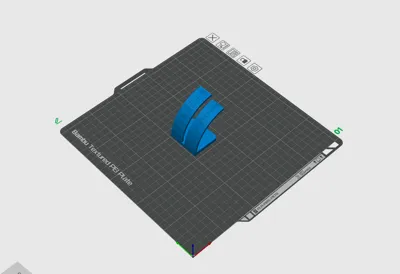
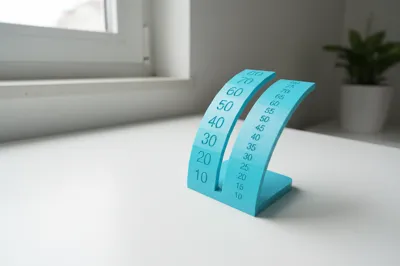
This model is a Support Threshold / Overhang Test that helps you find the highest overhang angle your printer can handle cleanly without supports.
What you get:
- One overhang arc from 10° to 80° in 10° steps (fast and easy to read)
How to print:
- Import and slice with your normal profile
- Print without supports
- Let it cool then inspect the underside of each angle section
How to read the result:
- Lower angles should look smooth with clean lines
- As the angle increases you may see drooping rough edges or messy lines
- Your printer’s support threshold / max clean overhang is the highest angle that still looks neat before quality clearly drops
It is totally normal if it starts failing or looking rough at higher angles: that is exactly what the test is designed to show.
Use your result to adjust Support Threshold Angle, part cooling and speed to improve overhangs on real prints.
parfait mais explique c'est quoi ces angles , différence antre threshold angle, overhang angle,e t le sweetspot de 45 degre normalement et renvois vers video bambulab pour expliquer l'angle, écrit tout pour un débutant dans la description et dit bien que c'est nromal que le print foire vers un angle élevé, et rajoute un section pour encourager de laisser une review cela aide beaucoup, et un boost
Here is a clean beginner friendly SEO description, ready to copy paste into MakerWorld, with simple explanations and reassurance 👇
This model is a Support Threshold / Overhang Test designed to help you understand how steep an overhang your 3D printer can print cleanly without supports.
What do these angles mean?
- Overhang angle: the angle of a surface that leans outward with no material underneath
- Support threshold angle: the angle at which your slicer decides to add supports automatically
- 45° sweet spot: most FDM printers can handle around 45 degrees without supports. Below this angle prints are usually clean. Above it quality often starts to drop depending on cooling speed and filament
This test lets you see the real limit of your own printer, not just a theoretical number.
What this model includes
- One overhang arc from 10° to 80°
- 10° increments for fast and easy reading
How to print
- Slice the model with your normal profile
- Disable supports
- Print normally and let it finish
How to read the result
- Low angles should look smooth and clean
- As angles increase you may see sagging drooping or messy layers
- The highest angle that still looks clean is your printer’s real support threshold / max overhang angle
It is completely normal if the print starts to fail or look bad at higher angles. That does not mean something is wrong with your printer. This test is supposed to show where the limit is.
Why this matters
Knowing your real overhang limit helps you:
- Set a better Support Threshold Angle in your slicer
- Decide when supports are really needed
- Improve surface quality on real prints
- Tune cooling speed and print speed more confidently
If you want a visual explanation of overhang and support angles, Bambu Lab has great beginner friendly videos on their official YouTube channel that explain this concept clearly.
⭐ Please consider leaving a review or a like
It really helps creators gain visibility and allows me to keep improving and releasing better calibration tools for the community. Thanks for the support and happy printing 🚀
maintenant pareil mais pour ma version avec deux arcs
Voici la version complète et beginner friendly de la description, adaptée à ton modèle avec deux arcs, prête à être copiée-collée sur MakerWorld 👇
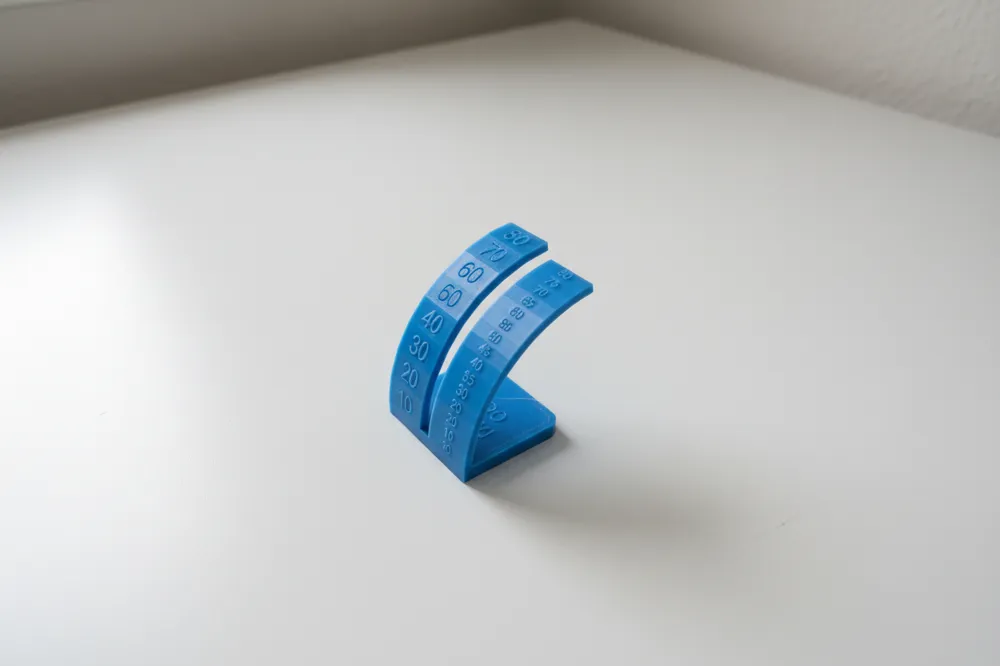
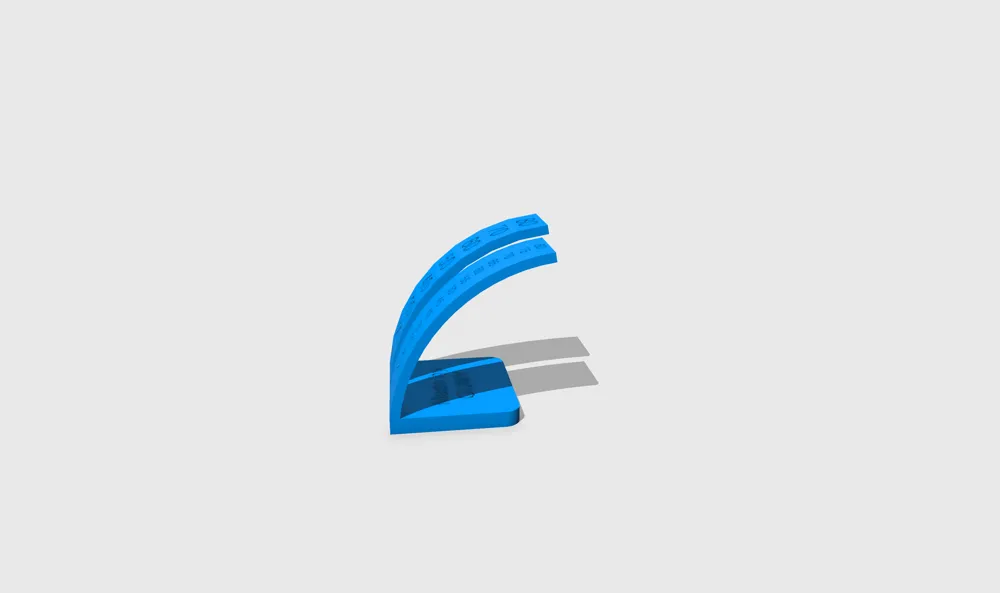
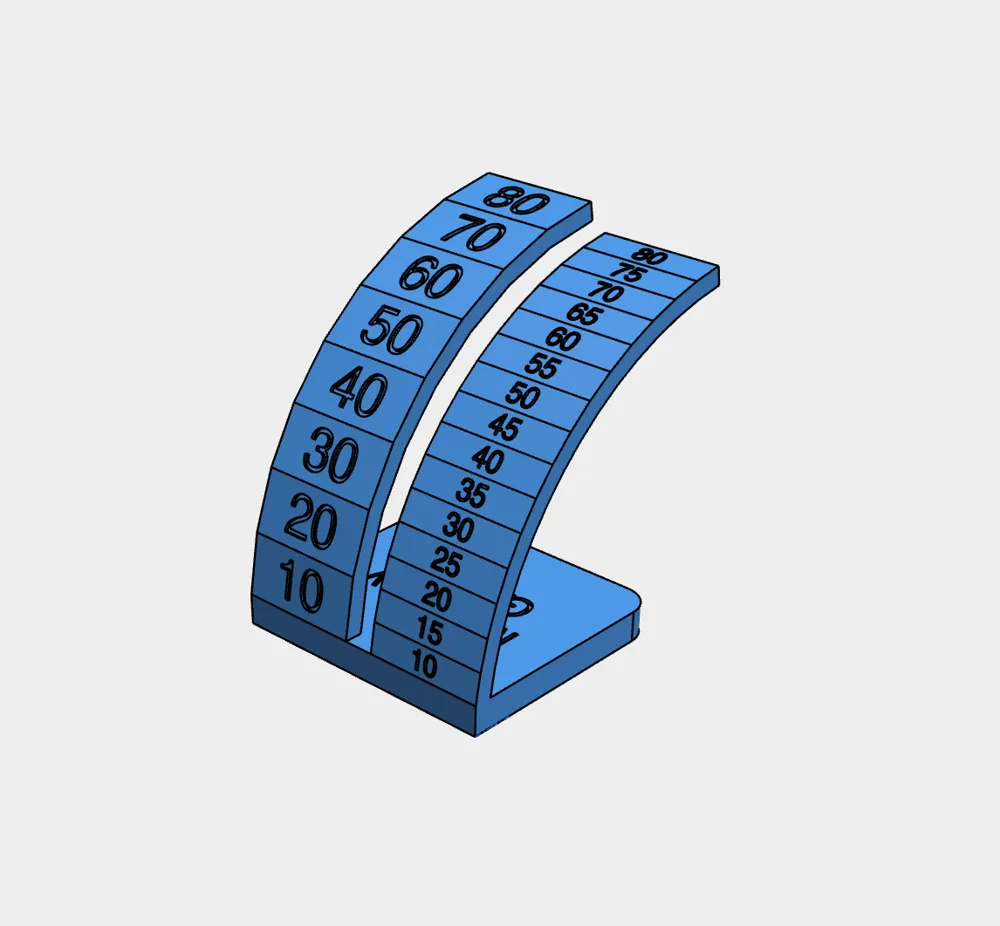
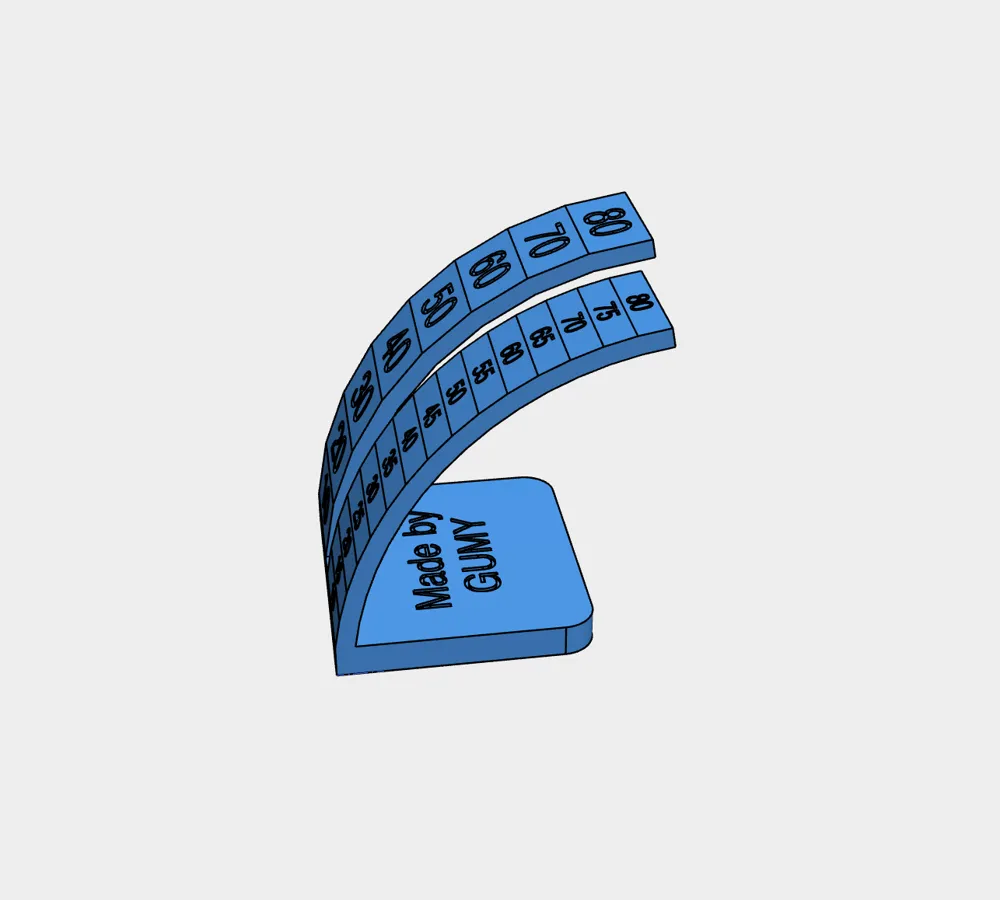
This model is a Support Threshold / Overhang Test designed to help you understand how steep an overhang your 3D printer can print cleanly without supports and to find the real limit of your printer.
What do these angles mean?
- Overhang angle: the angle of a surface that extends outward without material underneath
- Support threshold angle: the angle at which your slicer starts adding supports automatically
- 45° sweet spot: most FDM printers can reliably print around 45 degrees without supports. Below this angle prints are usually clean. Above it quality depends on cooling filament and speed
This test lets you measure your printer’s real-world performance, not just a default slicer value.
What this model includes
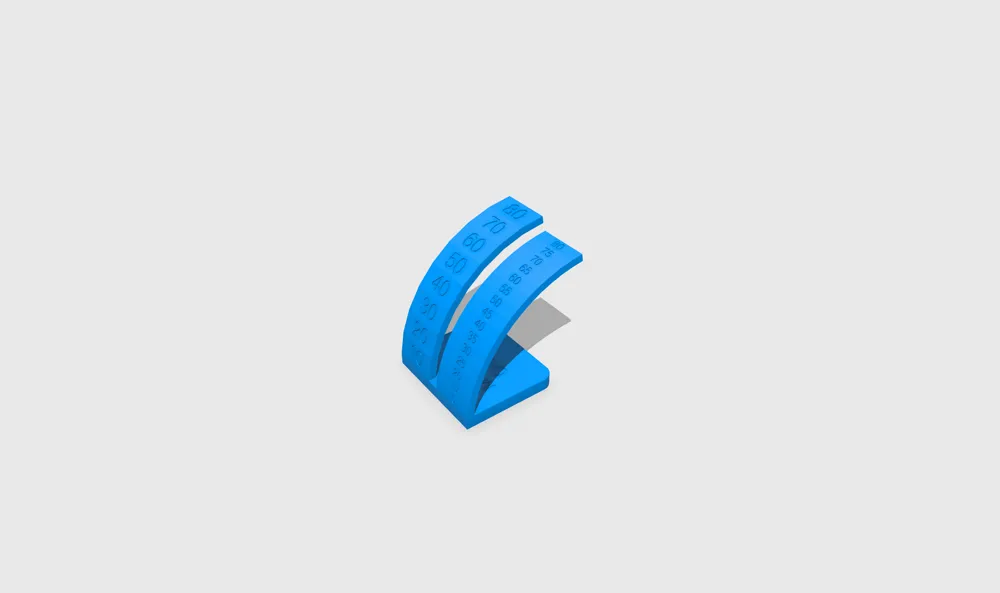
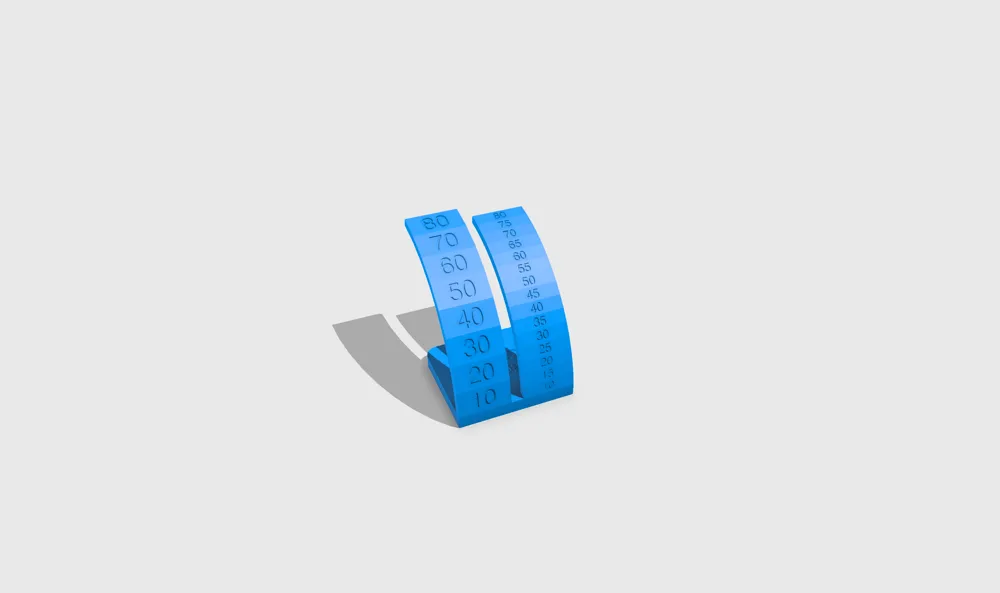
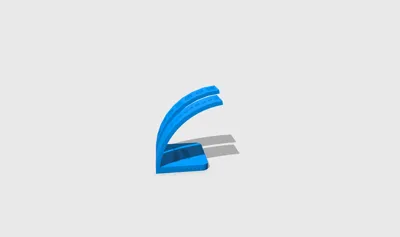
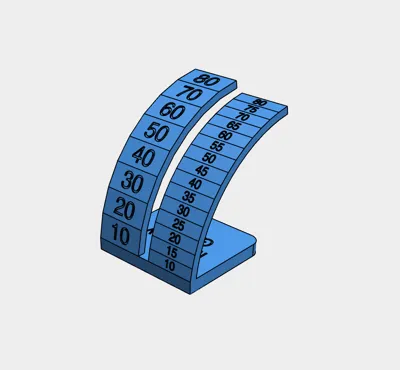
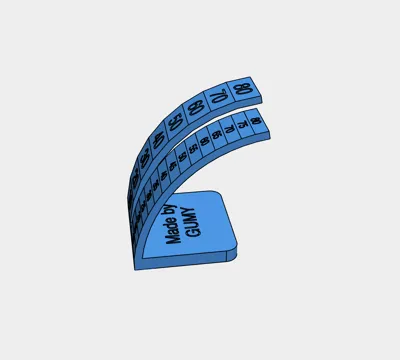
- Precision arc: 10° to 80° in 5° increments for accurate tuning
- Quick arc: 10° to 80° in 10° increments for fast reading and comparison
Both arcs are side by side so you can easily compare results at a glance.
How to print
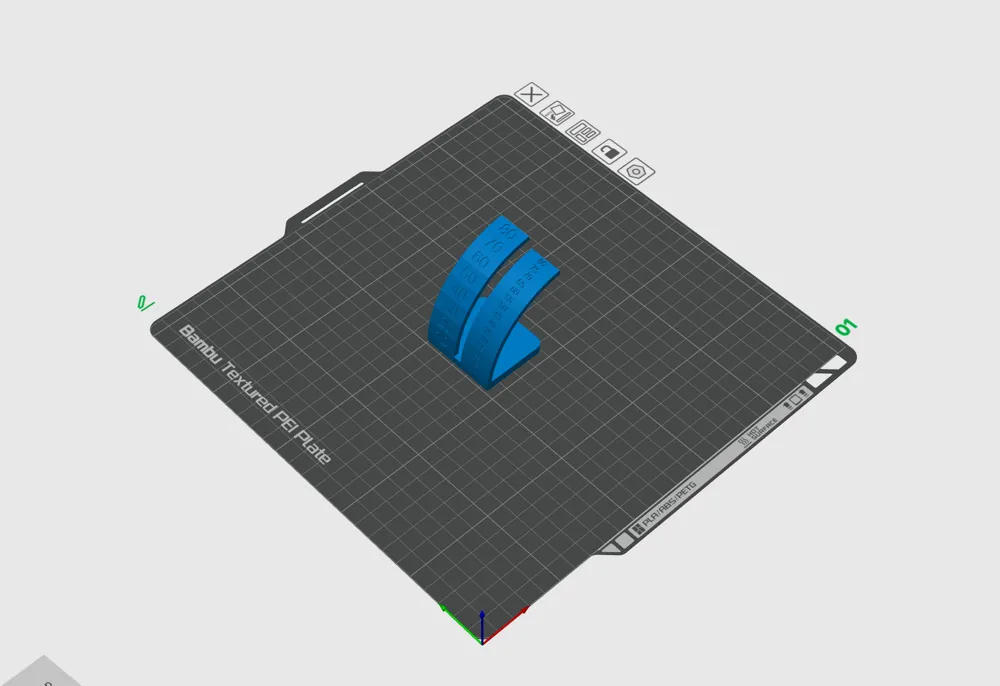
- Slice the model using your normal profile
- Disable supports
- Print normally and let it complete
How to read the result
- Lower angles should look smooth with clean straight lines
- As the angle increases you may see sagging drooping or rough layers
- The highest angle that still looks clean is your printer’s real support threshold / max clean overhang angle
It is completely normal if the print starts to fail or look bad at higher angles. That does not mean your printer is broken. This test is specifically designed to show where the limit is.
Why this test is useful
- Set a more accurate Support Threshold Angle in your slicer
- Avoid unnecessary supports
- Improve overhang quality on real prints
- Tune cooling speed fan settings and print speed
For a clear visual explanation of overhang and support angles, Bambu Lab provides excellent beginner friendly videos on their official YouTube channel explaining these concepts step by step.
⭐ If this model helped you, please leave a review or a like
It really helps creators gain visibility and makes it possible to keep releasing better calibration tools for the community. Thanks for your support and happy printing 🚀
License

You shall not share, sub-license, sell, rent, host, transfer, or distribute in any way the digital or 3D printed versions of this object, nor any other derivative work of this object in its digital or physical format (including - but not limited to - remixes of this object, and hosting on other digital platforms). The objects may not be used without permission in any way whatsoever in which you charge money, or collect fees.


Comment & Rating (66)