
Tool Chest Labels
Print Profile(1)
Description
Boost Me (for free)
If you appreciate the effort, feel free to Boost me...it's free.
Yes, I looked at and even downloaded several existing models of toolchest labels.
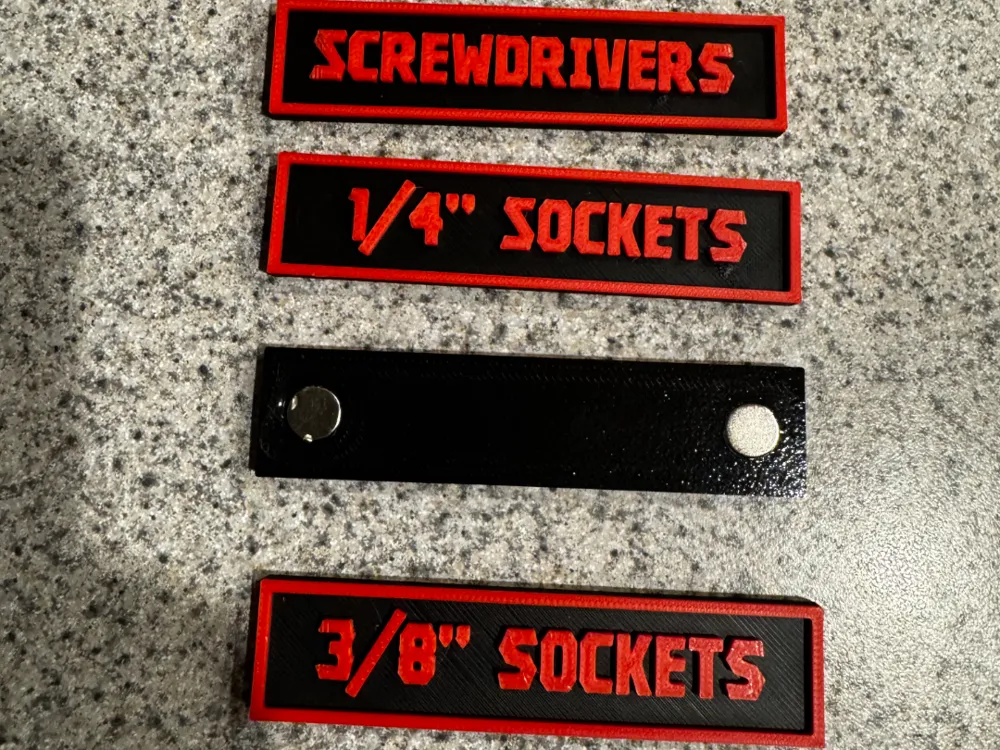
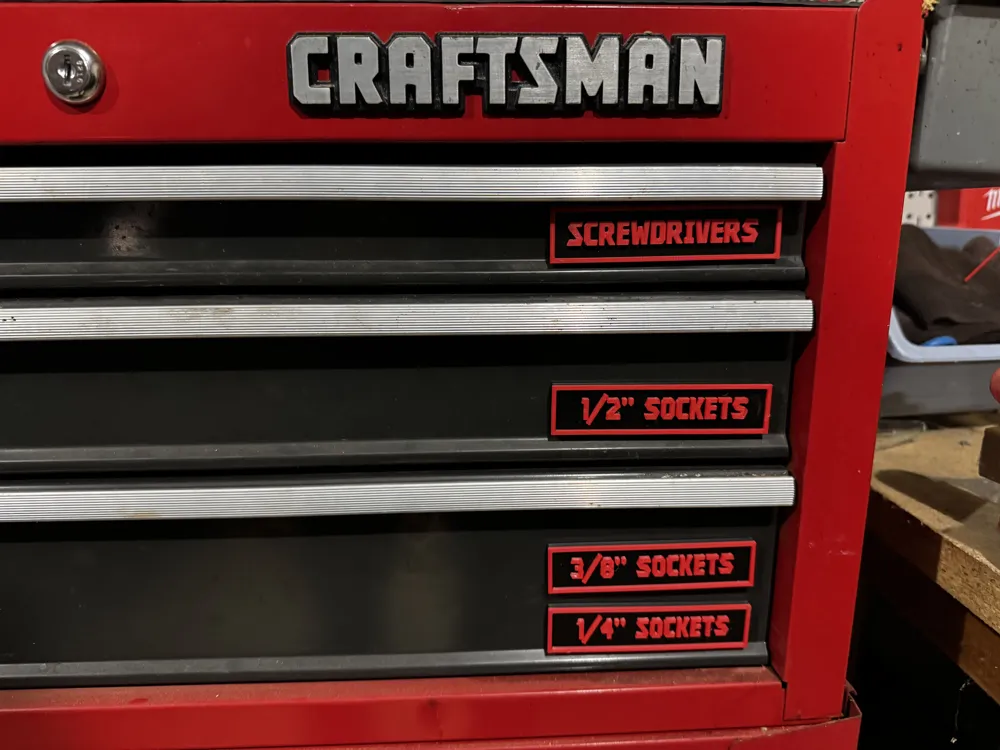
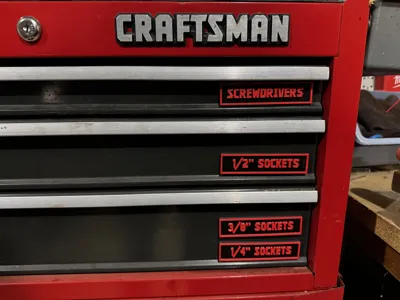
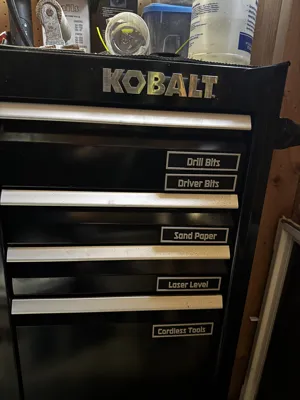
Here is my version, I created this set because I just wanted a basic rectangle, and the others I found were much too big. Both of my chests have slim drawers at the top, and those wouldnt fit.
So, here they are. My labels are about 24mm x 100mm or about 1" by about 4".
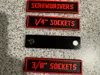
These have cutouts on the back for 10x2mm magnets. The cutouts are tight, but they hold the magnets great without glue. I personally use a wrench to snap them in.
I added all the text in Bambu Studio, so its easy to edit and customize them yourself. Just double click the text, and edit. If you lose the color during this process, just repaint the object by layer. I just set it to paint 2mm thick, and set the bottom to 3.1mm.
Now lets talk fonts, how many times have you edited text on a model, and lose the font because its not on your computer. I have used custom fonts that i downloaded as well, but here is how to match those, or even find some other options.
I named the plate with the font that is on the labels on that plate.
- I am using Kroftsman on my Craftsman chest, there is a font out there named Tradesman that is even better, but I couldnt find it available free anywhere.
- I am also using Falcon Punch, this is supposed to match US General. I could only find a demo of this font, but it had all the letters, just not all the numbers. Mine is named FSP Demo Falcon Punch because it is a demo.
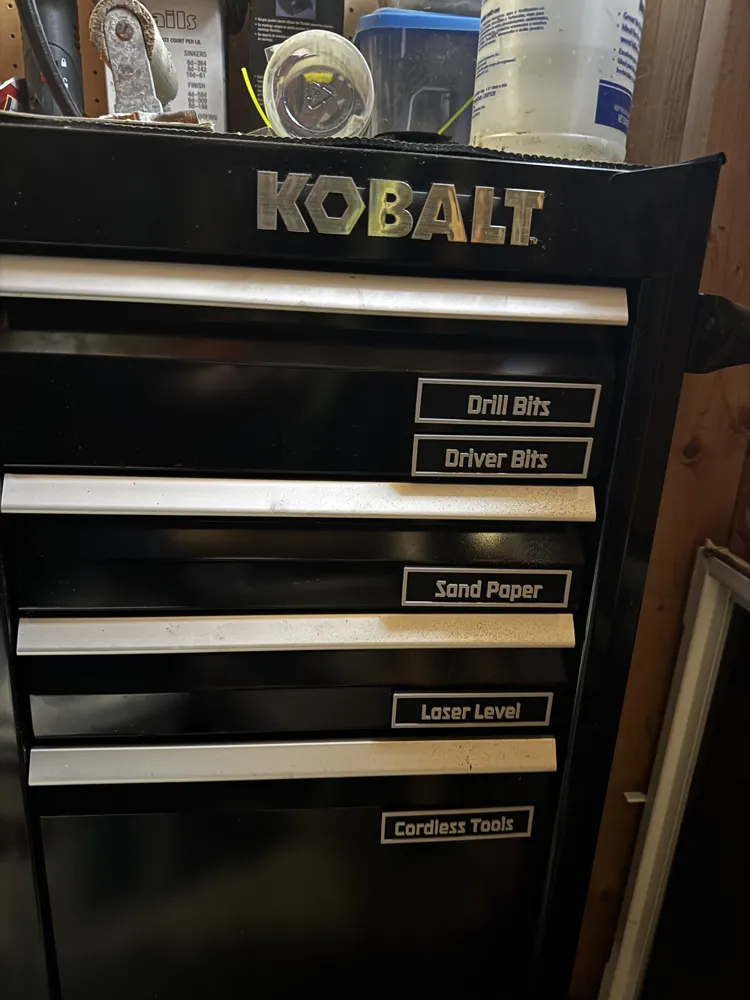
- You may also want to try out Kobalt, UT Nickel or Millic for other nice options.
To get custom fonts, its super easy, just google and search for free fonts named xxx, then download them.
Next, on a Windows computer go to Settings, then to Personalization, then to Fonts. And install your new font, it will be available in Bambu Studio instantly.
If you download and print, I 'd love to see a comment. Let me know if I can help with anything.
Feel free to check out my other published models.
License

You shall not share, sub-license, sell, rent, host, transfer, or distribute in any way the digital or 3D printed versions of this object, nor any other derivative work of this object in its digital or physical format (including - but not limited to - remixes of this object, and hosting on other digital platforms). The objects may not be used without permission in any way whatsoever in which you charge money, or collect fees.


Comment & Rating (2)