
2 Bin System Inventory Tag For Reordering
Print Profile(1)
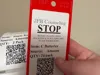
Description
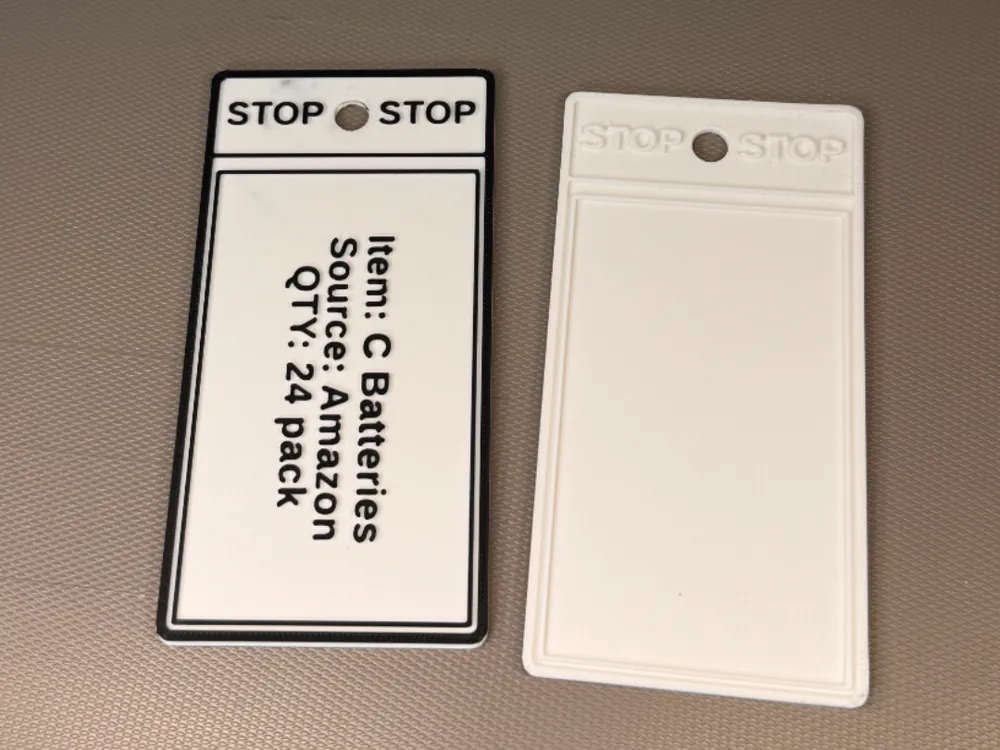
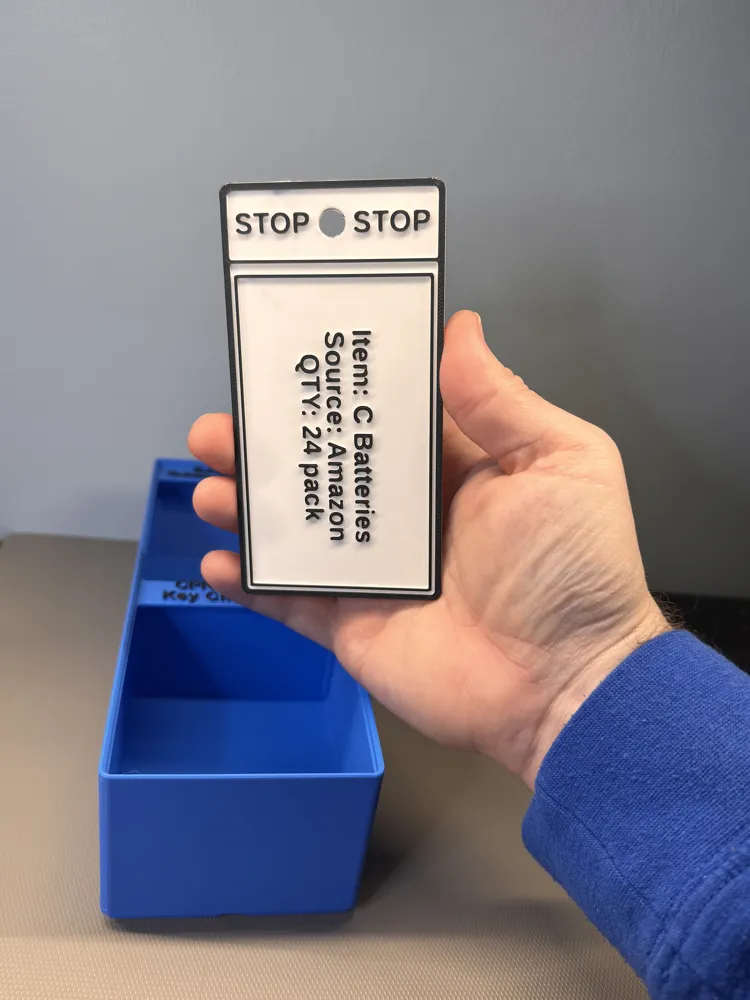
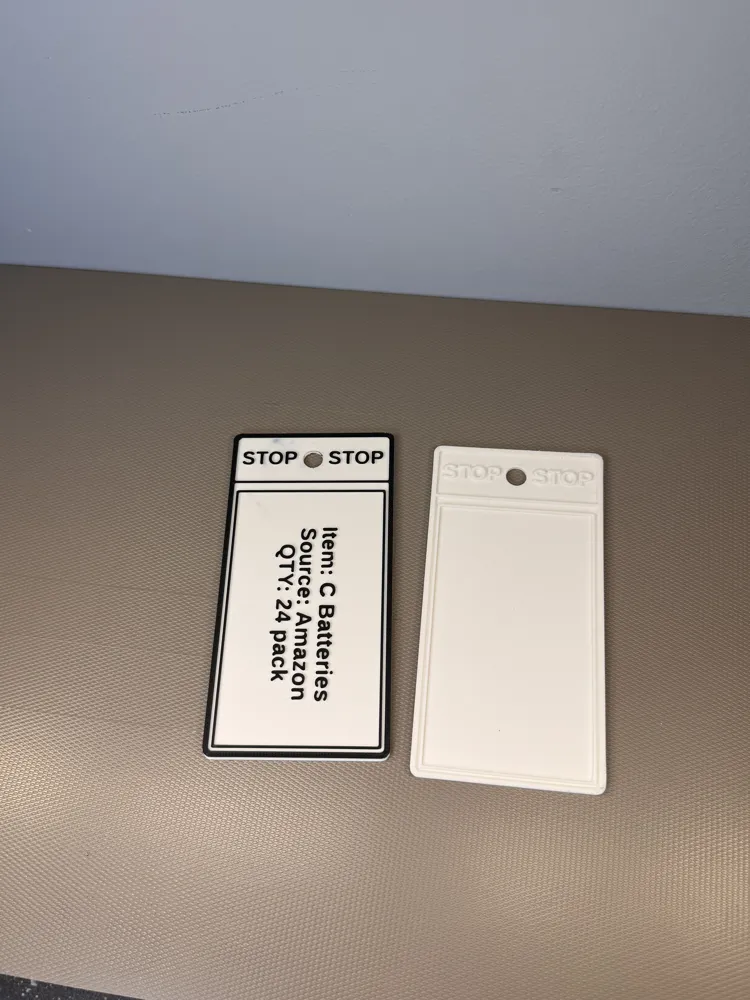
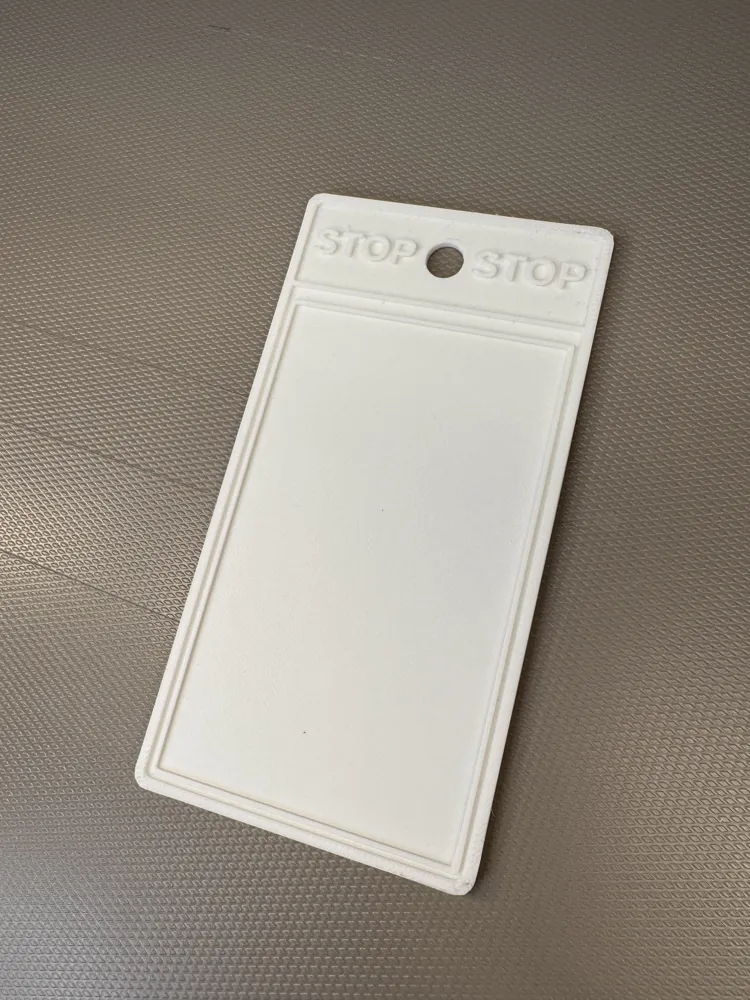
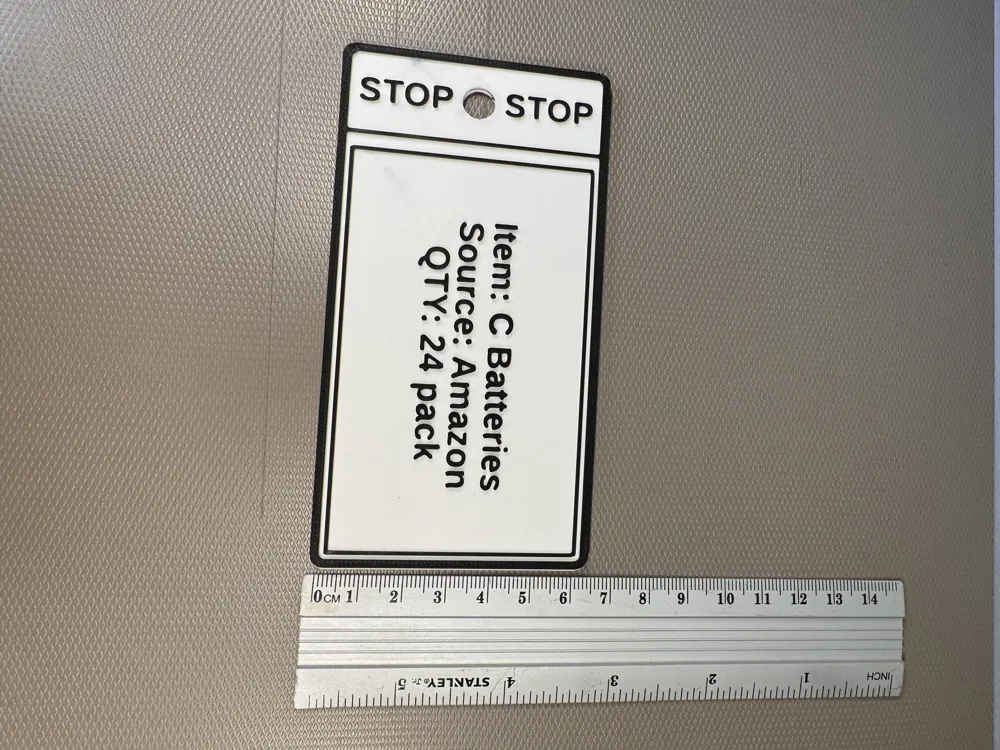
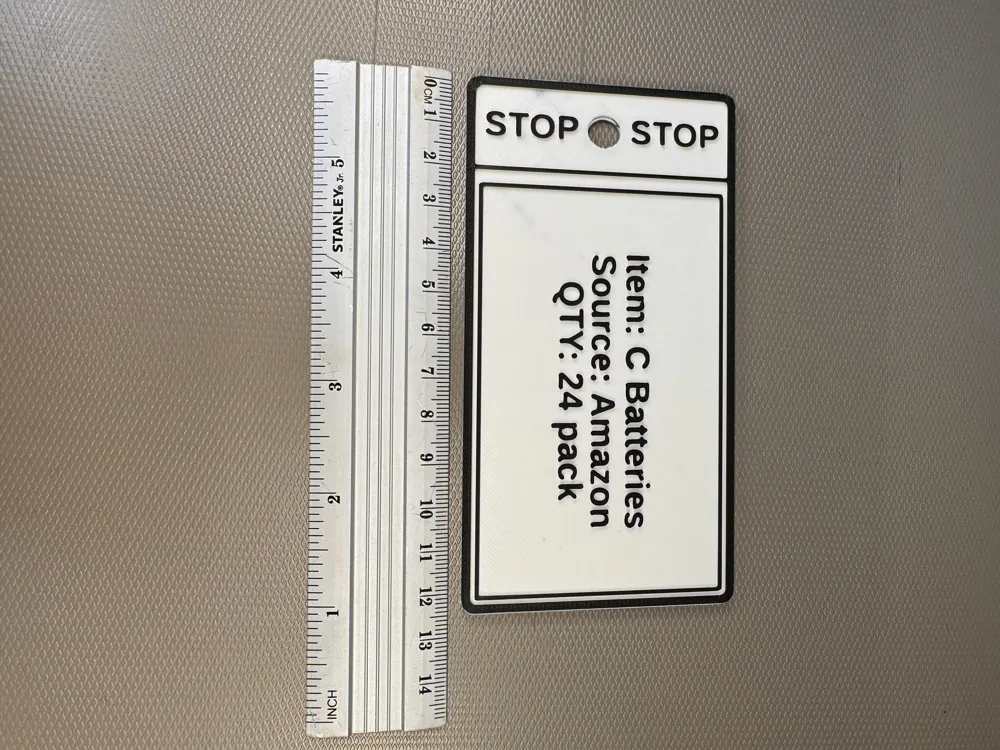
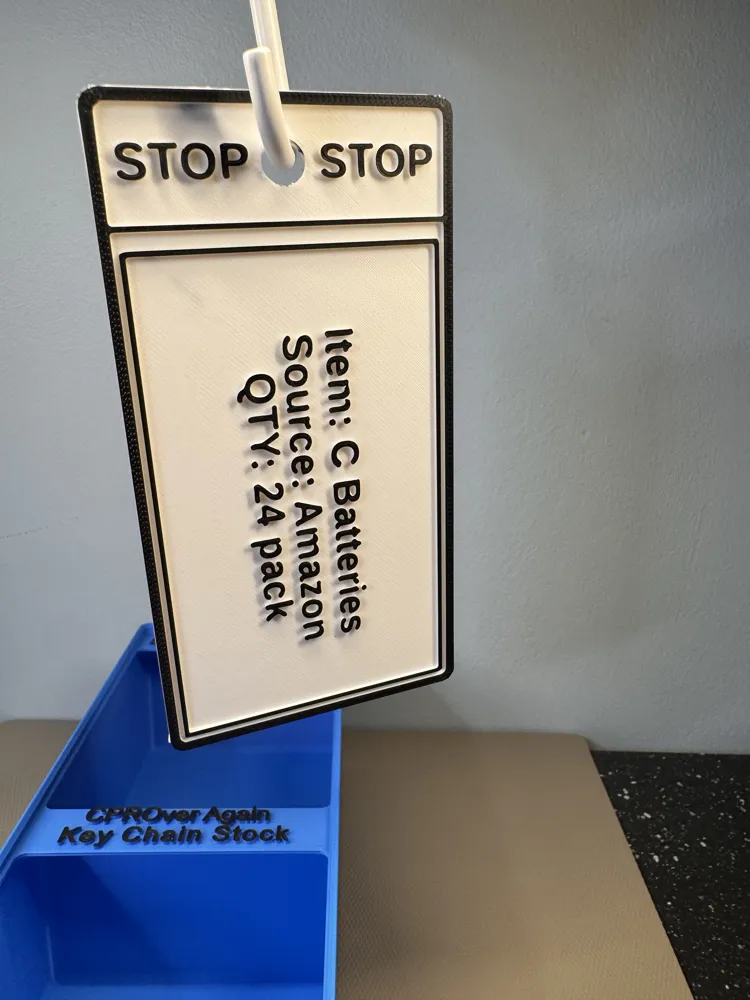
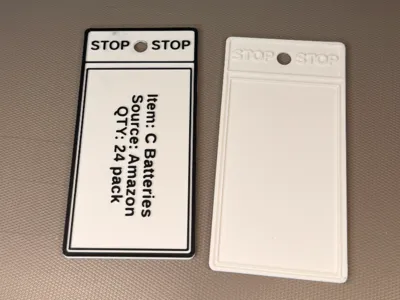
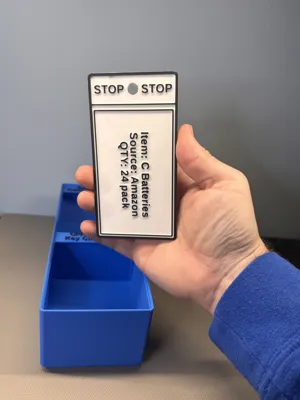
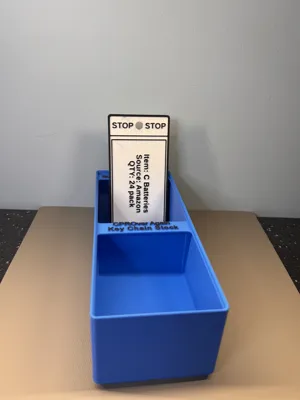
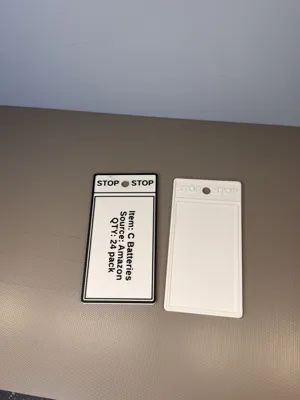
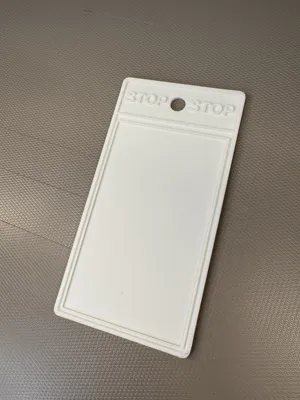
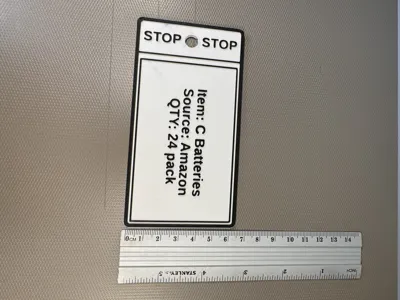
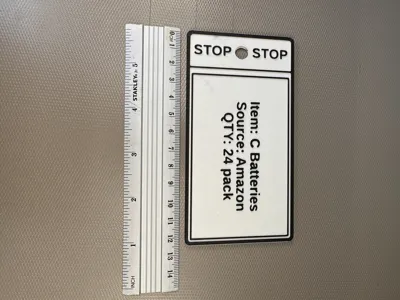
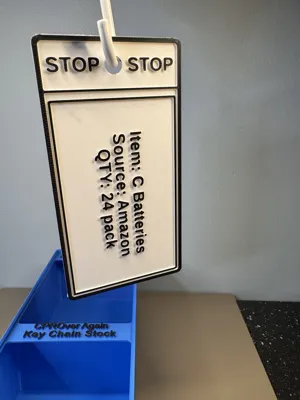
3M and Toyota introduced the 2 bin system to help control inventory for warehouses. This is a VERY simple file to do the same thing. You can use the blank file and write on it with a sharpie, or us a dymo label maker. You can also use the customizer as you see above. Here is what you do:
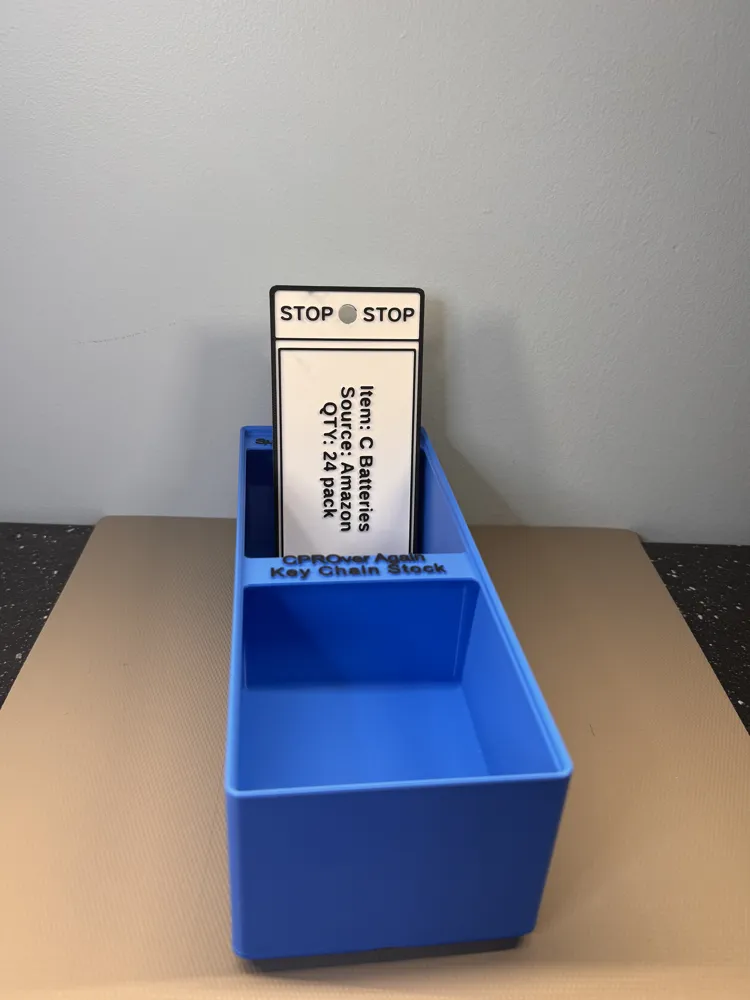
- Take a bin, put your inventory in the front bin.
- Put your backstock and the inventory tag in the back bin.
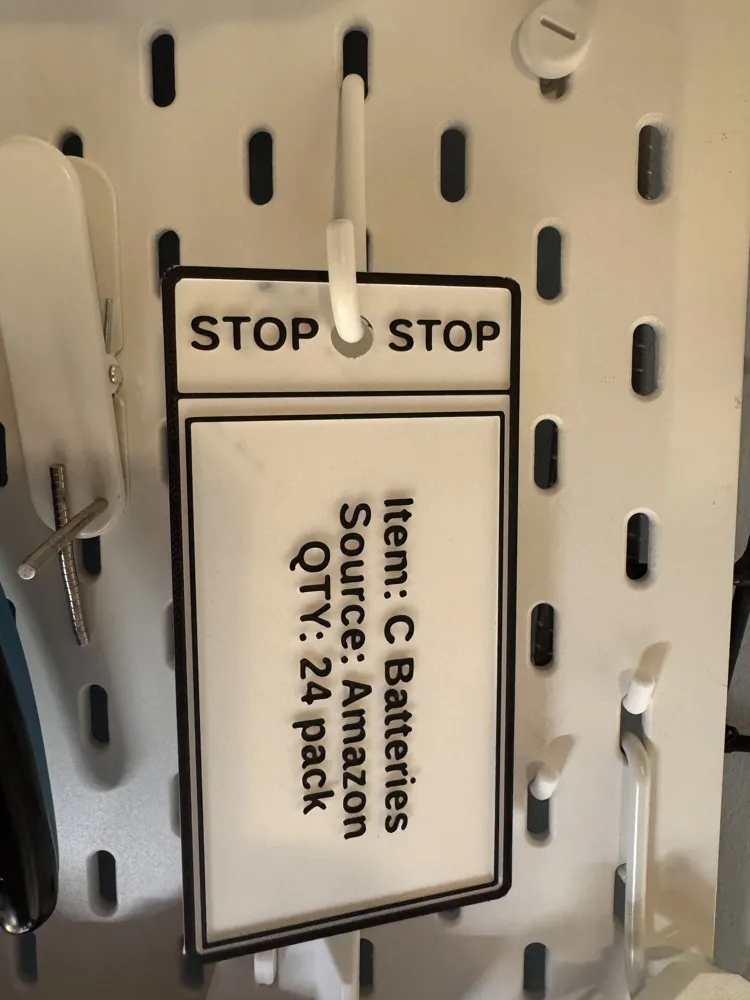
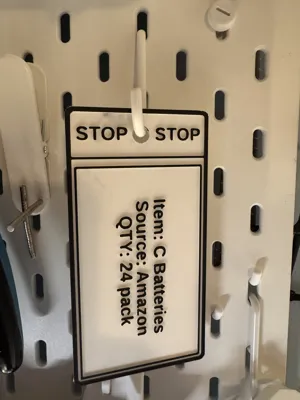
- When you run out, you move the the inventory to the front while also taking the tag and giving it to the inventory manager, or hanging it on a pegboard labeled “REORDER”
- That way the inventory manager knows what needs to be ordered on a daily basis.
When the order comes in, they put the tag, and the replenishment into the 2nd bin again.
The hard part is figuring out the correct number to keep in the second bin. That may take some trial and error. But the files only take about 20 minutes to print!
I used the paint bucket tool, to paint ONLY THE TOP LAYER.
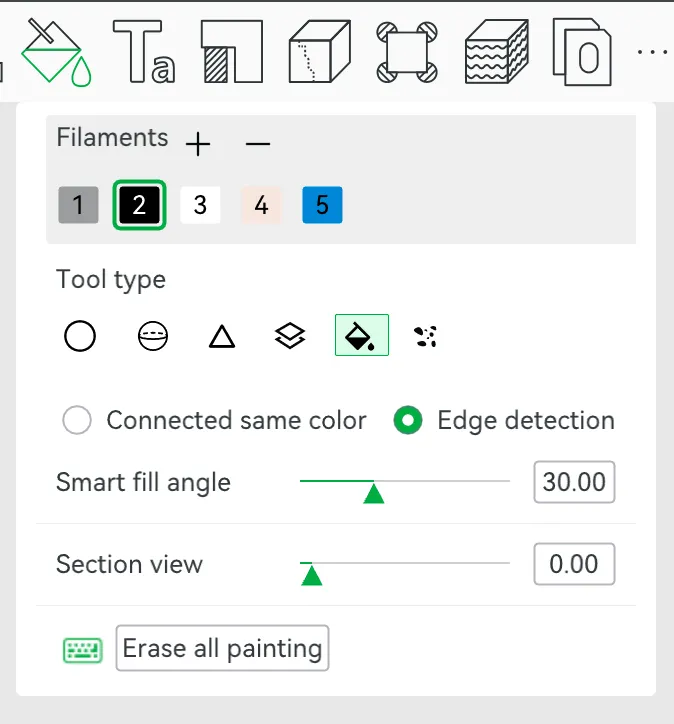
EDITING IN CUSTOMIZER
This is my first time figuring this out. So feedback is appreciated.
The biggest thing you need to focus on are these 3 variables
Item Text
Source Text
Qty Text
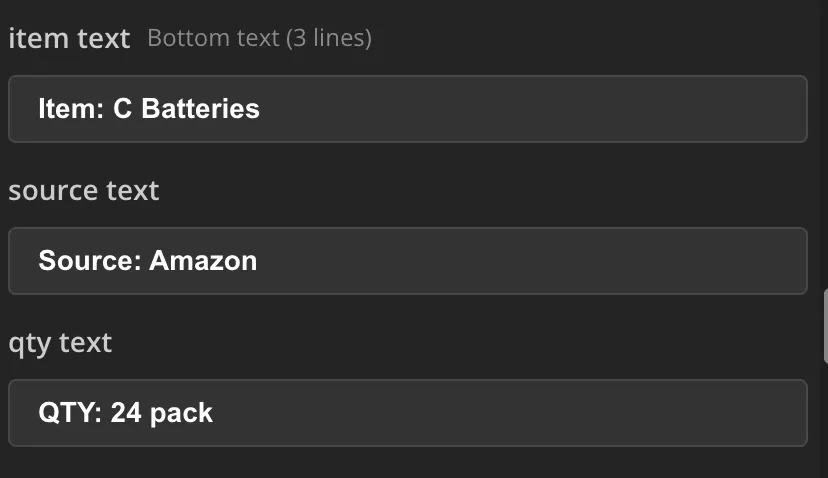
You can replace it with ANYTHING and change the size of the font. I gave you 3 lines to work with. Go for it.
The other numbers are just sizing for the file. You can change the other stuff as much as you want. I noticed when I export it, it says there is a floating cantaliver. That is not true… You are good to go…
License

You may create derivative works based on this object, provided that all such derivative works are published exclusively on the MakerWorld platform and include proper attribution to the original creator. You may not share, upload, host, distribute, or publish this object—or any derivative work of this object—on any other digital platform, marketplace, or distribution channel. Commercial use of this object and any derivative works is strictly prohibited. This includes, but is not limited to, selling, renting, sublicensing, or using the object in any context in which you receive monetary compensation or other financial benefits.


Comment & Rating (0)