
WEATHER STATION ESP32 LVGL 2432S028 CYD DISPLAY
Print Profile(2)
Description
Boost Me (for free)
I'd love to see your prints! Please share your photos in the comments, and don't forget to Boost if you like the results! Happy printing! 🚀 🙏
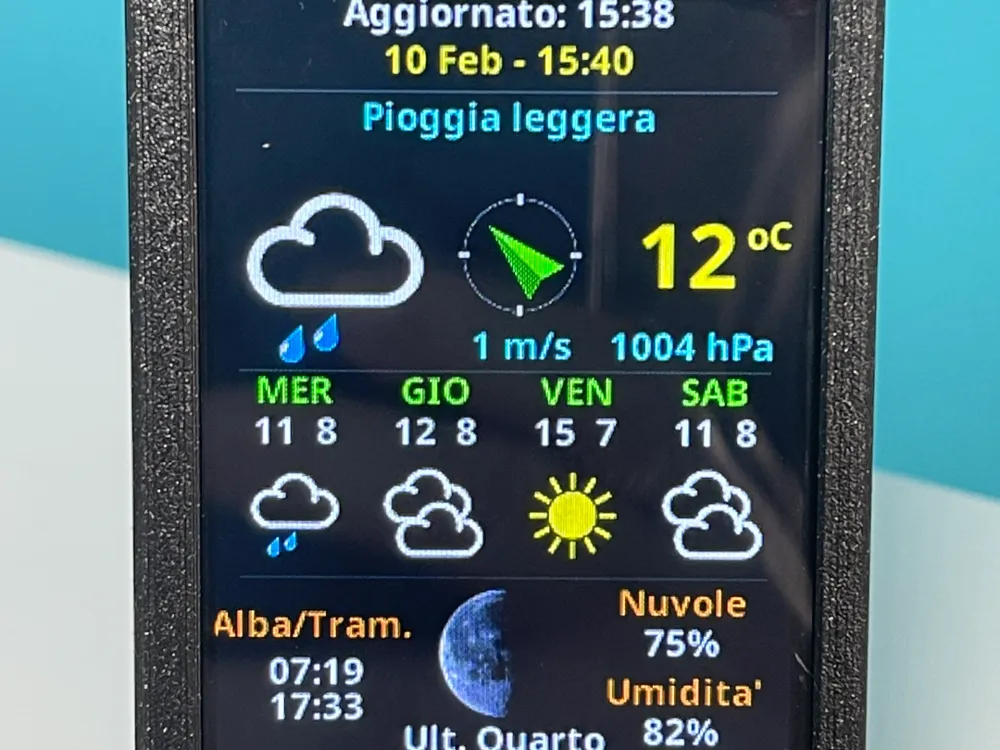
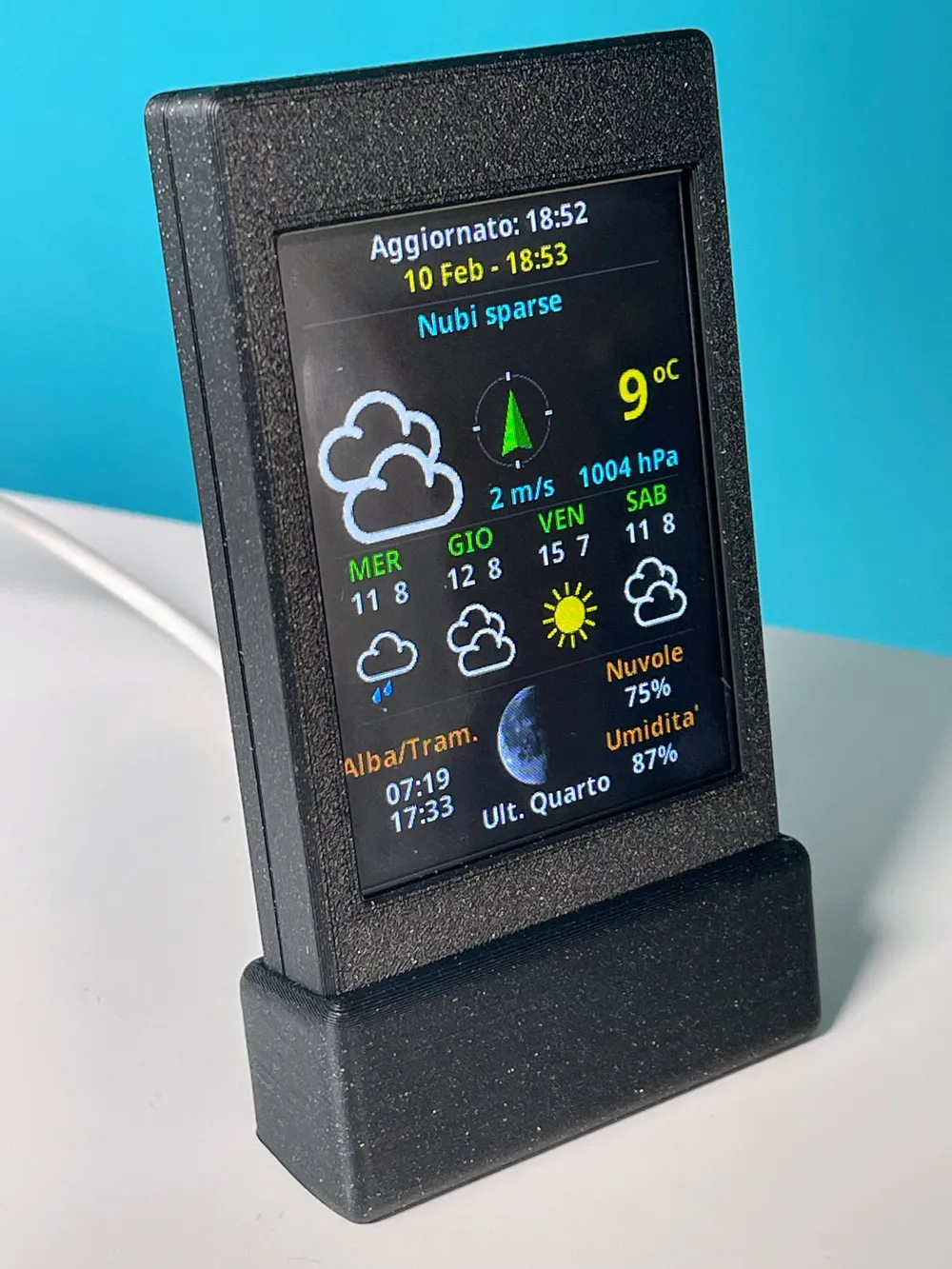
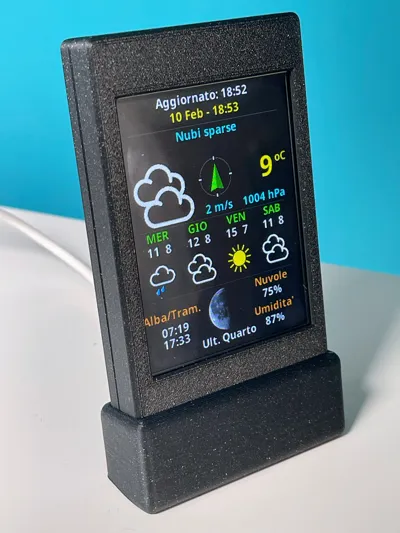
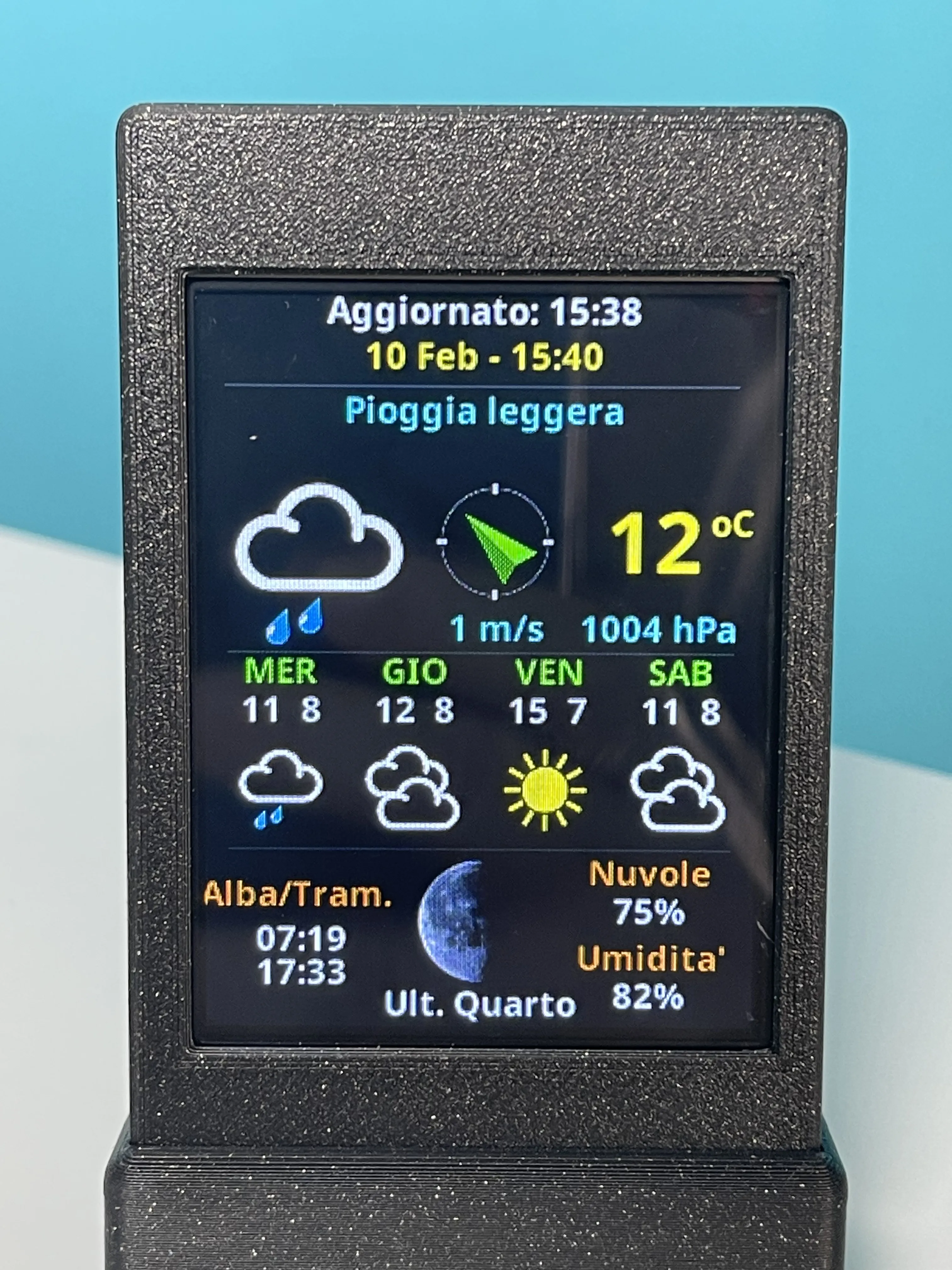
The most complete
4 days of forecasts
temperature, humidity, pressure
origin, wind speed
cloud cover, sunrise, sunset
moon phases
Materials
4 M3 Screws
THE INO FILES CAN BE DOWNLOADED FROM DOWNLOAD FILE STL_FILE_ARDUINO_CODE.
The first thing to do is to create the API key on https://openweathermap.org/ registration is free, the generated Key, wifi data and the satellite position of your city must be entered manually by editing the All_Settings.h file with a text editor
Carefully follow the installation procedure that includes LittleFS, otherwise loading only the ino file will not work!!!
This sketch requires the prior installation of a "data" folder containing all graphic files, fonts, etc., to do this for the first time, you need to install the LittleFS plugin on Arduino IDE, which can be downloaded from the following link
arduino-littlefs-upload-1.6.3.vsix
the installation is explained very well in this video
https://www.youtube.com/watch?v=bp2XPsVaa8c
Once the plugin is installed and Arduino IDE is restarted, the "data" folder can be installed inside the ESP32's memory, commands are given with Arduino IDE OPEN!!!
On Windows, [Ctrl] + [Shift] + [P], in the search box type and select "Upload LittleFS to Pico/ESP8266/ESP32"
On macOS, press [⌘] + [Shift] + [P] then as above
Now you can install the sketch "Esp32_CYD_TFT_eSPI_OpenWeather_LittleFS_v4.ino"
Assembly
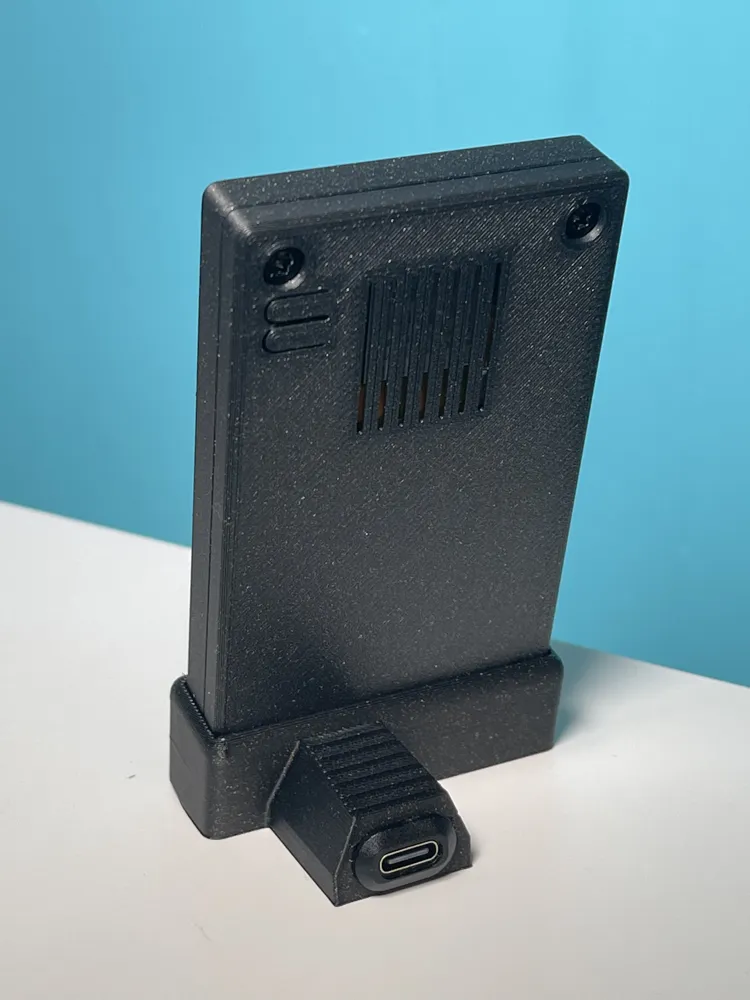
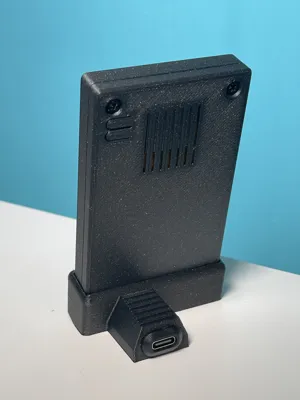
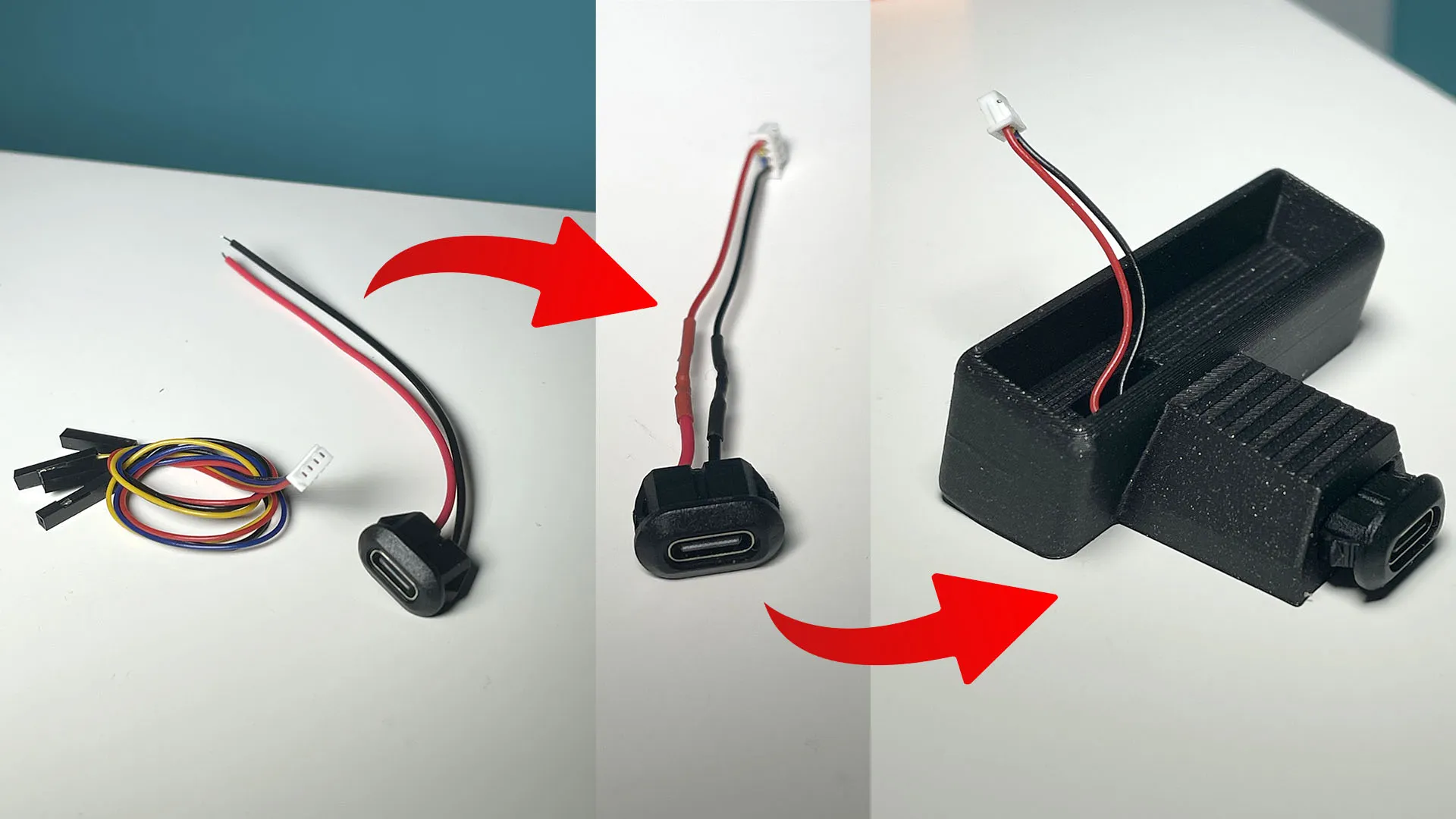
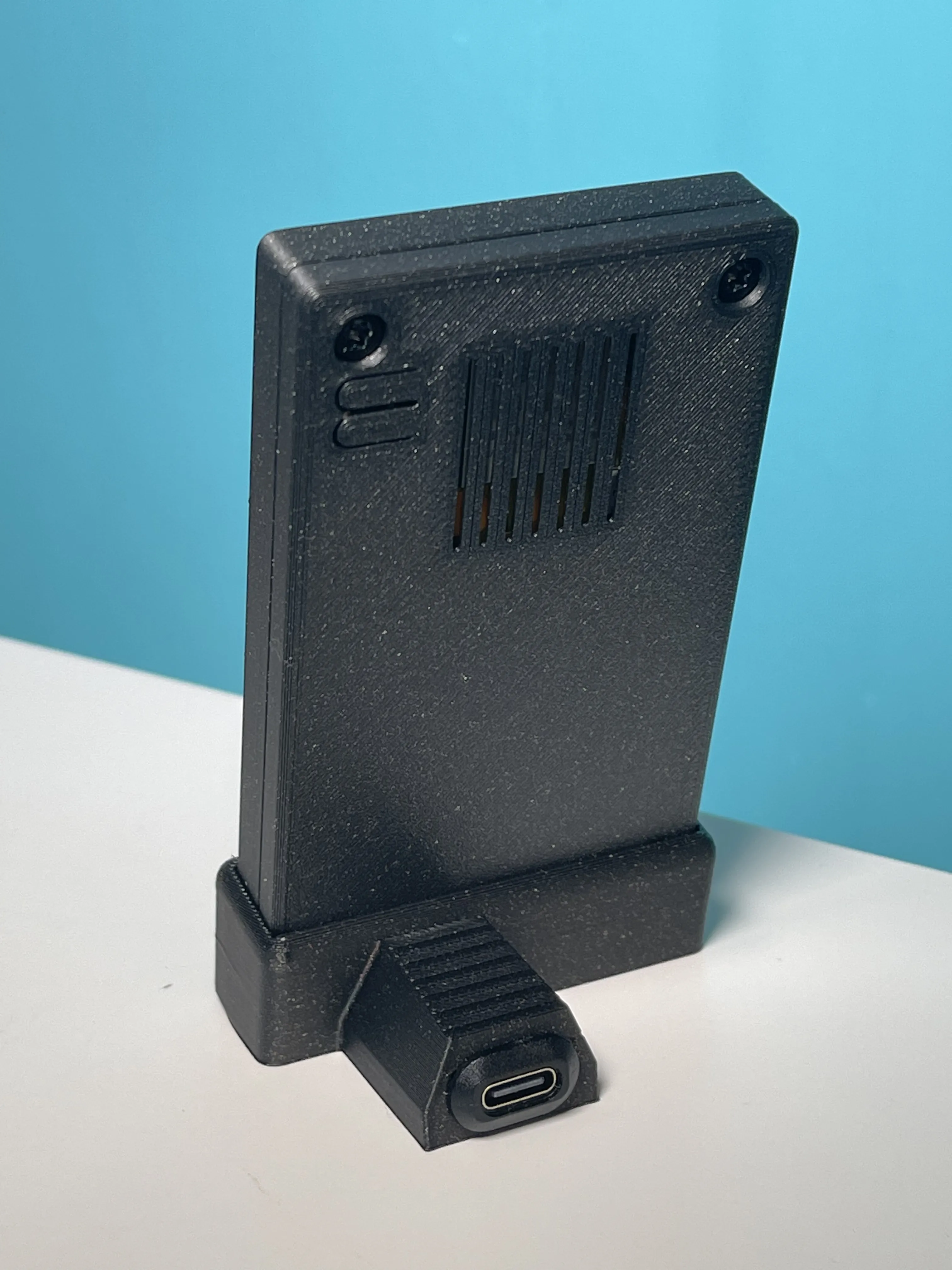
Use the cable supplied with the display, as shown in the photos
_______________________________________________________________________________
If you like my work, you can support me with a coffee ☕️
🙏 thanks!!!
License

You shall not share, sub-license, sell, rent, host, transfer, or distribute in any way the digital or 3D printed versions of this object, nor any other derivative work of this object in its digital or physical format (including - but not limited to - remixes of this object, and hosting on other digital platforms). The objects may not be used without permission in any way whatsoever in which you charge money, or collect fees.


Comment & Rating (31)