
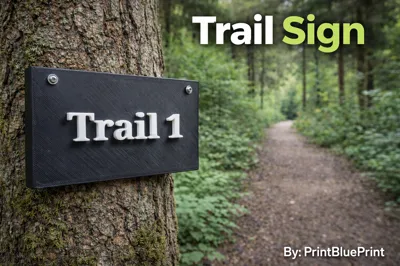
Trail Sign (No AMS)| By: PrintBluePrint
Print Profile(4)
Bill of Materials
- Hammer x 1:
Description
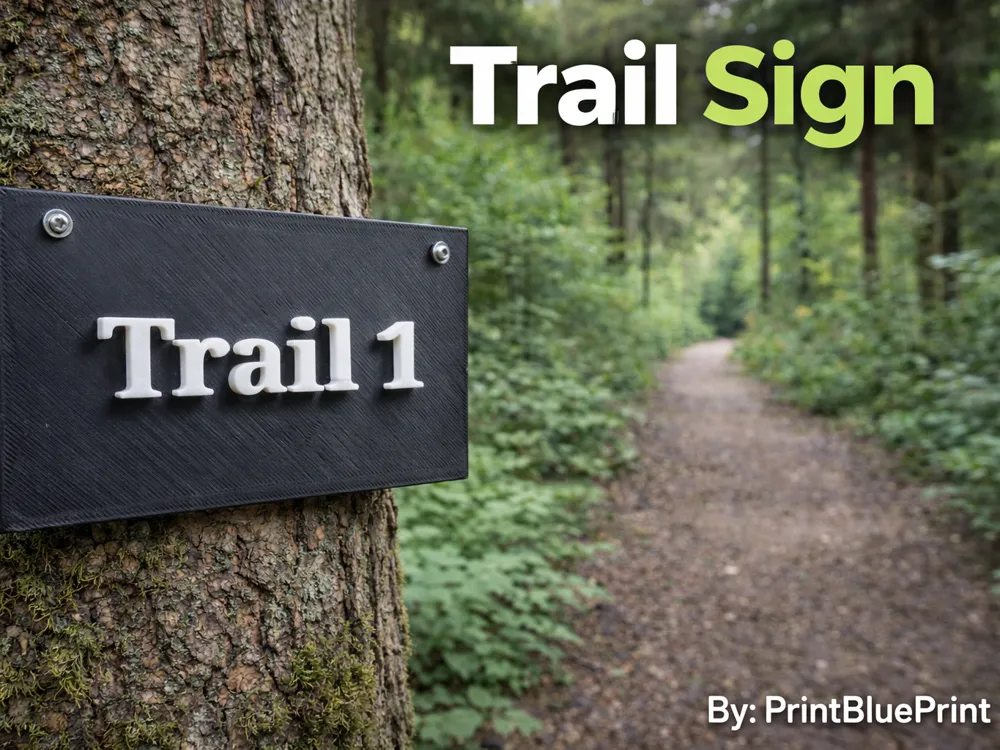
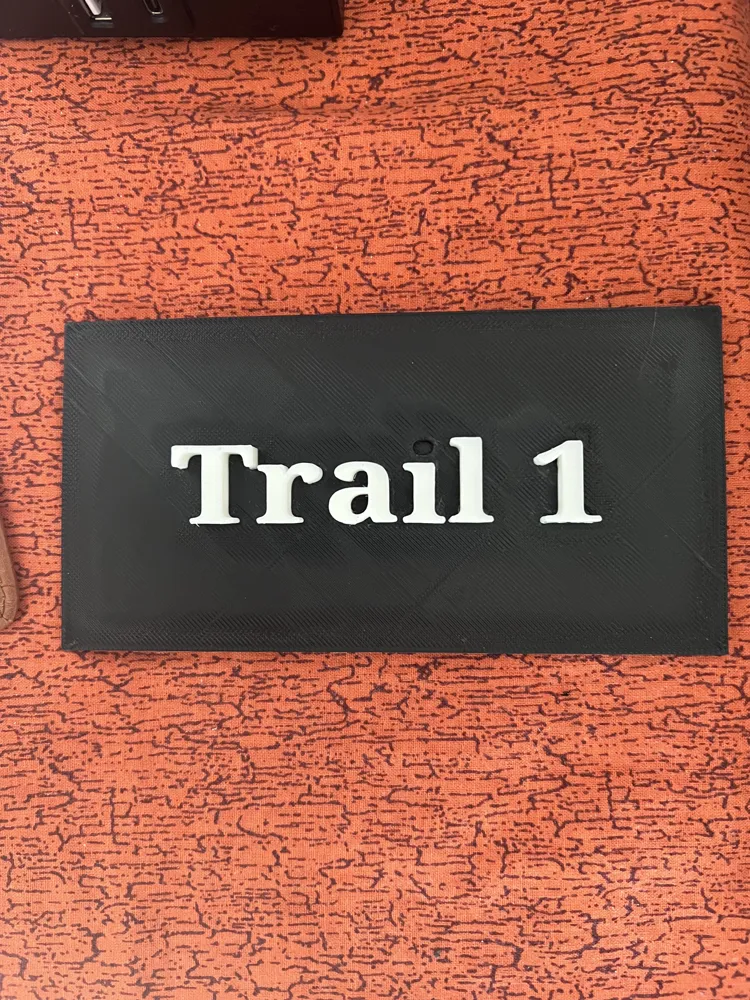
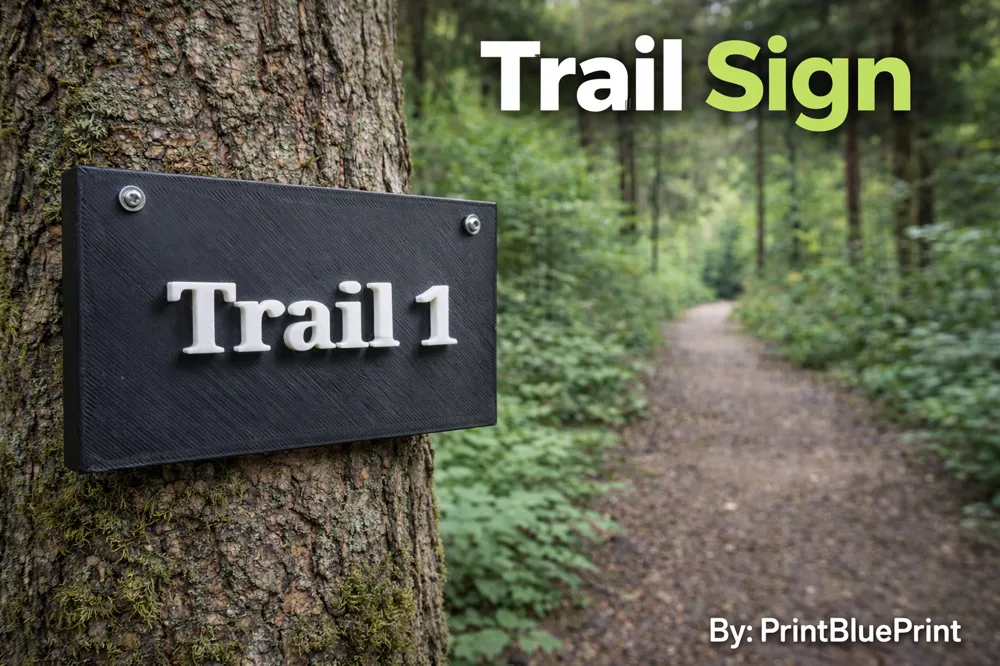
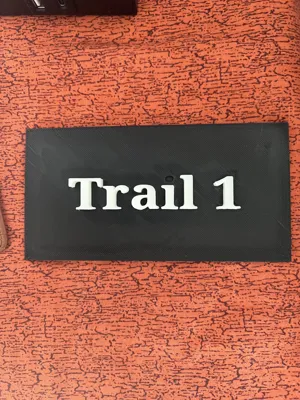
This trail sign is durable and easy to print! If you don't have an AMS No worries! This print does NOT need an AMS. We now have 4 different signs that you can print "Trail 1" "Trail 2" "Trail 3" Then two opposite pointing arrows. More Coming Soon!
If you would like to nail the sign to something the sign does not crack/chip when the nail goes through the sign.
I am creating a series of different trail signs!
✅Strong
✅2 plates
✅No AMS Needed
✅Easy to Print
✅Does not crack/chip when nailing sign to something.
❌Selling,remixing, etc. Is not allowed.
How to Put letter/number in hole
(Instructions Below) 👇
Step 1.
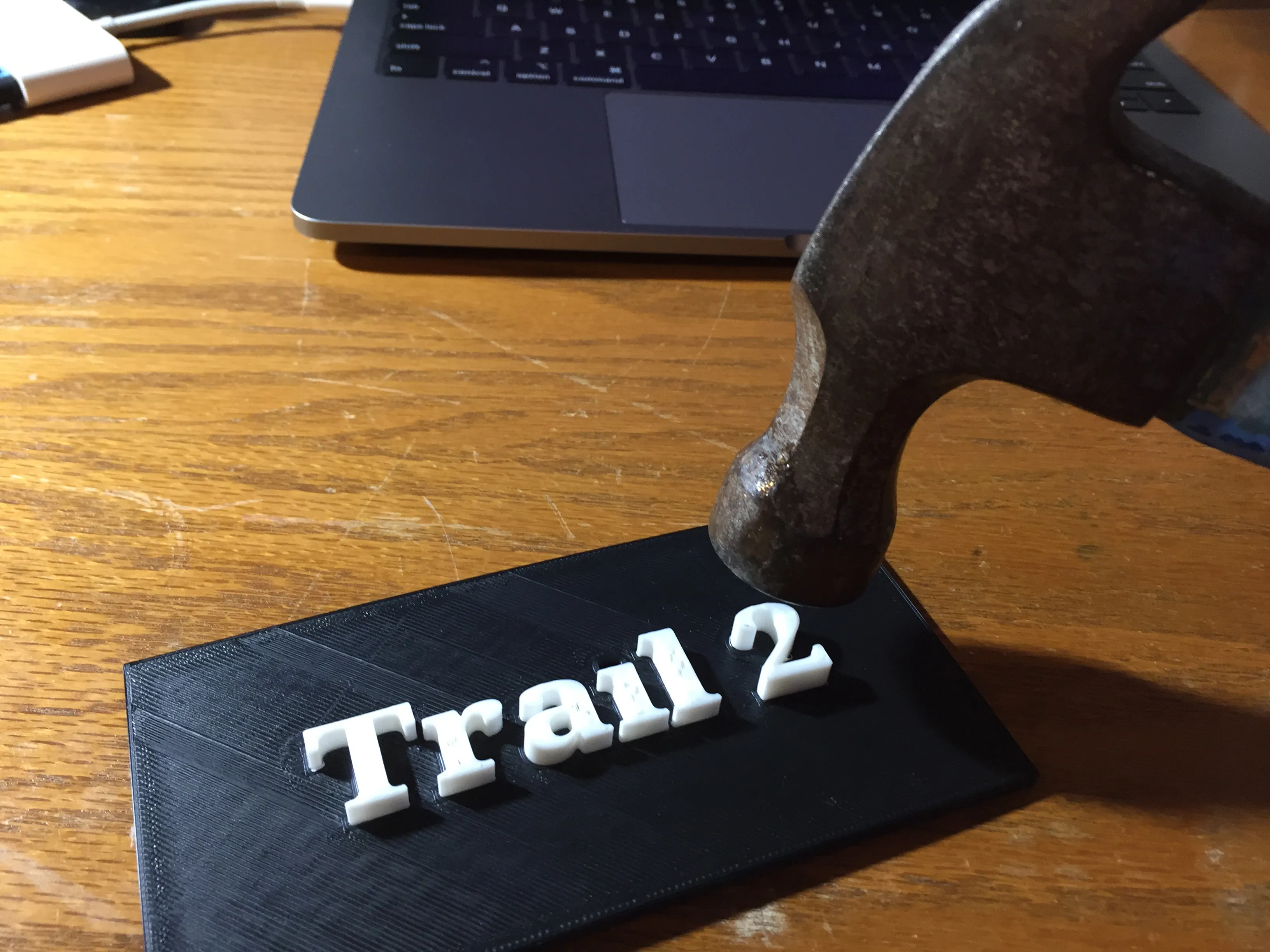
Grab a hammer/something to press letters/numbers down.
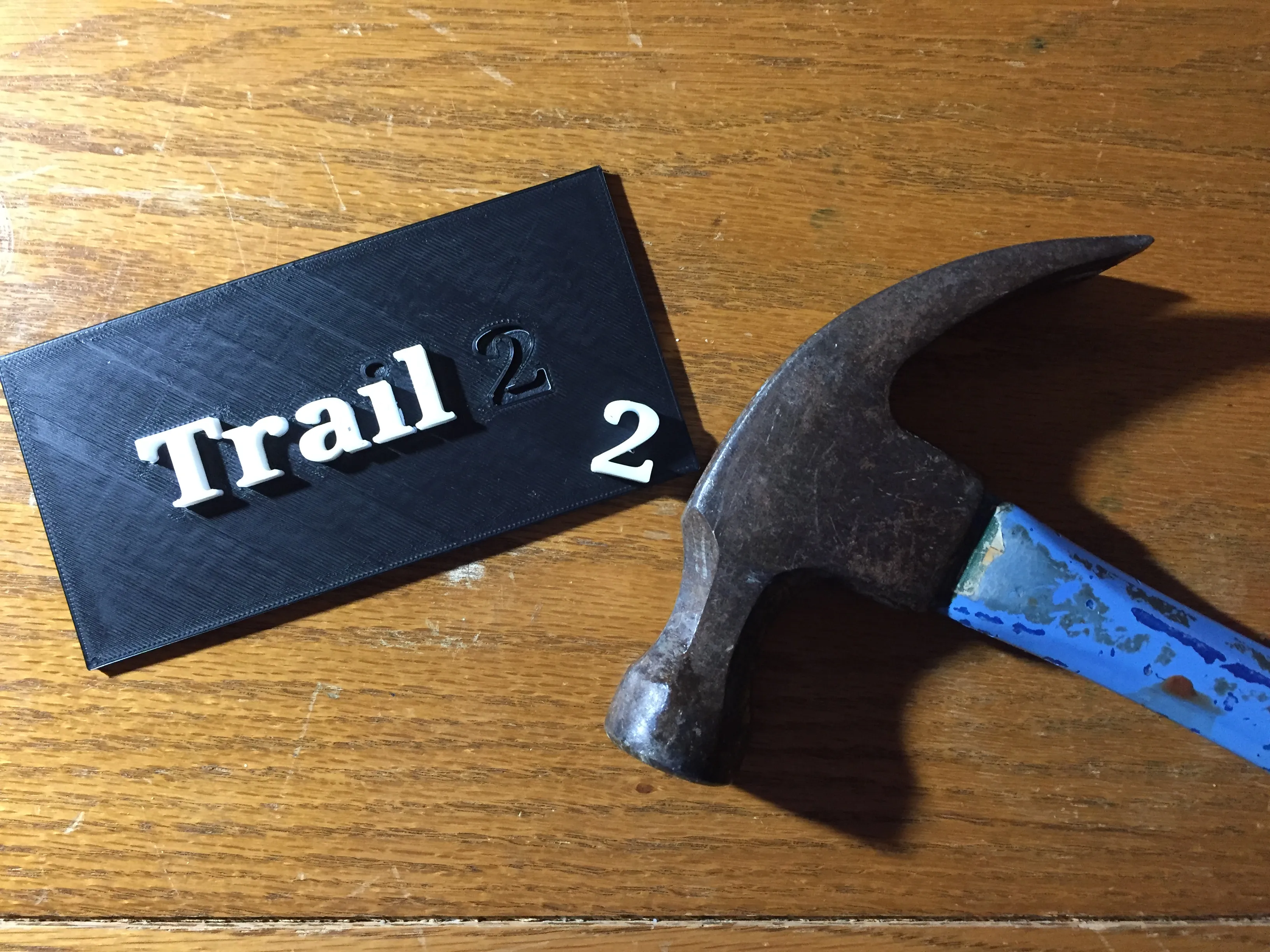
Step 2.
Alight Letter/Number with hole
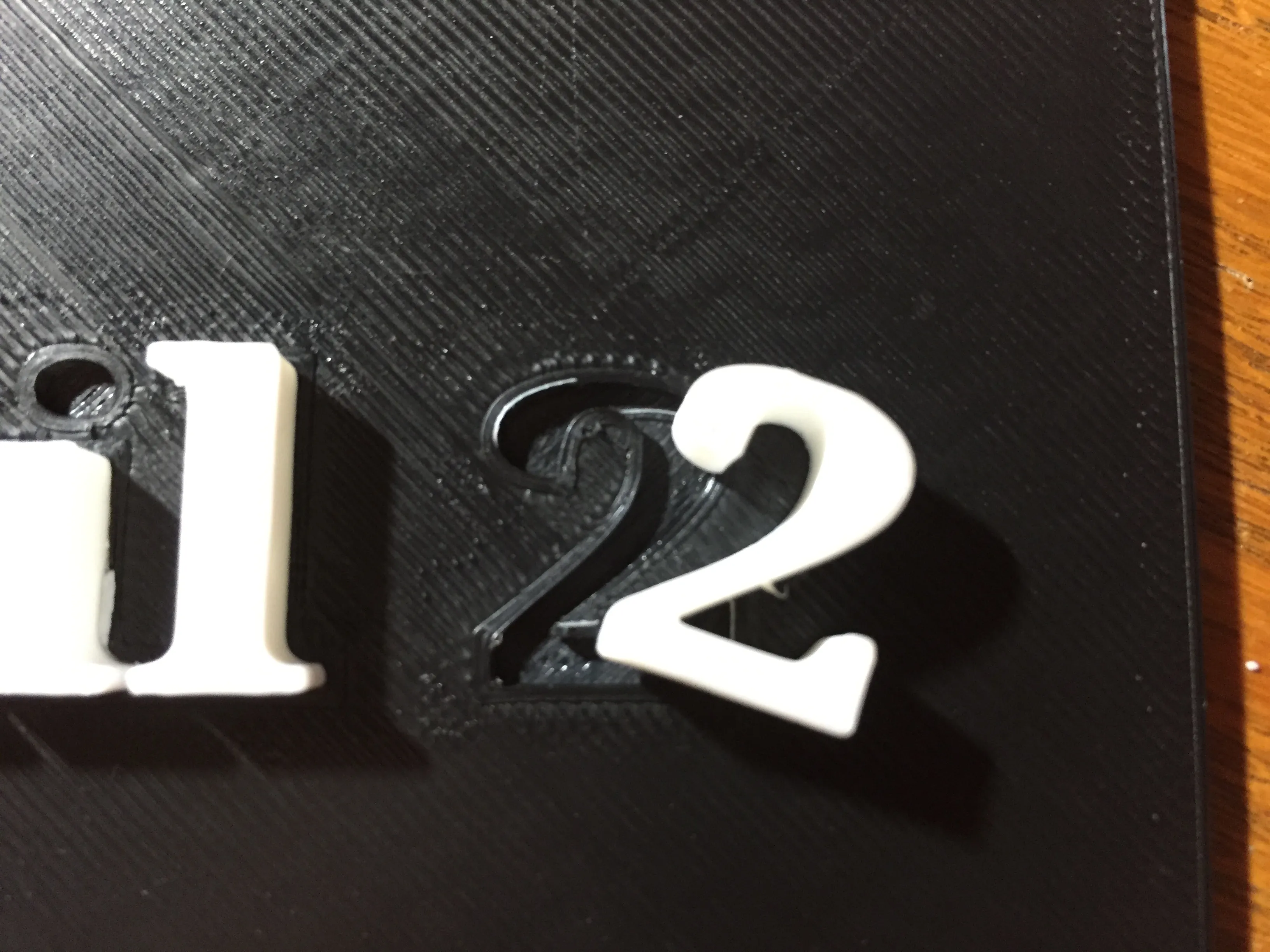
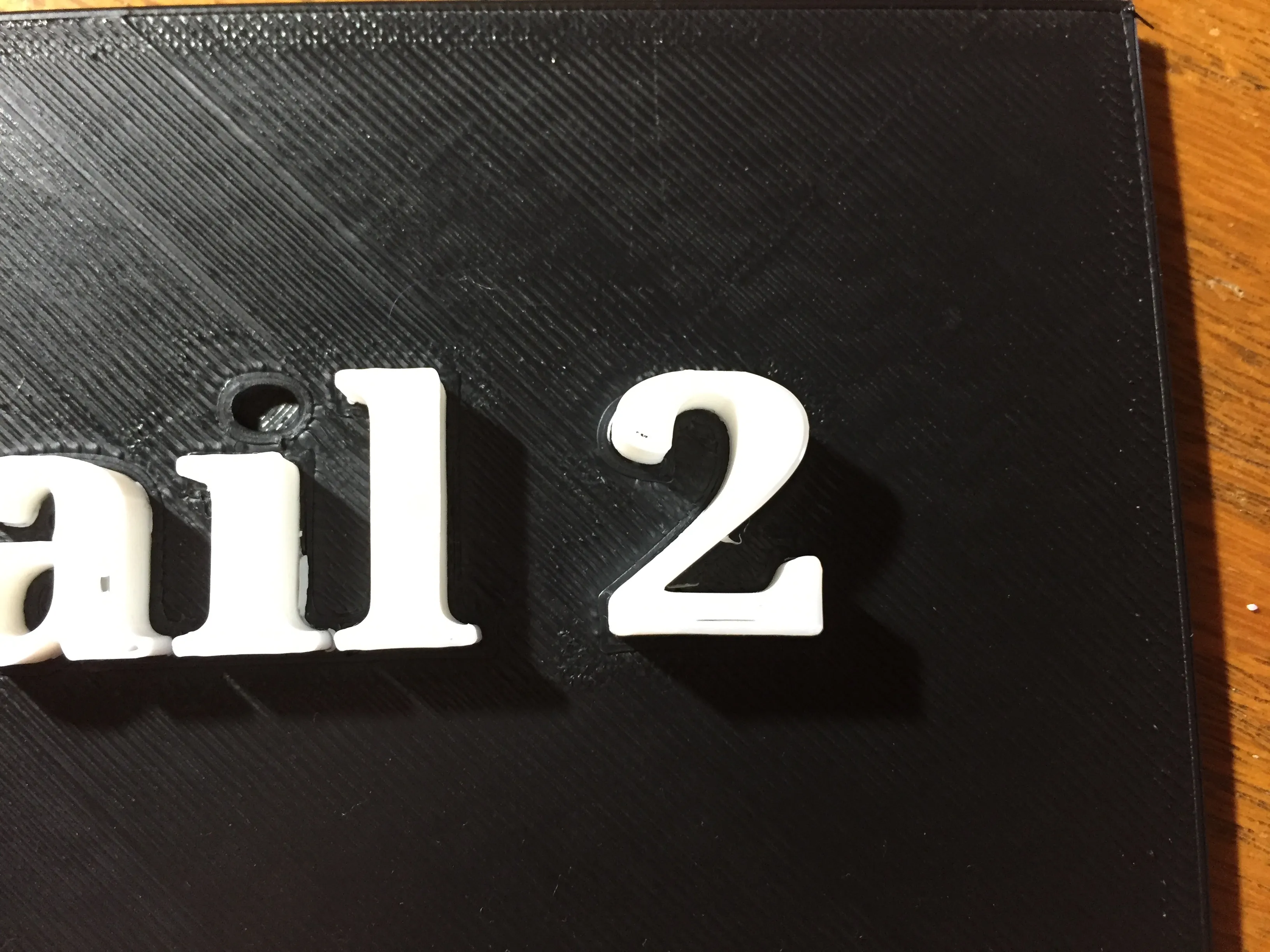
Step 3.
Hammer the letter/number gently into the hole
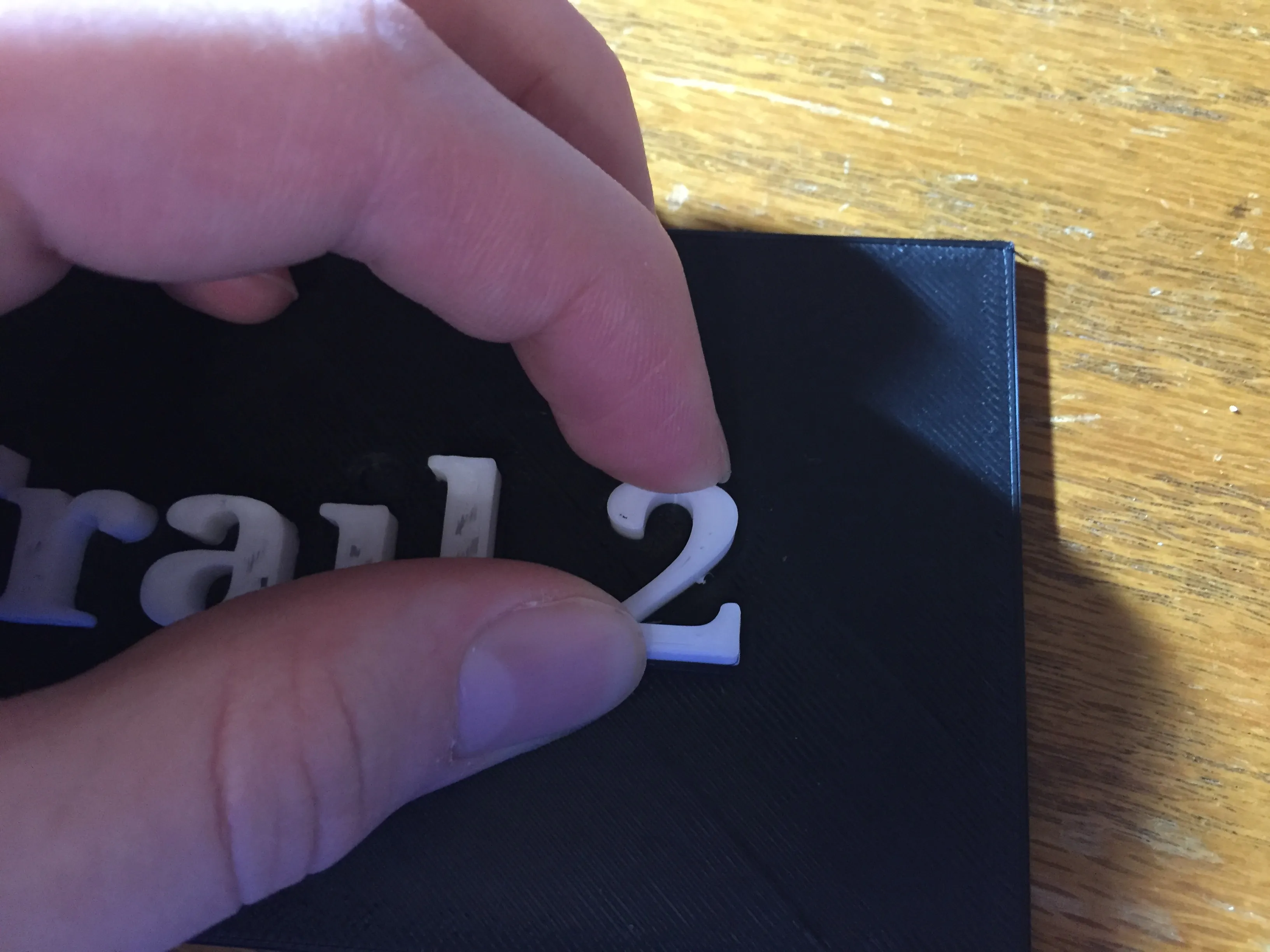
Step 4.
Once done give letter/number a slight wiggle to make sure it stays in.
If you would like to put gorilla glue as a second resort to holding
the number/letter into the hole.
If you enjoyed this print and it worked well for you, please give it a like 👍
And even better—follow me for more amazing designs!
This Print Was Made By: PrintBluePrint
License

You may create derivative works based on this object, provided that all such derivative works are published exclusively on the MakerWorld platform and include proper attribution to the original creator. You may not share, upload, host, distribute, or publish this object—or any derivative work of this object—on any other digital platform, marketplace, or distribution channel. Commercial use of this object and any derivative works is strictly prohibited. This includes, but is not limited to, selling, renting, sublicensing, or using the object in any context in which you receive monetary compensation or other financial benefits.


Comment & Rating (0)