
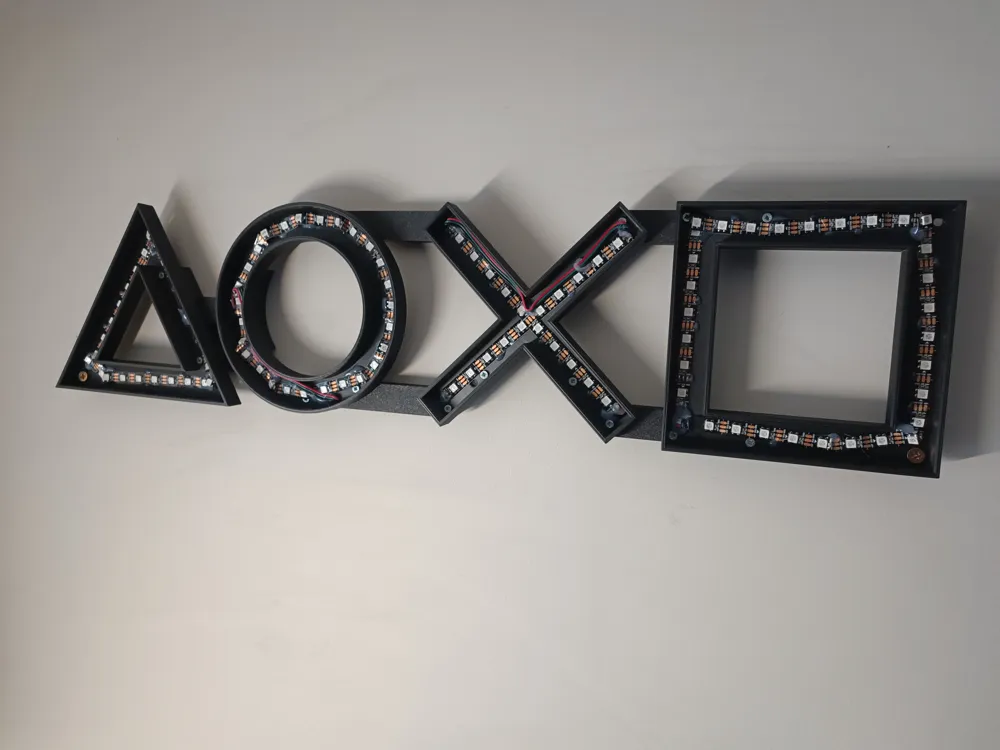
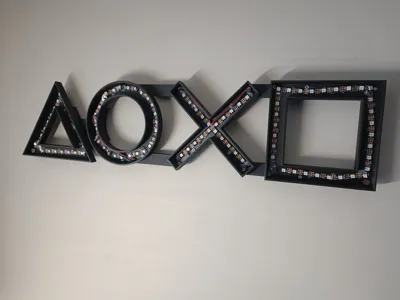
Big playstation led sign ,A1mini compatible , 65cm














Print Profile(1)

Bill of Materials



Description
Print plate 1-4 ,then using plate 5 connectors line everything up and screw in small 3x10mm screws or similar .
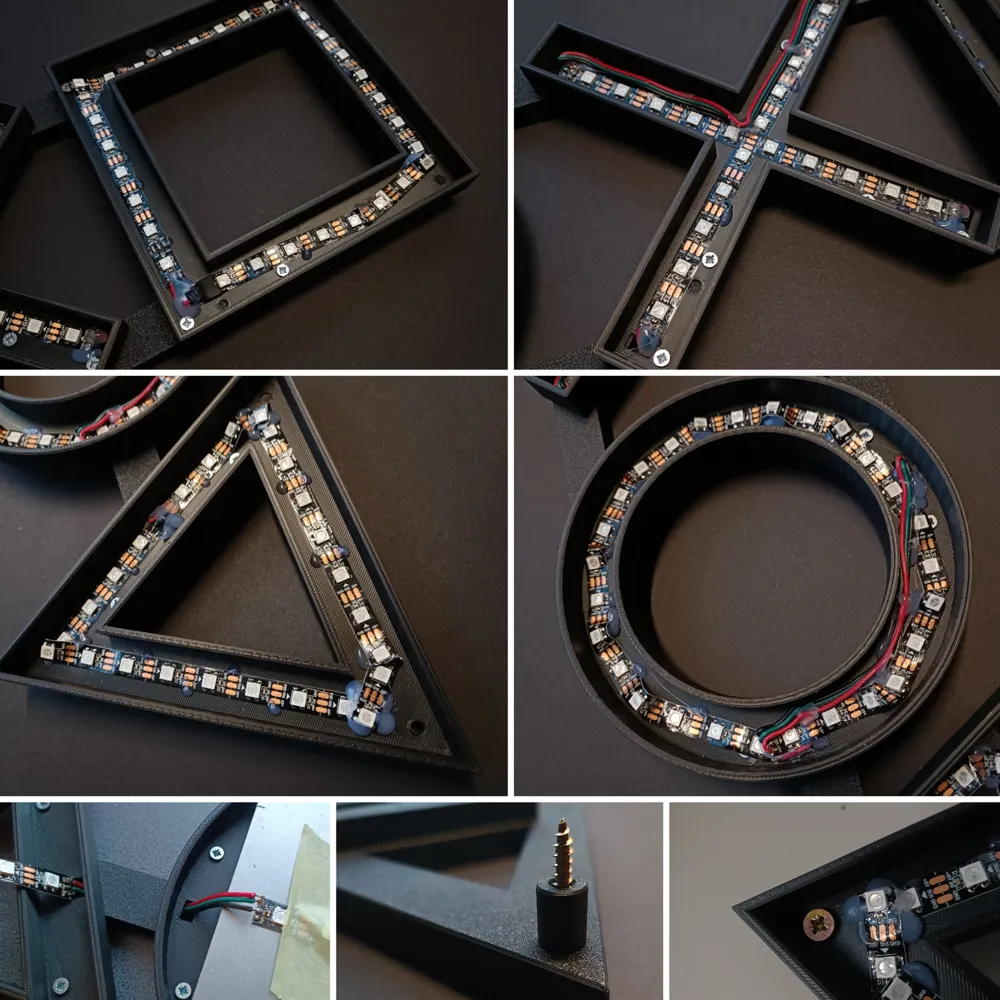
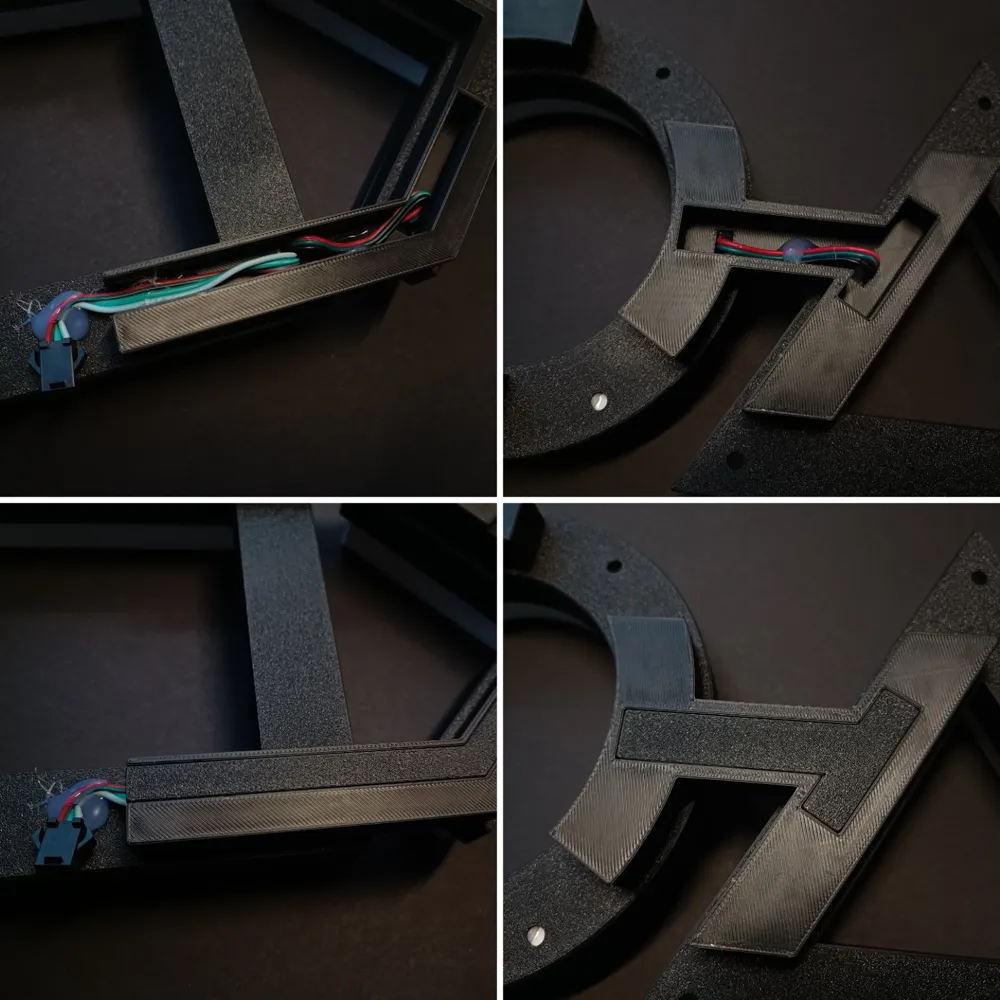
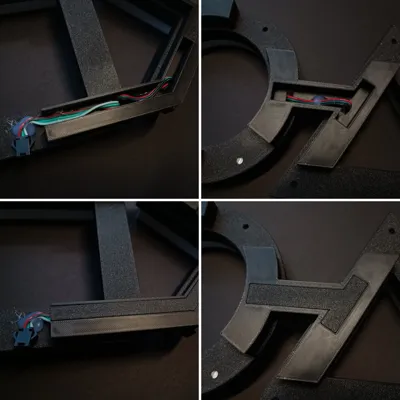
Start from the triangle ,carefully add the led strip , put the wires through the back then to the next letter , cut the wire and solder the next strip (i used a metal sheet to protect the plastic from solder.
Repeat for all the letters .
Be careful when adding the led strip or running the wires that they are about 1.5mm at least from the outside or inside edges , cause that will cause the diffuser not to fit in properly . If this happens you can cut some areas of the diffusers , so they fit .
For the loose wires and places where the led strip bends you can add a drop of hot glue .
Plate 6-9 are the diffusers .
Plate 10 - Rear wire covers and spacers for screwing in to the wall .
You don't need to use all of the bigger holes to mount it to the wall.
After screwing to the wall insert the diffusers . If they are too loose add a few drops of ca glue .
I used ws2812b led strip with bt20 usb led controller .
Happy printing .
License

You shall not share, sub-license, sell, rent, host, transfer, or distribute in any way the digital or 3D printed versions of this object, nor any other derivative work of this object in its digital or physical format (including - but not limited to - remixes of this object, and hosting on other digital platforms). The objects may not be used without permission in any way whatsoever in which you charge money, or collect fees.


Comment & Rating (2)