Search models, users, collections, and posts

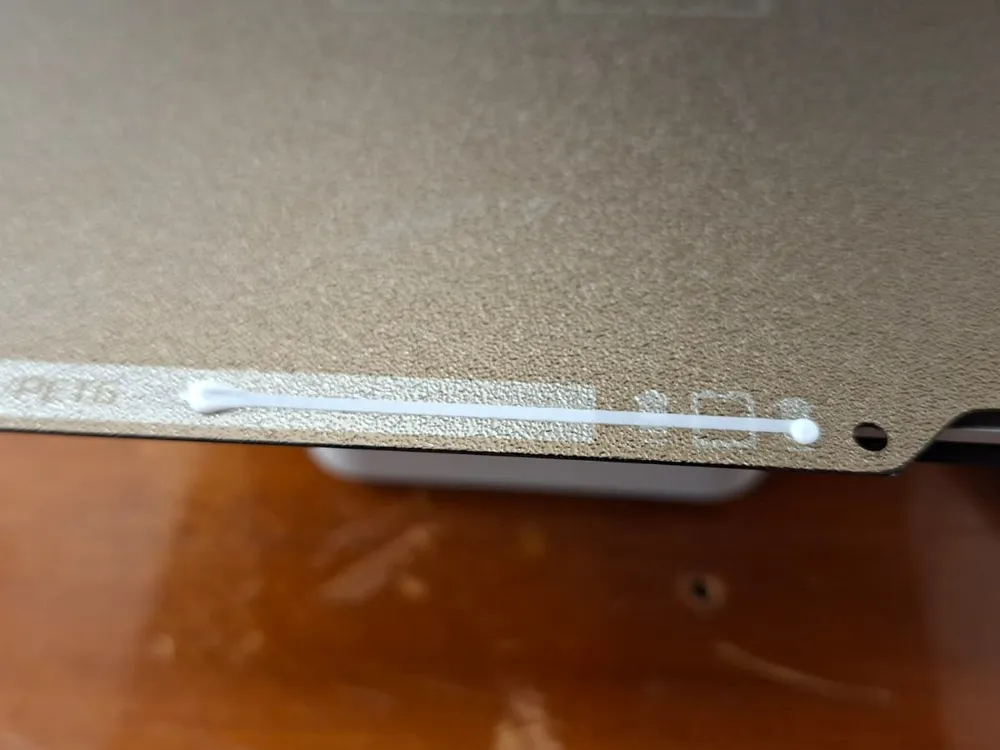
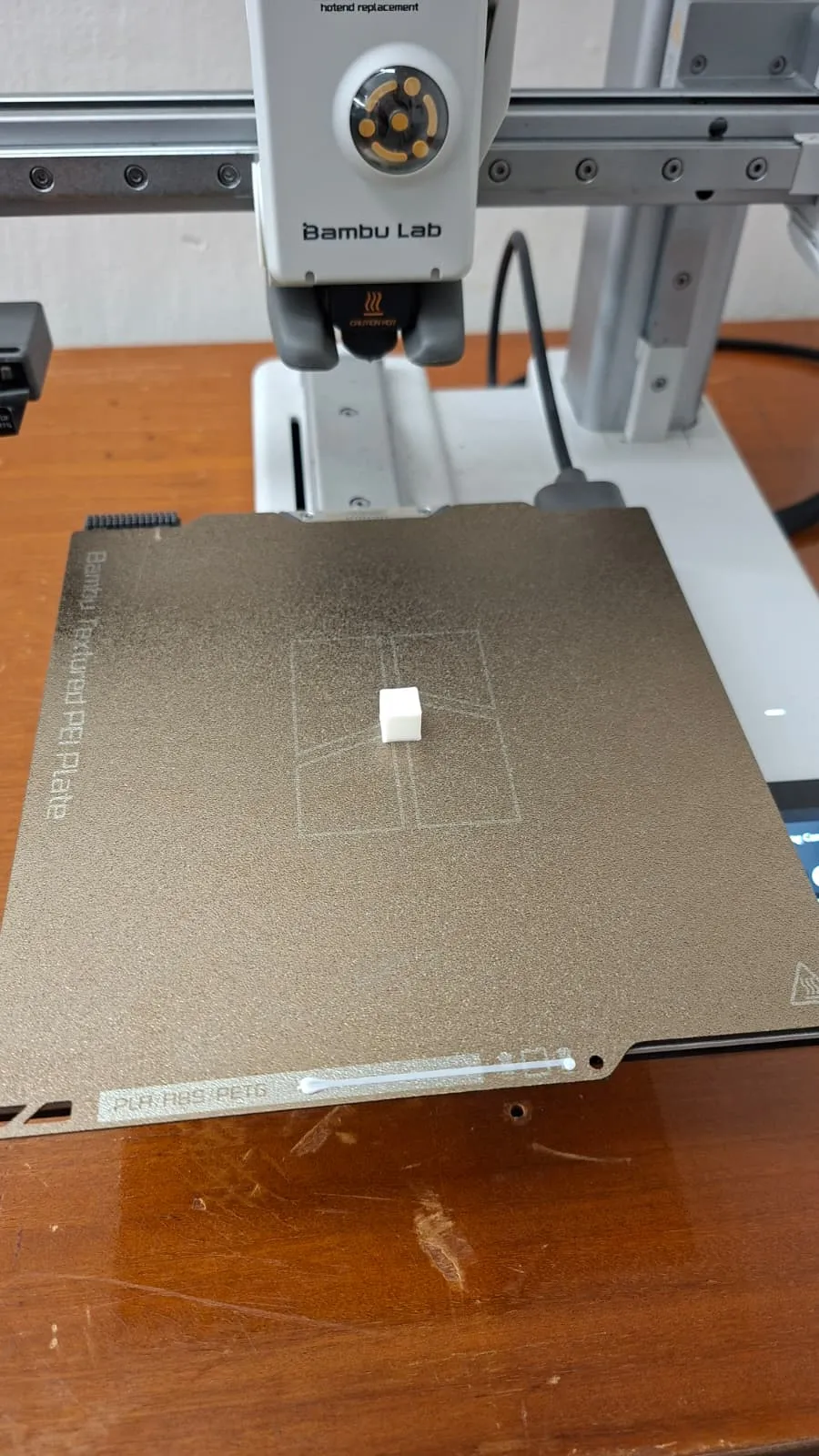
Super quick start g-code and universal purge line!
IP Report
Print Profile(1)
Quick start g-code+purge line outside of the print area
Designer
8 min
1 plate
Open in Bambu Studio
Boost
5
8
0
0
19
0
Released
Description
How to get the purge line and quick g-code for your A1 mini: Download the zip file, open the textbook, copy everything (ctrl+A), open Bambu studio, edit A1 mini printer settings, go to g-code → start g-code, again ctrl+a, then ctrl+v (paste my g-code). Use at your own risk but it worked well for me. Now your prints start with no vibration mech mode, just tiny bop into the buildplate to level the nozzle. Once the printer heats the bed and nozzle, it starts the print. I recommend using Cool plate to avoid long waiting till the bed reaches its desired temperature. Enjoy!
License

This user content is licensed under a
Creative Commons Attribution-Noncommercial-Share Alike


Comment & Rating (0)