
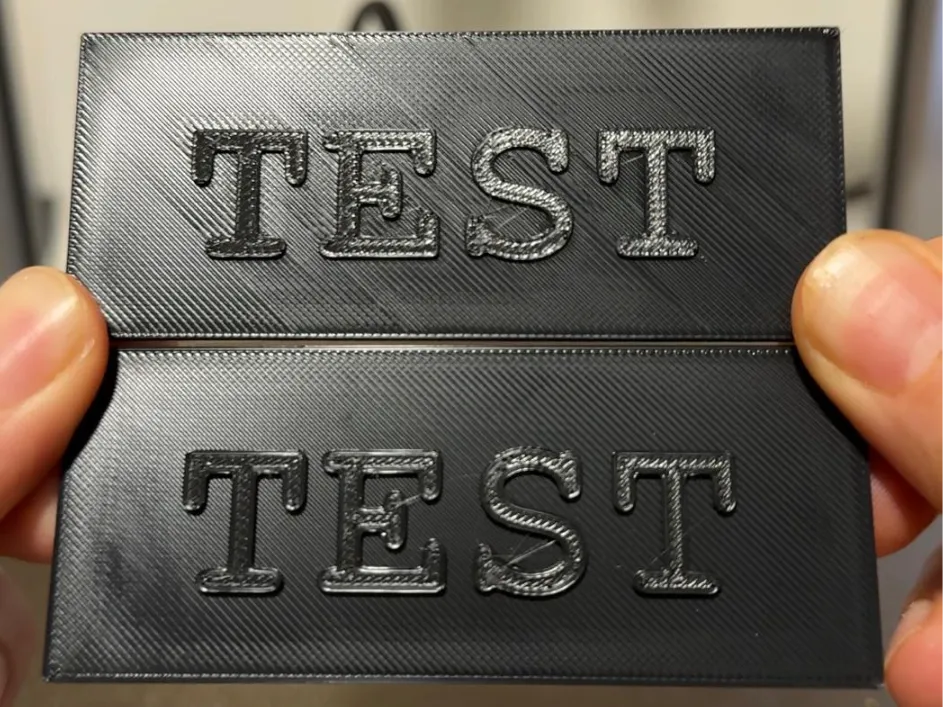
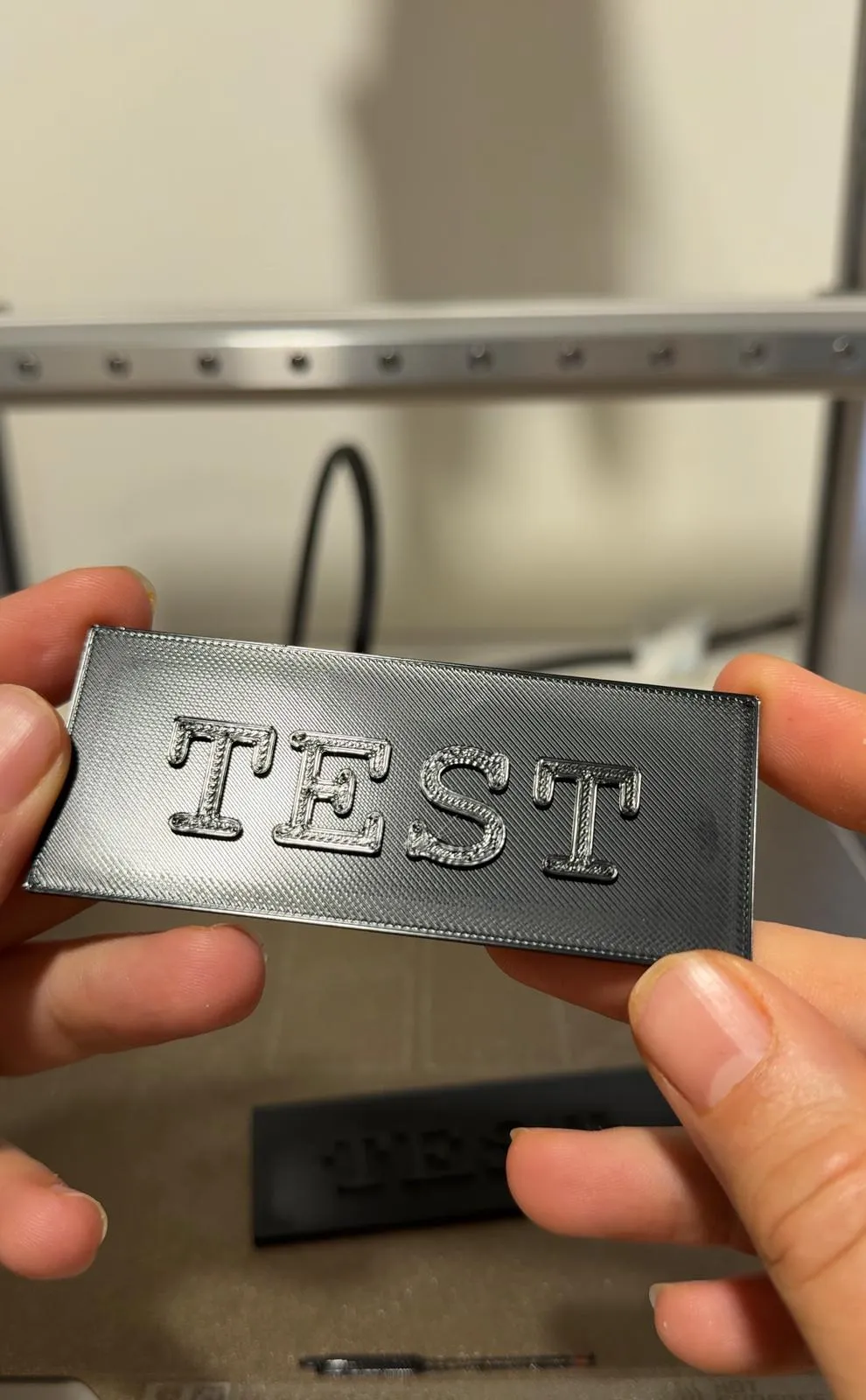
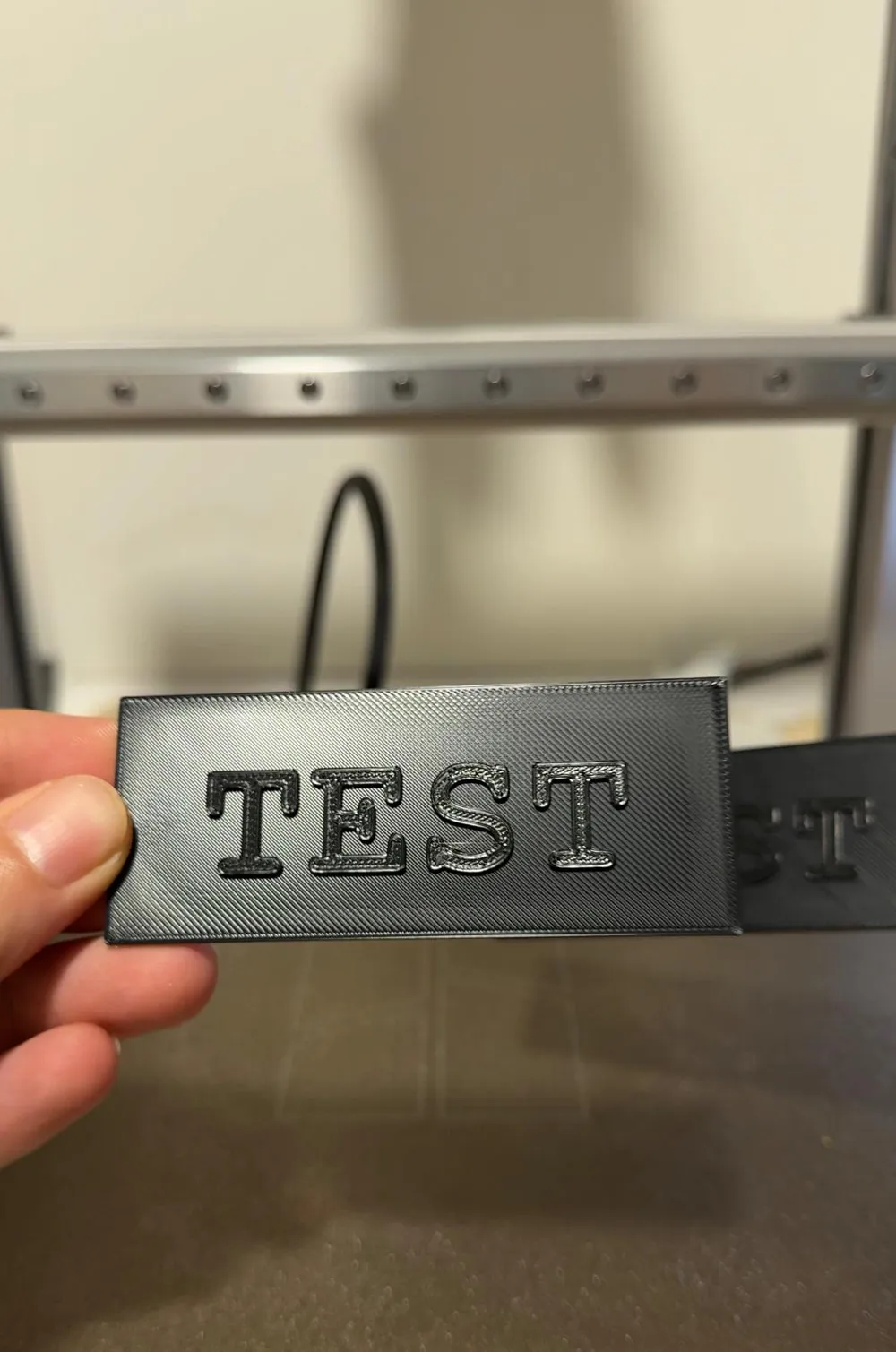
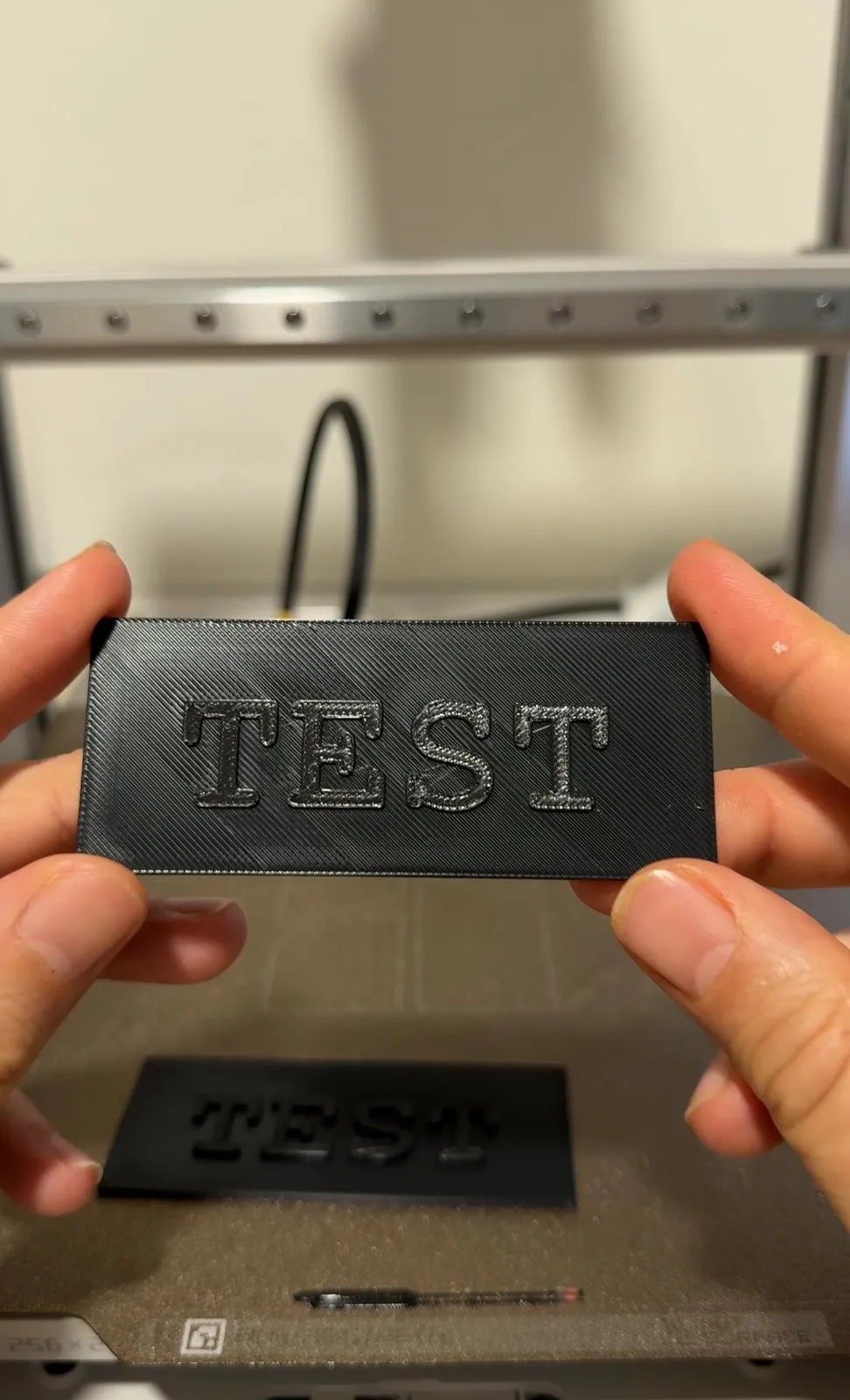
Top Surface Smooth Test — No Lines on Top Layer
Print Profile(1)
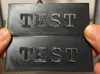
Description
Boost Me (for free)
If this test helped you, consider leaving a comment or following us to support our work 💛
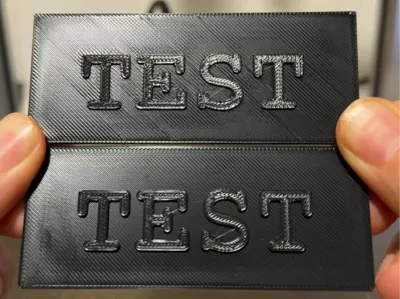
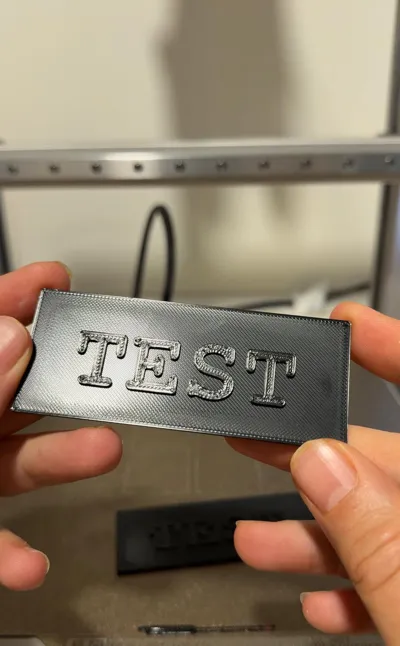
Struggling with visible lines, lettering artifacts, or direction marks on your top surface?
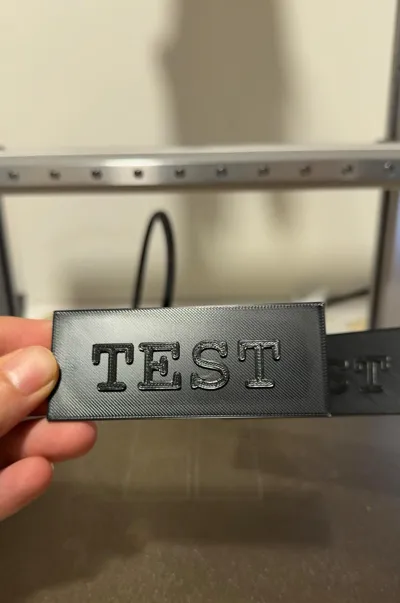
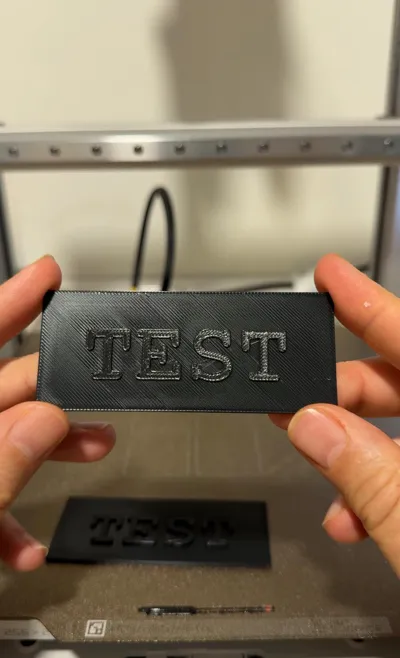
This calibrated test is designed to achieve ultra-smooth top layers by optimizing key Bambu Studio parameters.
With the included settings, most prints will produce a clean, uniform finish without streaks caused by text or print direction. Results may vary depending on model geometry, but in most cases the surface quality improves dramatically.
⚙️ Instructions
1️⃣ First, enable Developer Mode
Go to Preferences → scroll to the bottom → activate Developer Mode.
2️⃣ Then go to Strength
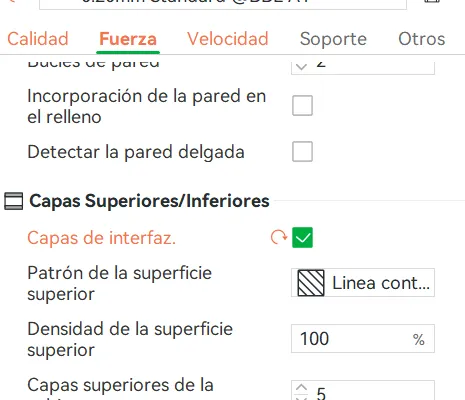
Activate Interface Layers
3️⃣ Go to Quality
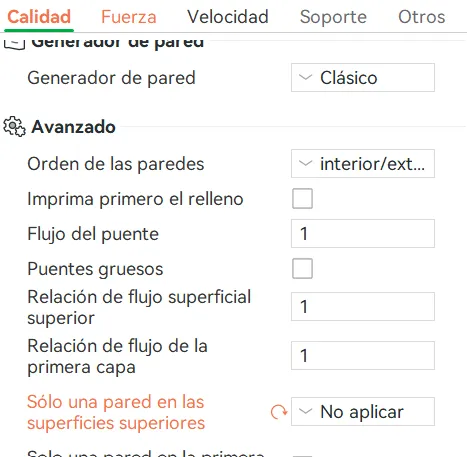
Enable Do not apply on only one wall on top surfaces
And that's it ✅
In most prints, the top finish will be significantly smoother.
If this test helped you, consider leaving a comment or following us to support our work 💛
License

You shall not share, sub-license, sell, rent, host, transfer, or distribute in any way the digital or 3D printed versions of this object, nor any other derivative work of this object in its digital or physical format (including - but not limited to - remixes of this object, and hosting on other digital platforms). The objects may not be used without permission in any way whatsoever in which you charge money, or collect fees.


Comment & Rating (2)