
[Twist Everything] One-Click Twisty Fidget Toy Generator! Magic Modeling Slicer / [Twist Everything]
Print Profile(1)
Description
[Twist Everything] One-Click Twisty Fidget Toy Generator! Magic Modeling Slicer / [Twist Everything] One-Click Twisty Fidget Toy Generator! Magic Modeling Slicer
📝 Model Introduction / Model Introduction
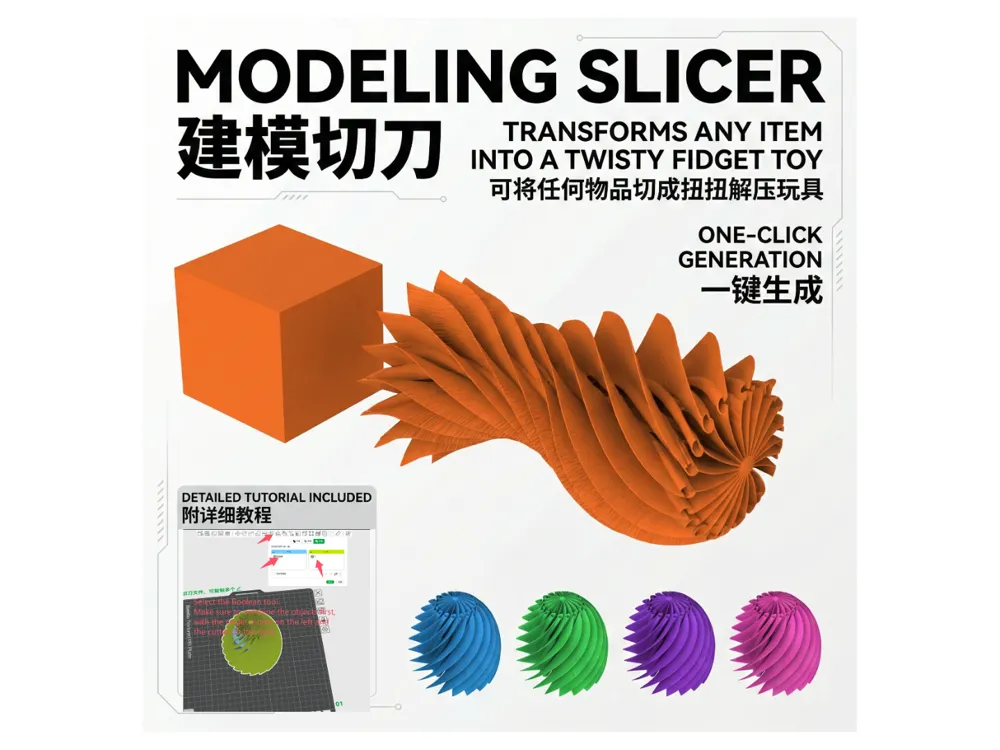
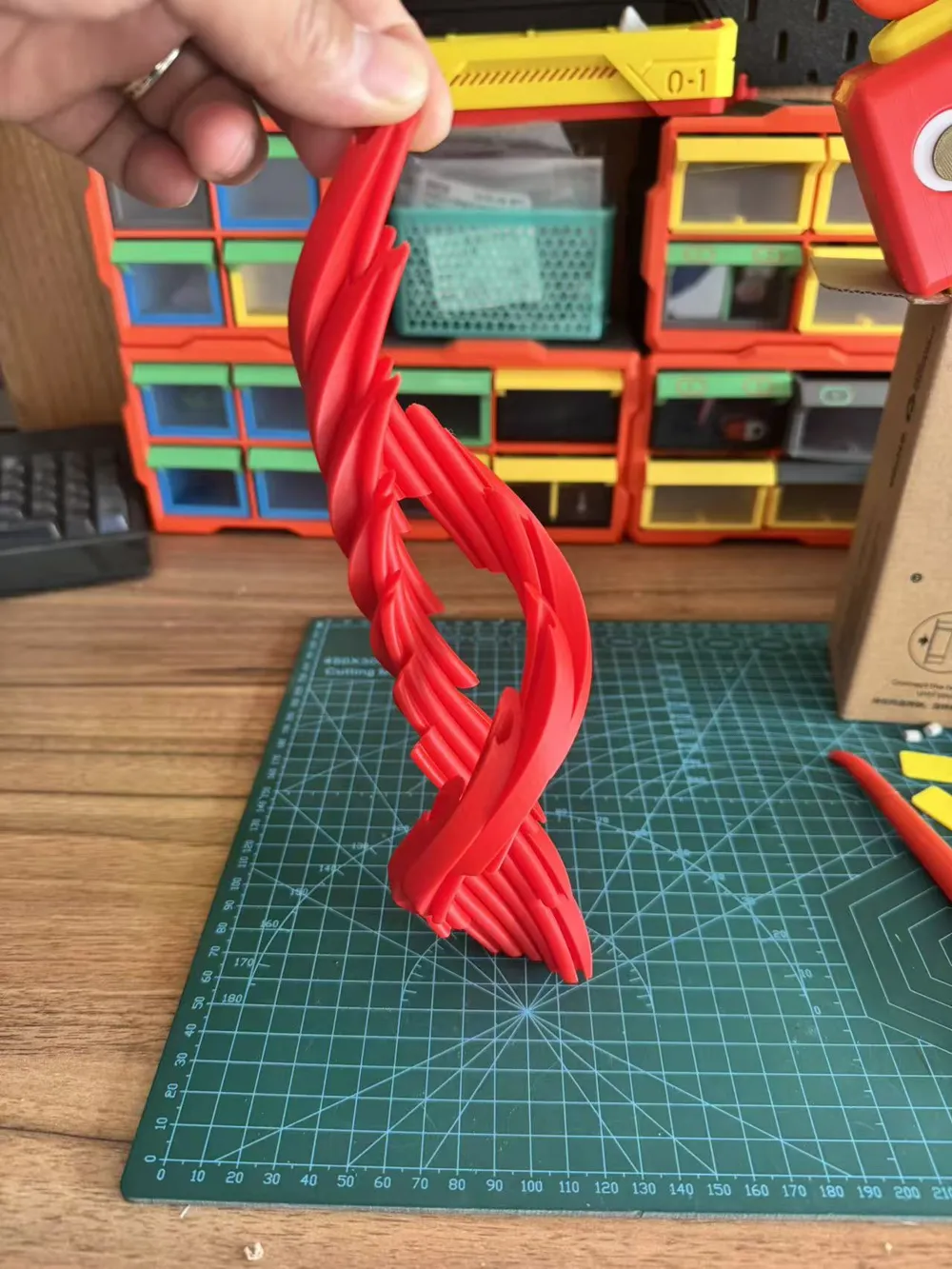
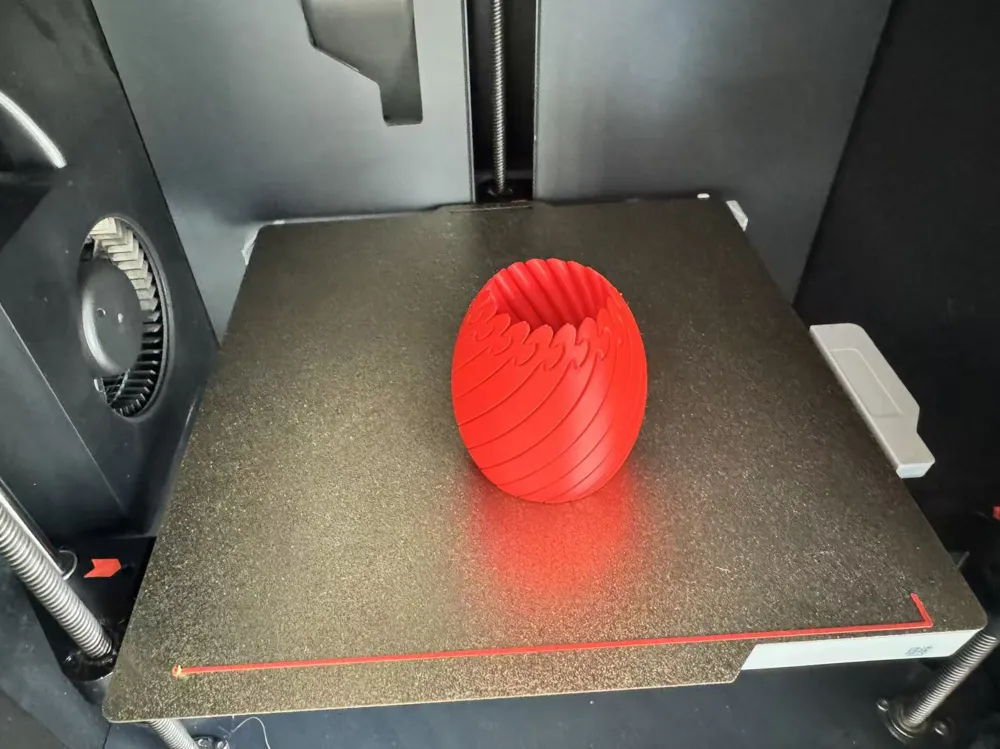
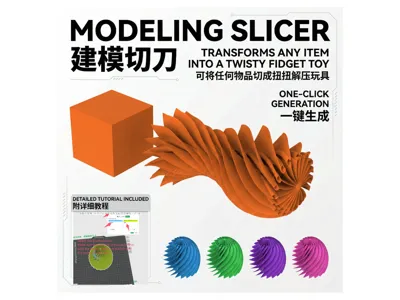
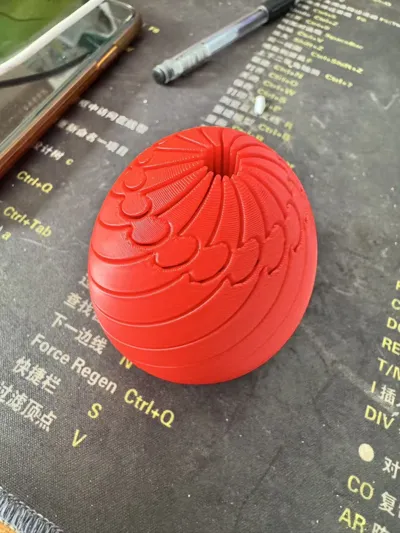
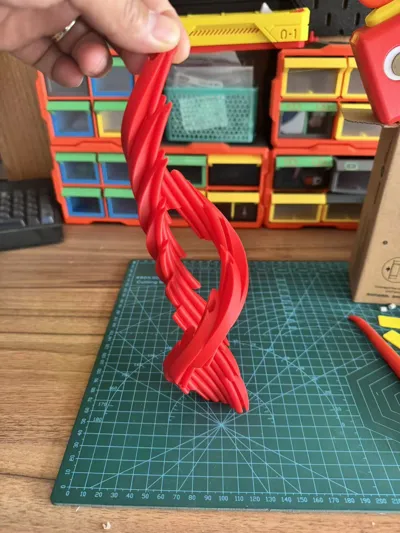
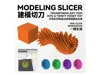
Want to turn any ordinary 3D model into a fun twisty fidget toy? This "Modeling Slicer" tool is exactly what you need! With simple Boolean operations, you can give any static shape a brand new dynamic soul. Whether it's a basic geometric shape or a complex little object, slice it with one click and start fidgeting!
Want to turn any ordinary 3D model into a fun, twisty fidget toy? This "Modeling Slicer" tool is exactly what you need! With simple Boolean operations, you can give any static shape a brand new dynamic soul. Whether it's a basic geometric shape or a complex little object, slice it with one click and start fidgeting!
🛠️ Step-by-Step Tutorial / Step-by-Step Tutorial
Follow these 6 simple steps to generate your custom twisty toy: Follow these 6 simple steps to generate your custom twisty toy:
1. Import the model / Import the model Import the target model you want to deform into the software. Import the target model you want to deform into the software.
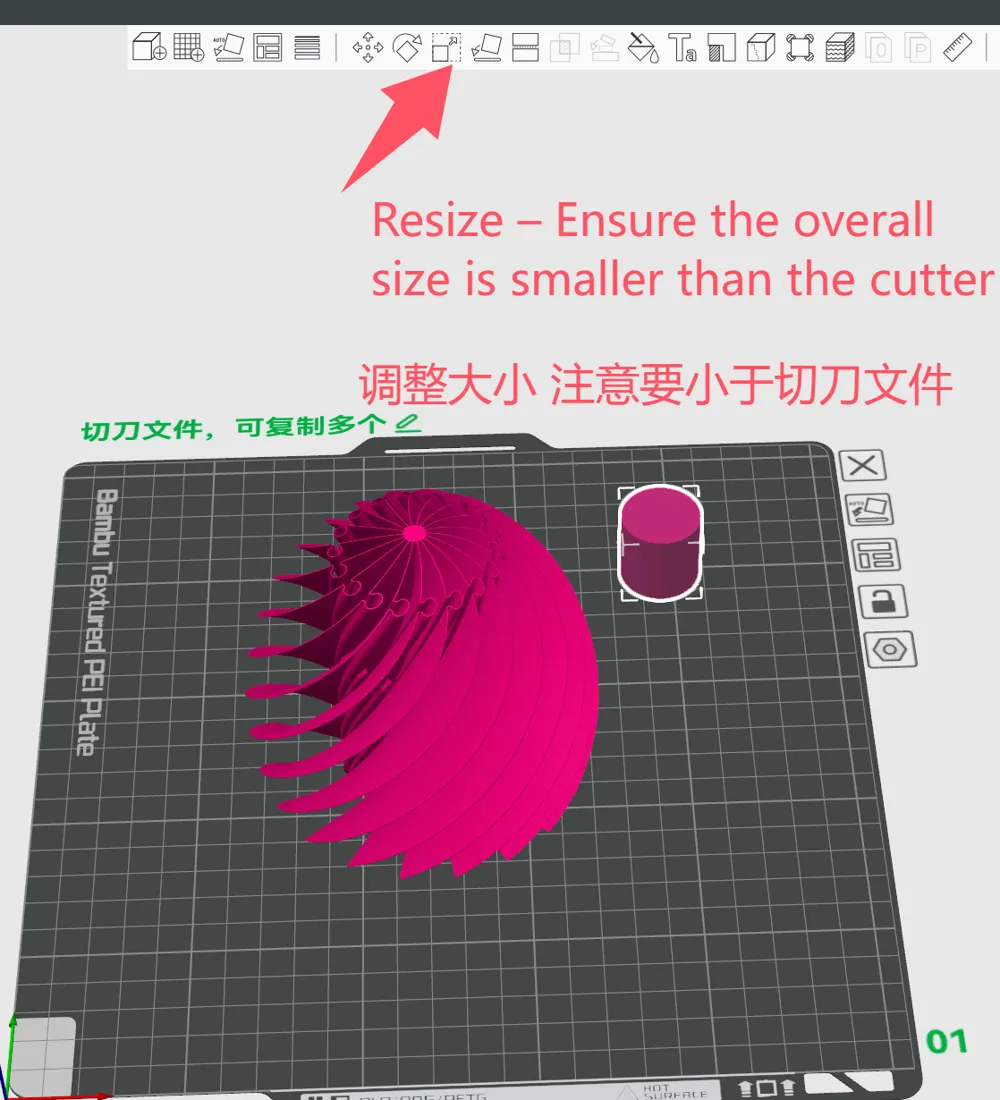
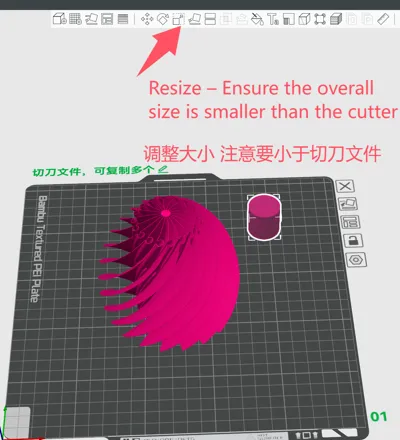
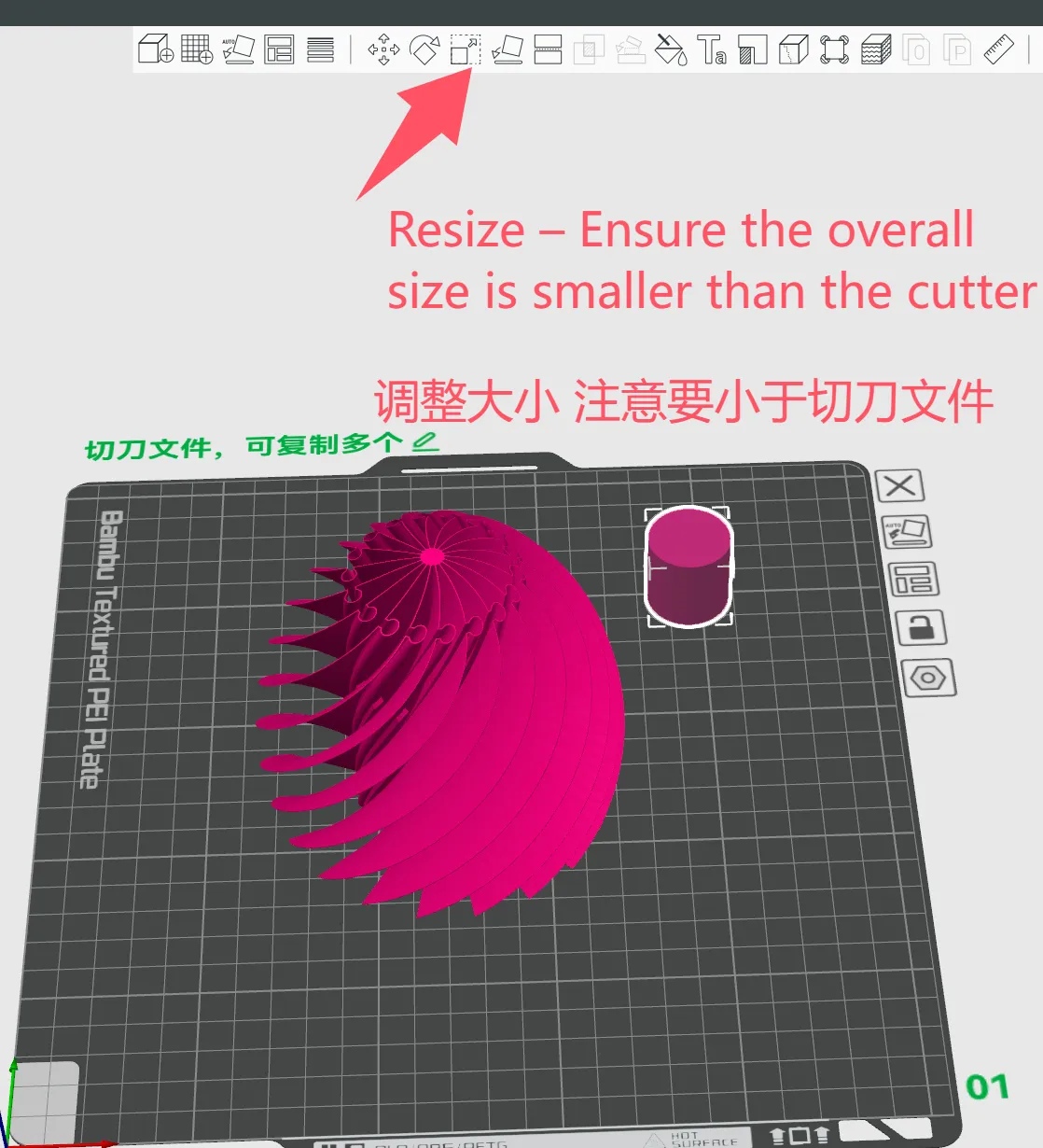
2. Adjust the size / Adjust the size Scale your imported model. Note: The main edges of your model must be completely enveloped by the slicer file, meaning your target model cannot be larger than the slicer. Scale your imported model. Note: The main edges of your model must be completely enveloped by the slicer file, meaning your target model cannot be larger than the slicer.
3. Align the centers / Align the centers Align the centers of both models perfectly. (💡 Tip/Tip: Simply use the "Center" function in your software to center both the target model and the slicer individually). Align the centers of both models perfectly. (💡 Tip/Tip: Simply use the "Center" function in your software to center both the target model and the slicer individually).
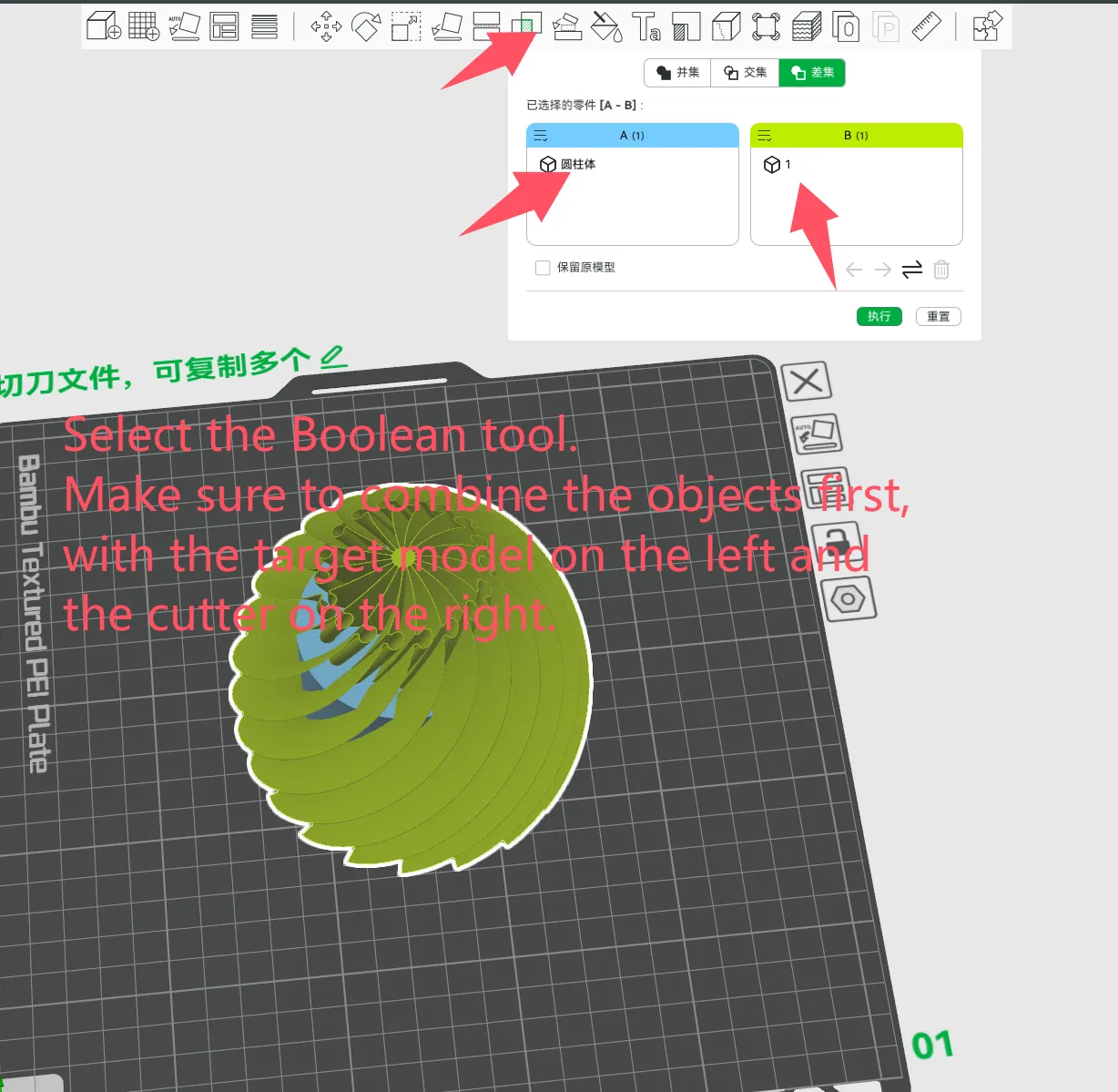
4. Combine the models / Combine the models Select both models and combine (Group) them together. Select both models and combine (Group) them together.
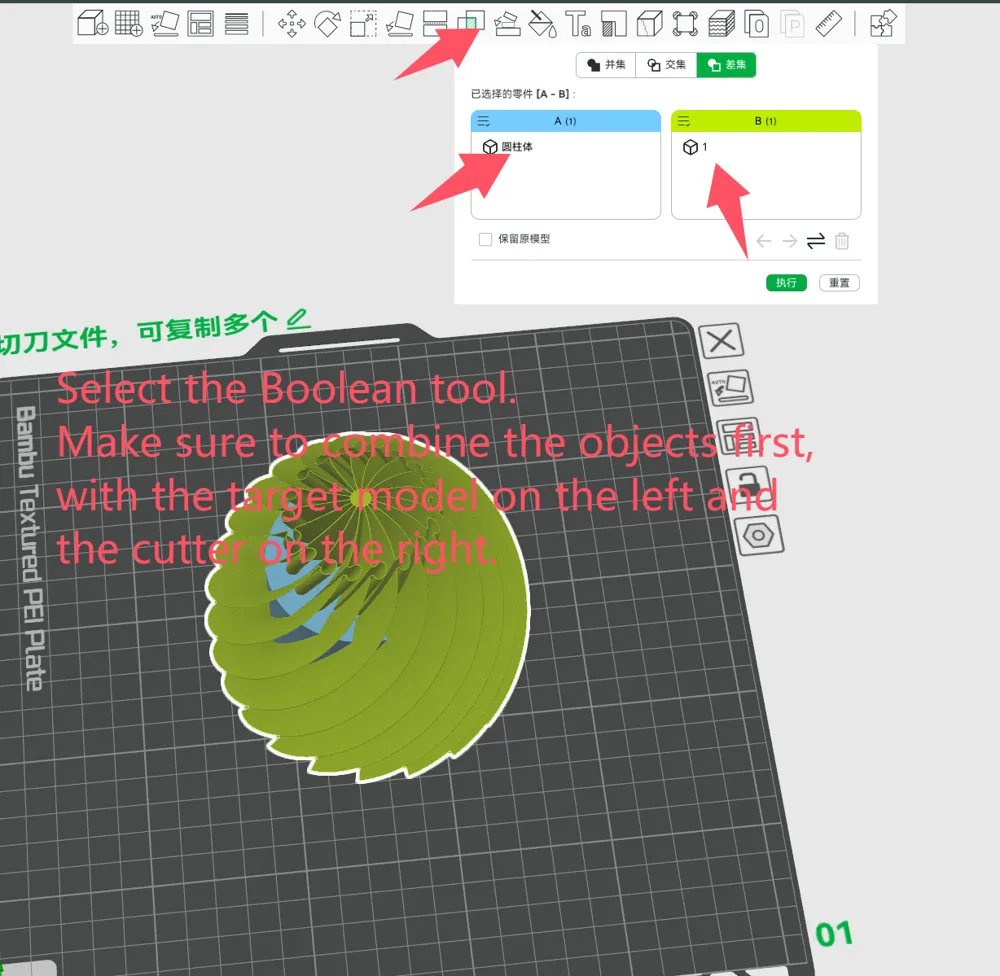
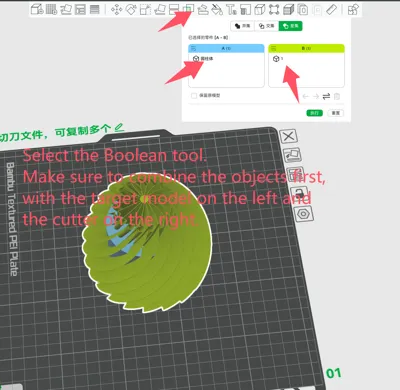
5. Boolean operation / Boolean operation Select the "Boolean" command, and choose "Difference" (or Subtract) in the operation options (Please refer to the reference image below 👇). Select the "Boolean" command, and choose "Difference" (or Subtract) in the operation options (Please refer to the reference image below 👇).
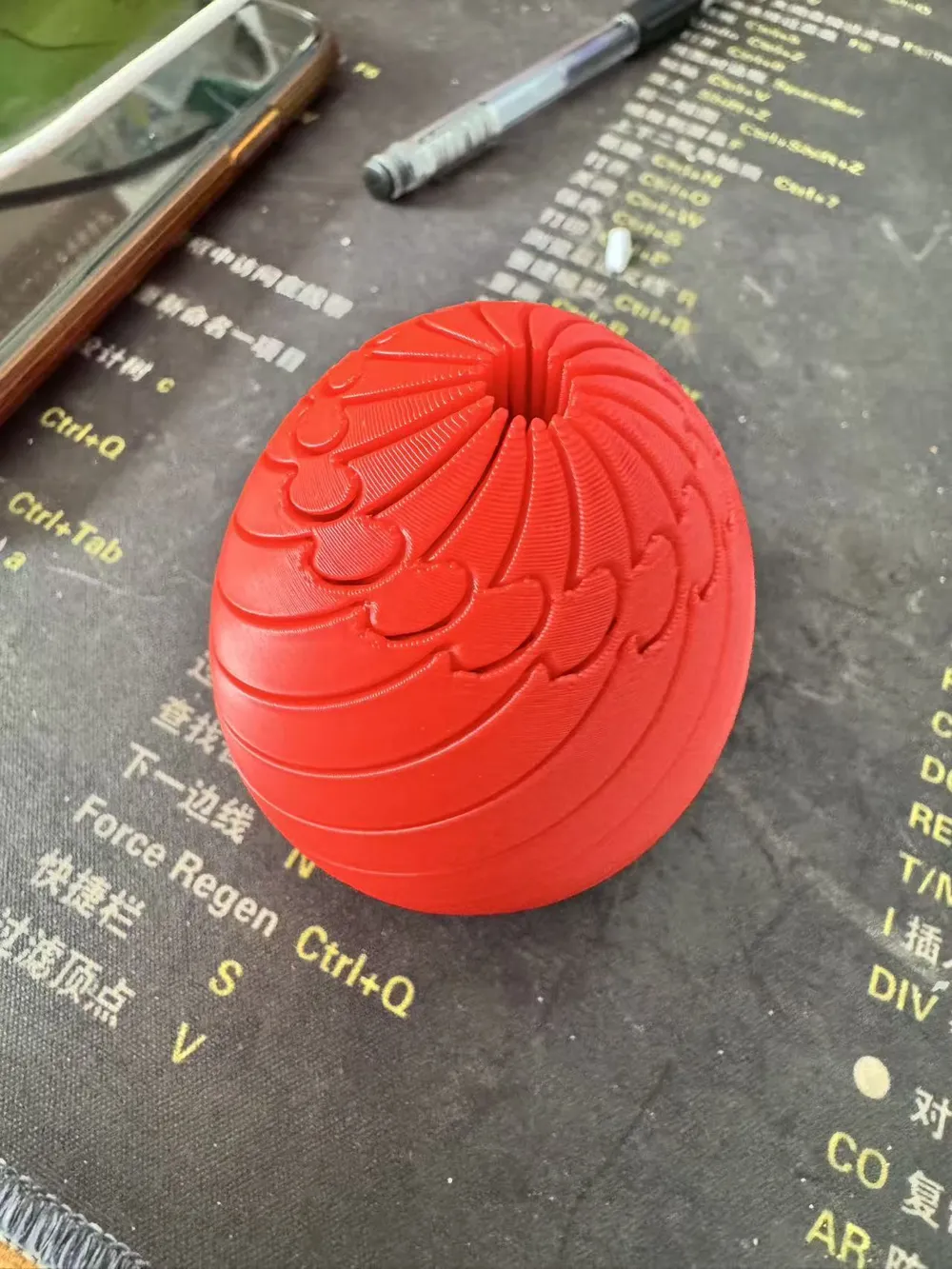
6. Confirm and Generate / Confirm and Generate Click confirm/apply. Your custom twisty fidget toy is now ready! You can now slice and print it. Click confirm/apply. Your custom twisty fidget toy is now ready! You can now slice and print it.
(💡 Note for publisher: Please insert a screenshot of your software's "Boolean-Difference" operation here to match step 5 / Note for publisher: Please insert a screenshot of your software's "Boolean-Difference" operation here to match step 5)
⚙️ Printing Recommendations / Printing Recommendations
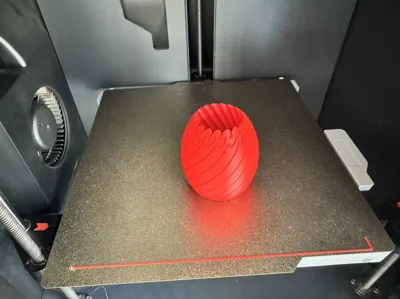
- Material / Material: PLA or PETG is recommended for the best smooth sliding experience between layers. / PLA or PETG is recommended for the best smooth sliding experience between layers.
- Layer Height / Layer Height: 0.2mm
- Supports / Supports: No supports required. / No supports required.
Welcome to share the unique creations you "sliced" in the comments section! Welcome to share the unique creations you "sliced" in the comments section!
License

You shall not share, sub-license, sell, rent, host, transfer, or distribute in any way the digital or 3D printed versions of this object, nor any other derivative work of this object in its digital or physical format (including - but not limited to - remixes of this object, and hosting on other digital platforms). The objects may not be used without permission in any way whatsoever in which you charge money, or collect fees.


Comment & Rating (1)