
Work Bench Light Bar Wall Mount
Print Profile(2)
Bill of Materials



- Canadian Tire - NOMA Indoor Single Tube LED Light Bar 4ft x 1: https://www.canadiantire.ca/en/pdp/noma-indoor-single-tube-led-light-bar-with-clear-lens-3000-lumens-daylight-28w-4-ft-0529458p.html?rq=052-9458-4#gs
Description
** V2 out now! **
** V3 Note: Customize button requires opening in Bambu Studio and splitting into two objects**
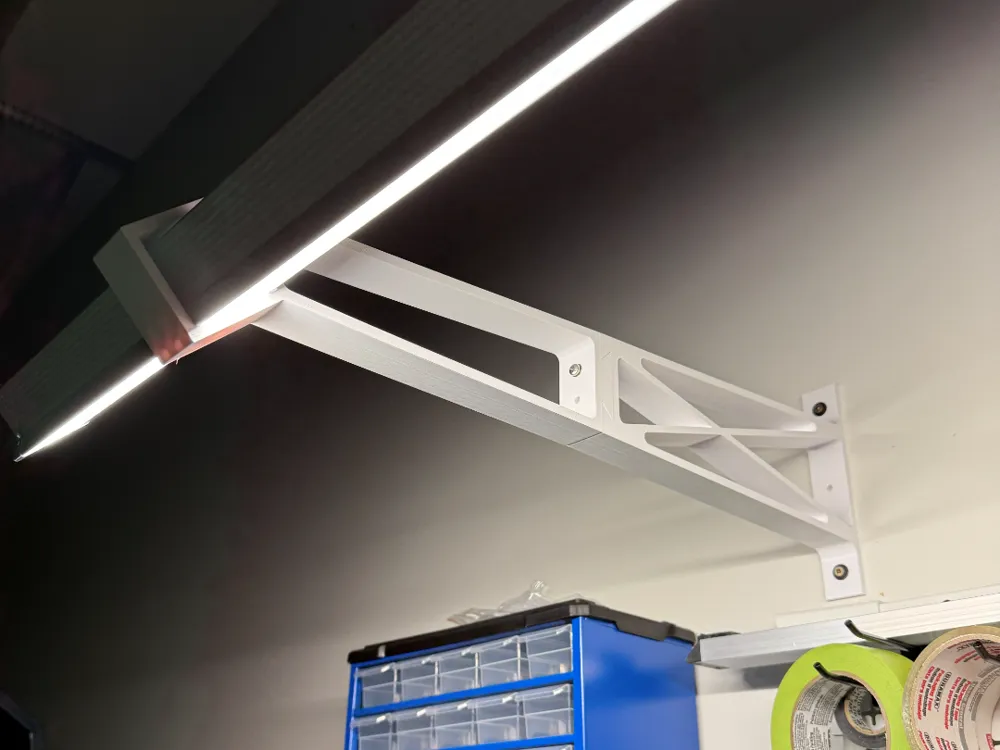
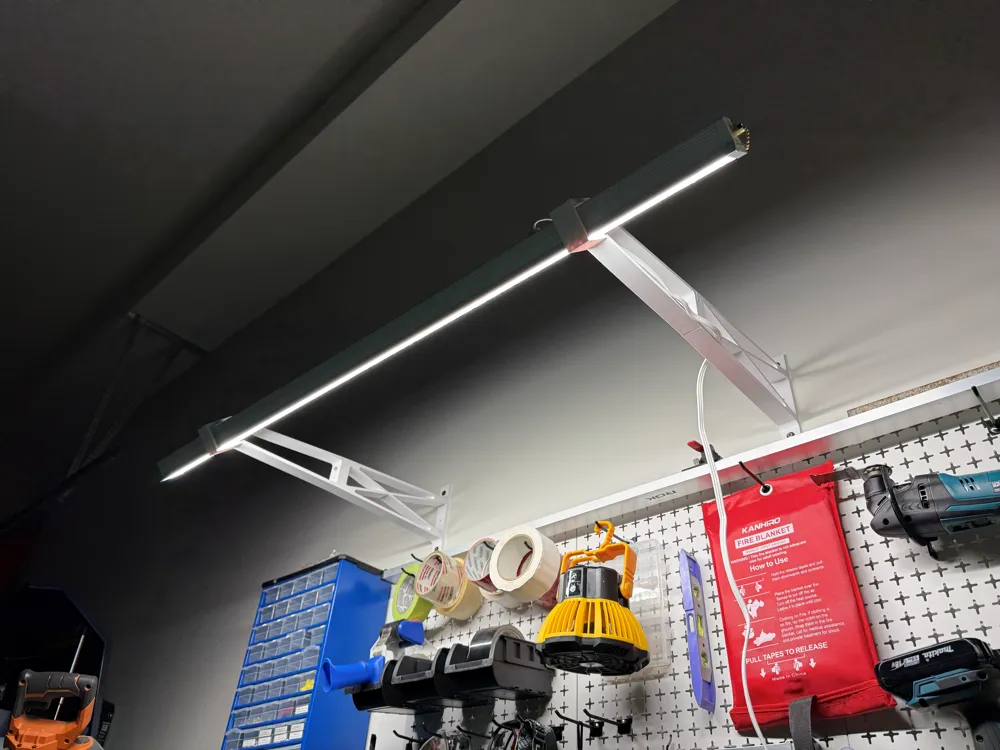
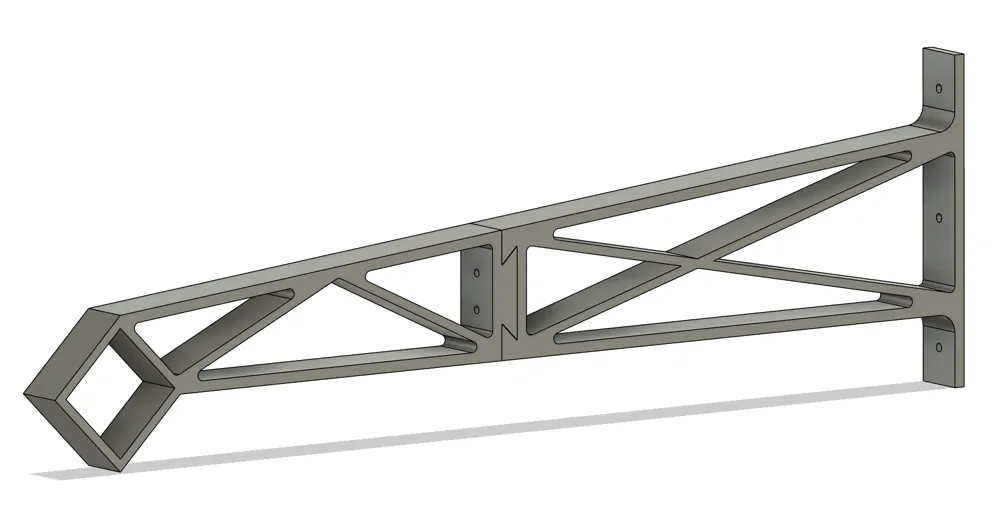
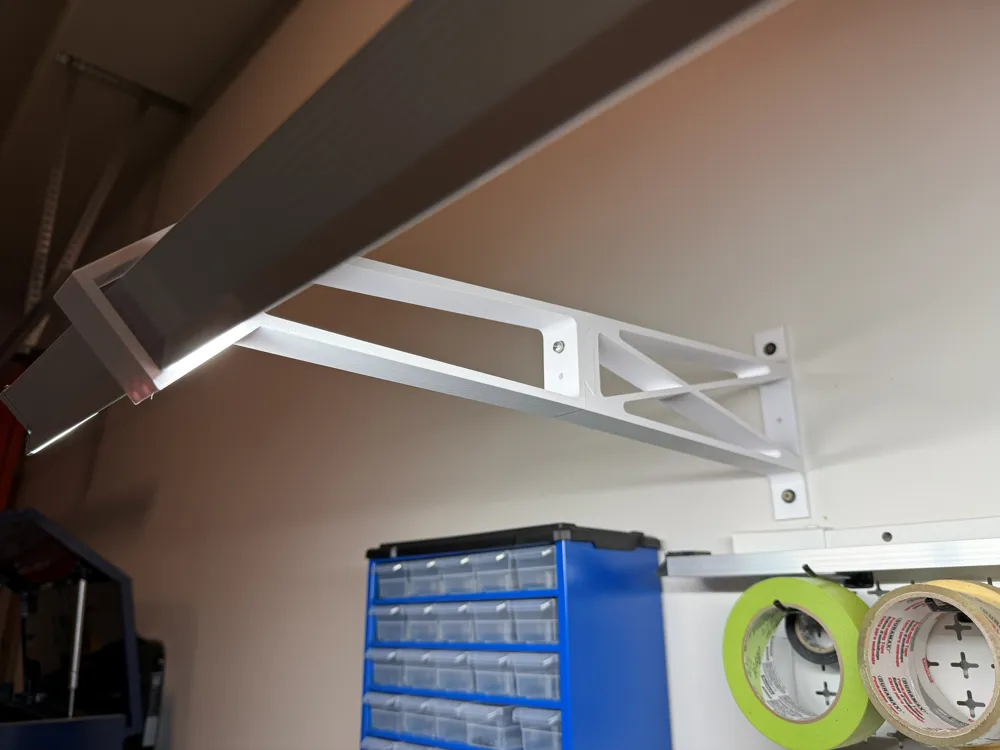
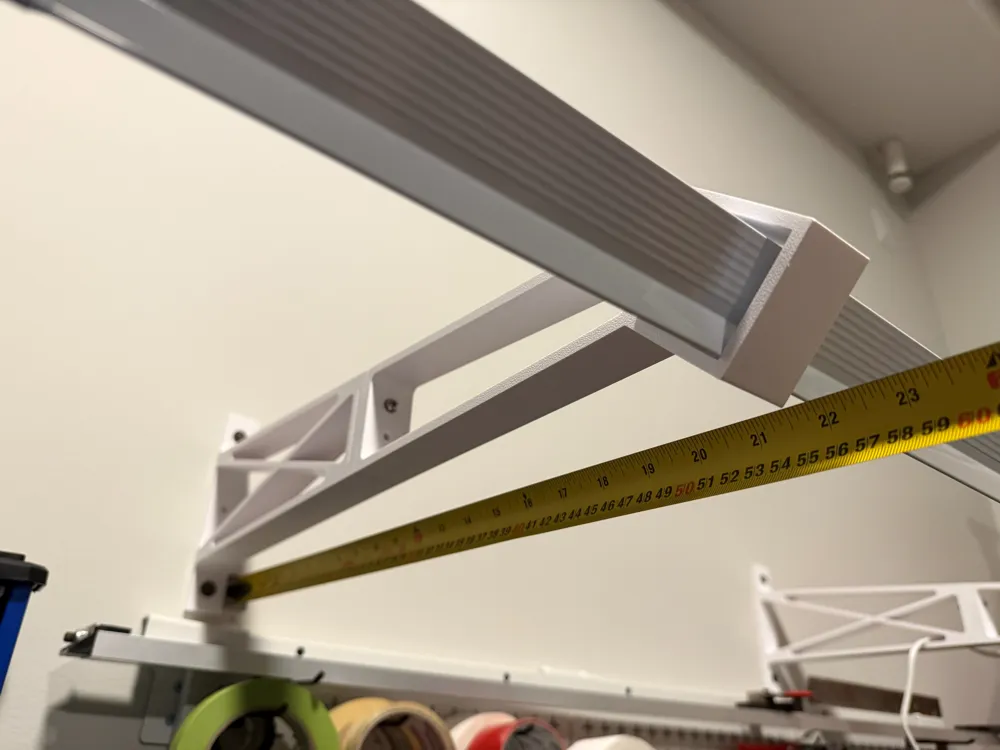
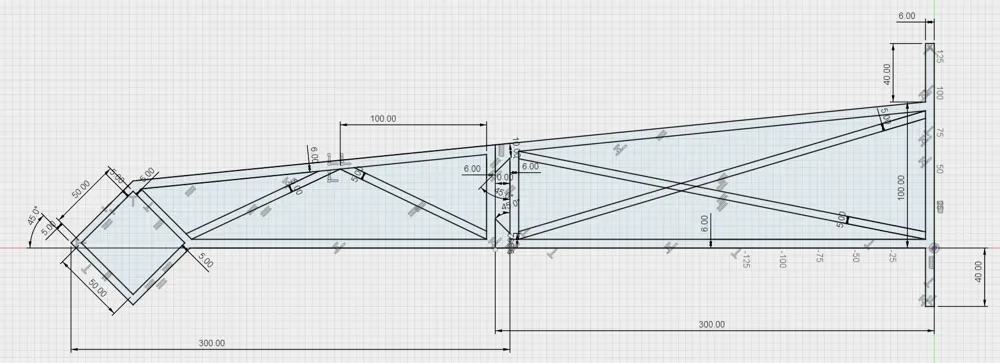
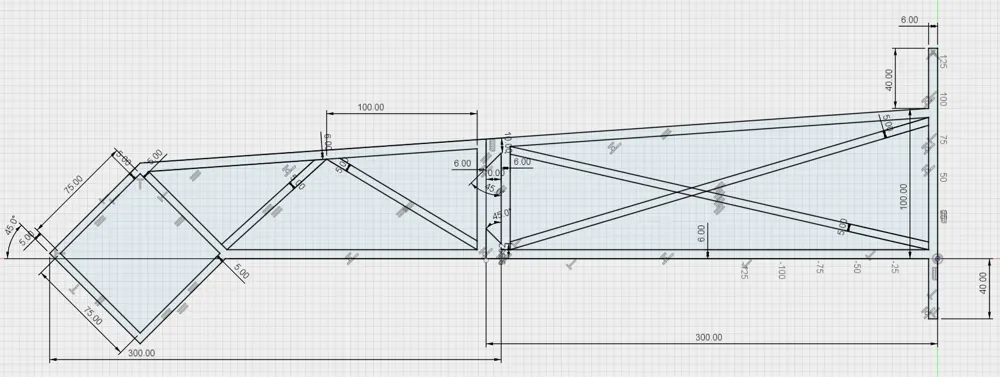
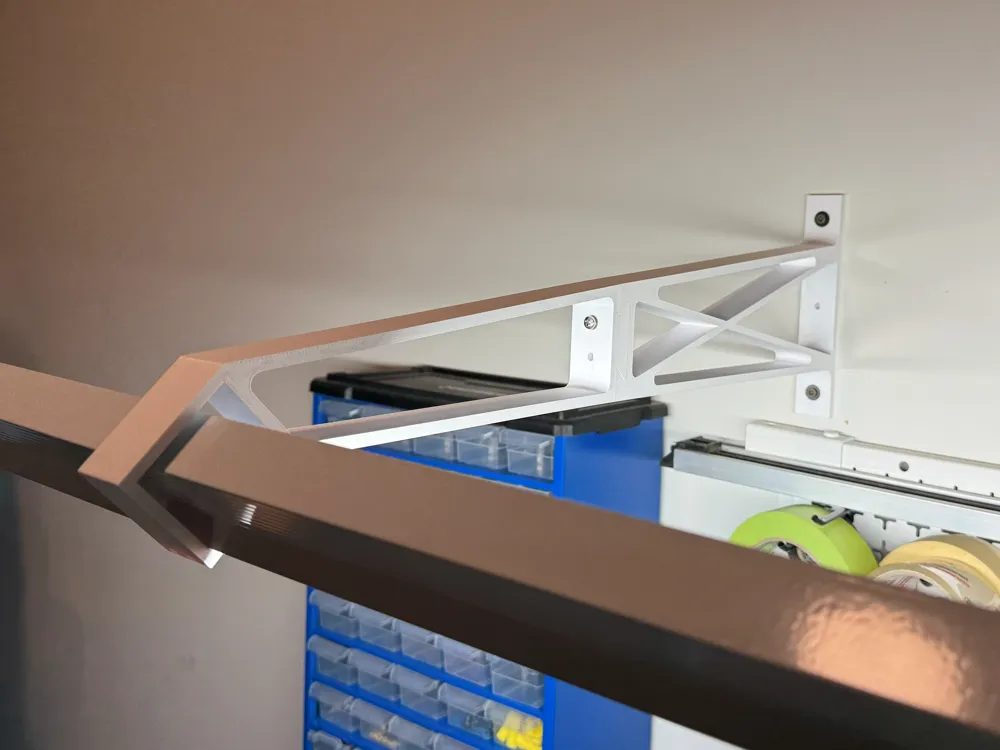
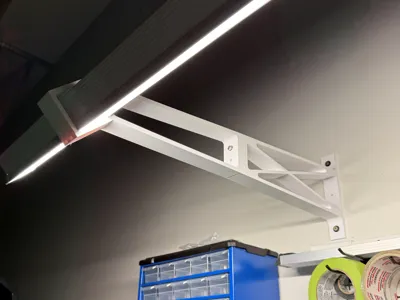
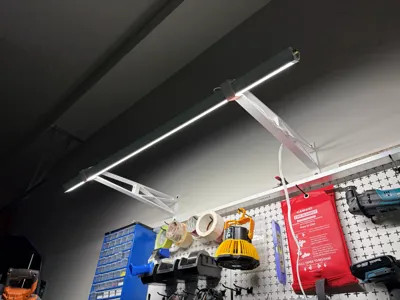
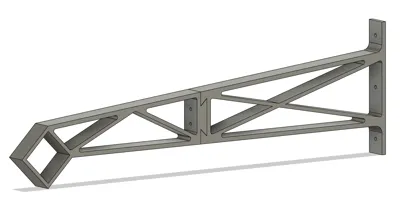
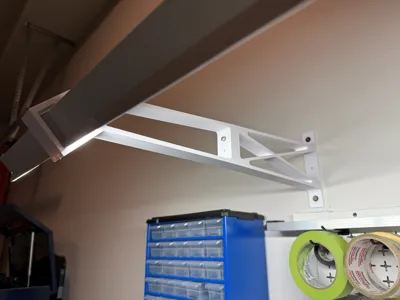
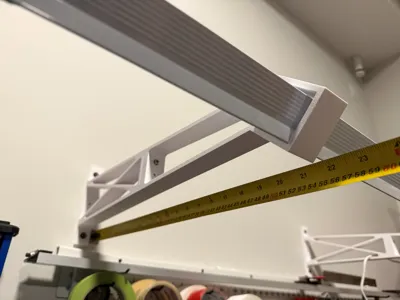
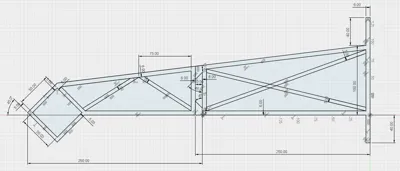
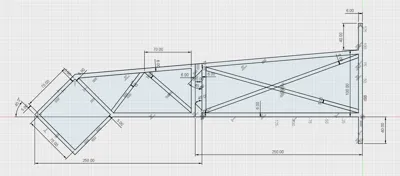
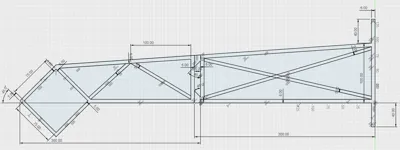
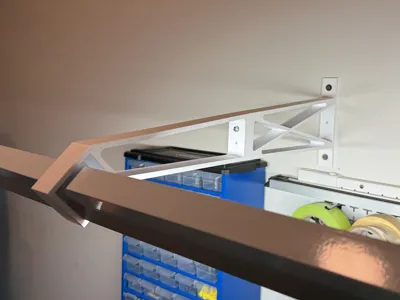
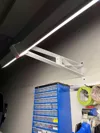
I made up this mounting bracket to hold a work bench light bar approximately 550mm (22.5") from the wall and at a 45° so that the light wouldn't be in my eyes while I work on assembling 3D prints. The design uses a dove tail to connect the two halves, but there is also 2x Ø4.3mm holes if you wish to use M4x30 bolts for extra security. Wall mounting holes are Ø4.8mm to fit a variety of screws (I recommend not using countersunk screws so that it doesn't split the layers when tightening).
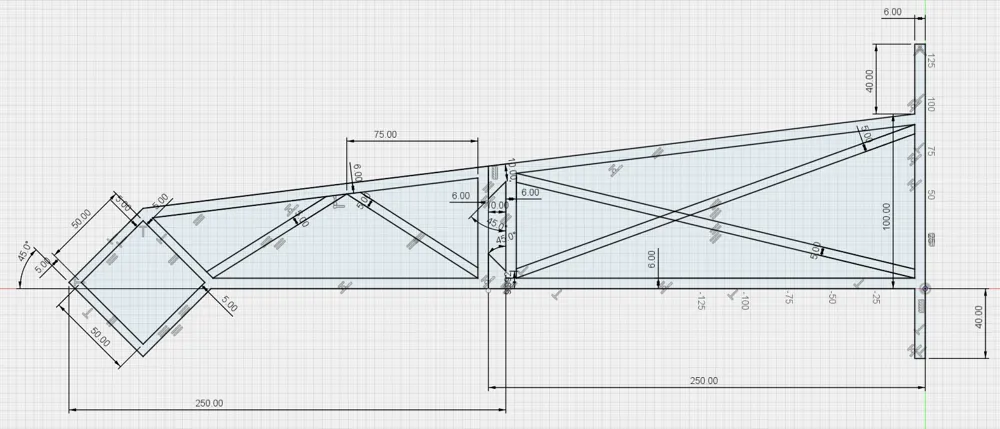
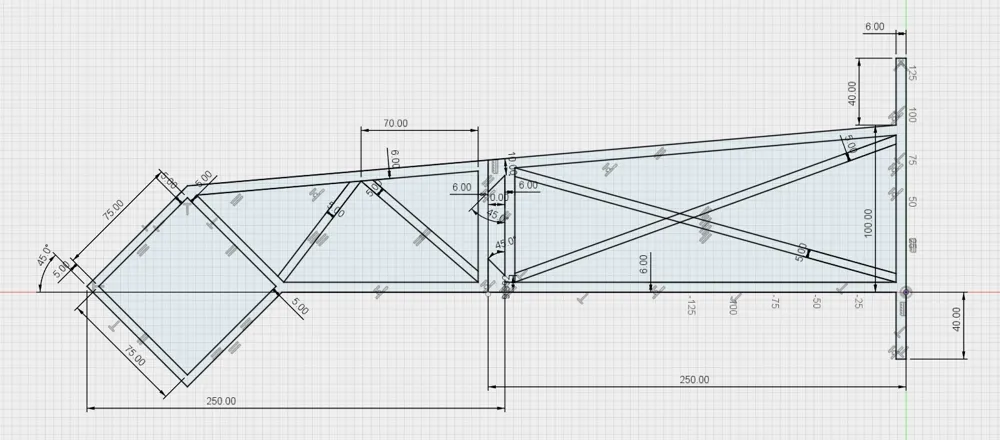
V2 now adds two more ribs for extra strength, and added the following variations for a variety of light bars and print bed sizes:
- 50 x 50mm x 45° - 550mm offset - H2C/H2D/H2S
- 75 x 75mm x 45° - 550mm offset - H2C/H2D/H2S
- 50 x 50mm x 45° - 450mm offset - P1S/P2S/X1C
- 75 x 75mm x 45° - 450mm offset - P1S/P2S/X1C
I designed mine around fitting the Canadian Tire NOMA Indoor Single Tube LED Light Bar 4ft.
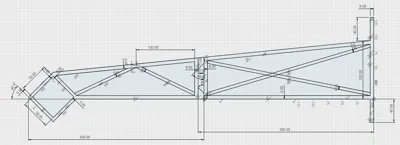
I included the Fusion file if anyone needs to modify any dimensions.
V3 adds the customize button so that you can modify dimensions without having to open in Fusion. Customize button requires opening in Bambu Studio and splitting into two objects
Boost Me (for free)
Boosts really do help, toss one our way if you can :)
License

You may create derivative works based on this object, provided that all such derivative works are published exclusively on the MakerWorld platform and include proper attribution to the original creator. You may not share, upload, host, distribute, or publish this object—or any derivative work of this object—on any other digital platform, marketplace, or distribution channel. Commercial use of this object and any derivative works is strictly prohibited. This includes, but is not limited to, selling, renting, sublicensing, or using the object in any context in which you receive monetary compensation or other financial benefits.


Comment & Rating (3)