
Traditional Chinese Nameplate Generator
Print Profile(2)
Description
Project Features
- Diverse Font Selection: Built-in with multiple high-quality Traditional Chinese fonts, including artistic styles like LXGW WenKai TC, Noto Sans SC, and Noto Serif SC.
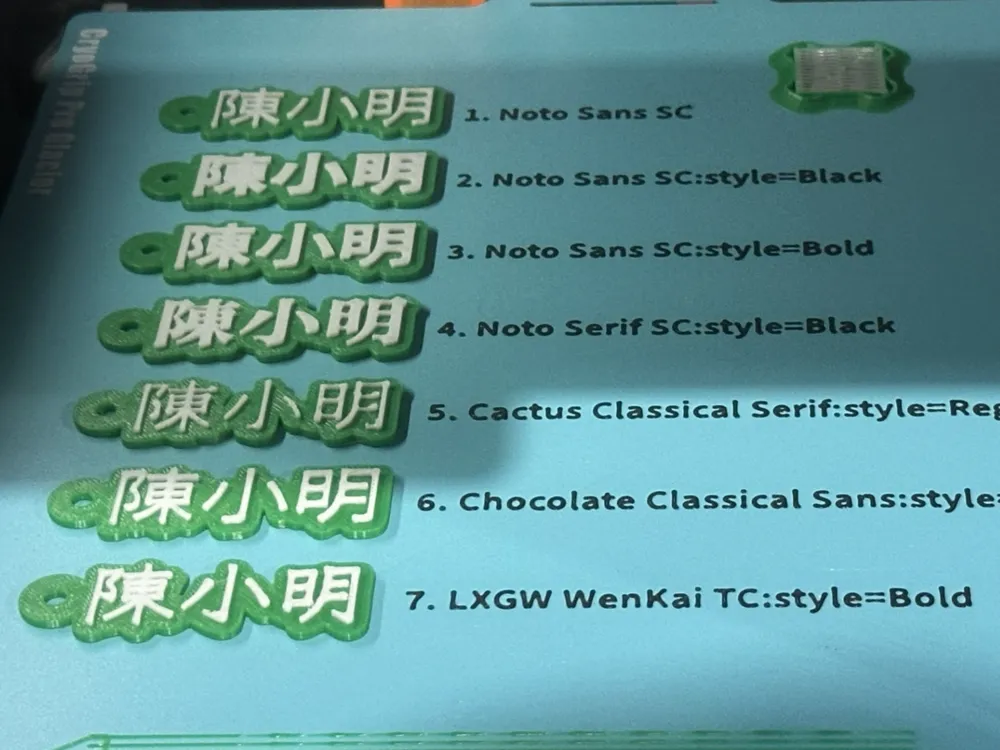
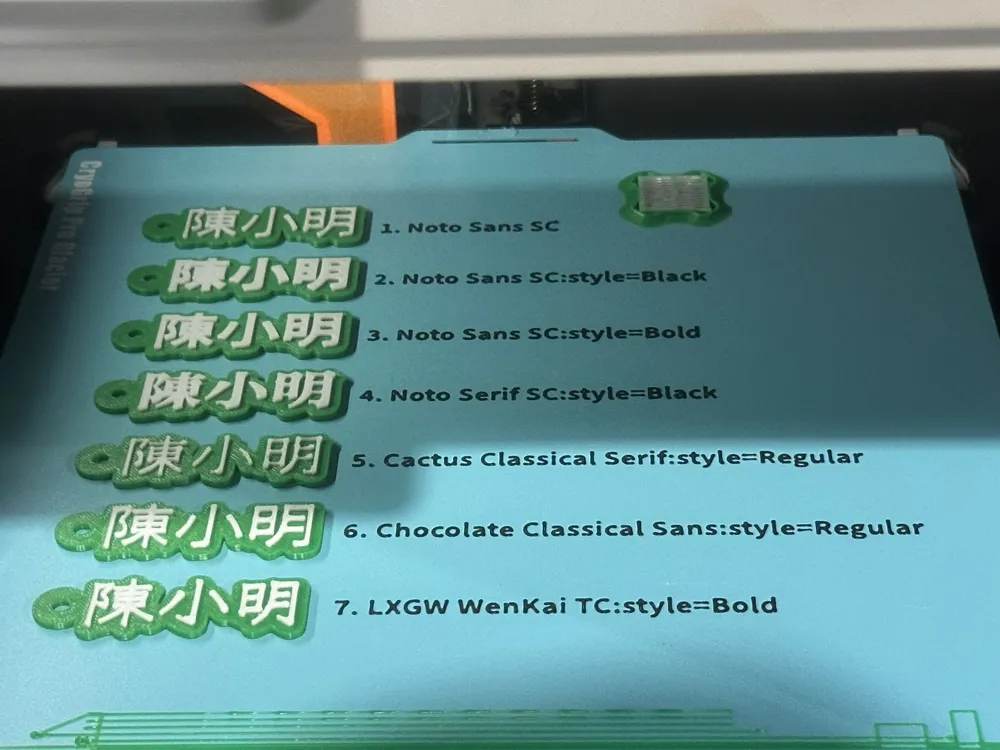
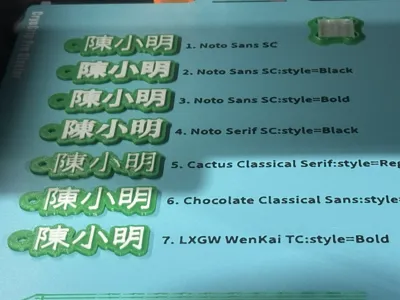
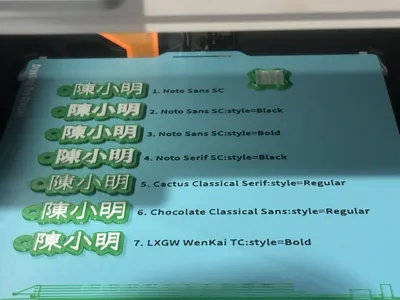
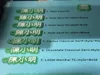
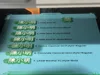
- Comprehensive Preview Mode: Offers an "All" mode to list the generated effects of all fonts at once, with serial numbers for quick selection.
- Exquisite Wall Structure: Freely enable the "Wall" feature to add a three-dimensional border to the nameplate, enhancing visual layering and structural strength.
- Highly Customizable Settings:
- Color Preview: Provides 8 color scheme previews (e.g., white, black, fiery red, royal blue, etc.), allowing separate color settings for text, base, and wall.
- Charm Hole Fine-tuning: Precisely control the inner diameter of the round hole, the width and thickness of the hanger, and support X/Y axis offset adjustment to ensure the hole position does not obscure the text.
Detailed Parameter Adjustment: Text size, protrusion thickness, base thickness, and border roundness can all be freely adjusted.
Detailed Instructions
1. Core Text Settings
- Enter Text: Enter the nameplate text you want to create in the Text_String field.
Fill in Character Count: Enter the actual number of Chinese characters in Char_Count, which will affect the automatic calculation of the charm hole position.
2. Font Selection and Preview
- Select Mode:
- It is recommended to first set Font_Selection to "All" and enable Show_Labels to view the actual print appearance and serial numbers of all fonts.
After confirming your preferred font, switch to that font for final adjustments.
【Important】: Before exporting the model, please be sure to set Show_Labels to false to remove the preview serial number labels.
3. Appearance and Charm Hole Fine-tuning
- Enable Wall: If you need a more three-dimensional nameplate, please check Enable_Wall.
- Adjust Hole Position: If the text is long, you can fine-tune the charm hole position using Hole_X_Adjust (left/right) or Hole_Y_Adjust (up/down).
Size Optimization: Adjust Base_Thickness (base thickness) and Text_Thickness (text protrusion height) according to your print nozzle or personal preference.
4. Printing Suggestions
Multi-color Printing: This project is very suitable for multi-color printing. In the slicing software, you can set color changes based on the height layers of the base and text (for example, the base is blue, and the text and wall are white).
License

You shall not share, sub-license, sell, rent, host, transfer, or distribute in any way the digital or 3D printed versions of this object, nor any other derivative work of this object in its digital or physical format (including - but not limited to - remixes of this object, and hosting on other digital platforms). The objects may not be used without permission in any way whatsoever in which you charge money, or collect fees.


Comment & Rating (0)