
Custom Text Filament Label Tags for Print Farm
Print Profile(0)
Description
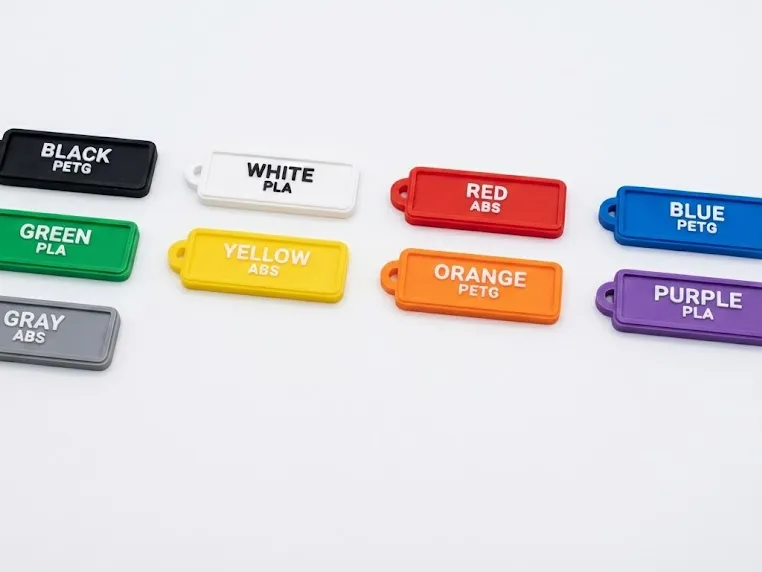
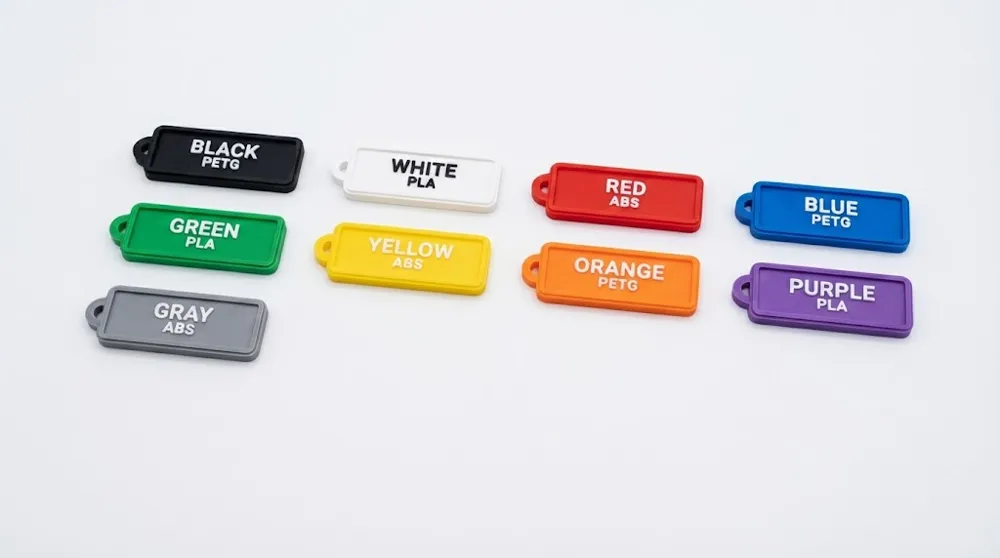
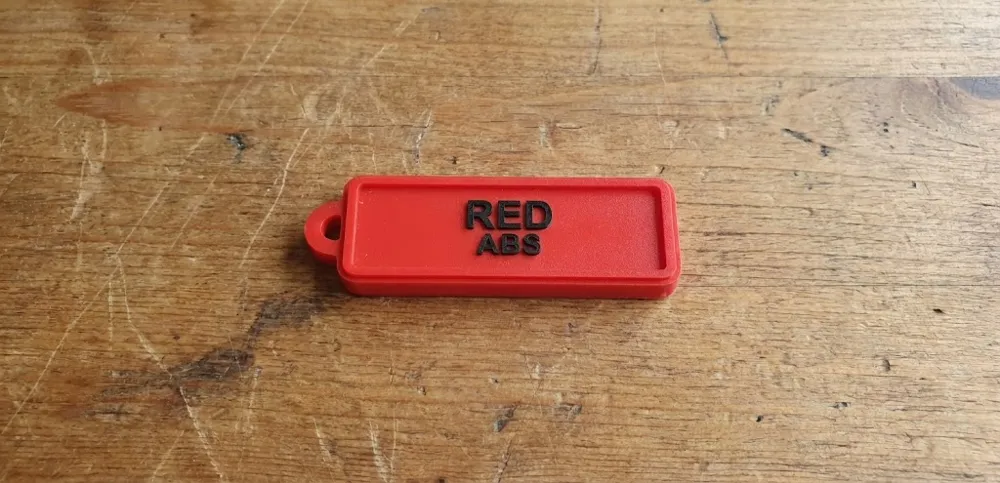
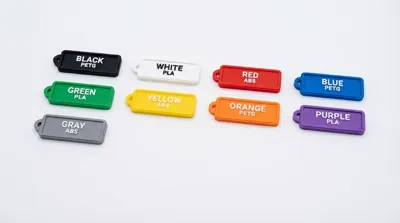
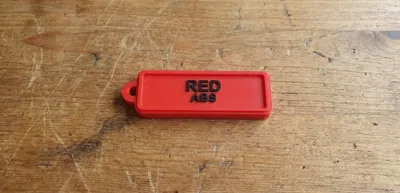
This parametric model creates clean, readable filament label tags for print farms, camera setups, and operator workflows.
You can generate 9 tags by default, or up to 12 tags in one setup, with fully editable text and layout controls.
Each tag supports:
- Line 1 for color/name
- Line 2 for filament type (PLA, PETG, ABS, TPU, Nylon, PC, or custom)
- Adjustable size, thickness, corner radius, border, and hook
- Flip/rotate orientation for different printing or presentation needs
Built for first-time users:
- Start with defaults and press generate
- Change text fields only if you want a quick result
- Use Auto Font Size to keep long labels readable
- Switch to Manual Font Size for exact style control
Feature Set
- 9 to 12 tag generation (Labels_To_Generate)
- Rectangular/dog-tag profile with adjustable corner radius
- Configurable tag thickness and text extrusion
- Emboss or engrave text mode
- Top or bottom text side
- Optional mirrored text
- Optional border stroke with width/inset/height control
- Ring hook on Top, Bottom, Left, Right, TopLeft, TopRight, BottomLeft, BottomRight
- Hook X/Y offset controls for precise placement
- Tag, text, and border color controls
- Auto bed layout or manual columns
- Bed size and spacing controls
- Rotate 180 and flip-over options
- 2-line text system:
- PerTag filament line (12 custom fields)
- Global filament line (single value for all tags)
- Auto Font Size with minimum size protection
- Manual font size override
Quick Start (First-Time User)
- Keep defaults and set Labels_To_Generate to 9 or 12.
- Fill Label_01 to Label_12 with color/name text.
- Enable second line and choose:
- Second_Line_Mode = PerTag for different material per tag, or
- Second_Line_Mode = Global for one material on all tags.
- Set hook position and offsets if needed.
- Generate and slice.
FAQ
Q: Can I use manual font size instead of auto?
A: Yes. Turn Auto_Font_Size off and set Text_Size manually.
Q: What does Auto Font Size do?
A: It scales text down (up to your minimum limit) so both lines fit inside the safe text area.
Q: How do I add filament type like PETG/PLA/ABS?
A: Enable second line. Use PerTag for different types per label or Global for one type on all labels.
Q: Can I place the keyhole on corners?
A: Yes. Choose corner positions (TopLeft, TopRight, BottomLeft, BottomRight) and fine-tune with X/Y offsets.
Q: My tags don’t all fit on the bed.
A: Increase bed size, reduce spacing, reduce count, or switch to manual columns.
Q: Can I engrave instead of raised text?
A: Yes. Set Text_Mode to Engrave.
Q: Can I flip tags for printing/viewing?
A: Yes. Use Flip_Tag_Over and Rotate_Tag_180.
Q: Is this good for print farm organization?
A: Yes. It is designed for batch labeling, quick identification, and consistent naming workflows.
License

You shall not share, sub-license, sell, rent, host, transfer, or distribute in any way the digital or 3D printed versions of this object, nor any other derivative work of this object in its digital or physical format (including - but not limited to - remixes of this object, and hosting on other digital platforms). The objects may not be used without permission in any way whatsoever in which you charge money, or collect fees.


Comment & Rating (0)