Search models, users, collections, and posts

Print Profile(2)
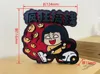
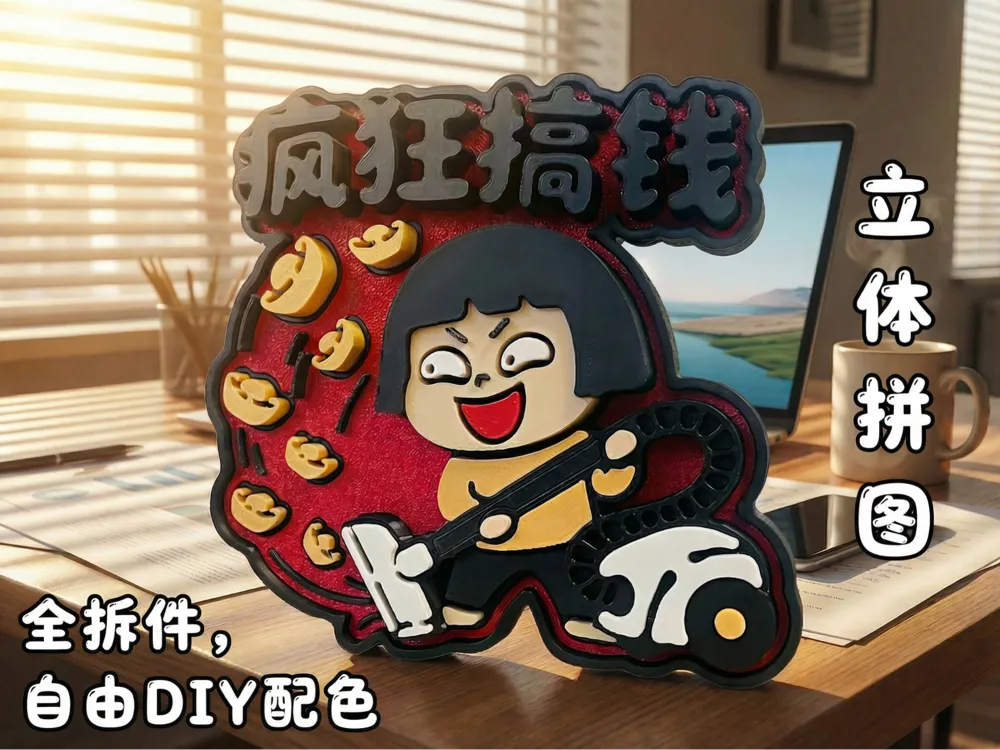
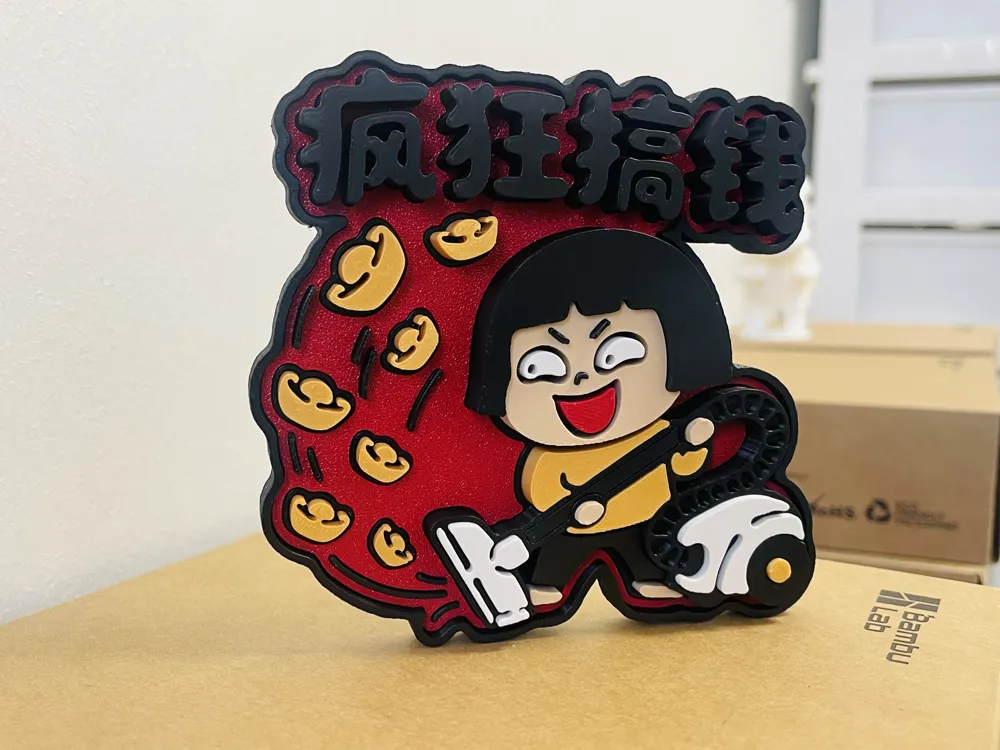
Fully disassembled, color-separated version - no AMS required - Refrigerator magnet scene - 2026/02/23
Designer
4.7 h
5 plates
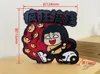
Multi-Color Print-in-Place Version - Refrigerator Magnet Scene -- 2026/02/23
Designer
6.2 h
2 plates
Open in Bambu Studio
Boost
2
2
0
0
0
0
Released
Description
Content has been automatically translated.
Boost Me (for free)
Your support motivates me!
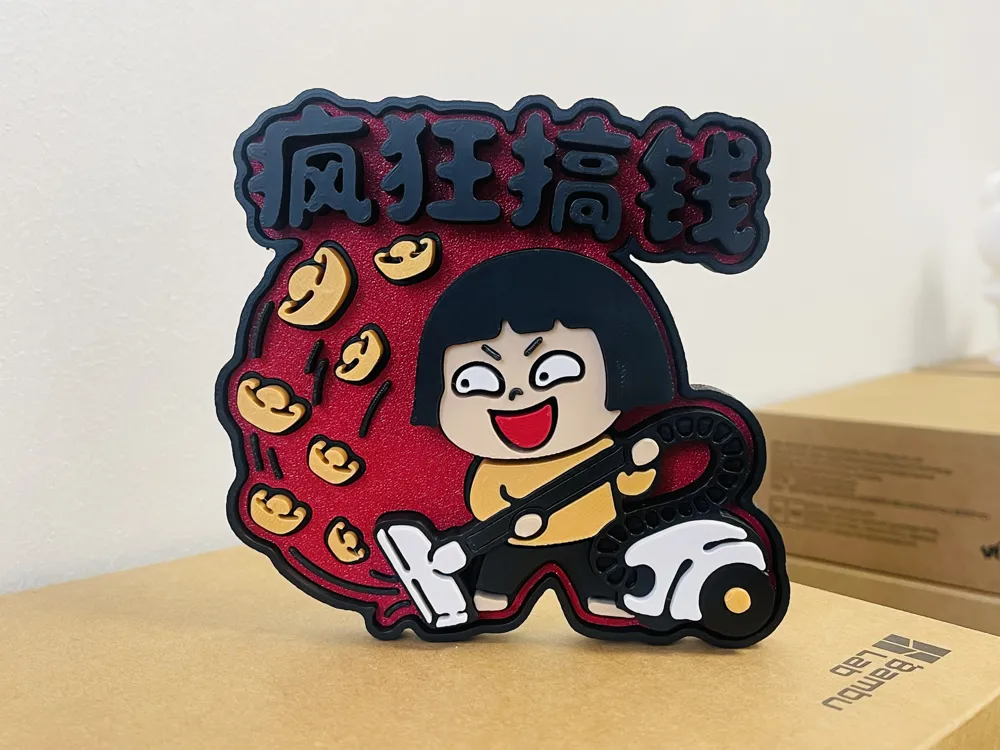
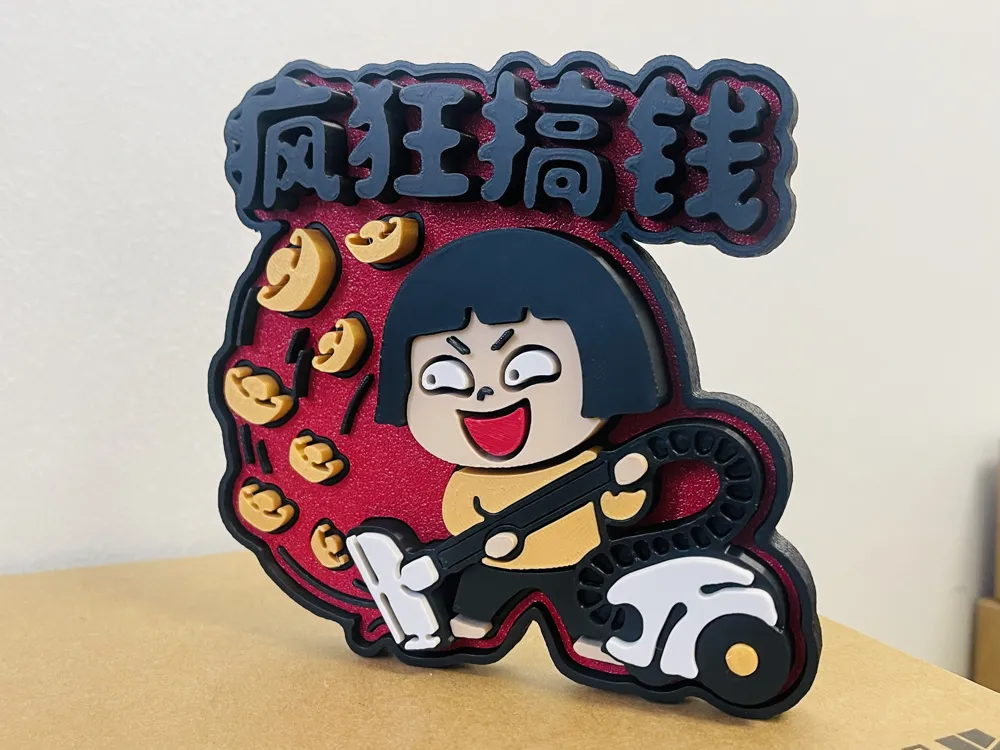
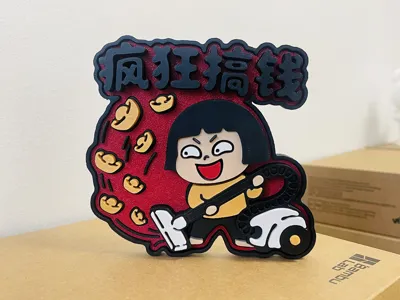
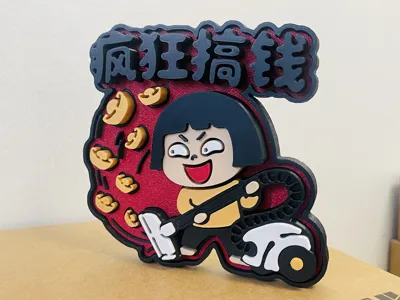
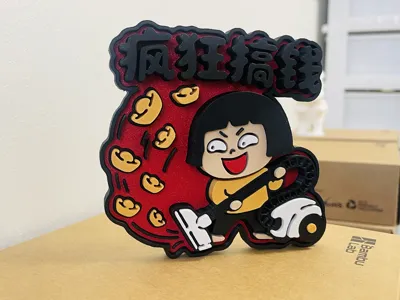
First Principle for 2026: Make Crazy Money!!!😄😄😄
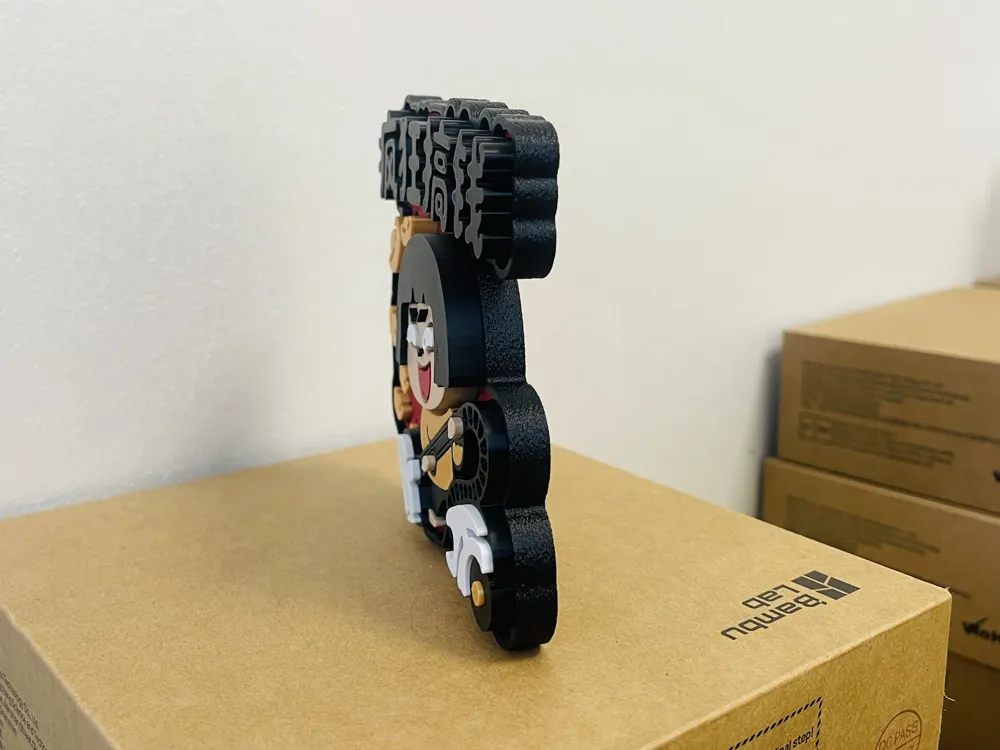
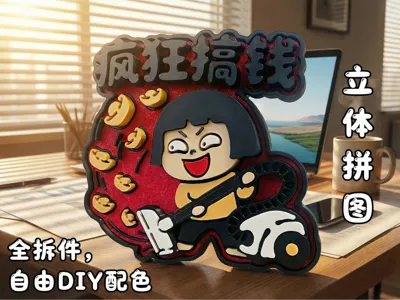
The model is divided into 'Fully Disassembled Multi-Color Version (no AMS required)' and 'Multi-Color Print-in-Place Version'.
Since the Multi-Color Print-in-Place version involves multiple color changes and filament cuts, it is recommended that users with multi-color multi-head 3D printers like H2C/U1 prioritize the 'Multi-Color Print-in-Place Version'.
For other users, the 'Fully Disassembled Multi-Color Version' is highly recommended.
※ Assembly Instructions for Fully Disassembled Multi-Color Version:
1. Please use glue to secure all parts in place to enhance reliability.
2. Before gluing, please pre-assemble to determine the correct placement of parts, to avoid errors after gluing.
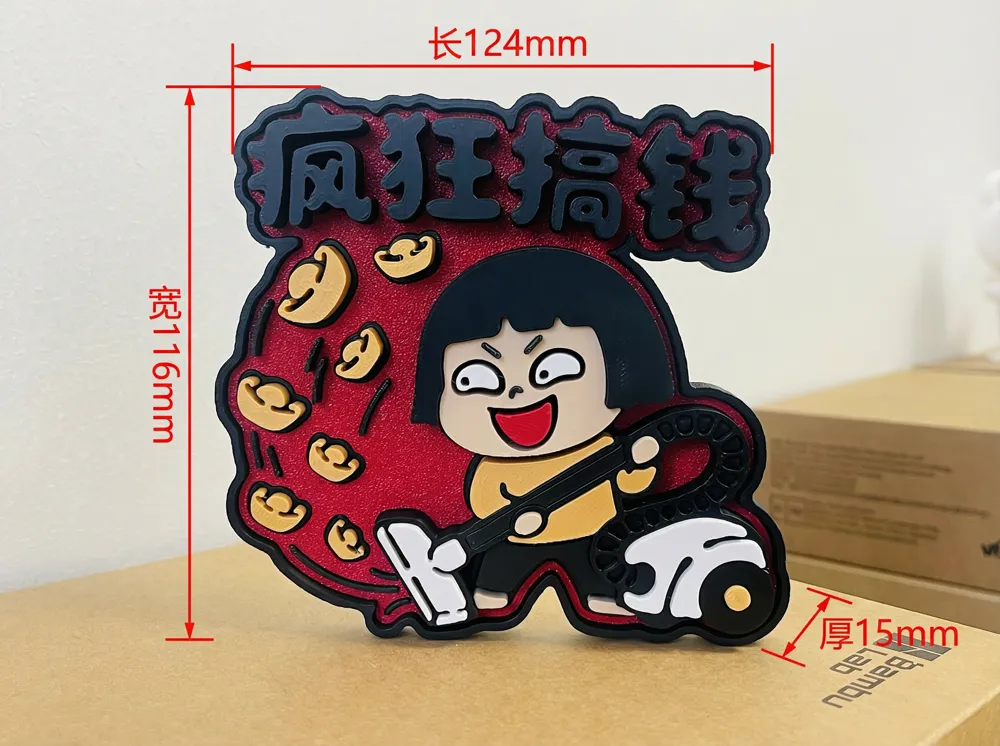
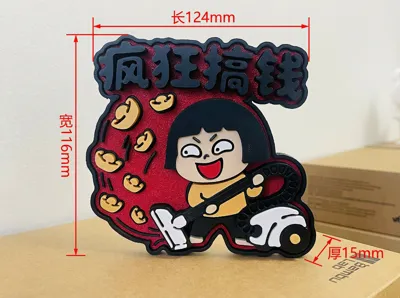
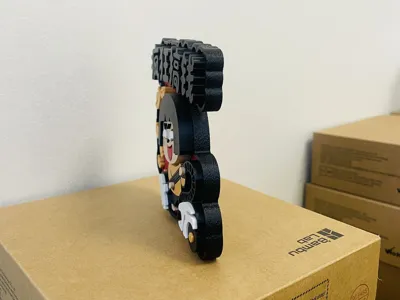
3. Do not scale down for printing; this size is already close to the minimum limit; further reduction will cause details to be lost during printing.
※ Fridge Magnet Magnetic Hole Instructions:
1. The default magnetic holes are 20mm in diameter, 1.5mm thick, and there are 2 of them. If you need to DIY the size, please select the 'magnetic hole' object (negative part) in the file and adjust its scale.
※ Friendly Reminder: When the weather is cold and temperatures are low, the first layer is prone to warping. Before printing, it is recommended to clean the build plate and apply glue, or slightly increase the bed temperature to improve first layer adhesion.
License

This user content is licensed under a Standard Digital File License.
You shall not share, sub-license, sell, rent, host, transfer, or distribute in any way the digital or 3D printed versions of this object, nor any other derivative work of this object in its digital or physical format (including - but not limited to - remixes of this object, and hosting on other digital platforms). The objects may not be used without permission in any way whatsoever in which you charge money, or collect fees.


Comment & Rating (0)