Search models, users, collections, and posts

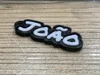
Portuguese Name Tag Maker | 100 Fonts | Accents
IP Report
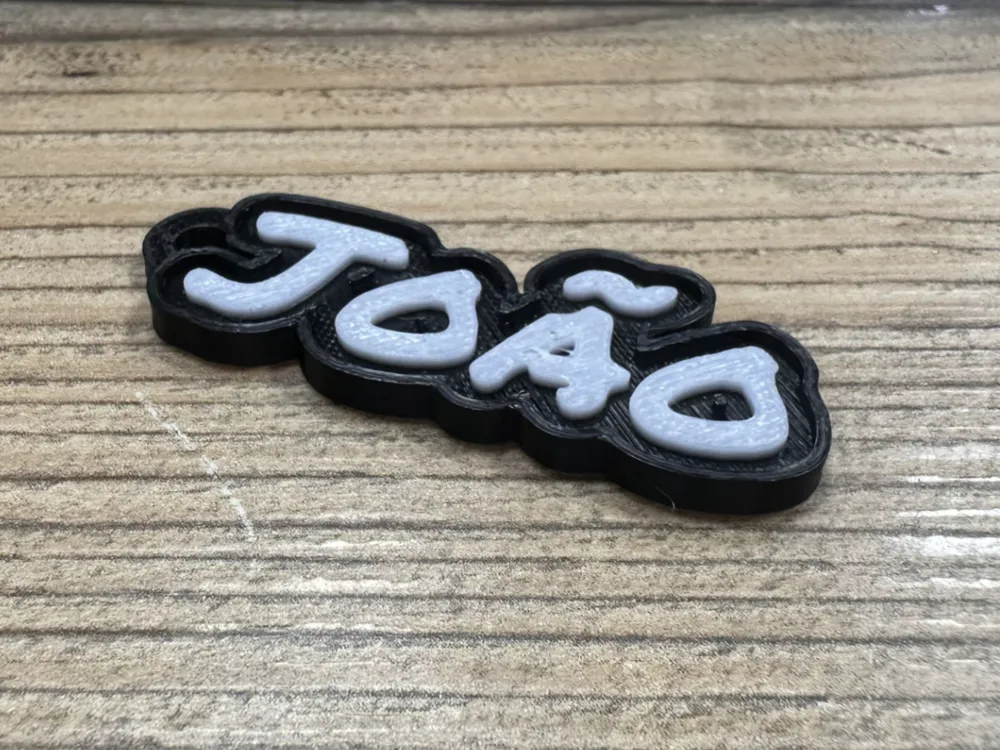
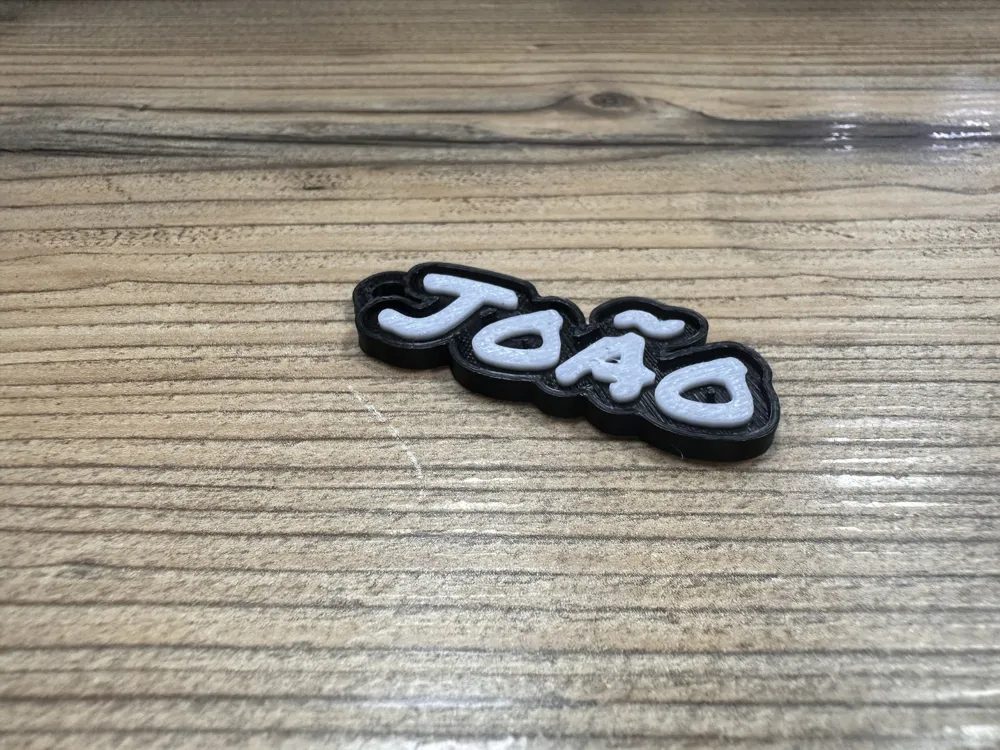
This model is created by Parametric Model Maker
Make Your Model
Print Profile(1)
0.2mm layer, 2 walls, 15% infill
Designer
26 min
1 plate
Open in Bambu Studio
Boost
4
5
0
0
4
0
Released
Bill of Materials
Maker's Supply Kits and Parts
Select all

Description
Boost Me (for free)
Please consider boosting me if it's helpful for you. It would be a great support for me.
Project Features
- Full Portuguese Accent Support: Specifically designed to support Portuguese characters, including ç, ã, õ, and í.
- 100 Refined Fonts: Access a library of 100 high-quality fonts categorized into 5 thematic groups, covering styles from modern Sans and classic Serif to elegant Scripts and bold Display types.
- 2x10 Matrix Preview: Use the "Tudo" (All) mode (Index 0) to render all 20 fonts in a group simultaneously in a grid. This allows you to find the perfect style instantly.
- Professional "Wall" (Borda) Structure: Includes a toggleable raised rim that adds structural strength and a premium multi-color aesthetic.
- Precision Keychain Hole: Integrated loop with adjustable diameter, anchor thickness, and precise X/Y offset to prevent overlapping with your text.
- Visual Color Presets: Built-in color visualization for White, Black, Red, Blue, Gold, and more to match your filament setup.
Detailed Instructions
1. Basic Configuration
- Text_String: Type your name or phrase. It fully supports Portuguese special characters.
- Group_Number: Select a font group (1 to 5). Each group contains a different aesthetic mix.
- Font_Index:
- Set to 0 (Tudo) to see the entire grid of 20 fonts in your chosen group.
- Once you choose a style, enter its specific number (1-20) for the final model.
- Show_Labels: Keep this ON while selecting your font. Switch it to OFF before exporting your final STL to remove the ID tags.
2. Styling & Dimensions
- Enable_Wall: Toggle this to add the raised decorative border.
- Base_Thickness: Adjust the thickness of the backing plate (recommended: 2.0mm).
- Wall_Height: Set the total height of the rim (standard: 3.0mm).
- Char_Count: Enter the number of characters in your text to help the previewer align identification labels.
3. Positioning the Keychain Hole
- Hole_Diameter: Customize the opening for your keyring (standard: 4.0mm).
- Hole_X/Y_Adjust: If your name is very long, use these sliders to shift the hanging loop to the left, right, up, or down.
4. Printing & Multi-Color Tips
- Multi-Color Printing: This model is optimized for filament swaps. If you don't have an AMS, add a "Pause" or "M600" command in your slicer at the layer height where the base ends and the text begins.
- Layer Height: A height of 0.16mm or 0.2mm is ideal. For script fonts with fine details, 0.12mm is recommended.
- Surface Finish: Enabling "Ironing" on the top surface of the text will provide a smooth, professional-grade finish.
Boost Me (for free)
Please consider boosting me if it's helpful for you. It would be a great support for me.
License

This user content is licensed under a Standard Digital File License.
You shall not share, sub-license, sell, rent, host, transfer, or distribute in any way the digital or 3D printed versions of this object, nor any other derivative work of this object in its digital or physical format (including - but not limited to - remixes of this object, and hosting on other digital platforms). The objects may not be used without permission in any way whatsoever in which you charge money, or collect fees.


Comment & Rating (0)