
Qubit, The Desk Robot
Print Profile(1)
Description
Qubit — Dual-Arm Desk Robot
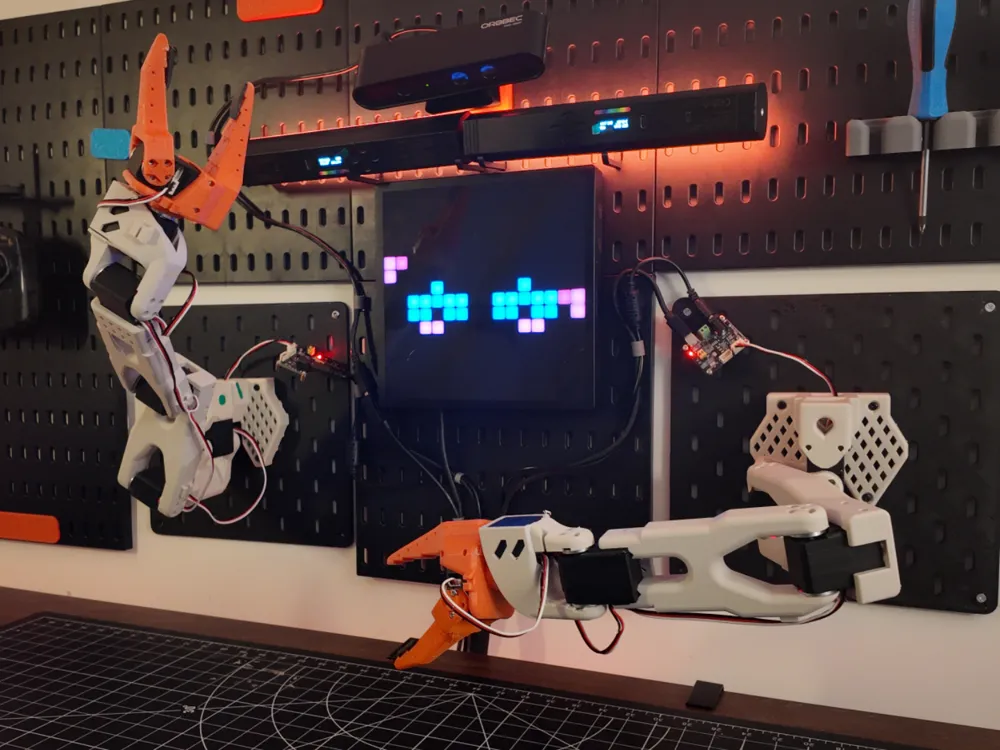

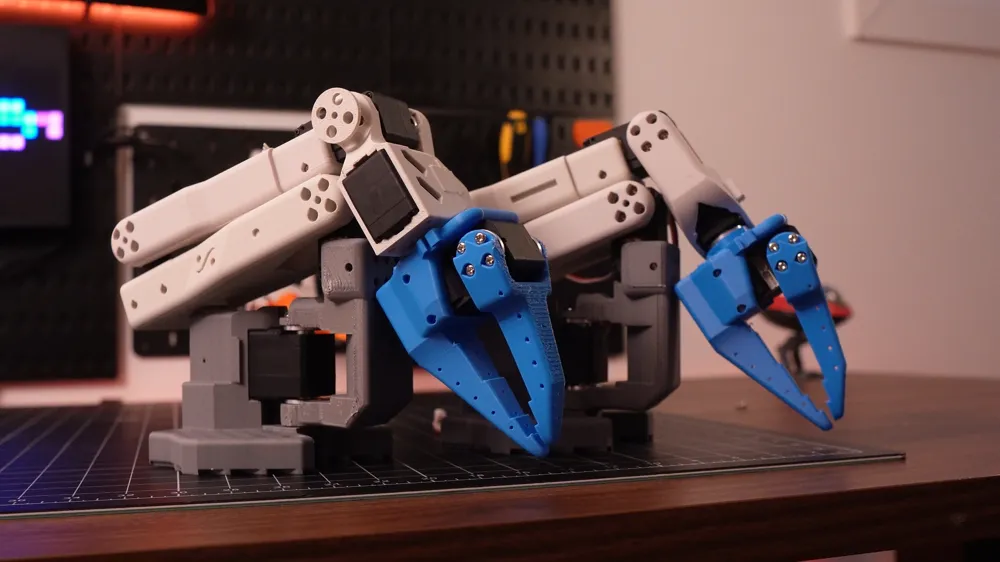
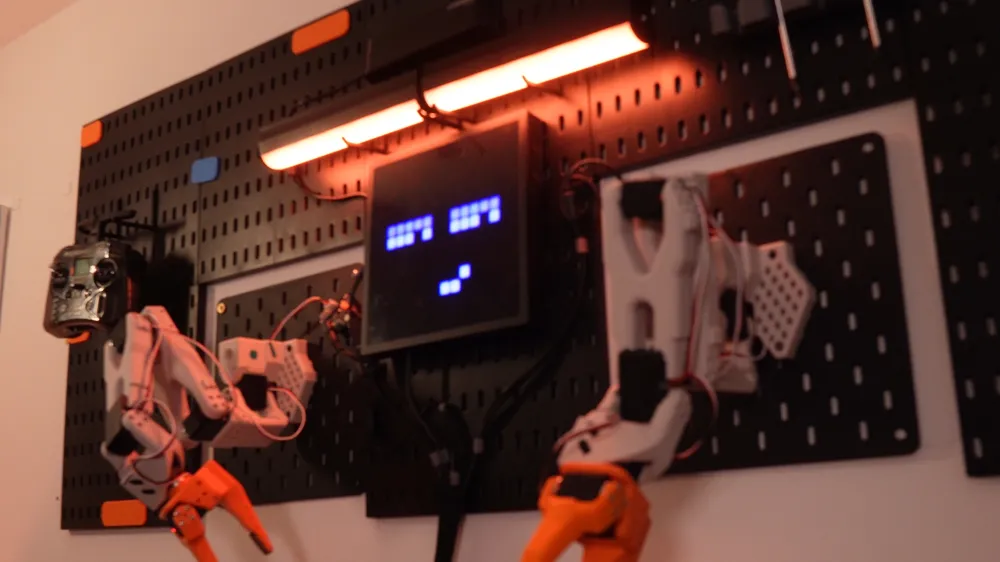
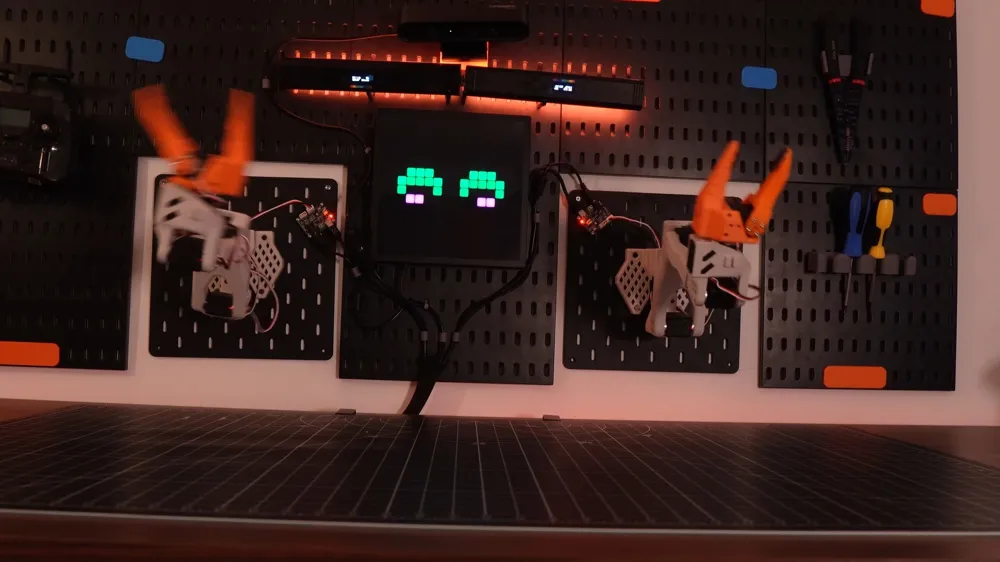
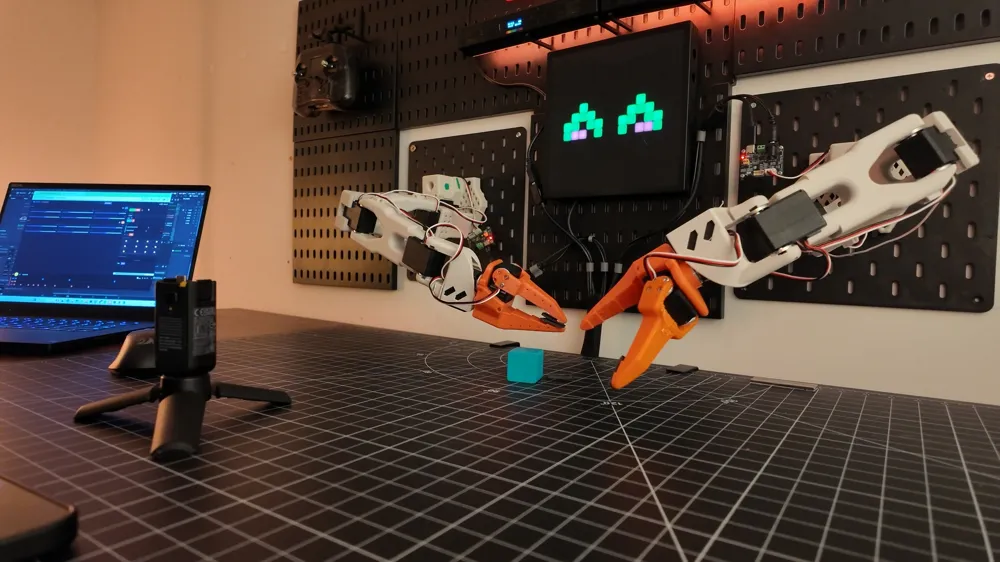

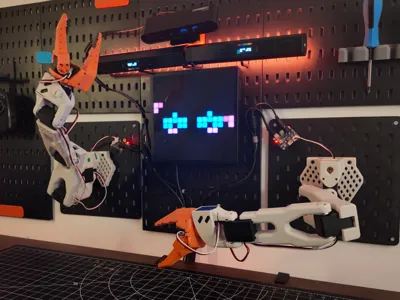
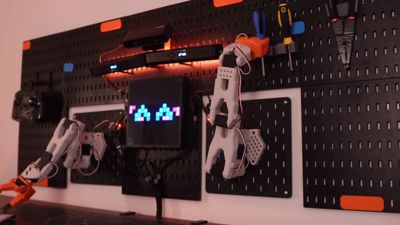
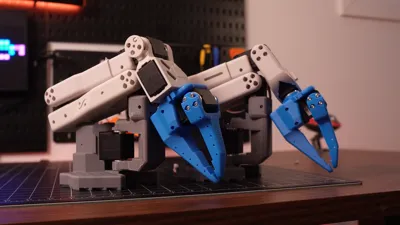
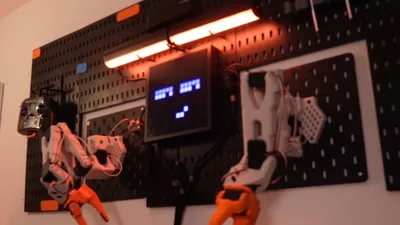
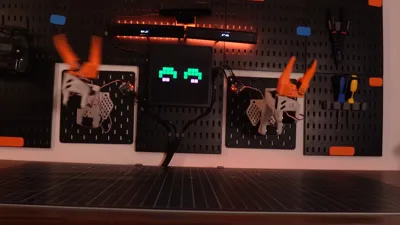
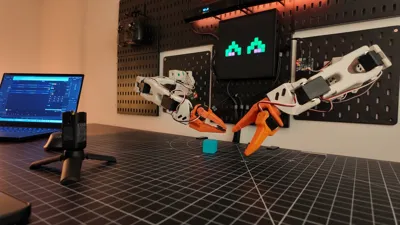
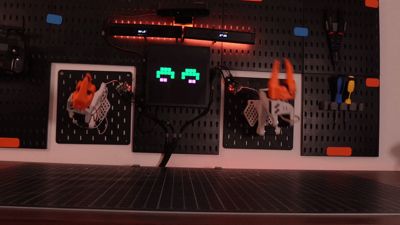
Qubit is a fully open-source desktop robot with two SO-100 arms, expressive LED eyes, and a Raspberry Pi brain. Print the parts, wire it up, and you've got a robot that can demo, dance, pick things up, and react to the world around it. All the software is Python, all the files are free, and the whole thing is designed to be remixed.
🖨️ What You're Printing
The chassis is designed for a Bambu Lab A1 in PLA+ and PETG. Ten parts total — head shell, neck bracket, body frame, shoulder mounts for both arms, LED tube holders, base plate, and a cable cover. Print time is roughly 8–12 hours per arm spread across all parts.
(Optional) Use PETG for anything structural (body frame, shoulder brackets, neck) — they take real torque from the servos. PLA+ is fine for the cosmetic shell pieces.
Recommended settings: 0.2mm layer height, 40% gyroid infill, supports on for the arm joint brackets.
🦾 The Build
Beyond the printed parts, each arm runs on 6× Feetech STS3215 serial bus servos daisy-chained through a Waveshare motor control board, powered by a dedicated 7.5V supply. Two arms means 12 servos total.
The head houses a 16×16 iDotMatrix LED display over Bluetooth — this is what gives Qubit its expressive eyes. Two WS2812B LED tubes mount on either side for ambient RGB lighting.
Everything connects back to a Raspberry Pi 5 via USB. Total build cost lands around $700–800 USD depending on sourcing, with the printer being the biggest chunk.
🧠 The Software
All control software is Python and lives in the open-source repo. Out of the box you get:
- Teleoperation — mirror a leader arm to control the follower in real time
- Record & replay — physically move an arm to record a sequence, then play it back on loop
- 14 LED emotes — animated expressions (happy, blink, glitch, heart, sleep, and more)
- Idle animations — ambient behaviors that run automatically when Qubit isn't doing anything
- Face tracking — Pi Camera v3 + OpenCV to track and follow faces
- Web dashboard — a local Flask UI at qubit.local:5000 for controlling everything from a browser
Setup is a git clone, a pip install, and editing one YAML config file to match your hardware.
🛠️ Skill Level
This is an intermediate build. You'll need to be comfortable with 3D printing tolerances, basic wiring, and running Python on a Raspberry Pi. The software is well-documented and the config is straightforward — no custom firmware, no soldering required.
If you've built a printer or done any Raspberry Pi projects before, you'll be right at home.
🔗 Full Docs & Source
Everything — wiring diagrams, full BOM with links, Python scripts, emote JSON files, and contribution guides — is in the GitHub repo.
github.com/0xaiwhisperer/qubit
Built by @0xaiwhisperer · The A.I. Whisperer
License



Comment & Rating (20)