
Card Dice (updated rubber band version, no hardware needed)
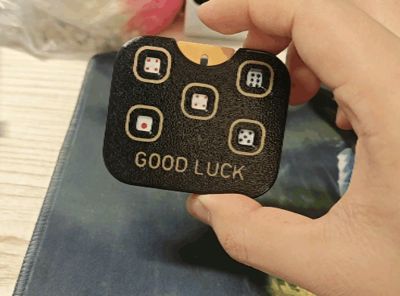
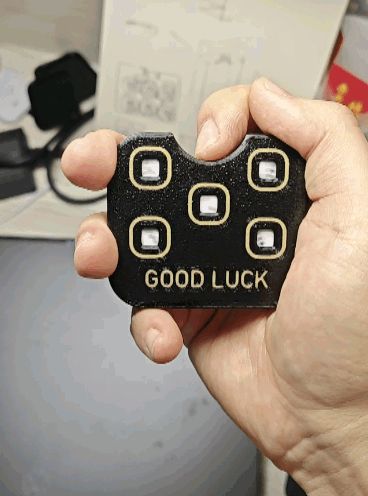
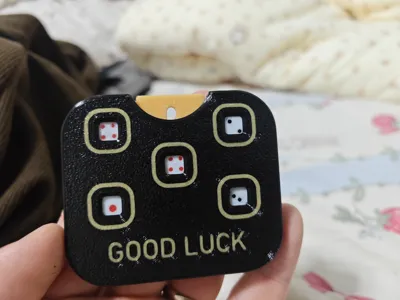
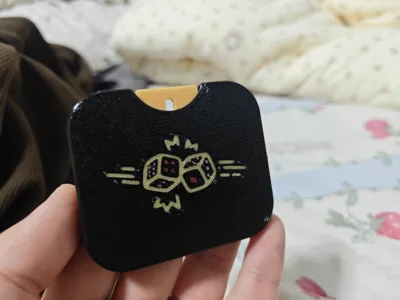
Print Profile(3)
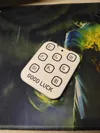
Description
Boost Me (for free)



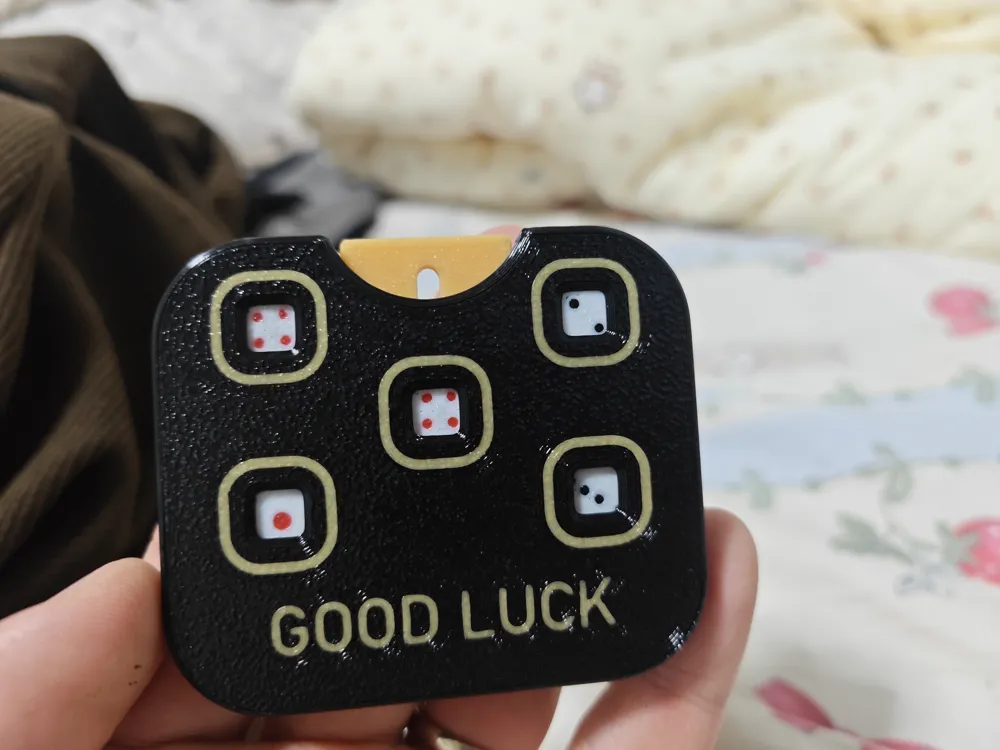
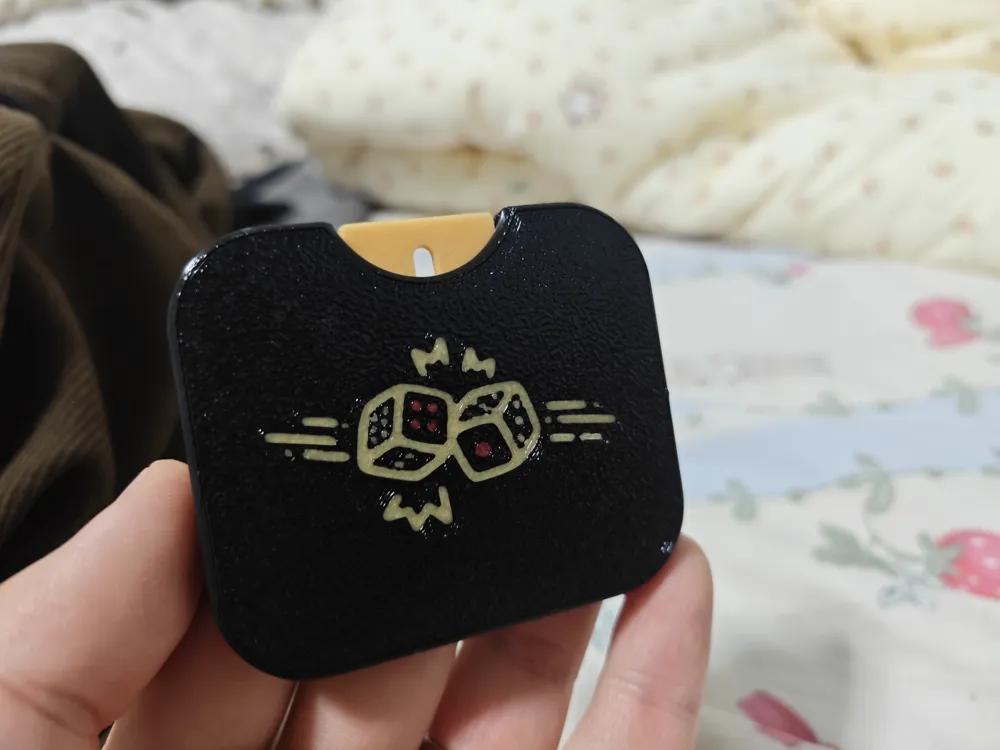
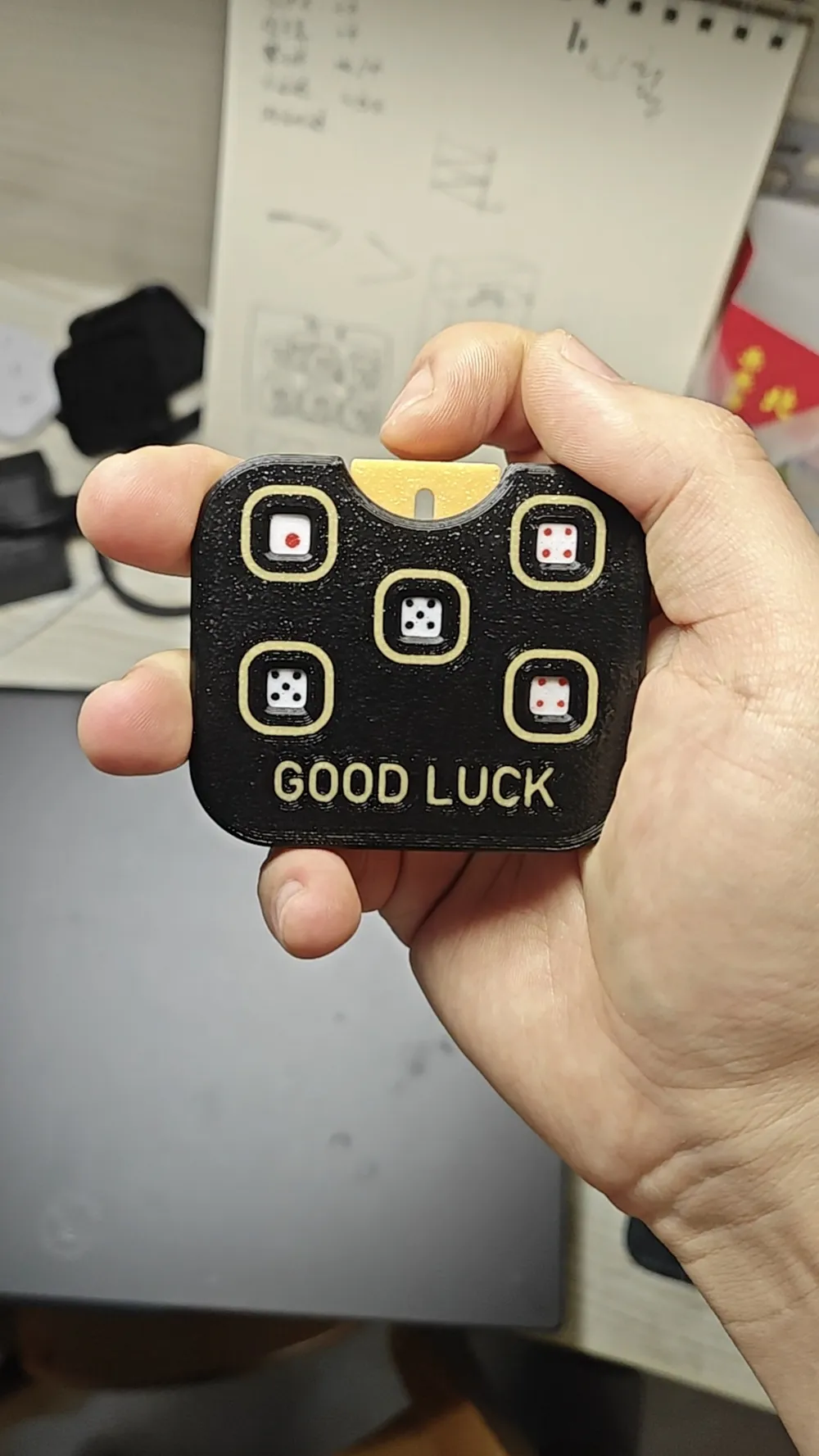
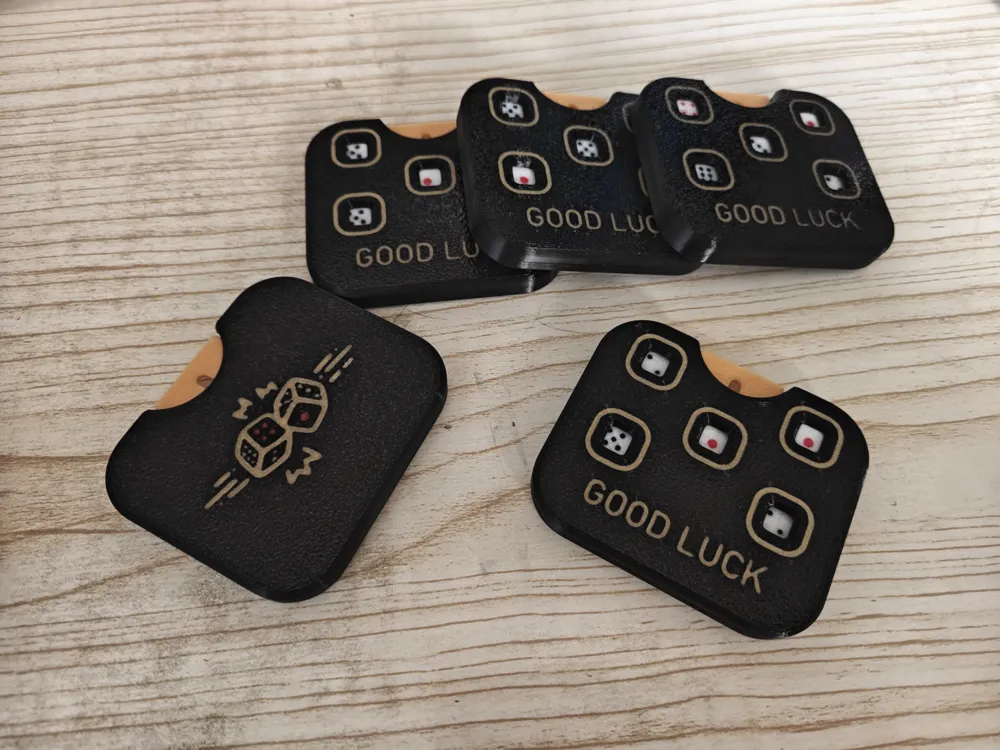
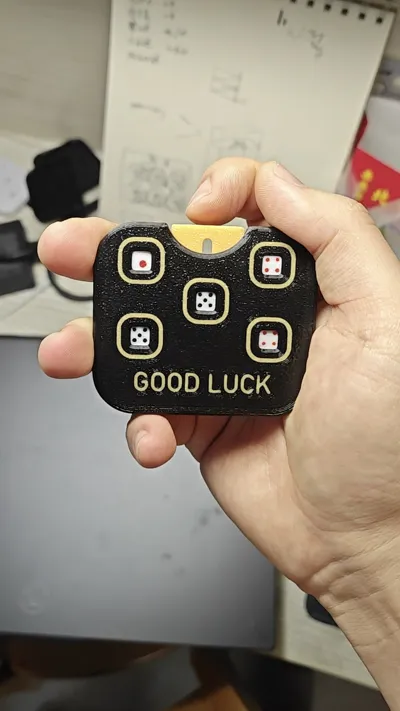
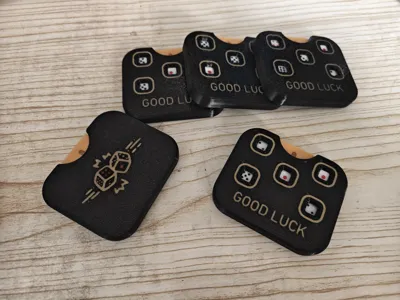
🔥 3D Printed EDC Push Dice · One-click Fingertip Luck
Hold good luck in your palm, dispel anxiety with the sound of pressing.
This is an EDC item I designed for stress relief and a sense of ritual:
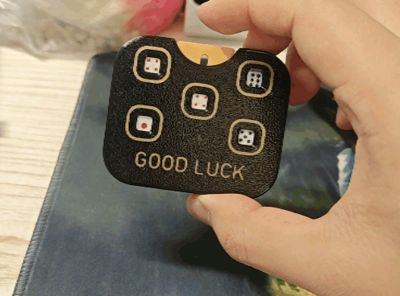
- 5 mini dice, each press is a "roll"
- Pure mechanical structure, only one ballpoint pen spring needed, smooth feedback, excellent feel

- Black background with gold "GOOD LUCK" lettering, carry good luck with you
Now I need your help to let more enthusiasts see this small design.
Like and comment to let more people have their own fingertip luck device!
Commercial use is prohibited! If needed, please contact me, thank you~
This is a push dice with 5 spinning discs. It only requires one ballpoint pen spring, no other hardware is needed, and assembly is super simple, even achievable with one hand. If the discs don't spin smoothly, you can apply a little oil or lightly sand them. It might be a bit stiff at first, but it will become smoother with use.
No supports needed, print and assemble.
Assembly instructions:



Done! Enjoy playing!
2026/3/5
Adjusted and improved the structure of the disc gears and pressing shrapnel to reduce the chance of the discs getting stuck.
2026/4/21
Added a rubber band rebound version, this version does not require a metal spring.
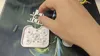
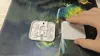
Assembly instructions:
Knot the rubber band to adjust its length, then secure it in the grooves at the bottom of the two pillars on the front cover:
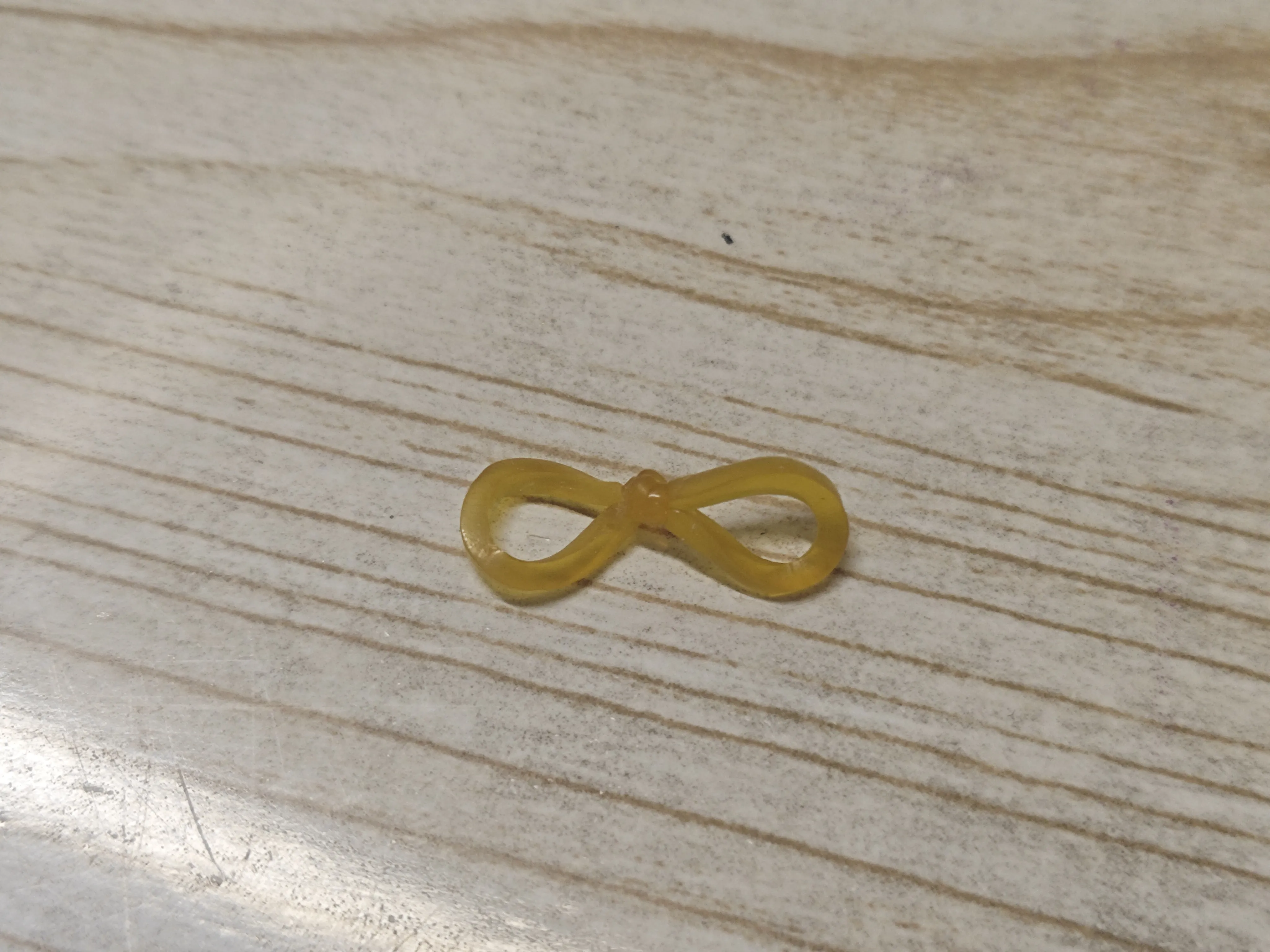
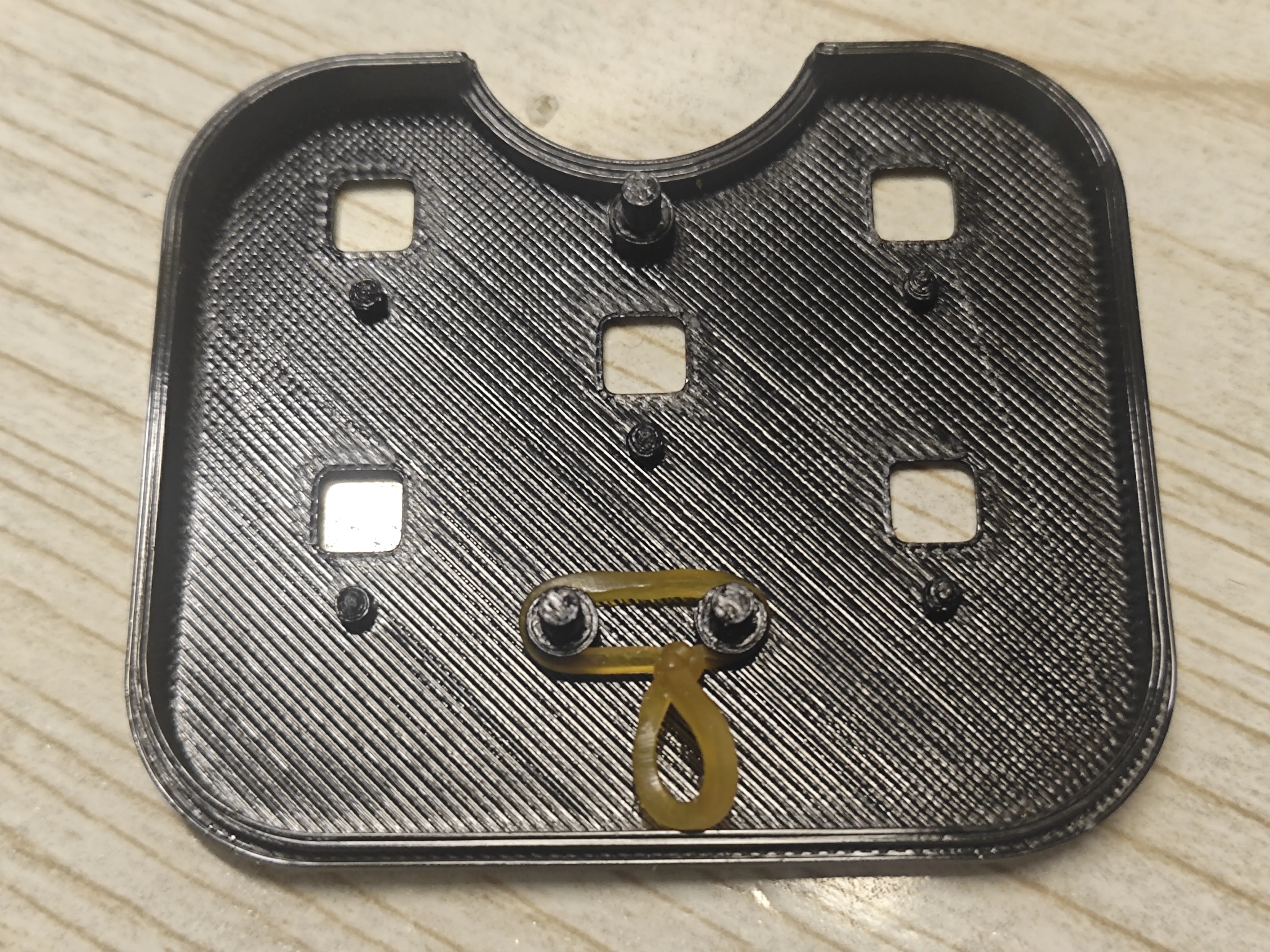
Install the paddle. The bottom of the paddle has grooves for the rubber bands. Insert both rubber bands into these grooves, which may require the aid of tweezers:
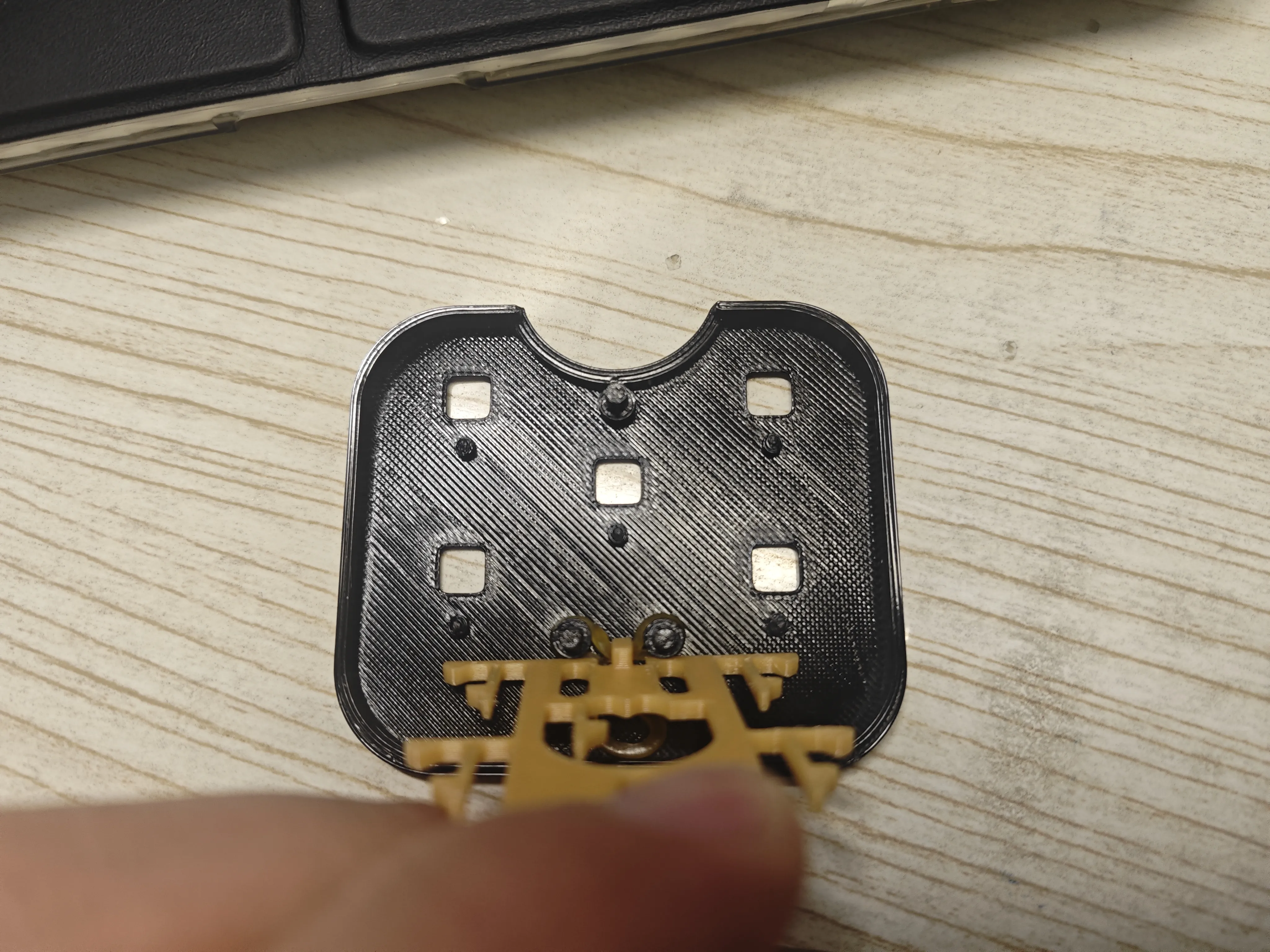
Once inserted, it should move freely up and down and fully reset after release:

Stand the paddle upright and install the disc:
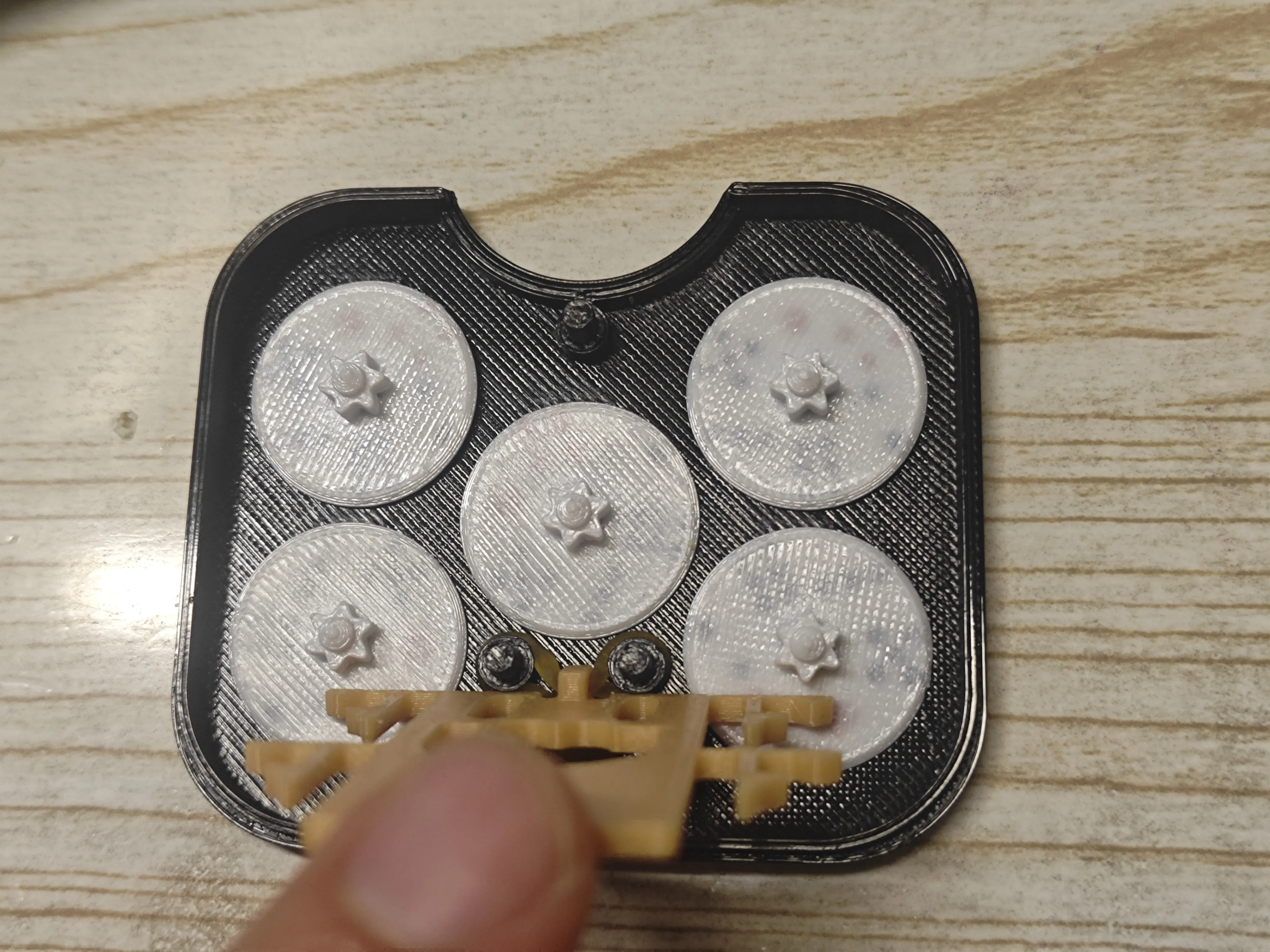
After installation, you can press to test for smoothness:

Close the back cover, and it's done. The feel in use is not significantly different from the spring version:
Boost Me (for free)
Thank you for your boost, your support is my motivation!
Documentation (3)
License

You shall not share, sub-license, sell, rent, host, transfer, or distribute in any way the digital or 3D printed versions of this object, nor any other derivative work of this object in its digital or physical format (including - but not limited to - remixes of this object, and hosting on other digital platforms). The objects may not be used without permission in any way whatsoever in which you charge money, or collect fees.


Comment & Rating (3)