
Sewing Rotary Cutter
Print Profile(5)

Bill of Materials


Description
UPDATE!
Now printable on all printers
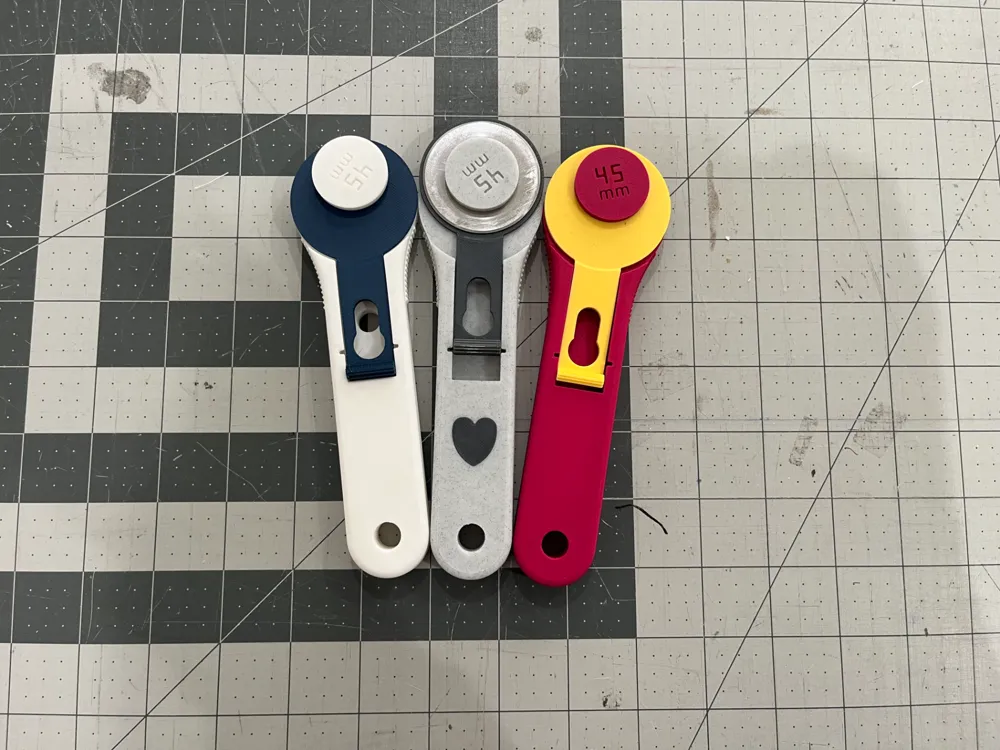

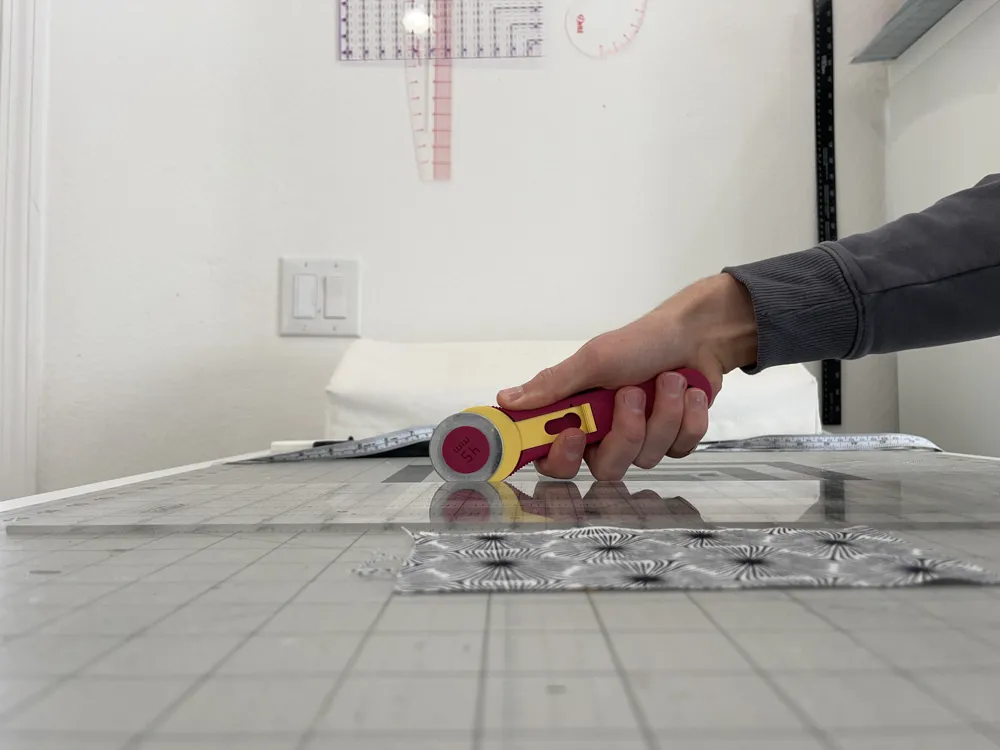
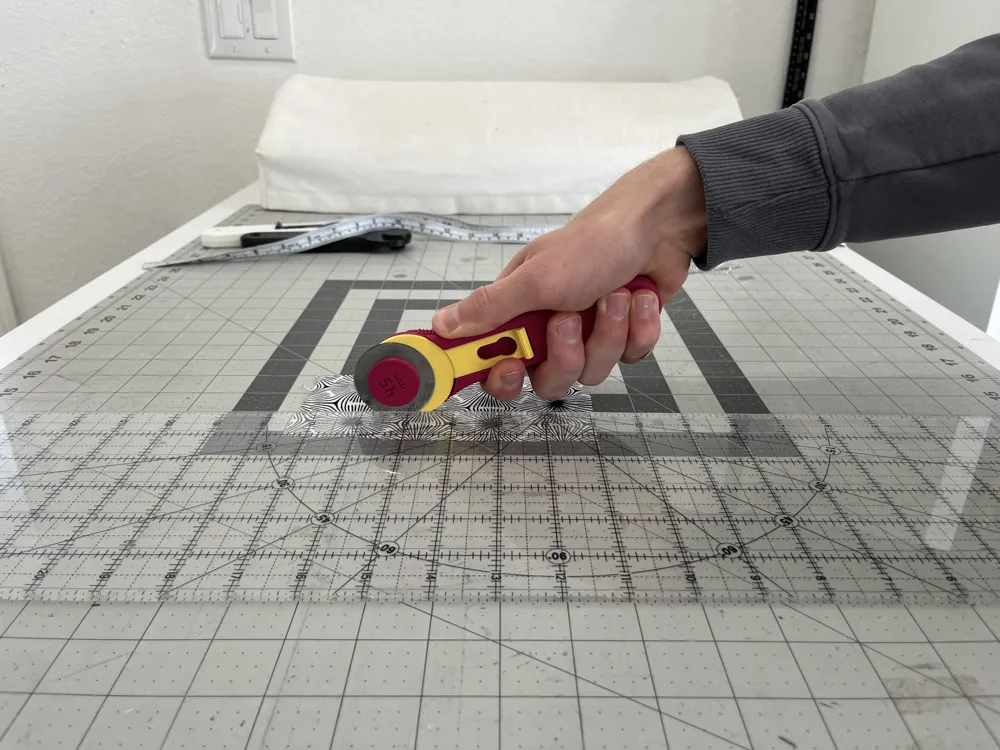
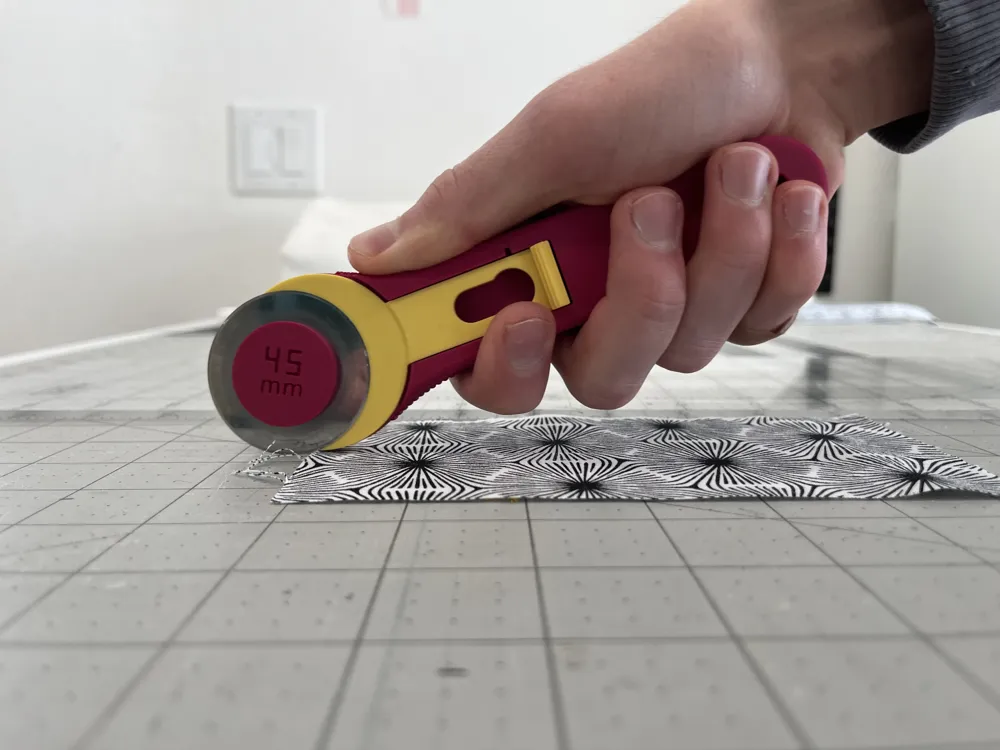
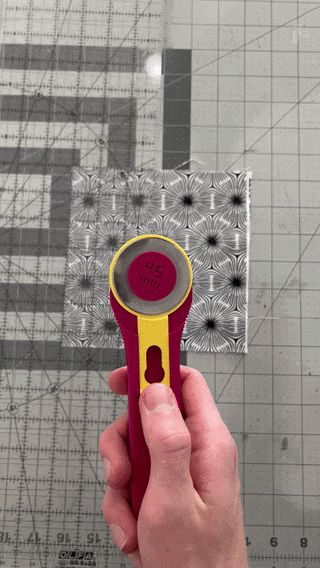
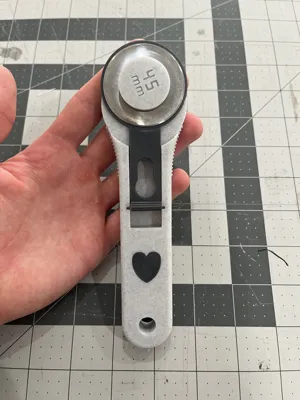
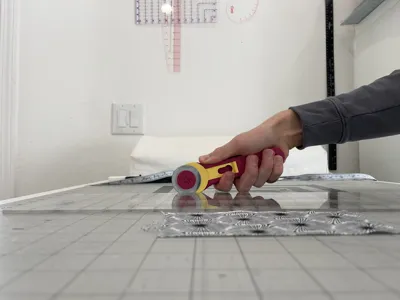
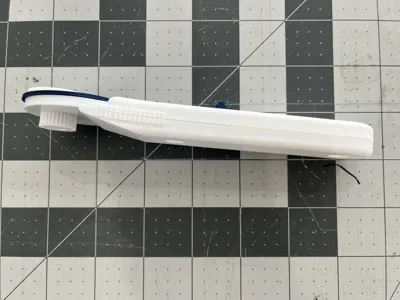
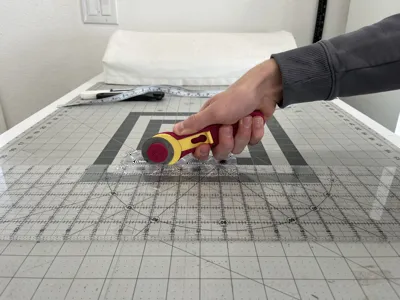
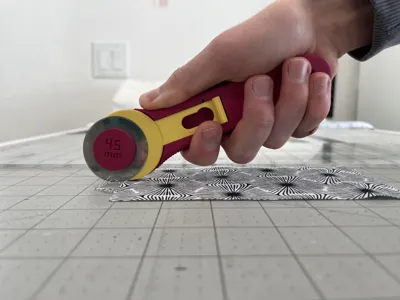
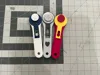
This is a 3D Sewing Rotary Cutter
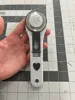
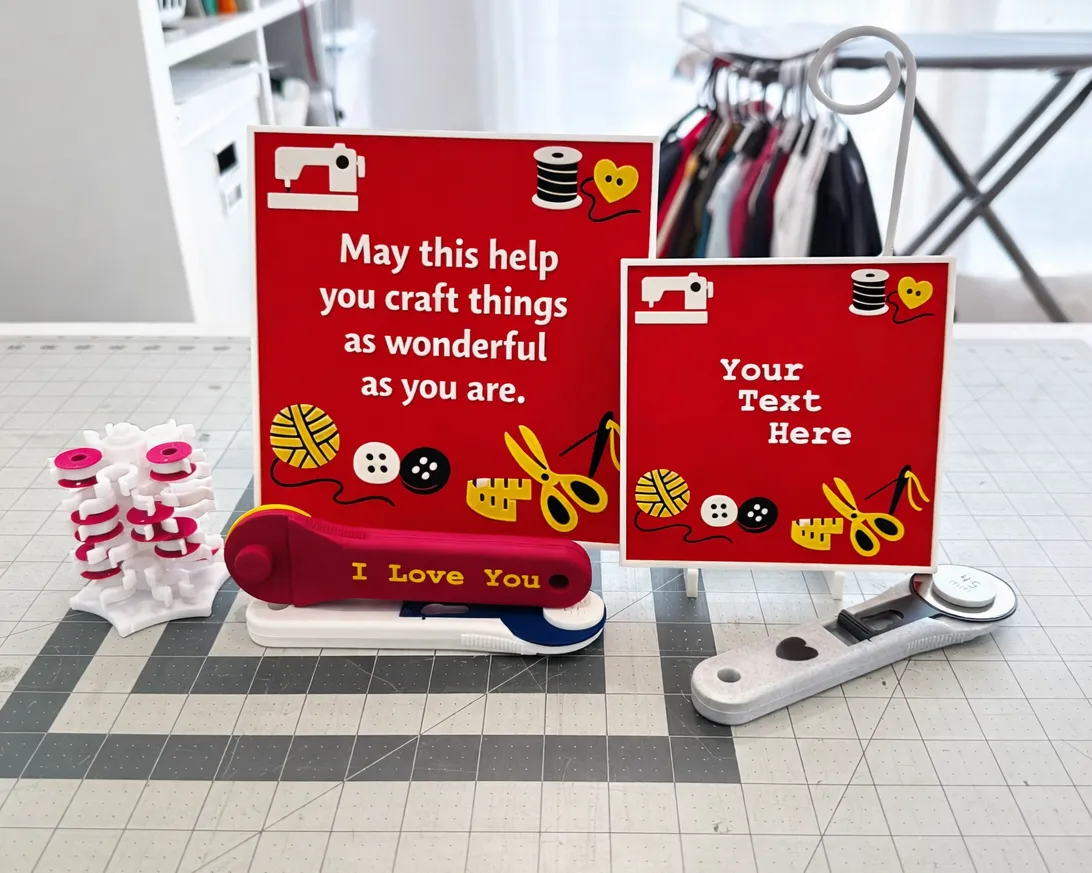
I designed and made this cutter myself to be simple, solid, and easy to use. It holds up well when great pressure is applied as well. The grip feels good in your hand and gives you good control while you work.
Boost Me (for free)
"Doth mother know you weareth her drapes?" - Tony Stark
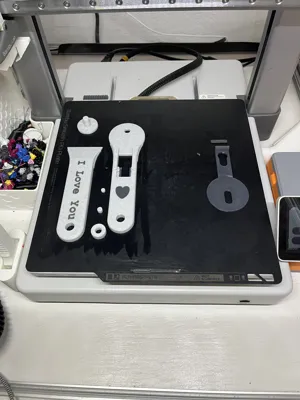
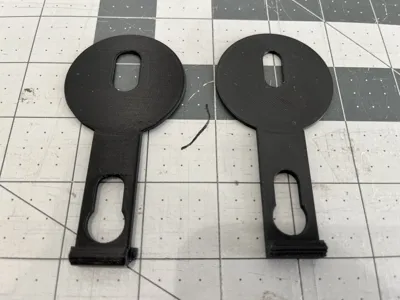
Uploaded are several options:
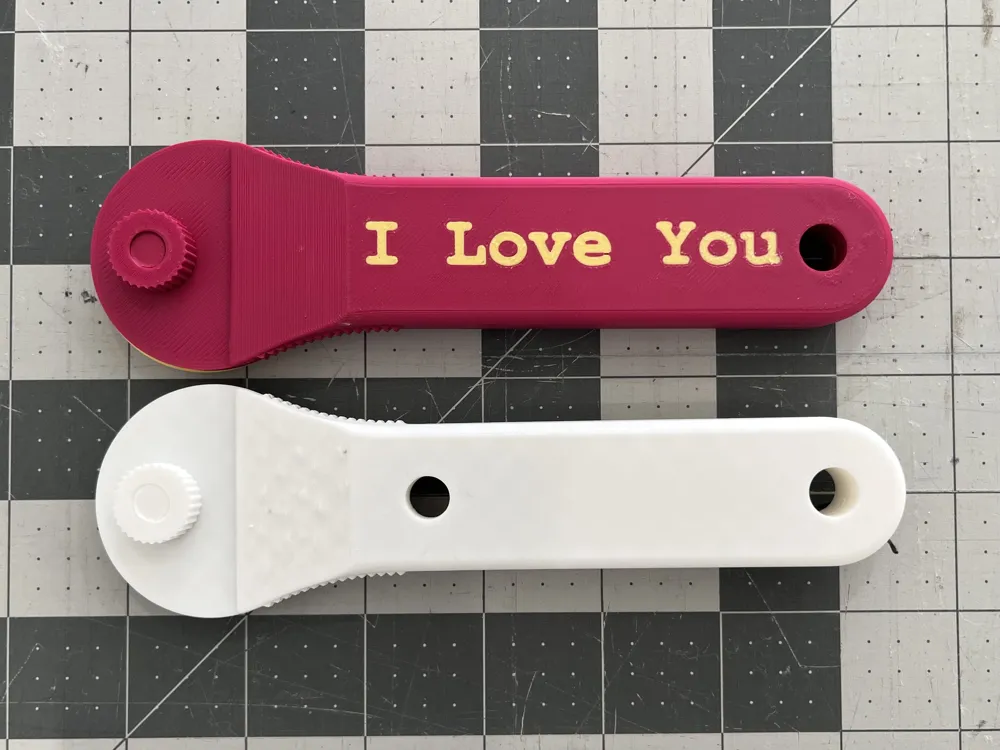
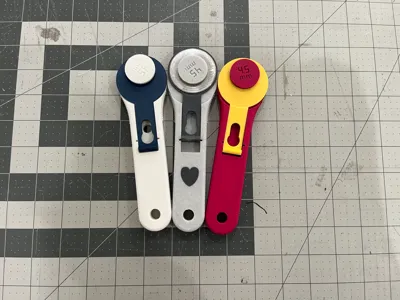
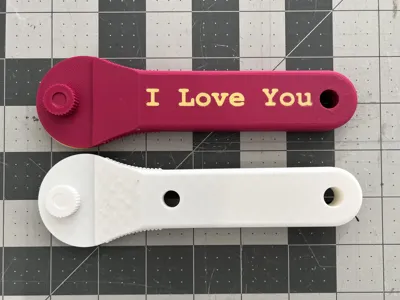
- Basic Rotary Cutter
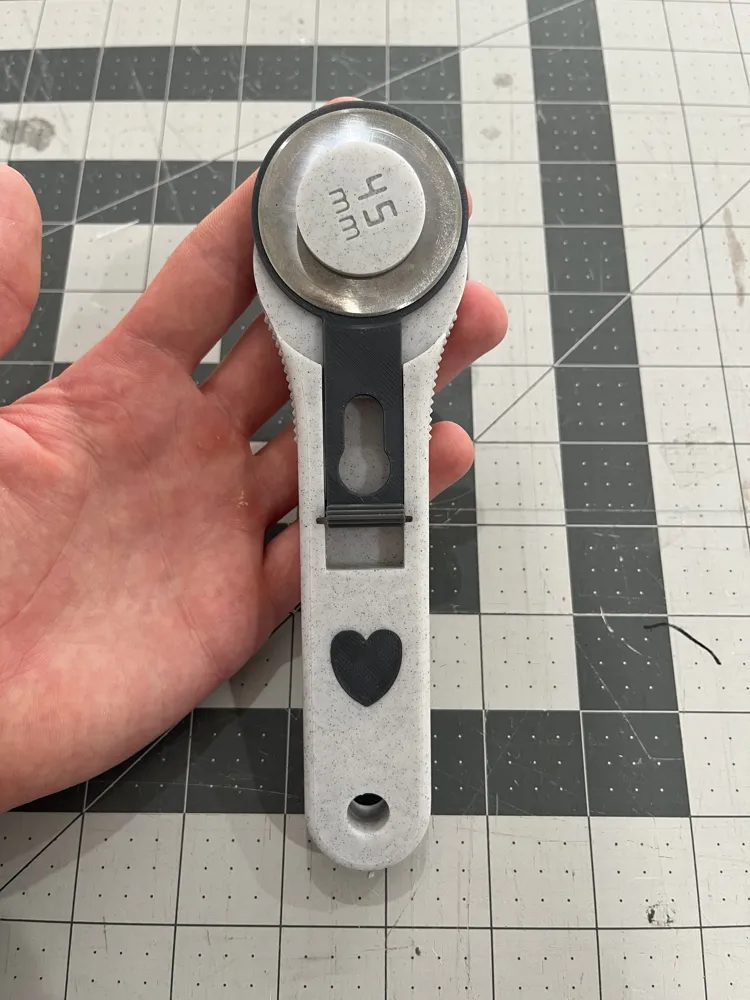
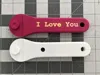
- Rotary cutter with a heart on the front and “I love you” on the back.
- Both rotary cutters as 100% infill. I have found this to feel the best while cutting as it makes it more sturdy and controllable.
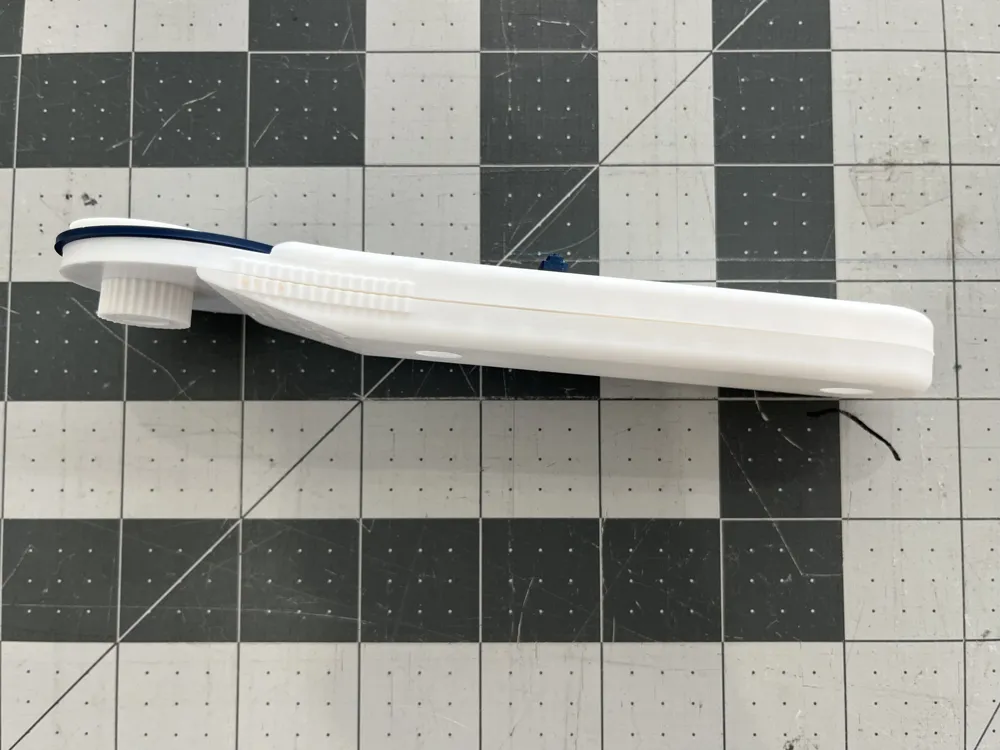
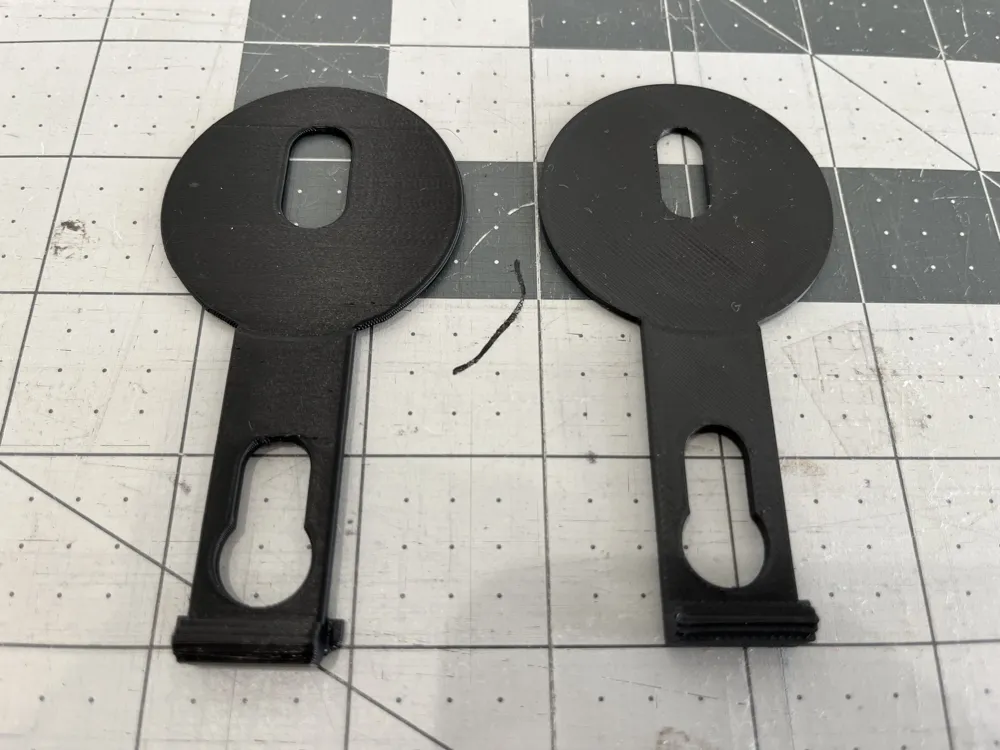
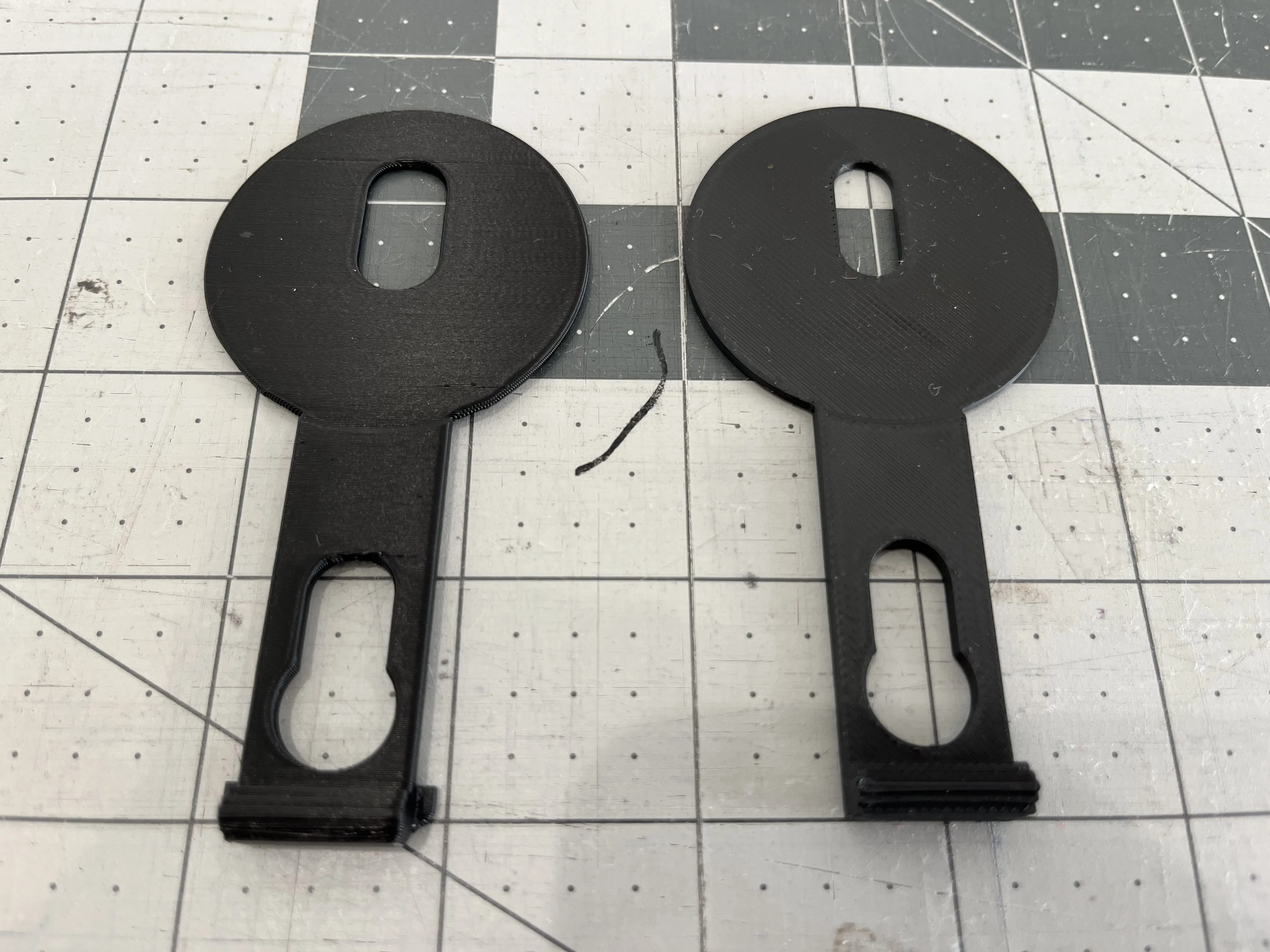
- Blade Guard that is upright for shininess.
- Everything compatible with A1 mini.
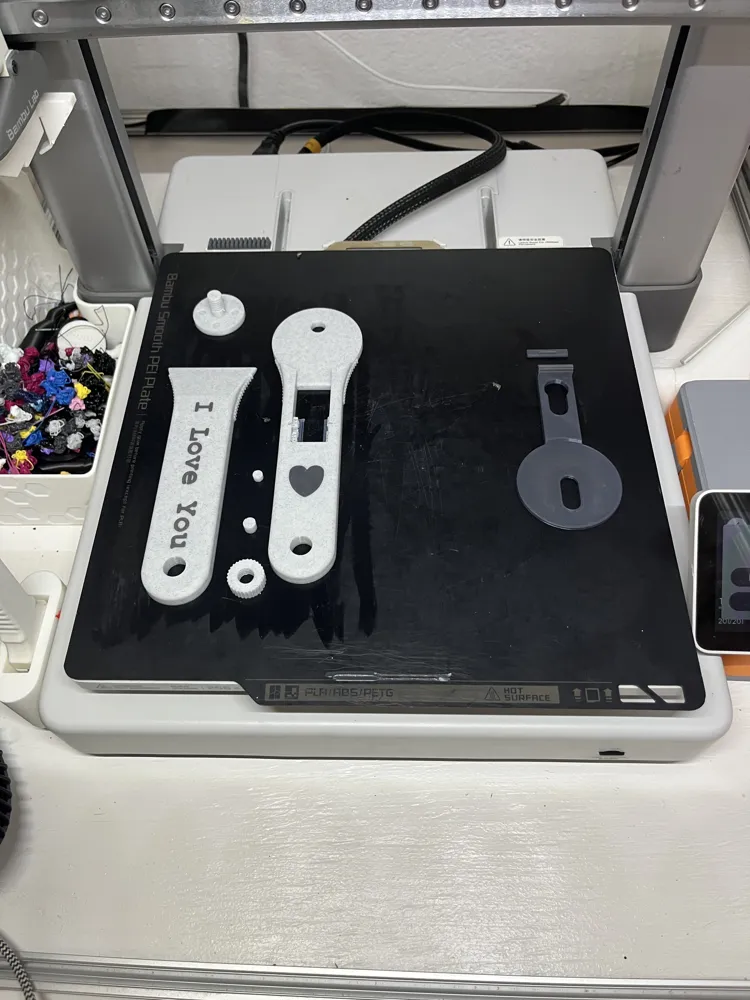
As mentioned, you can print the uploaded blade guard file upright, which gives the filament a subtle, polished shine:
Attached there is also an assembly manual explaining how to… assemble it. Please try not to mess this part up. I have full confidence in you. But also just so you know, my mother could build this, and she once called a screwdriver “the twisty nail thing.”
Also the words “I love you” was done in Bambu Studio, so if you wish to remove them and just keep the heart, or change those words to something custom, just download the model and you can make those edits.
The most challenging part of this print is preventing the handle from warping. I’ve done many test prints, and while warping is uncommon, even a slight warp can create a visible gap when you glue the two halves of the handle together. To prevent this, I use a glue stick. Simply apply a thin layer of glue from a stick onto the build plate before printing, and the print will adhere better. Ensuring the handle stays flat and warp-free.
Happy Sewing!
Documentation (1)
License

You shall not share, sub-license, sell, rent, host, transfer, or distribute in any way the digital or 3D printed versions of this object, nor any other derivative work of this object in its digital or physical format (including - but not limited to - remixes of this object, and hosting on other digital platforms). The objects may not be used without permission in any way whatsoever in which you charge money, or collect fees.


Comment & Rating (8)