
Customizable Bed Cleaner [All Printers]
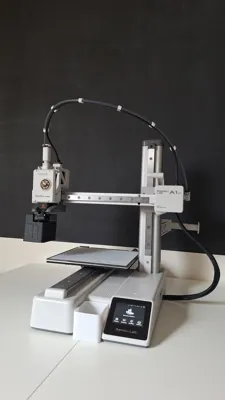
Print Profile(1)
Bill of Materials

Description

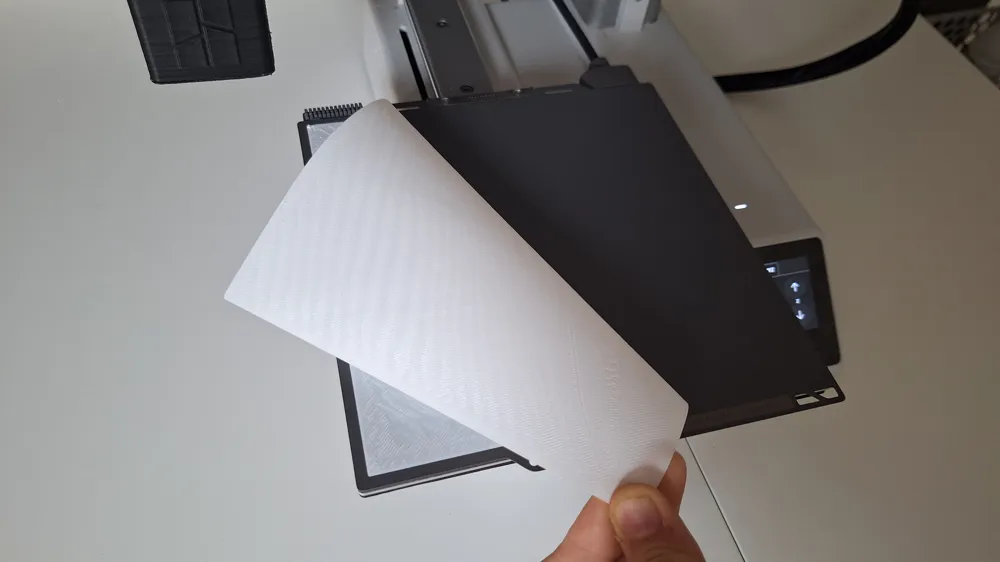
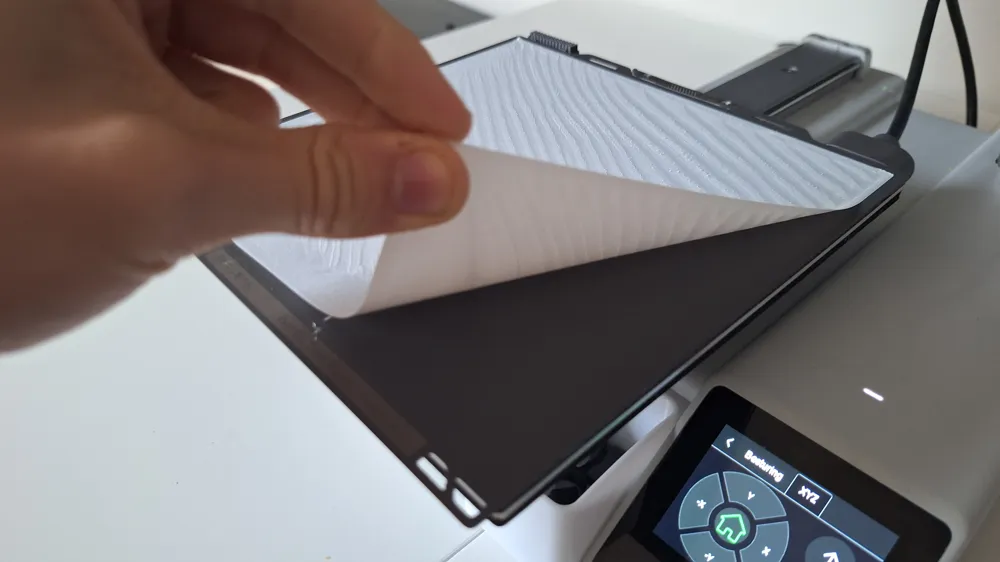
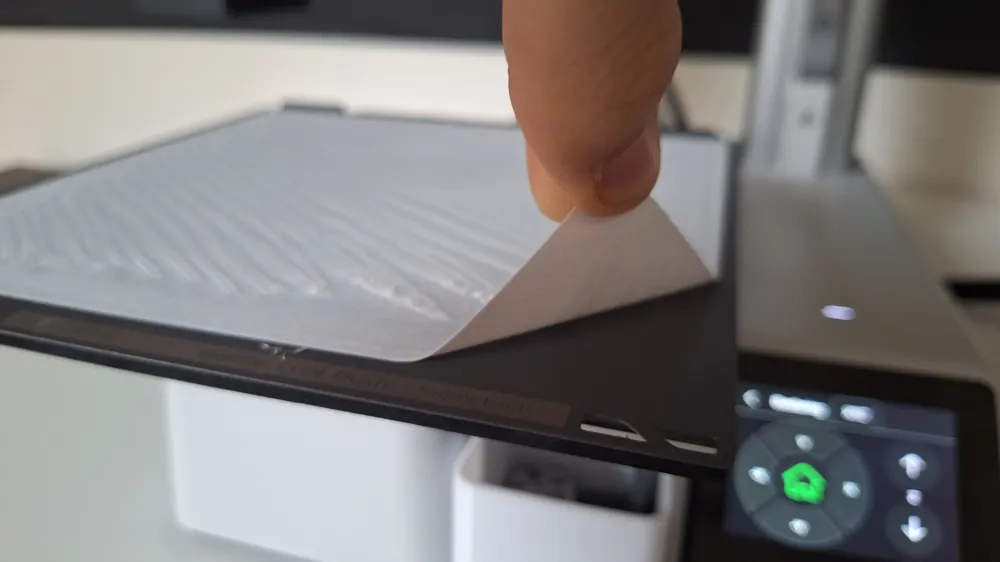
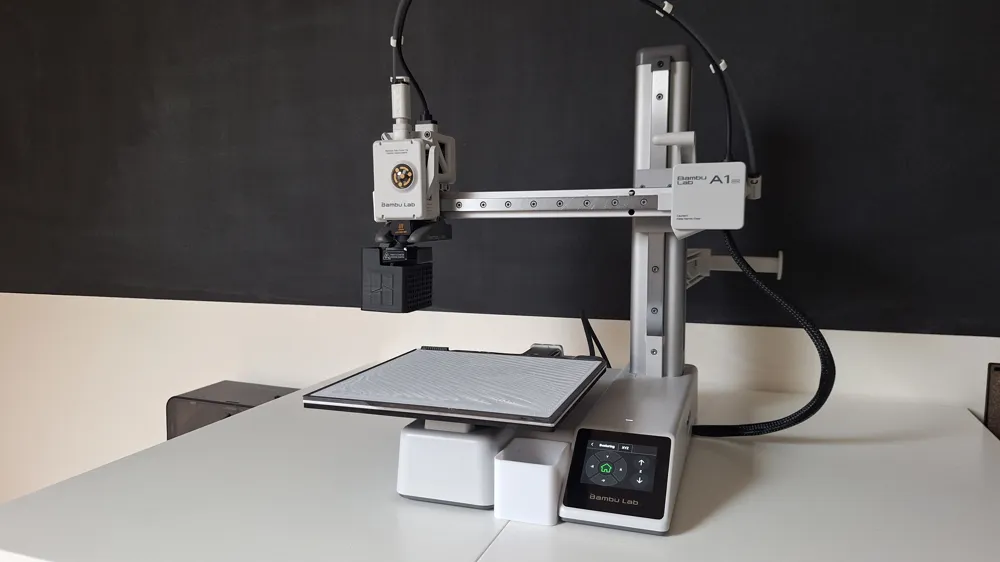
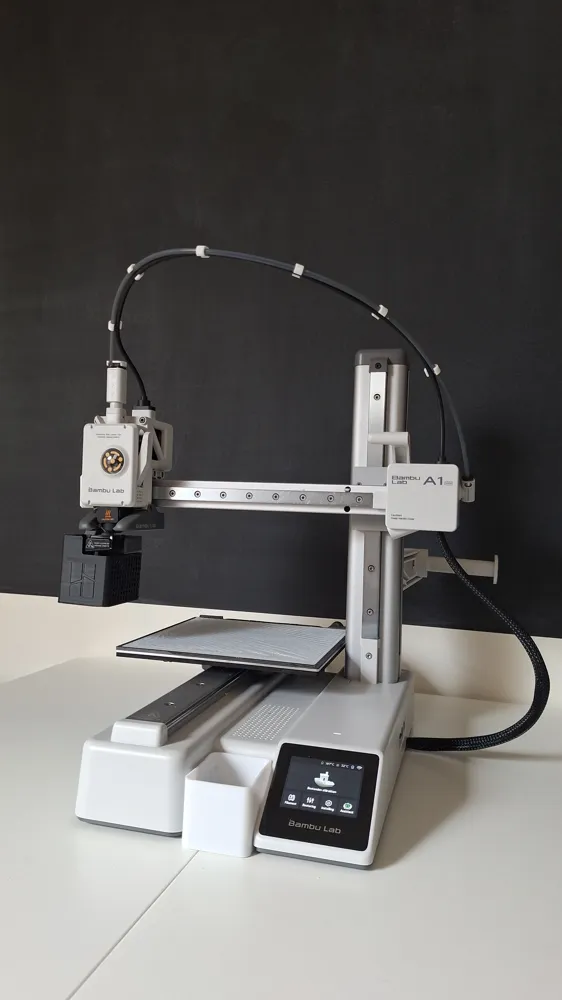
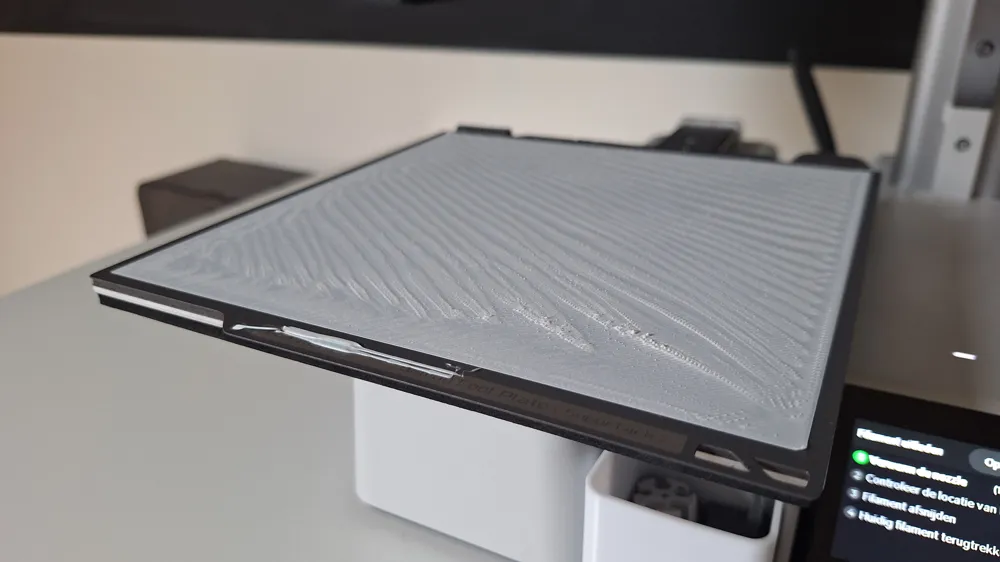
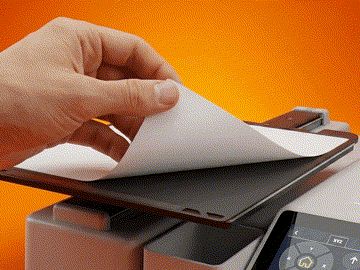
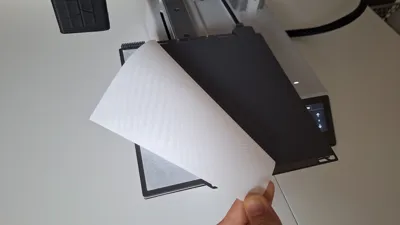
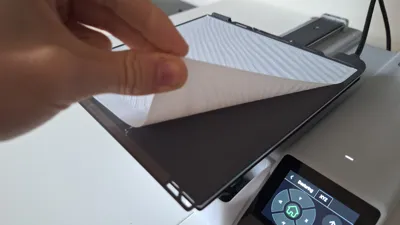
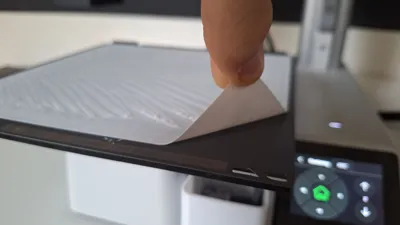
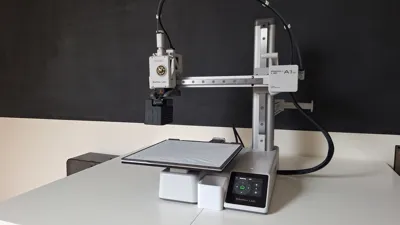
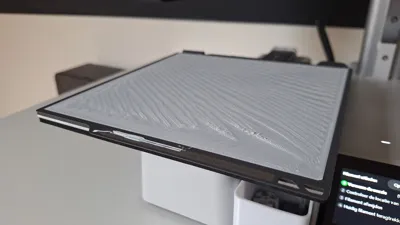
If you have tiny filament specks that won't come off, this is the solution. This parametric generator creates a precision single-layer sheet that fuses to all leftover debris on your build plate, allowing you to peel everything off in one clean move. (It's satisfying!)
Boost Me (for free)
Every boost helps me to buy more filament to test and develop new free tools for the community! :)
🧠 Behind the Design (For Makers & Moderators)
While the geometric output appears as a simple polygon, this fully parametric OpenSCAD maintenance utility is engineered strictly for hardware safety and bed kinematics. The algorithm mathematically computes dynamic X/Y bounding boxes (final_w = bed_width - (margin * 2)) to implement precise collision-avoidance margins, actively preventing toolhead crashes with bed alignment clips. Furthermore, it explicitly constrains Z-axis extrusion to a single precision layer height parameter to achieve optimal thermodynamics for filament-to-debris fusion. It is a calculated hardware diagnostic and cleaning tool, not a basic decorative extrusion.
⚙️ Why use this?
- Deep Clean: Pulls up residues from "Silk" or "PETG" filaments that scrapers leave behind.
- Adhesion Check: Instantly see if your bed is leveled and if there are any "dead zones" on your plate.
- Save Your Plate: No more scratching your PEI coating with metal scrapers.
- Fully Parametric: Works for A1 Mini (180mm), X1/P1/P2/A1 (256mm), or any other printer.
🛠️ Customizer Features
- Dimensions: Input your exact bed size.
- Thickness: Set it to exactly one layer height (e.g., 0.20mm) for the best results.
- Safety Margin: Built-in margin to ensure you don't print over the edges or hit the build plate screws.
🖨️ Print Settings
- Material: Use the same material as the residue you want to remove (usually PLA).
- Layer Height: Match the "Thickness" parameter in the generator.
- Infill: 100% (Solid).
- Bed Temp: Use your standard settings.
- Removal: Let the plate cool down completely! The sheet will "shrink" slightly, making it easier to lift the edge and peel everything off.
❤️ Share your clean plates!
Post a photo of your peeled sheet! It’s strangely satisfying to see all the dust and plastic bits it caught. If you give permission, I'll add your photo to the gallery.
Boost Me (for free)
Happy Printing!
Membership
If you want the legal rights to sell physical prints of this model and all my other designs, please join my Commercial Membership!
License

You shall not share, sub-license, sell, rent, host, transfer, or distribute in any way the digital or 3D printed versions of this object, nor any other derivative work of this object in its digital or physical format (including - but not limited to - remixes of this object, and hosting on other digital platforms). The objects may not be used without permission in any way whatsoever in which you charge money, or collect fees.


Comment & Rating (3)