
Cyberbrick 4 Motor Wheel Base
Print Profile(1)
Bill of Materials

- M2x12mm screws x 8:
- M2x10mm Screws x 2:
Description
I looked everywhere for a 4 motor assembly base to give a true AWD to a base model. I found plenty of 4wd setups using 2 motors and 2 sets of diffs.
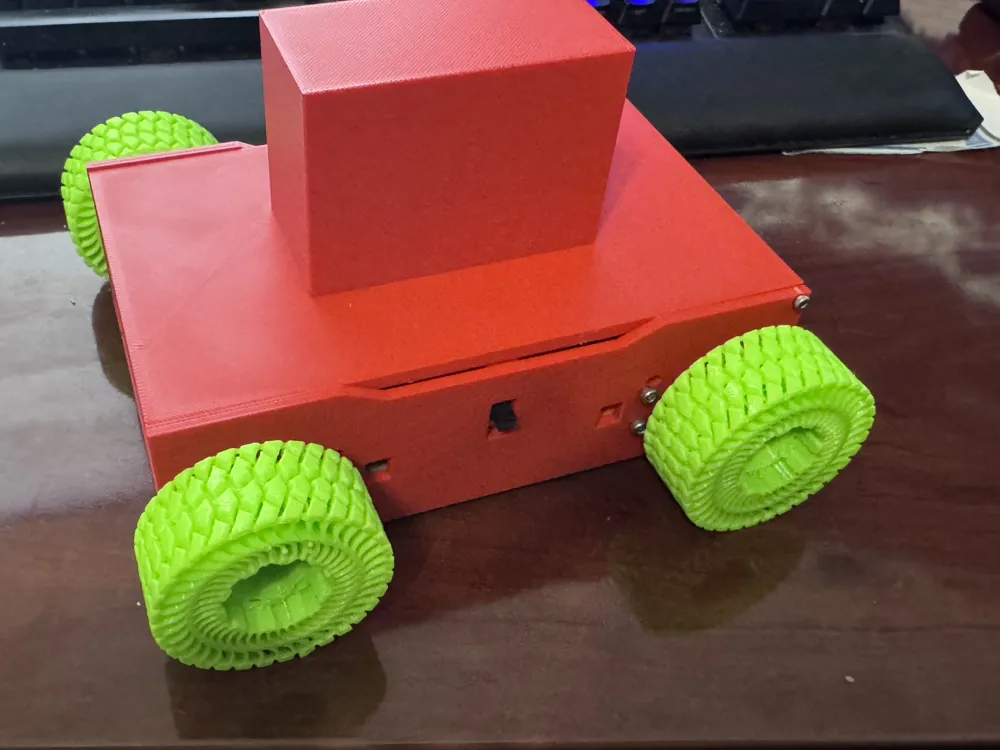
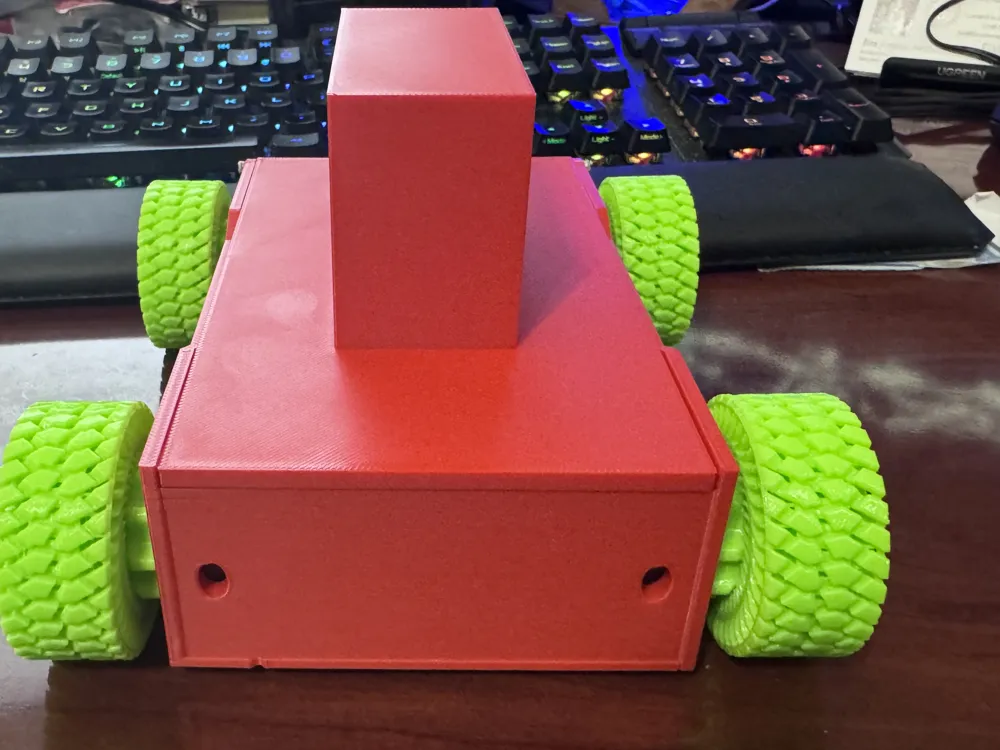
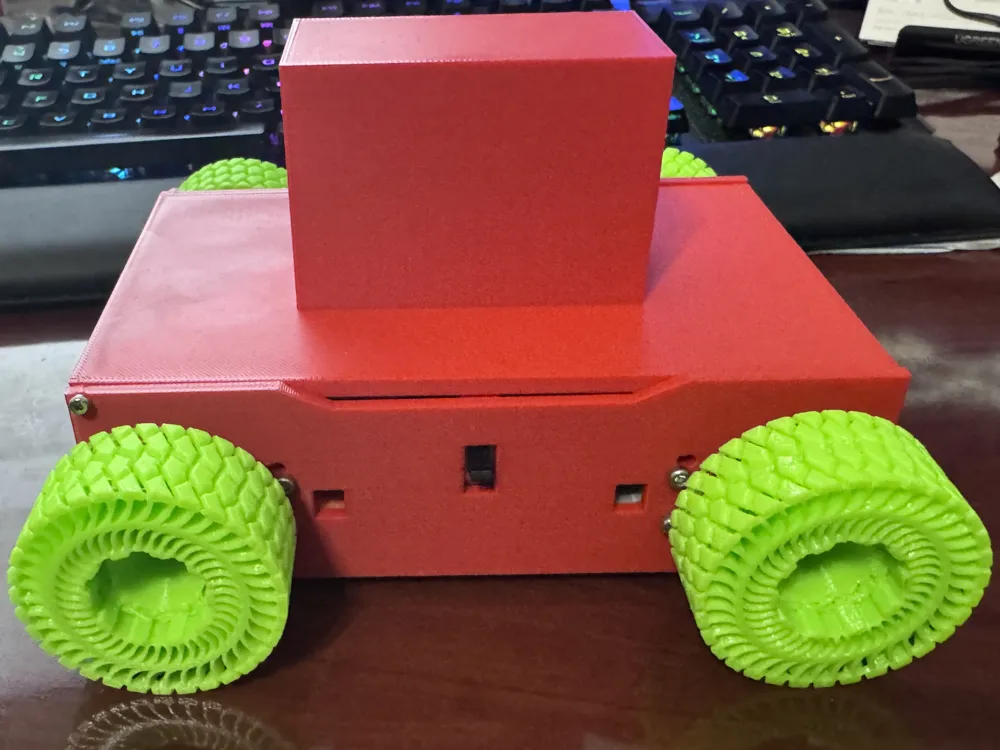
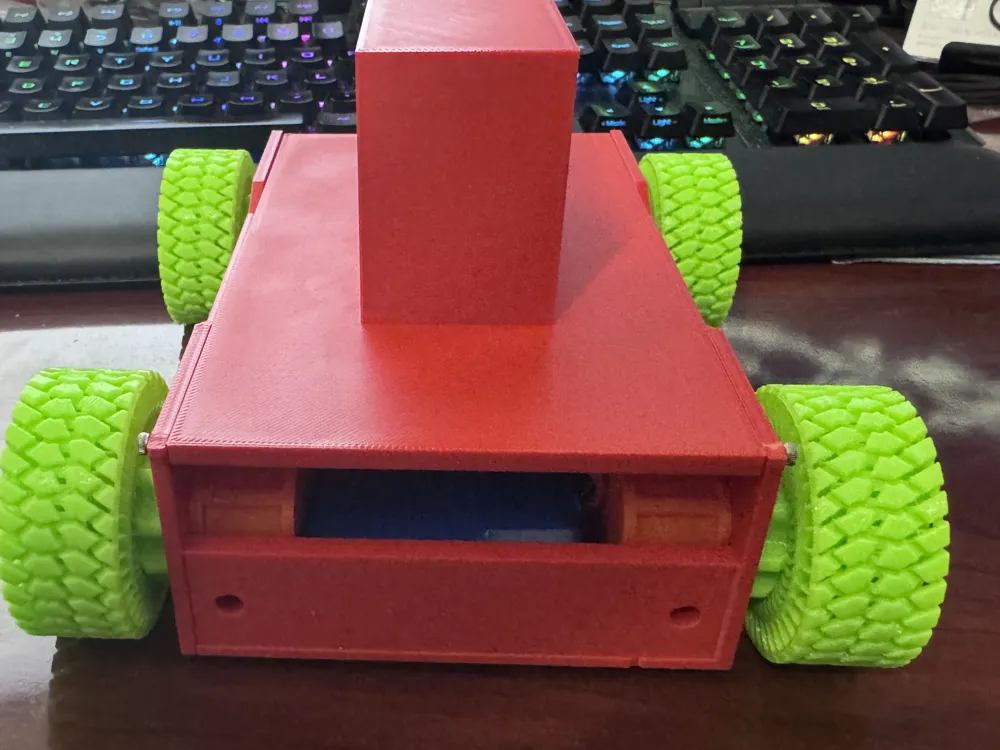
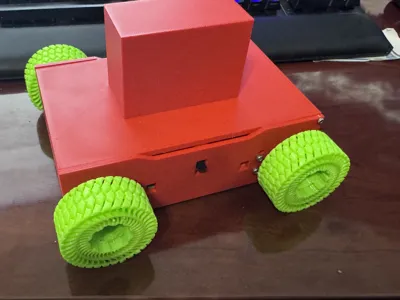
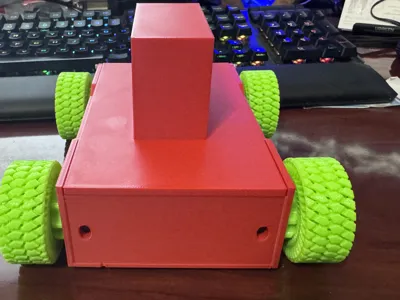
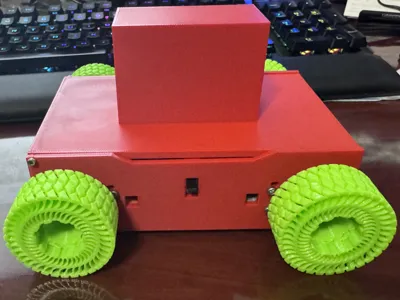
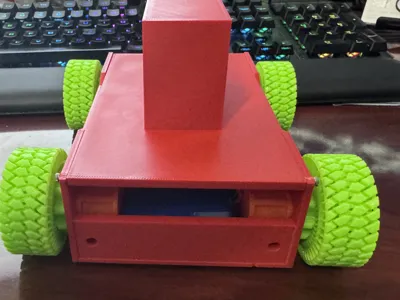
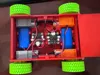
I chose to make this for a special project where i needed a hidden driveable base under a large printed marketing body i made. In the photos you will see the large rectangle on the top which is what the body slid on top of. This has been removed from the model and you can use it as is or add your own body/mounts as needed.
This base is a heavily modified version of MauricioDUARTE Easy finder model here on Makerwold. I would like ti give MauricioDUARTE credit for designing the mounts as i essentially cut all the mounts and moved everythign into a more compact design.
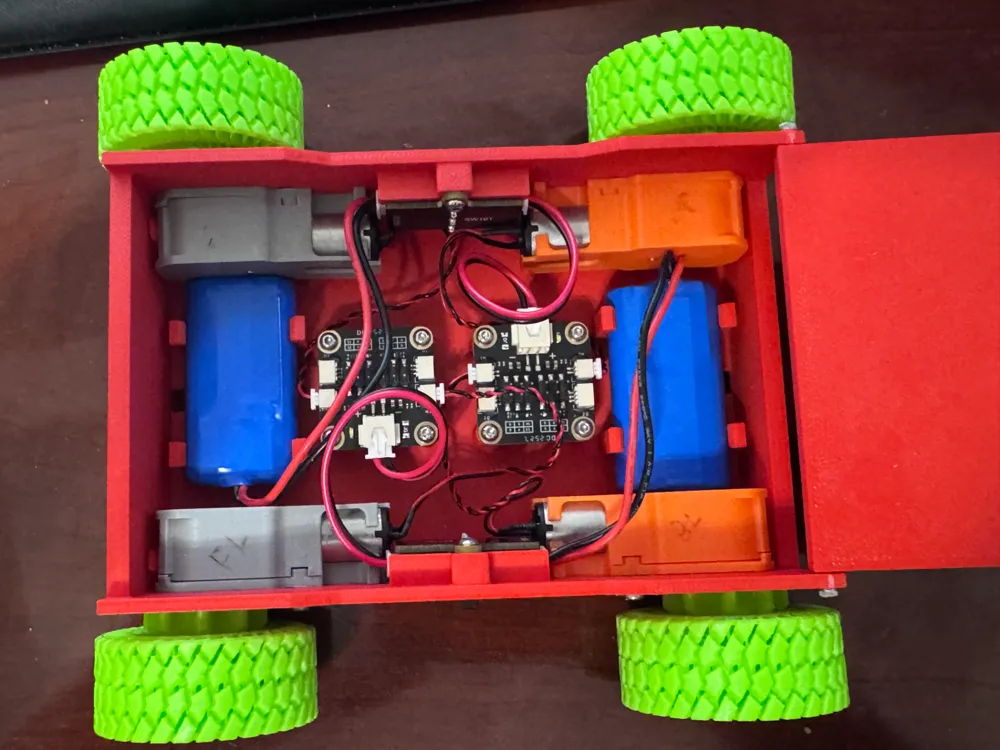
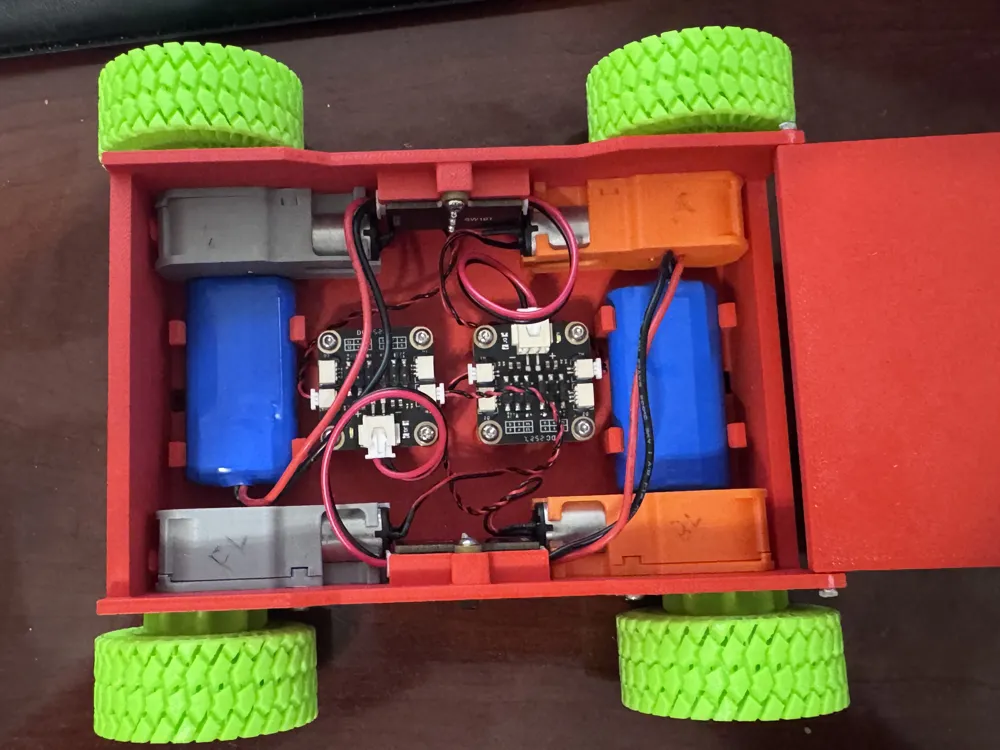
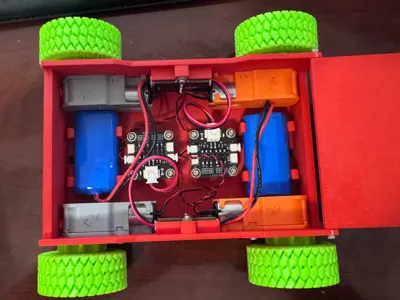
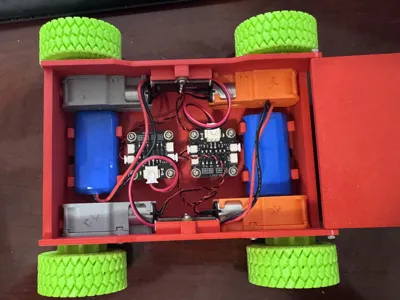
While the body is smaller, it does accomodate for 4 motors, 2 receivers, 2 batteries, and 2 on off switches. It also does away with the tank track design and offers direct power to the wheels.
Please read all Notes on assembly prior to installing electronics:
When adding the electronics. The motors are attached using 2 M2x12 screws for each housing through the body. Everything else uses the standard M2.5x6 screws that come with the cyberbrick kits. When attaching the electronics into the body. The front is the end with the full wall. Opposite the hinge for the top cover. for the coding to work properly please pay attention to mounting direction. I found it easiest to attach all the wiring and set everything in place prior to screwing it all down. It is easier to do one end at a time but pay close attention to the switch mounting.
Front receiver: Power wire should face driver side. Front passenger motor plugged into the forward facing port, front diver motor plugged into the rear facing port.
Rear receiver: Power wire should face passenger side. Rear left motor plugged into the forward facing port, rear right motor plugged into the rear facing port.
For cleaner wiring, i mounted the front receivers battery in the rear coming off the switch on the driver side. Rear receivers battery is mounted in the front off the passenger side switch. This is a tight configuration and you will need to mount the switches in place prior to mounting the motor housings. otherwise the motor wires will get in the way of the switch sitting in place.
The tires are TPU printed but you can use any tire designed to mount directly as long as you give clearance for the heads on the motor housing since they sit on the outside of the main chassis.
On a standard Cyberbrick controller. The programming allows for left stick control of the left wheels, right stick control of the right wheels, and right shoulder stick controls all 4 wheels. pushing down for forward and up for backward movements.
Documentation (1)

License

You may create derivative works based on this object, provided that all such derivative works are published exclusively on the MakerWorld platform and include proper attribution to the original creator. You may not share, upload, host, distribute, or publish this object—or any derivative work of this object—on any other digital platform, marketplace, or distribution channel. Commercial use of this object and any derivative works is strictly prohibited. This includes, but is not limited to, selling, renting, sublicensing, or using the object in any context in which you receive monetary compensation or other financial benefits.


Comment & Rating (2)