
Personalised Drinks Name Tags, Glass Markers
Print Profile(1)
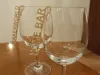
Description
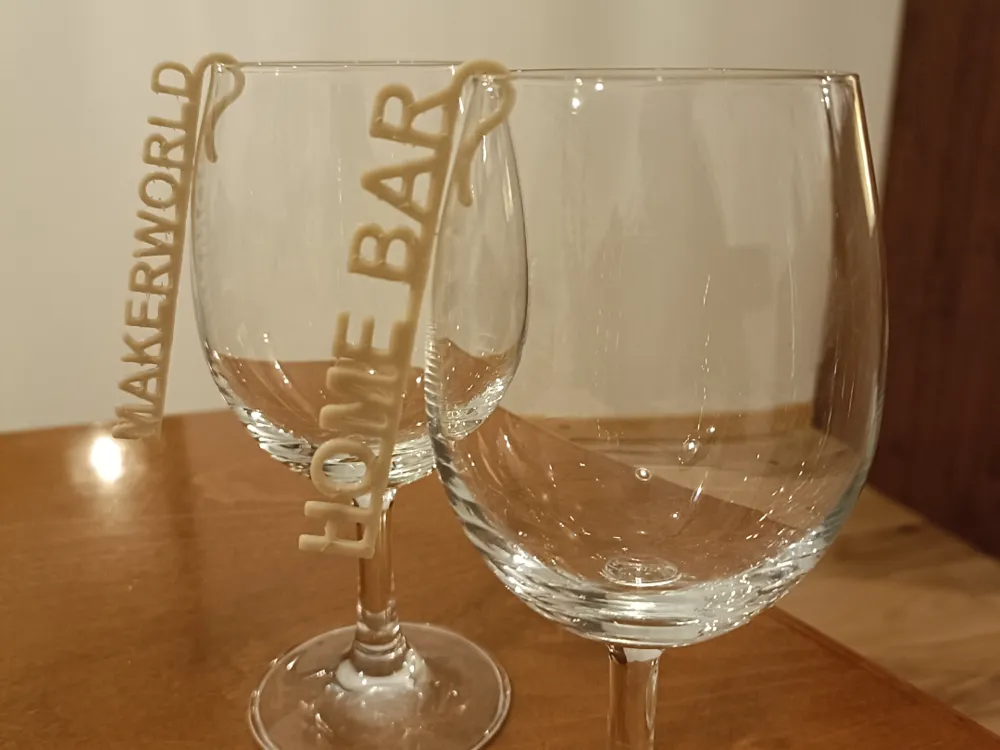
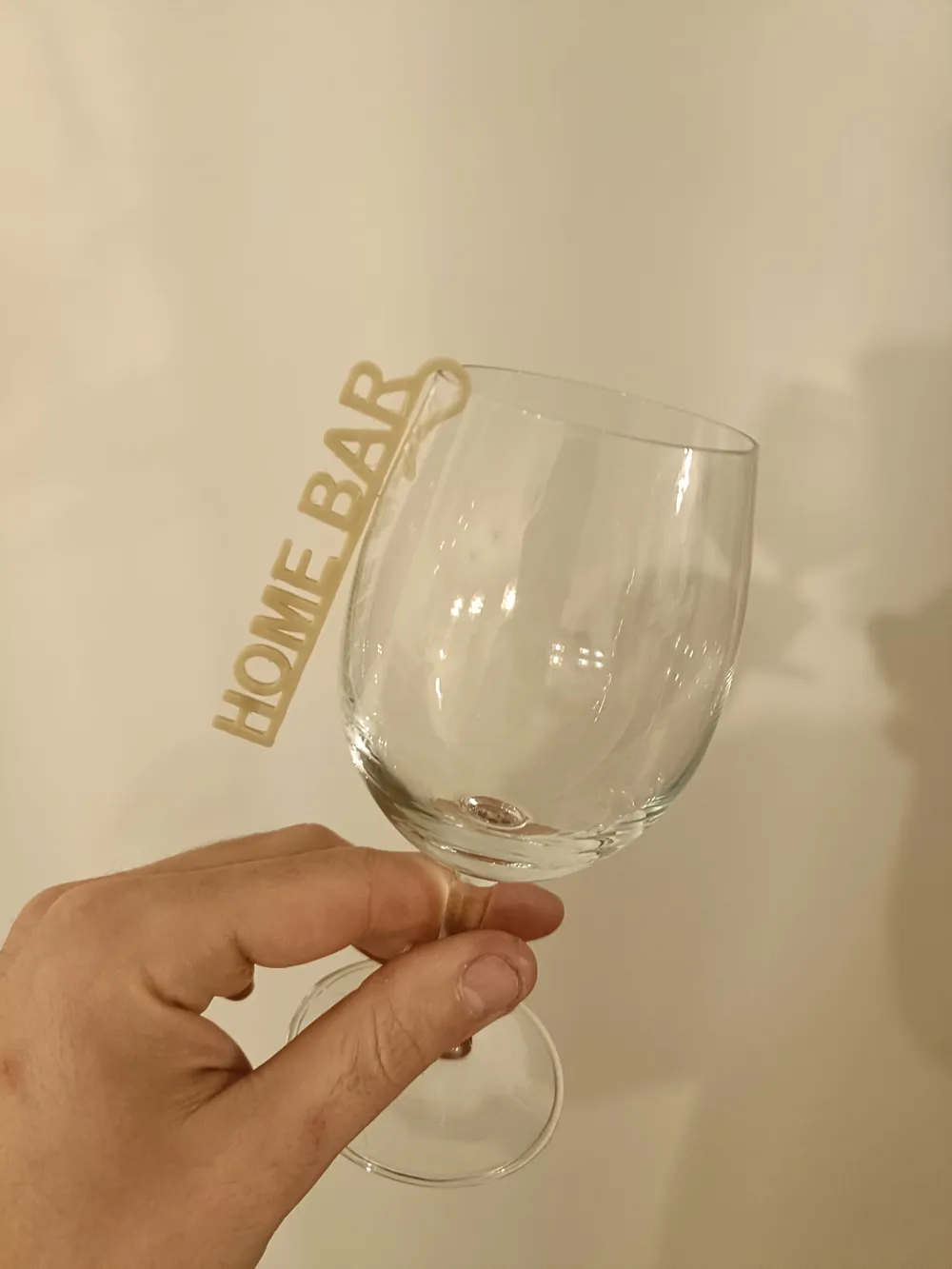
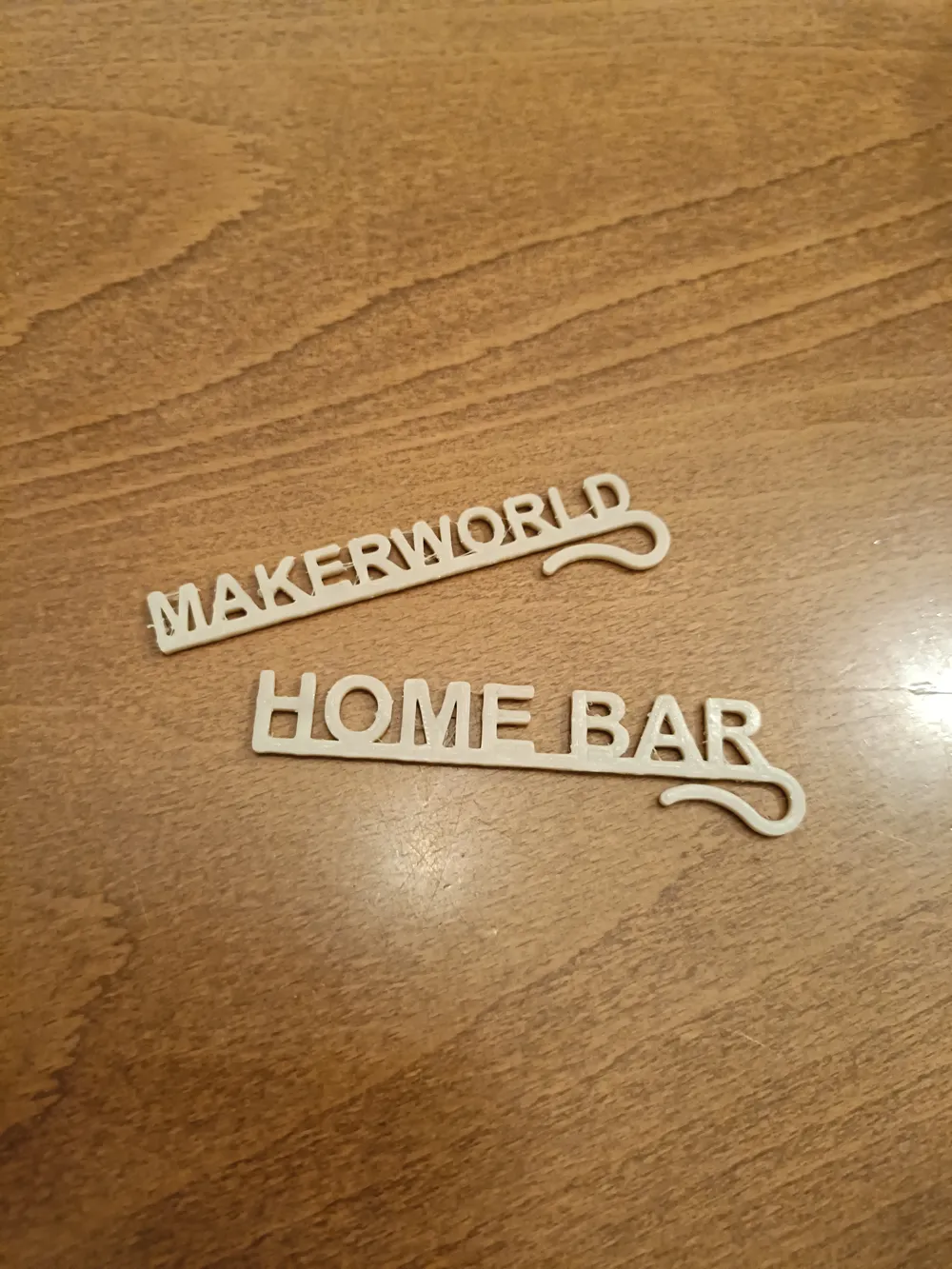
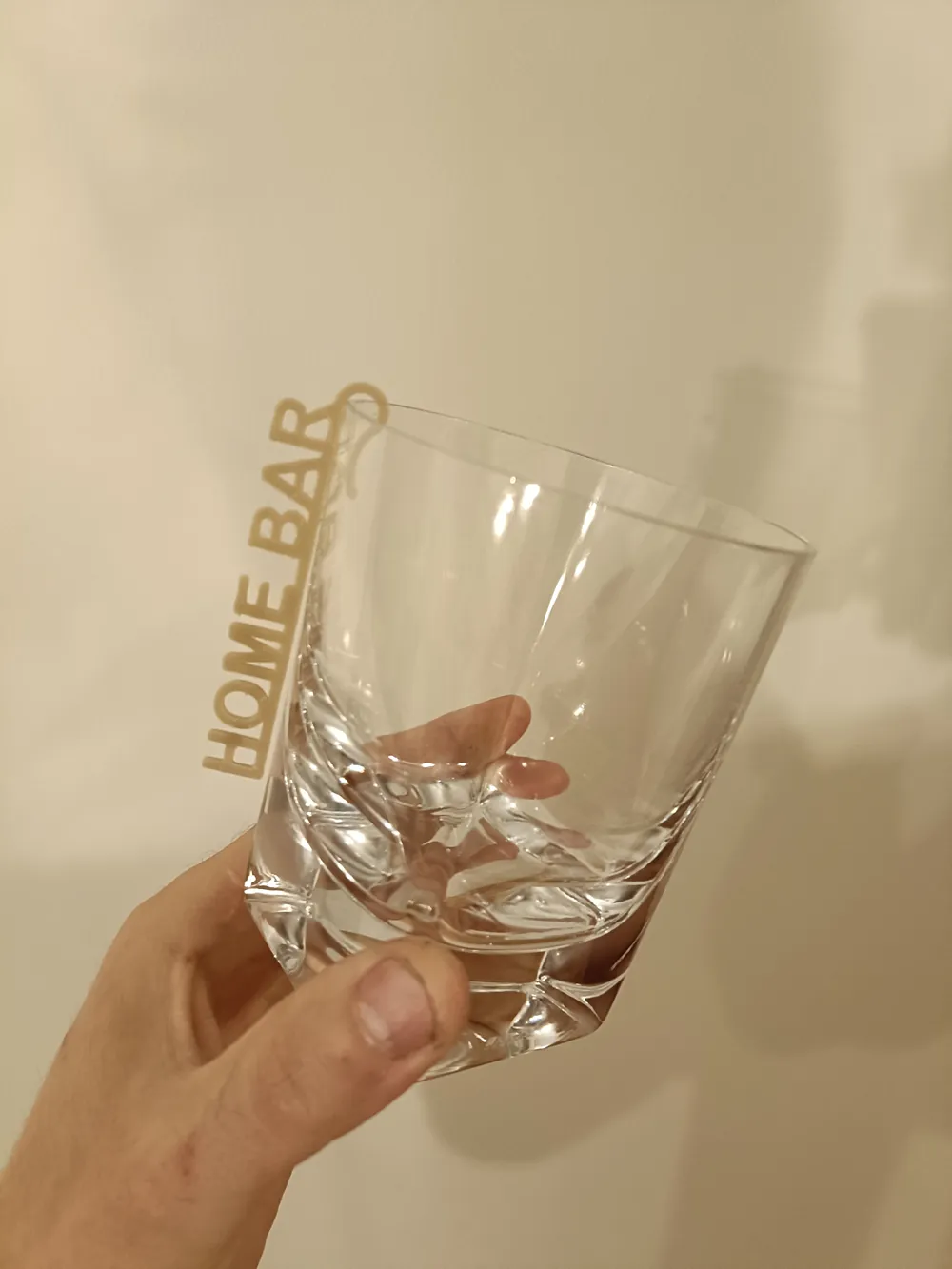
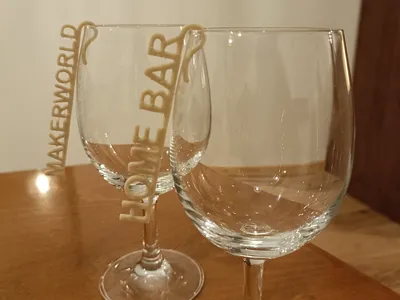
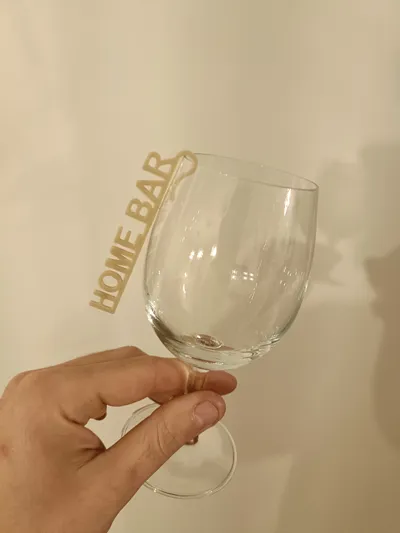
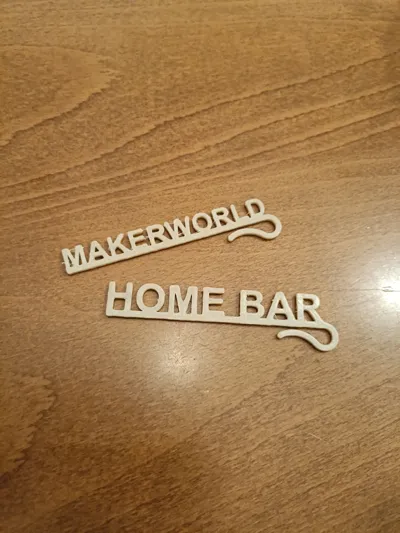
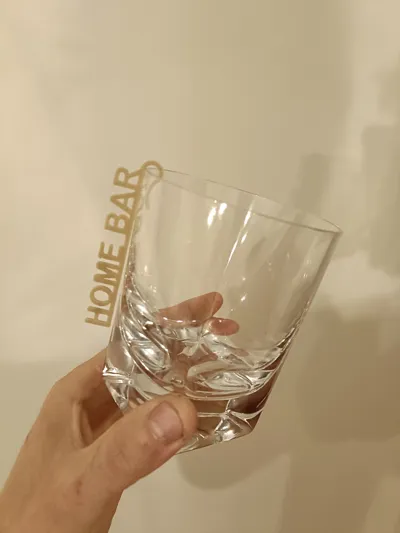
Design your personalized name tag, the ideal fit for every glass. Say goodbye to the confusion of mixed-up drinks! Perfect for special occasions such as weddings, birthdays, and celebrations.
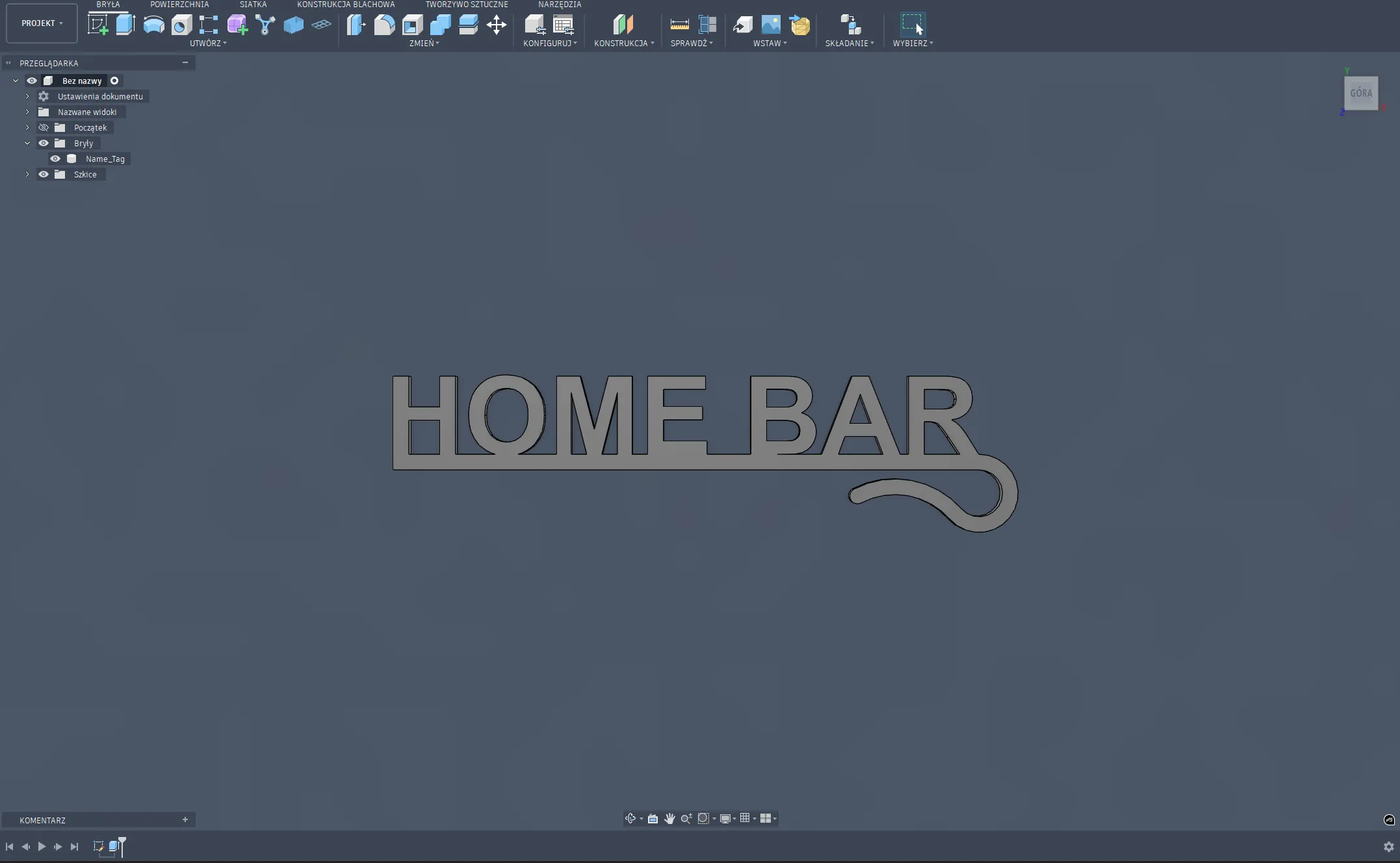
HOW TO CUSTOMIZE YOUR NAME TAG
"Open file (Name tag Fusion.f3d) within the Autodesk Fusion workspace.
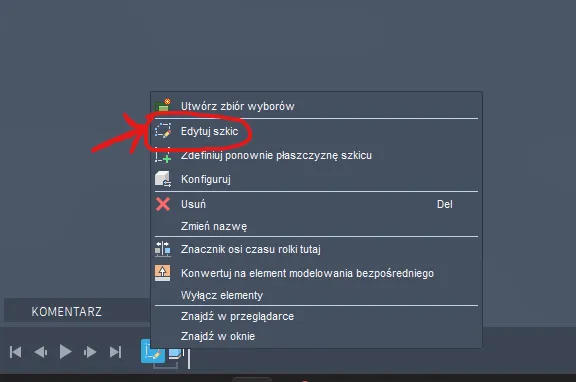
Go to the bottom-left corner, right-click on the sketch symbol — the one looking like a square and a pencil — then click ‘Edit Sketch’
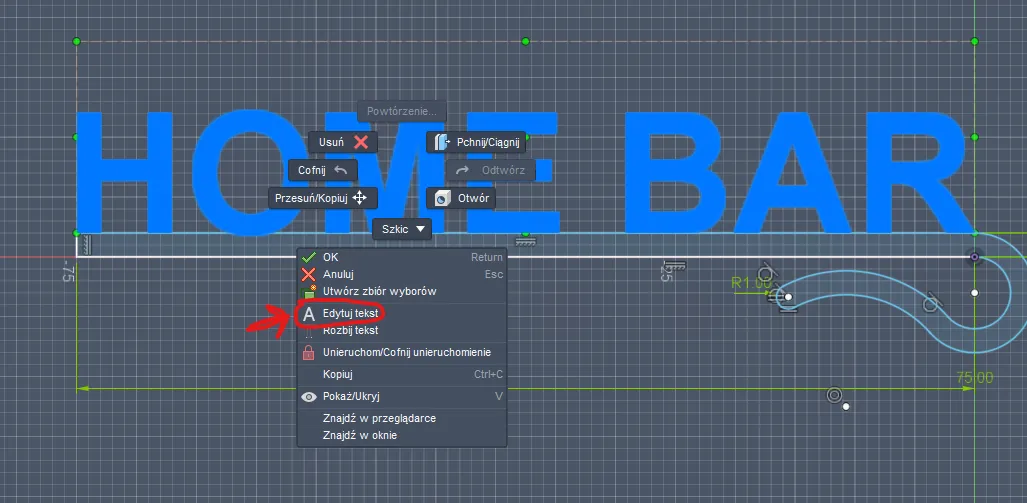
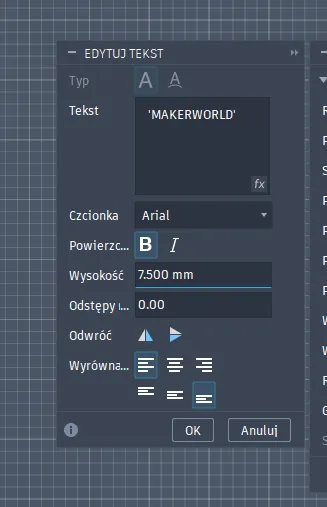
Right-click the text and choose 'Edit Text'
In this window, type the text you want on the name tag and adjust its size. Once you confirm, the model will automatically adapt to your text.
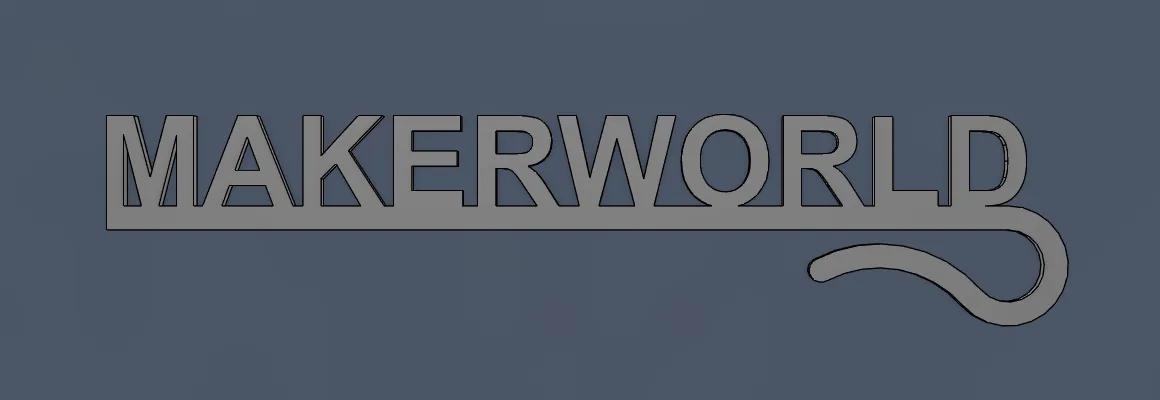
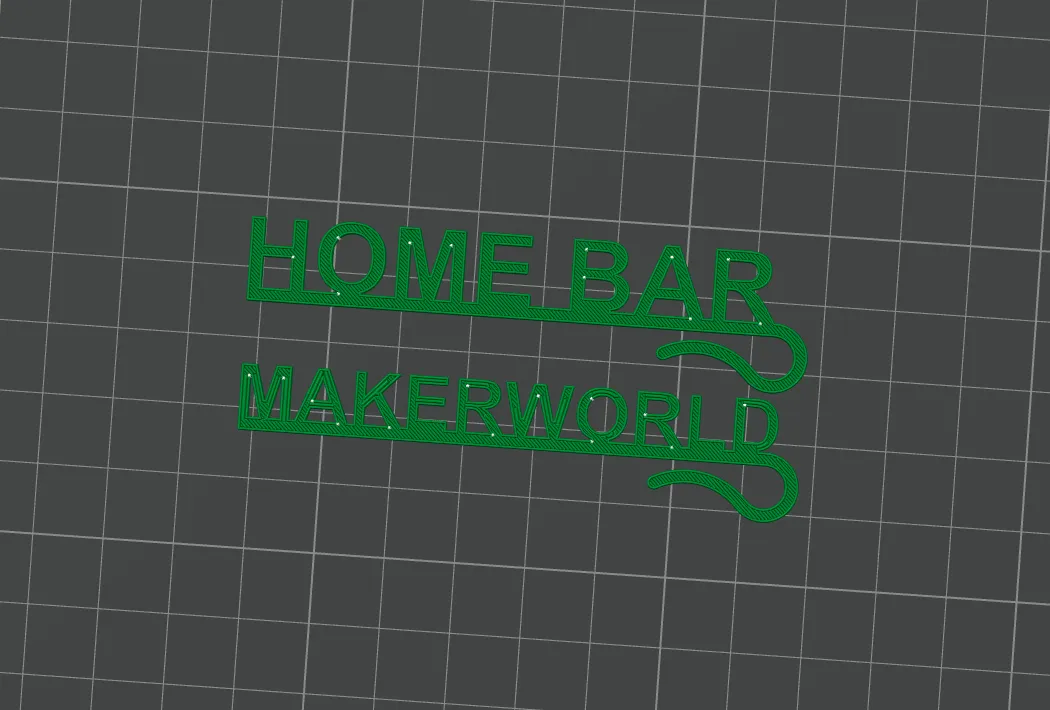
Now you can export the body as an STL file and drop it into your favorite slicer. Once printed, enjoy your very own custom name tag!
Boost Me (for free)
If these name tags saved your party from a drink-mix-up disaster, consider giving this model a Boost! Every bit of support helps me create more customizable gadgets for you. Thanks!
License



Comment & Rating (0)