
The Perfect ABS Profile Settings
Print Profile(1)
Description
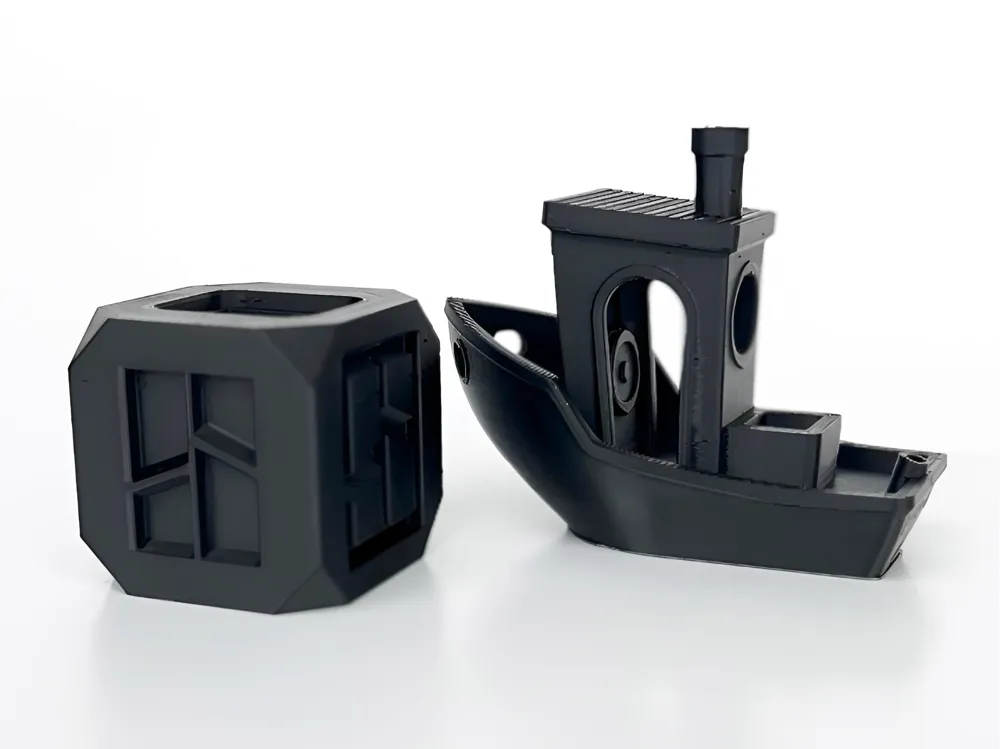
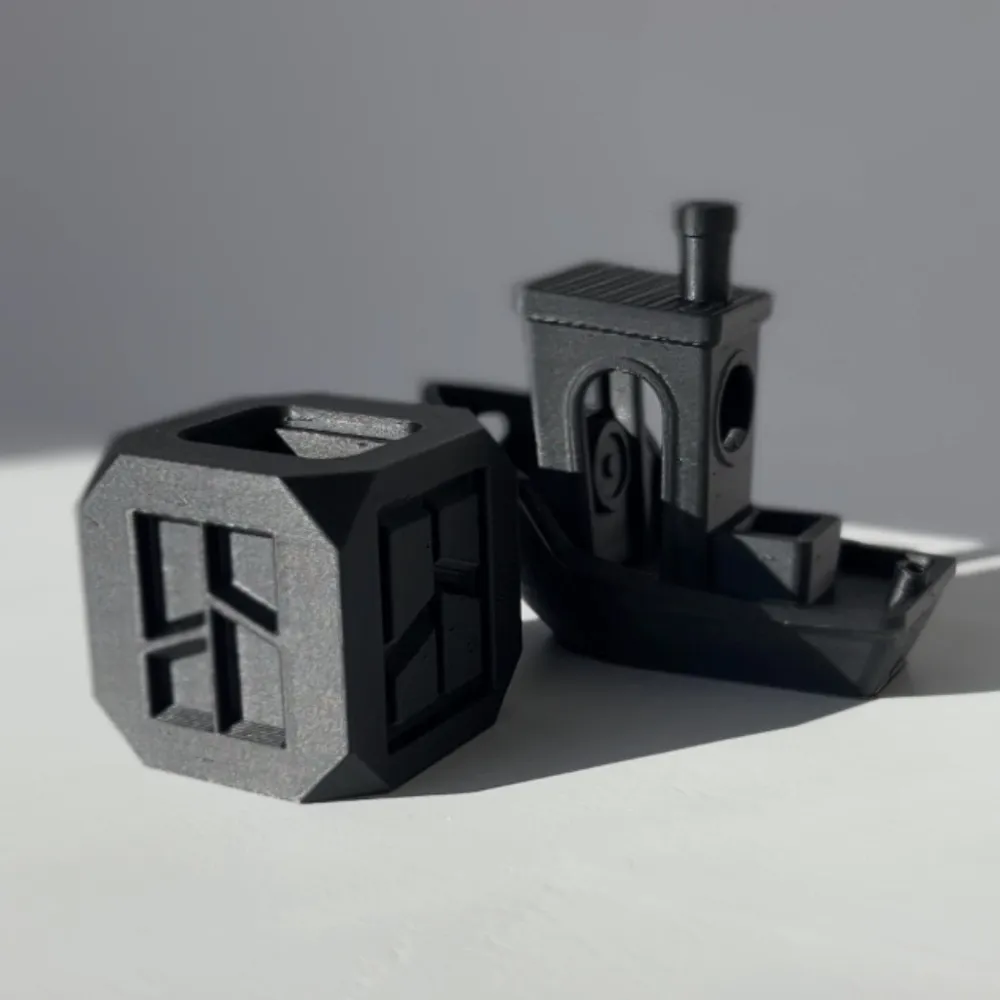
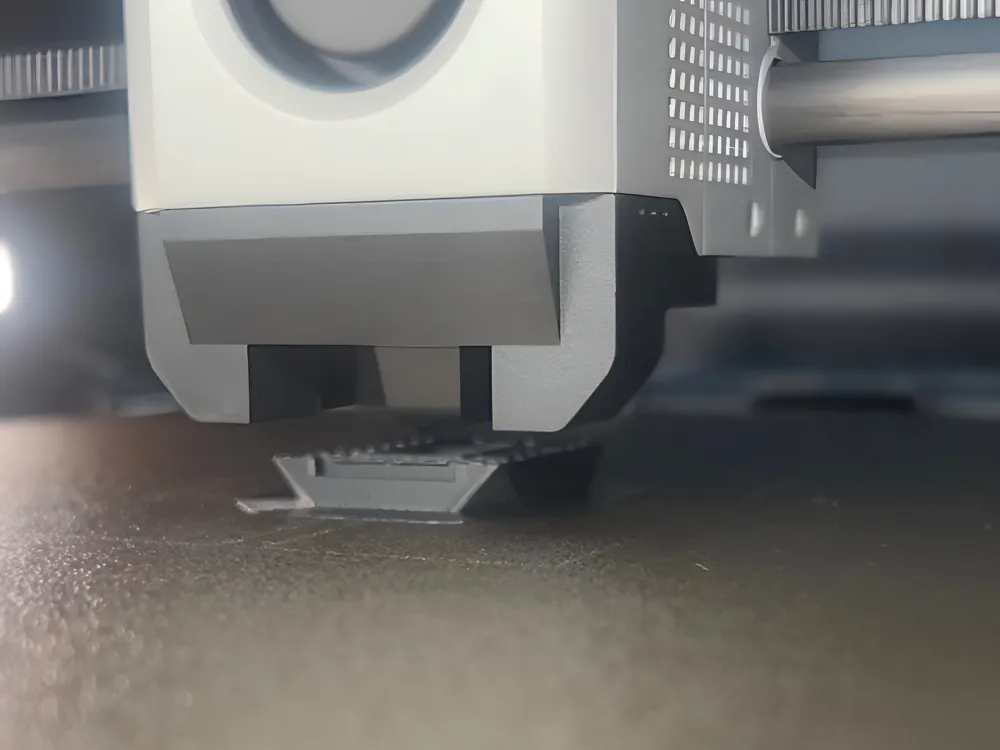
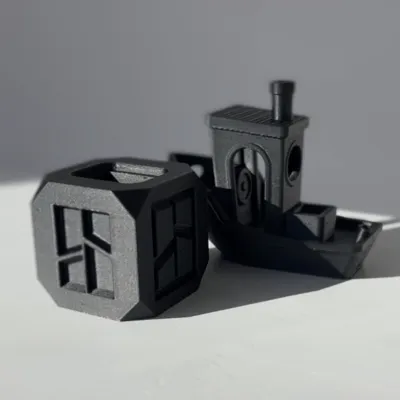
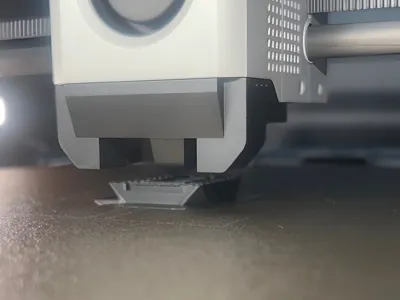
After lots of testing and tuning, this profile has been dialed to get the best results from ABS filament.
There are changed settings in the printing settings and the filament settings, so be sure to use both.
To use this profile, open it in Bambu Studio, delete the included cube, and import any model you want. Once your model is added, slice the plate and start the print.
Please comment if you have any issues, and feedback is appreciated.
License

You may create derivative works based on this object, provided that all such derivative works are published exclusively on the MakerWorld platform and include proper attribution to the original creator. You may not share, upload, host, distribute, or publish this object—or any derivative work of this object—on any other digital platform, marketplace, or distribution channel. Commercial use of this object and any derivative works is strictly prohibited. This includes, but is not limited to, selling, renting, sublicensing, or using the object in any context in which you receive monetary compensation or other financial benefits.


Comment & Rating (49)