
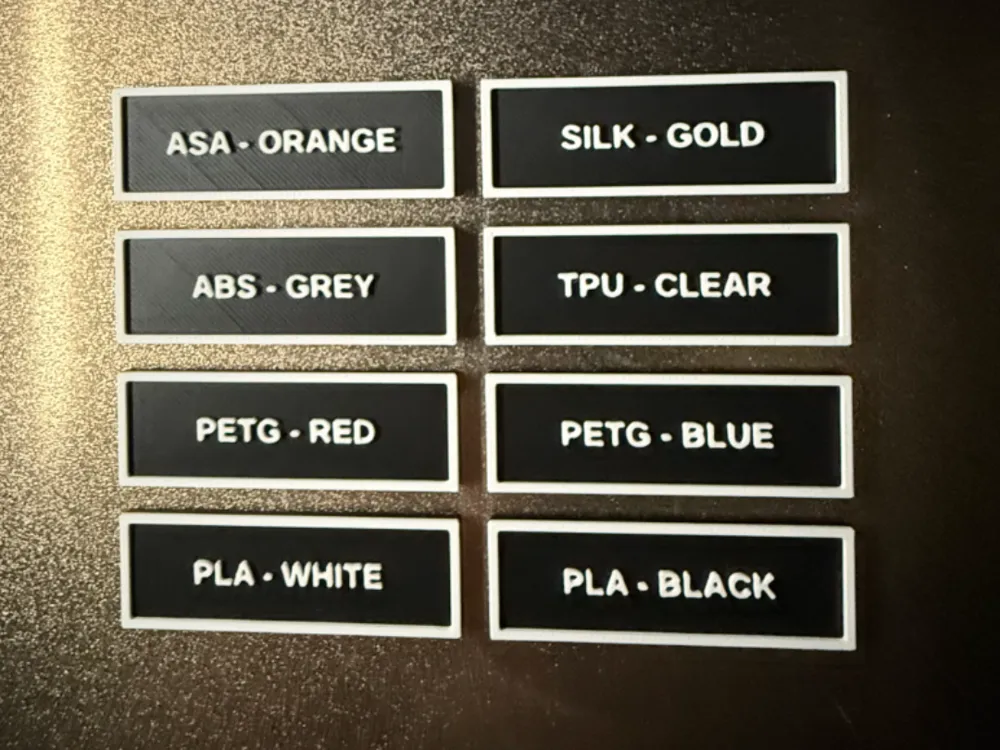
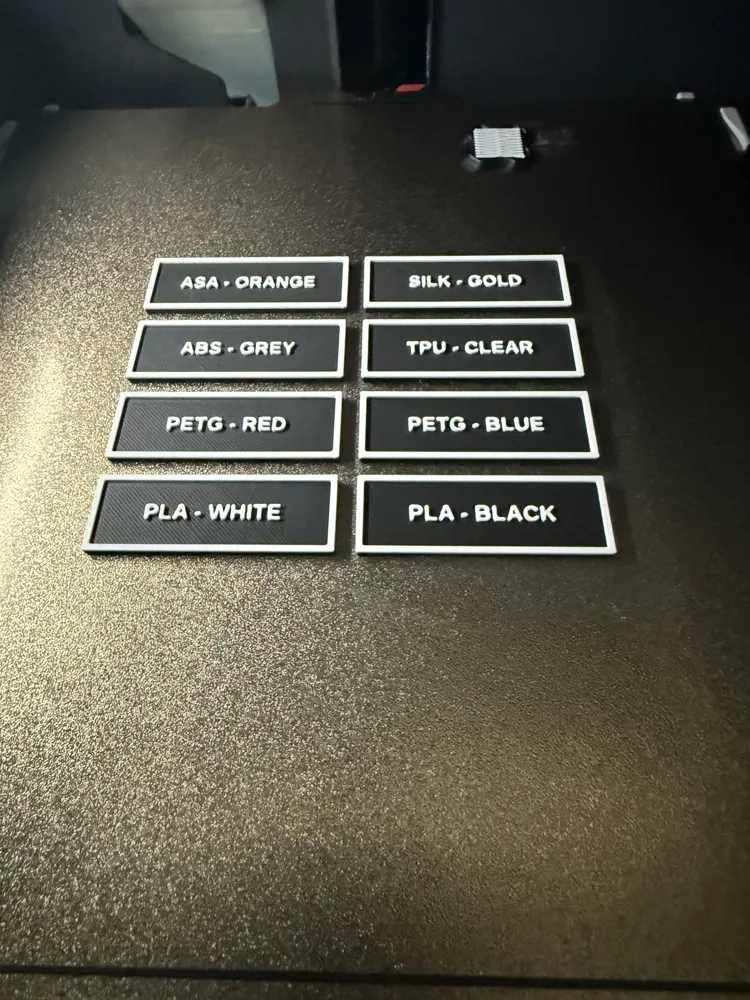
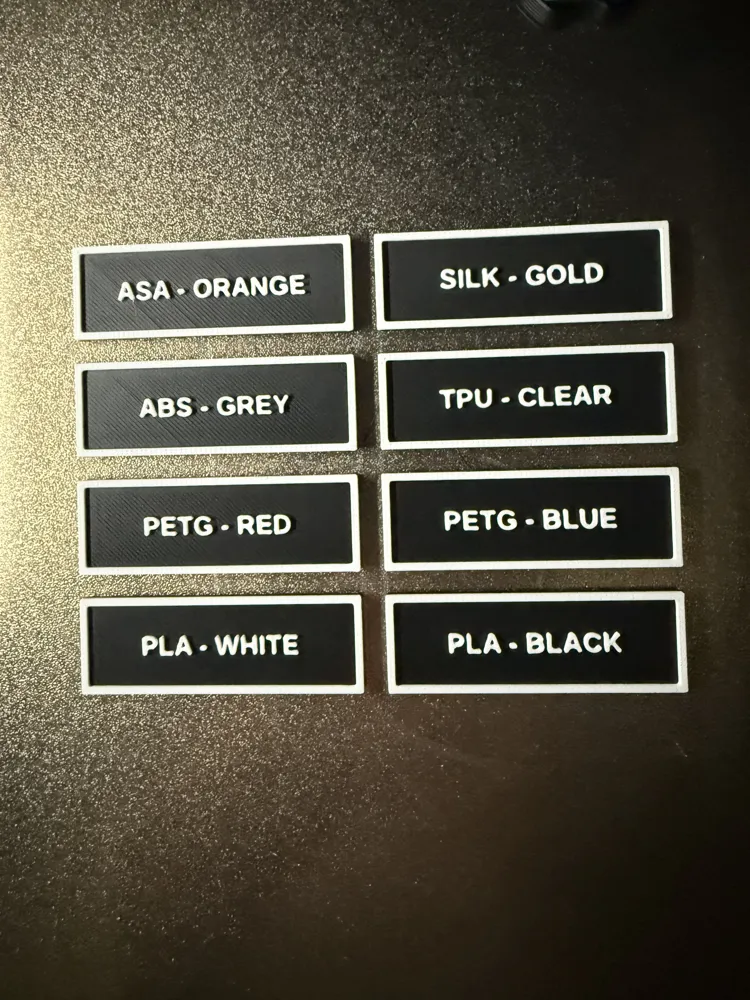
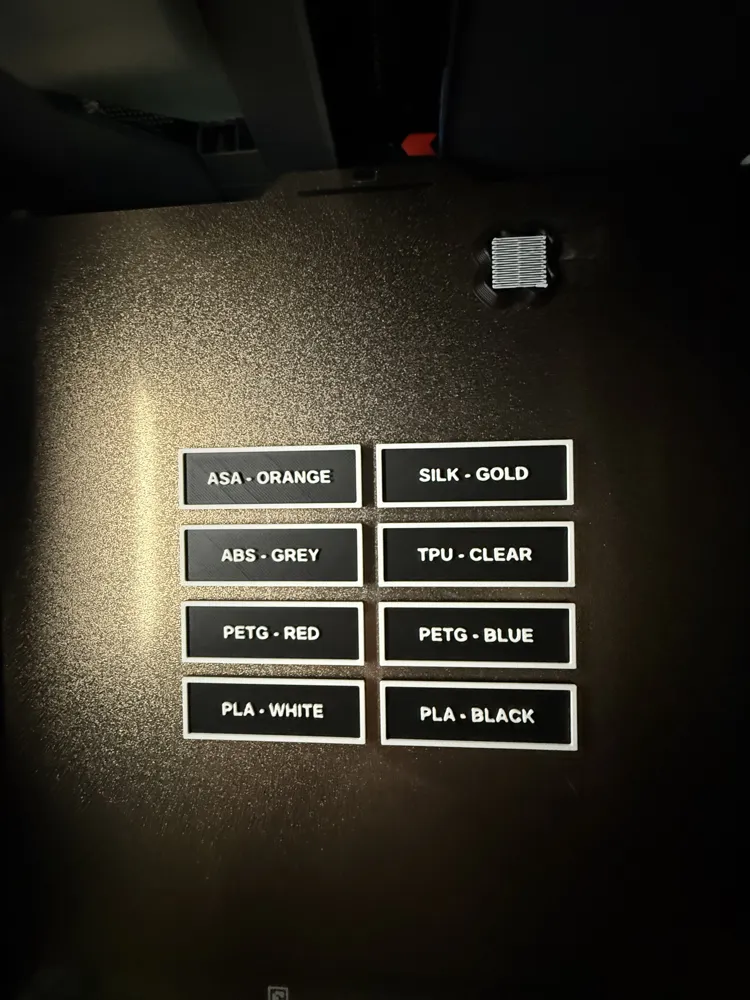
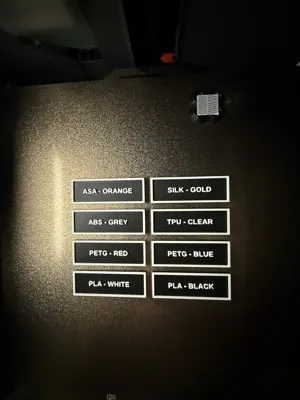
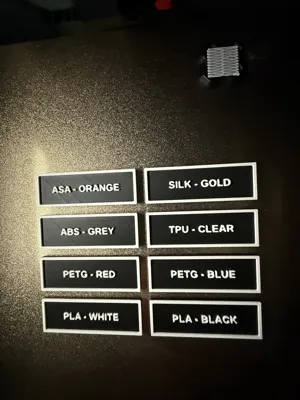
EDITABLE FILAMENT LABELS - PARAMETRIC
Print Profile(1)
Description
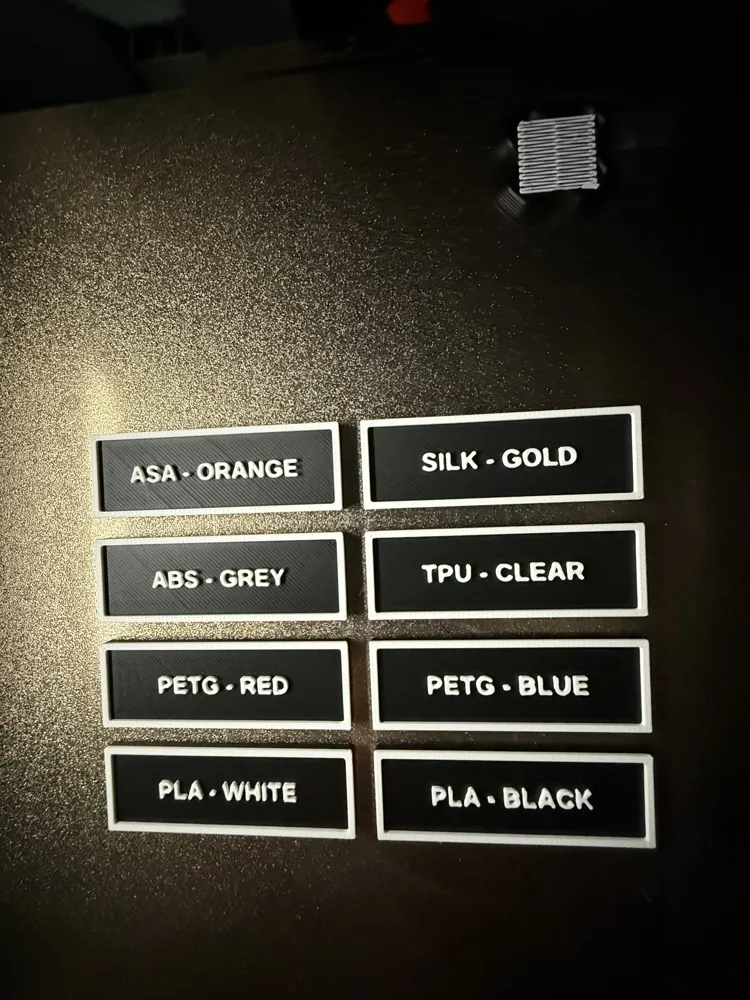
EDITABLE FILAMENT LABELS - PARAMETRIC. Follow the simple steps below to create your custom labels to help organize your inventory.
Step 1. Click on customize tab to download.
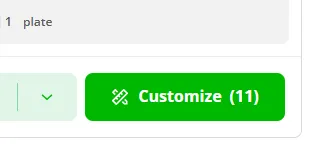
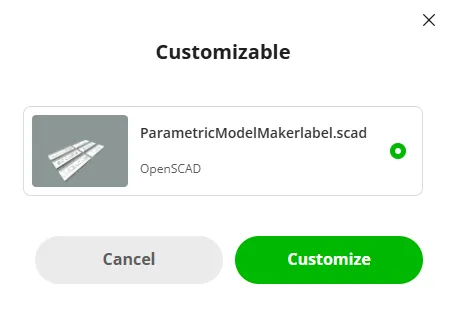
Step 2. The box below will pop up. Click customize again.
Step 3. The following screen below will pop up. If Labels on the left is not showing, click the up arrow beside it to show the drop-down menu for your labels.
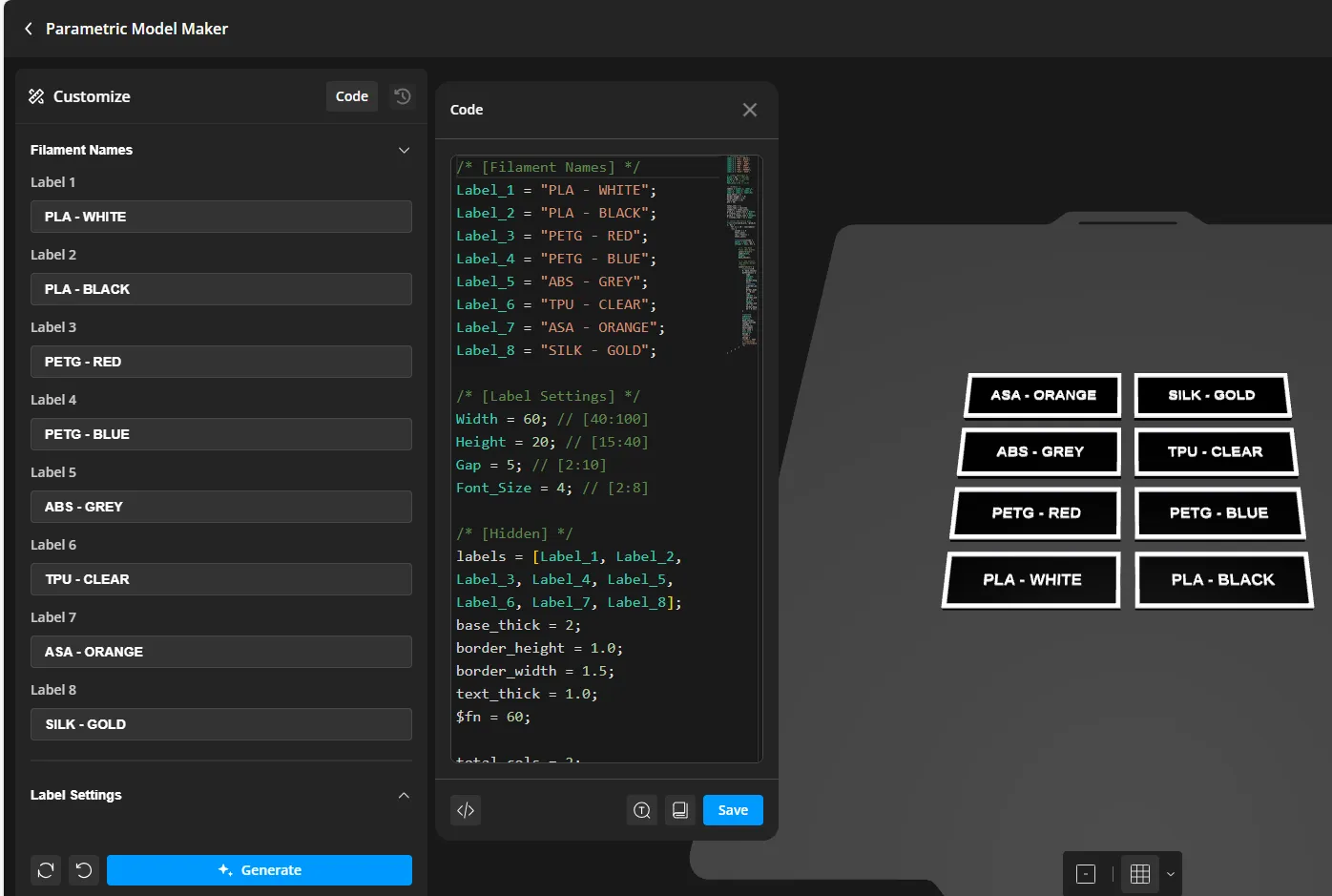
Step 4. Edit the filament tabs to what filaments you want shown and hit generate in the blue tab at the bottom.
Step 5. Click the blue tab upper left top that says download. Choose your printer and download to 3mf format.
Step 6. Load the print to your printer like you would do any other print. Slice and enjoy! If you have any issues, feel free and reach out.
Boost Me (for free)
thank you!
All 3D print files shared or made available by me are for personal, informational, and educational use only. These files are not to be sold, redistributed, or used for commercial purposes in any form. By downloading, you agree to use the files responsibly and in accordance with applicable laws and copyright policies. I am not liable for any misuse, modification, or outcomes resulting from the use of these files.
License

You shall not share, sub-license, sell, rent, host, transfer, or distribute in any way the digital or 3D printed versions of this object, nor any other derivative work of this object in its digital or physical format (including - but not limited to - remixes of this object, and hosting on other digital platforms). The objects may not be used without permission in any way whatsoever in which you charge money, or collect fees.


Comment & Rating (0)