
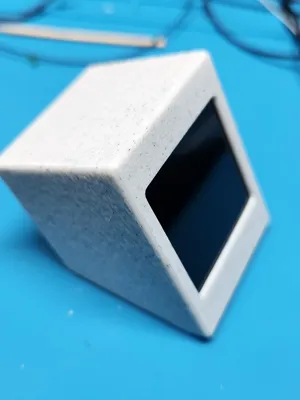
Simple Print Monitor - ST7789 1.54" display case
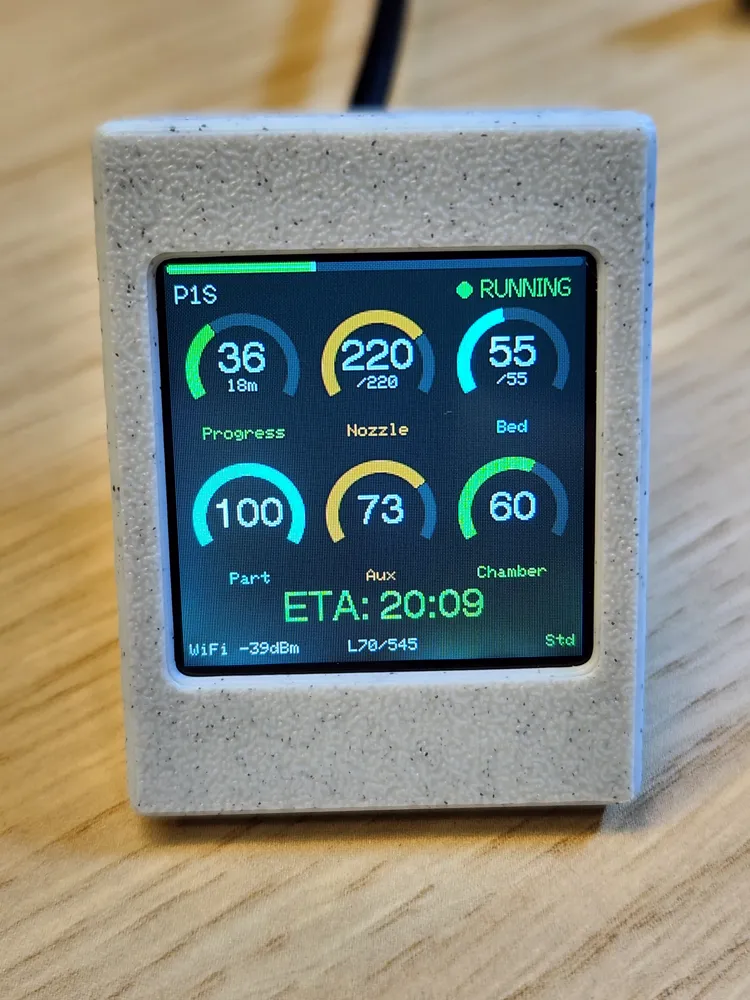
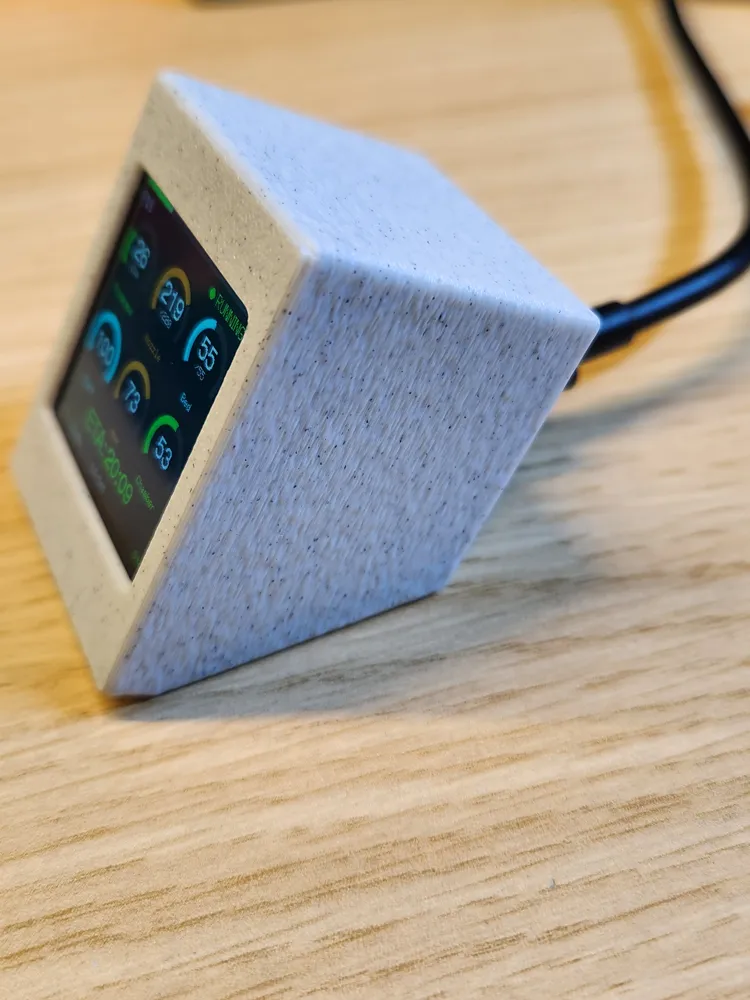
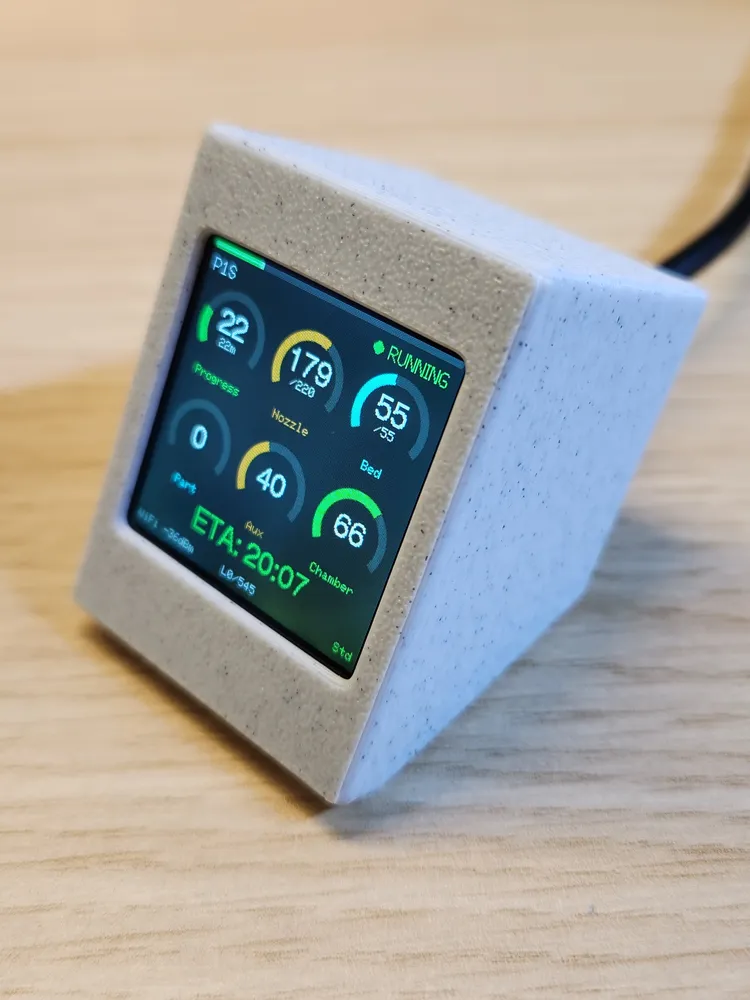
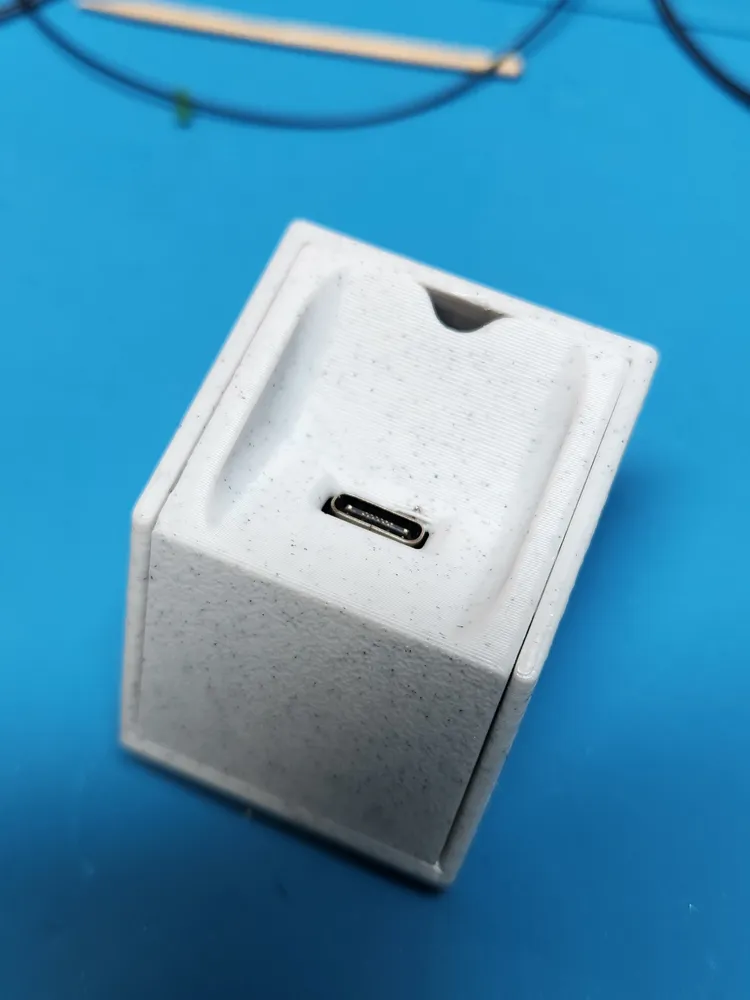
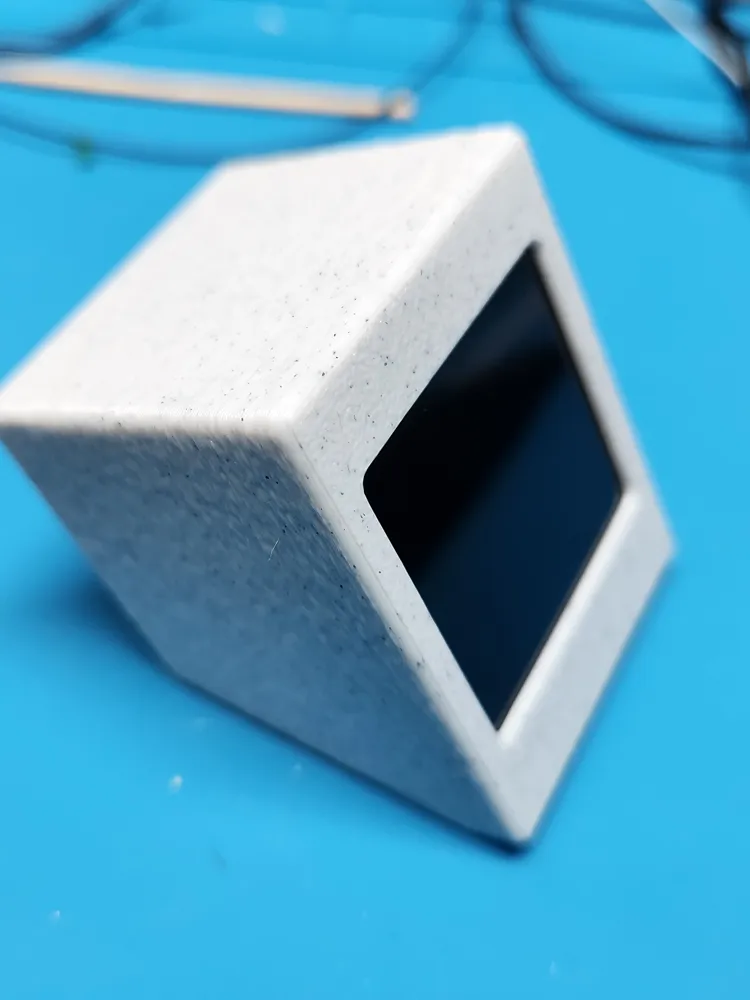
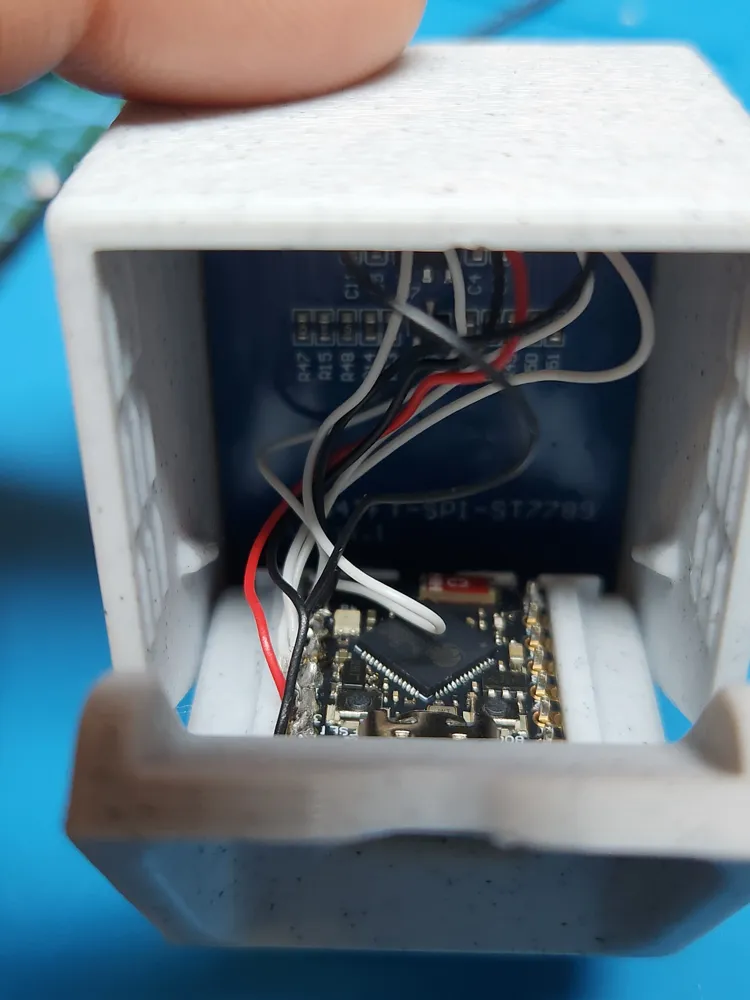
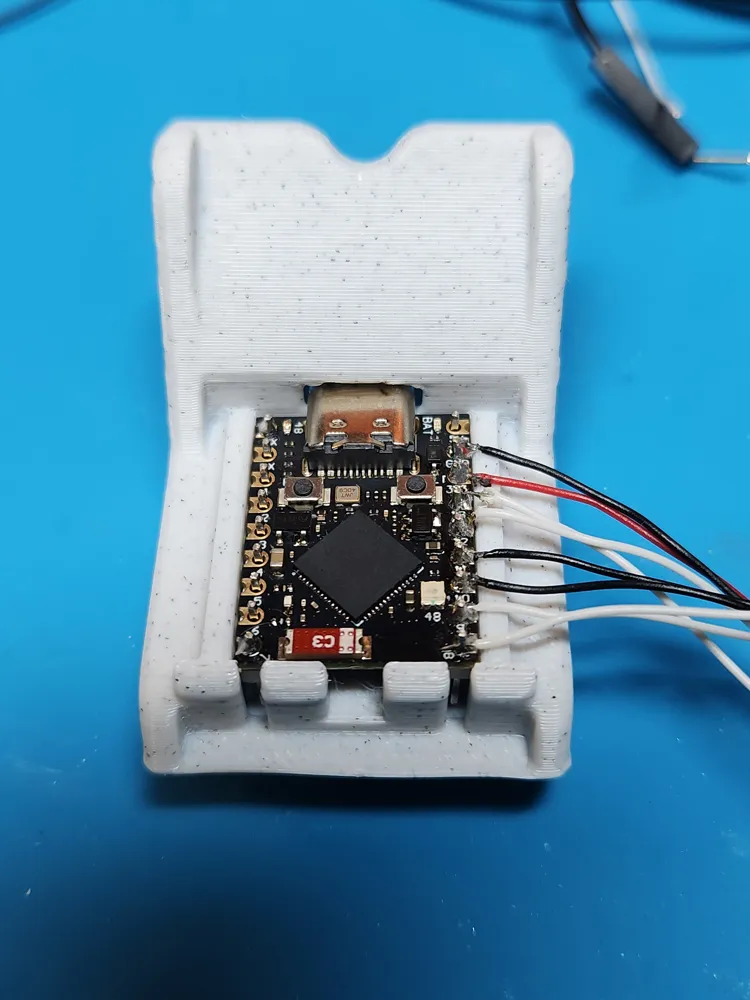
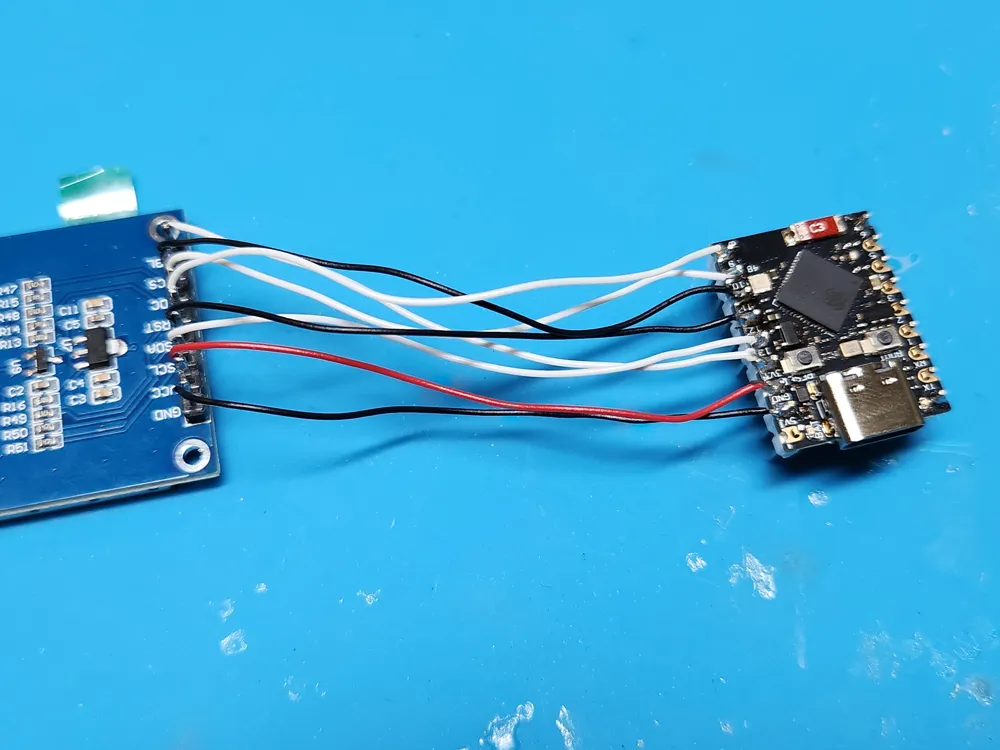
Print Profile(5)
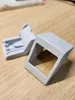
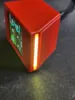


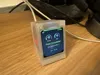
Description
All printers are now supported, cloud and LAN mode added. Make sure you are using newest firmware.
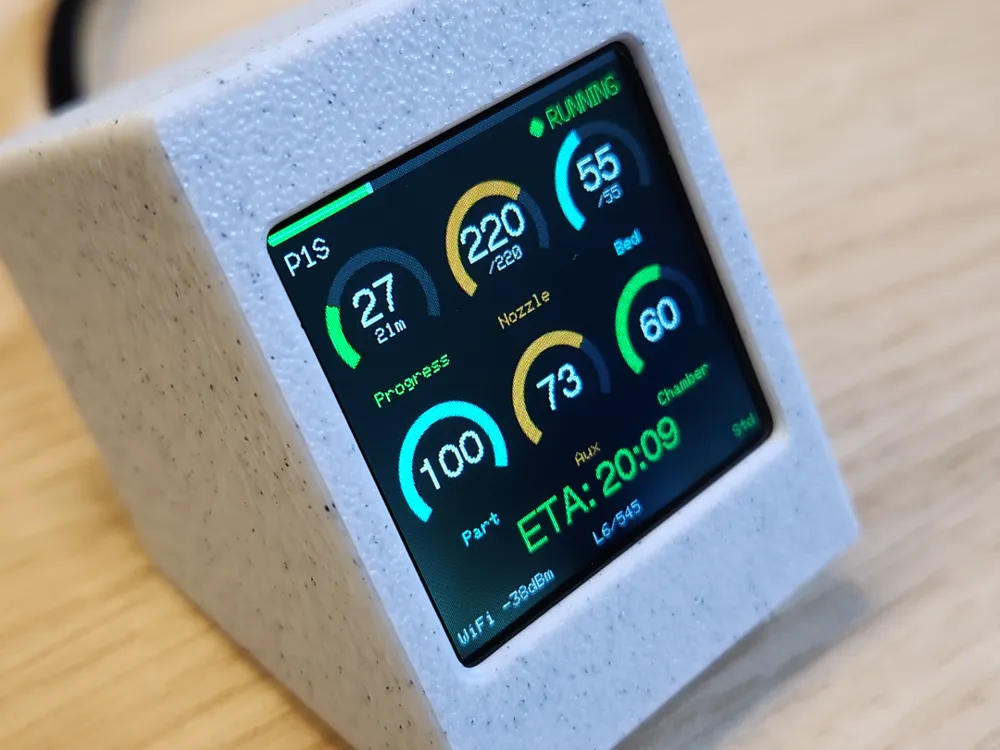
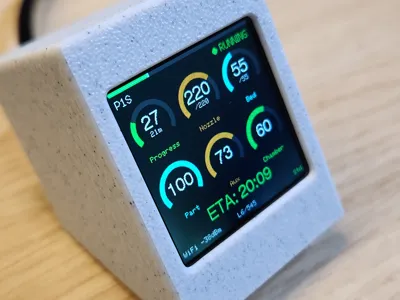
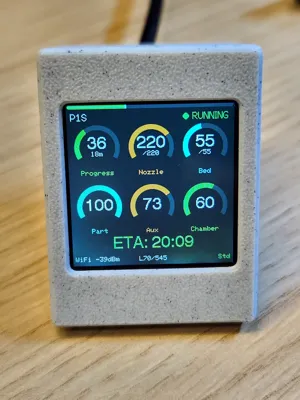
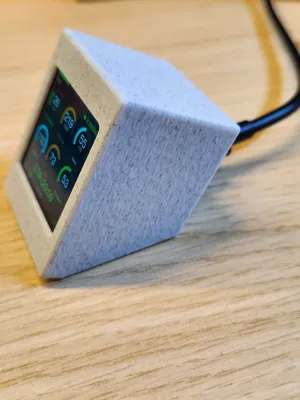
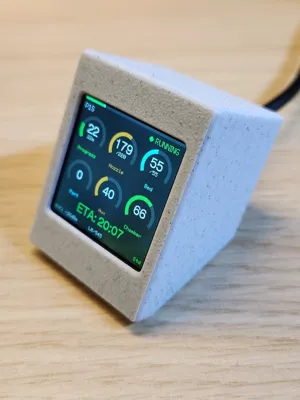
A small desk companion that shows real-time print status from your Bambu Lab printer on a 1.54" color TFT display.
The dashboard displays:
- Print progress with arc gauge
- Nozzle and bed temperatures
- Fan speeds (part, aux, chamber)
- ETA / time remaining
- Current layer info
- Printer status (idle, running, finished)
Hardware needed
- ESP32-S3 Super Mini (preferred)
- Alternatively: ESP32-C3 Super Mini (limited to 1 printer because of RAM limitation - generally not recomended)
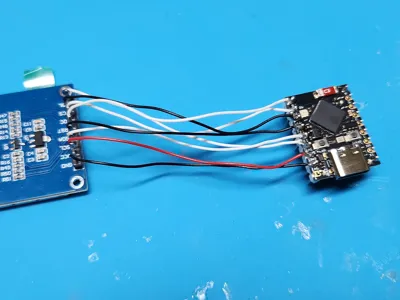
- 1.54" TFT SPI display (ST7789, 240x240)
- Some wires
- For LED version I have used:
3v 39mm filament led: https://aliexpress.com/item/1005007883702652.html
LDO6AJSA LED Driver: https://aliexpress.com/item/1005005344841325.html
Wiring is available on my github in another project: https://github.com/Keralots/SmallOLED-PCMonitor#touch-button-optional
Important:
There is 1.69" case print profile uploaded. This is not supported, you have to know how to modify firmware to make it work. Currently ST7789, 240x240 screen is fully supported, please refer to my github page for links to parts.
The ESP32-S3 connects to your printer over WiFi via MQTT (LAN mode, but no need to set printer to LAN mode) and pulls live telemetry data. Everything is configured through a built-in web interface - no app required.
Firmware and wiring available on my Github: https://github.com/Keralots/BambuHelper
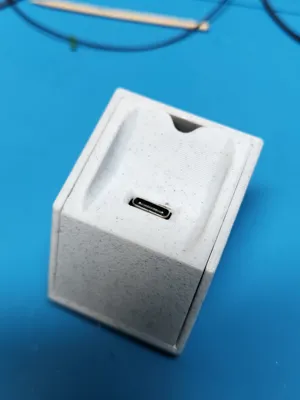
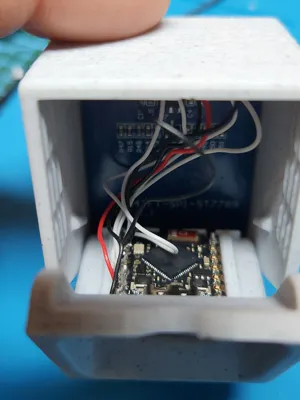
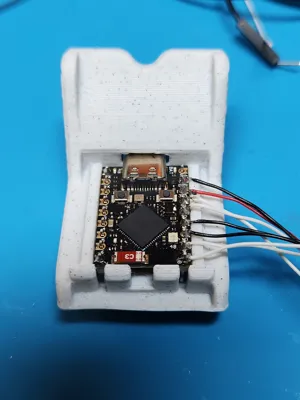
How to assembly the case:
How to flash and configure:
License

You shall not share, sub-license, sell, rent, host, transfer, or distribute in any way the digital or 3D printed versions of this object, nor any other derivative work of this object in its digital or physical format (including - but not limited to - remixes of this object, and hosting on other digital platforms). The objects may not be used without permission in any way whatsoever in which you charge money, or collect fees.


Comment & Rating (368)