
Parametric Infinity Grid Cube - Optical Illusion
Print Profile(11)
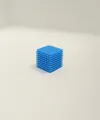
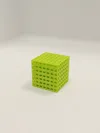
Description
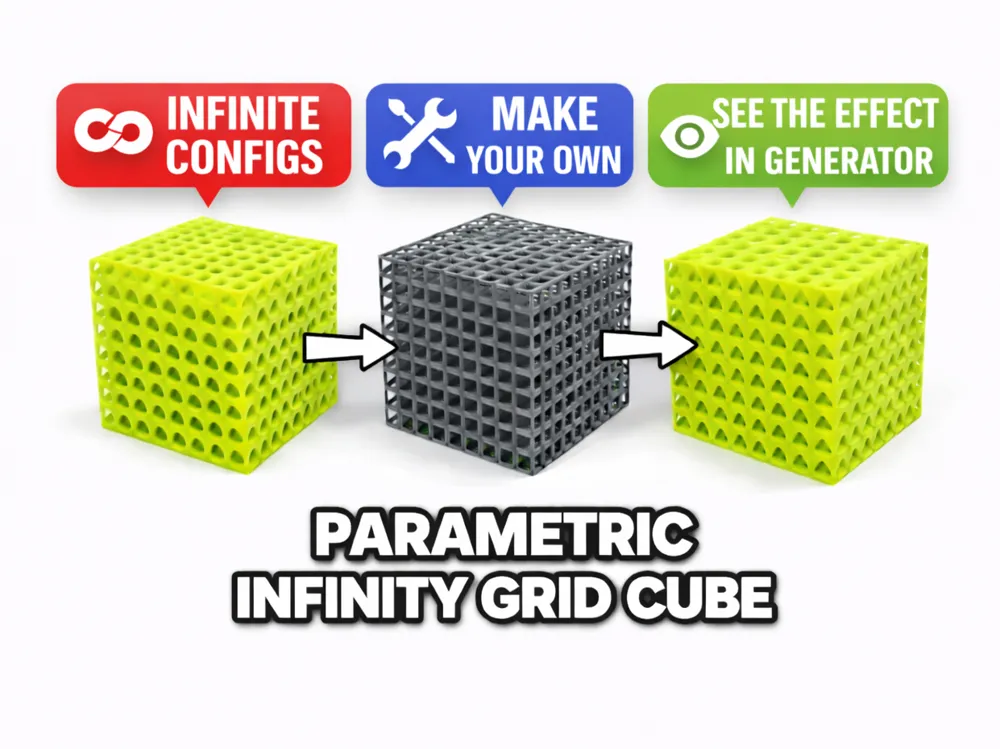
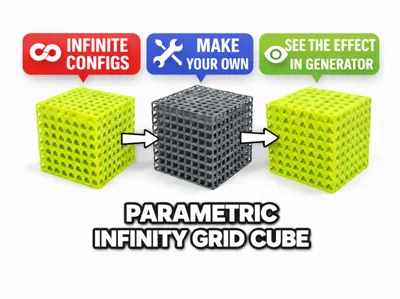
One script. Infinite cube patterns. Discover new optical illusions.
Update 16.03.2026: Added 6 more profiles, ranging from 1cm quick 15 minute print, to 6cm clean low density square pattern (my favorite until now)
Please post pictures of your own creations and feel free to add them as new profiles!
This project is a fully parametric version of the Infinity Grid Cube – Optical Illusion Cube Series.
Instead of a single model, this generator lets you create endless cube variations directly in OpenSCAD.
By changing a few parameters you can generate cubes with different patterns, densities and sizes, each producing its own optical illusion when viewed through the grid.
If you create interesting variations with this generator, share them in the comments — I'd love to see them!

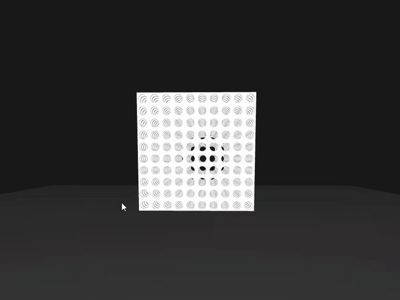

Illusion preview (generator)
The illusion effect can already be seen inside the Customize tab.
Example models included
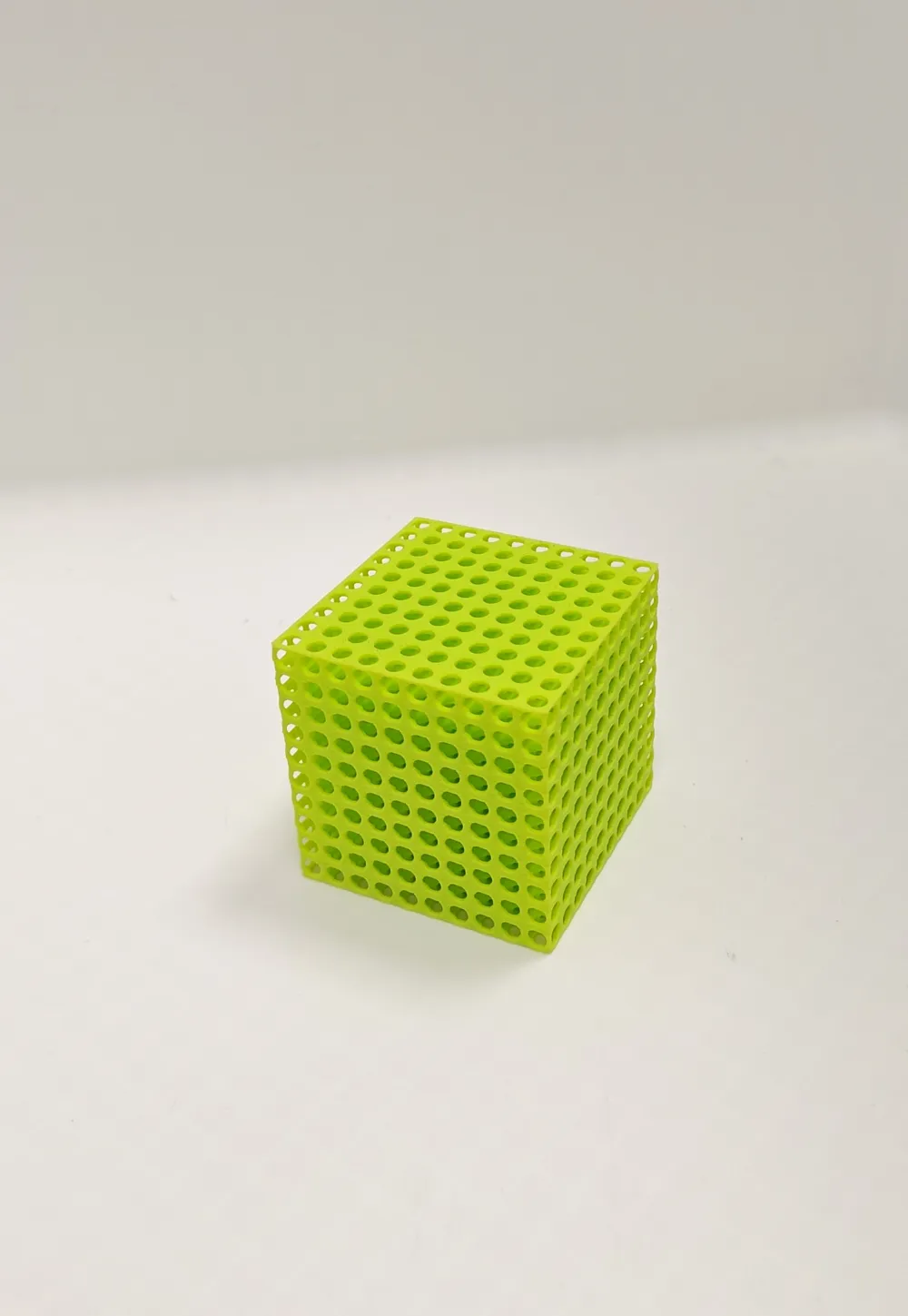
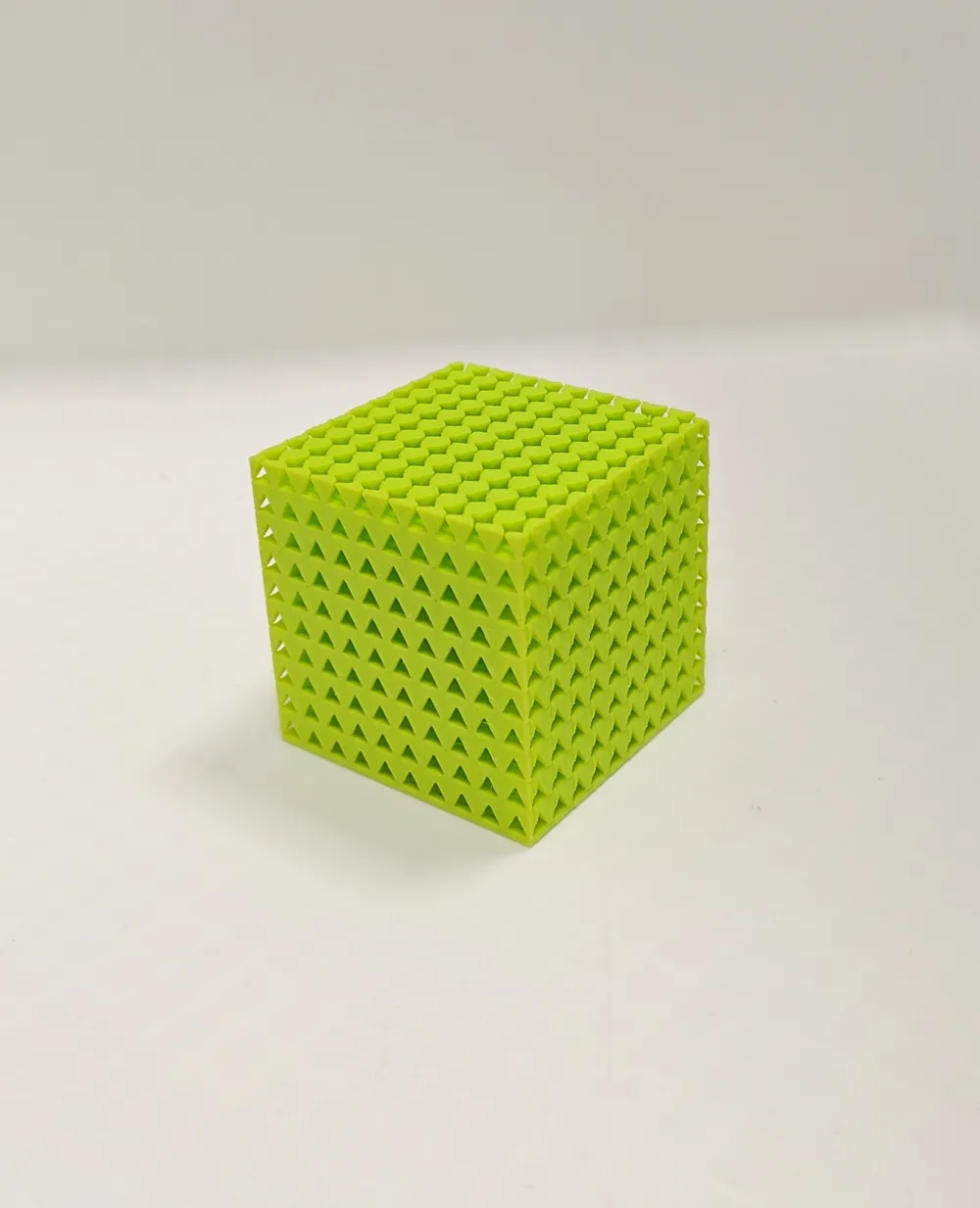
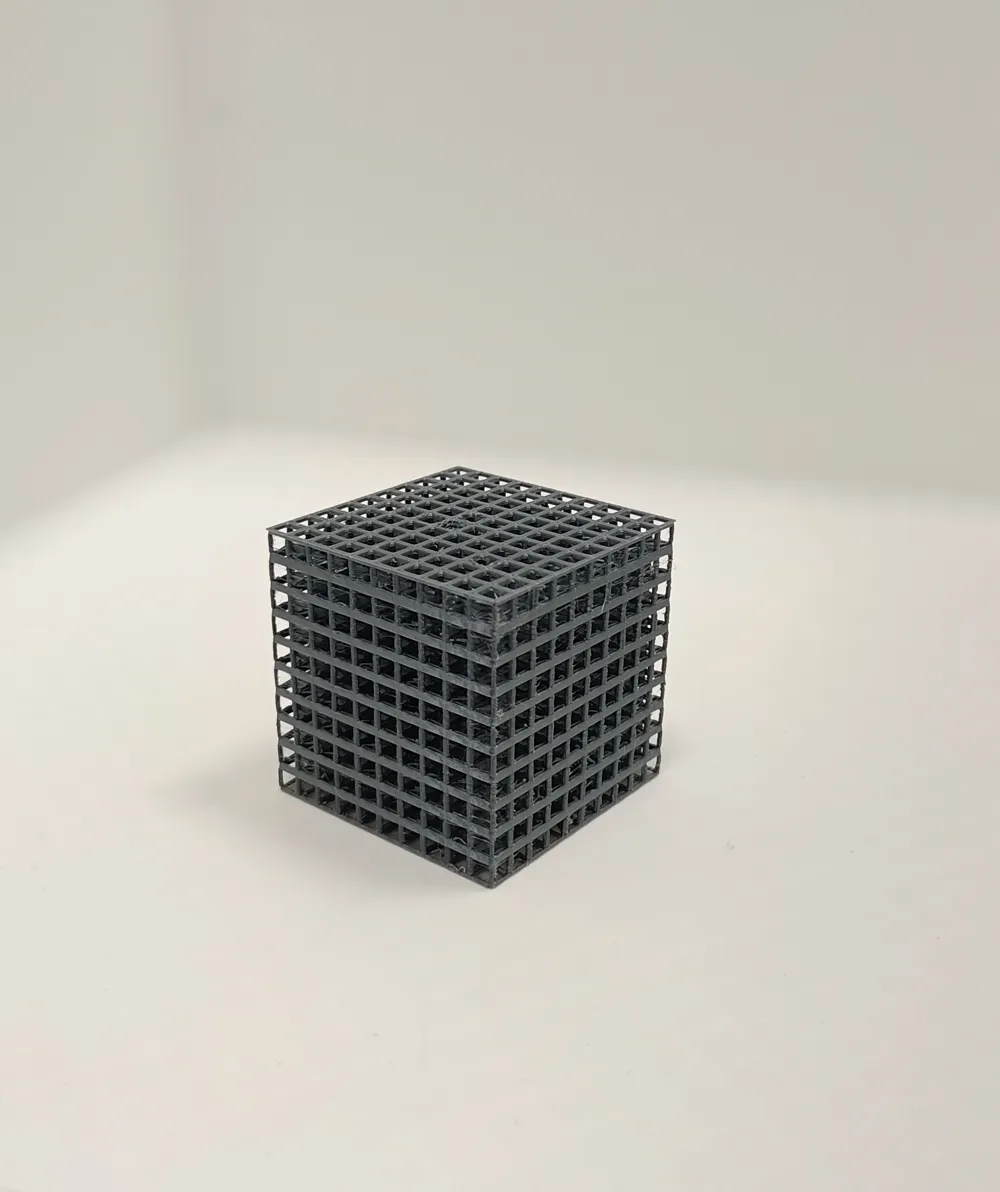
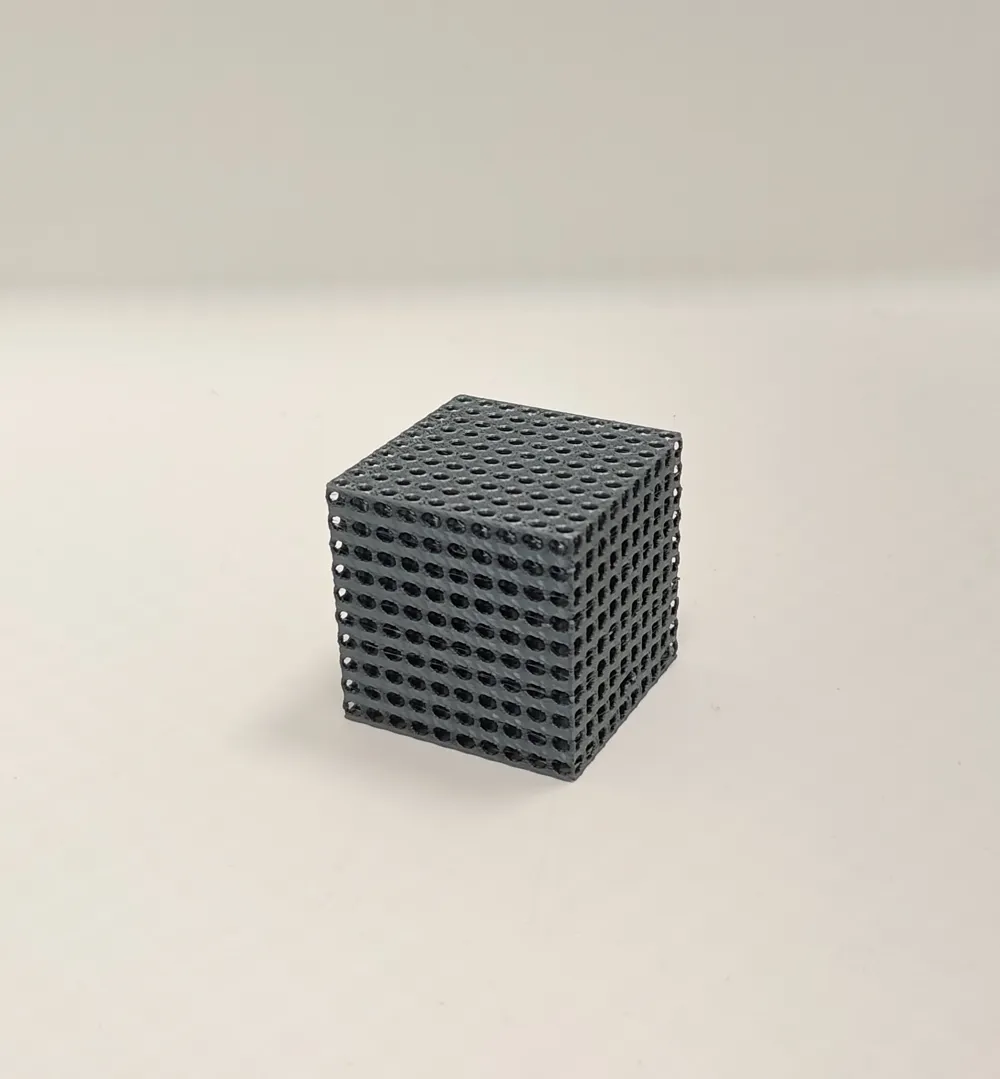
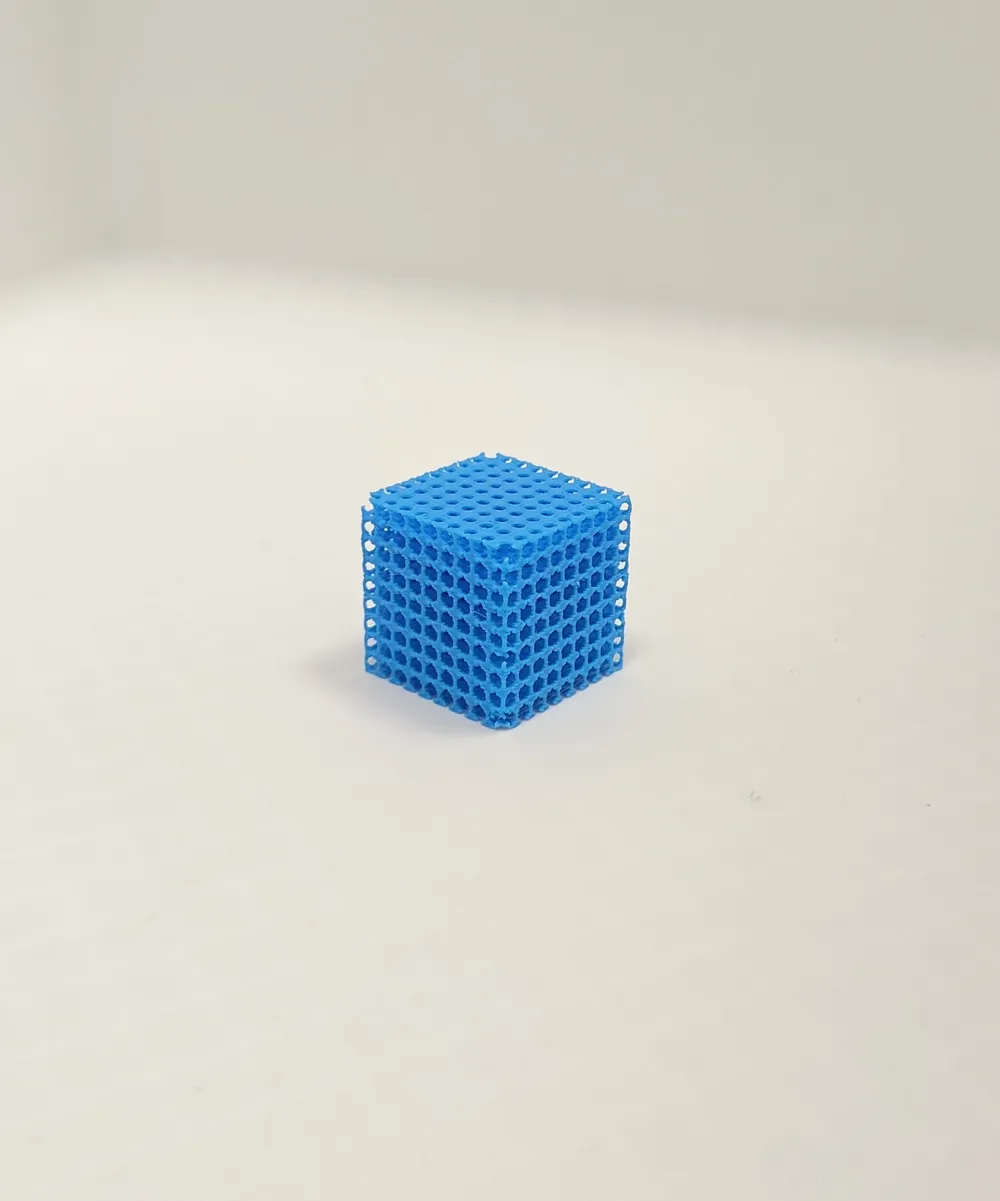
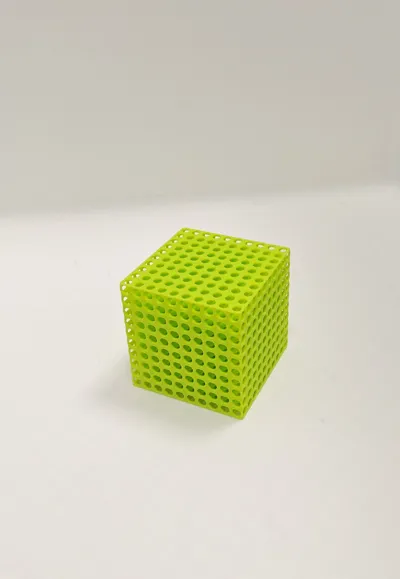
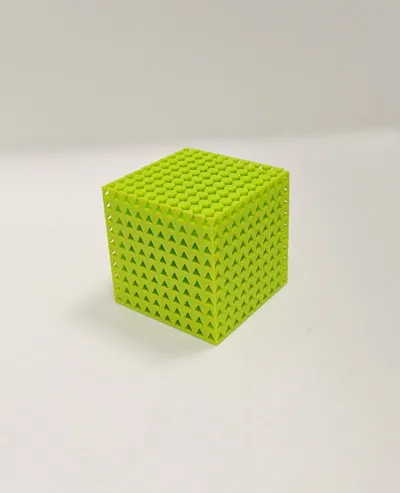
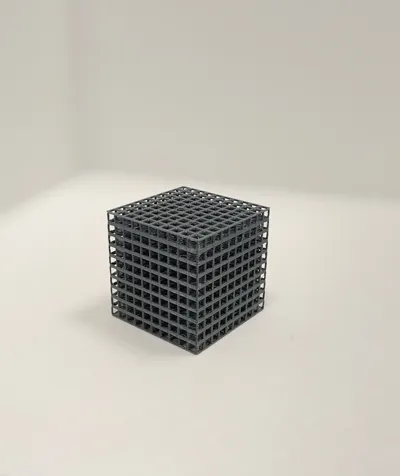
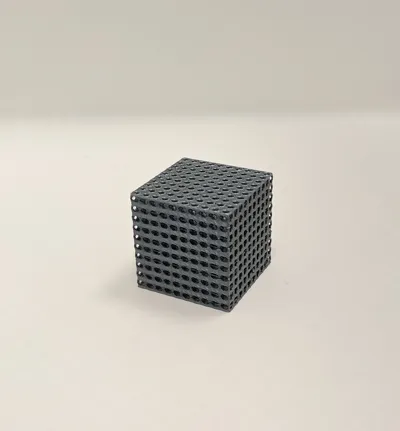
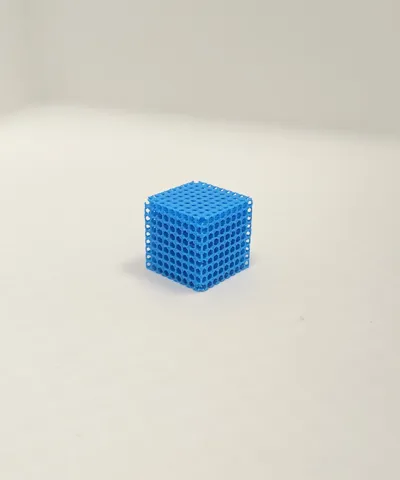
Some example cubes generated with this parametric model:
- 4 cm Oval
- 5 cm Triangle
- 5 cm Circle
- 5 cm Square
- 2.5 cm Circle
These show how different parameters create completely different visual effects.
Parameters
The generator allows you to control:
Geometry
- cube_edge – cube size
- cutouts_per_row – number of holes per row
Cutout shape
- circle
- oval
- square
- triangle
Cutout size
- cutout_size
- oval_y_size
Safety / print stability
- min_web – minimum wall thickness
- printer_min_feature – minimum printable feature size
The script also automatically:
- prevents thin walls
- limits geometry complexity
- keeps the model printable.
Printing
- No supports required
- Prints as a single piece
- Works well even on small printers like A1 Mini
Boost Me (for free)
If you liked the project, consider boosting! Thank you!
You might also like (link by clicking pictures):
License

You shall not share, sub-license, sell, rent, host, transfer, or distribute in any way the digital or 3D printed versions of this object, nor any other derivative work of this object in its digital or physical format (including - but not limited to - remixes of this object, and hosting on other digital platforms). The objects may not be used without permission in any way whatsoever in which you charge money, or collect fees.


Comment & Rating (0)