
NFC Lost Tag – Smart Keychain for Keys, Bags & Pet
Print Profile(1)
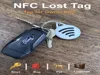
Description
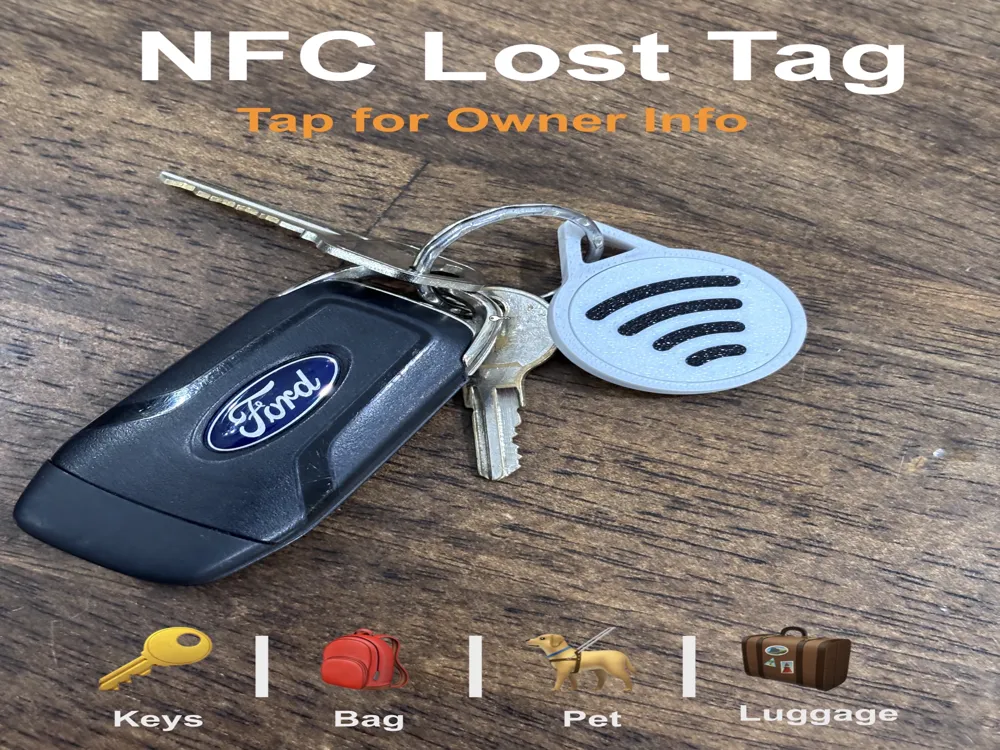
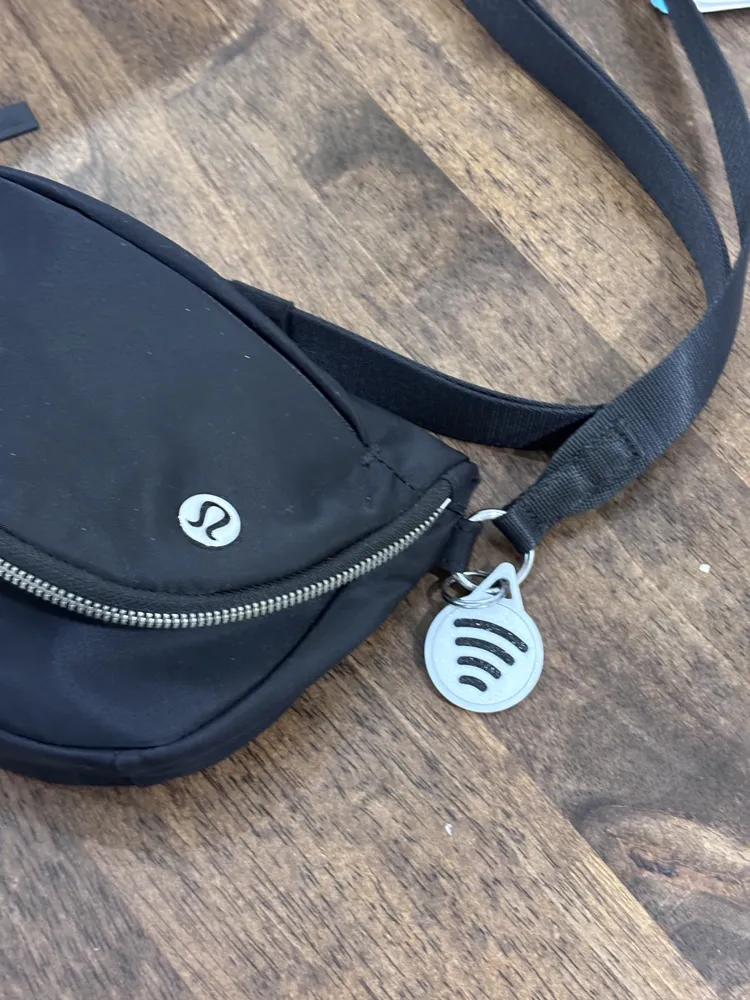
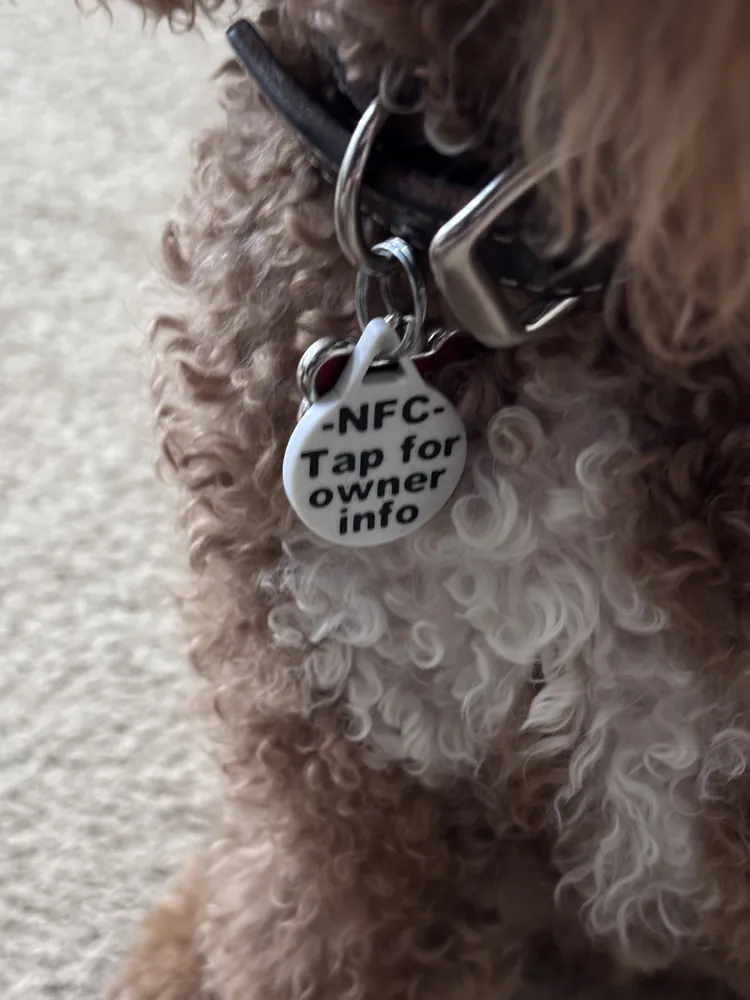
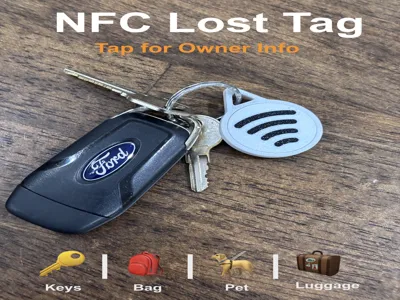
NFC Lost Tag – Tap to Contact Owner
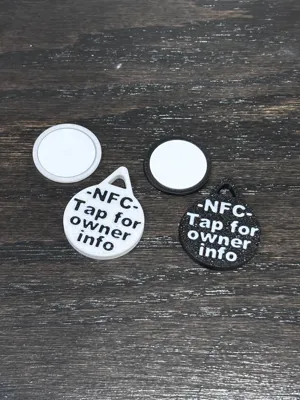
This NFC lost tag allows anyone who finds your item to quickly contact the owner by simply tapping their phone to the tag.
The tag holds an NFC chip that links to your contact information, making it easy to return lost keys, backpacks, pet collars, or other personal items. This is different from other NFC keychain models as it is not a print in place or pause to insert NFC.
How it Works
- Program the NFC chip with your contact information.
- Insert the NFC chip into the tag.
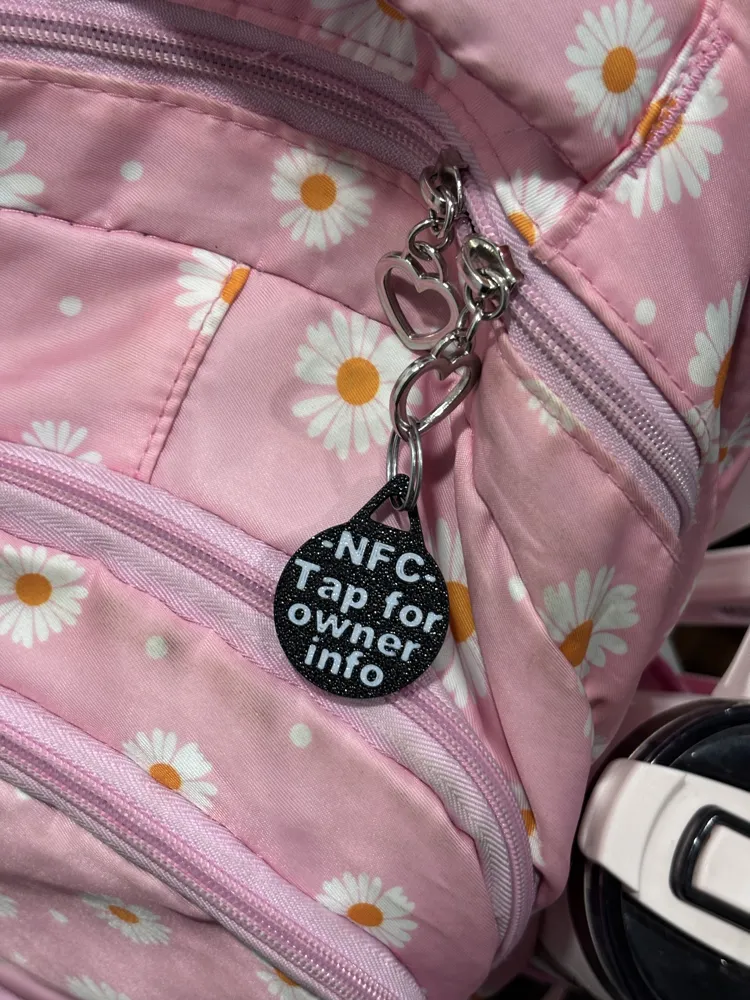
- Attach the tag to keys, bags, or a pet collar.
- If the item is lost, the finder can tap their phone to the tag and access your contact info.
Most modern smartphones support NFC and will automatically open the stored link when tapped.
Features
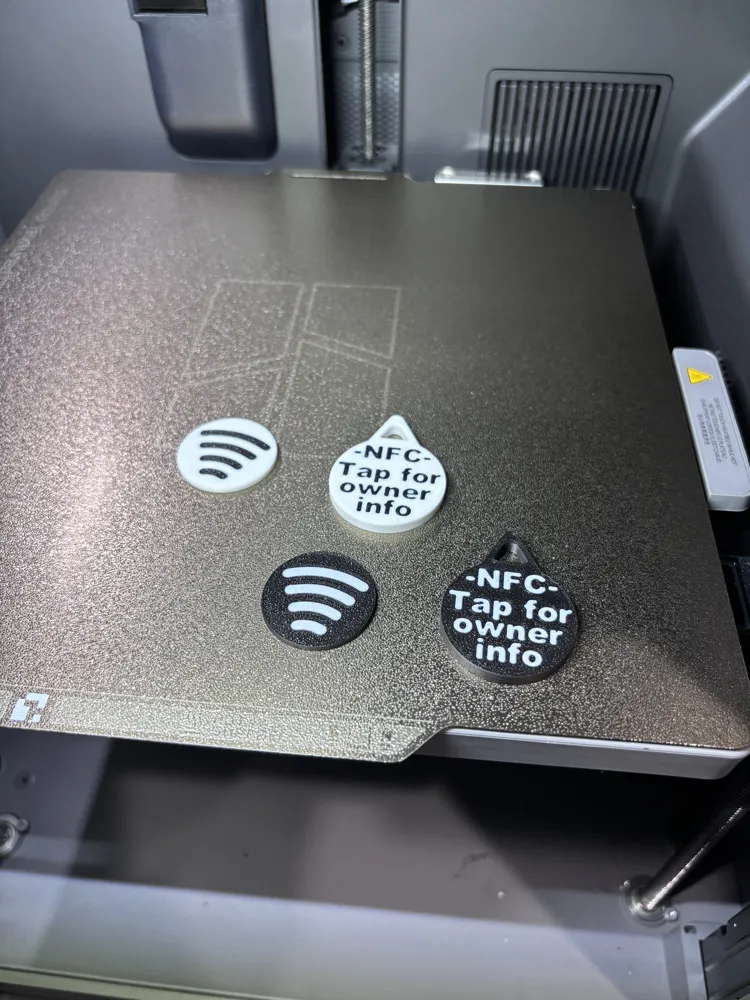
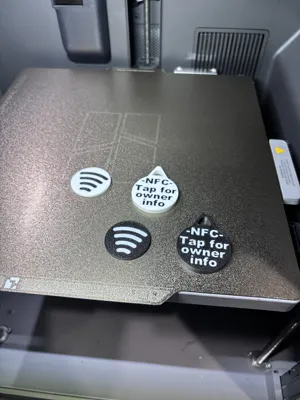
- Black or white models
- Compact and lightweight design
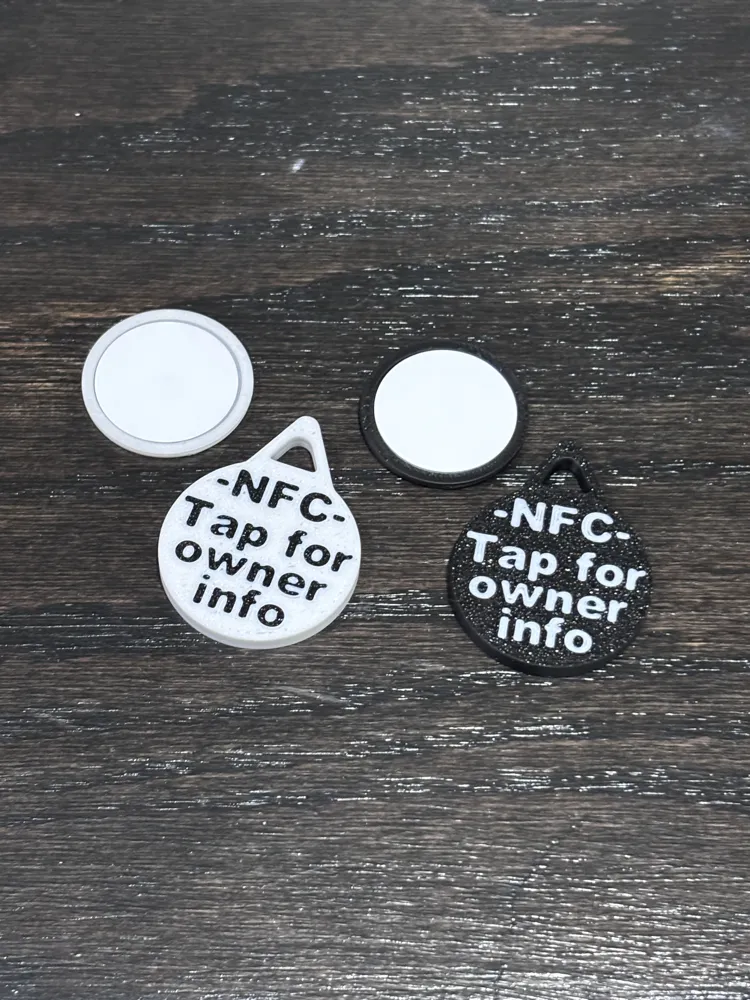
- Two part tag that can be friction fit together or glued.
- Works with common NFC coin tags (such as NTAG215)
- Durable keychain attachment
- Quick and easy recovery method for lost items
Common Uses
- Keys
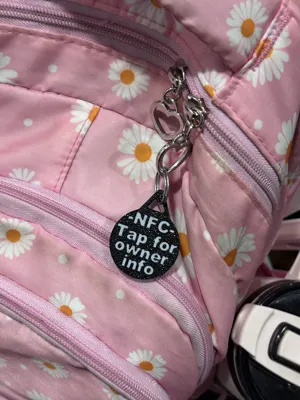
- Backpacks and luggage
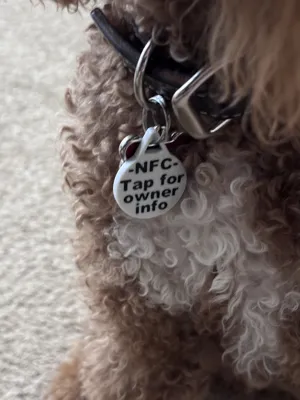
- Pet collars
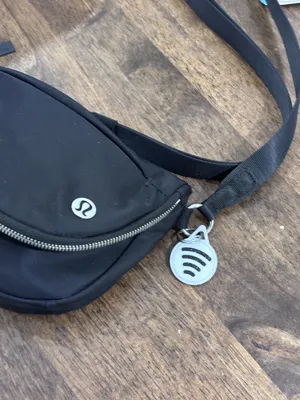
- Camera bags
- Kids’ backpacks
Printing
- Material: PLA recommended
- No supports required
- Print face-down for best text quality
NFC Setup (30 seconds)
- Install the app NFC Tools on your phone - App is avaiable on both iOS and Android.
- Tap Write → Add a record → Phone, Email, SMS, or URL - iOS does not support contact cards.
- Enter a contact information or URL.
- Tap Write and hold your phone to the NFC tag.
- Insert the tag into the printed holder.
- Optional - Lock the tag so that it can't be changed - This is permanent.
Now anyone can tap the tag with their phone to contact you.
Assembly
Insert your NFC tag in, put it together, and if desired, secure with a small amount of glue.
Tip
Program your NFC tag with a simple contact page or phone number so anyone who finds your item can reach you quickly.
If you print one, feel free to post a make!
License

You may create derivative works based on this object, provided that all such derivative works are published exclusively on the MakerWorld platform and include proper attribution to the original creator. You may not share, upload, host, distribute, or publish this object—or any derivative work of this object—on any other digital platform, marketplace, or distribution channel. Commercial use of this object and any derivative works is strictly prohibited. This includes, but is not limited to, selling, renting, sublicensing, or using the object in any context in which you receive monetary compensation or other financial benefits.


Comment & Rating (0)