
Repair kit for Opel Buttons (Adam, Corsa, Astra)
Print Profile(1)

Bill of Materials





Description
Boost Me (for free)
Thanks for your boost – it makes me very happy to see that the file really helped you! 😊
Repair kit for Opel keys (e.g. Adam, Corsa, Astra, Meriva)
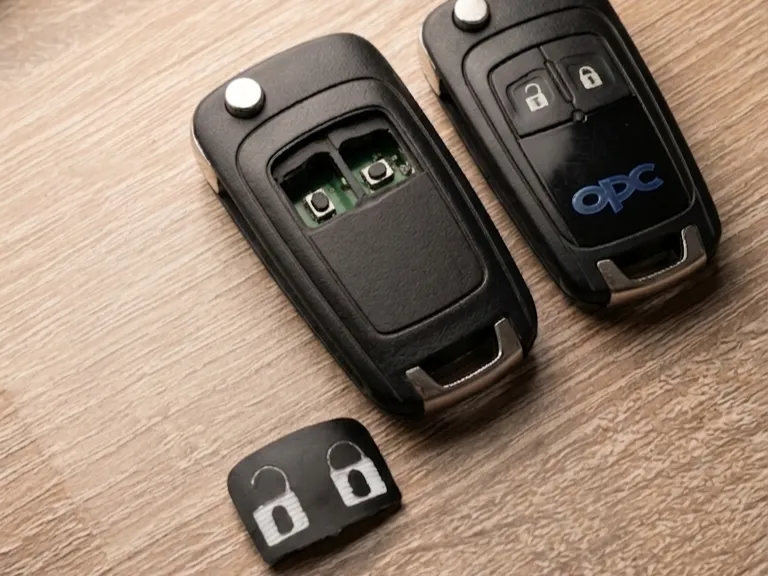
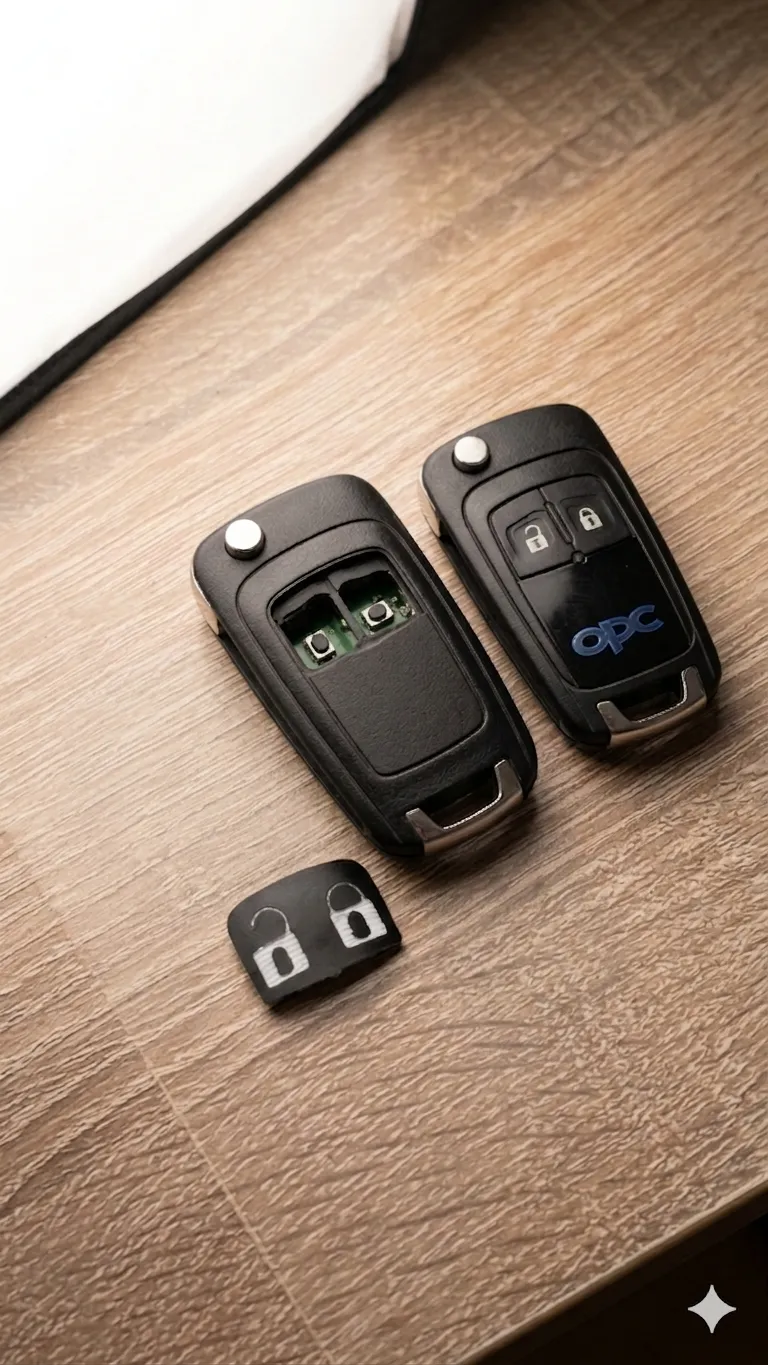
This high-quality repair kit enables the precise renewal of the buttons for the opening and closing mechanism of Opel keys. Ideal for models such as the Opel Adam, Corsa or Astra, it offers a durable and customized solution for worn or damaged key buttons
Features of the set:
- Complete Button Replacement: The upper rubber parts of the key are completely removed to make space for the new TPU buttons
- High-Quality Material: The buttons are made from TPU 95A (thermoplastic polyurethane) or a comparable flexible material, creating a durable, rubber-like feel
- Color Split for Improved Aesthetics:
- The first 0.4 mm (approx two layers) are printed in black to maintain the original look of the button edge
- The remaining layers are printed in white, matching the original button surfaces
- 3D Printing Technique: Printed on an A1 Mini without AMS, with manual color change. The G-code has been modified so that the printer pauses – The filament can be changed and cleaned before printing automatically resumes
- Perfect Fit: After a long search for suitable files, it was found that many either had incorrect dimensions or specified the wrong material. Therefore, the file has been adapted as much as possible to ensure a very precise and durable design. Several misprints occurred until the final result offered perfect fit and functionality
- Easy Installation: The buttons fit precisely onto the keys without the need for further modifications. The buttons are simply glued into the key with a little superglue; a toothpick is recommended for this as it allows for much finer application
This repair kit is perfect for hobbyists, workshops, or anyone who wants to restore the functionality and appearance of their Opel key
Raw file from Thingiverse - OPEL VAUXHALL Astra J OPC / VXR Key Button Inlay by kalleknall
Addition : To change the filament, the pause can simply be dismissed (small "X" in the top right corner of the screen). Then select "Filament" → "Unload" in the menu, unload the filament manually, and then load the new filament as usual. Once the filament is loaded, resume printing ("green arrow" on the home screen). The new filament will be wiped on the purge tower before printing continues normally
License

You may create derivative works based on this object, provided that all such derivative works are published exclusively on the MakerWorld platform and include proper attribution to the original creator. You may not share, upload, host, distribute, or publish this object—or any derivative work of this object—on any other digital platform, marketplace, or distribution channel. Commercial use of this object and any derivative works is strictly prohibited. This includes, but is not limited to, selling, renting, sublicensing, or using the object in any context in which you receive monetary compensation or other financial benefits.


Comment & Rating (3)